Project - 2 - Meshing on the suspension Assembly
OBJECTIVE :
- To check for the geometrical errors and mesh with the given element Quality criteria.
- After meshing the component the thickness has to be assigned for mid surfaces.
- Use tetra elements to model non-uniform thickness components.
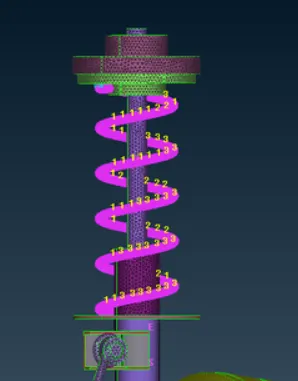
- Also use Appropriate connections to connect the component as suggested in the Project-2 video (Use PBAR elements to model suspension spring).
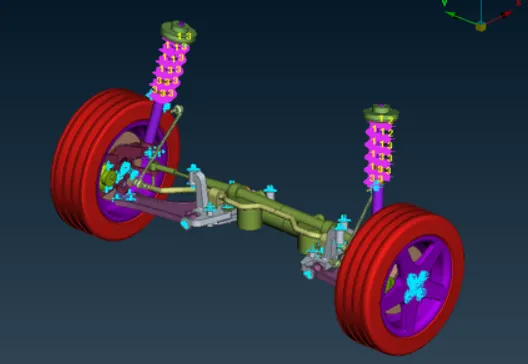
- At last perform Symmetry command to reflect the half finished model to the other side.
PROCEDURE:
Import the model
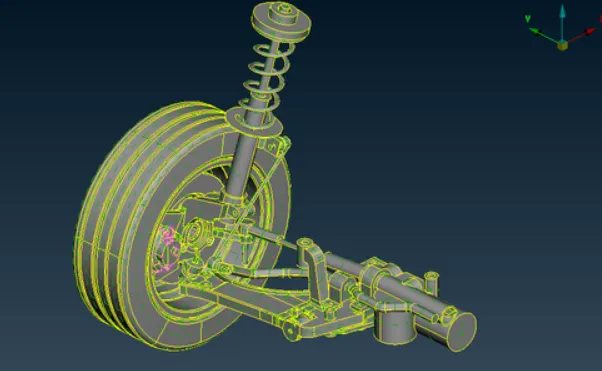
The model has 3 Parts
- TYRE
- RIM
- SUSPENSION SYSTEM
Check >> Geometry >> Execute
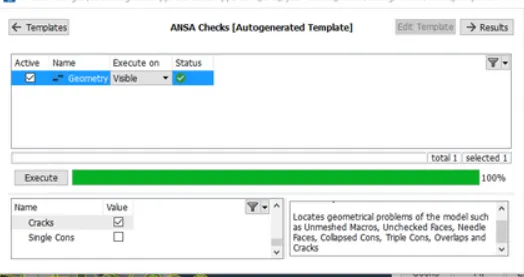
- After clean up models are set with their PID
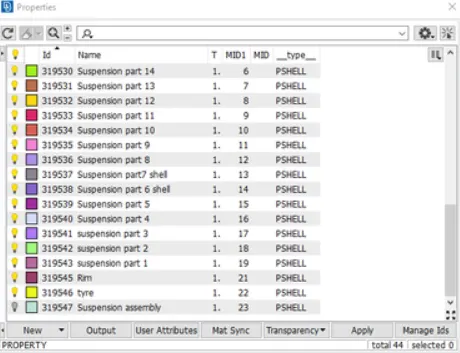
- Topo Cleanup has to be performed on the parts
- The parts are to be meshed with their respective quality parameters
|
S.No |
Quality Criteria |
Value |
|
1 |
Target/Average length |
6.5 |
|
2 |
Minimum Length |
5 |
|
3 |
Maximum Length |
10 |
|
4 |
Skewness |
45 |
For tyre and rim we mesh using solids
- Quality criteria for Surface Meshing of Non Uniform thickness components other than Tyre and Rim.
|
S.No |
Quality Criteria |
Value |
|
1 |
Target/Average length |
4 |
|
2 |
Minimum Length |
2 |
|
3 |
Maximum Length |
6 |
|
4 |
Skewness |
45 |
This is a quality needed to be use for parts other than tyer and rim for meshing.
- Quality Criteria for Volume meshing of all Non Uniform thickness components (Element type: Tetra Elements):
|
S.No |
Quality Criteria |
Value |
|
1 |
Tet-collapse |
0.2 |
This is the quality given for volume meshing.
- Quality criteria for Mid surfacing of Uniform thickness part which has thickness less than 5 mm (Element type: Mixed elements) :
|
S.No |
Quality Criteria |
Value |
|
1 |
Target/Average length |
4 |
|
2 |
Minimum Length |
2 |
|
3 |
Maximum Length |
6 |
|
4 |
Aspect |
3 |
|
5 |
Warpage |
15 |
|
6 |
Skewness |
45 |
|
7 |
Jacobian |
0.7 |
|
8 |
Minimum Quad Angle |
45 |
|
9 |
Maximum Quad Angle |
135 |
|
10 |
Minimum Tria Angle |
30 |
|
11 |
Maximum Tria Angle |
120 |
This given quality needed to be used to the mid surface only when the thickness is uniform and less than 5 mm.
Tetra Meshing
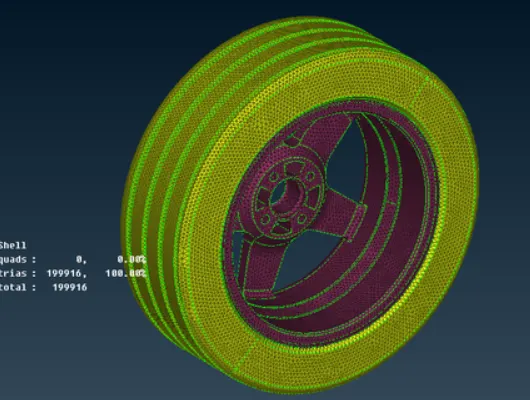
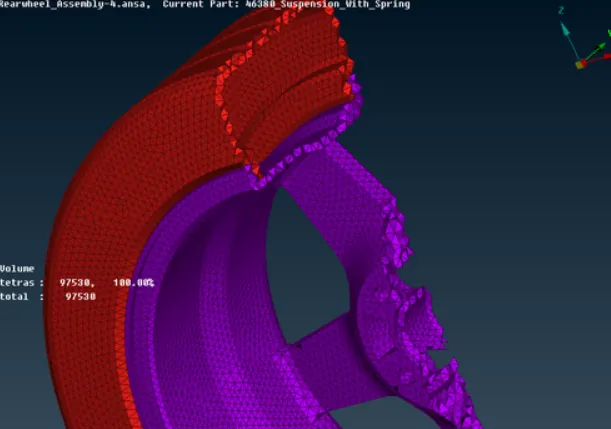
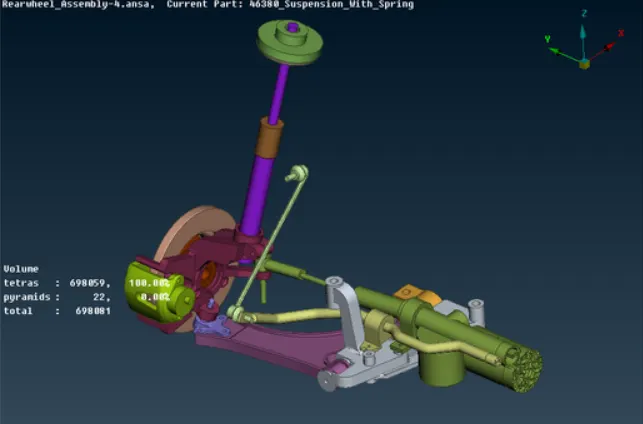
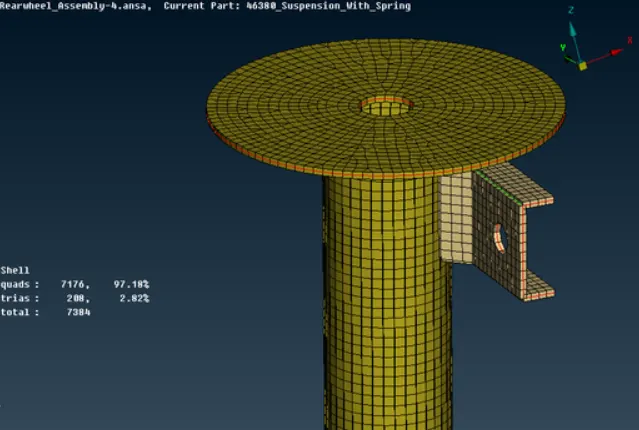
CONNECTIONS :
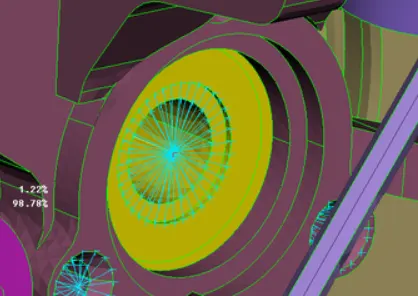
- RBE2 connection is commonly used.RBE2 >> nodes >> create the conncection and ok
- Nodes can be selected in may ways by using NODES OR ENT options in FEATURE SELECTION OPTION.
SEAM WELD CONNECTIONS:
To perform seam welding connections, curve using the CONS. To curves by using cons we have to use CONS to CURVES option in CURVES which is in TOPO.
convert the curve to SEAM LINE >> CONVERT >> ASSIEMBLY OPTION.(Assembly After the SEAM LINE >> ASSEMBLY In the suspension assembly ,we have a spring in which PBAR connection is to be created.To create CBAR CONNECTION >> CURVE MIDDLE >> CURVES >> TOPO MODULE. Connect After the curve is created we have to create the CBAR CONNECTION by using CBAR option in ELEMENTs which is in NASTRAN DECKS. NASTRAN DECKS STEP 8: After model completed, REFLECT the model by using SYMMETRY command. To perform symmetry first go to UTILITIES< TRANSFORM MODEL : CONCLUSION : Meshing on the give suspension assembly is done as per the objective in which connections are placed in required spots and satisifies the criteria