Week - 8 - Morphing
OBJECTIVE :
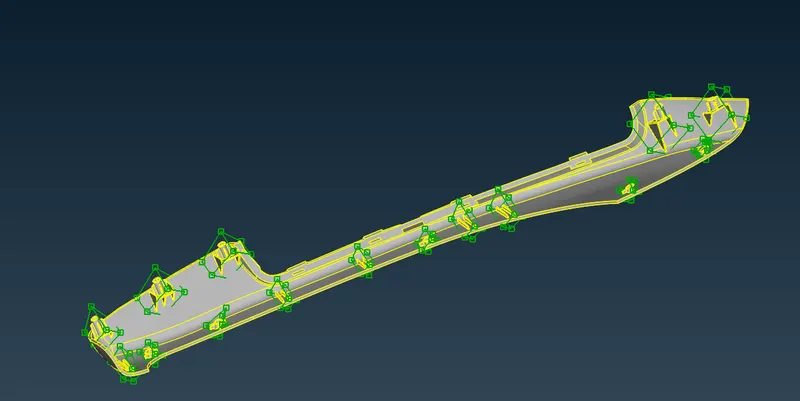
To perform morphing for the given component and to increase the Height of the Dog houses and Ribs
TYPES OF MORPING :
- Direct Morphing
- Parametric Morphing
- Geometry Morphing
- Domain (Box) Morphing
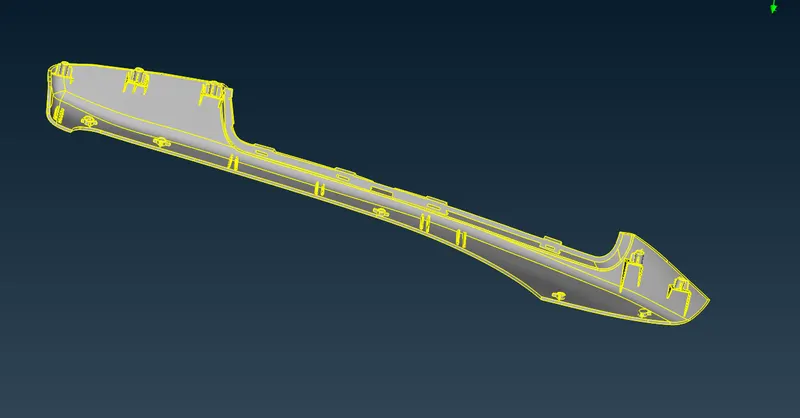
MODEL :
PROCEDURE:
- Import the model >> ANSA >> Give Command Arguments >> OK
- Tools >> Checks >> Geometry >> Execute >> AutoFix
- Morphing is done to change the shape of the model.
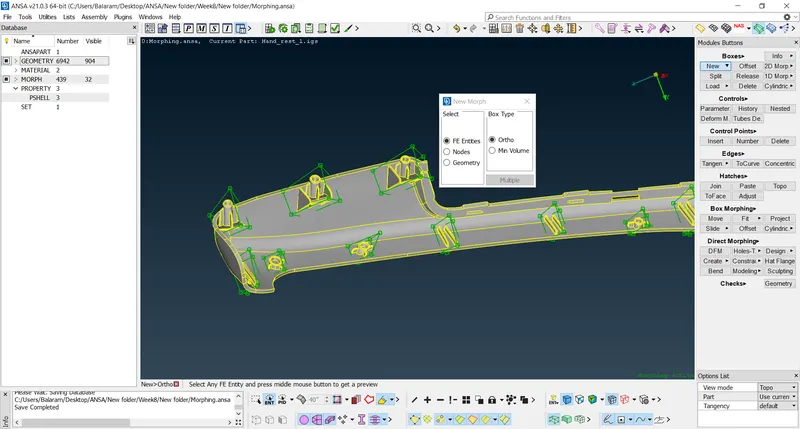
- Morph Deck, In Boxes >> New >> Min-vol >> Geometry and Box >> Ortho >> Select the Entity >> OK
- In Boxes >> Split >> Number >> Select an Edge >> Number of Splits >> OK
- In Boxes modules >> Split >> User >> select an Edge >> OK
- The shape can be changed by dimensions or manually.
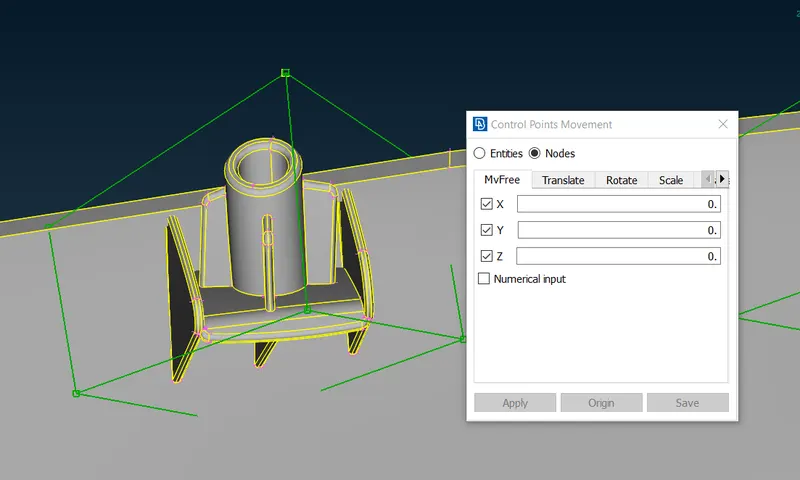
- To move the box model, create LCS by right click on the box module in Box Morphing >> Move >> Select the Edge nodes on the box >> Move the model.
Result:
CONCLUSION:
Thus we performed morphing for the given component and by increase the Height of the Dog houses and Ribs successfully