Project 1 - 2D meshing on the instrumental Panel
OBJECTIVE :
- To check for the geometrical errors and mesh with the given element Quality criteria.
- After meshing the component the thickness has to be assigned.
MODEL :
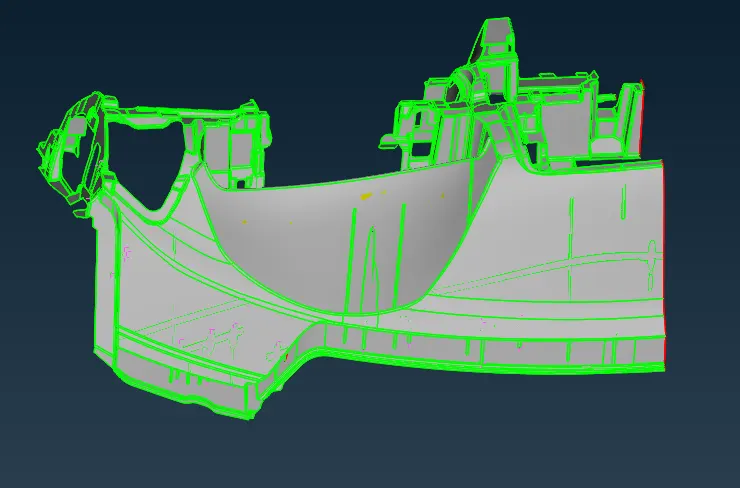
PROCEDURE:
Check >> Geometry >> Execute
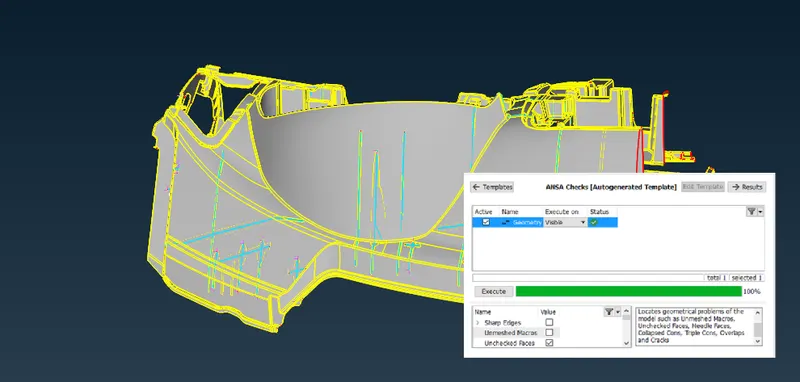
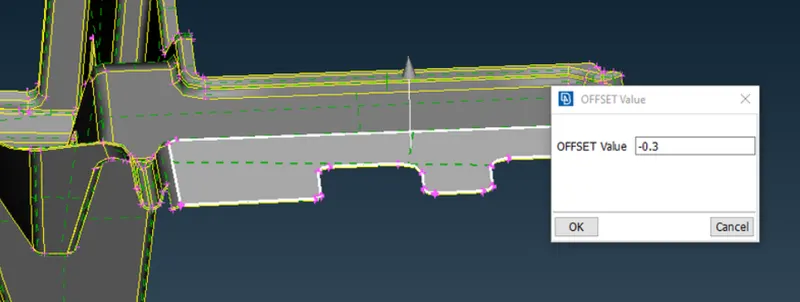
- Manually offset and save PID to their thickness values
Major Tools Used :
- Cut : To cut perimeter area with 2 perimeter nodes or hot points
- Join : Can be used to join macro areas
- Set PID : To assign property to seperated region or created one
- Paste : To paste nodes helps in moving elements backwards
- Remesh : Create mesh on macro region
- Erase : Clears the mesh
- Improve : Mesh flow is improved
- Reconstruction : Elements are reconstructed by algorithm on meshed region
- Reshape : Similar to reconstruction with much improved flow quality
- Smooth : Smothing the area of element, which undergoes modifciation on manual element edit
- Hidden option is enabled to check the quaity threshold and thereby create quality mesh
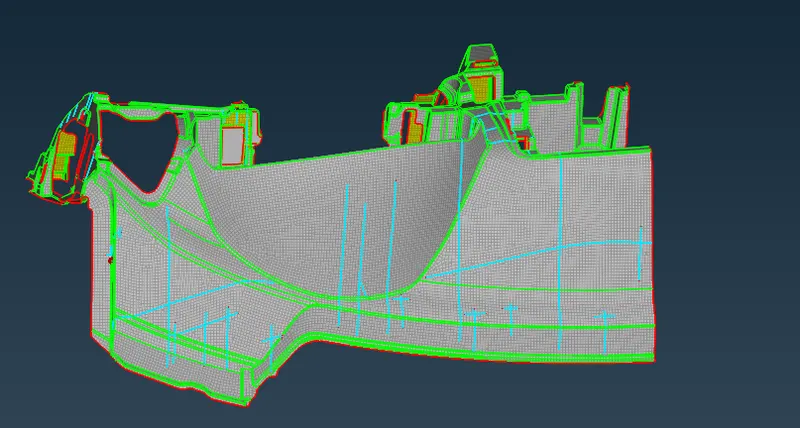
- By using these major tools the component is meshed on macro regions and will be as,
MESHED COMPONENT:
CONCLUSION :
The component is assigned thickness and it is meshed for quality and satisifes the criteria