Week-7 Head Impact
Pedestrain Head Impact
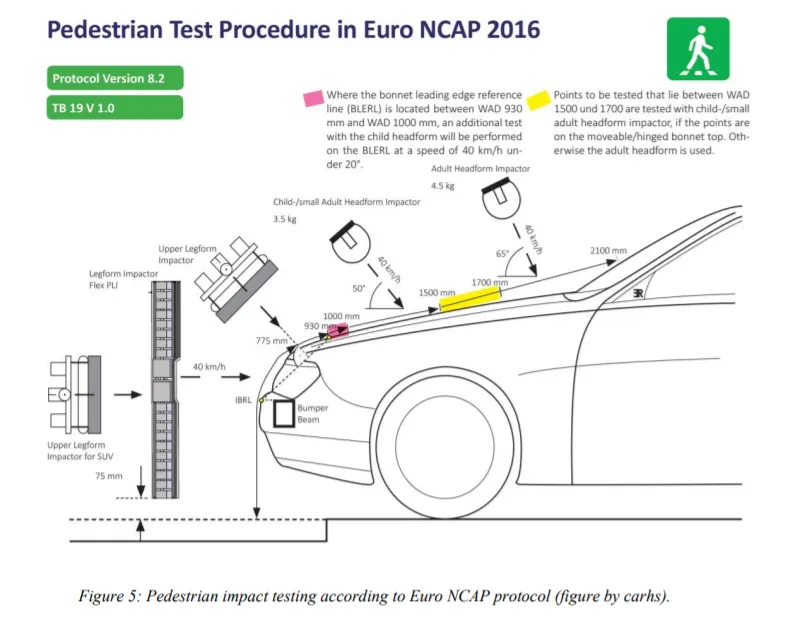
Pedestrian protection CAE is a part of vehicle safety engineering from a crash perspective. In pedestrian protection, we look for imparting minimum injury to head, upper leg (thigh), and lower leg (including knee) in case of an accident with a human subject. These tests are usually done at a lower velocity from 20-40 kmph as accidents tend to result in more severe circumstances above these velocities and braking in case of an accident often results in collision at low velocities.
In this project, a children's headform model is provided. You are supposed to replicate a scenario where this headform will impact on a car bonnet. The bonnet should be considered as a rigidwall for the 1st case and while using the meshed hood model a elasto-plastic material card has to be used. From the simulation, the head impact coefficient must be calculated manually and with the help of LS-PrePost.
The student has to perform the Head Impact Simulation and calculate the HIC value in the LS-PrePost.
- The student has to organize a multi-include file model using the keywords *INCLUDE, *INCLUDE_TRANSFORM,*DEFINE_TRASFORMATION.
- The Impact angle of the Pedestrain Head is between 35-75 degrees.
- Create a simple elastic material model for the simple head (meshed) that is provided.
The students are expected to start off with a simple head model and then add complexity step by step.
Submitting the head impact with the rigid and the head impact with Hood is expected.
Students should then replace the Rigidwall with the Hood and perform the same simulation with the Headfoam.
Prepare a report of the simulation.
The report should contain the following,
- The impact simulation of a simple head impact with the Rigid wall.
- The impact simulation of the Headform provided with the Rigid wall with the Stress / Strain plots and acceleration plot.
- The impact simulation of the head form with the Hood with the Stress / Strain plots and acceleration plot. For the hood, you can use Aluminium.
- The Stress / Strain plot from the Rigidwall simulation should be compared with the Stress / Strain plot from the Hood Simulation and there should be a detailed explanation if there is any difference in the plots.
Simple head model impacting against rigid wall:
IMPORTING MODEL :
File -> Open -> Simple_Head_Model.k
SETUP PROCEDURE :
Open -> Keyword
open -> Create Entity -> Rigidwall -> Create
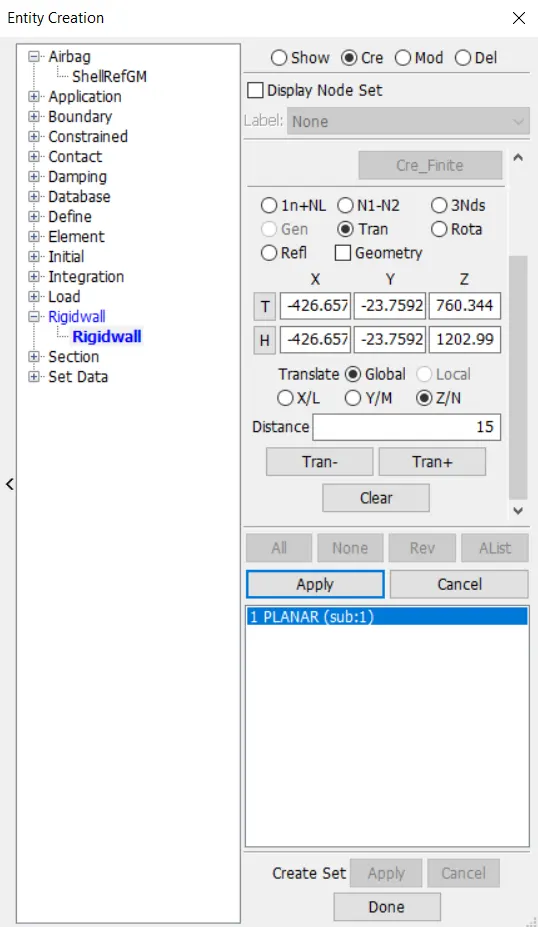
-> Rigid wall is placed 15mm away from the simple head model.
MATERIAL FOR THE SIMPLE MODEL :
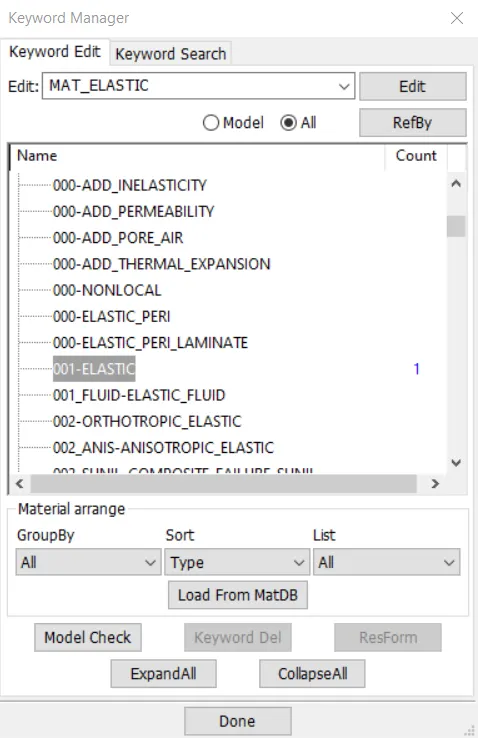
KEYWORD -> ALL -> MAT -> ELASTIC
Material properties are given from Cortical bone
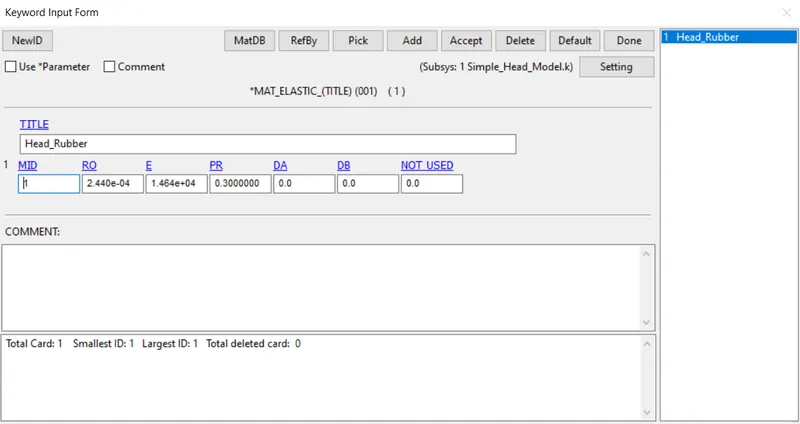
KEYWORD -> ALL -> SECTION
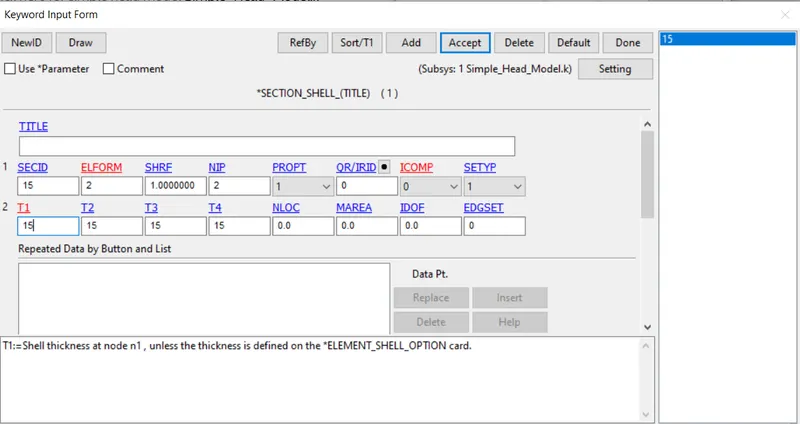
Keyword -> Part
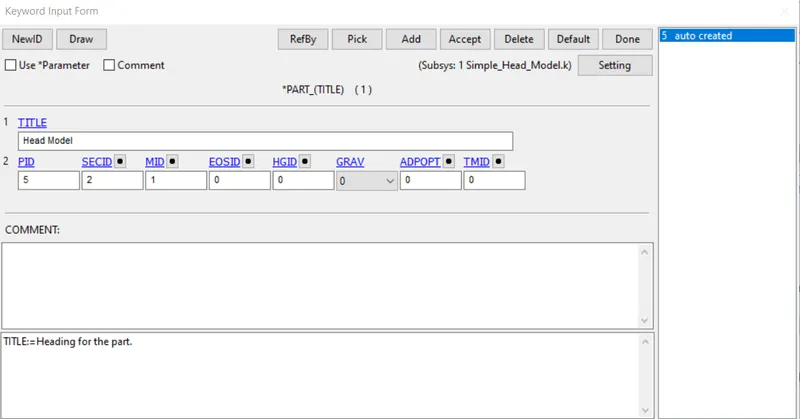
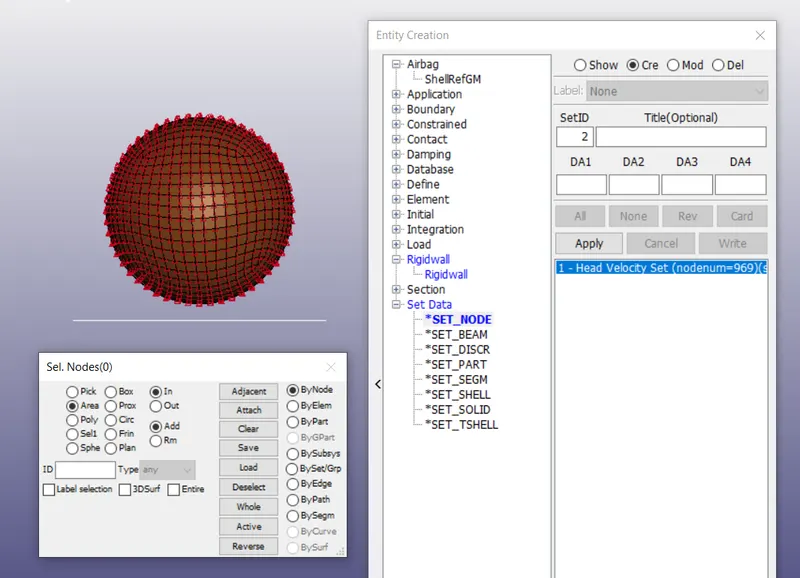
SETUP VELOCITY OF HEAD COLLISION UPON RIGID WALL
SETUP VELOCITY NODE SET
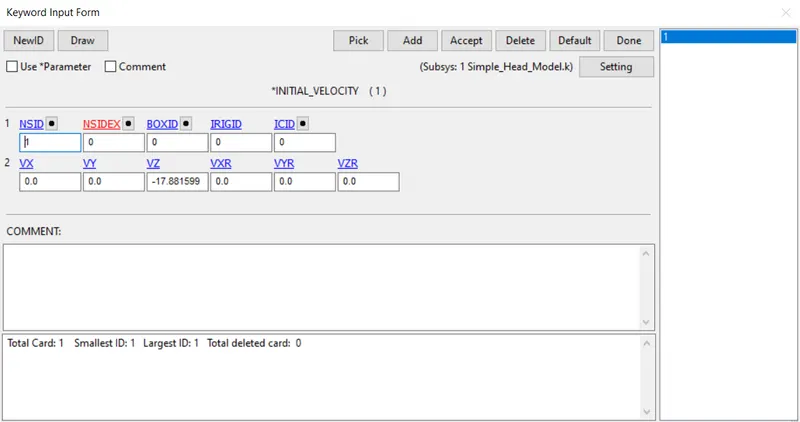
Create Keyword -> Initial -> Velocity
Standard for pedestrian safety, 40mph - 17.881599 mm/ms
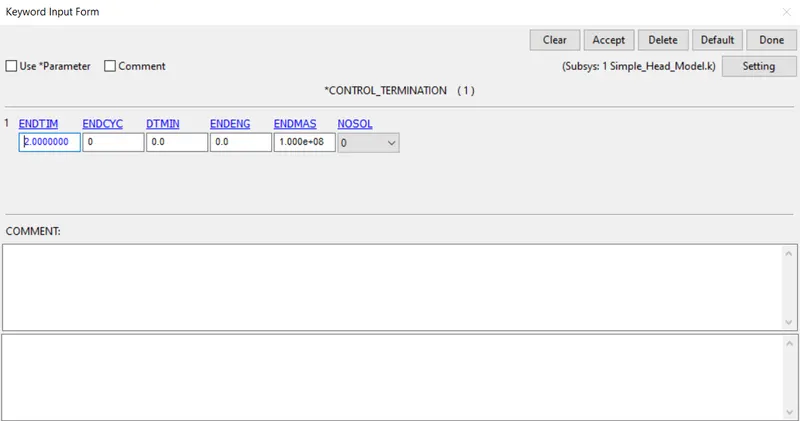
Keyword -> Control -> Termination
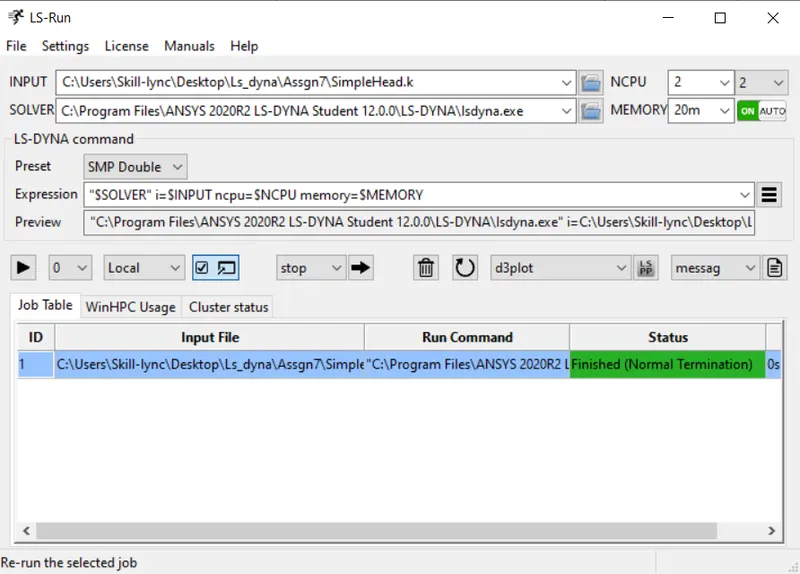
LS RUN
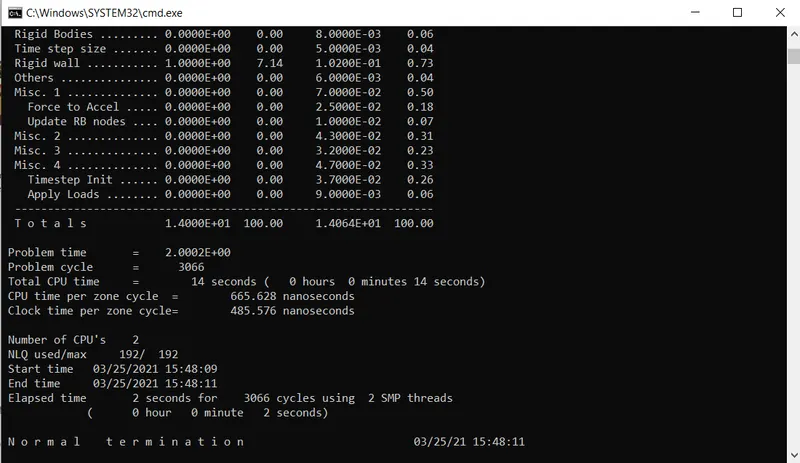
STRESS PLOT :
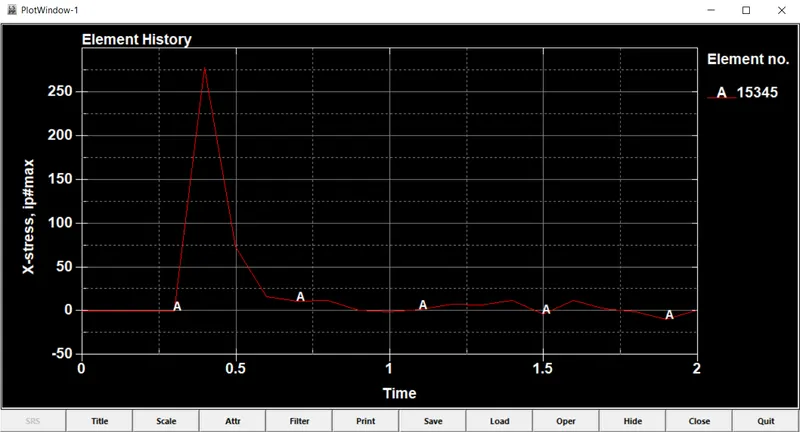
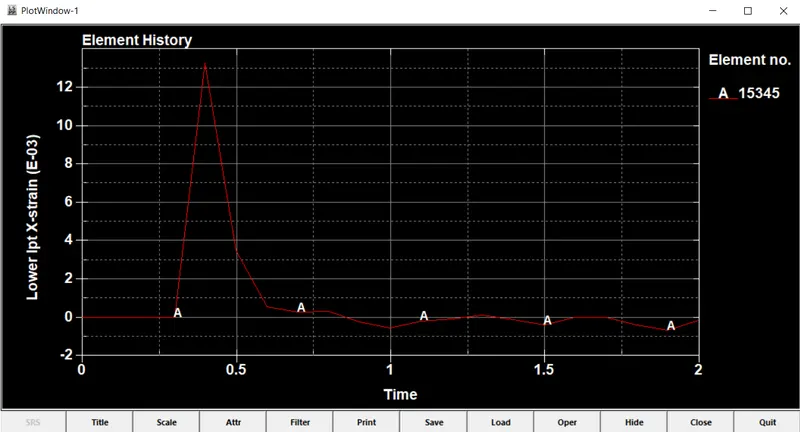
STRAIN PLOT :
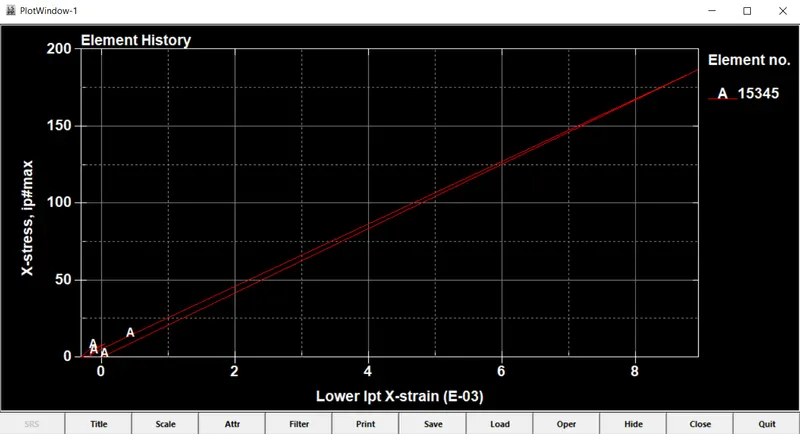
Stress Vs Strain PLOT :
Child headform dummy model impacting against rigid wall:
File -> Open -> PEDESTRIAN_HEADFORM.k
SETUP PROCEDURE :
Open -> Keyword
Define -> Transformation -> Select option as "Rotate"
A1,A2,A3,A4,A5,A6,A7 = X,Y,Z,XY,YZ,ZA,Angle (Respectively as Boxes Given) -> Insert -> Accept -> Done
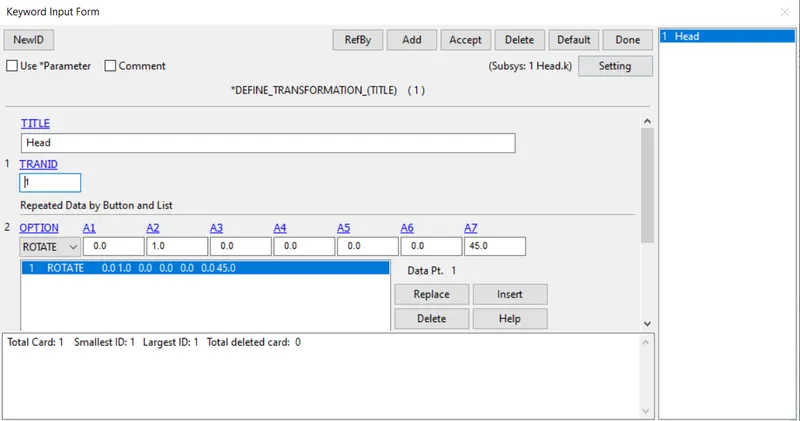
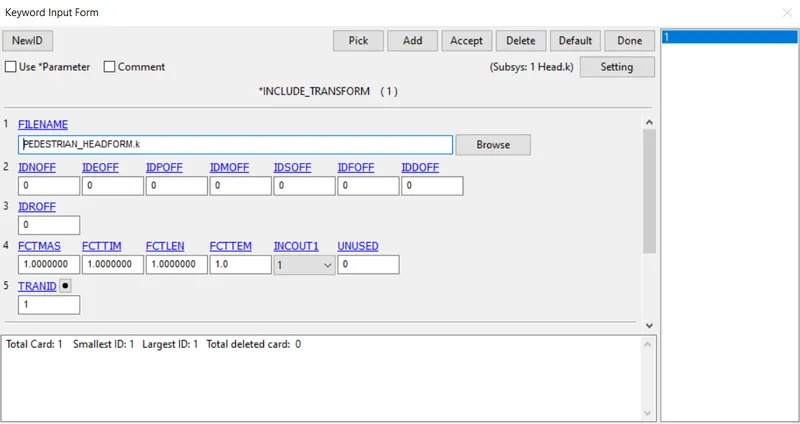
Keyword -> INCLUDE -> Transformation
-> Browse to the Head Dummy File
-> TRANSID, is the previously defined Transform file
open -> Create Entity -> Rigidwall -> Create
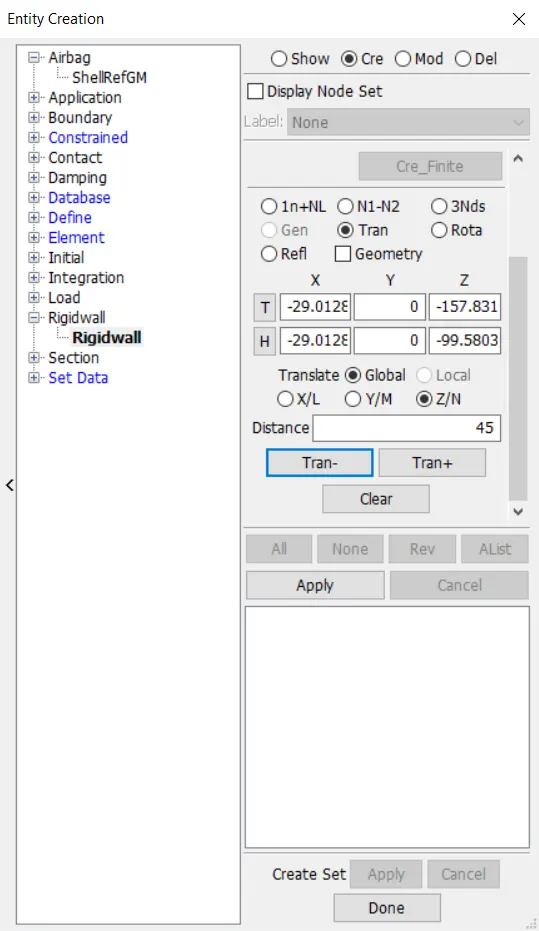
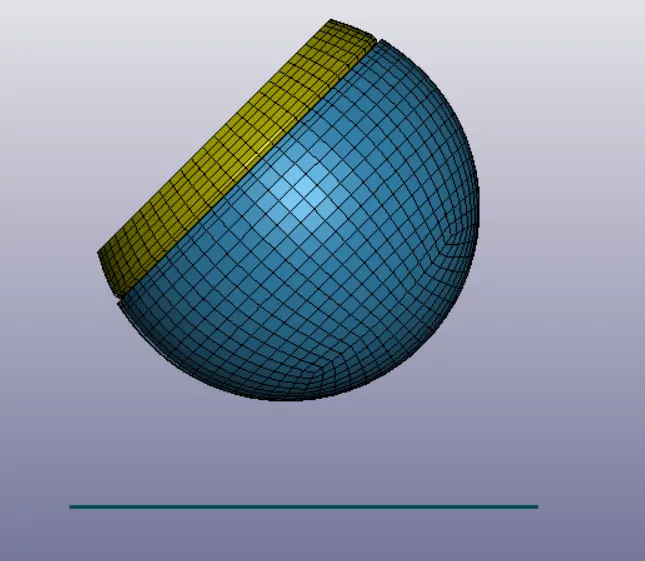
-> Rigid wall is placed 45mm away from the simple head model.
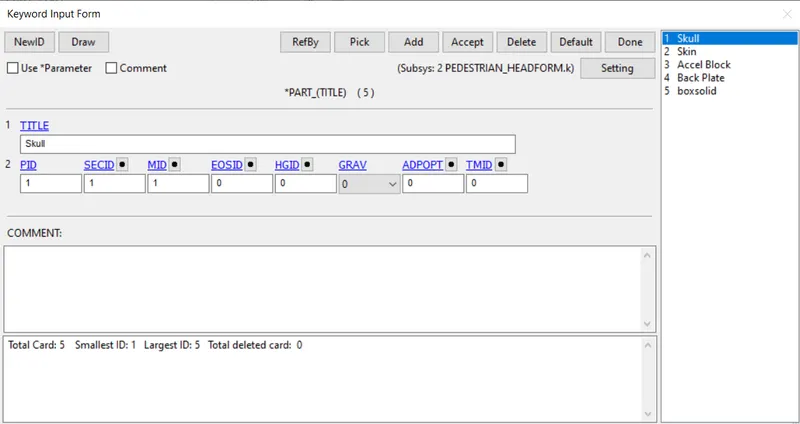
Keyword -> Part
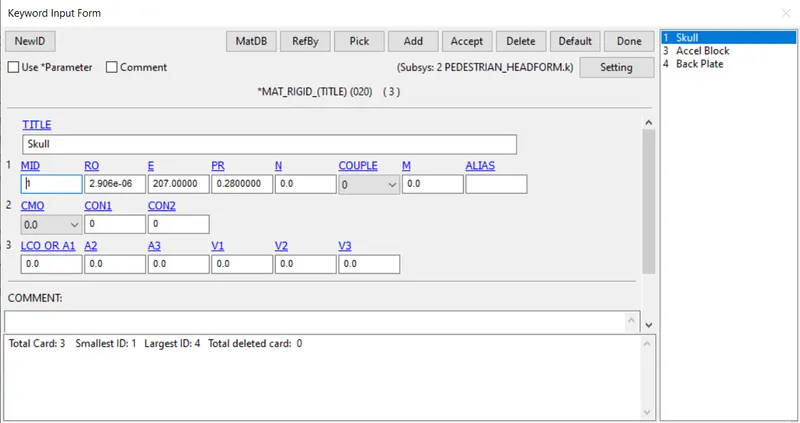
MATERIAL FOR PEDESTRIAN HEADFORM CHILD:
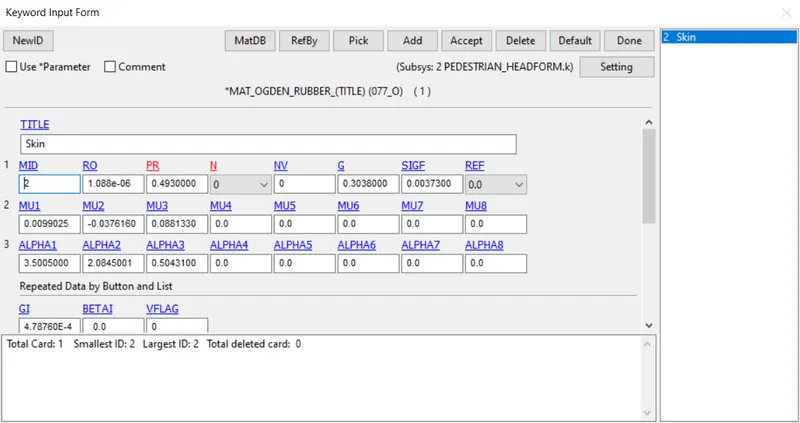
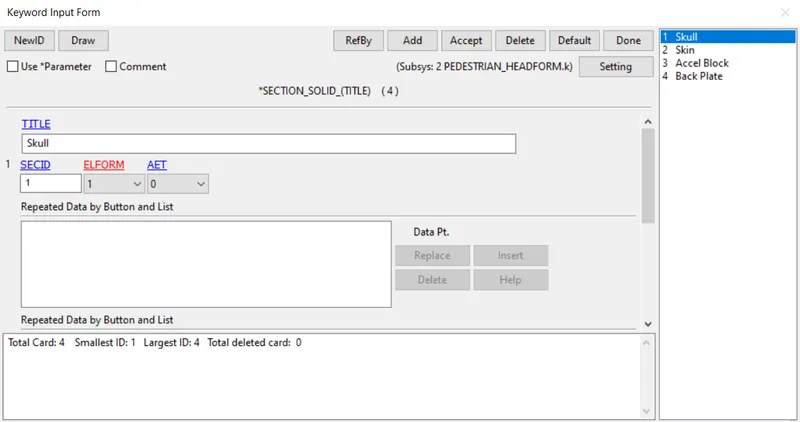
KEYWORD -> ALL -> SECTION
- For Skin AET is given as 1.
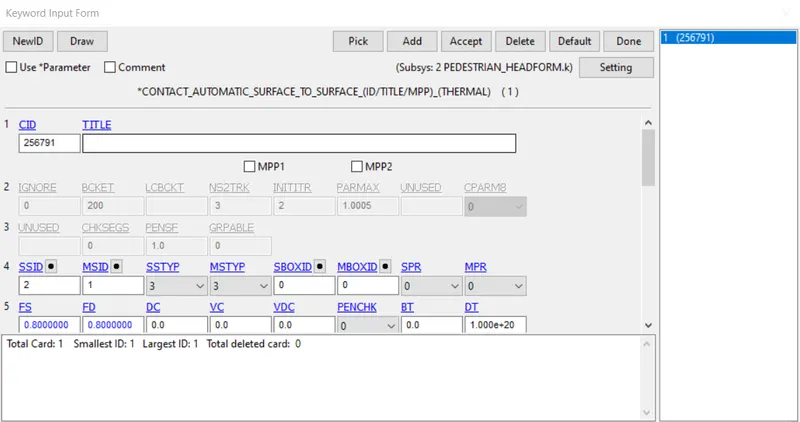
CONTACTS :
Automatic surface to surface contact is an contact in which surface to surface algorithm automatically detects, the Master & Rigid nodes through stiffness.
A Card is activated in which SOFT given as 2, which acts between stiffened & Softened material.
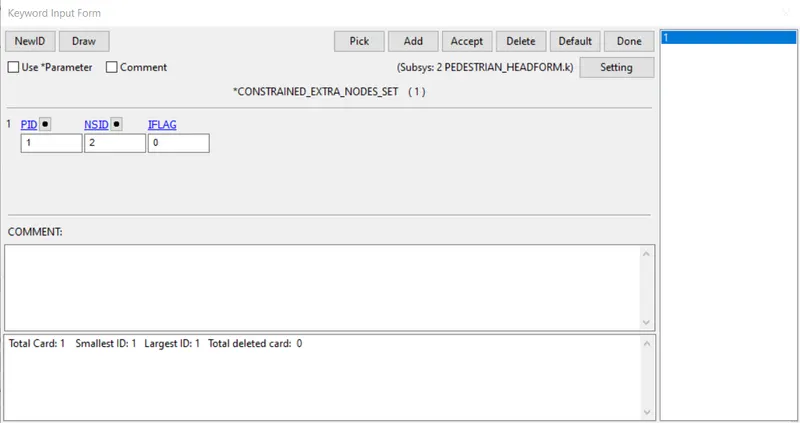
CONSTRAINED CARD
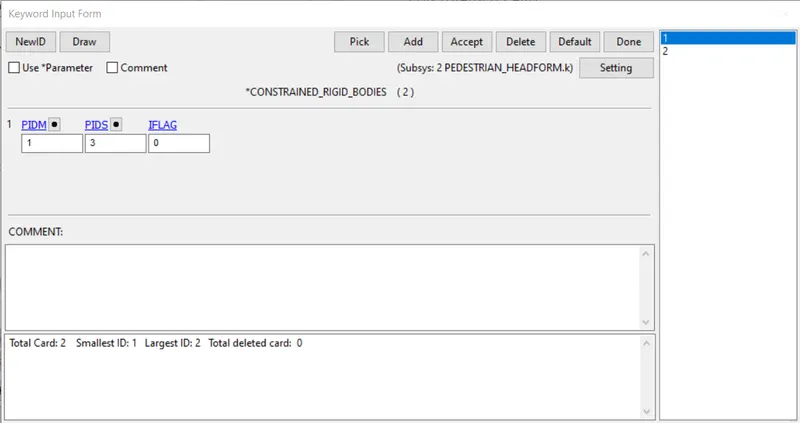
SETUP VELOCITY OF HEAD COLLISION UPON RIGID WALL
SETUP VELOCITY NODE SET
Create Keyword -> Initial -> Velocity
Standard for pedestrian safety, 40mph - 17.881599 mm/ms
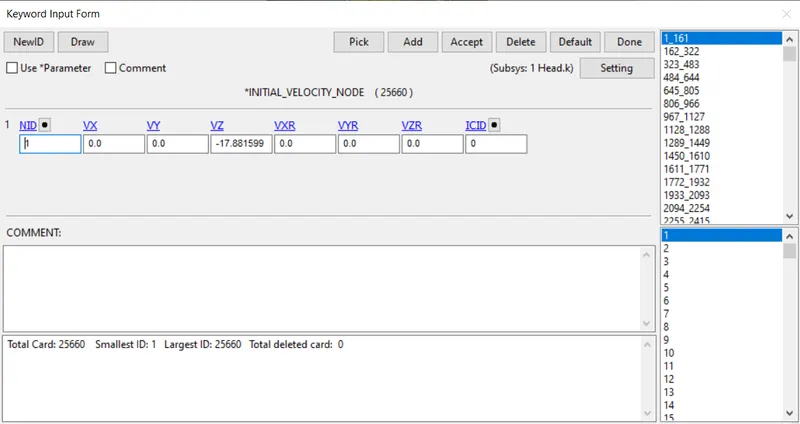
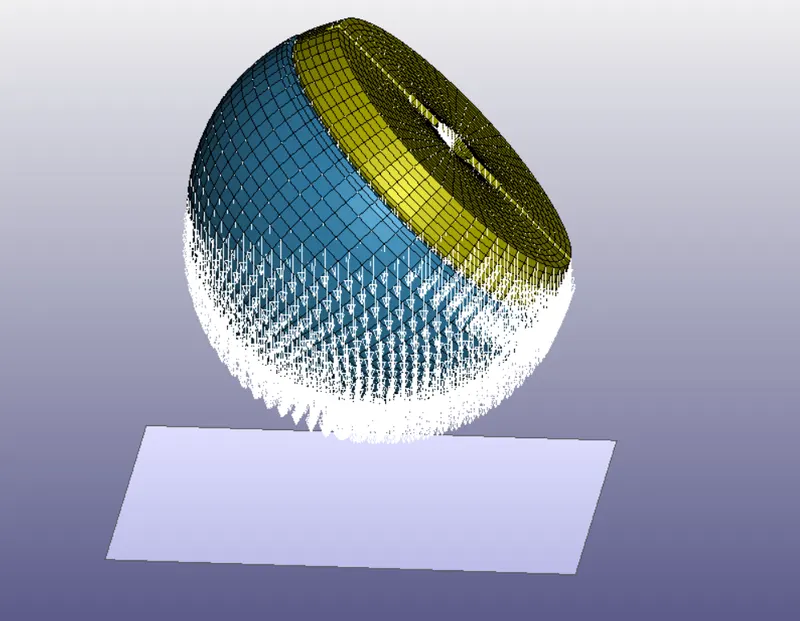
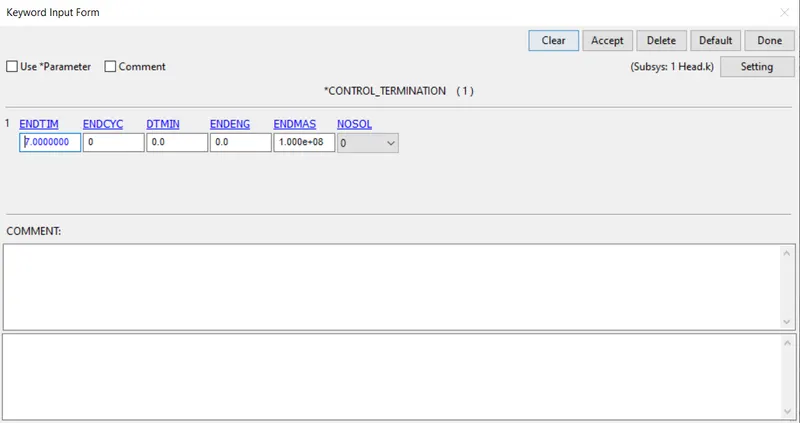
Keyword -> Control -> Termination
Energy
HGEN, RWEN, SLNTEN, RYLEN is activated,
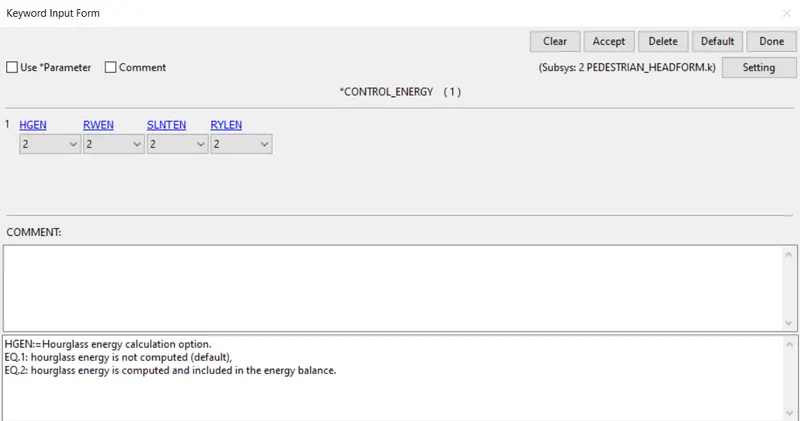
Timestep Card :
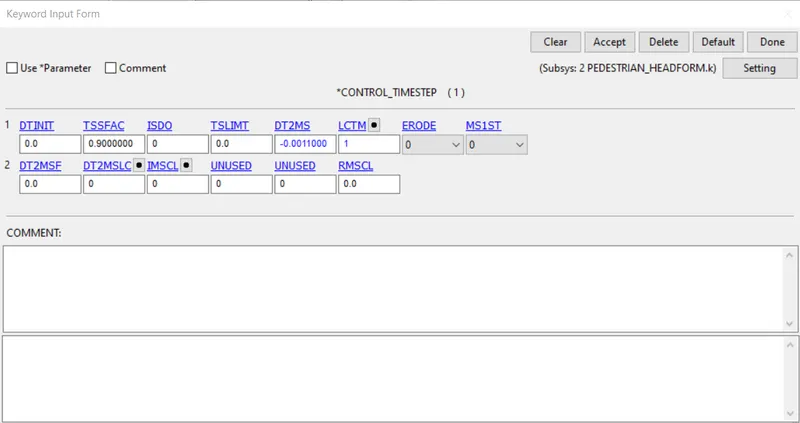
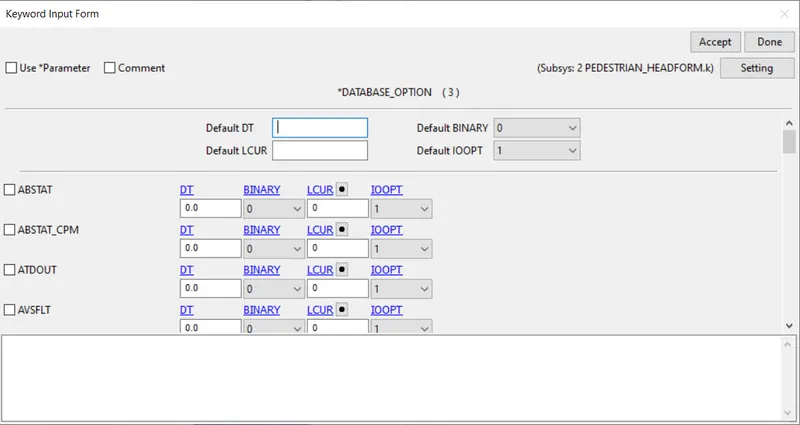
Database Card
GLSTAT, ELOUT, NODEOUT are calculated.
Time Interval
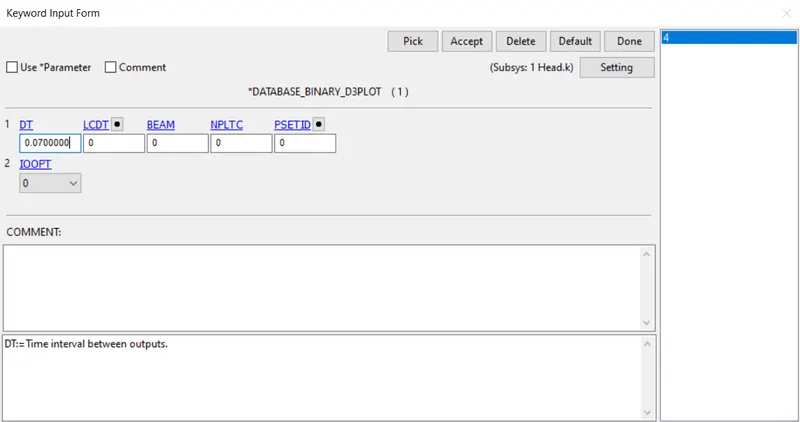
Strain Output is activated:
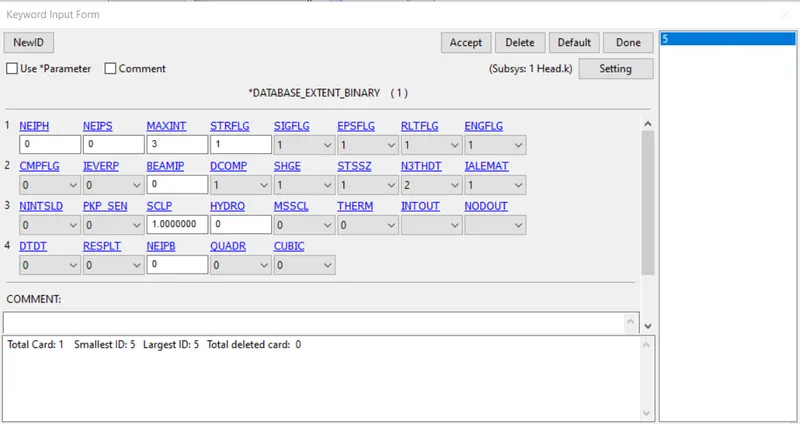
- Keyword > Model Check , and then save the keyword > LS RUN
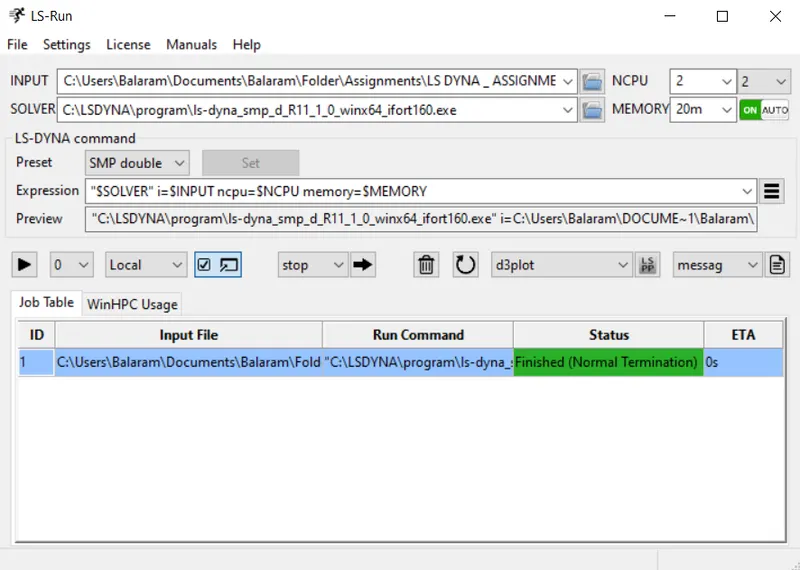
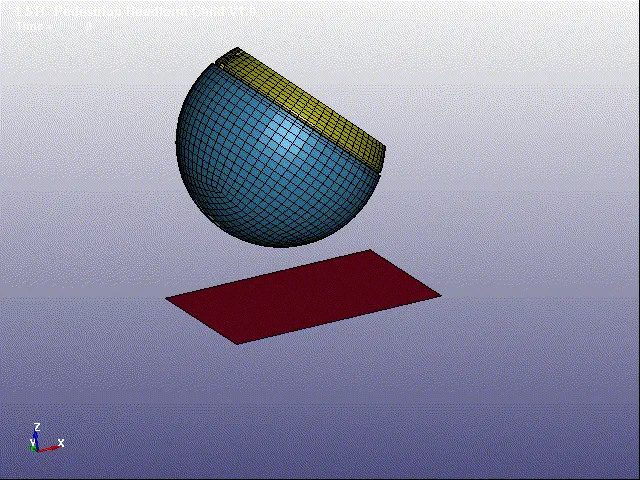
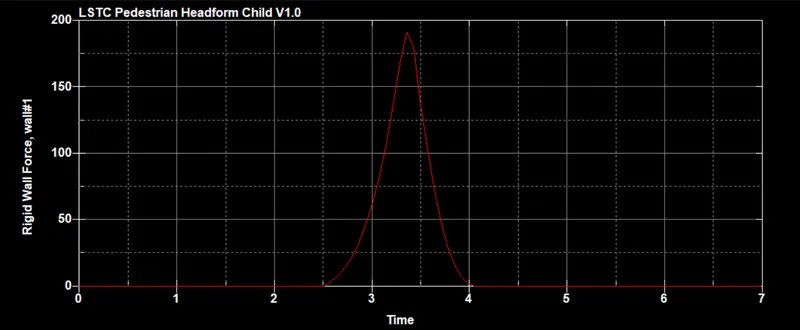
RIGIDWALL FORCE :
HIC 15 :
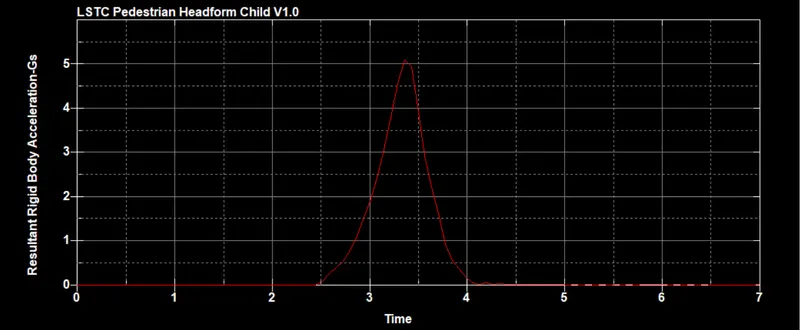
Child headform dummy model impacting against hood
File ->Open -> Browse to the Hood Model.
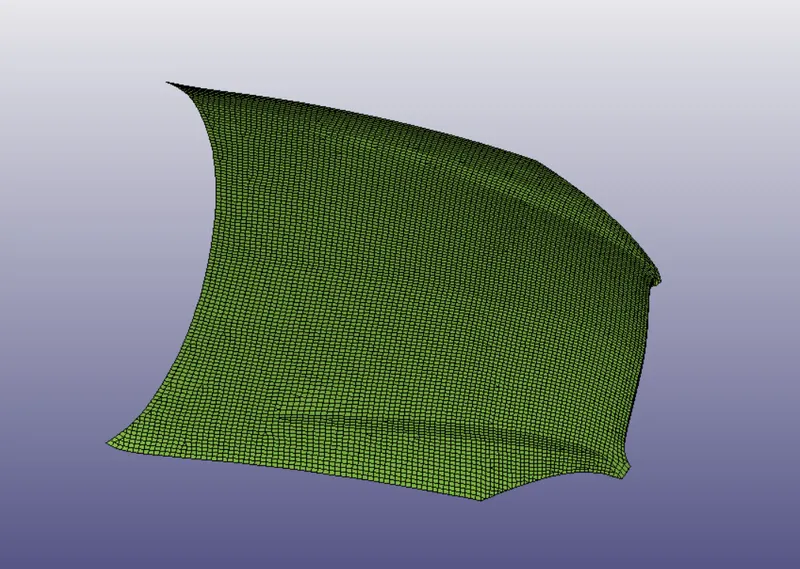
Open -> ROTATED_HEAD.k
SETUP PROCEDURE :
Open -> Keyword
Define -> Transformation -> Select option as "Rotate"
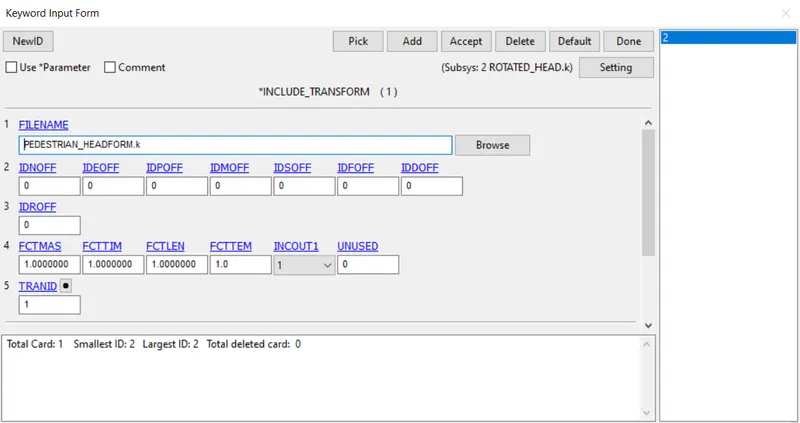
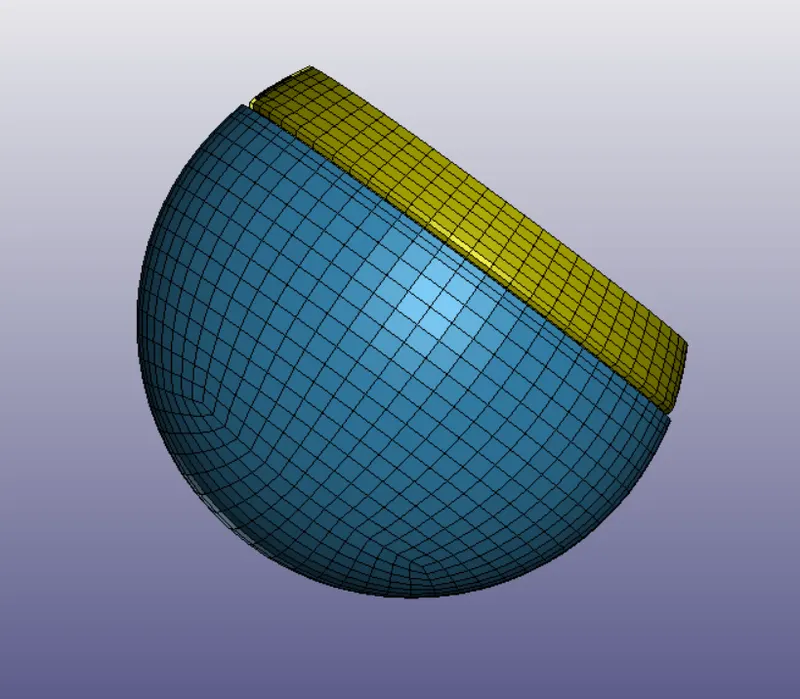
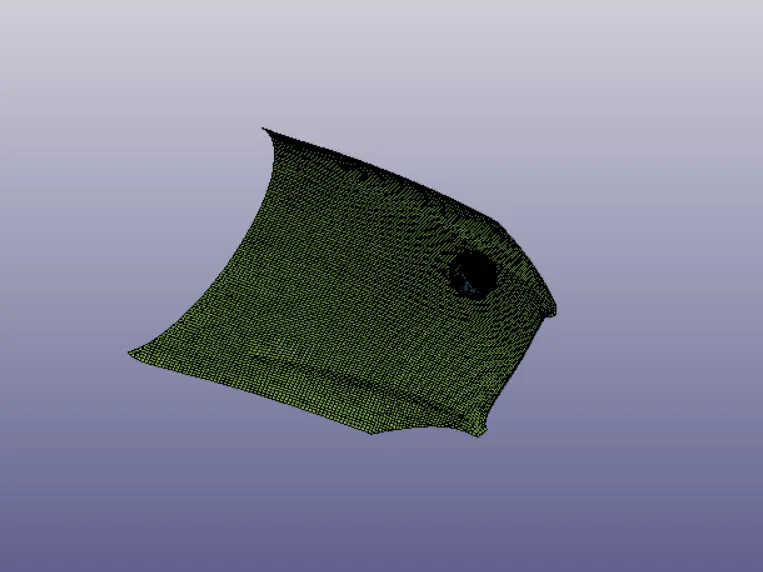
Keyword -> Part
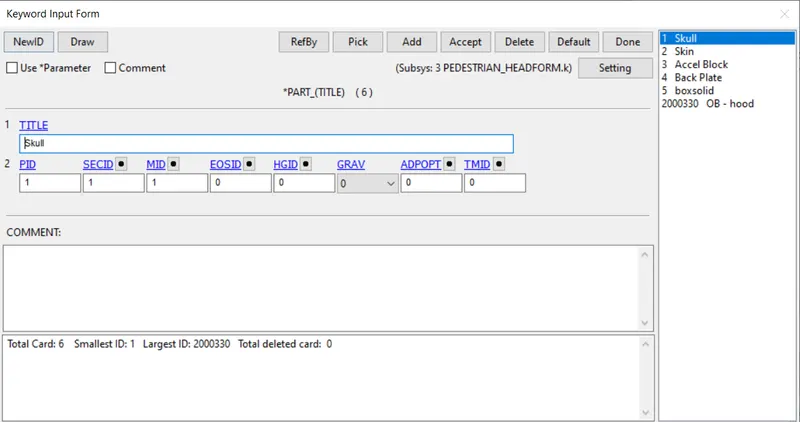
MATERIAL FOR PEDESTRIAN HEADFORM CHILD:
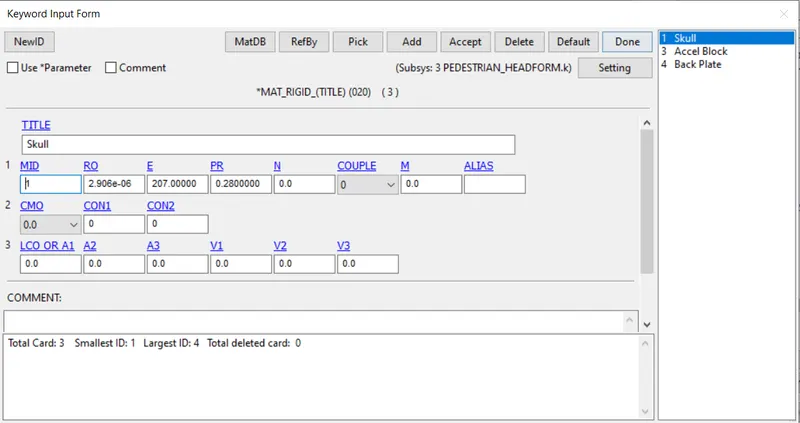
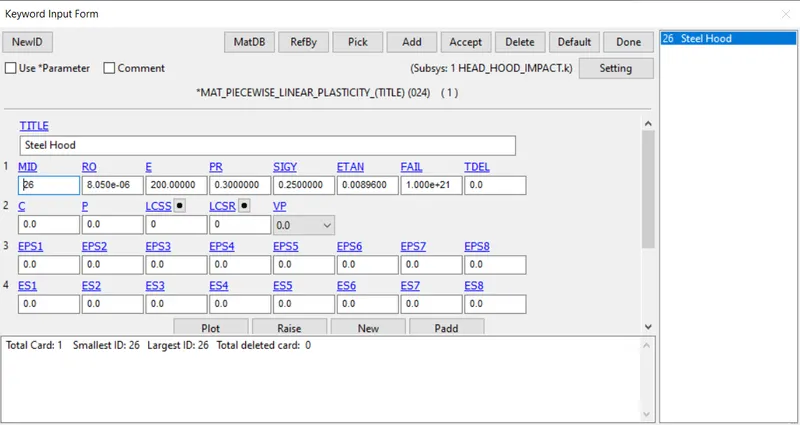
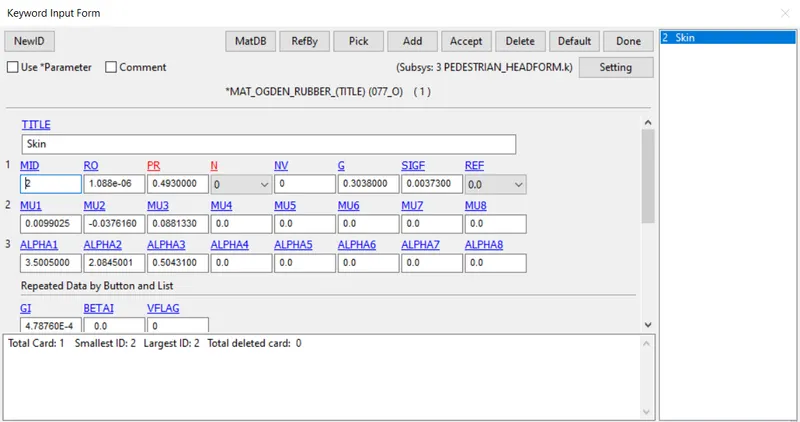
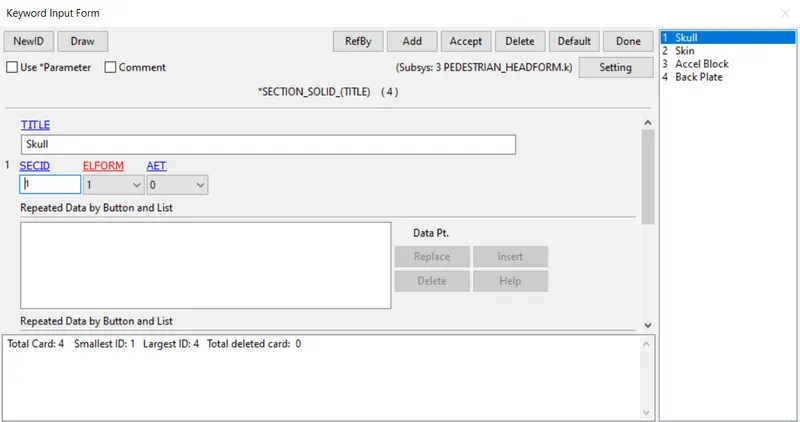
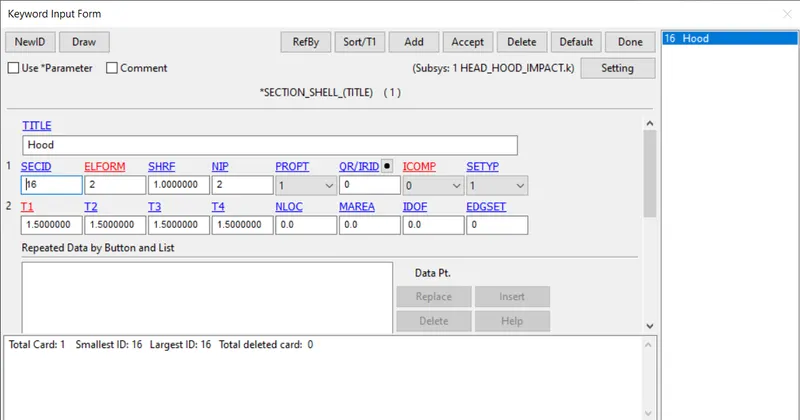
KEYWORD -> ALL -> SECTION
- For Skin AET is given as 1.
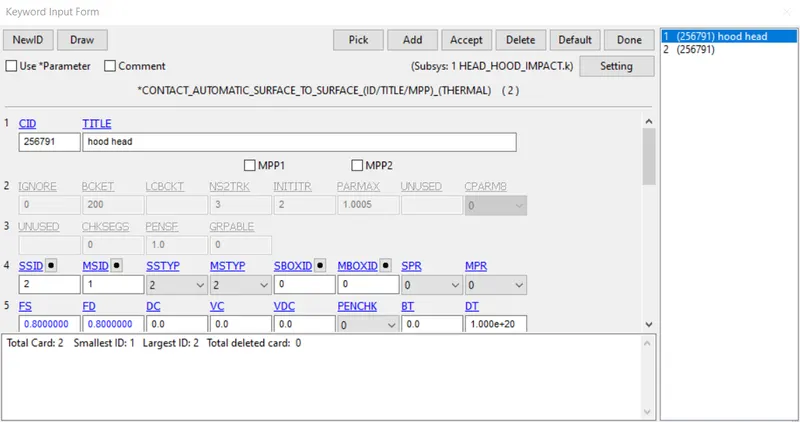
CONTACTS :
Automatic surface to surface contact is an contact in which surface to surface algorithm automatically detects, the Master & Rigid nodes through stiffness.
A Card is activated in which SOFT given as 2, which acts between stiffened & Softened material.
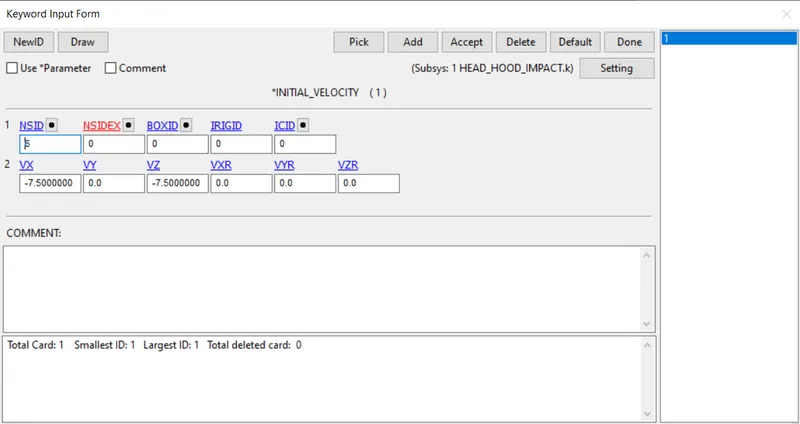
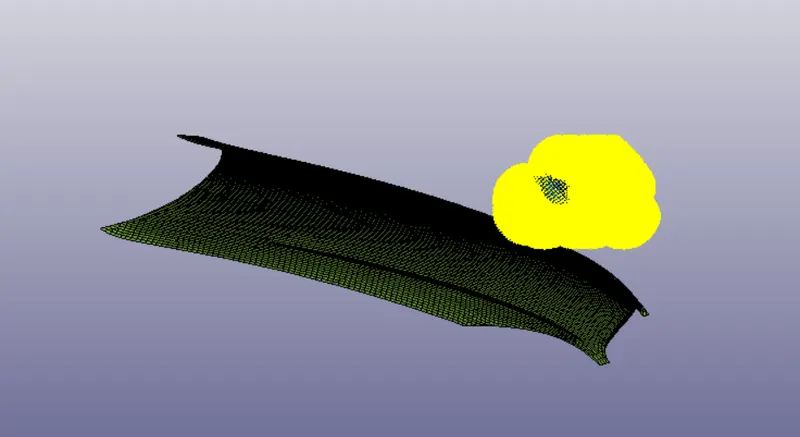
SETUP VELOCITY OF HEAD COLLISION UPON HOOD
SETUP VELOCITY NODE SET
Create Keyword -> Initial -> Velocity
Standard for pedestrian safety, 7.50
Keyword -> Control -> Termination
Energy
HGEN, RWEN, SLNTEN, RYLEN is activated,
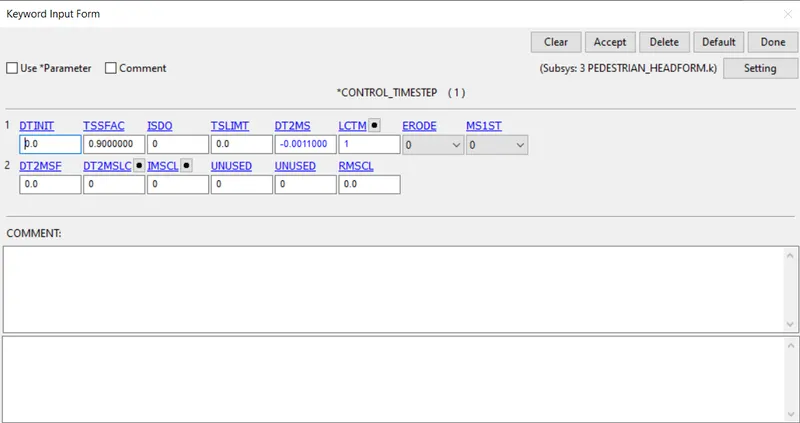
Timestep Card :
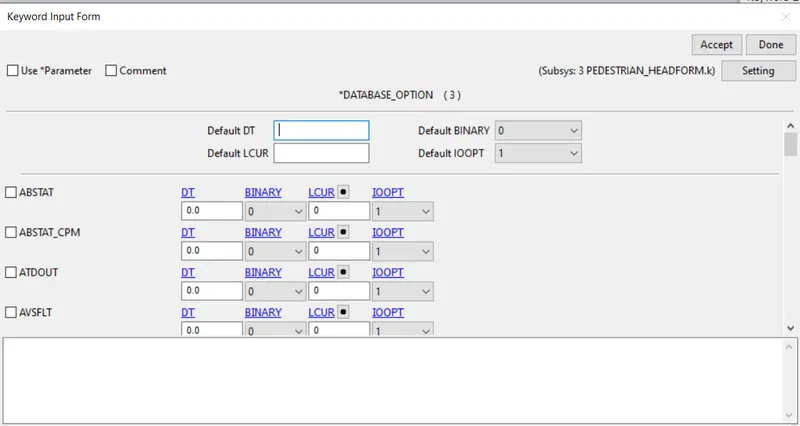
Database Card
GLSTAT, ELOUT, NODEOUT are calculated.
Time Interval
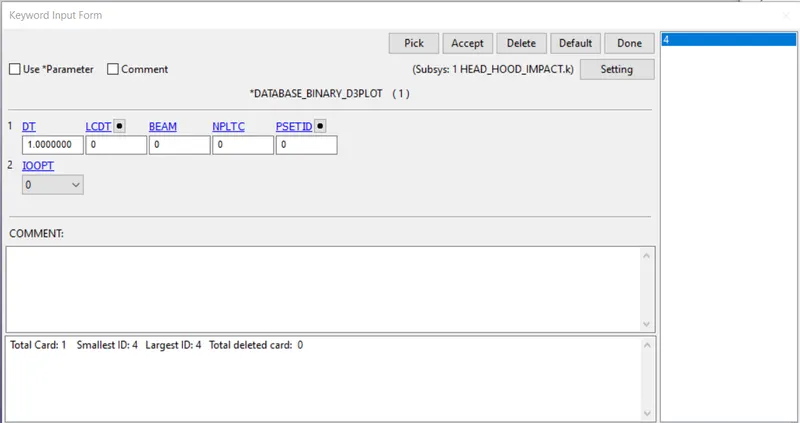
Strain Output is activated:
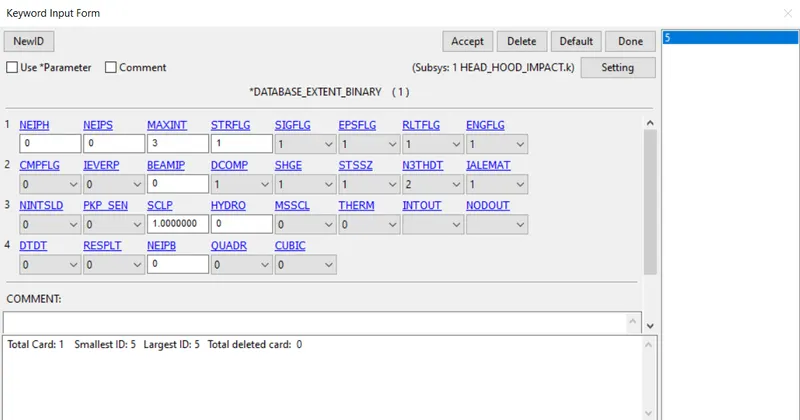
- Keyword > Model Check , and then save the keyword > LS RUN
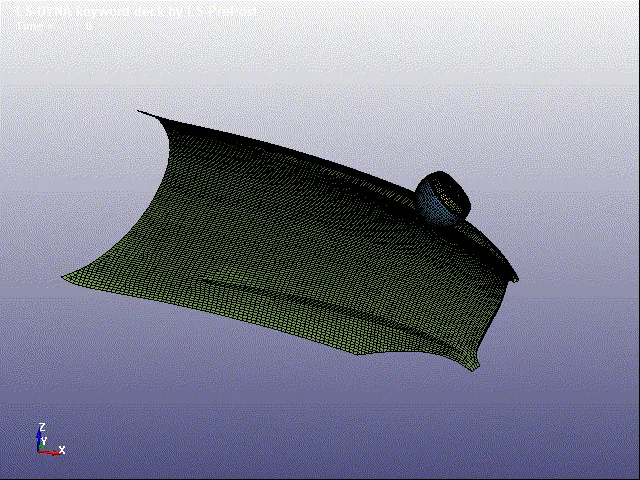
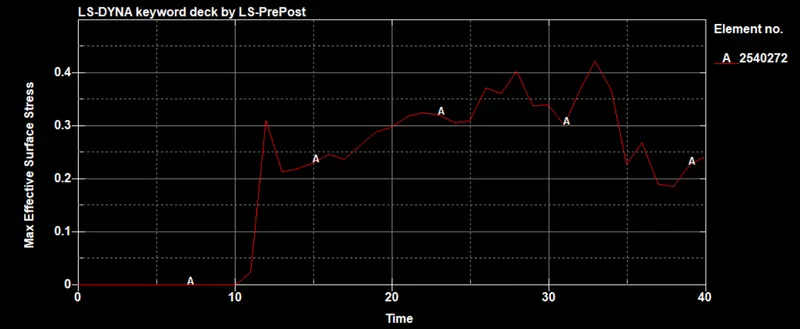
Effective Surface Stress :
Energies:
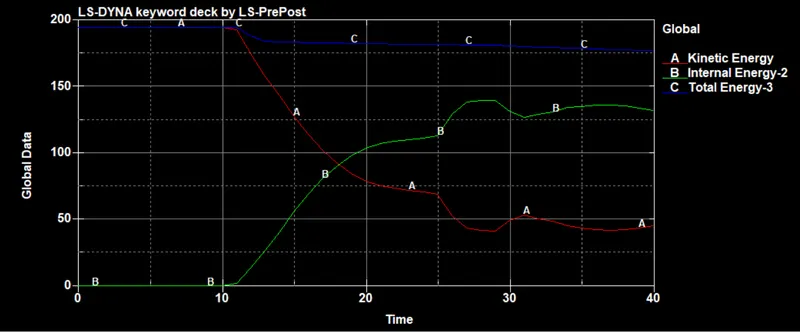
HIC 15 :
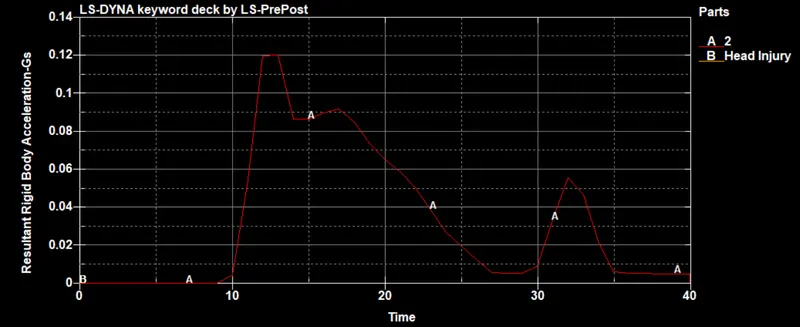
CONCLUSION :
- The Stress / Strain plot from the Rigidwall simulation should be compared with the Stress / Strain plot from the Hood Simulation and the plots are depicted.