Tetra Meshing of Rear View Mirror using ANSA
Objective :
To deliver 2D meshing for Plastic components. By Taking the mid surface for all the components after checking the geometrical errors and mesh the mid surface with the given element Quality criteria.
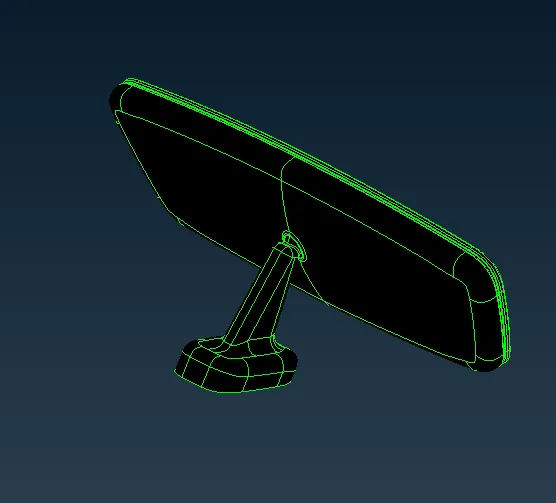
Model :
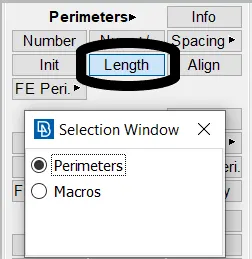
Setting up perimeter - Perimeter Length & Macros :
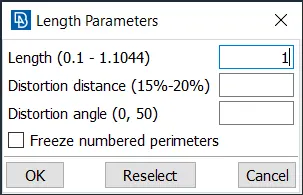
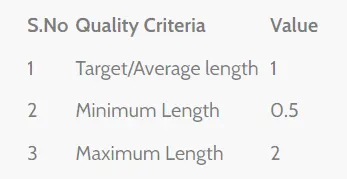
The Target element size is given here as 1, which considered for the element. Giving proper flow
>> 
Check Property :
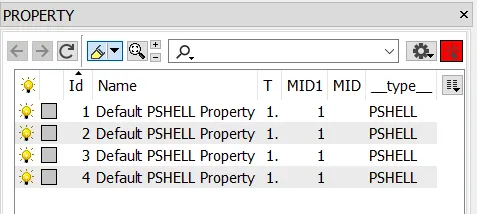
In property window check for the components present, and their properties can be edited or modified.
Geometry Check :
This part is used to clean up errors in the geometry, helping in clearing the cracks, collapsed cons, Triple cons, Needle face, etc.
Tools(Slide arrow) >> Checks >> Geometric checks >> Execute
select the errors and choose auto fix, in which maximum issues will be solved.
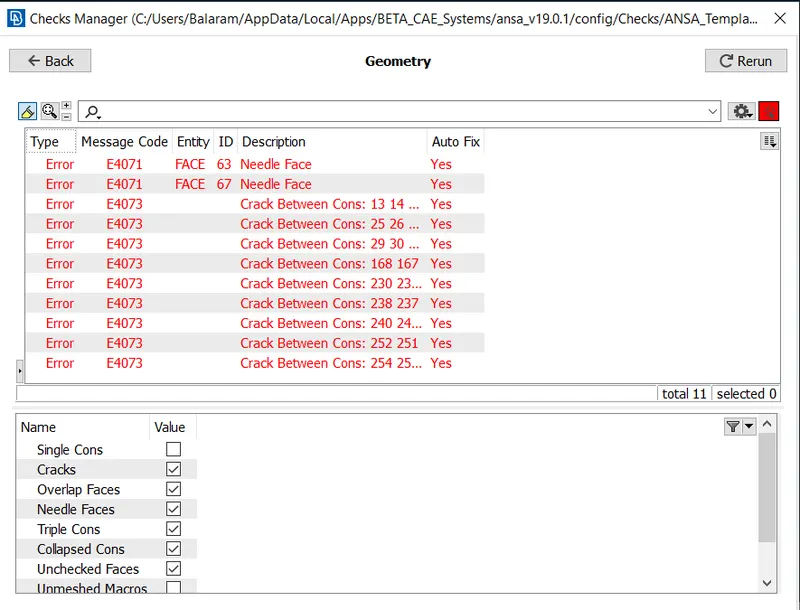
Select Autofix to clean the topological errors, and clean the surface as required to achieve good mesh.
Setting Quality Criteria :
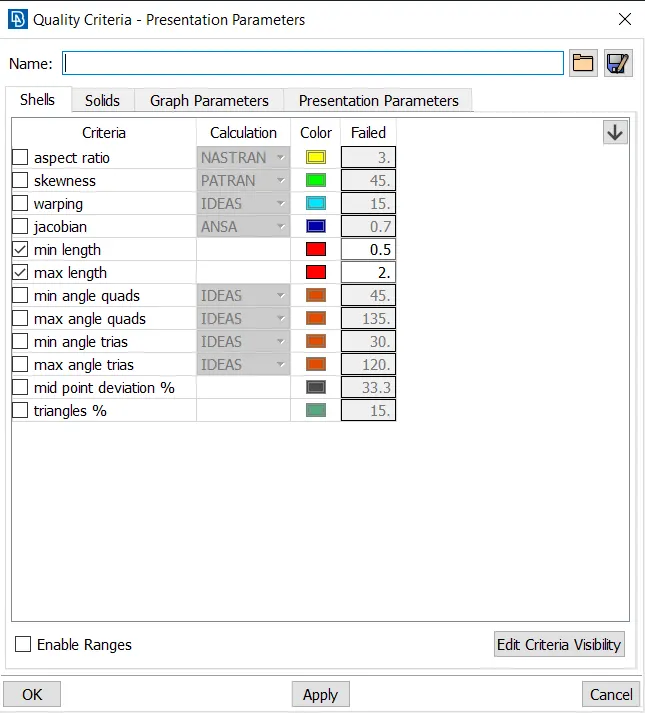
Toolbar >> Quality Criteria
Type the data and Save it, which will be saved as ANSA_QUAL File (.ansa_qual). Which can be retrived later when required.
In this 2D Meshing, it is ok to achieve mesh for min.length & max.length
Quality criteria conditions:
Mesh Generation > Spot Mesh > Tria Elements
To capture, curved region, ortho tria can give good mesh flow to feature capture.
The Meshed Model :
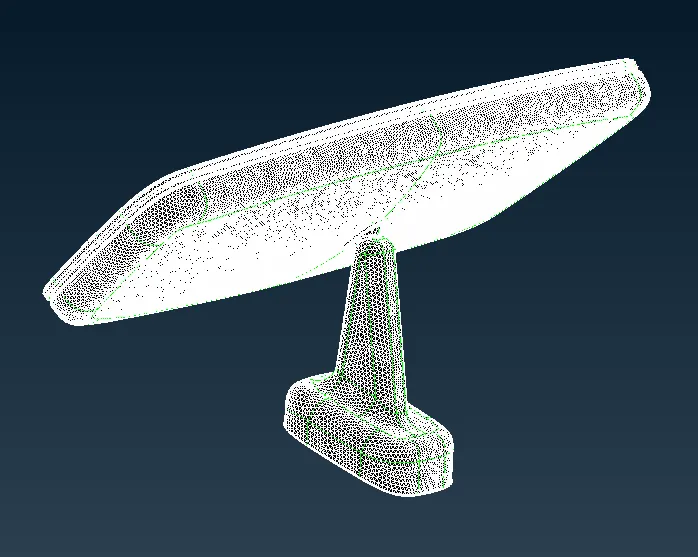
Quality of Mesh :
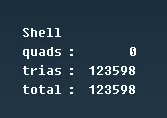
Switch to Volumetric Mesh Module, Select Volume > Define > Auto detect > Name the parts.
It can also defined manually.
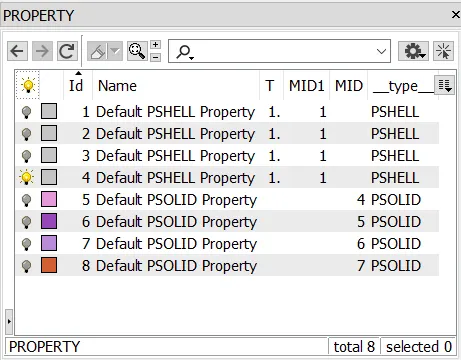
The solid property is defined.
Unstructured Mesh > Tetra Rapid > Select Volume > Enter
Define tet collapse as 0.20
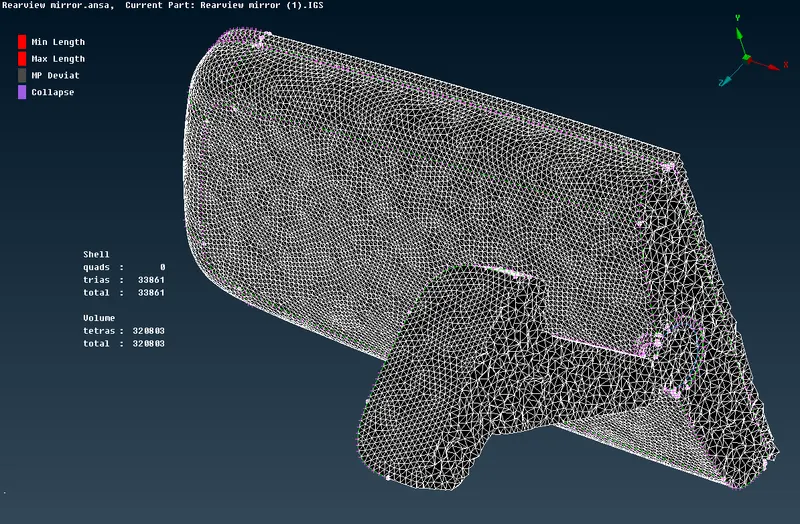 .
.
Conclusion :
- The mesh delivery is done with satisfied quality criteria and proper mesh flow.
- Tet collapse is satisfied and the solid meshing is done.