Simulating Drop test using LS DYNA
OBJECTIVE : we have nodes and elements of two parts, a simplified cellphone and a plate mimicking ground, is to be established and create a complete simulation file from this to perform a drop test.
PROCEDURE :
CREATING RIGID FLOOR:
Create Entity -> Rigidwall -> Create -> Planar -> Normal to Z -> Select an element in the srface for which plane has to be created.
Select -> Create -> Planar -> Select a Node to which the plane should be Normal -> Translate ->Done
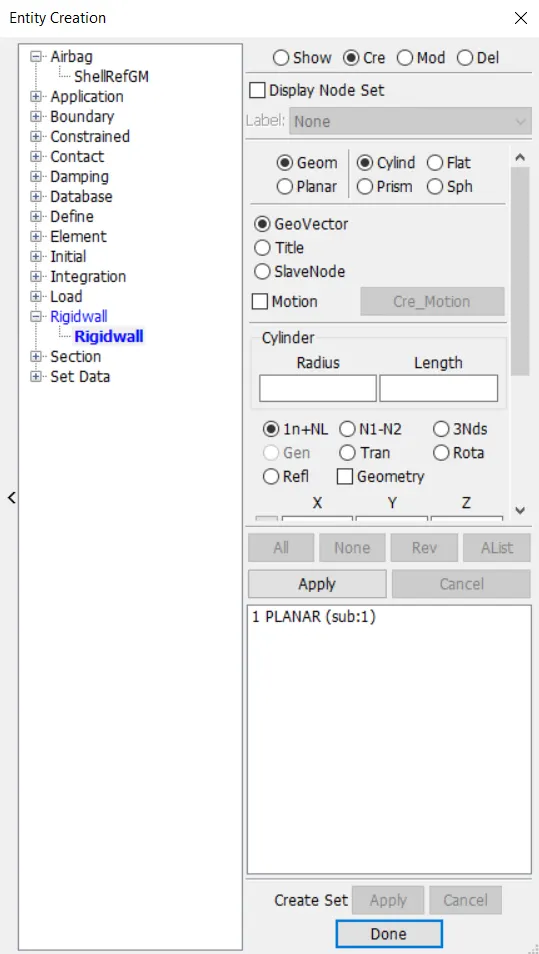
The Rigid floor is here created as shown.
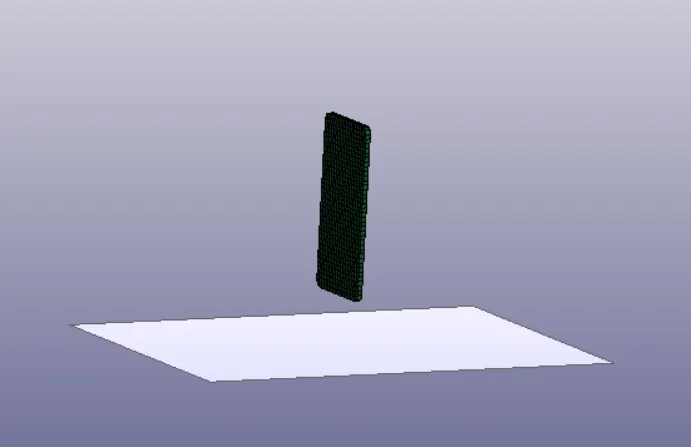
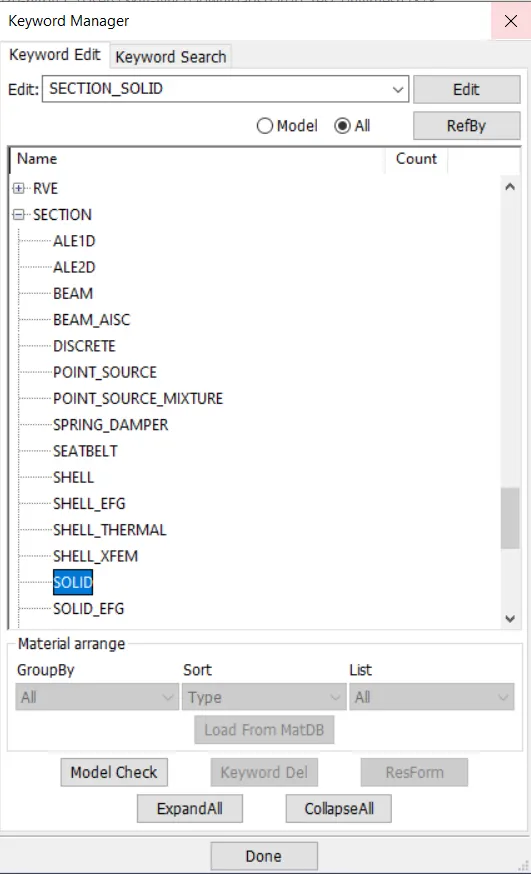
CREATING SECTION :
sECTION -> Select Solid (As Mobile is an solid defined part)
Input Section ID and Title, which should be unique.
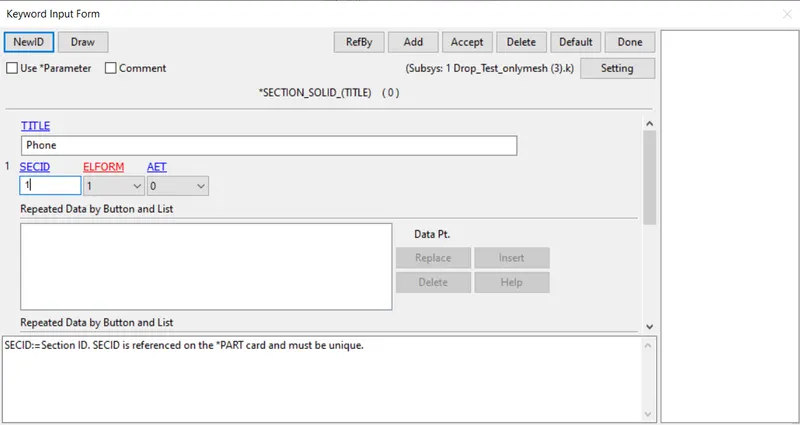
APPLYING MATERIAL PROPERTIES :
Select 24- Piecewise Linear Plasticity
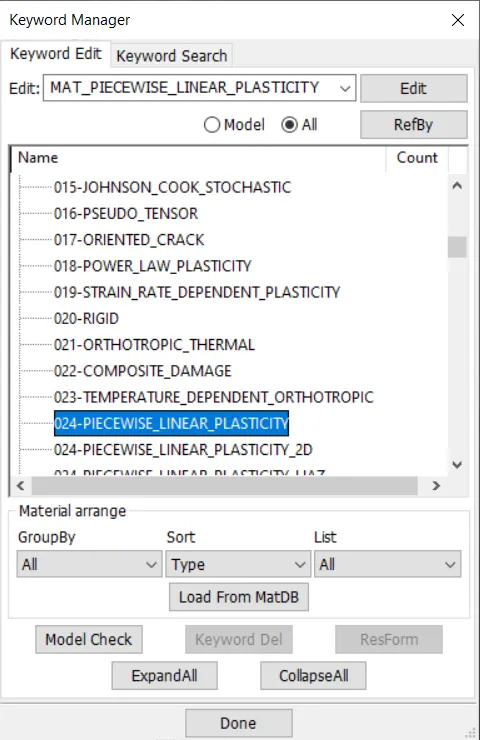
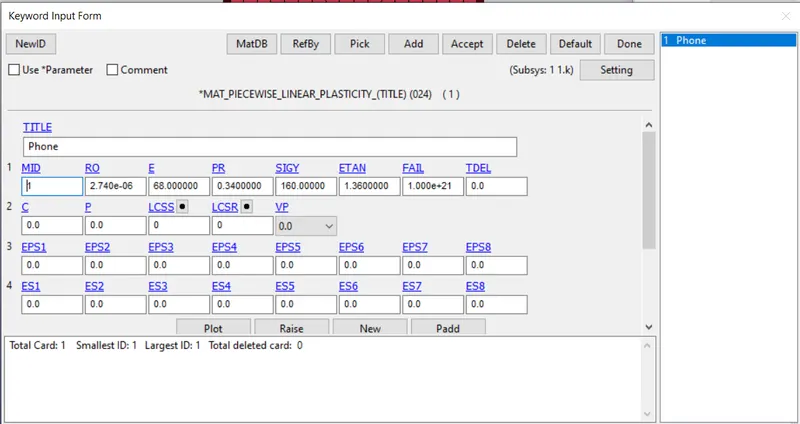
Material Properties for Aluminium Frame with unit consistency of mm | mg | gm
ETAN is given approx of (2-10% Youngs modulus)
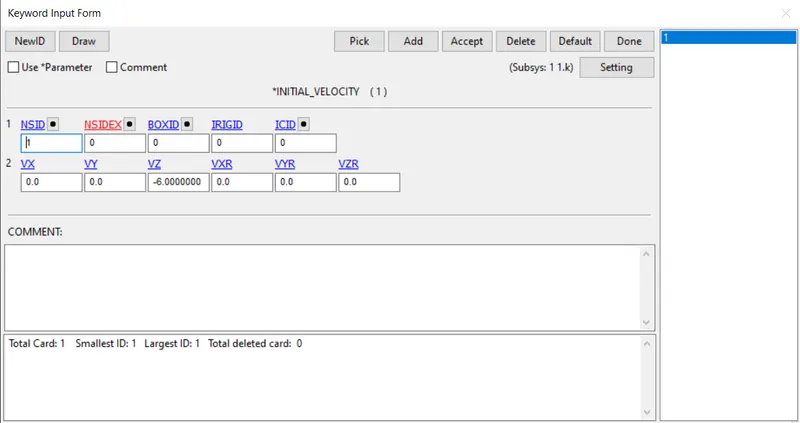
APPLYING VELOCITY :
Initial -> Velocity
potential drop due to gravity, v=√2gh
here, we consider it as forced drop, in which the velocity is taken as 6mm/(ms^2)
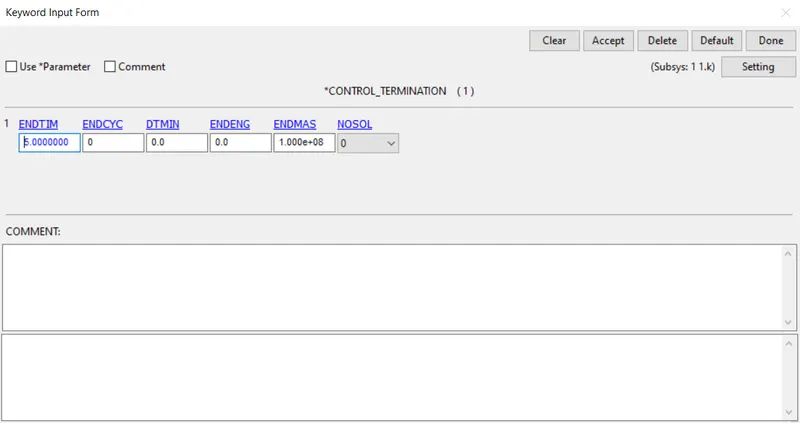
SIMULATION TERMINATION:
Control -> Termination Time
End Time is given as 5.00
DATABASE SPECIFICATION:
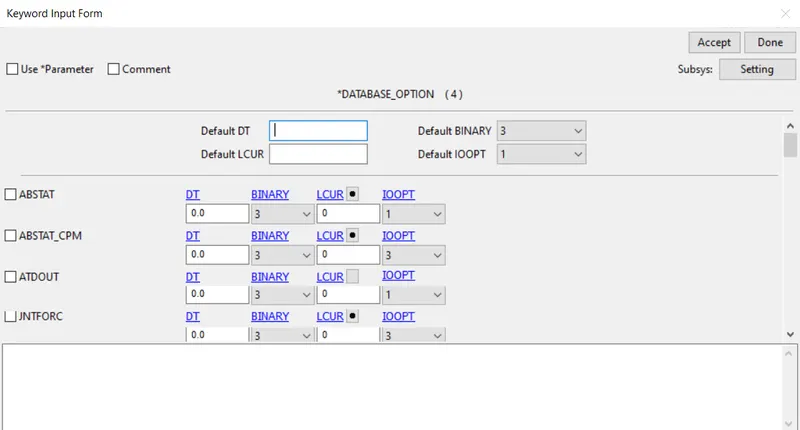
ASCII_Option:
In this Time output between intervals is specified as 0.10
for the following output Requests,
Rigid wall forces (RWFORC)
Material summation (MATSUM)
Global Statistics (GLSTAT)
Element Output (ELOUT)
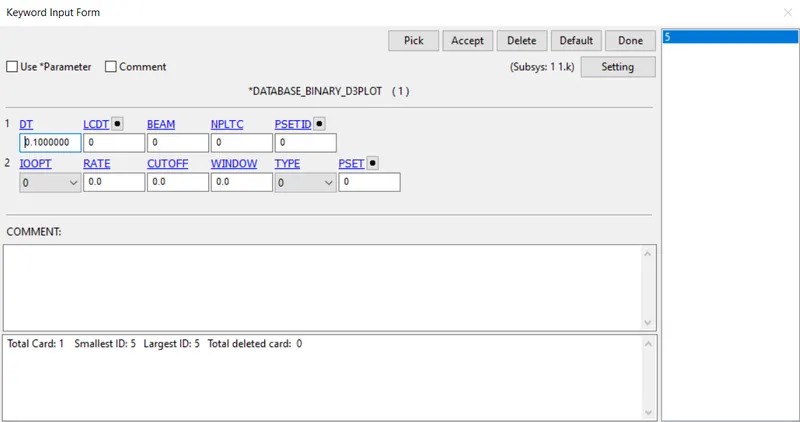
BINARY OUTPUT:
In this Time output between intervals is specified as 0.10
 .
.
INITIATING SIMULATION:
-> Open LS-RUN
-> Input file -> Select the keyword file of the Drop test
-> Run the Simulation
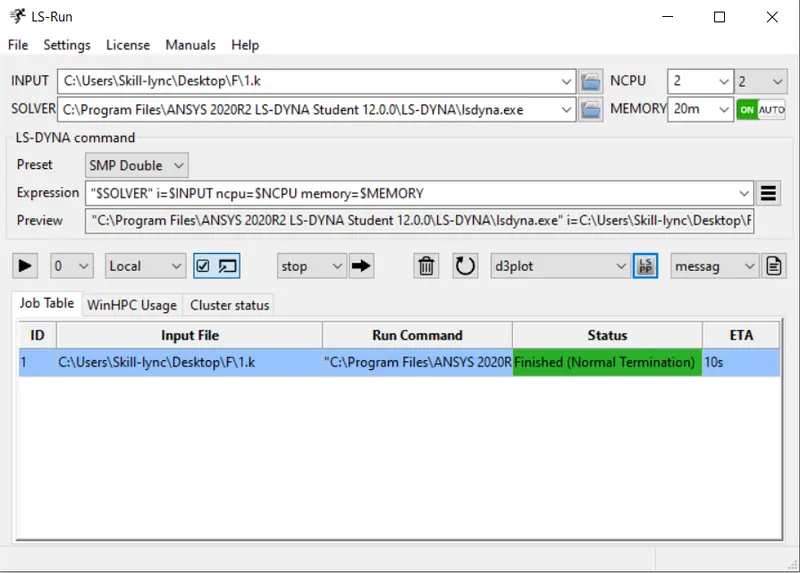
REPORT SUMMARY OF SIMULATION WINDOW:
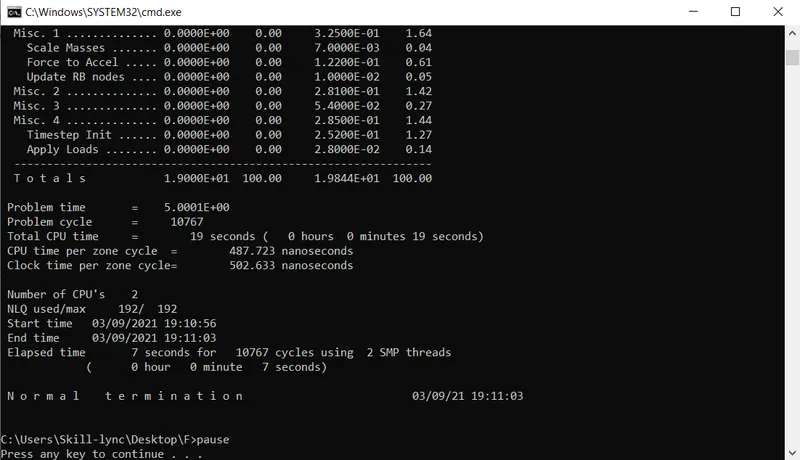
SIMULATED DROP TEST : (LS-RUN)
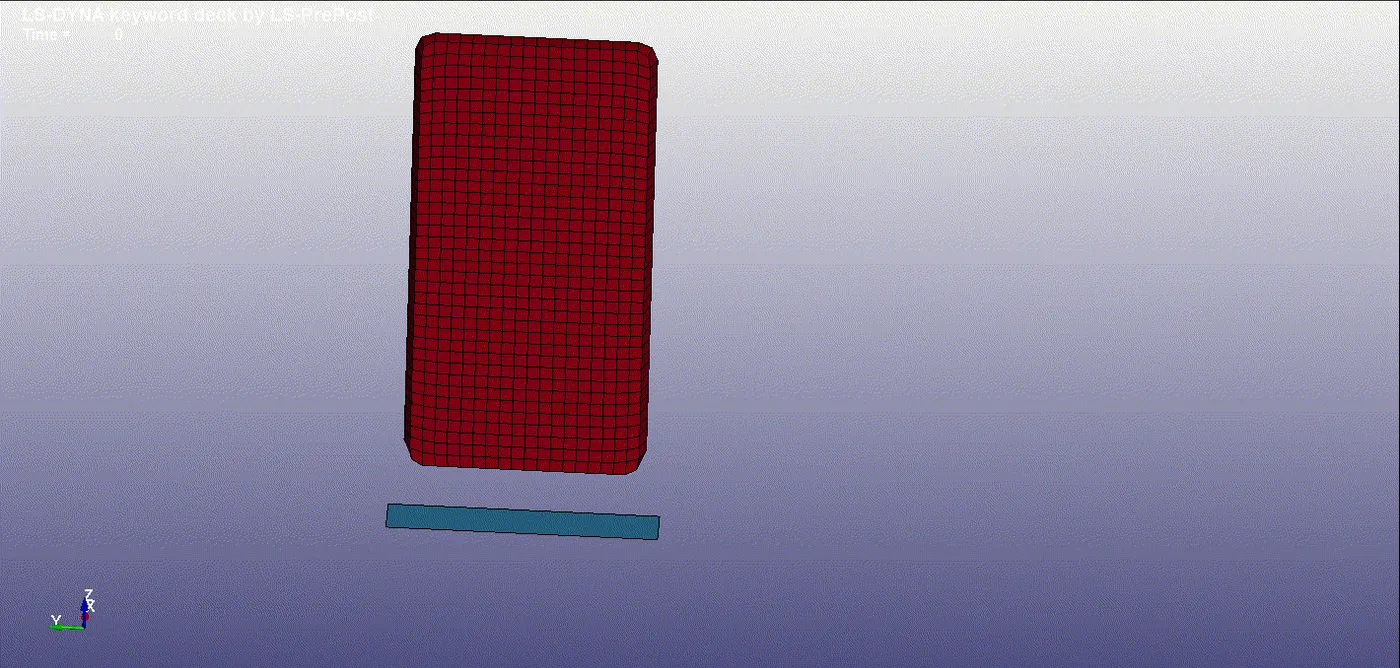
RESULT :
The Meshed component is set up with the drop test feature, such as creating rigid floor, specifying velocity, Material property, Termination time, and output result. The component is simulated mimicking Drop test.