Week - 4 - 2D meshing for Plastic components
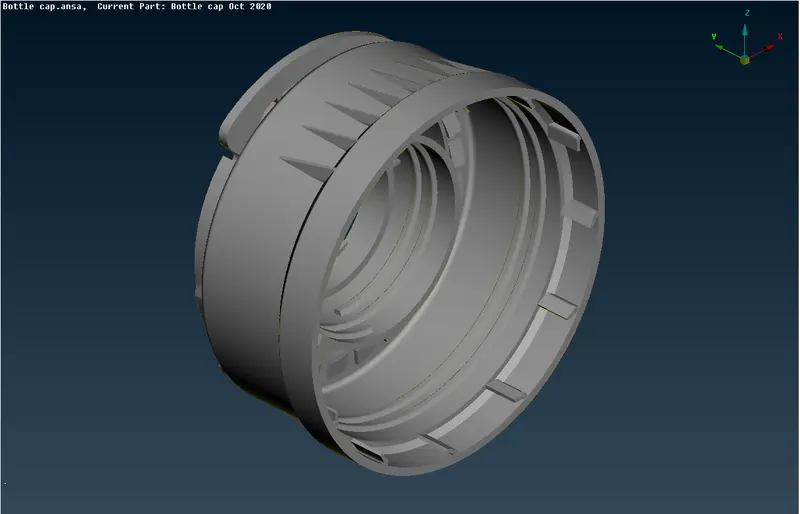
The below image is our working model of a bootle cap
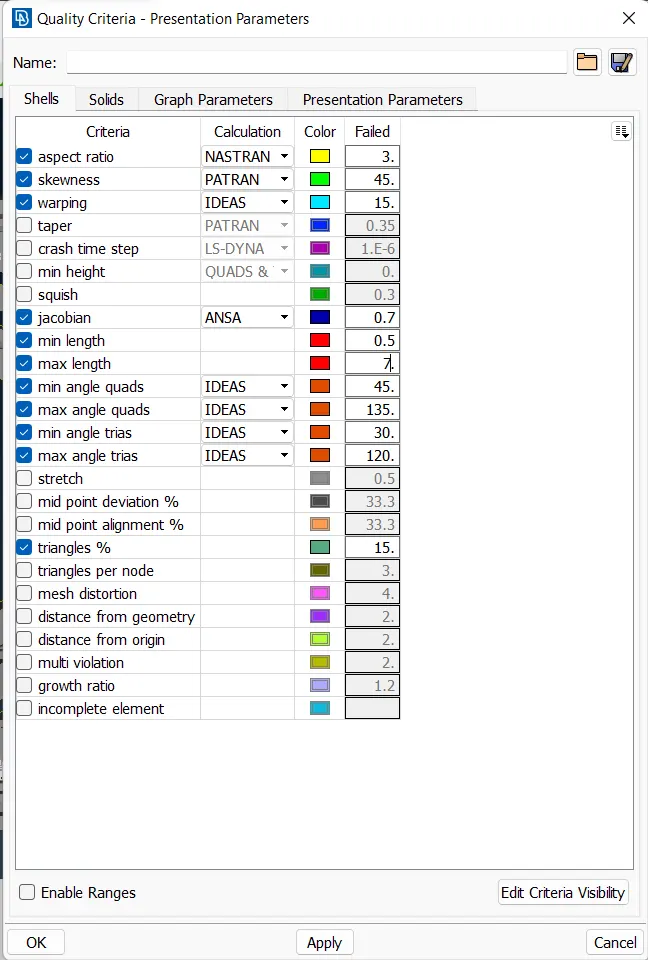
First of all we are checking the Quality criteria , the parameters are setted according to the given values
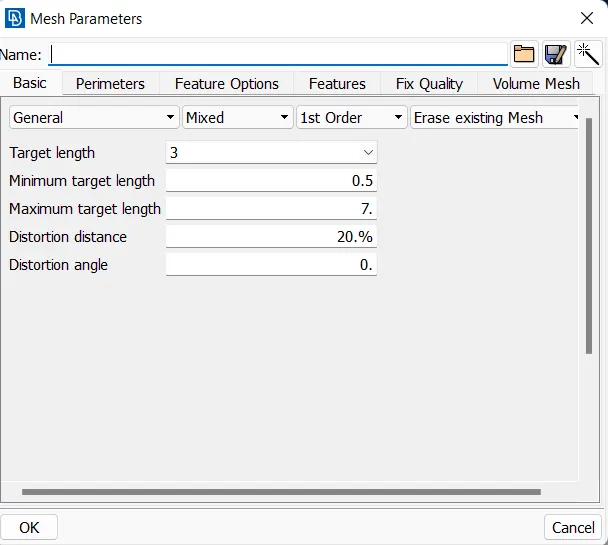
As same as above we done we are setting the mesh parameters too as per to the given values
then we are checking the gemotrical errors in check option and we have got some errors too in it
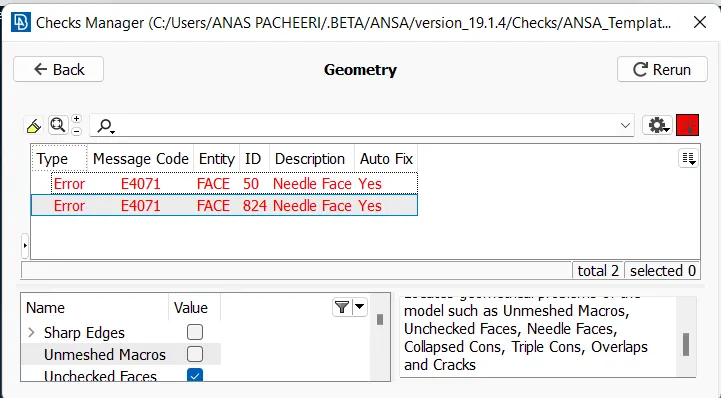
The above errors are cleared by the help of fix option ,that we will get by right click in mouse.And then we are measuring the lengths which are needed for the creation of the mid
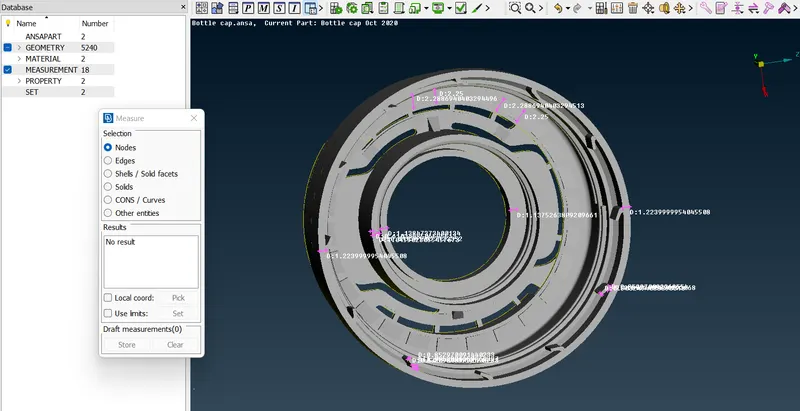
Then we had created the mid using the offest option in faces and the middle option in curves
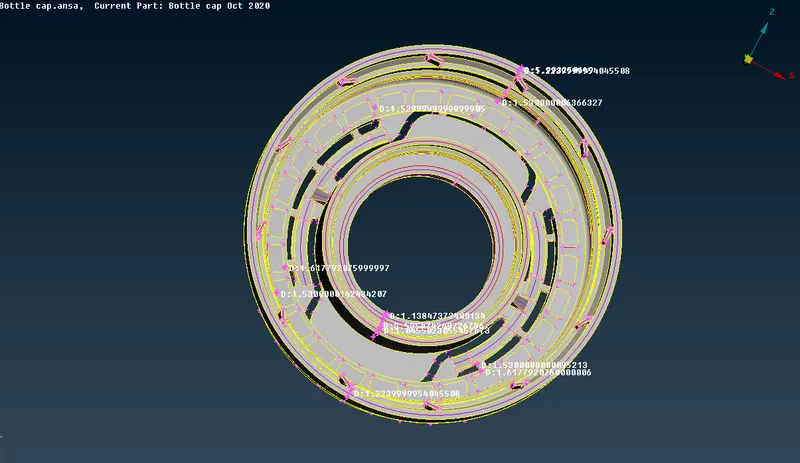
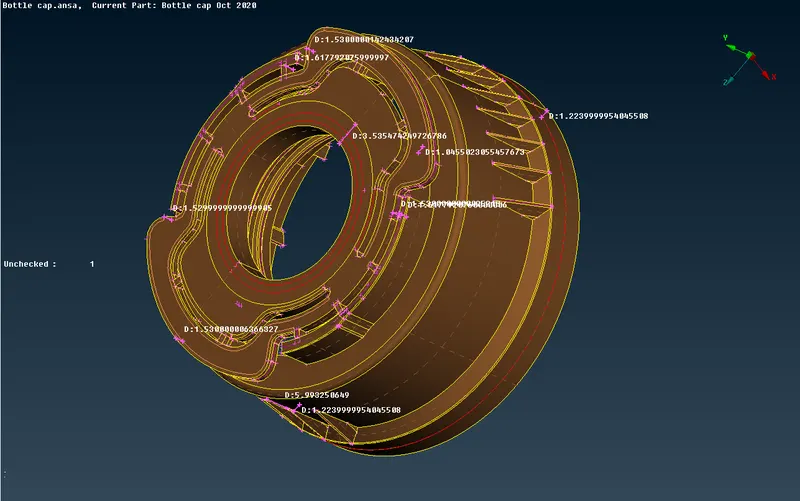
for getting the mid of complicted areas we use the help of !not for removing the unwanted area and get the area only in which we want to work ,as result we can easily acces to the side
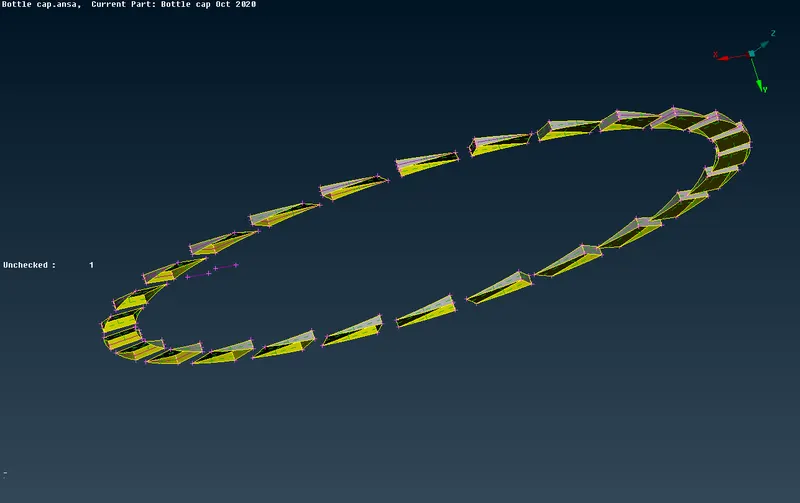
Then we do the topo and then we do the setPID option
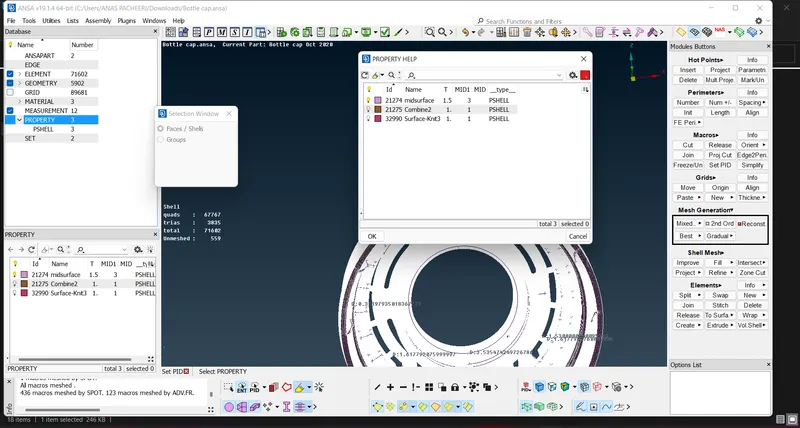
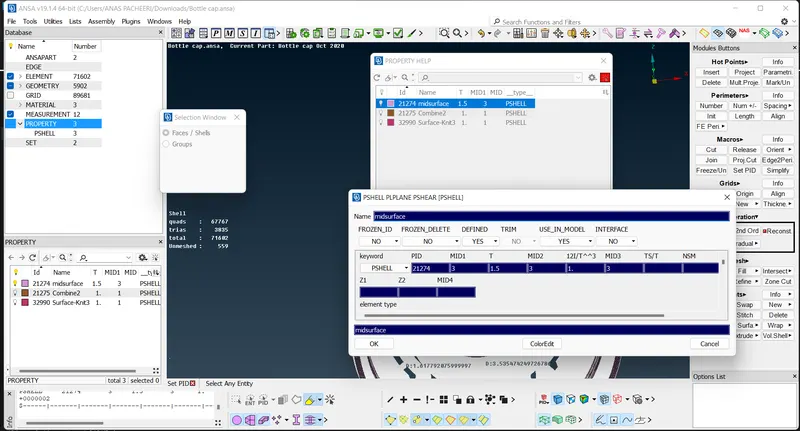
then we created a new PSHELL in it and change its thickness too in the parameters
after that we are again rechecking is there any error in the gemotry and here too we find a liitle error
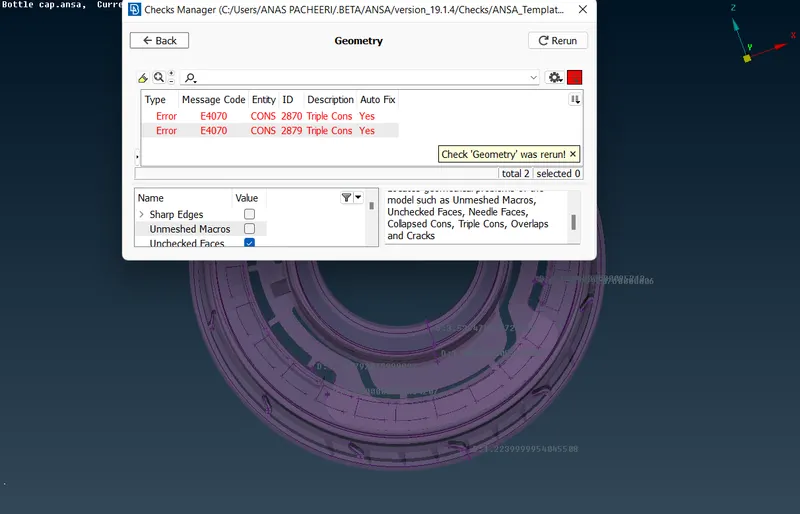
and it is fix with the help of fix option
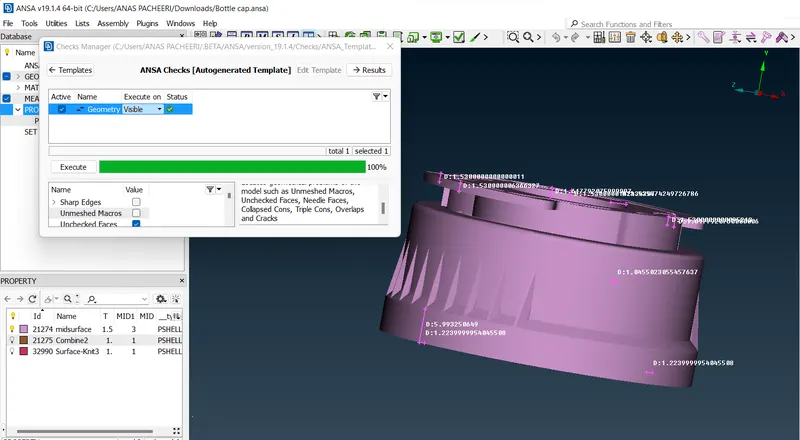
then we are creating the mesh for each parts with the help of best option in mesh generation
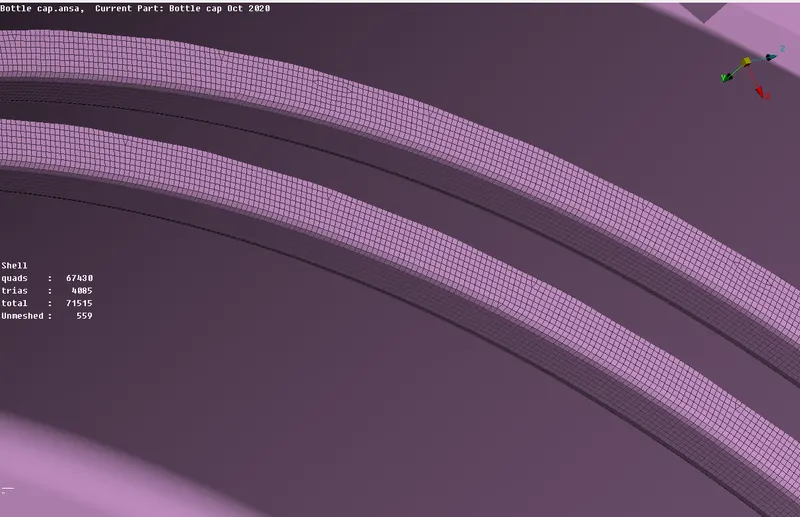
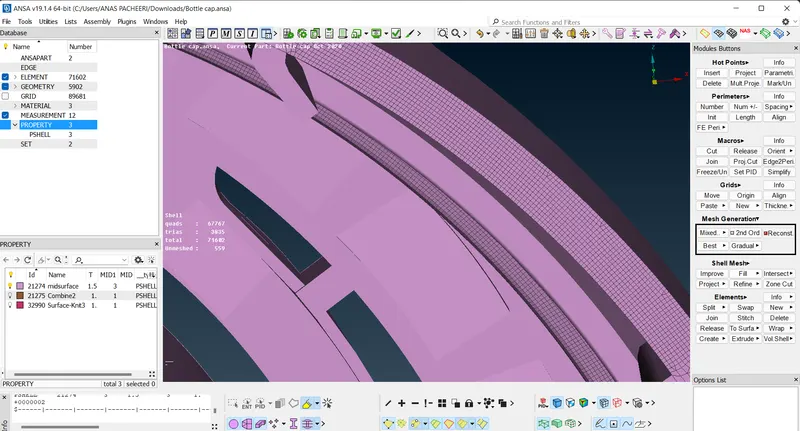
there is great difficulty while increase the area of mesh in very step as result .the issuse happening while reconstructing the mesh
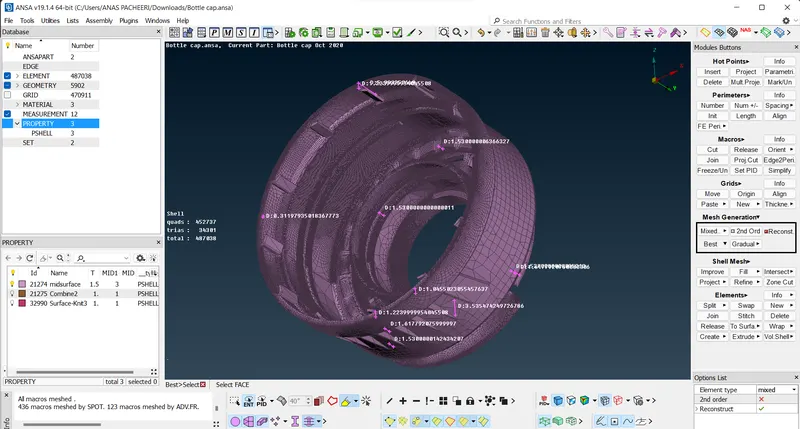
The google drive link for getting the complete programe is shown below:
https://drive.google.com/file/d/19qNx1C4-vx59IUowYKZUAGWAexg6nt2D/view?usp=sharing