Tool Test 1
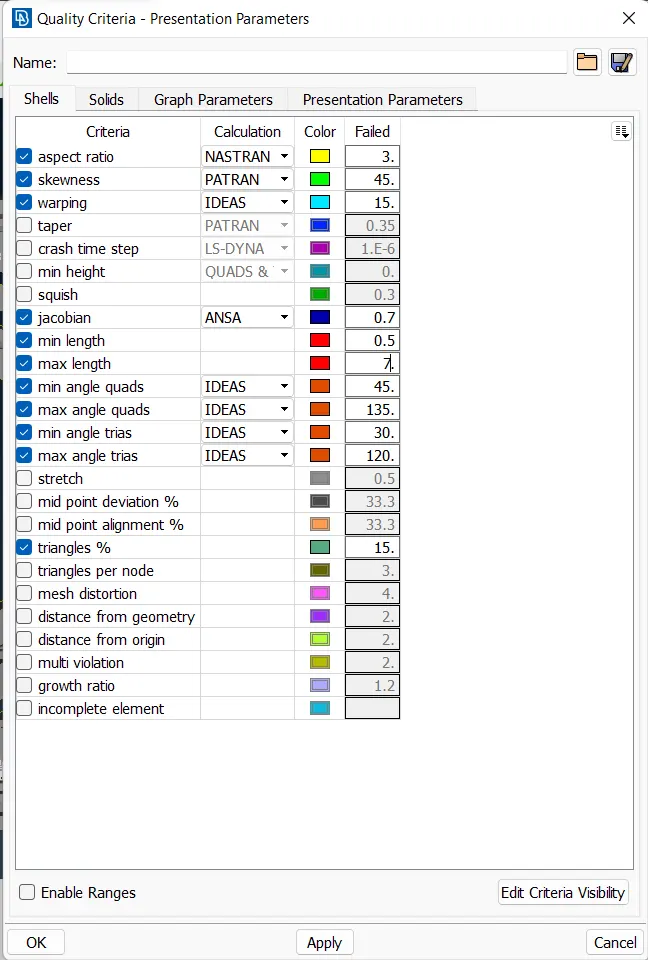
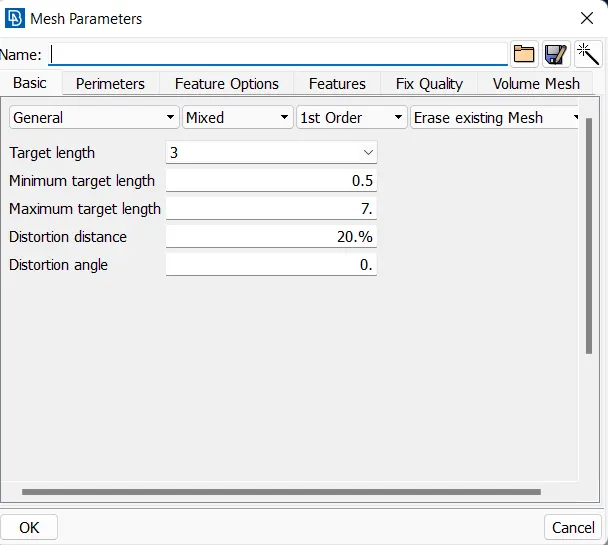
1.First of all we are setting the quality criteria and mesh parameters according to the given values
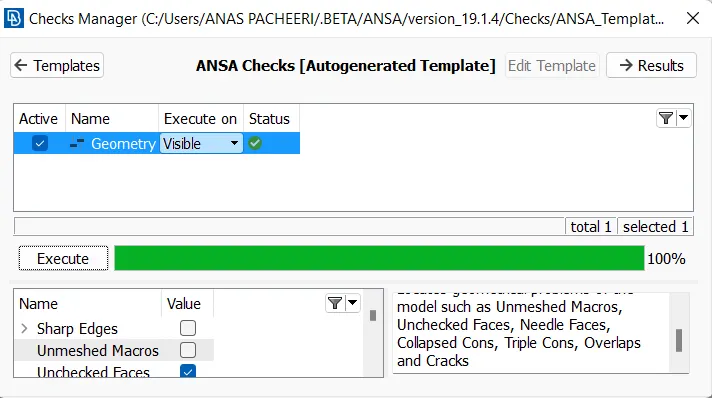
Then we are checking the gemotry
then setting the mid of the given figure
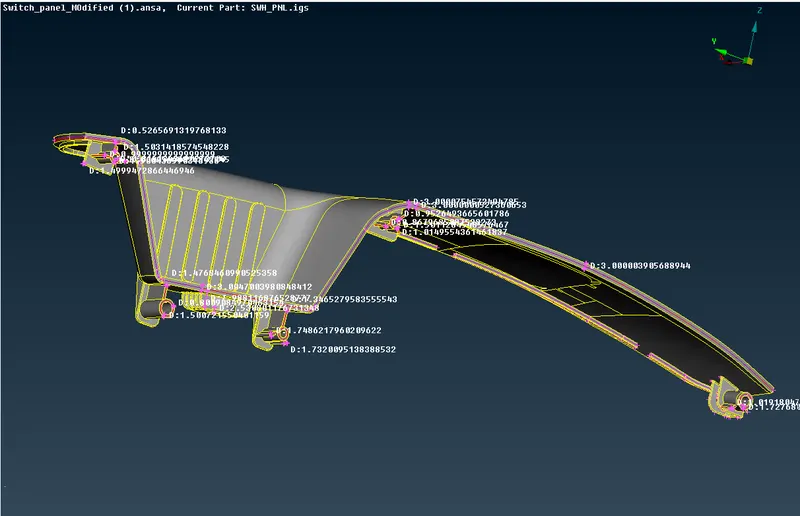
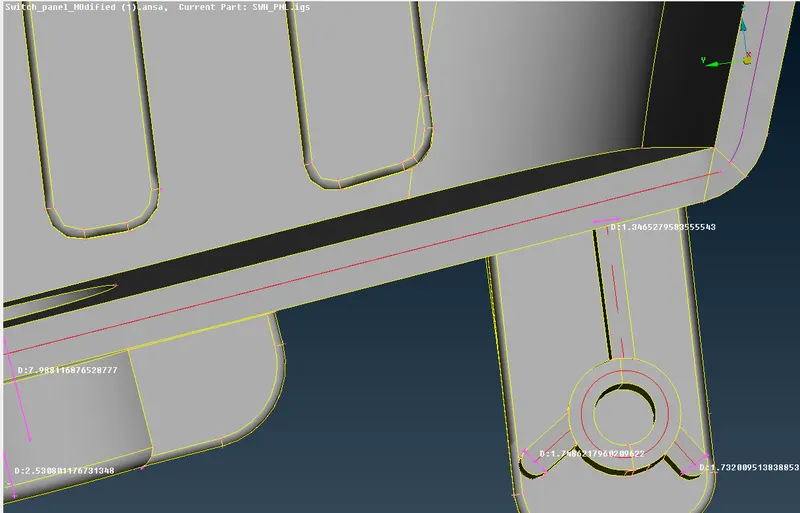
After creating we are re checking the error and fixing it
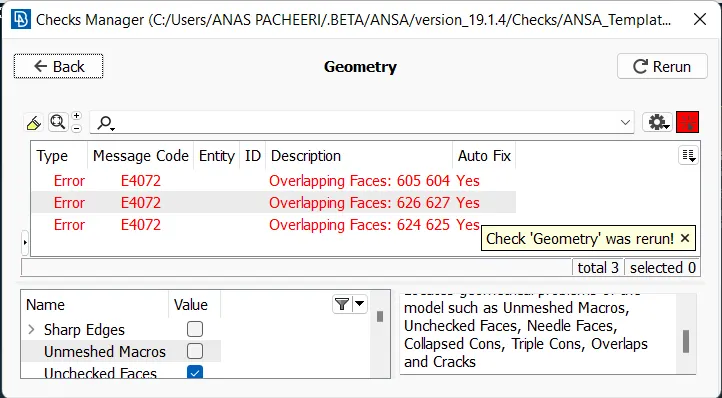
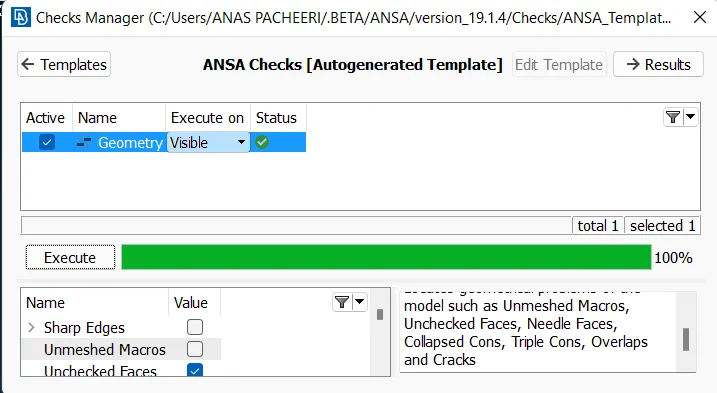
then we are meshing the cad model by setting the lenght and all
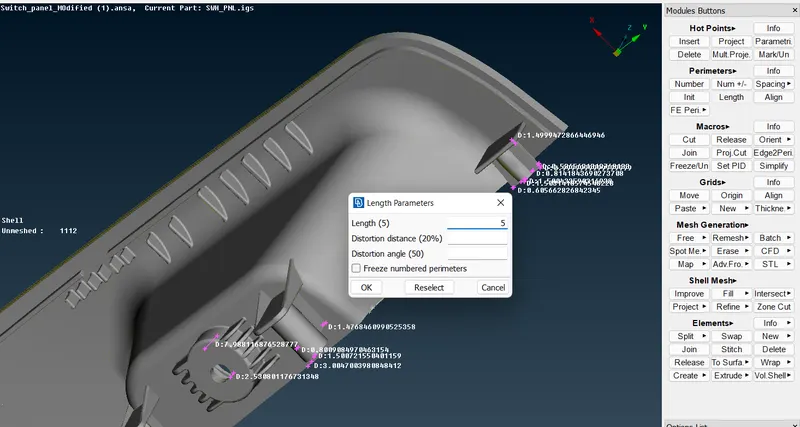
after setting the lenght we can see that there some deformation in the model which can be solved using the fine option
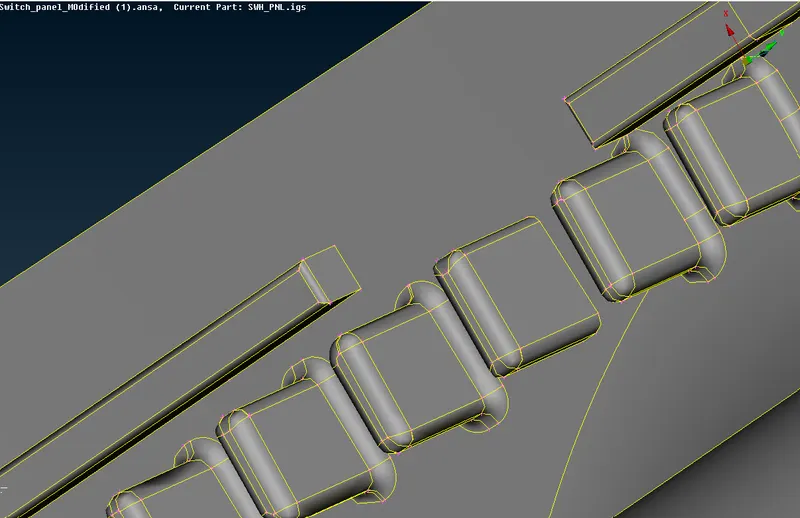
then we are meshing using best option in mesh generation
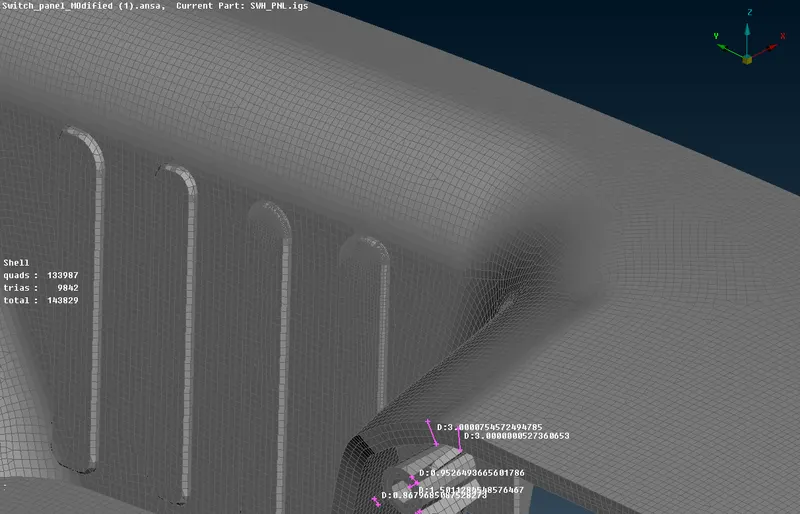
the link for the model is :
https://drive.google.com/file/d/18BVWmq8DxCmue_poXp-QEDXxgKjOwPoV/view?usp=sharing
2.As same as above we are doing the same mesh parameters and Quality parameters
Then check the error and fixing that
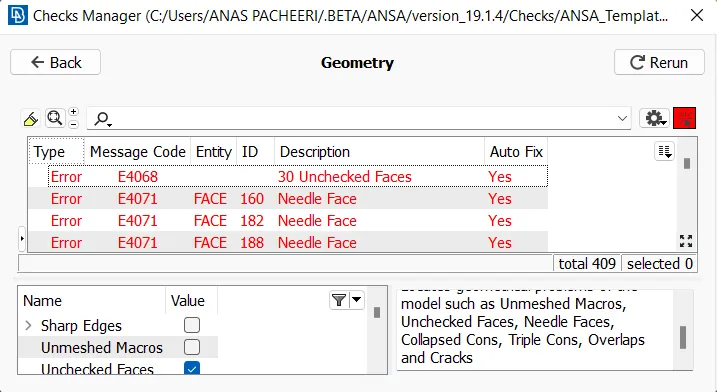
then we are setting the mid surface of it
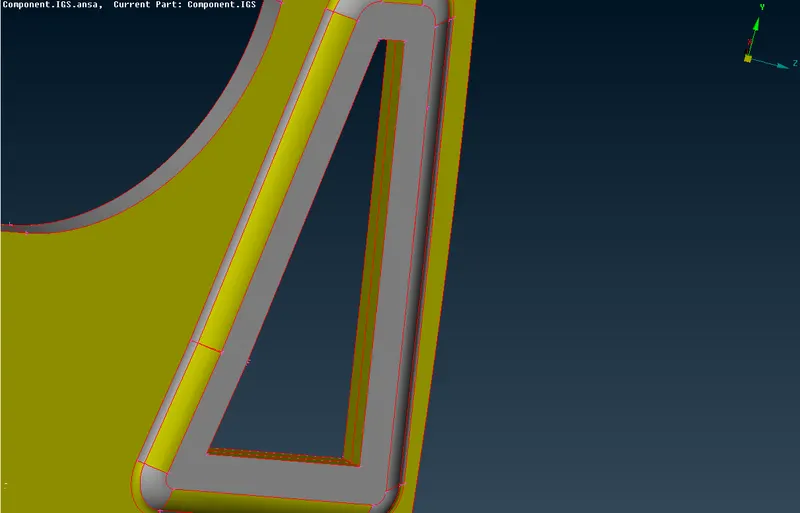
in curve area while we are doing the mid we need to fine the area to get exactly at the center
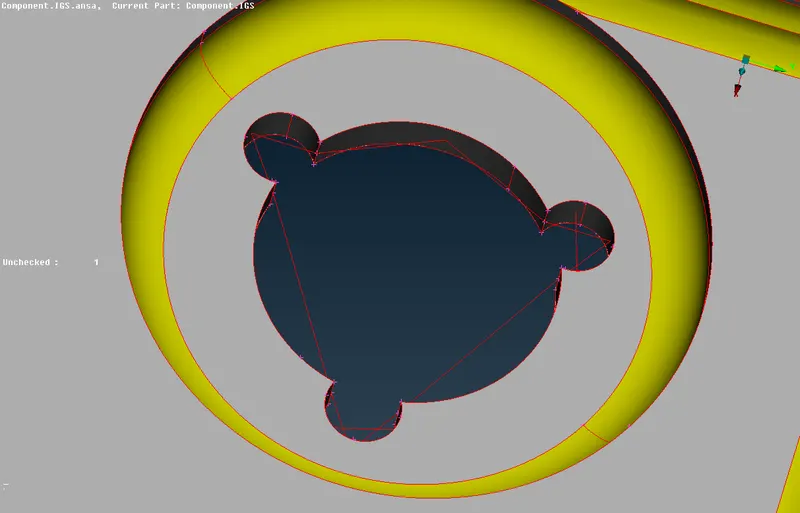
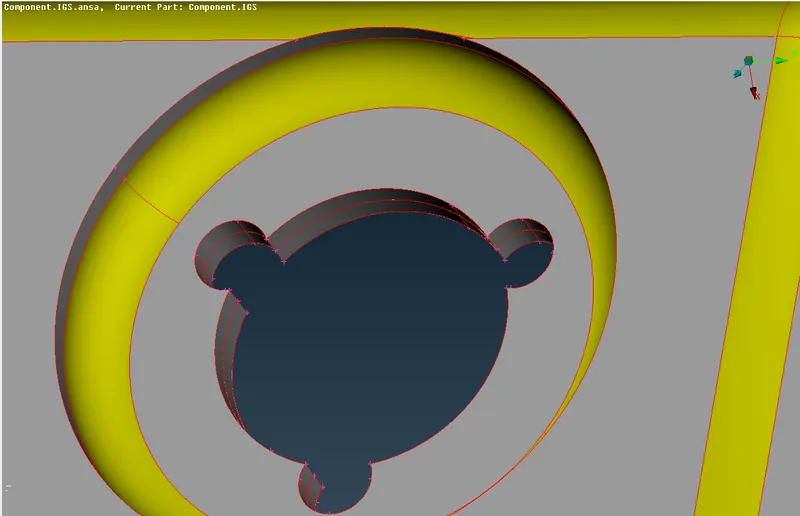
then we are doing the topo and setting PID
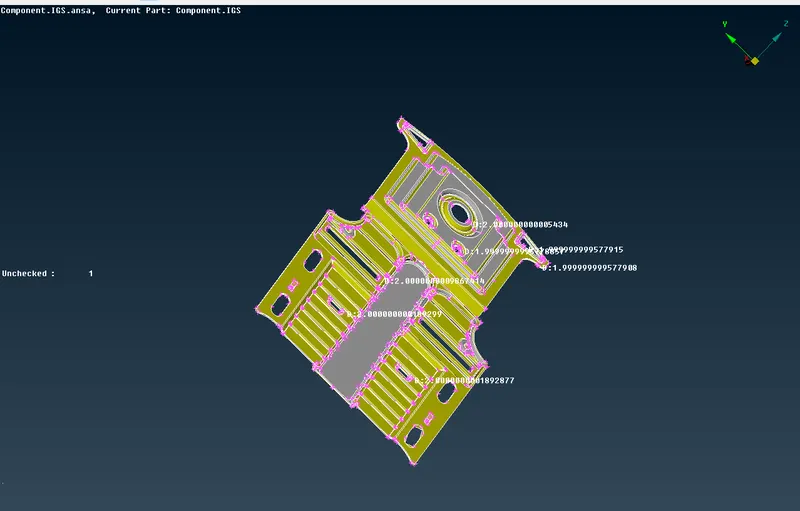
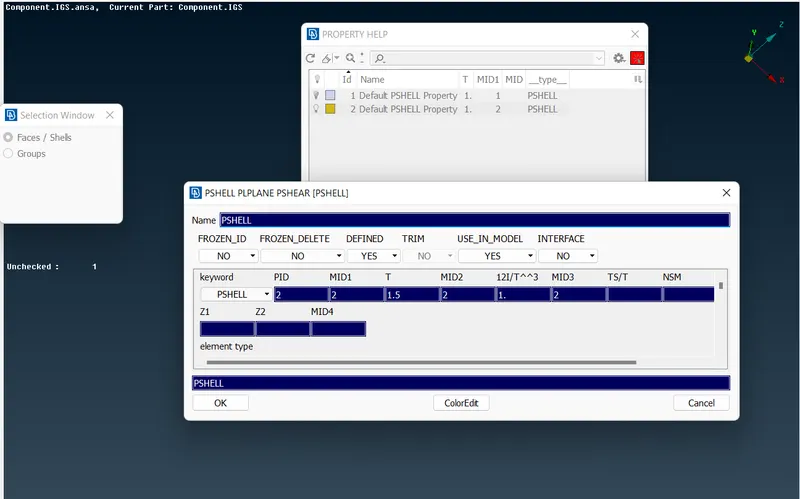
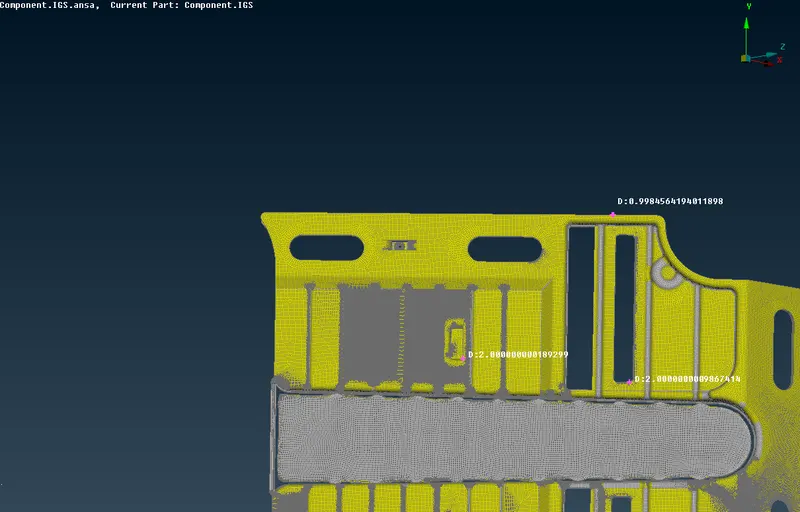
then the lenght of mesh is setting due to less thickness in the model we readuce the mesh len ght accordingly
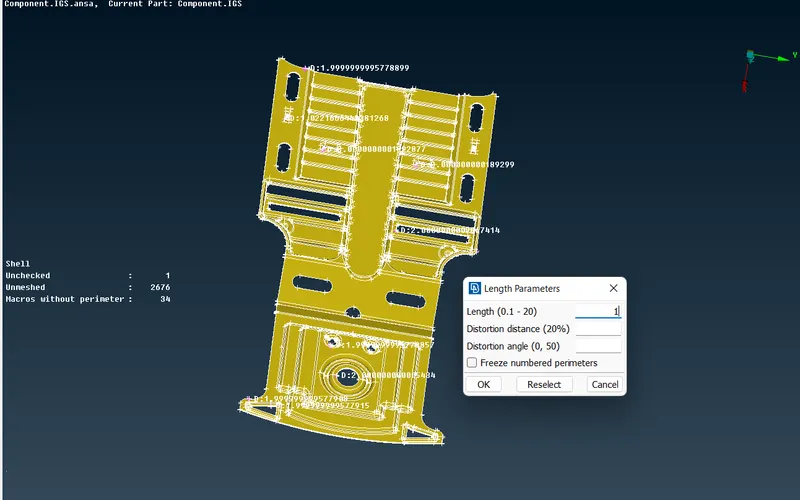
Then we mesh the model
The link for the model is :
https://drive.google.com/file/d/18BVWmq8DxCmue_poXp-QEDXxgKjOwPoV/view?usp=sharing