Advanced Sheet Metal Design Using NX Cad Challenge_2_Box Assembly
DESIGN OFA BOX ASSEMBLY USING NX CAD
INTRODUCTION
In our second challenge,we will design a box model by using different tools in NX CAD. We will make the drafting of our model. The model will consist of a bOx and a cover with hinges.
DESIGN METHODOLOGY/APPROACH
Here we will discuss some of the tools that we are going to be used in the software. Betore proceeding towards the bo design we have to set some parameters for the sheet metal. First, we will set the Material thickness, bend radius, relief depth, relief width for the model as shown in the image. Here all the parameters, we will set to 1mm.
Tools used in the preparation of the model
- Tab
- Flange
- Closed Corner
- Break Corner
- Dimple
- Normal Cutout
- Mirror Feature
- Bend
- Unbend
- Rebend
- Hem fiange
DIFFERENT VIEWS
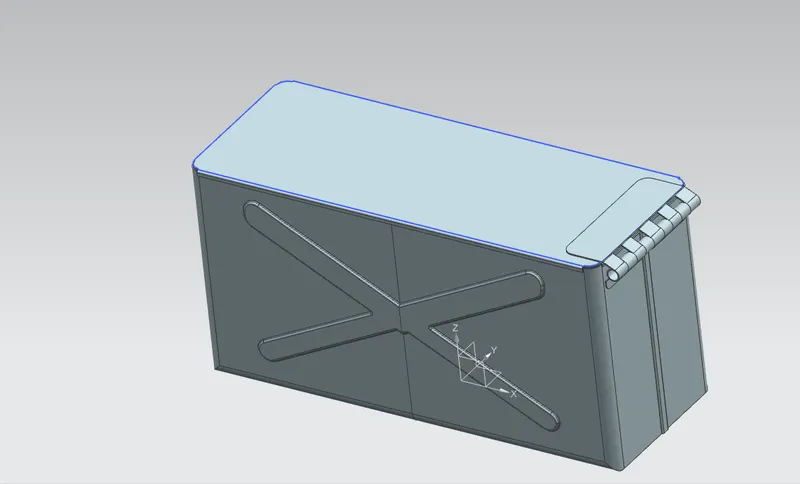
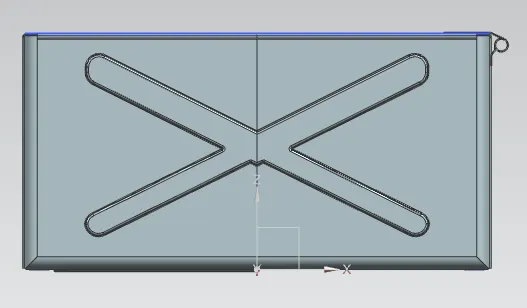
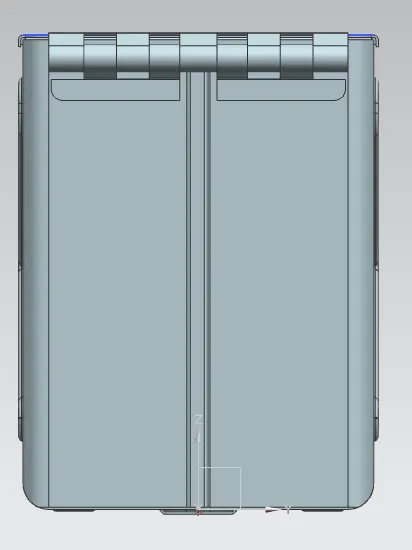
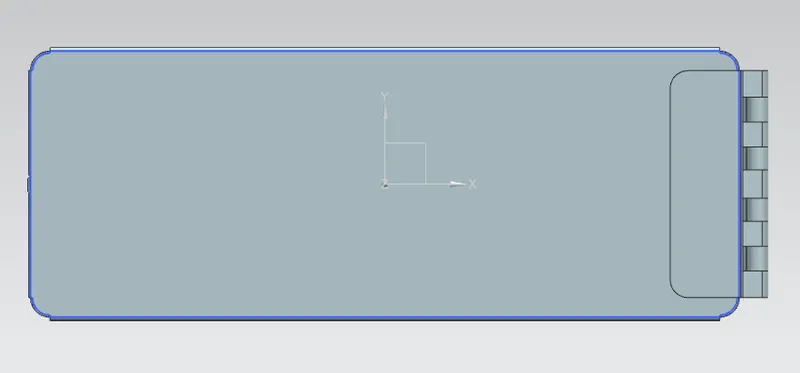
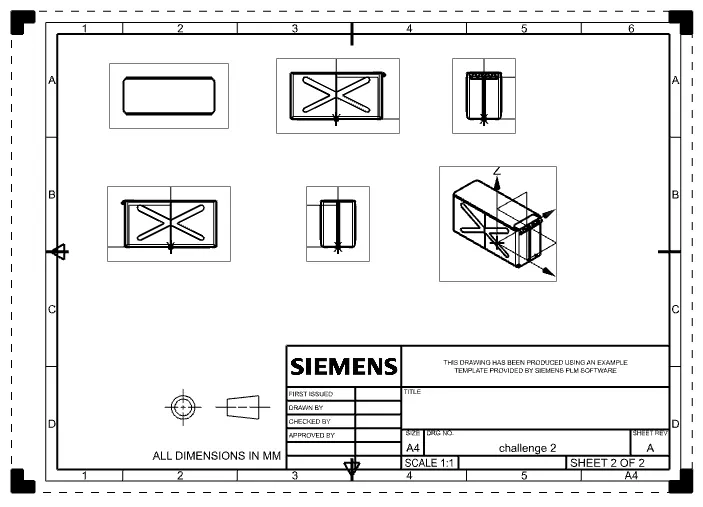
DRAFT VIEW