Week - 3 Drop test Challenge
Week - 3 Drop test Challenge
Aim: To perform drop test simulation on the given mobile model.
Given model:
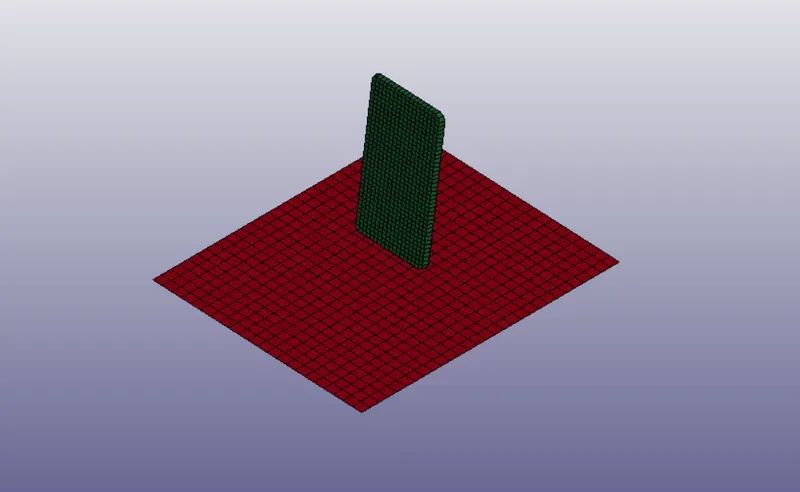
Procedure:
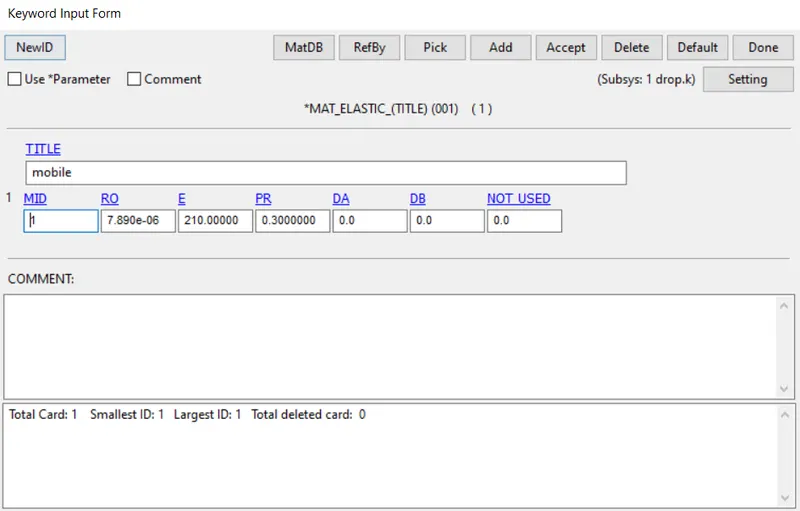
Creating material:
- To create a material card, open keyword manager >> material >> Mat 001. Enter the values as shown below and change the title to mobile.
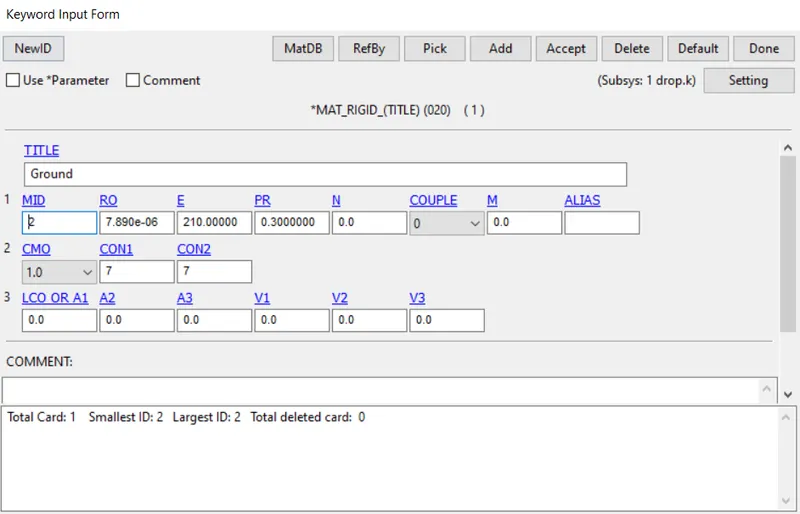
- Similarly, create another material with Mat 020 and change the title to ground.
Creating sections:
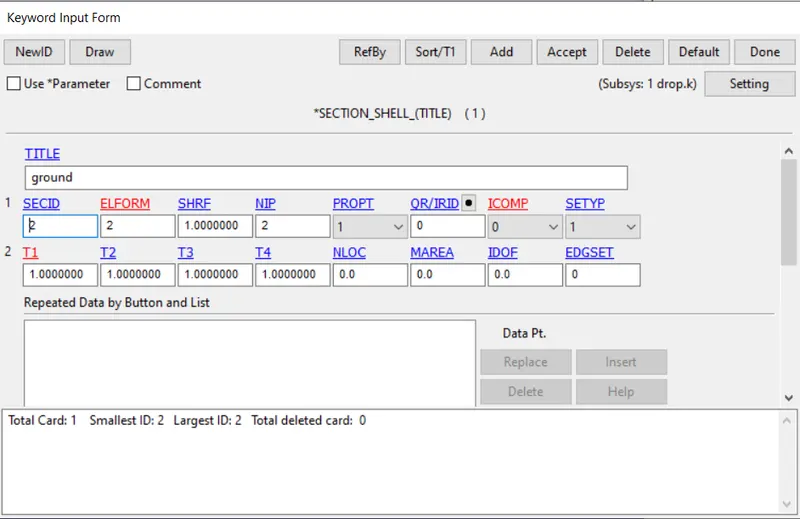
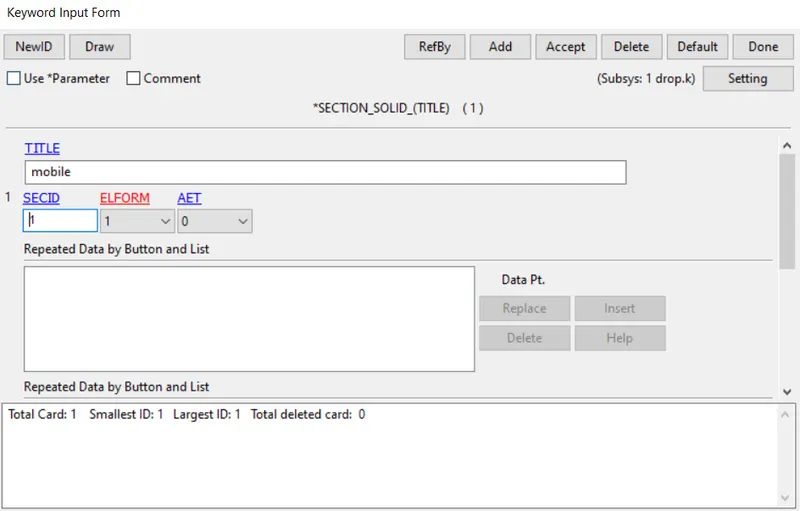
- Two section cards i.e one shell and one solid are created and shell is assigned is assigned to the ground and solid is assigned to the mobile.
Defining part:
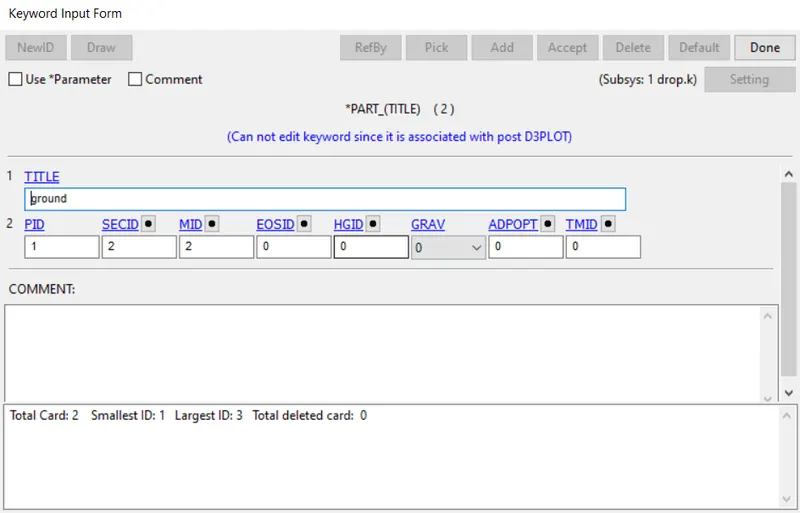
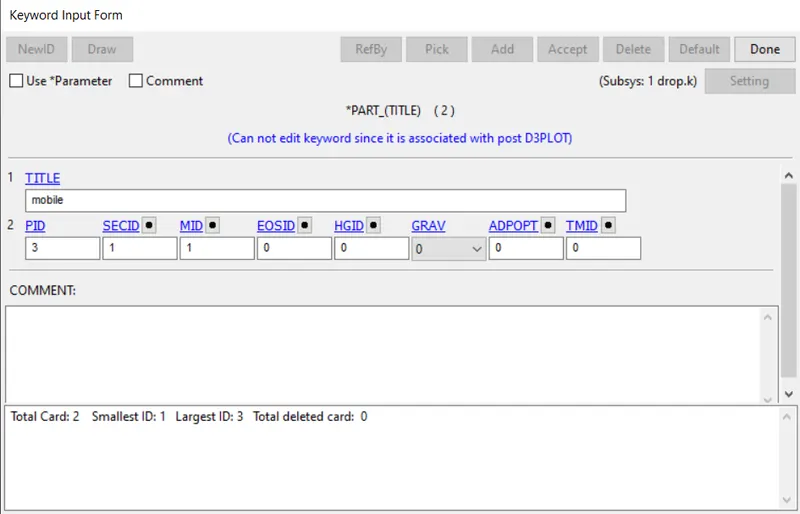
- Shell id and Material id are assigned of each component are assigned by created a part.
Defining a contact:
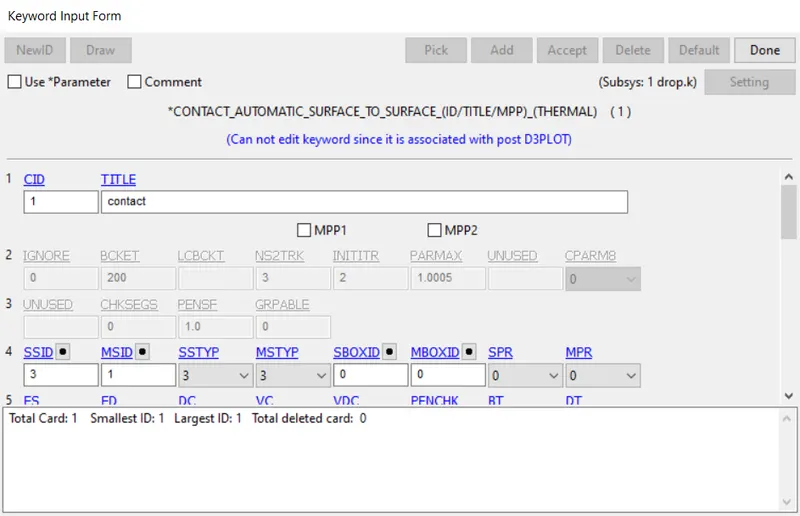
- A contact - Automatic surface to surface contact is defined between the mobile and ground.
Defining velocity:
- Velocity of -10 m/s is assigned to the mobile.
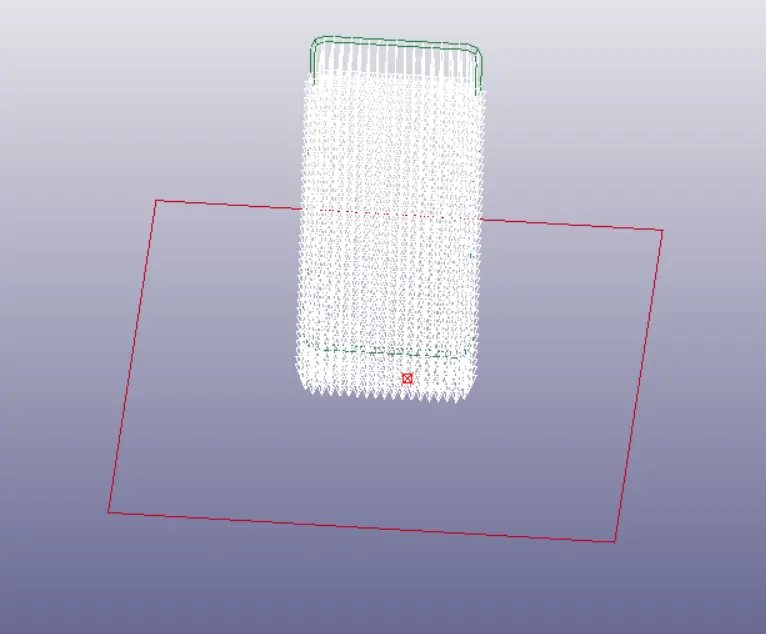
Defining Runtime:
- Control termination card is created to define the end time of the simulation.
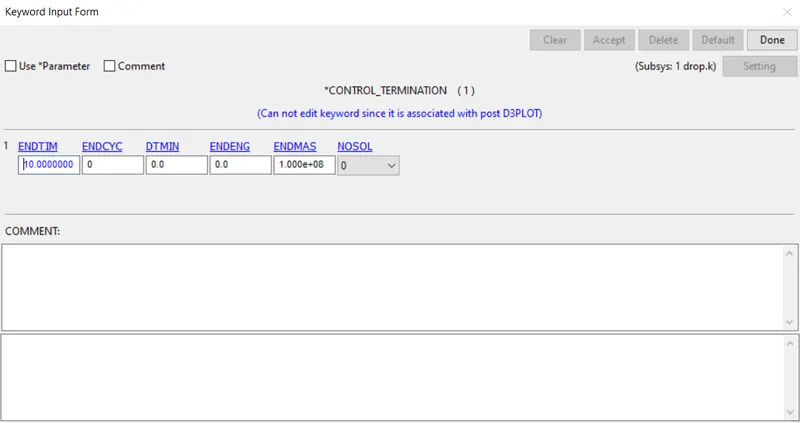
Output requests:
- To request output, Binary 3Dplot and ASCII card are created.
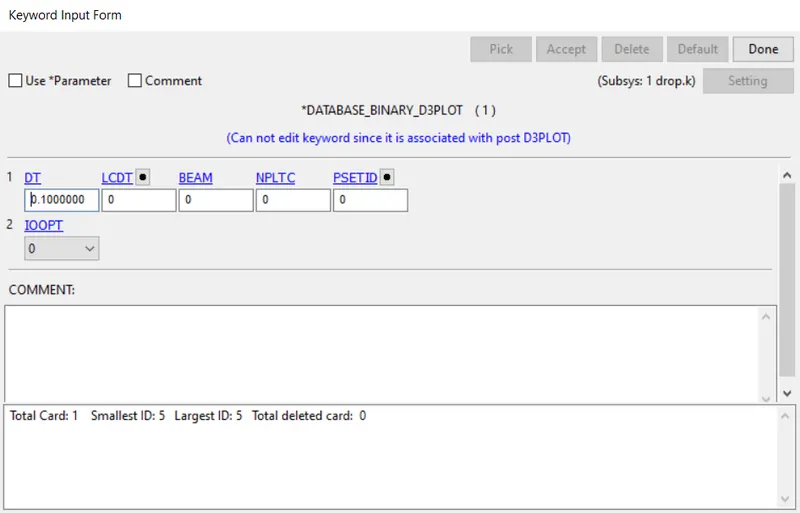
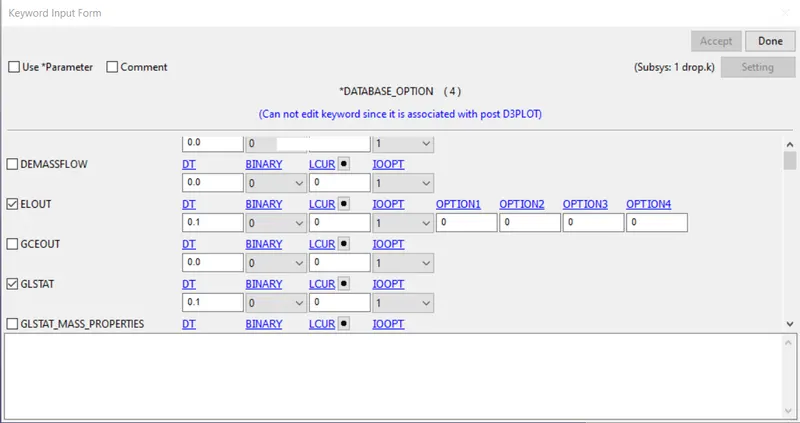
- Model check is performed, errors are rectified and run the simulation.
Results:
- To check the simulation results, open Ls- Prepost >> binary plot >> d3plot.
- To check the von mises stress and stress in z direction go to post >> fringe component >> select the respective component.
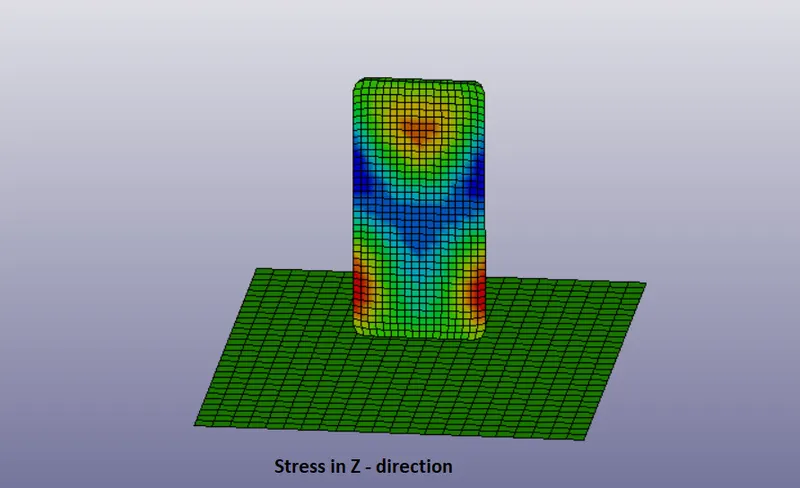
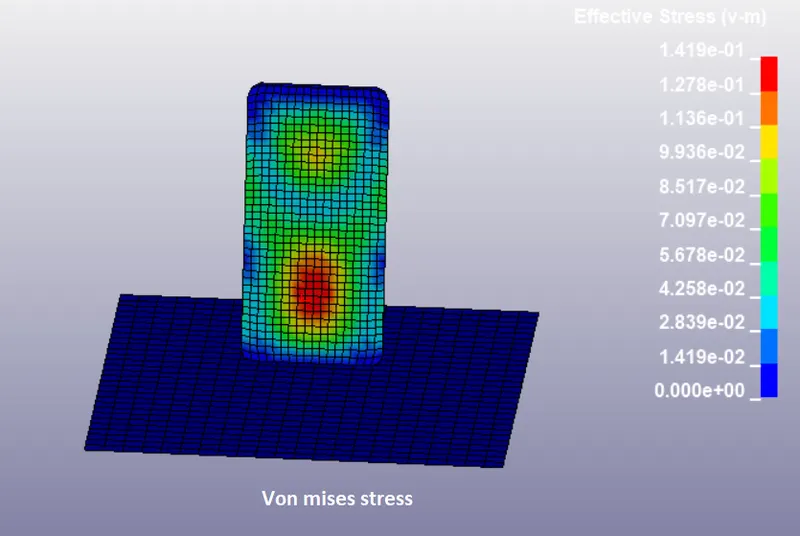
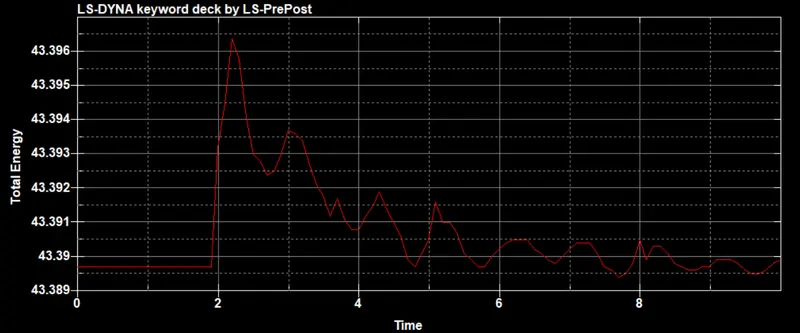
- To plot the graphs between kinetic energy, internal energy and total energy go to ASCII option and select the respective option.
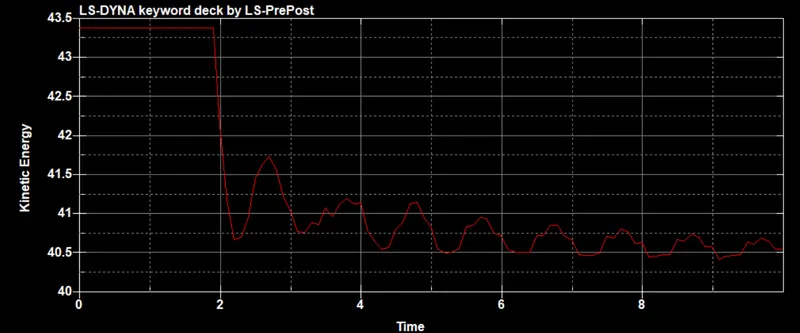
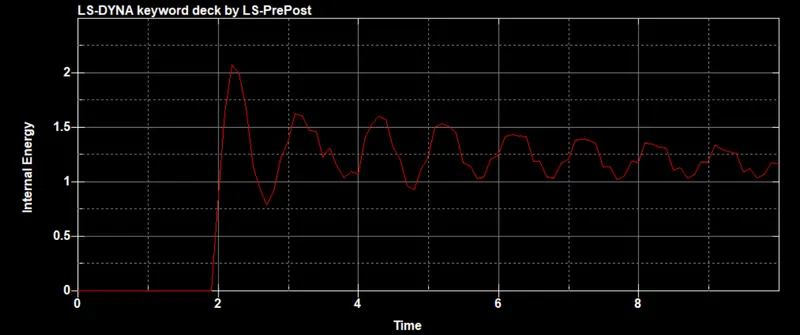
Conclusion:
- Performed drop test of a mobile phone using Ls - dyna.