Week 8
MODIFING THE GEOMETRY USING THE MORPHING TECHNIQUES
Aim: To modify the given CAD model using morphing techniques.
Software Used: BETA CAE ANSA.
Morphing:
Morphing is a technique which is used to modify the geometry without the performing the redesigning work. This will save a lot of time.
Steps Involved:
- Importing geometry and checking for errors.
- Modifying the geometry using the morphing techniques.
Procedure:
- Importing the geometry and checking for errors:
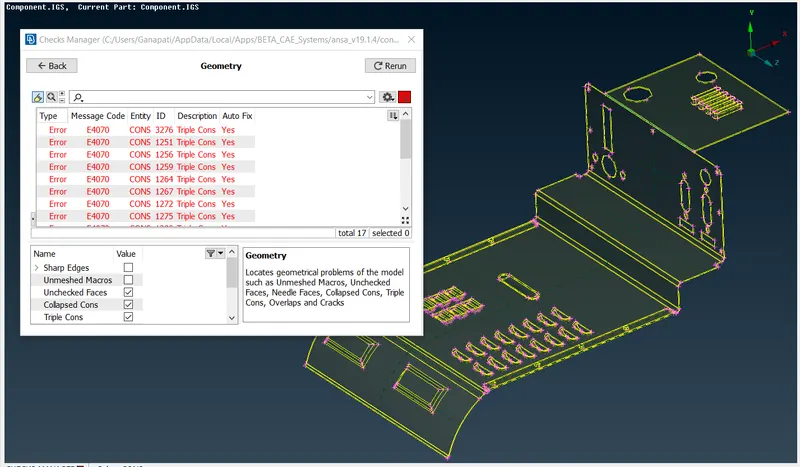
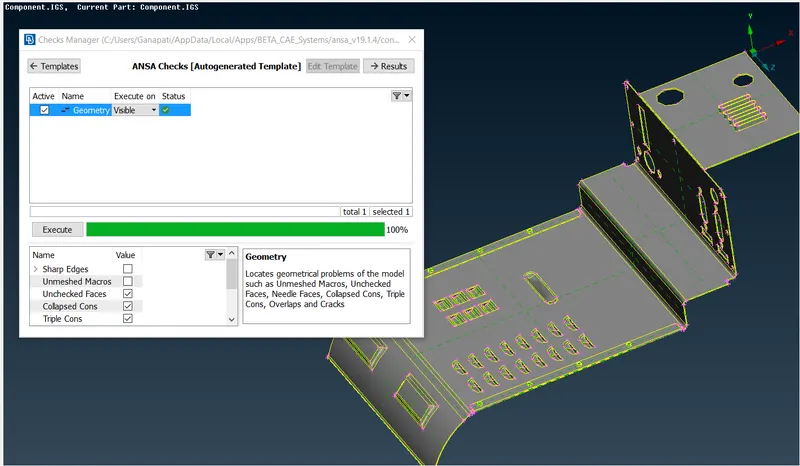
- After importing the geometry, the model is inspected for errors. To check for the following steps are followed. Select checks manager present in tool deck and select geometry and then execute.
- All the errors should be rectified either by auto fix option or manually. Once all the errors are rectified the model is ready for the morphing.
Modifying the geometry using various morphing techniques:
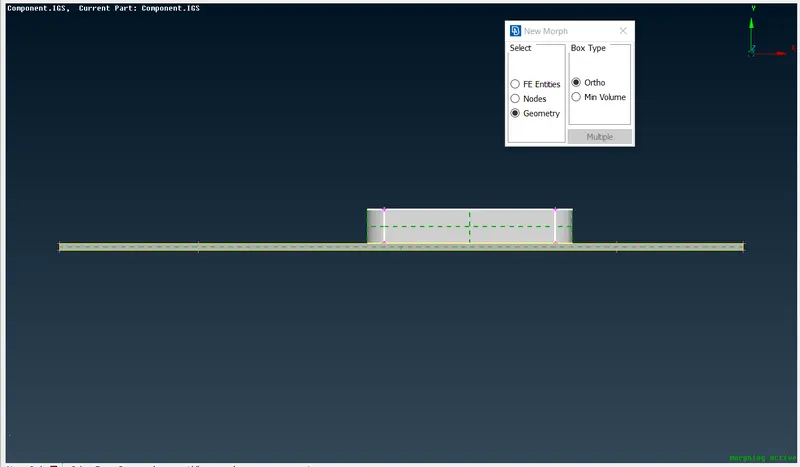
- To modify the geometry morph box should be created. To create the morph box the following steps are followed. Select new >> ortho >> geometry.
- Morphing can also be done FE instead of geometry. After selecting the geometry, the morph box is creating by middle mouse click.
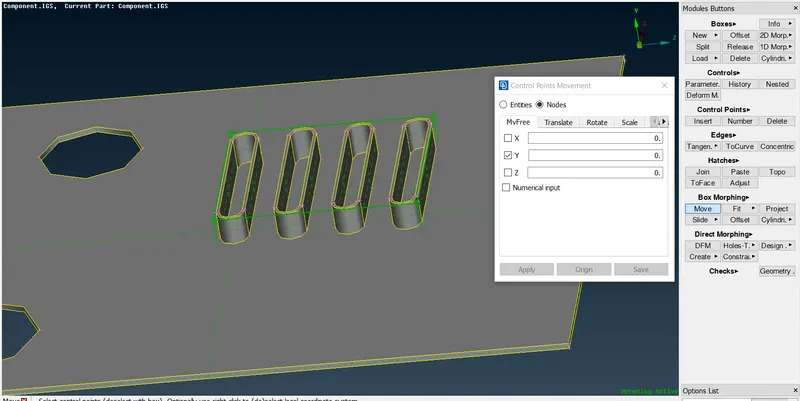
- After generating the morph box, move command present in box morphing is used. The grids on the morph box are selected and are used to modify the geometry.
- The x, y and z values are given directly or the grids can be used to morph the geometry.
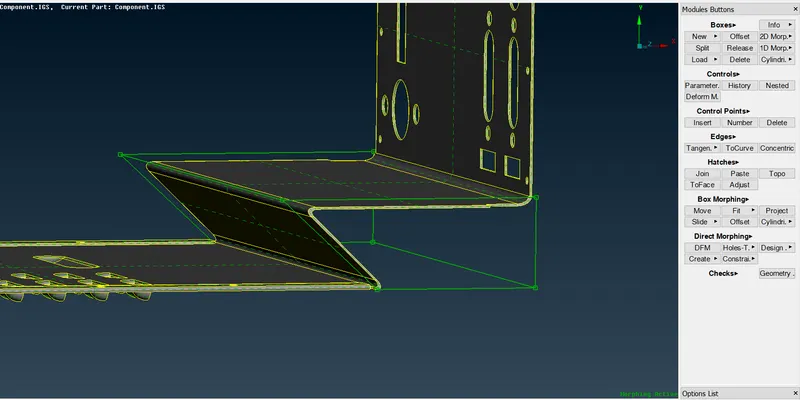
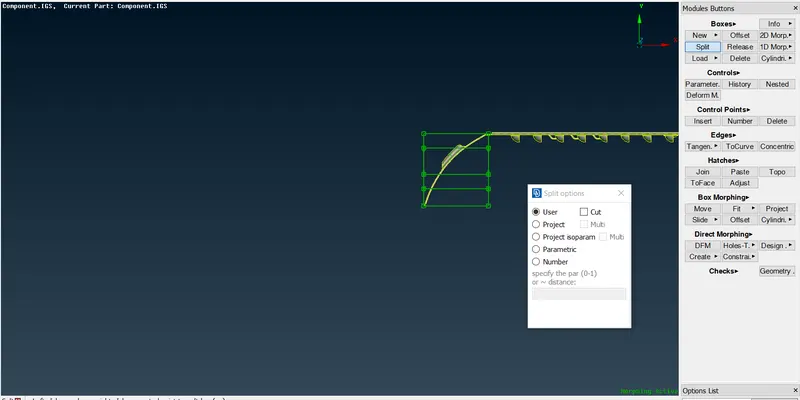
- For minor changes in the geometry, the split command be used to split the morph box.
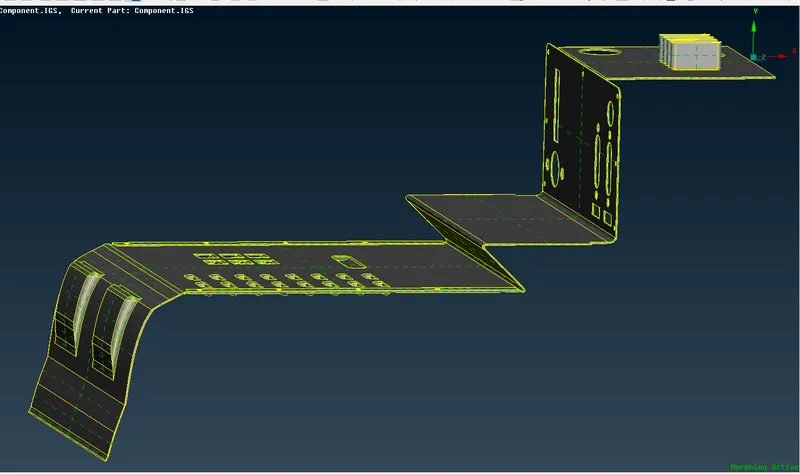
- At the end of the morphing the morph boxes can be deleted to remove the trace of morphing activities.
Learning outcomes:
- Learned how to modify the geometry or FE with the morphing techniques.
Conclusion:
For the given model geometrical checks are performed and modified using morphing techniques.