Week-6 Calculate the Stretch Ratio by comparing the ELFORM (-2,-1,1,2) with Ogden_Material Model.
Calculate the Stretch Ratio by comparing the ELFORM (-2,-1,1,2) with Ogden_Material Model
Aim: To create a Tensile load simulation using Ls-Dyna and to find the engineering stress, strain and strech ratio of the material.
Procedure:
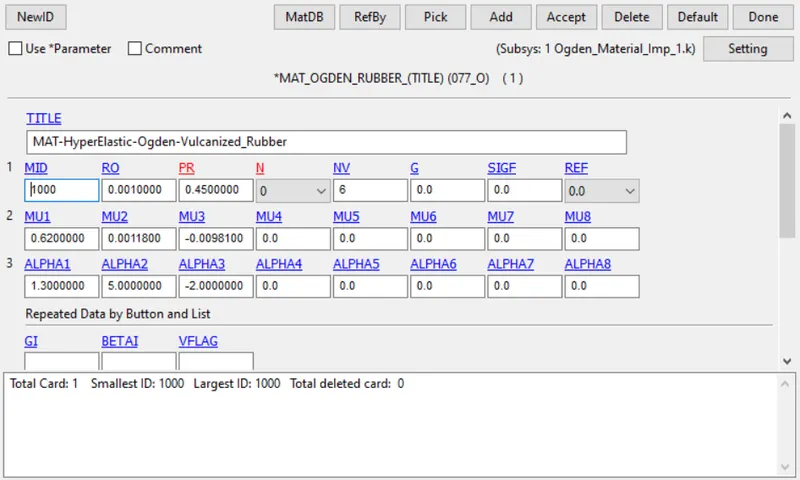
1. Open the Ogden material .k file.
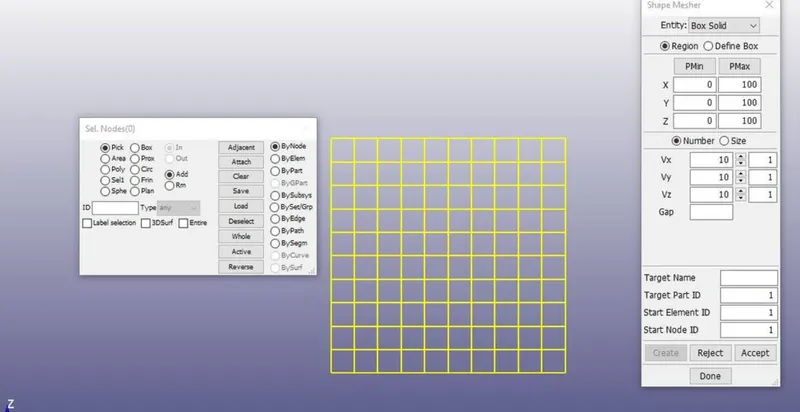
2. Create a Cube. To create a cube, go to mesh >> shapemixer >> choose box solid >> give dimensions >> accept.
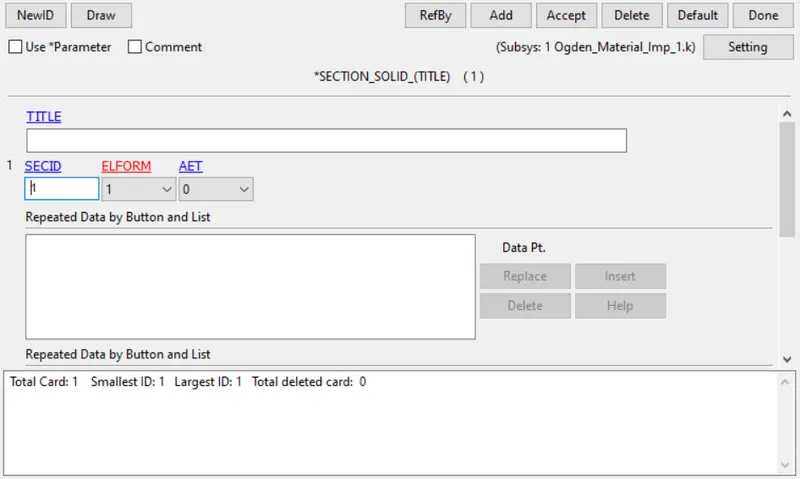
3. Create a section solid card for the cube with elform 1.
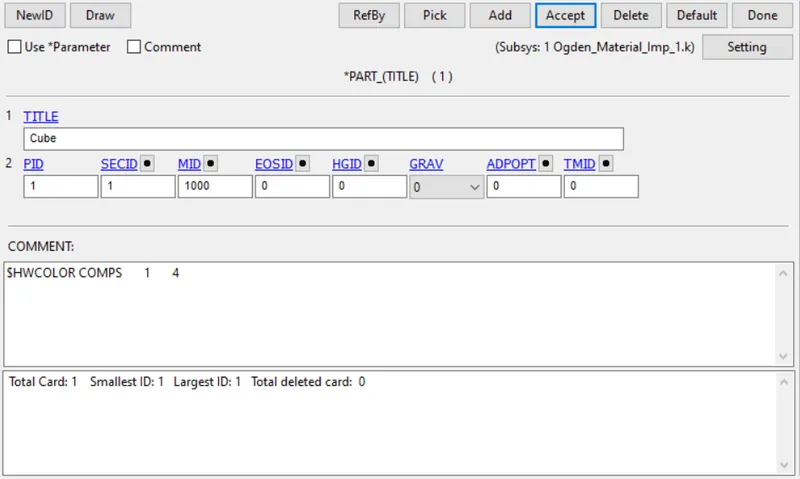
4. Assign section card and material to the cube.
5. Creating Spc: Three type of constrains are created.
1. Nodes present on one side of the cube are constrained in translation x-direction and all the rotational directions.
2. Nodes in neutral axis along y-axis are constrained in translation z-direction.
3. nodes in neutral axis along z-axis are constrained in translation y-direction.
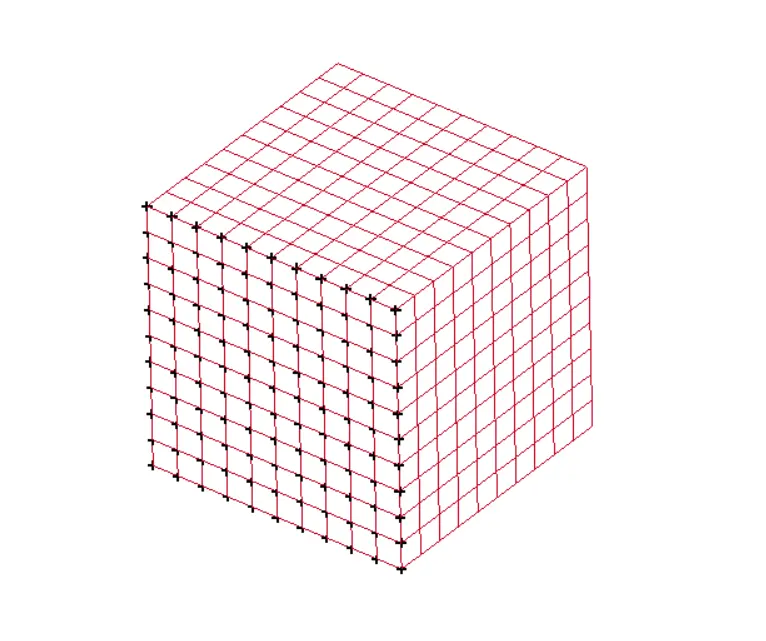
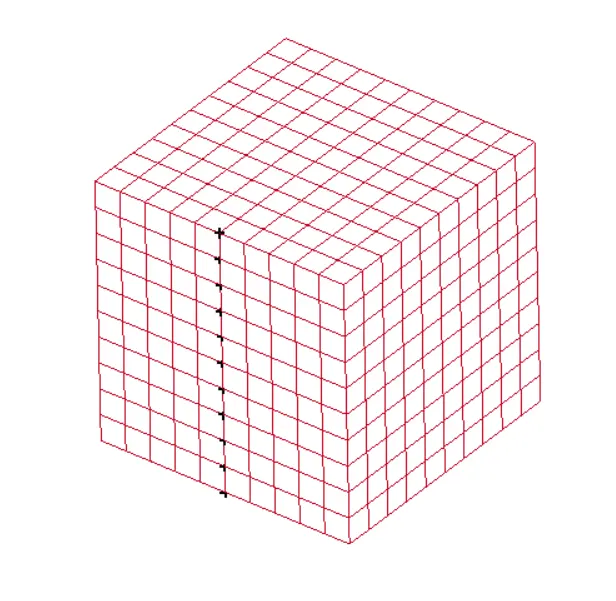
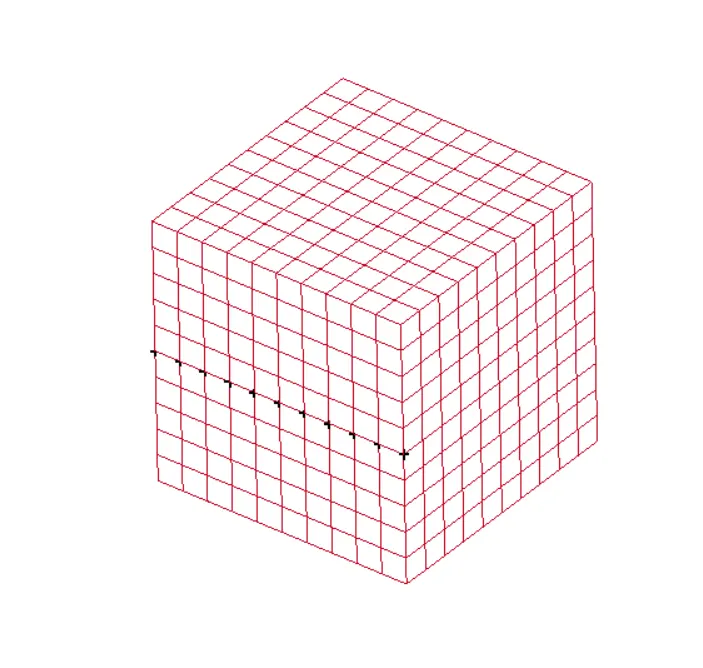
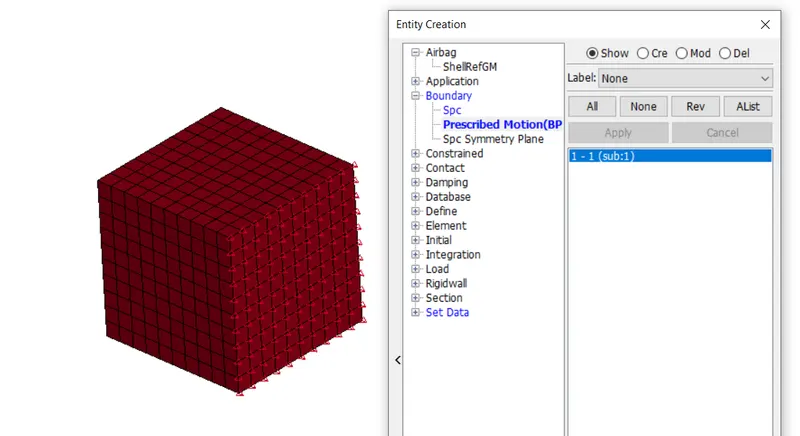
6. Creating displacement by prescribing the boundary card:
7. Creating Database cards:
1. Database_extenet_binary is created for request the true strain values.
2. Database_binary_d3plot and ascii cards are also requested.
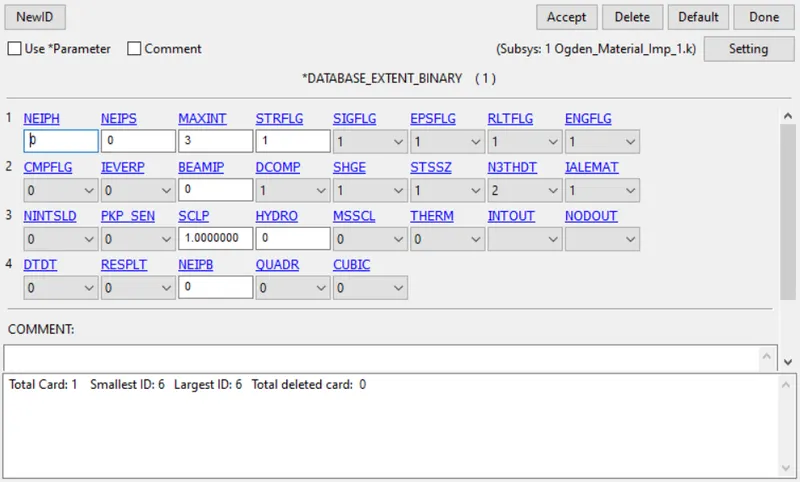
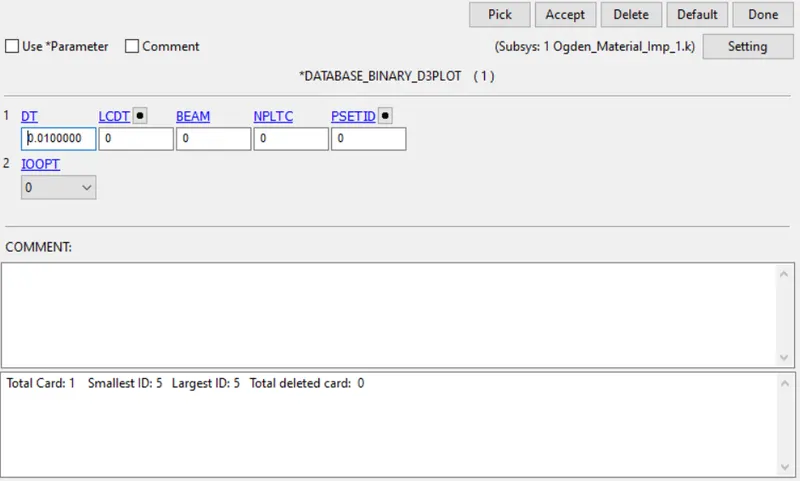
8. Defining Implicit cards: Implicit cards like Implicit auto, Implicit general, implicit solution and termination card are created.
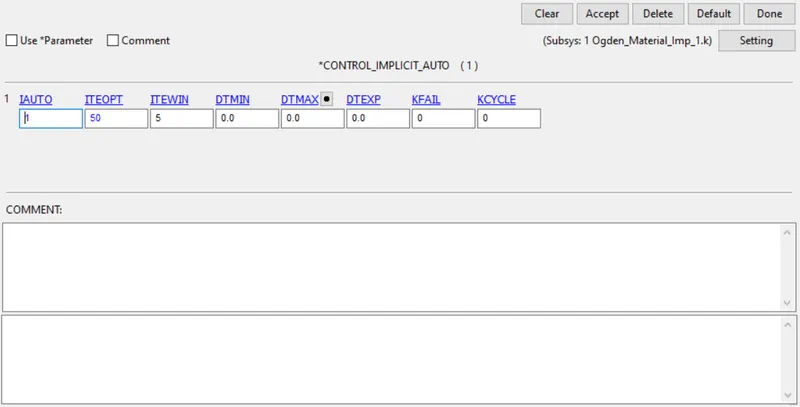
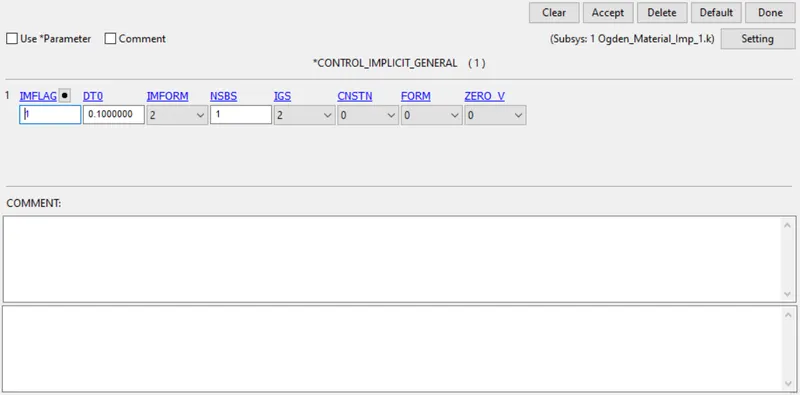
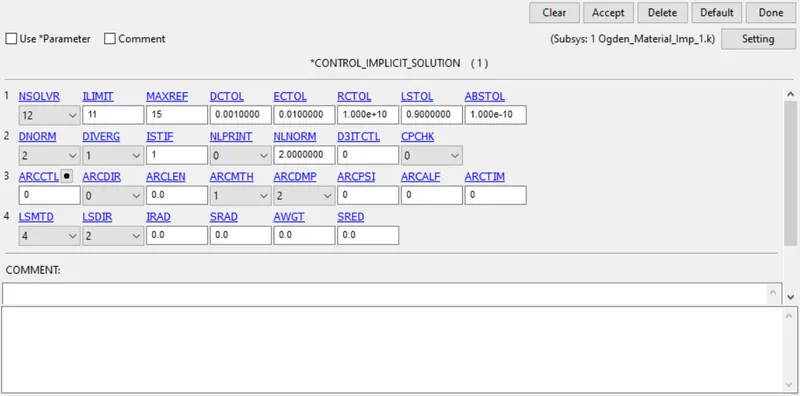
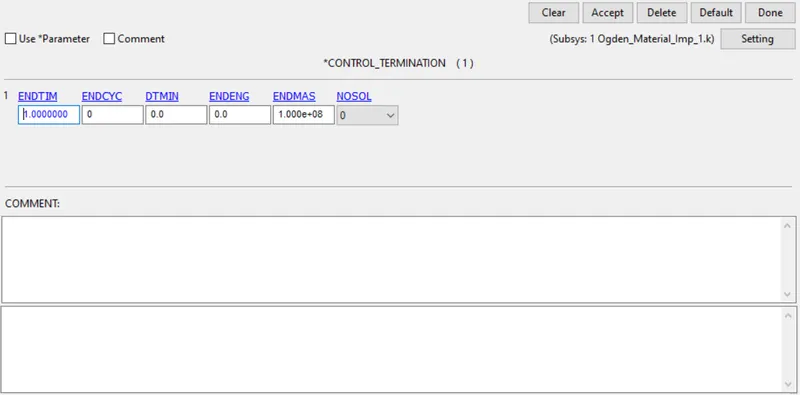
9. Now save the file and run the simulation in Ls-run.
Results:
Contour Plots:
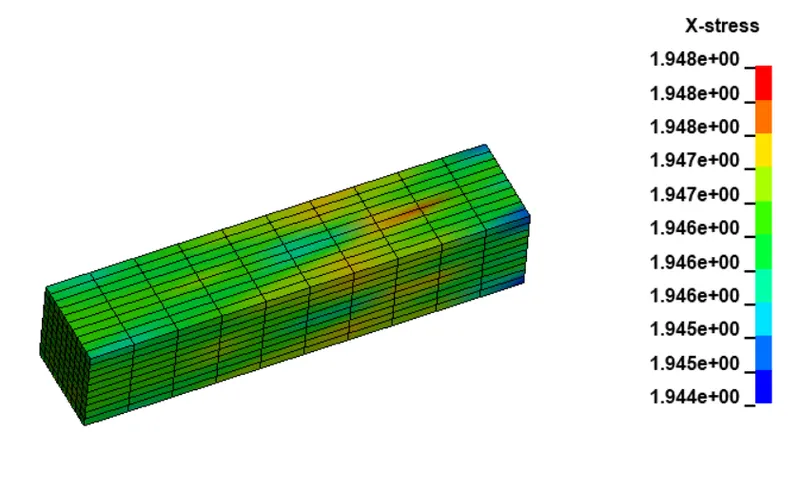
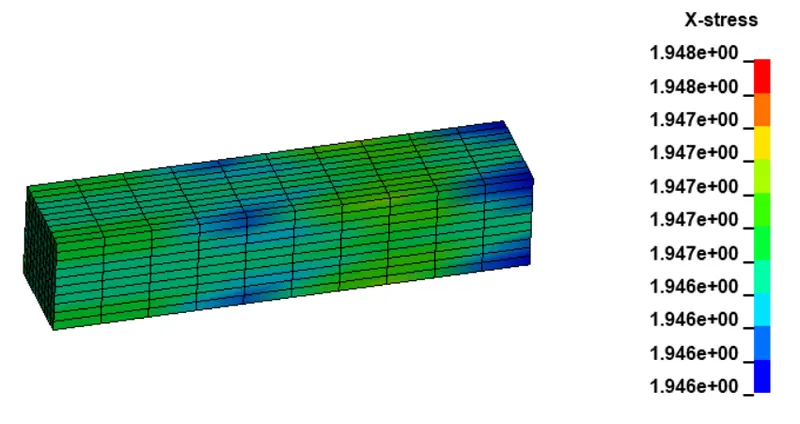
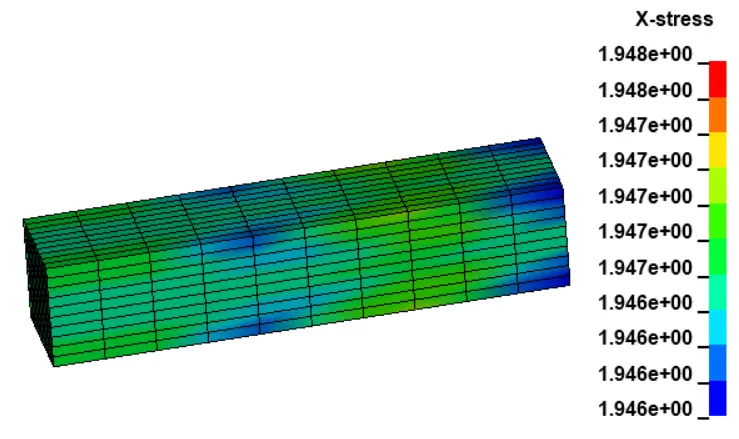
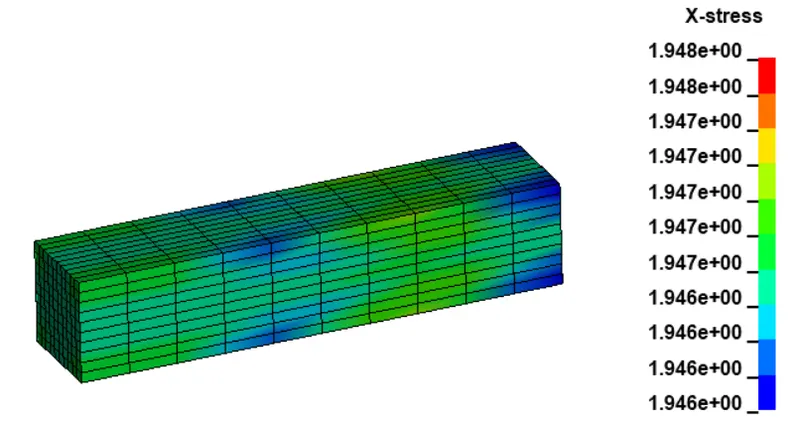
Now we extract the true stress and strain and calculate the Engineering stress and strain and then plot the graph.
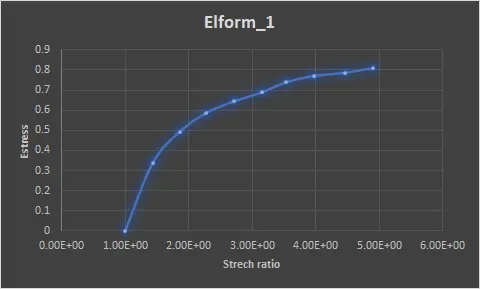
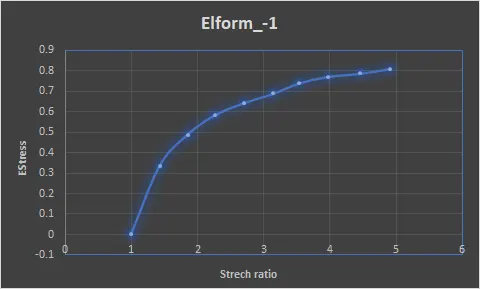
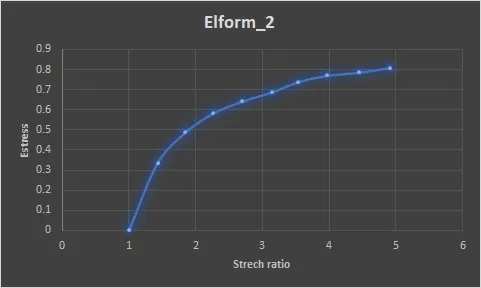
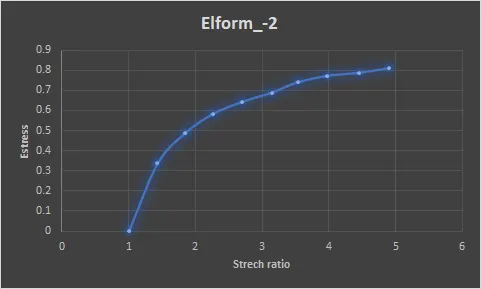
Conclusion:
Tensile load simulation using Ls-Dyna is carried out and Engineering stress and strain ratio is calculated.