week-11 Joint creation and Demonstration
Aim: To create different joints such as revolute, cylindrical, spherical and translational using ls dyna.
Procedure:
Creating Revolute Joint:
Revolute joint is one degree of freedo kinematic pair mostly used in mechanism and machines.
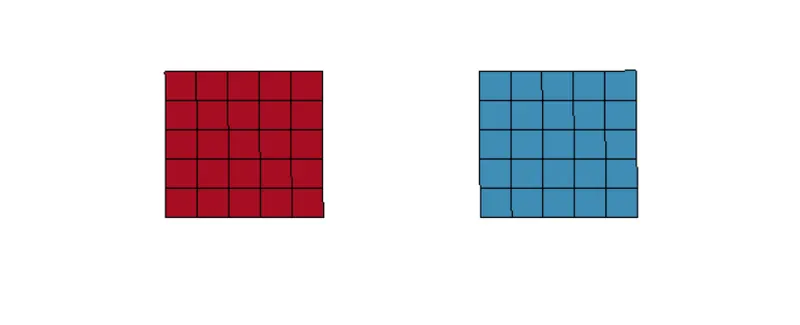
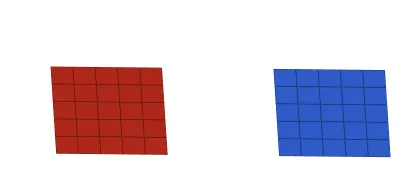
- To create revolute joint, open ls prepost and create shell mesh. Go to mesh >> shape mesh >> Entity: 4Nshell >> Create.
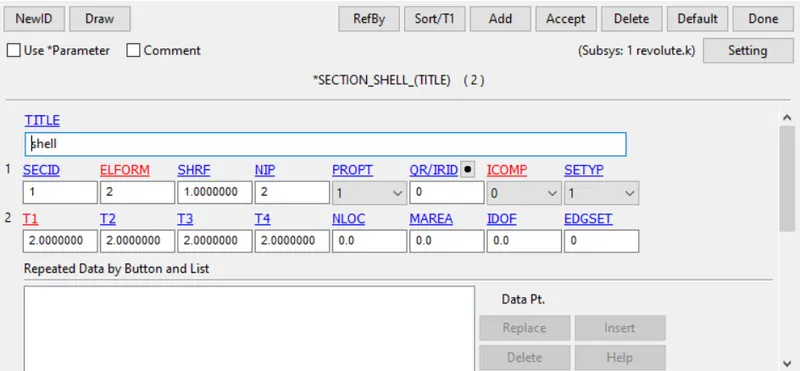
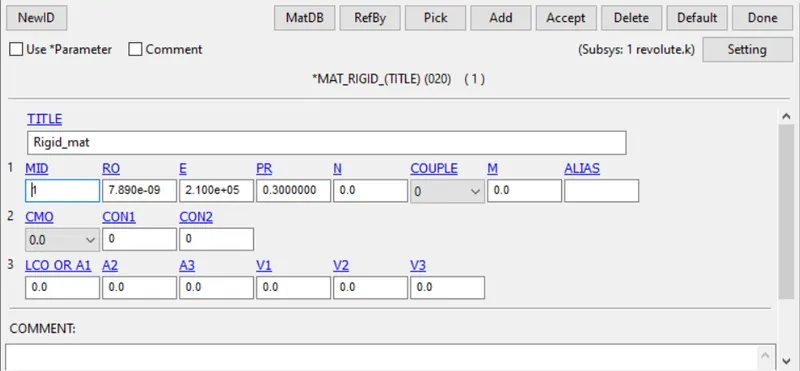
- Material and section is to be defined and assigned to the above parts.
- Create 4 nodes between the two parts and renumber in such a way 501,503 coincides and 502,504 coincides.
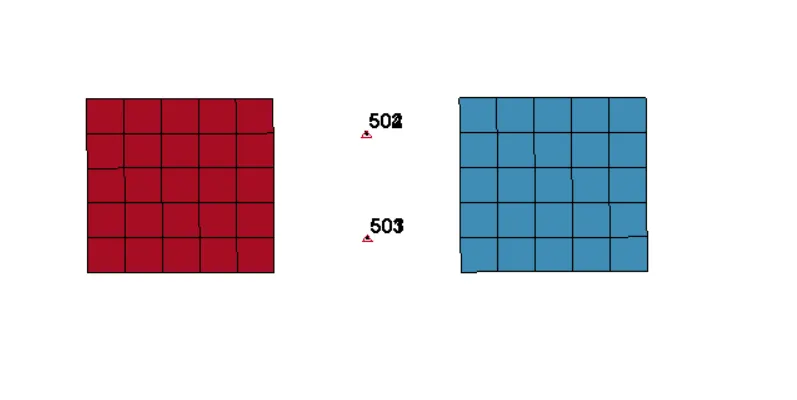
- Now create extra node set and assign the nodes 501, 502 to part 1 and 503,504 to part 2.
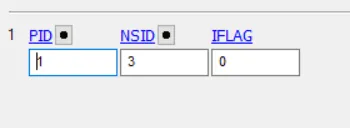
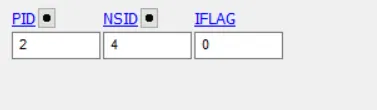
- Constrainig the nodes of one end of the shell mesh.
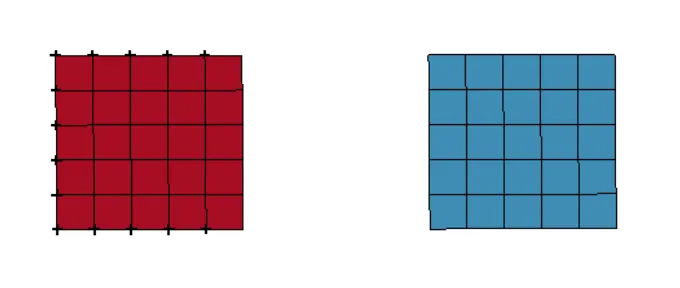
- Assigning boundary conditions to the shell.

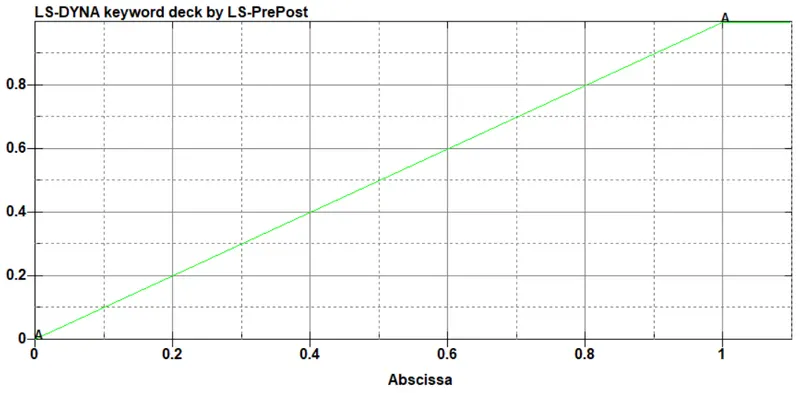
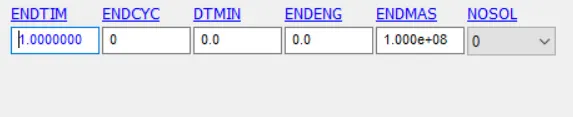
- Assigning run time.
- Run the analysis.
Results:
Creating Spherical Joint:
A spherical joint is used for allowing free rotation of in two planes at the same time.
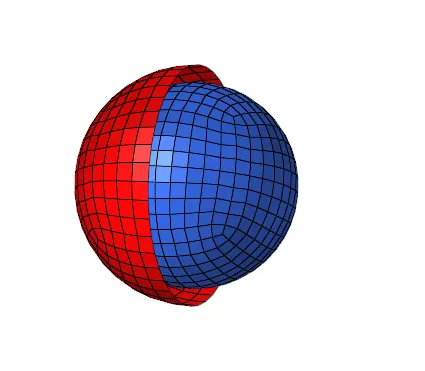
- To create a Spherical joint, create a one sphere and one hemi sphere with larger diameter using the shape mesh option present in element tools.
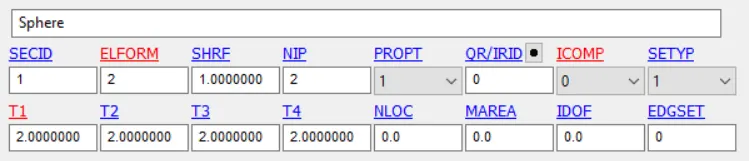
- Creating section and materials cards and assign it to the respective parts.

- Creating CNRB set at the outer edge for the hemi sphere and for entire nodes for sphere.
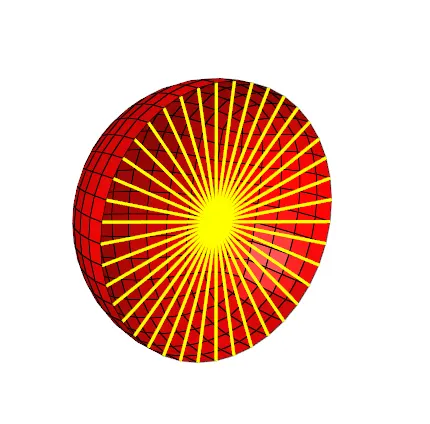
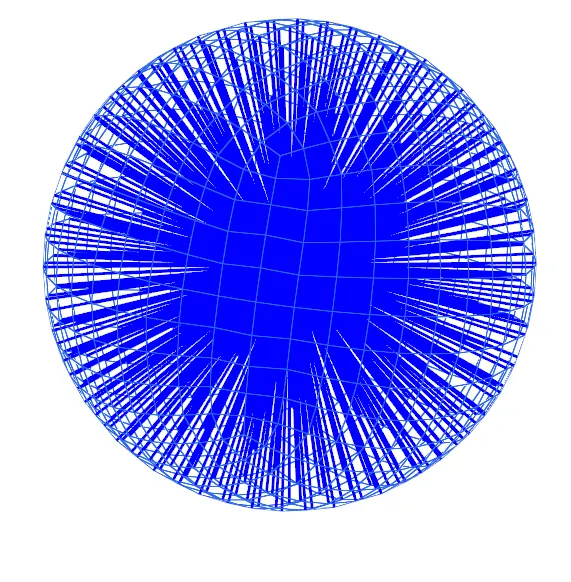
- Creating Spc set.
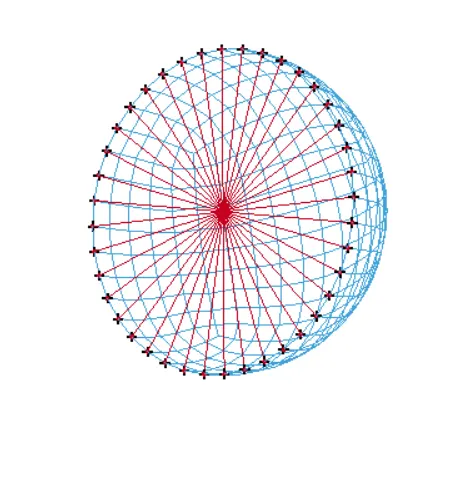
- Creating displacement for the sphere.
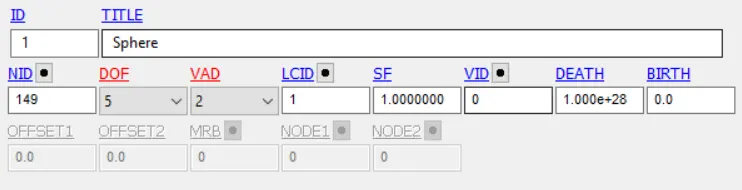
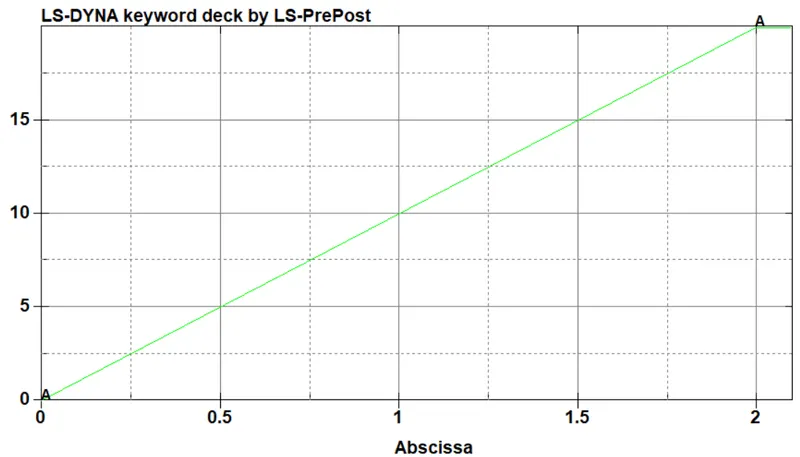
- Creating Spherical Joint.

- Creating run time.

- Save the model and run the simulation.
Results:
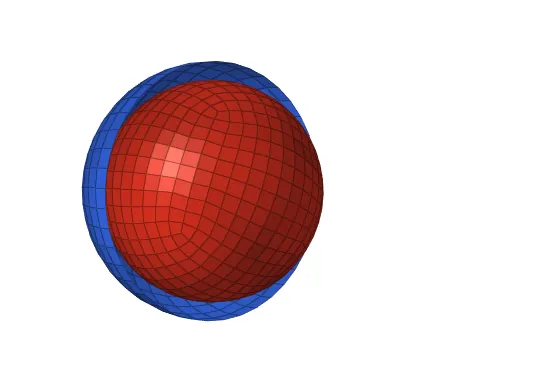
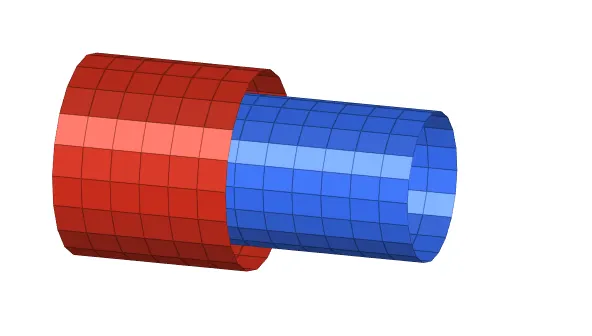
Creating Cylindrical Joint:
A cylindrical joint is two degree of freedom kinematic pair used in mechanisms. It provide single axis sliding motion and rotates along it's own axis.
- To create a cylindrical joint, go to element tool >> shape mesh >> cylinder.
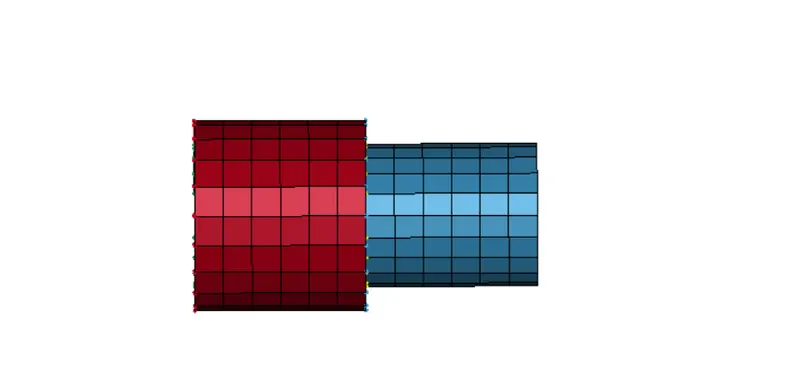
- Creating material and section cards for the cylinders and assigining to the parts.
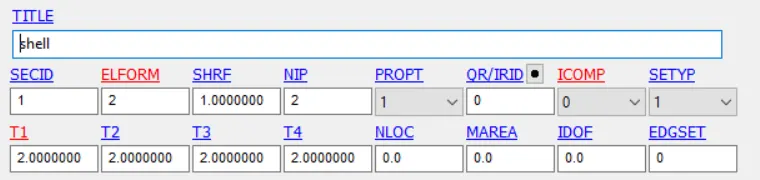

- Creating CNRB at the outer edge of the cylinder.
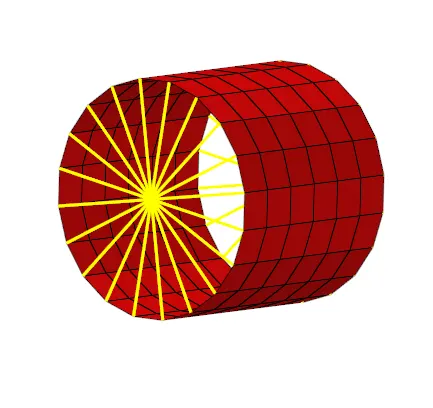
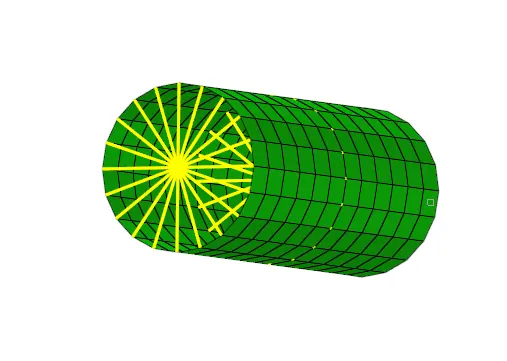
- Creating Cylindrical joint.

- Creating Spc set.
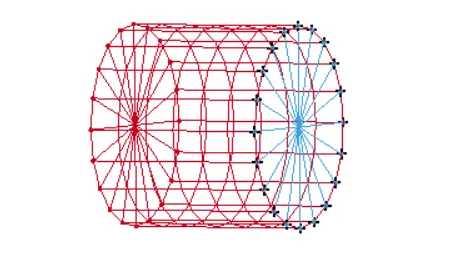
- Assigning the displacement to the cylinder.

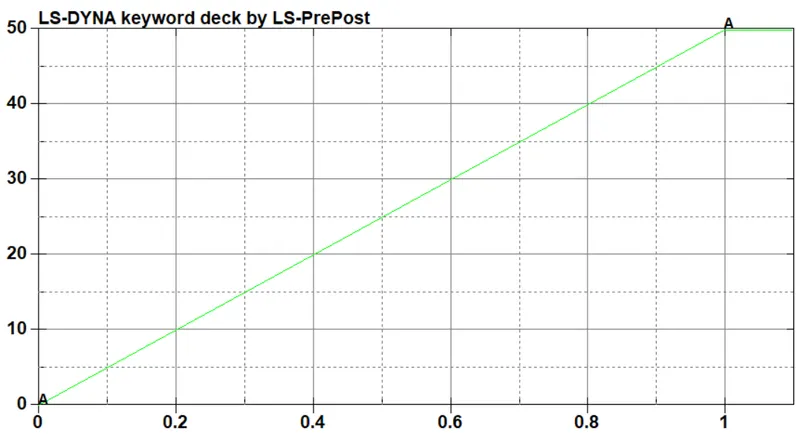
- Creating the run time for the simulation.

- Save the model and run the simulation.
Results:
Creating Translational joint:
A translate joint has one degree of freedom which is sliding moment between the bodies along its own axis.
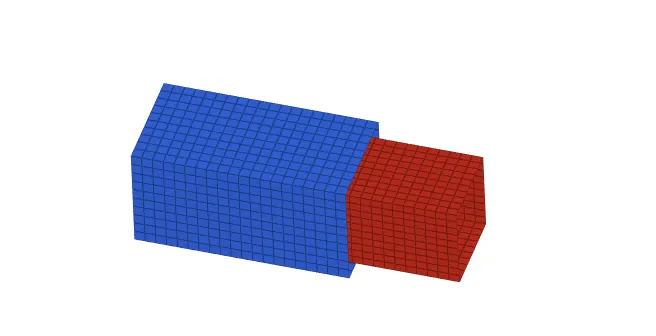
- To create a translational joint, go to element tools >> shape mesh >> shell box.
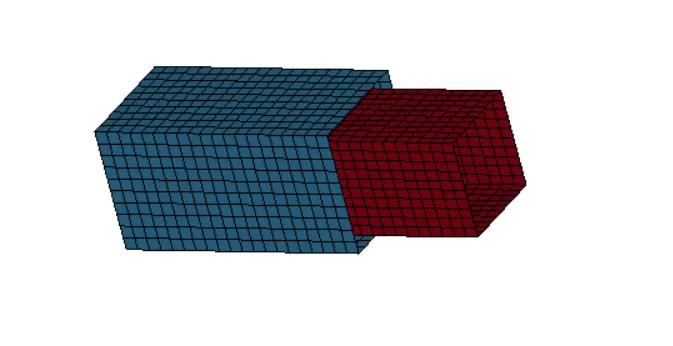
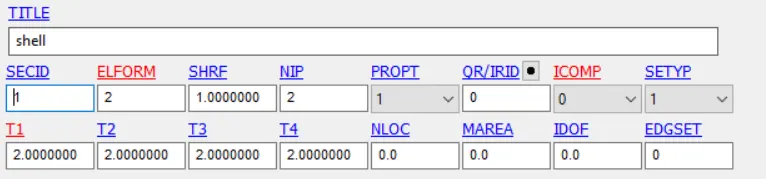
- Creating section and material card and assiging to the parts.

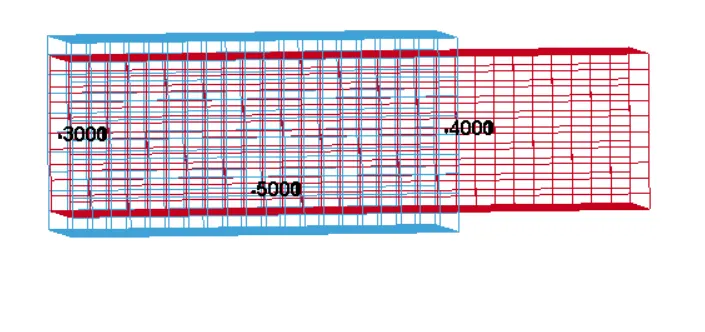
- Six nodes are created to define the translation joint. Nodes are renumbered into 3000, 3001, 4000, 4001, 5000 and 5001.
- Creating Spc set.
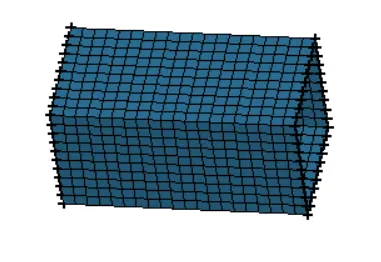
- Creating Extra node set for nodes with id 3000, 3001, 4000, 4001, 5000 and 5001. Assiging 3000, 4000 and 5000 nodes to part 1 and 3001, 4001 and 5001 to the part 2.
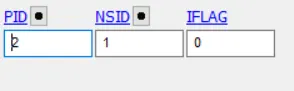
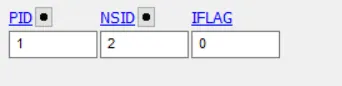
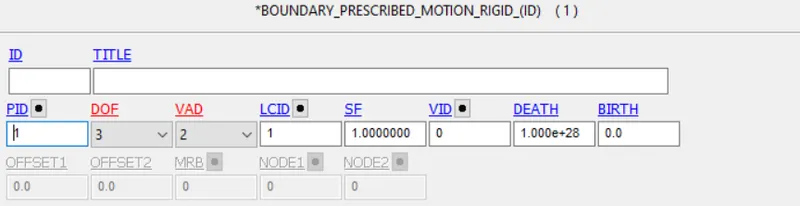
- Assigning rigid body motion.
- Creating timestep card for more stability.

- Assigning run time for the simulation.

- Save the model and run the simulation.
Results:
Conclusion:
- Different kind of joints are created between two rigid bodies and two deformable bodies.
- If a joint is created between two rigid bodies then Extra Node Set is used and for deformable bodies Constrained Nodal Rigid Bodies are used.