Week 9-Creation of 1D Connectors Challenge
CREATION OF 1D ELEMENTS OR CONNECTORS
Aim: To mesh the geometry and create the connections between the components.
Given model:
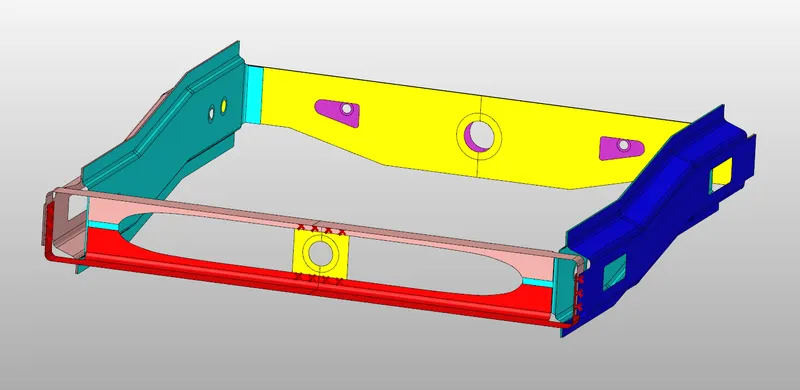
Steps Involved:
- Importing geometry and cleanup.
- Meshing the geometry with in the given quality criteria.
- Creating connections between the components.
Quality Criteria:
|
S.no |
Quality criteria |
Value |
|
1. |
Target element length |
5 |
|
2. |
Aspect ratio |
5 |
|
3. |
Skewness |
45 |
|
4. |
Warping |
15 |
|
5. |
Taper |
0.5 |
|
6. |
Min. Length |
2 |
|
7. |
Max. Length |
8 |
|
8. |
Min angle quad |
45 |
|
9. |
Max angle quad |
135 |
|
10. |
Min angle tria |
30 |
|
11. |
Max angle tria |
110 |
|
12. |
Tria % |
15 |
Connections created between components:
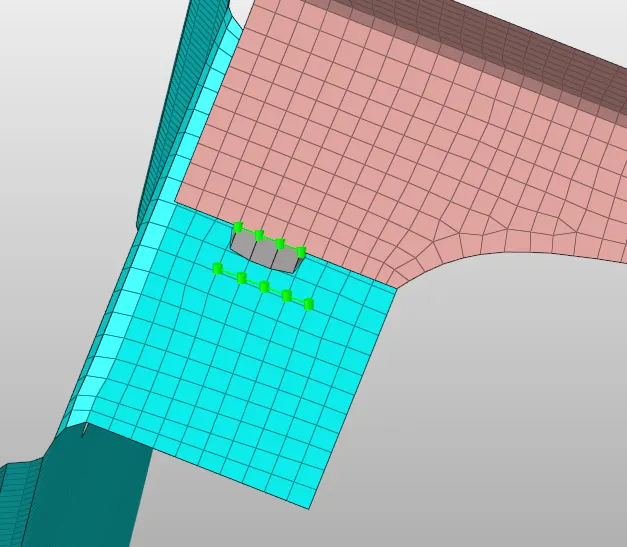
- Right rail 2 & Front truss 1: Seam-Quad (angled+capped+L).
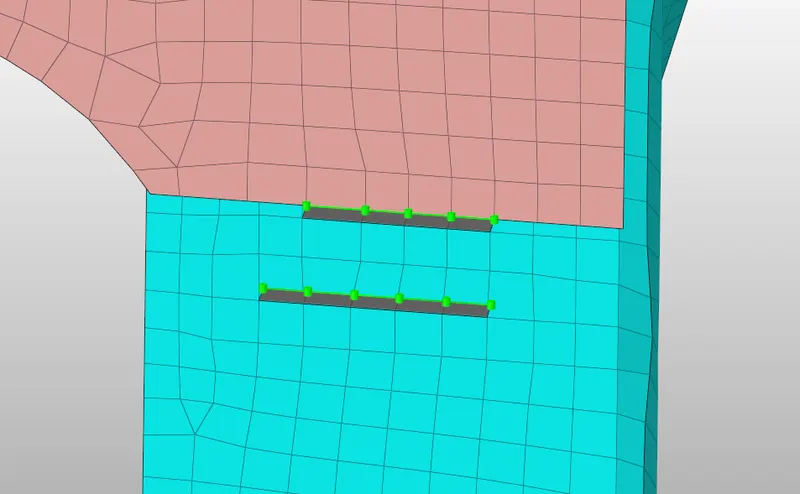
- Left rail 2 & Front truss 1: Quad elements.
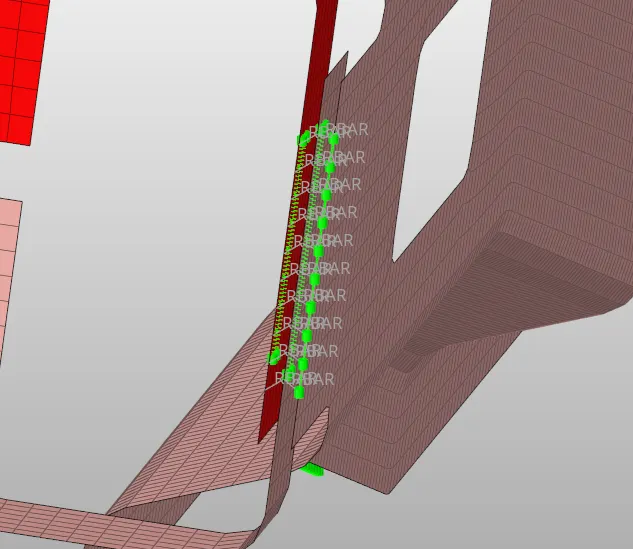
- Front truss 2, Front truss 1 and right rail 1: Spot weld with 3 layers and 5mm diameter.
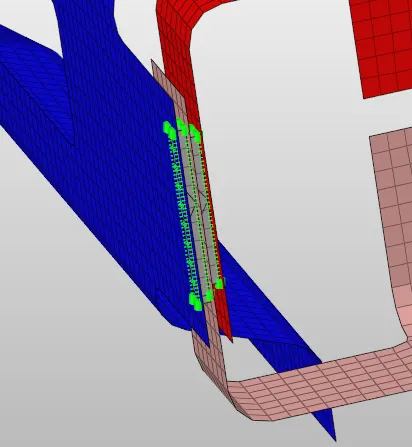
- Front truss 2, Front truss 1 and left rail 1: Hexa (adhesive).
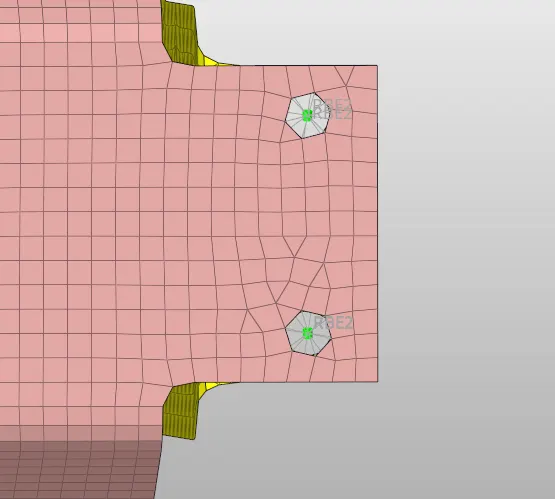
- Rear truss 2 and Right rail 2: Bolt connector.
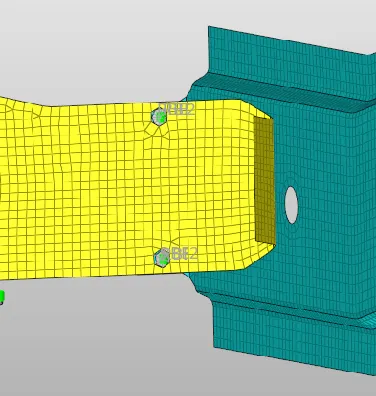
- Rear truss 2 and left rail 2: Bolt connector.
- Right Rail 1 and right rail 2: Spot weld with rigid elements.
- Left rail 1 and left rail 2: Spot weld with Spring elements.
- Rest all components with suitable connectors.
Procedure:
- Importing geometry and cleanup:
- To import the geometry, go to file >> Import >> select the file >> Import.
- After importing the geometry, the geometry is checked for any missing surfaces or triple cons. If there are no errors present in the geometry then the geometry is ready for the mid-surface extraction.
- Meshing the geometry with in the quality criteria:
- To generate mesh, go to 2D >> auto mesh >> select the surface >> mesh. To edit the mesh for proper flow, the elements are selected and meshed again.
- If any elements are failing for quality then cleanup tools option which is present in quality index can be used.
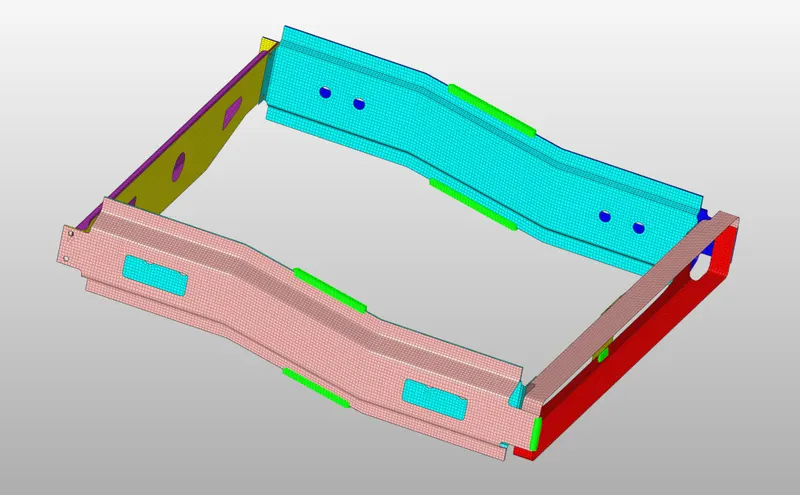
3. Creating connections between the components:
- Right rail 2 & Front truss 1: Seam-Quad (angled + capped + L):
To create the seam- quad connection, go to connectors >> seam >> node list >> enter spacing value >> select components >> tolerance >> select type as seam-quad (angled + capped + L) >> create.
- Left rail 2 & front truss 1: Quad elements:
To create quad element connection, go to connectors >> go to connectors >> seam >> node list >> enter spacing value >> select components >> tolerance >> select type as Quad >> create.
- Front truss 2, Front truss 1 and right rail 1: spot weld with 3 layers and 5mm diameter:
To create spot weld connection, go to connectors >> spot >> node list >> enter spacing value >> select components >> select number of layers >> tolerance >> enter diameter >> select type as weld >> create.
- Front truss 2, front truss 1 and left rail 1: Hexa (adhesive):
To create Hexa adhesive connection, go to connectors >> area >> elements >> select components >> tolerance >> select type as adhesives >> create.
- Rear truss 2 and right rail 2: Bolt connection:
To create bolt connection, go to connectors >> bolt >> nodes >> select components >> select number of layers >> tolerance >> select type as bolt general >> create hole, if none >> create.
- Rear truss 2 and left rail 2: Bolt connection:
To create bolt connection, go to connectors >> bolt >> nodes >> select components >> select number of layers >> tolerance >> select type as bolt general >> create hole, if none >> create.
- Right rail 1 and right rail 2: spot weld with rigid elements:
To create spot weld connection, go to connectors >> spot >> node list >> enter spacing value >> select components >> select number of layers >> tolerance >> enter diameter >> select type as rigid >> create.
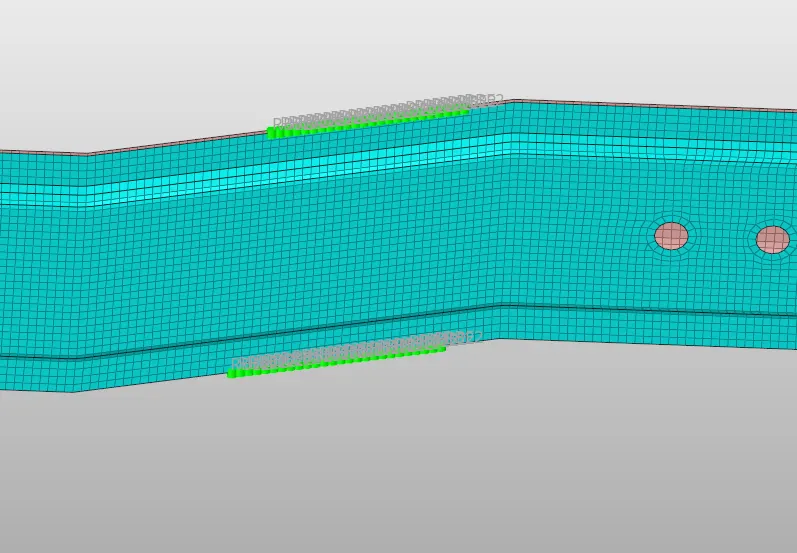
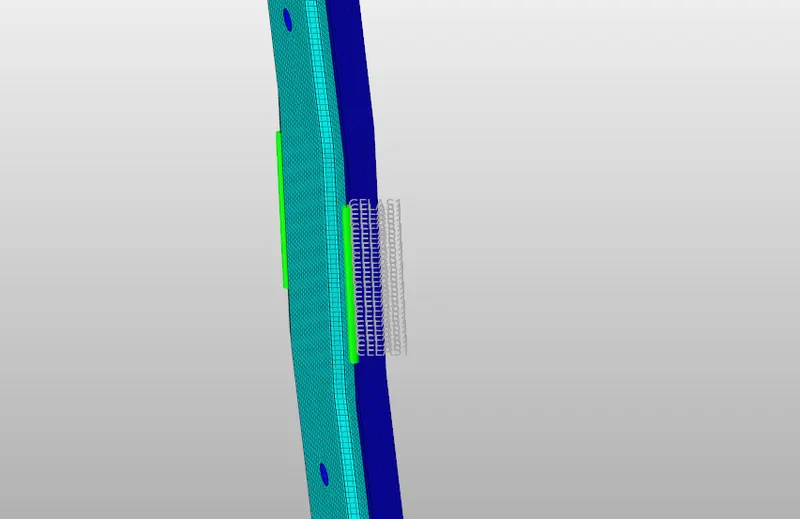
- Left rail 1 and left rail 2: spot weld with spring elements:
To create spot weld connection, go to connectors >> spot >> node list >> enter spacing value >> select components >> select number of layers >> tolerance >> enter diameter >> select type as spring >> create.
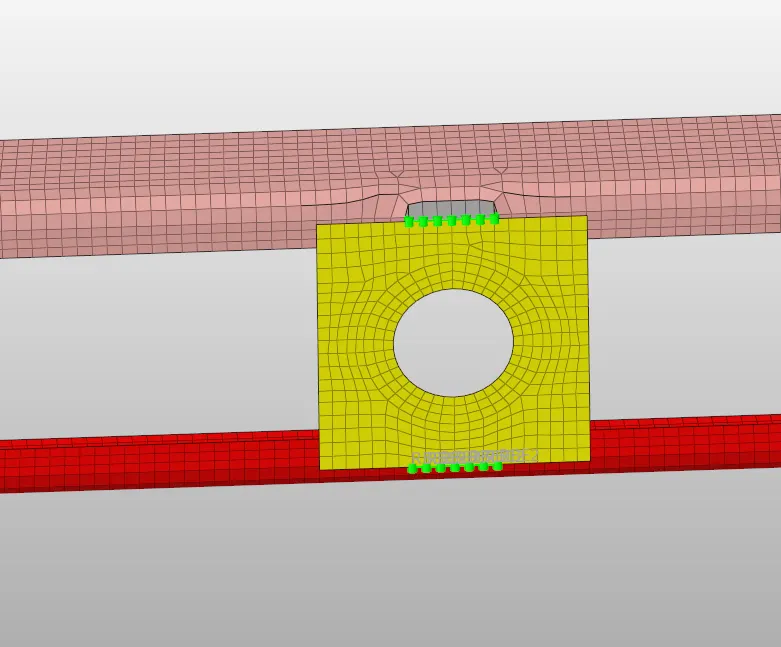
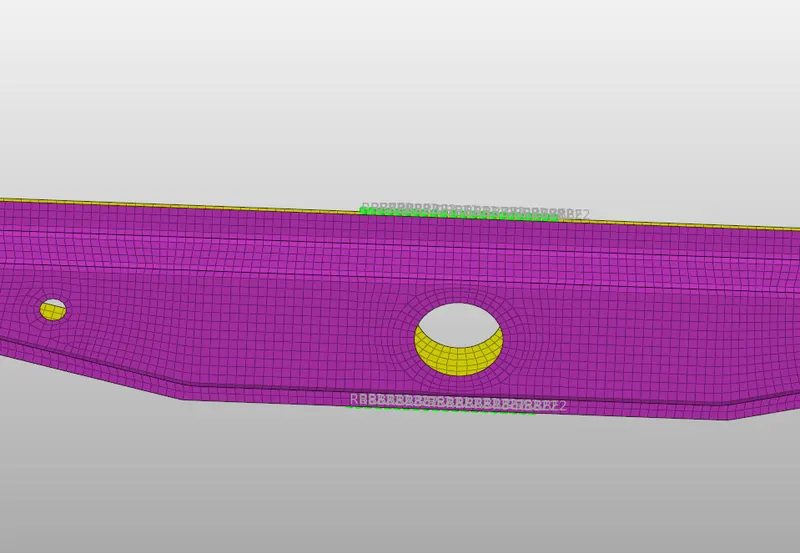
- Remaining components are connected used suitable connectors as shown in the figure below.
Conclusion: For the given geometry, mesh is generated and components are connected using suitable connectors.