Week 12:Project 2-Meshing of Rear Wheel Holder challenge
MESHING OF REAR WHEEL HOLDER
Aim: To extract mid-surface and mesh the rear wheel (floor panel) model with in the given quality criteria.
Given Model:
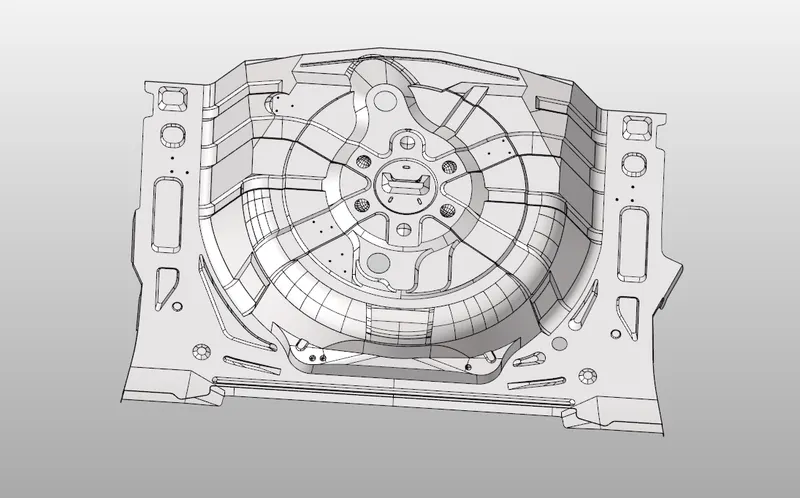
Procedure:
- Importing geometry and cleanup.
- Extracting the mid-surface and assigning property.
- Meshing the geometry within the given quality criteria.
Quality Criteria:
|
S. No |
Quality Criteria |
Value |
|
1. |
Target element Length |
5 |
|
2. |
Min length |
2 |
|
3. |
Max length |
8 |
|
4. |
Skewness |
45 |
|
5. |
Warping |
15 |
|
6. |
Taper |
0.5 |
|
7. |
Min angle Quad |
45 |
|
8. |
Max angle Quad |
135 |
|
9. |
Min angle tria |
20 |
|
10. |
Max angle tria |
120 |
|
11. |
Tria % |
10 |
Procedure:
- Importing Geometry and cleanup:
- To import the geometry, go to file >> Import >> select the file >> Import.
- After importing the geometry, the geometry is checked for any missing surfaces or triple cons. If there are no errors present in the geometry then the geometry is ready for the mid-surface extraction.
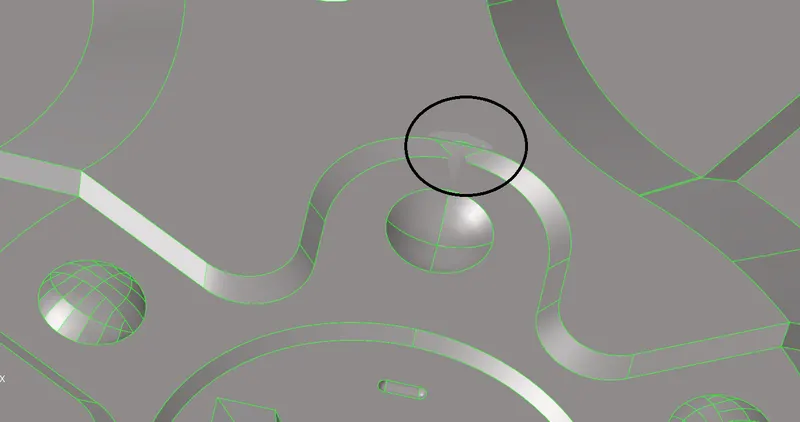
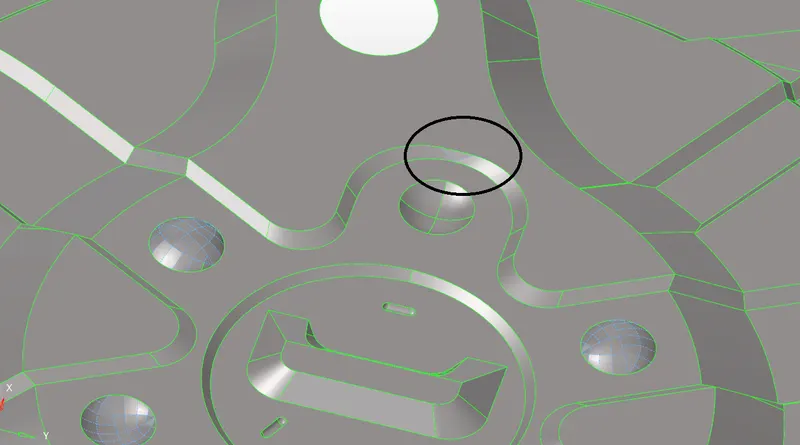
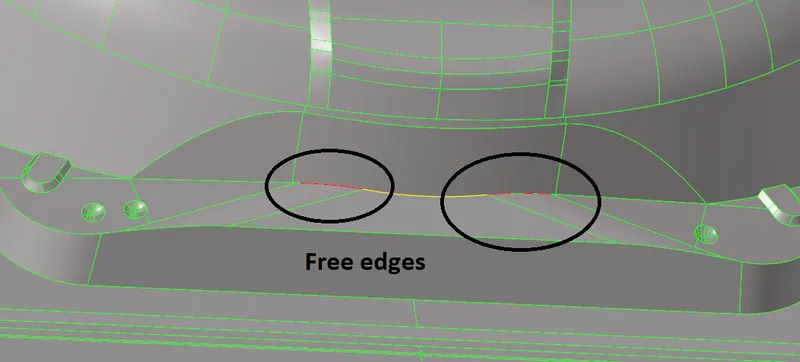
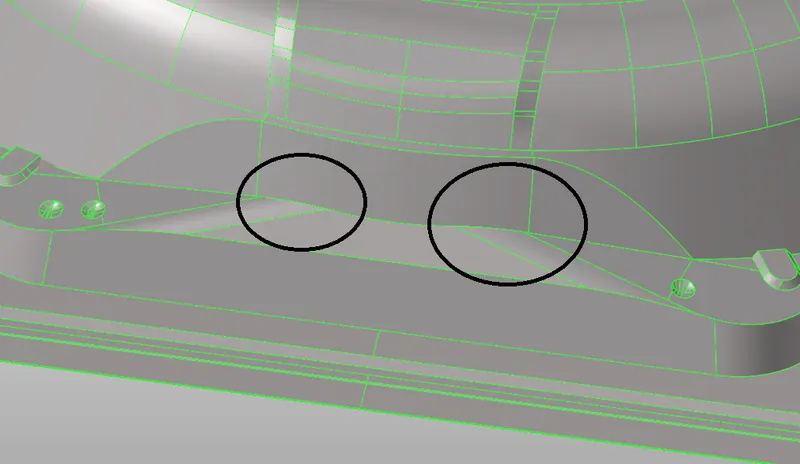
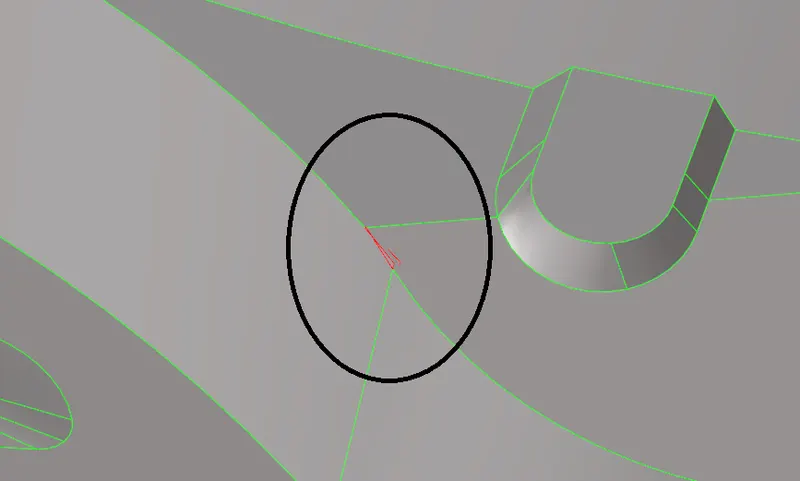
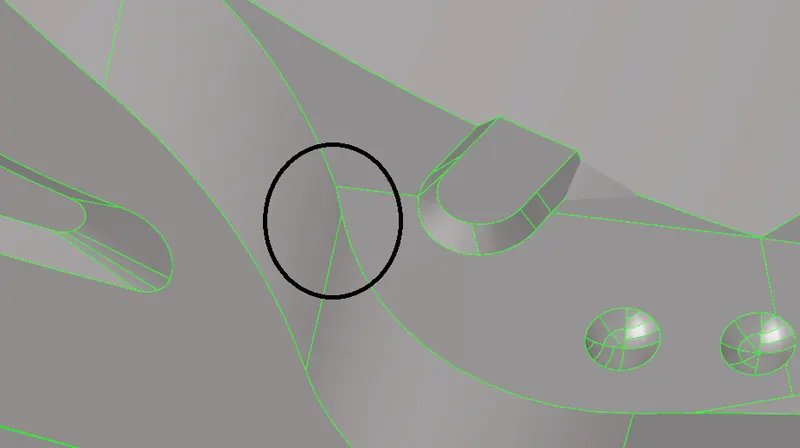
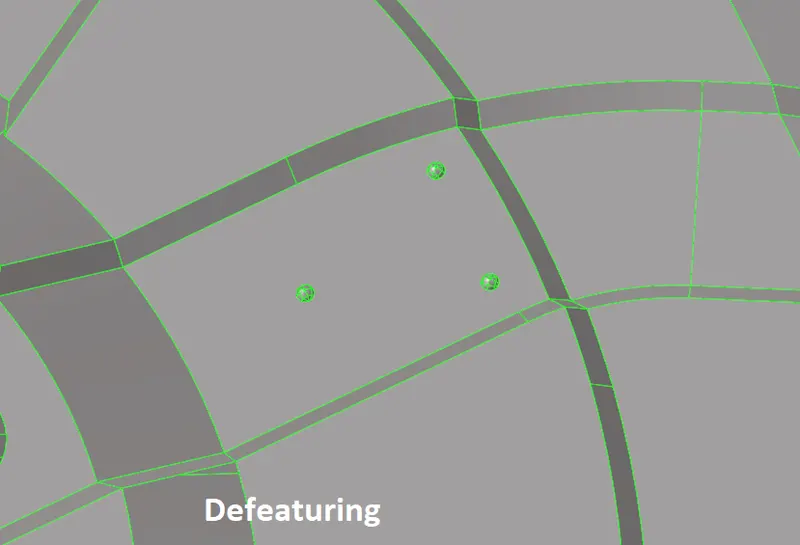
- Extracting mid surface and assigning properties:
- Mid-surface can be extracted either using automid or manually (using offset option). In this challenge the automid is failing to give the accurate mid-surface so manual mid-surface option is used.
- To manually extract the mid-surface, go to surface edit >> offset >> enter offset value >> select the surfaces >> select duplicate >> offset.
- After extracting the mid-surface, it is checked for any geometrical errors like needle faces, missing surfaces and triple cons. If any of the errors present then it should be rectified immediately.
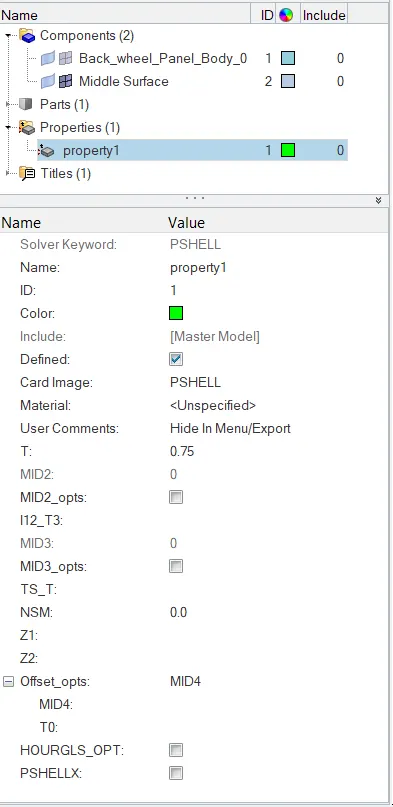
- Now the properties like thickness, material etc. need to be assigned to the mid-surface. To assign the properties, select model in component and right click and choose create and then property.
- Now all the properties are entered in the property tab and the properties are assigned to the respective mid-surfaces.
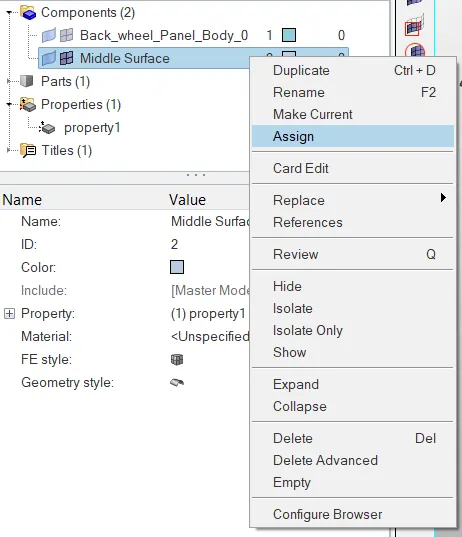
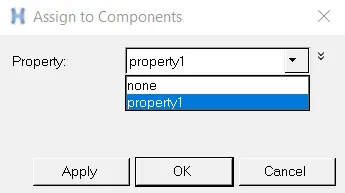
- To assign the properties to mid-surface, right click on the mid-surface and then select assign and select the respective properties which needs to be assigned.
- Meshing the geometry within the given quality criteria:
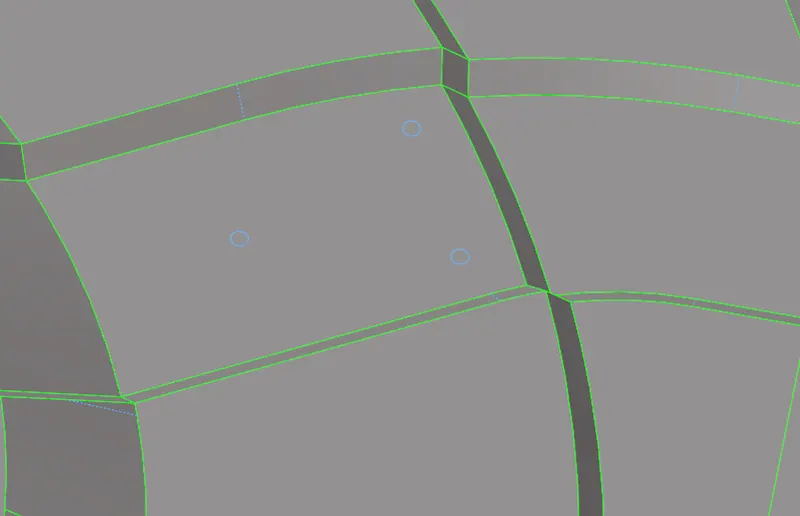
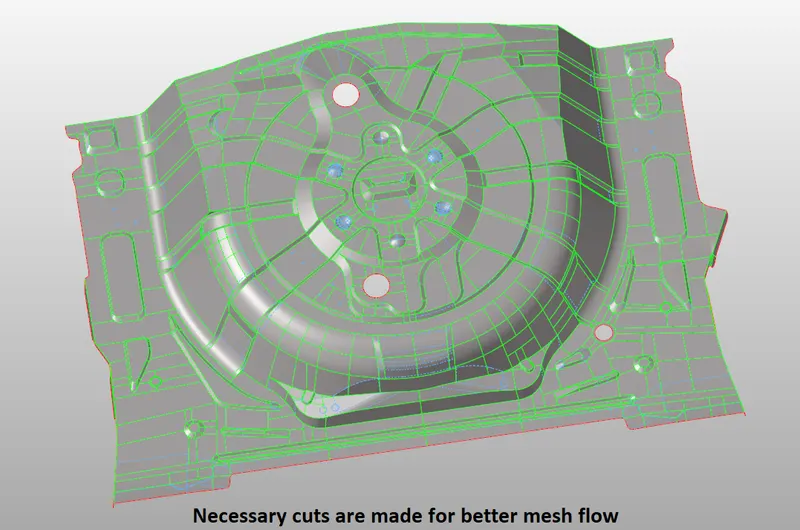
- Before generating mesh, the geometry is cut into smaller rectangles for good mesh flow.
- To generate mesh, go to 2D >> auto mesh >> select the surface >> mesh. To edit the mesh for proper flow, the elements are selected and meshed again.
- If any elements are failing for quality then cleanup tools option which is present in quality index can be used.
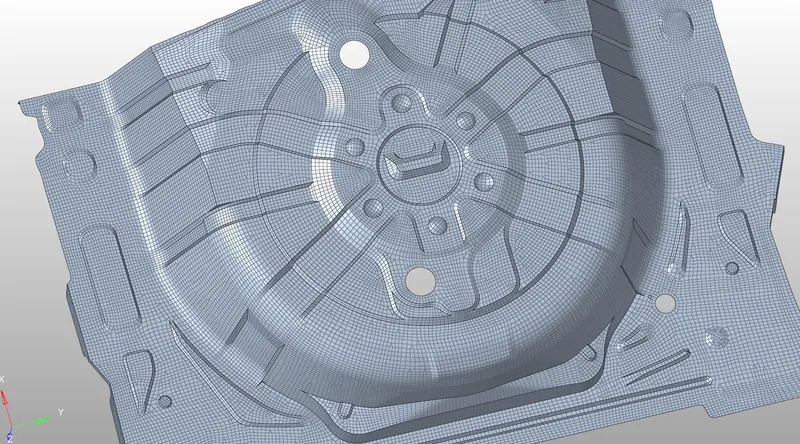
Conclusion: For the given rear wheel holder mid-surface is extracted and mesh is generated within the given quality criteria.