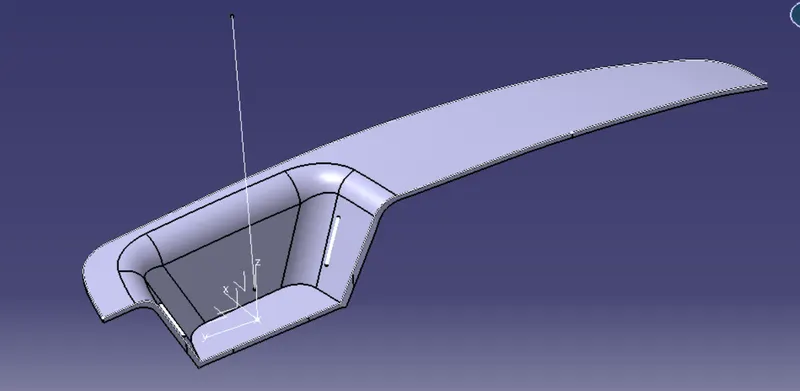
Week 8 - Challenge 3 - Switch Bezel Design
Aim :
Create the Switch Bezel Plastic component through the given Class-A surface. To begin with, the tooling axis for the given Class-A Surface should be created meeting the requirements of the draft angle and at the end perform the Draft analysis on the model.
Solution :
We will create the surface of the following surface :
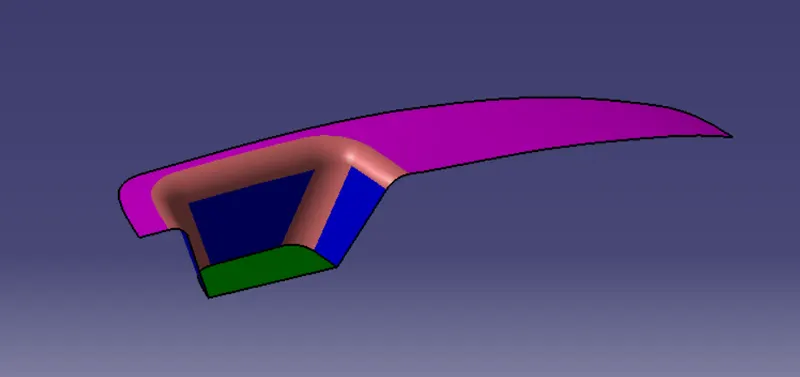
Creation of Tooling Direction :
We will use extract and create a point as shown below :
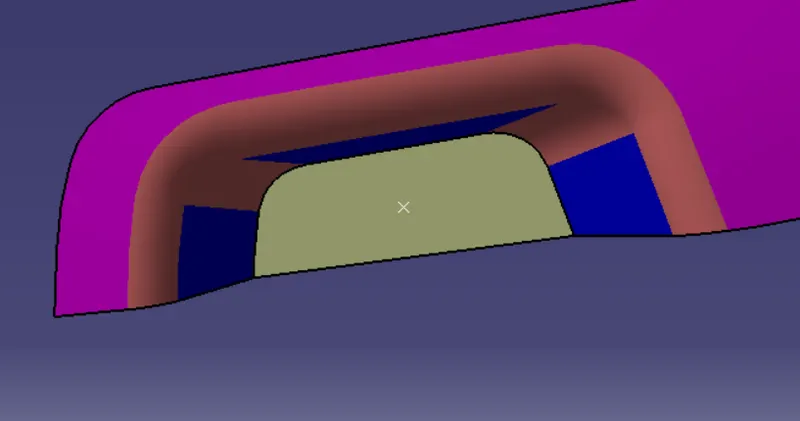
After this we will use the intersection command ,create two lines and create a bisecting line to get the tooling axis as shown below :
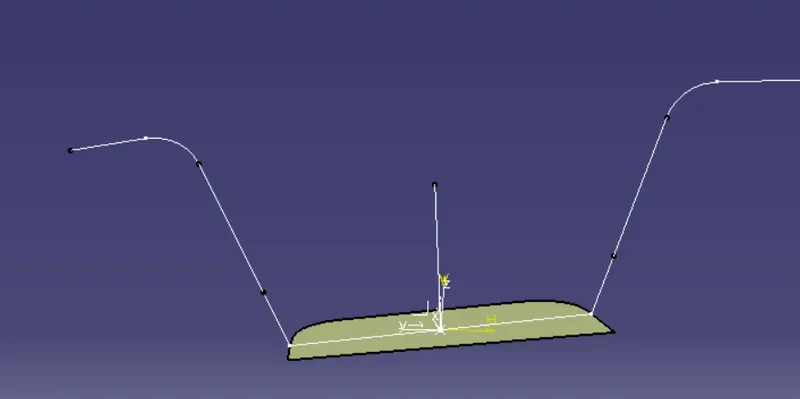
Tooling axis in the X direction :
Using the same method we have got the tooling direction for the x axis :
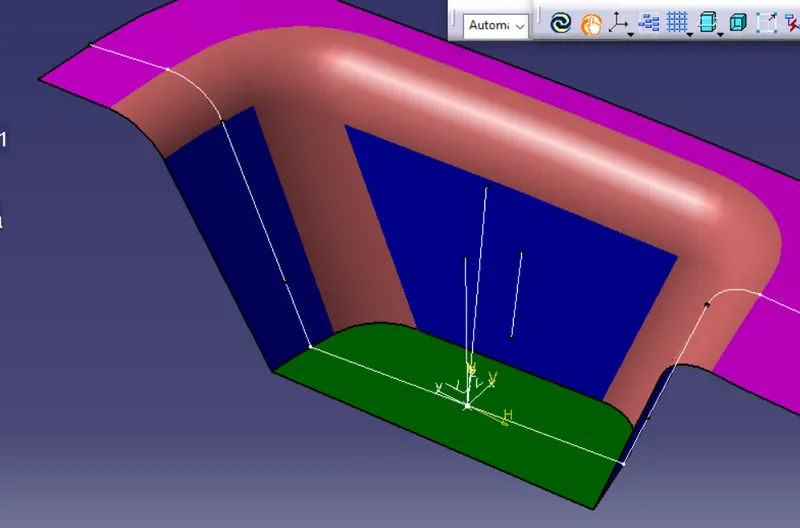
After this we get the tooling axis as shown below :
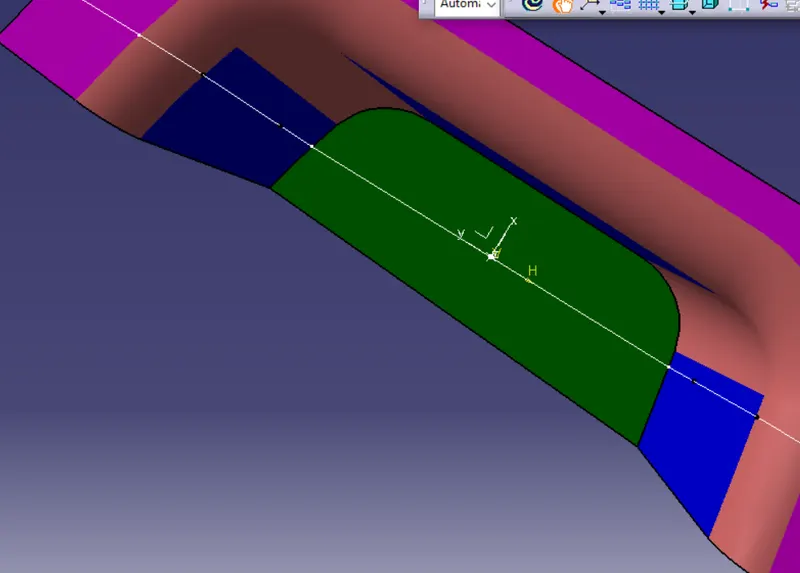
Draft Analysis :
After using draft analysis we get the following :
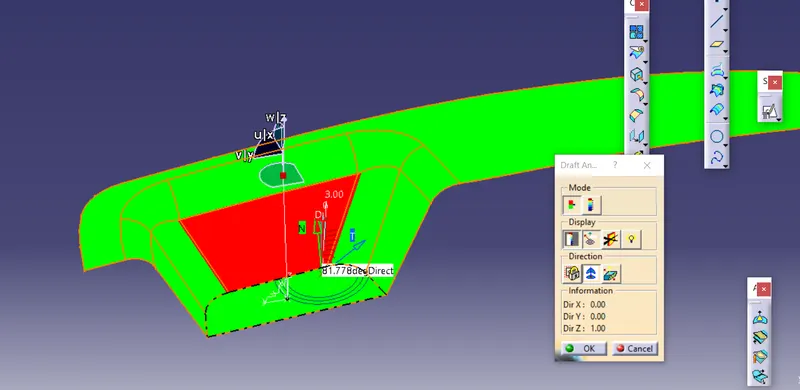
As you can see the area highlighted in red will need to be given a draft , rest of the sections have draft angle greater than 3 degrees.
Creation of Class B surface :
Using surface trim and extract command we get the following :
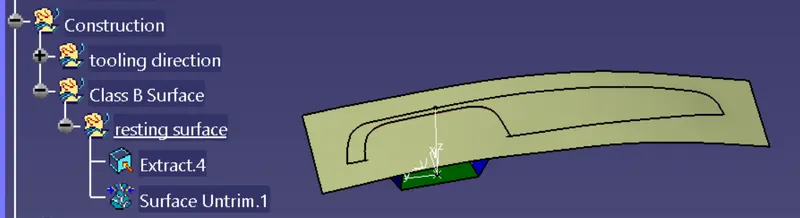
Now we will use the extract command and the untrim command to get the walls as shown below :
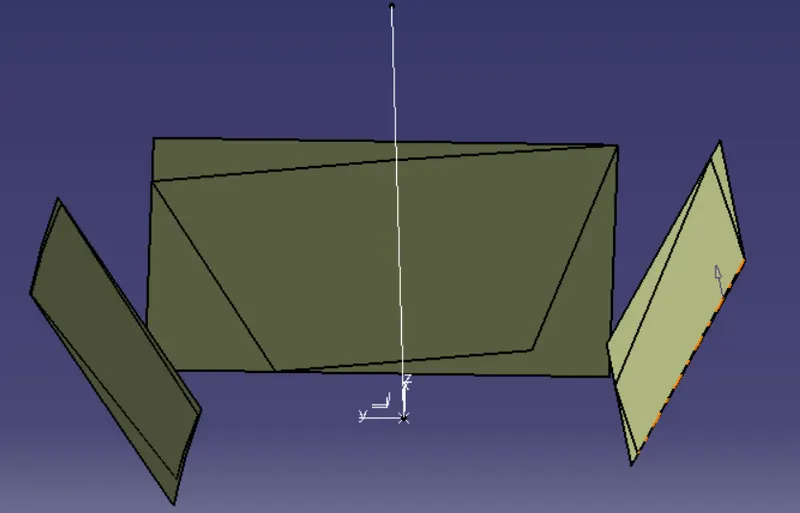
After using the extrapolate command and trim command we get the following :
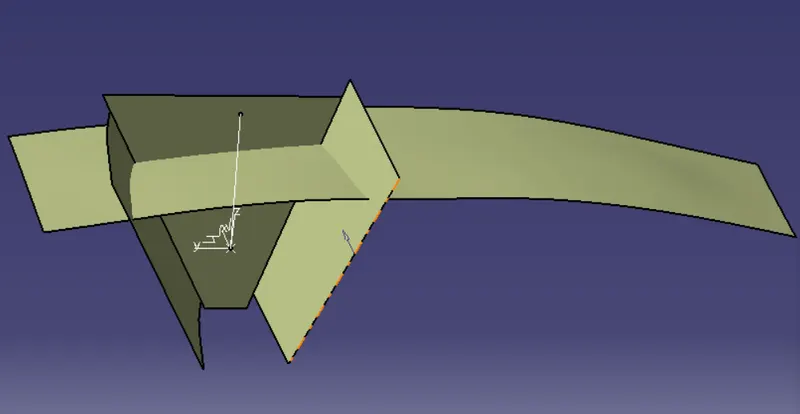
Creation of Base :
Now we have created using extract ,untrim and extrapolate as shown below :
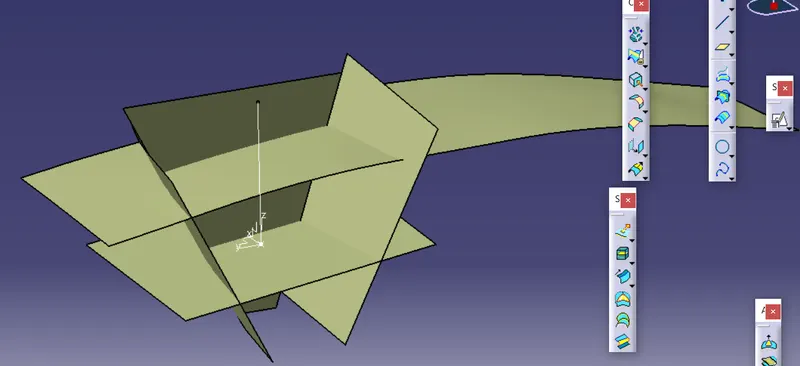
Now we have got the class a surface without the fillets we will offset it.
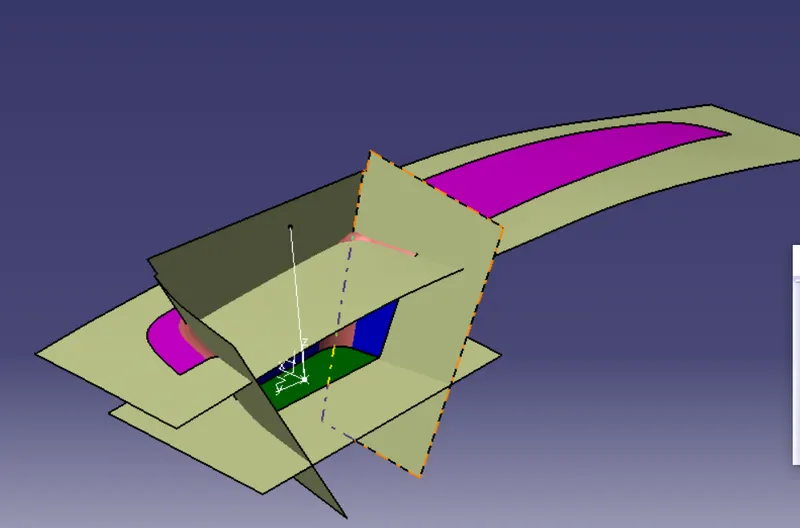
Now we will trim and get the following as shown below :
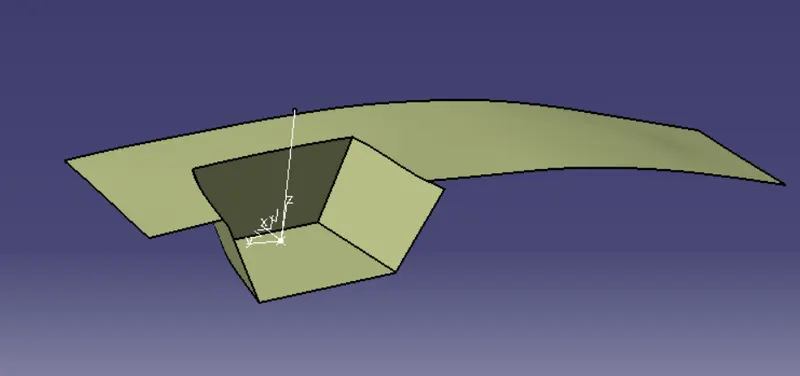
Creation of Fillets :
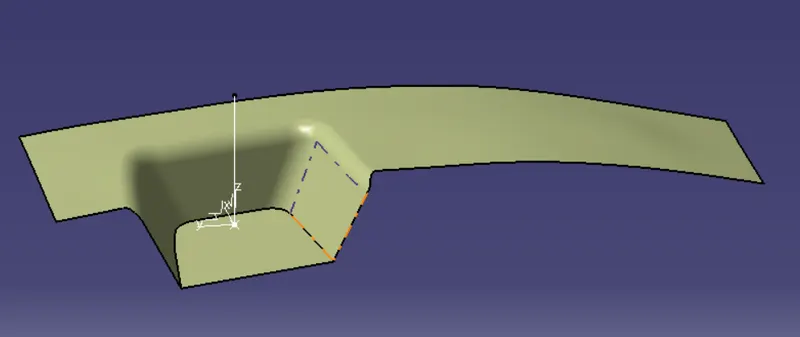
Creation of Class C surface :
Now we will create sweep surface of the class A surface as shown below :
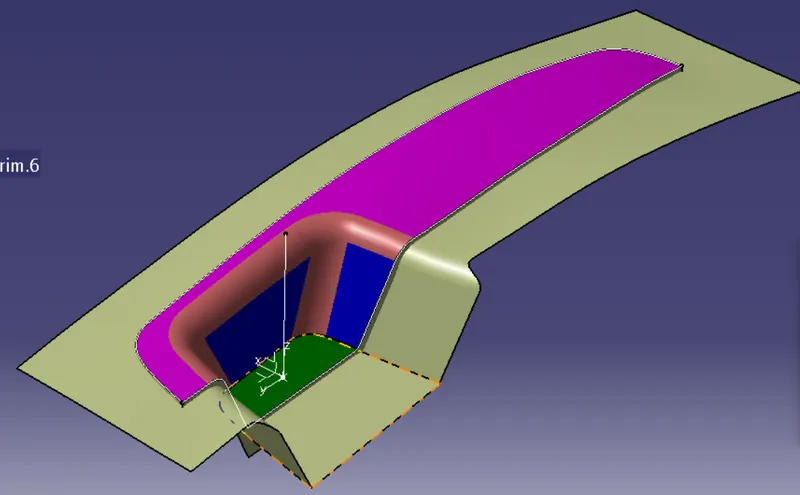
After trimming we get :
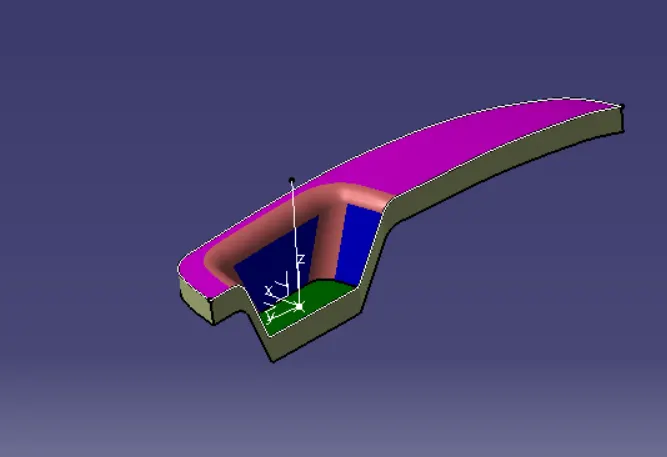
We will now trim it of with the class B surface and obtain the following surface as shown below :
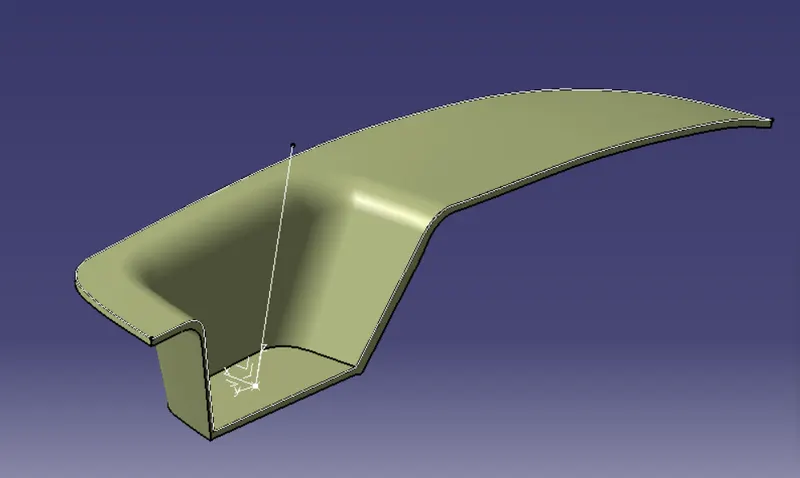
The final output is as shown below :