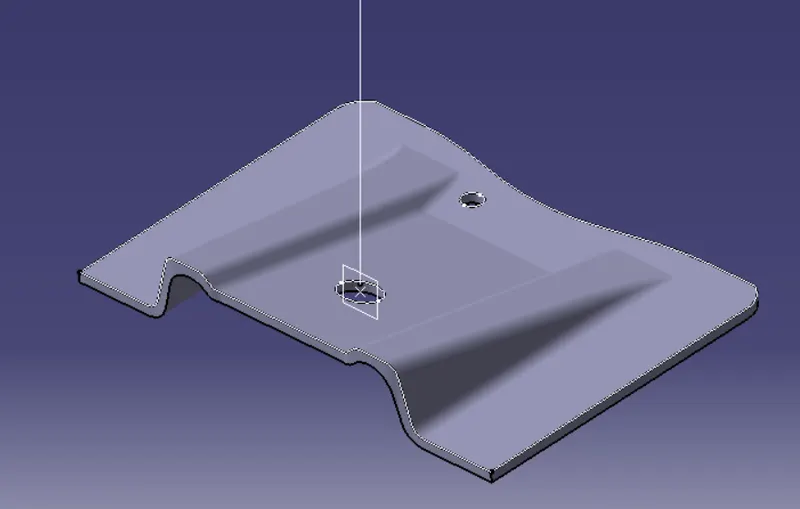
Week 8 - Challenge 2 - Base Bracket Design
Aim :
Create the Base Bracket Plastic component through the given Class-A surface. To begin with, the tooling axis for the given Class-A Surface should be created meeting the requirements of the draft angle and at the end perform the Draft analysis on the model.
Solution:
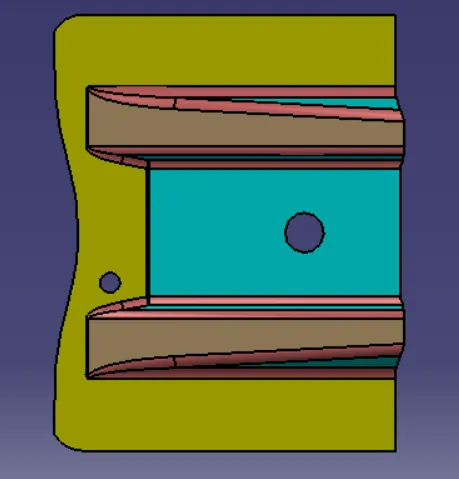
Selecting z axis as our tool axis we get the following :
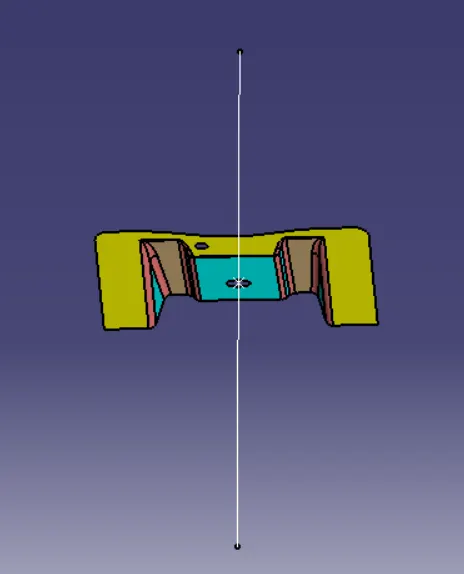
Creating the dummy tool axis we get the following :
Taking the intersection we get the following :
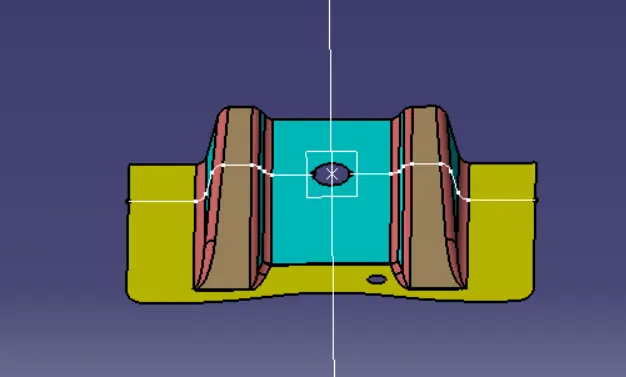
After using draft analysis we get the following :
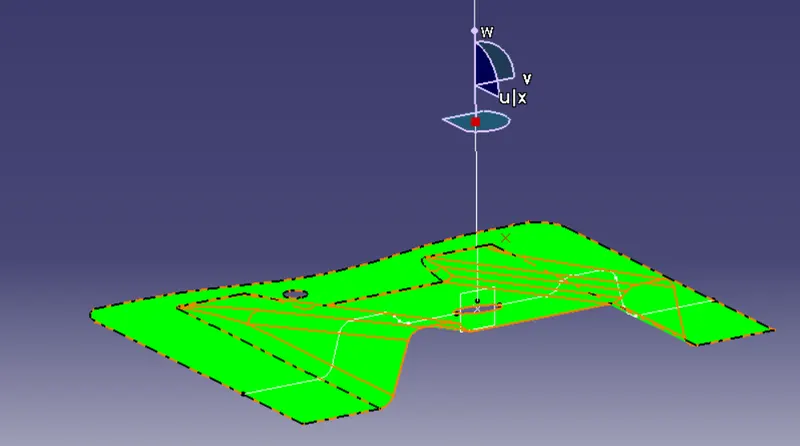
As you can see the draft analysis shows that the draft at certain areas is 43 -15 degrees which is more than the required draft degree.
Creation of Class B surface :
1.Creation of Ribs we get :
Using the extract command with no propagation we get the following :
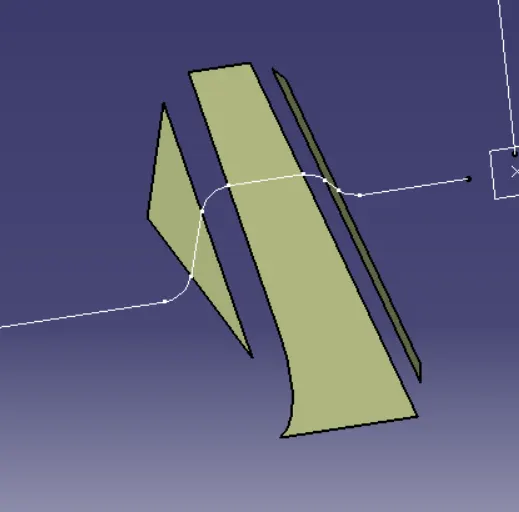
Using the untrim commamd we get :
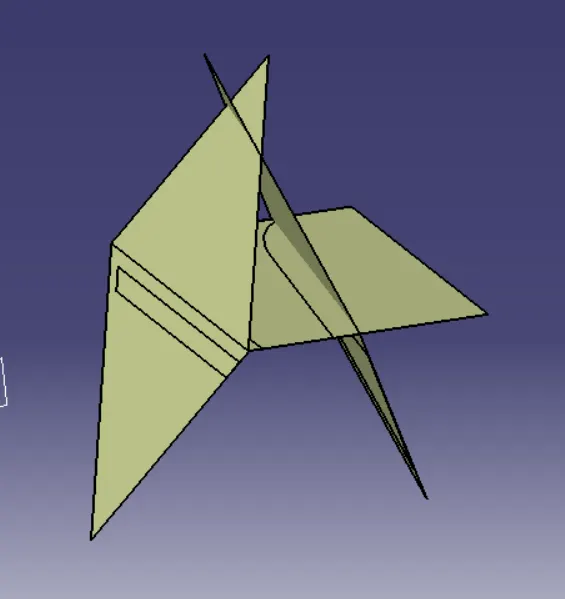
Using the untrim command we get the following :
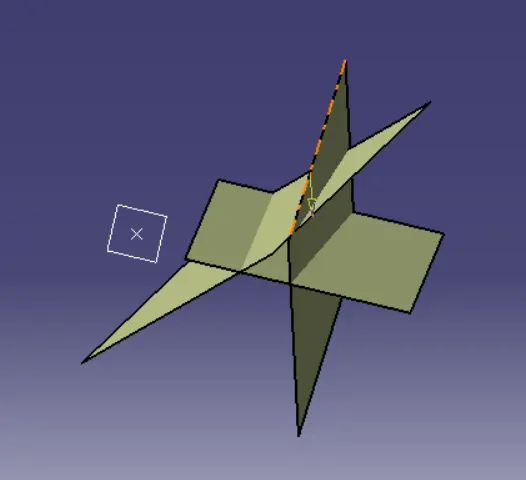
After the trimming we get :
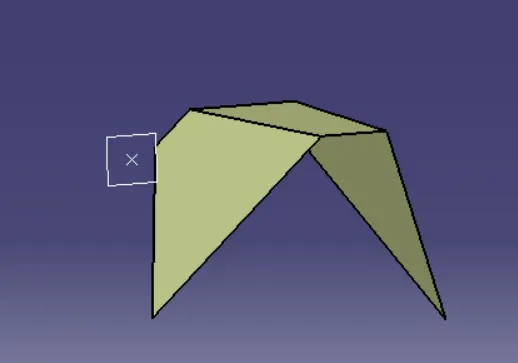
In the same manner we have created rib 2 using the above procedure.
Creation of Base Surface :
Now we have extracted the base surface from the class A surface and after that used untrim command as shown below :
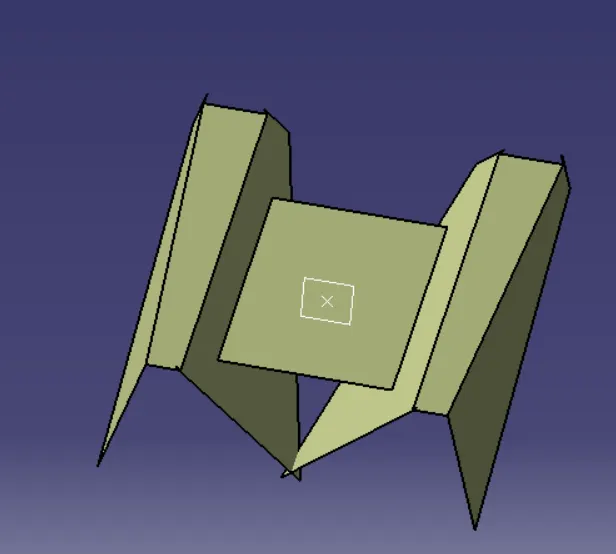
After this we have used extrapolate and extract surfaces and got more surfaces from the Class A surface as shown below :
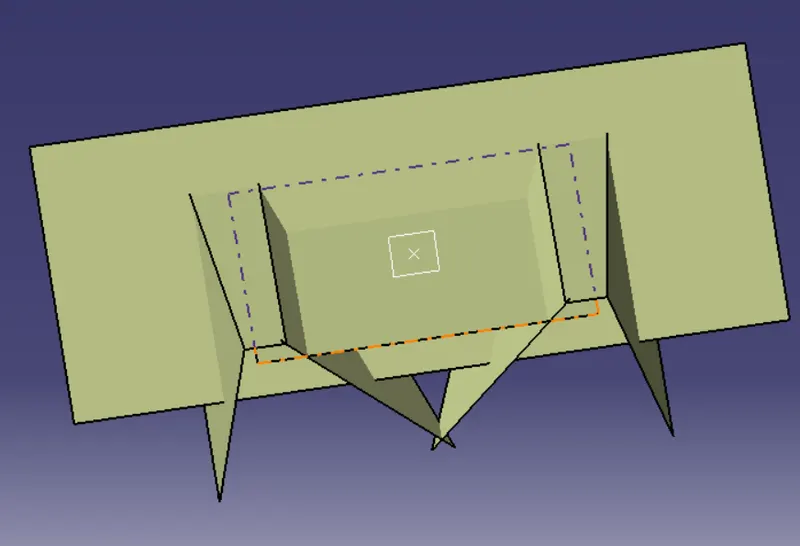
Now we will use trim to get the following as shown below :
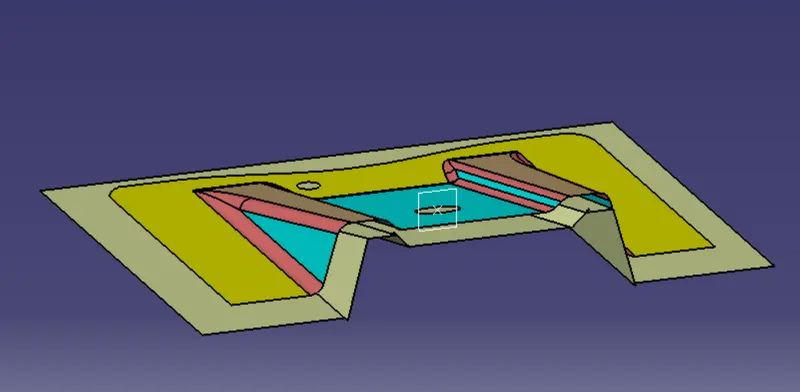
After this we add the fillet which is the sum of thickness of the component and the fillet value :
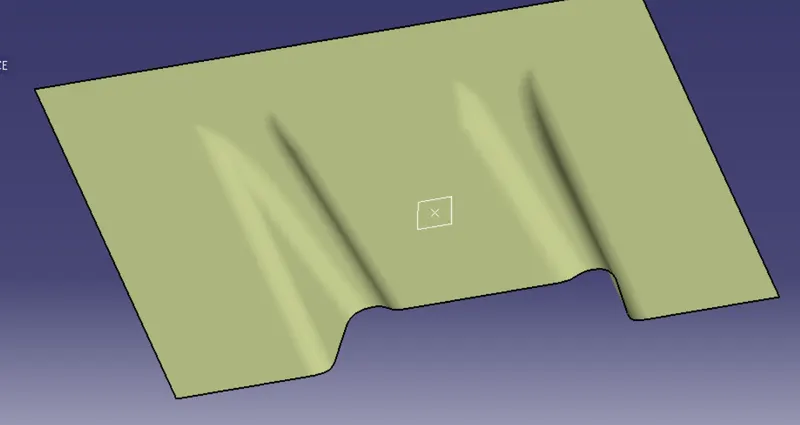
Creation of C Surface :
We have created boundary surface as shown below :
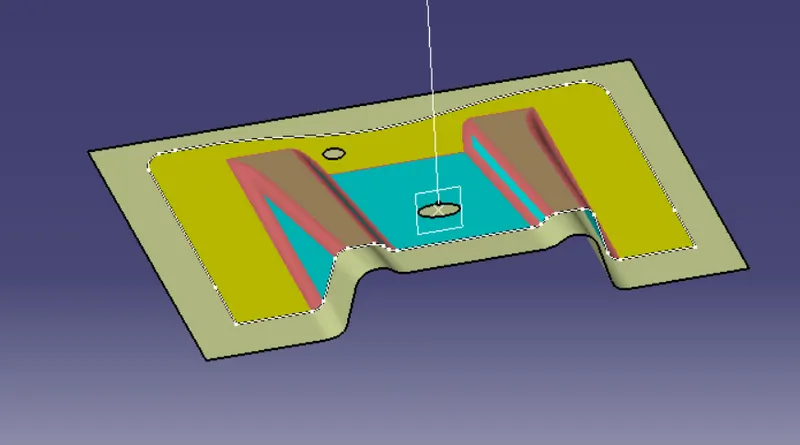
After giving draft we get the following :
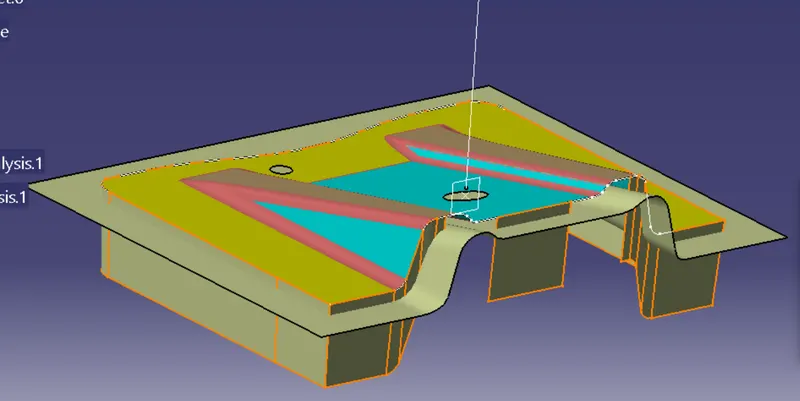
After using commands such as trim ,join and sweep we have created the following body using close surface :