Week 8 - Challenge 5 - Core & Cavity Design
AIM:
To create the Core and Cavity for the Switch Bezel.
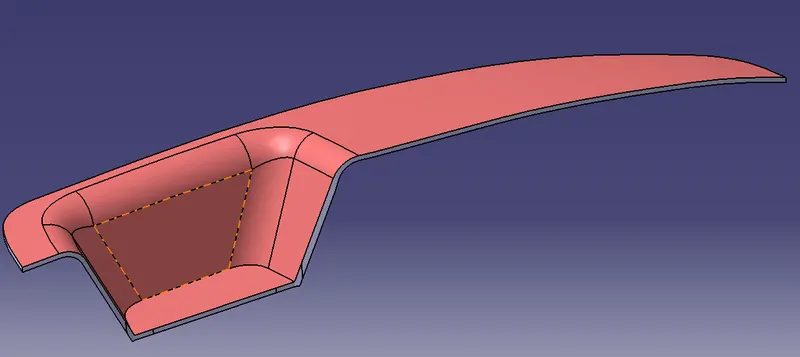
PROCEDURE:
1.From the Solid and Surface design of Switch Bezel create the Core and Cavity.
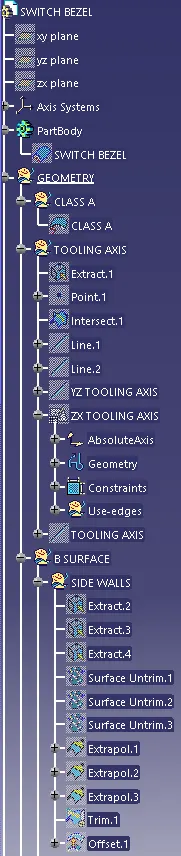
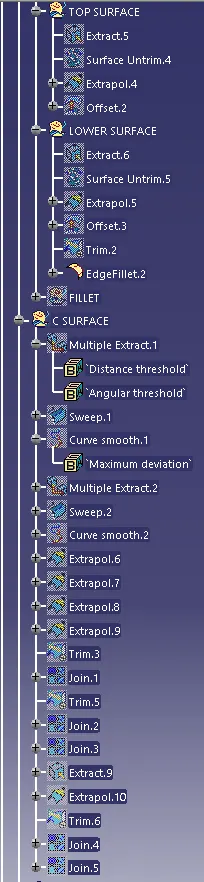
2.Create the Boundary for the Class A and Extrapolate the surface using the Sweep option by selecting the guide curve and reference surface.
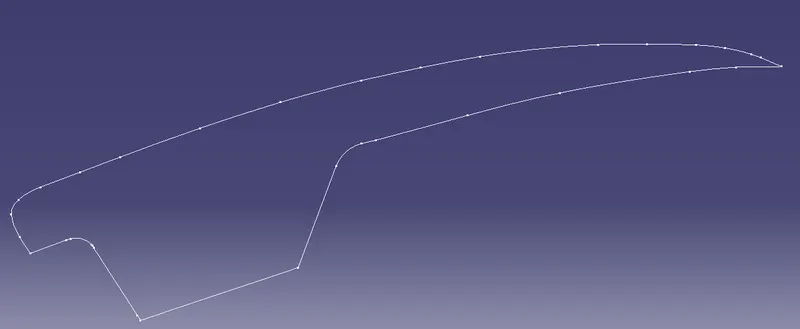
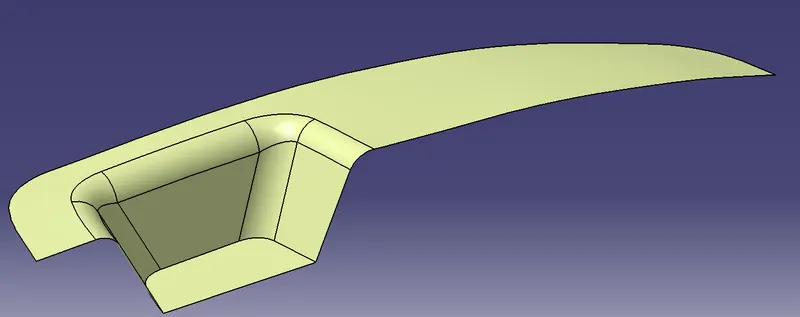
3.Trim the Class C surface with the Extrapolated surface and then trim with the Class C with Class B surface which is a Parting Surface.
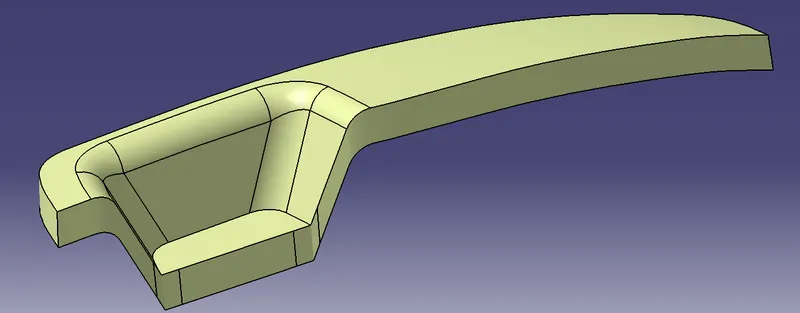
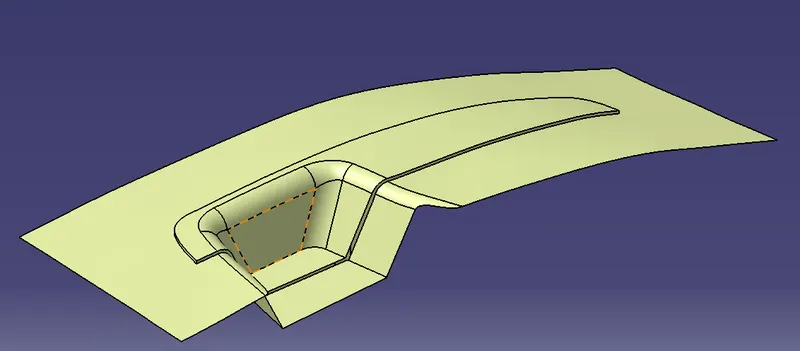 PARTING SURFACE
4.Now create a Rectangular Sketch on XY plane and extrude it to create the Core and Cavity.
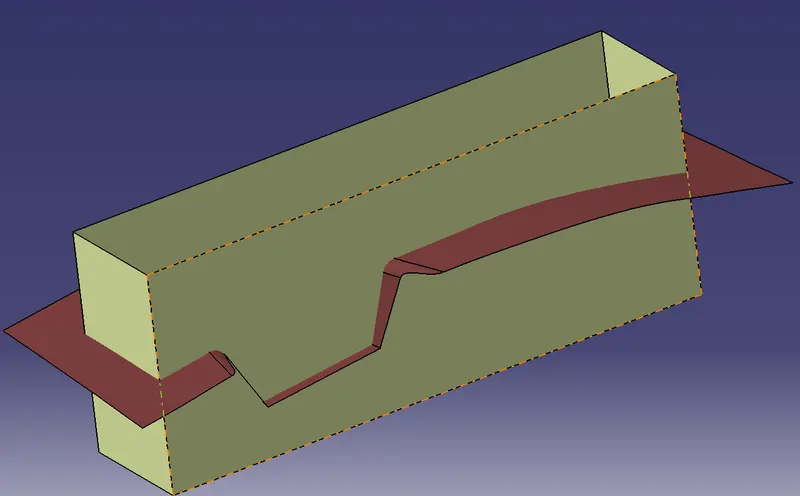
5.Fill the upper surface of the extruded rectangle using Blend by selecting the first curve and second curve and join the blended surface and extruded surface
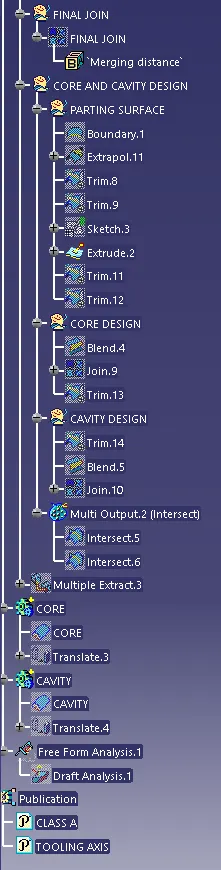
6.Trim the Upper extruded surface with the trimmed surface.
7.Make the closed surface as a solid in Part design and Translate it in upper direction.It is a Core Design(Brick Color).
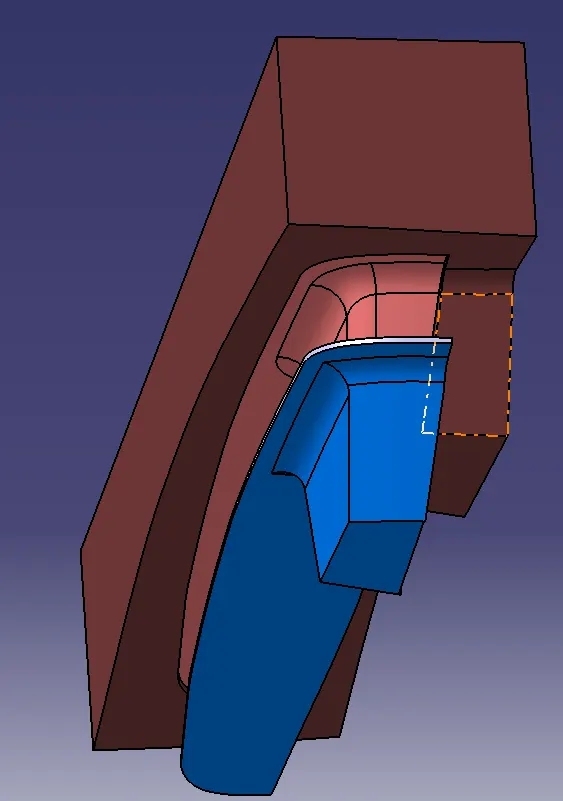
8.Same process for Cavity design is to fill the lower surface using blend and join them and trim it with the B surface and rectangular extruded surface make it solid in Part design and translate it in downward direction.It is a Cavity Design(Green color).
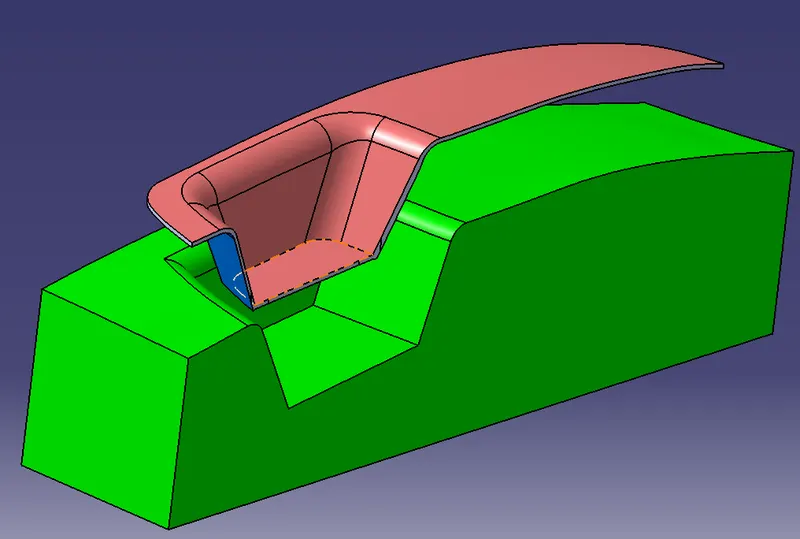
9.Create an intersection between the junction of Class C and Class B where it will be the Parting line(Yellow dotted line).
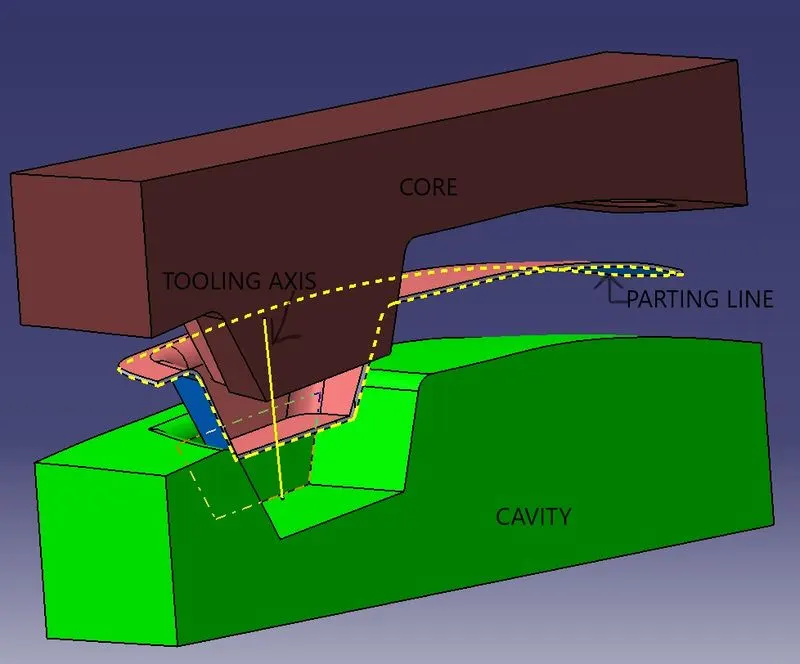
RESULT:
Created the Core and Cavity for the Switch Bezel and also created Parting Surface and Parting line.