Assignment 1
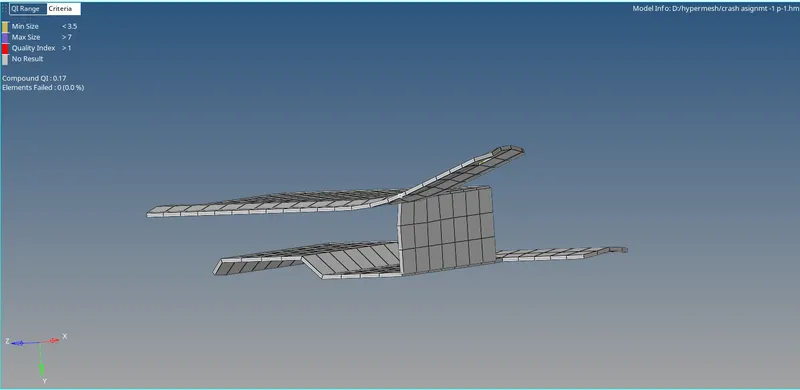
MODEL-1
AIM:To carry out the geometry clean up to the given component and check for quality criteria and then assign the property to the component.
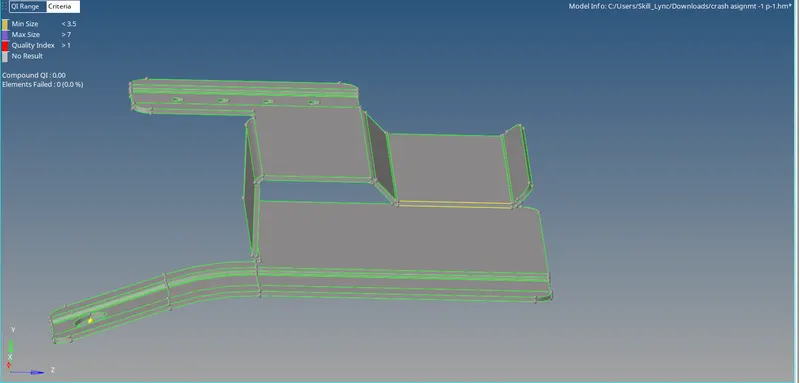
PROCEDURE:
1.Extract the mid surface from the parent geometry using Geometry>mid surface>Auto extraction.
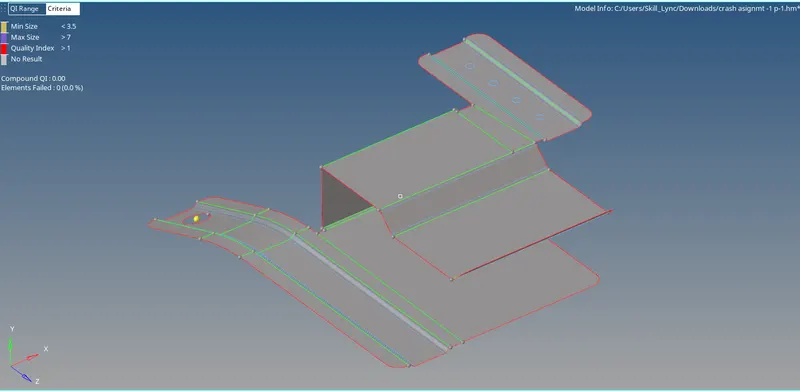
2.Clean up the geometry of mid surface where to check triple cons,free edges and toggling the lines which creates minimum element length failures using Geometry>Quick edit panel.
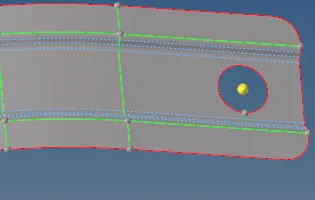
3.Cover the holes which falls under less than or equal to 5mm diameter with filler surface in Quick edit in Geometry.
4.Assign the criteria values in Preferences>Criteria file settings.
5.Mesh the surface by using 2D>Automesh.
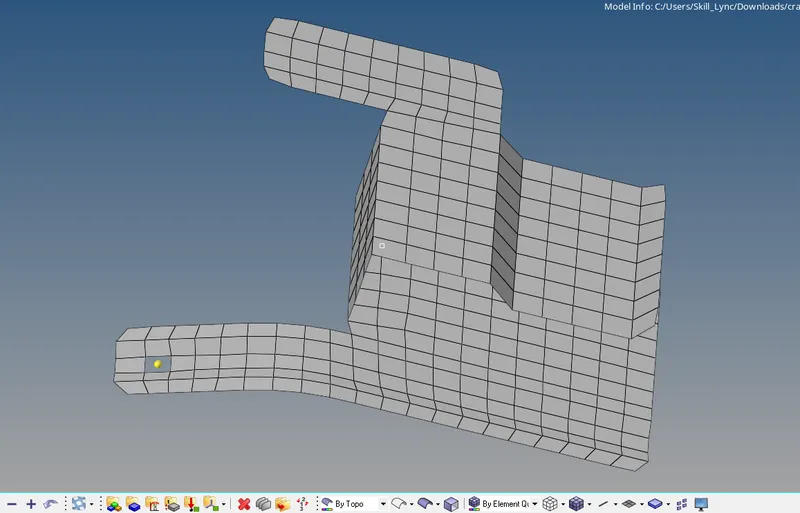
6.Check for quality criteria which fails for given values.
7.Clear the failures using remesh,quality index tools.
8.Assign the thickness in property and material in mid surface.
RESULT:Extracted the mid surface from parent geometry,created 2Dmesh and assigned the property and material to the model.
 \
\
MODEL-2:
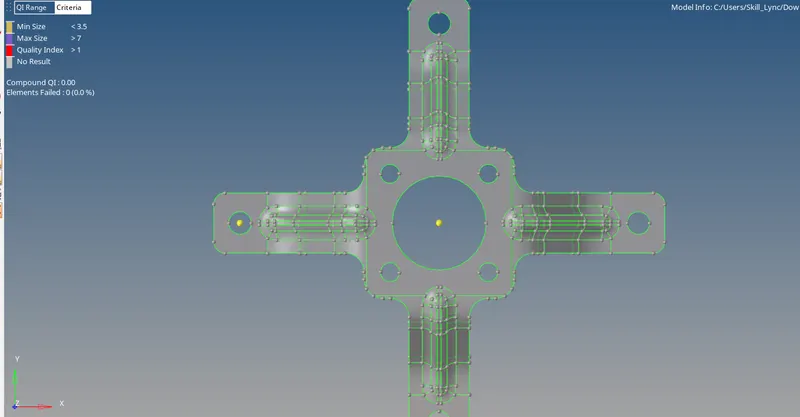 PARENT GEOMETRY
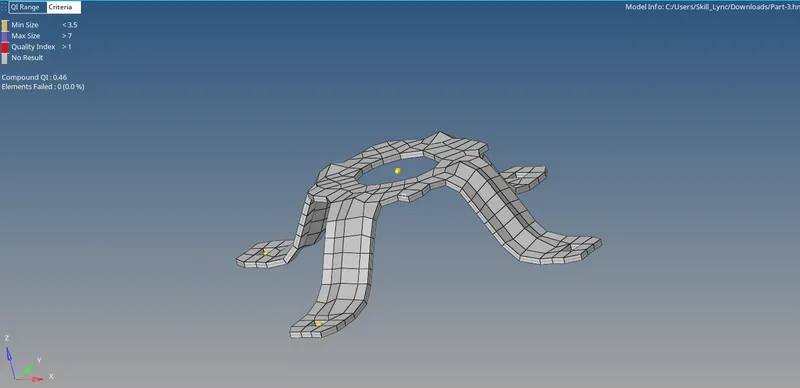 AFTER COMPLETION
Same procedure above as follows.
MODEL-3
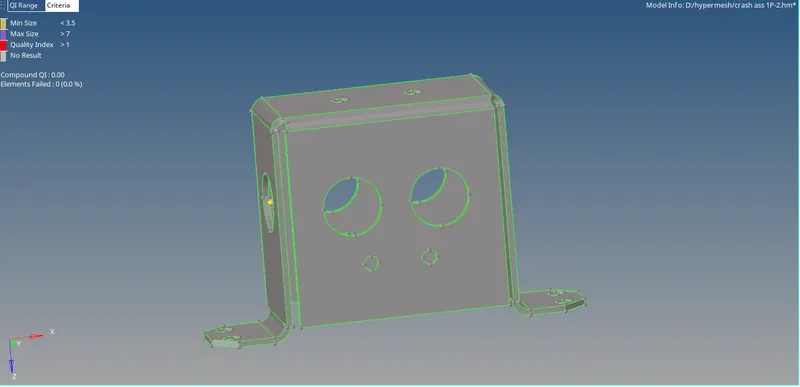 PARENT GEOMETRY
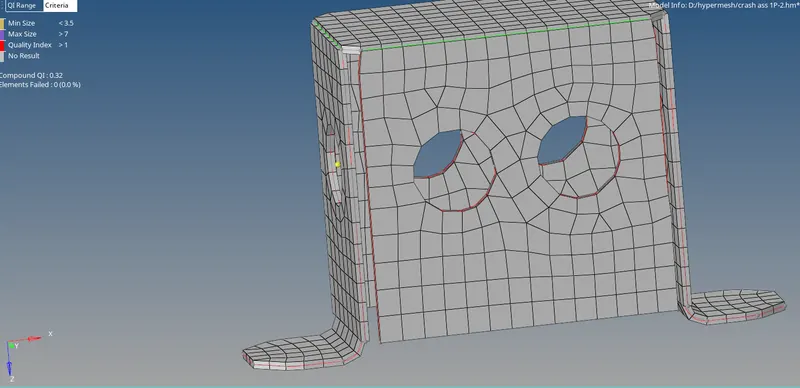 AFTER COMPLETION
Same procedure above as follows