Week - 5 - Modelling Spotwelds
MODELLING SPOTWELD
AIM
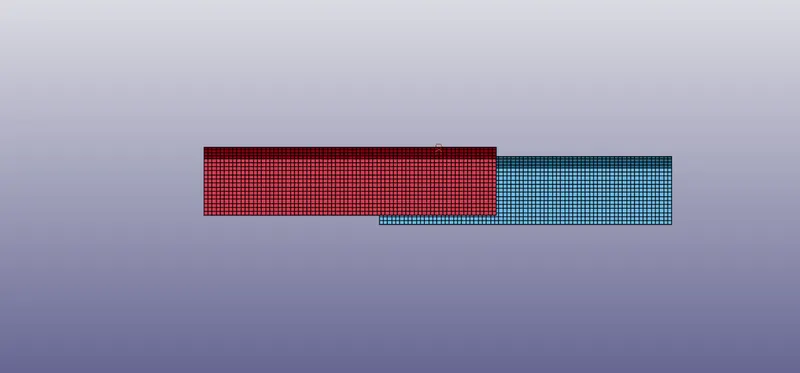
In this assignment we have to model spot-weld in 1D and 3D Hexa elements in a given assembly in Ls-prepost and stimulate them with required boundary conditions and compare the results.
PROCEDURE
- First import the .k file into Ls-prepost, then change the title by model – keywords – title.
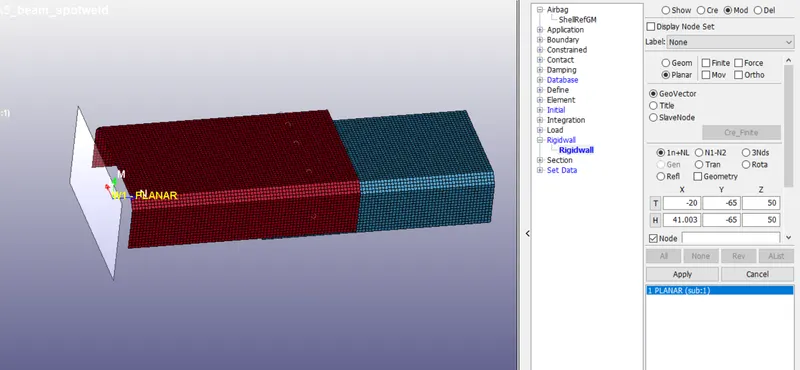
- Create rigid wall by content – rigid – planar – select the node and give the distance in required direction, the normal of the rigid wall must be opposite to the direction of the assembly.
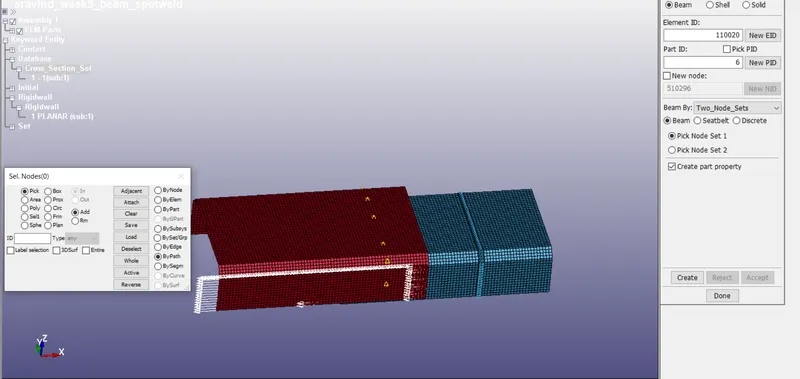
- Create beam and solid weld elements by mesh – eledit – create – shell/hexa – select the nodes.
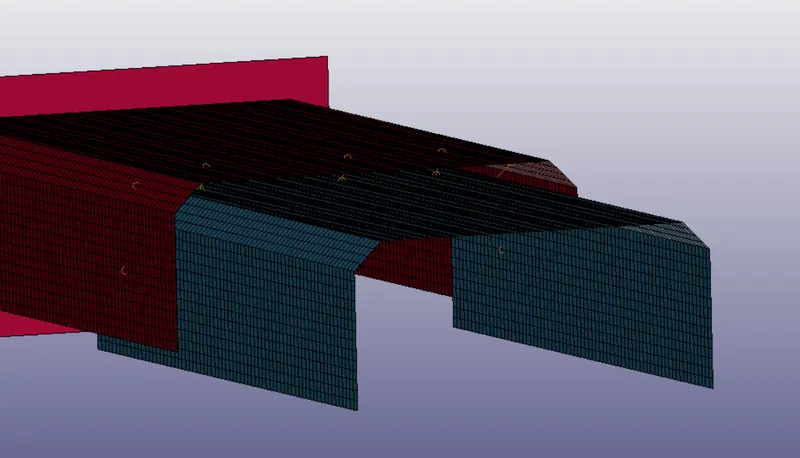
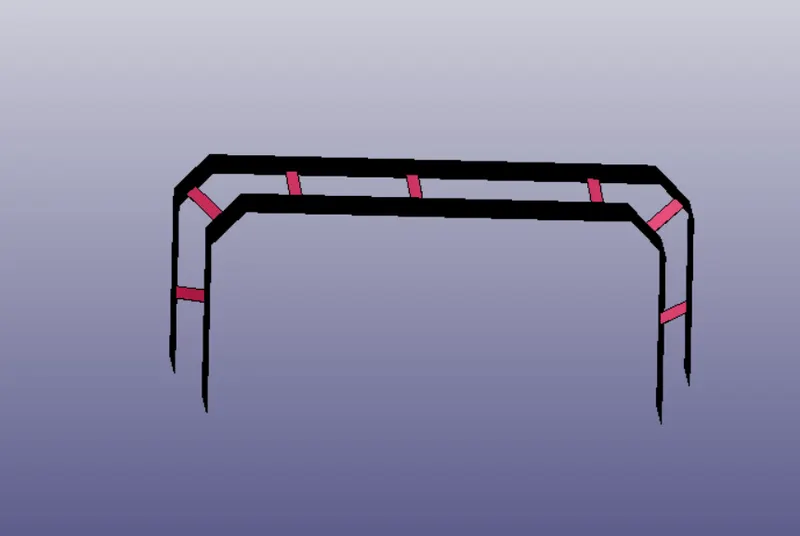
- Create section id for the solid/shell elements by model – keyword – section – solid/shell, and assign the ELFORM value 16 for assembly, 9 for beam weld and 2 for solid weld.
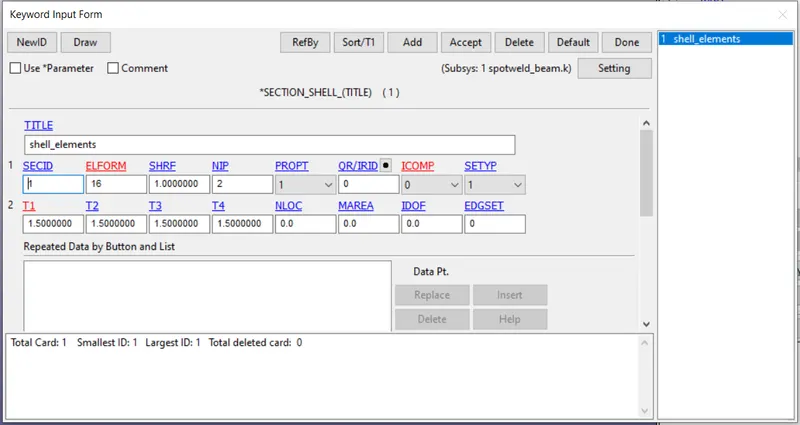
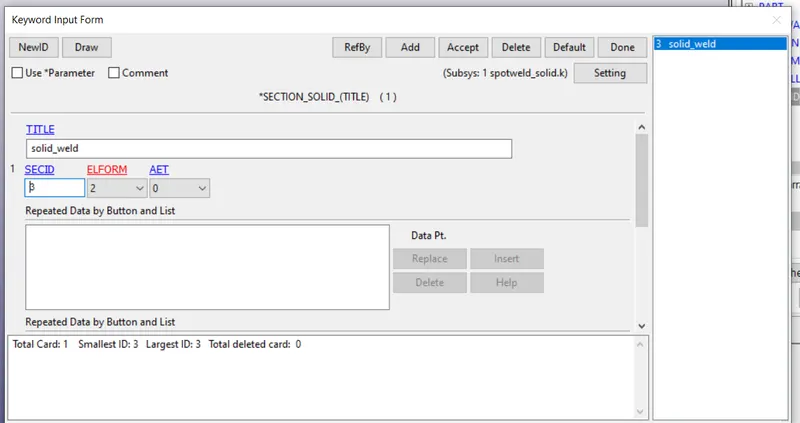
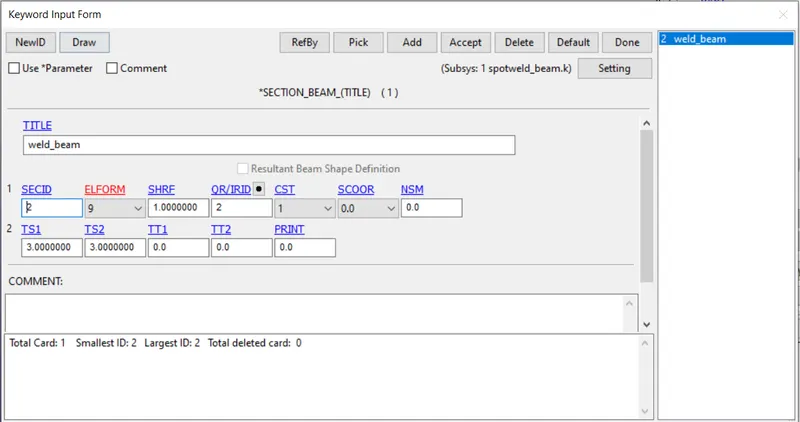
- Then create the material mat 001 elastic for top and bottom components amd mat 100 for spot weld and enter the Tfail value as 2.5.
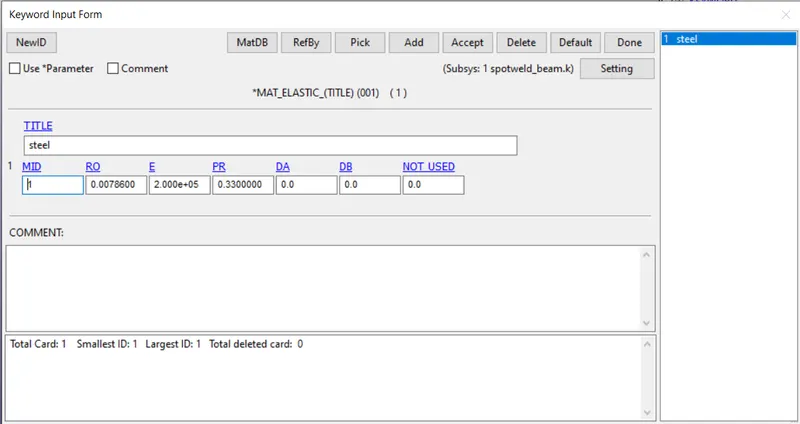
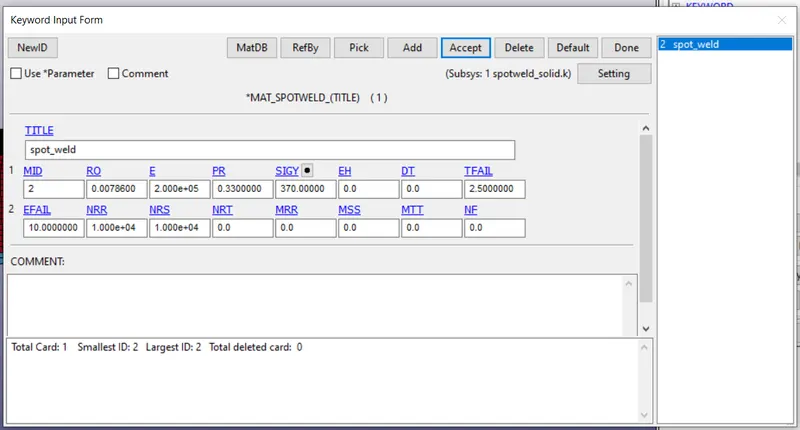
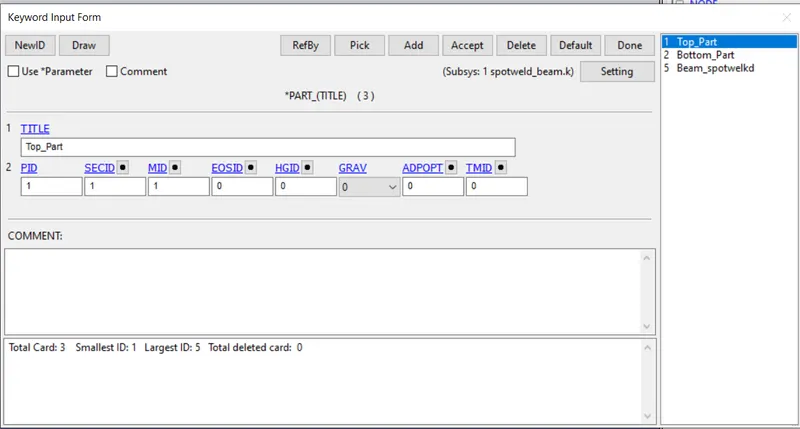
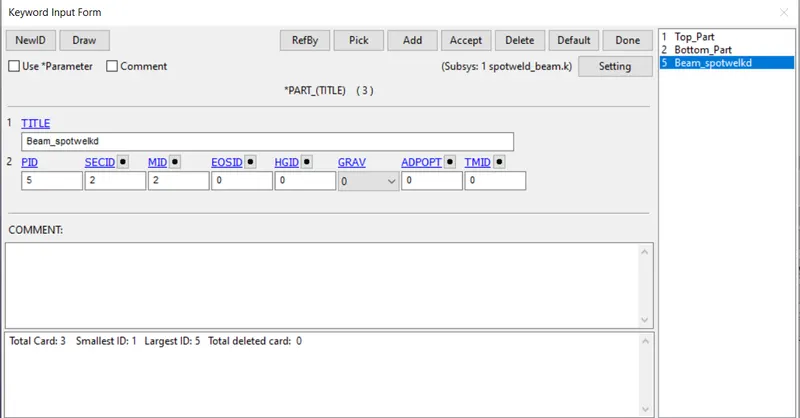
- Then assign the sec and material to the part by model – keyword – part, change the title for the solid elements and assign the materials.
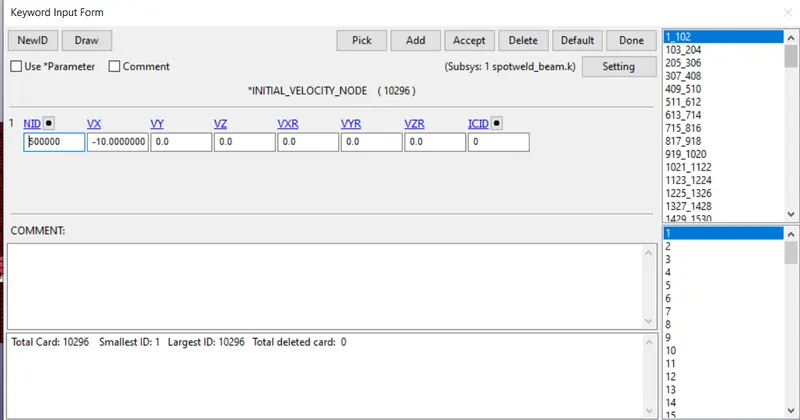
- Then create the initial velocity by model – content – initial – velocity select the hole part of the phone and give the velocity in X- direction as 10mm/ms.
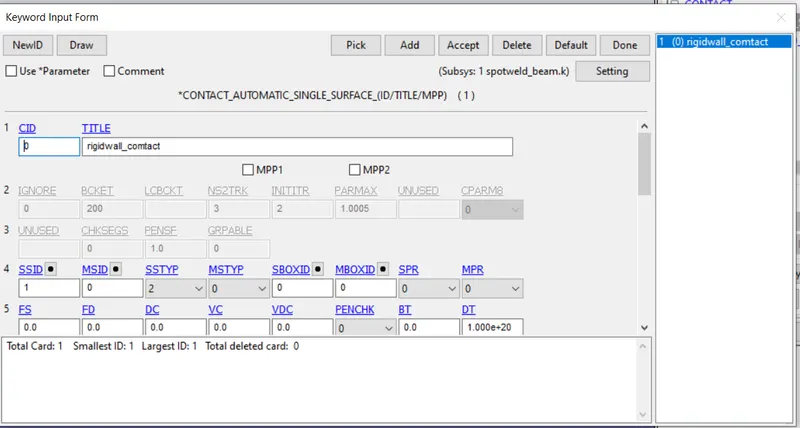
- Then create contact as automatic single surface contact, by model – keywords – contact. Assign the top and bottom components as elements to slave nodes.
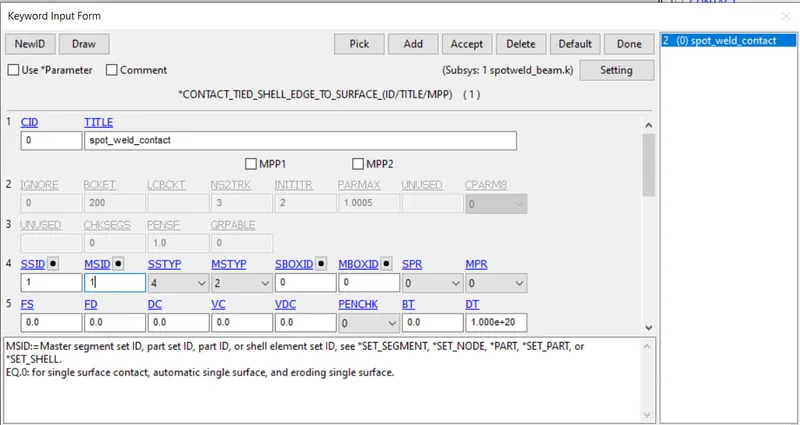
- Then create contact for beam weld elements as tied_shell_edge_to_surface and assign weld elements as slave and top & bottom components as master.
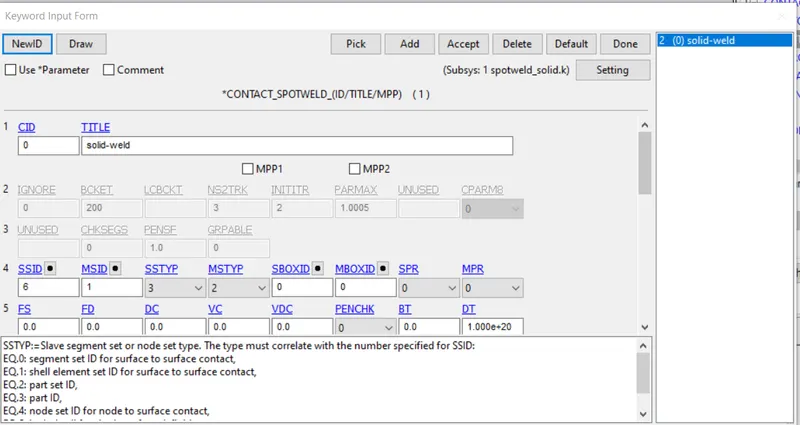
- then create contact for solid weld elements as contact_spotweld and assign weld elements as slave and top & bottom components as master.
- Then create the cross-section by model – content – set create node set and shell set. (node set should be middle of the shell set)
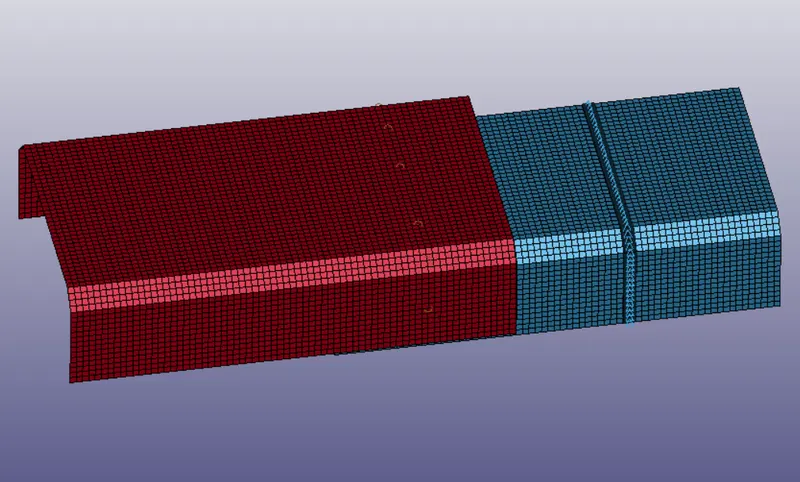
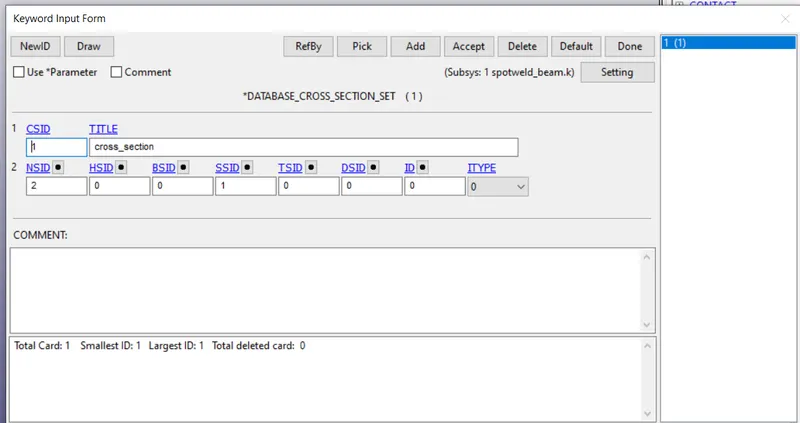
- Then create control energy and termination by model – keywords – control – energy, cross-sectional & termination.
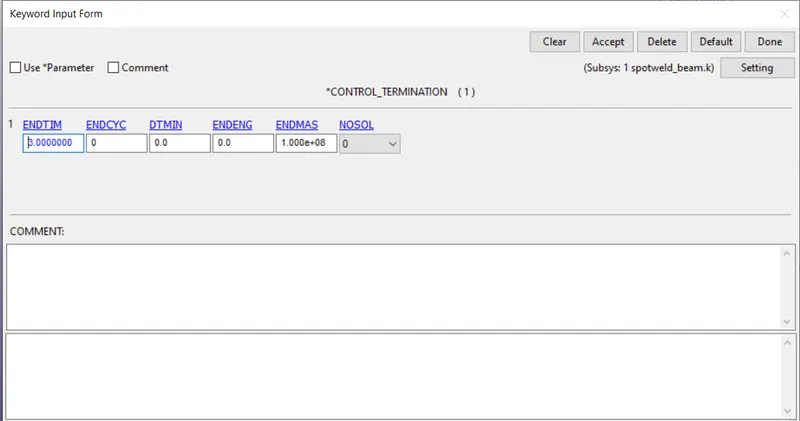
- Then for the results go to model – keywords – database – ASCII_option, cross-sectional & Binary D3 plot.
RESULTS
- Then run the stimulation on Ls-Dyna solver by importing.k file into it.
- Then the results are compared between beam and solid weld elements.
VON-MISES
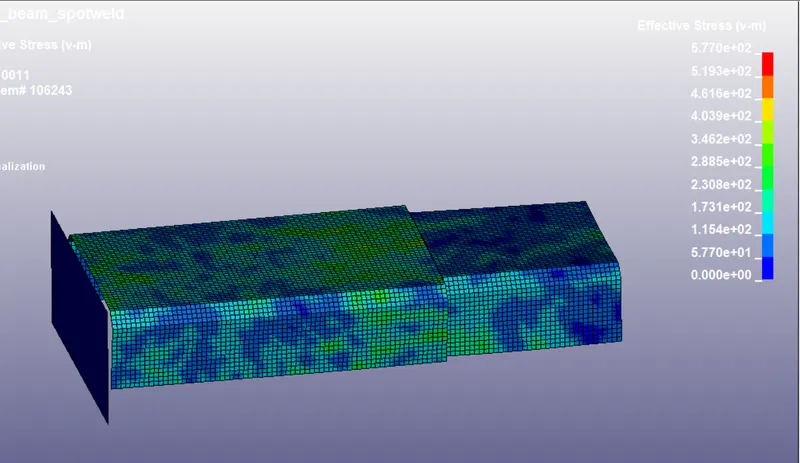
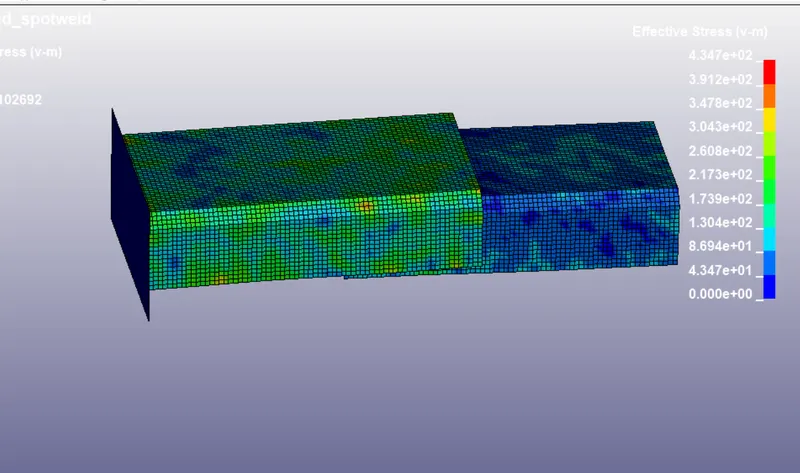
From the above snap it clearly noted beam weld has 5.770e+02 MPa force where the solid elements has less von-mises stress as 4.347e+02 MPa.
MATERIAL ENERGY
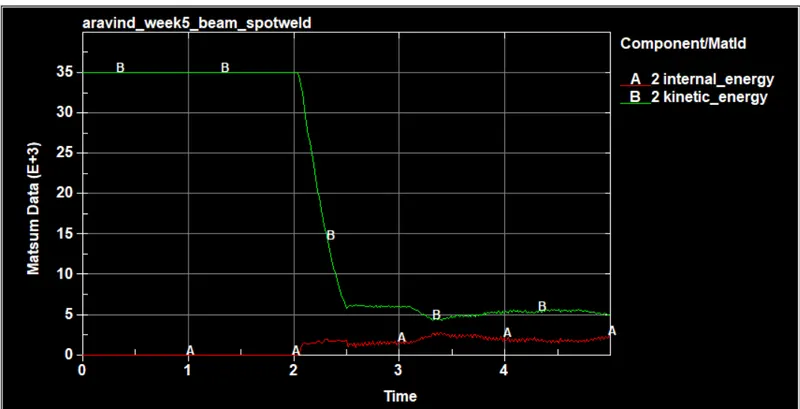
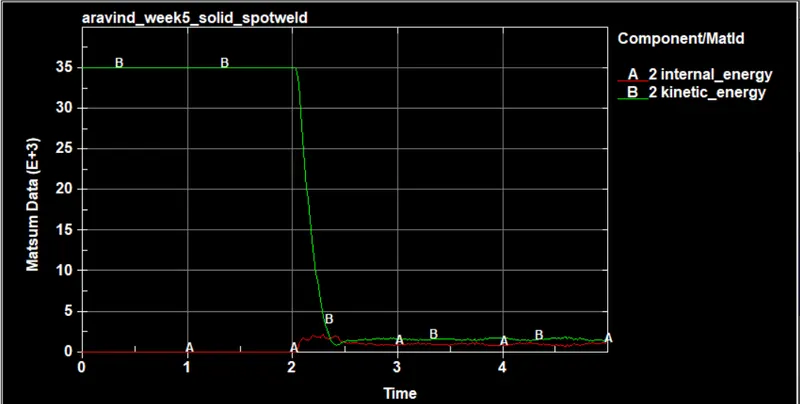
In both the cases the internal energy increase and kinetic energy drops after 2ms that is after the impact on the rigid wall.
CROSS-SECTIONAL FORCE
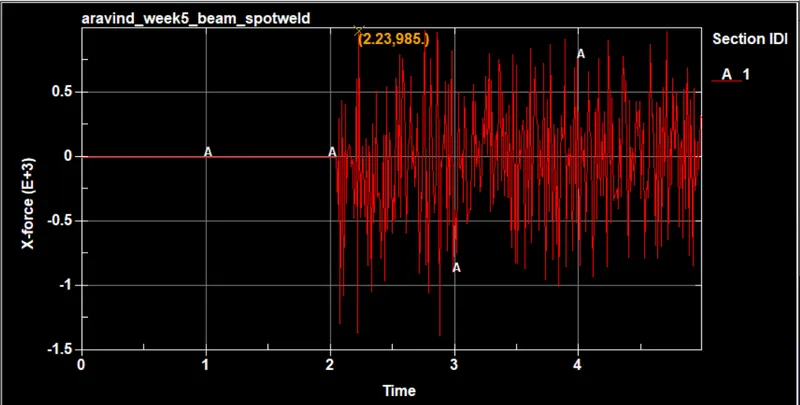
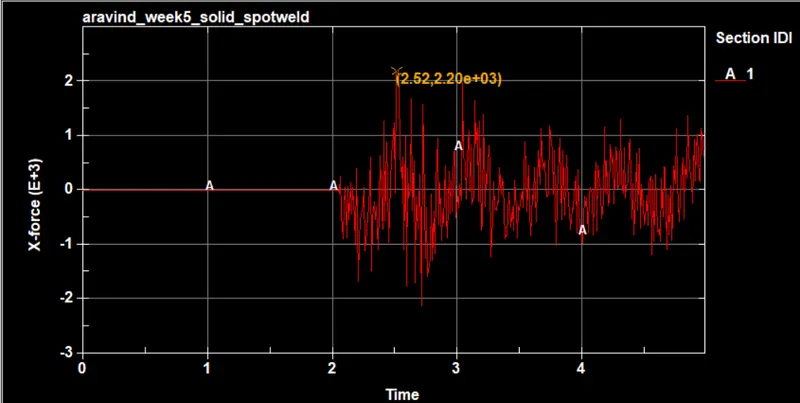
From the above graph plotted between time and stress which shows the cross-sectionnal force in X-direction beam elements experience more force 986e+3N than the beamelements 2.20e+03N.
AXIAL FORCE
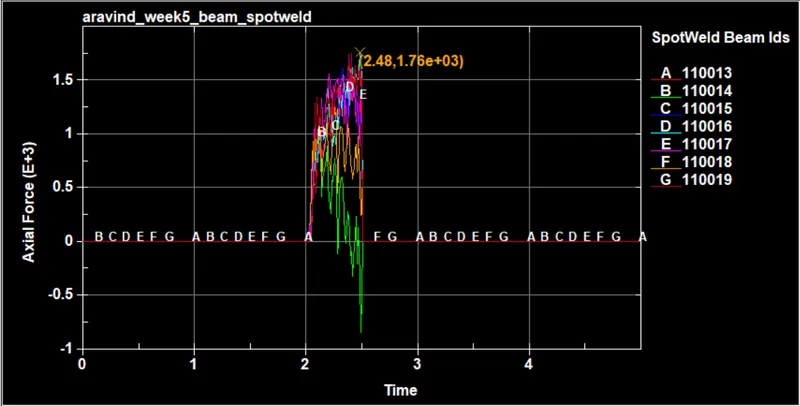
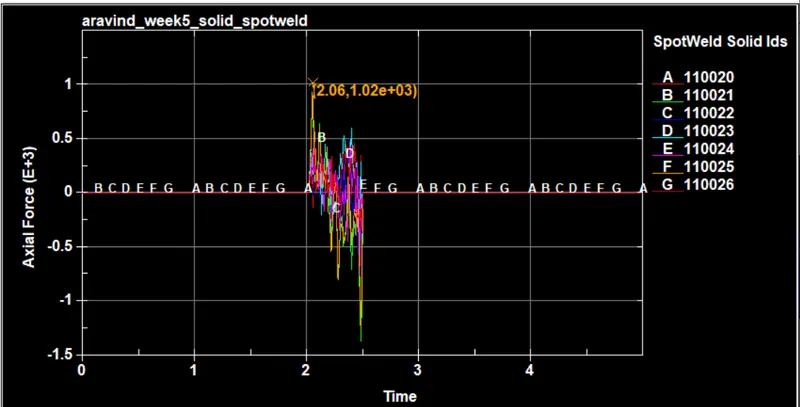
The axial force is a force acting parallel along X-direction, Axial force in beam is more 1.76e+03N at 2.48ms than the beam elements 1.02e+03N at 2.06 ms.
SHEAR FORCE
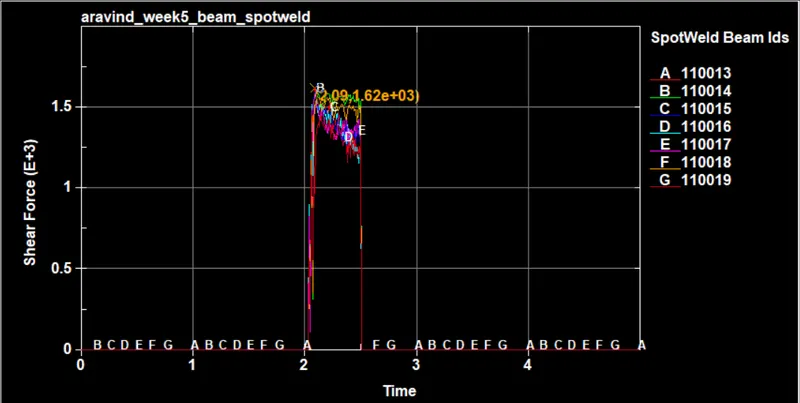
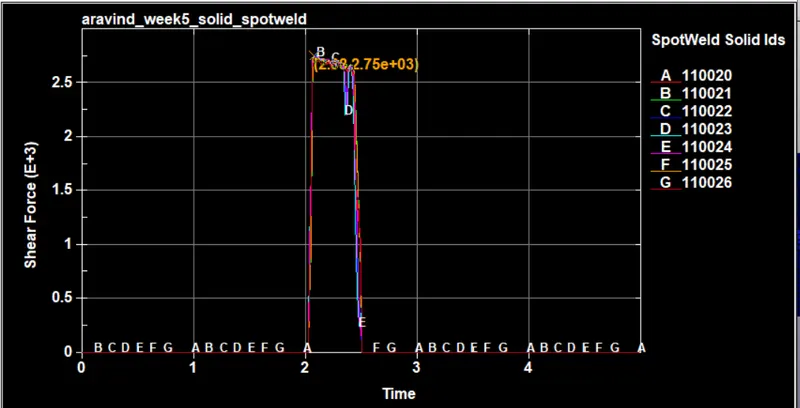
The shear force is a force acting perpendicular along X-direction, shear force in beam is less 1.62+03N at 2.09ms than the beam elements 2.75e+03N at 2.18 ms.
CONCLUSION
From the above results the shear force is more dominant factor for the faliure of the welds hence it can performance better in solid weld elements because the force is higher than beam elements, and also in axial loading solid element can carry load in more direction and the beam elements shows elongation where in solid there is no elongation.