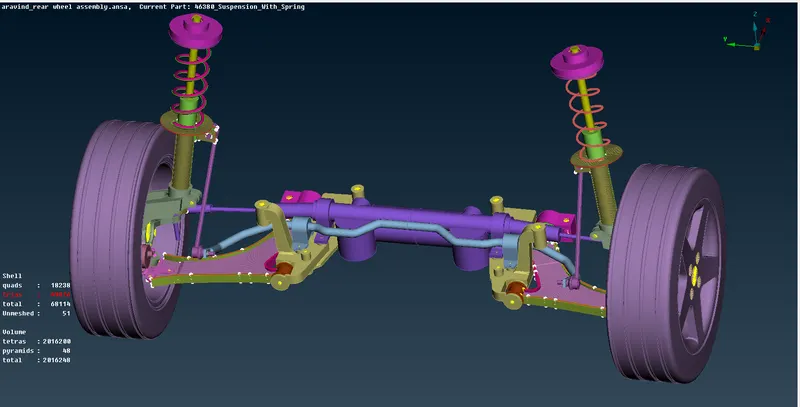
Project 2
PROJECT2: REAR SUSPENSION
OBJECTIVE
In this project For the given assembly of rear wheel suspension, check for the geometrical errors and mesh with the given element Quality criteria. After meshing the component the thickness has to be assigned for mid surfaces. Use tetra elements to model non-uniform thickness components. Also use connections to connect the component as suggested.
AIM
- Use Volume mesh for Tyre and Rim with below Quality criteria. (Use Tria Element)
- Use mid surface only when the thickness is uniform and less than 5 mm. (Use Mixed elements.
QUALITY CRITERIA
Quality Criteria for Tria Elements (Tyre and Rim):
|
S.No |
Quality Criteria |
Value |
|
1 |
Target/Average length |
6.5 |
|
2 |
Minimum Length |
5 |
|
3 |
Maximum Length |
10 |
|
4 |
Skewness |
45 |
Quality criteria for Mixed elements (For Midsurface only):
|
S.No |
Quality Criteria |
Value |
|
1 |
Target/Average length |
4 |
|
2 |
Minimum Length |
2 |
|
3 |
Maximum Length |
6 |
|
4 |
Aspect |
3 |
|
5 |
Warpage |
15 |
|
6 |
Skewness |
45 |
|
7 |
Jacobian |
0.7 |
|
8 |
Minimum Quad Angle |
45 |
|
9 |
Maximum Quad Angle |
135 |
|
10 |
Minimum Tria Angle |
30 |
|
11 |
Maximum Tria Angle |
120 |
Quality criteria for Tria (For other components):
|
S.No |
Quality Criteria |
Value |
|
1 |
Target/Average length |
4 |
|
2 |
Minimum Length |
2 |
|
3 |
Maximum Length |
6 |
|
4 |
Skewness |
45 |
Common Quality Criteria for Tetra elements are:
|
S.No |
Quality Criteria |
Value |
|
1 |
Tet-collapse |
0.2 |
PROCEDURE
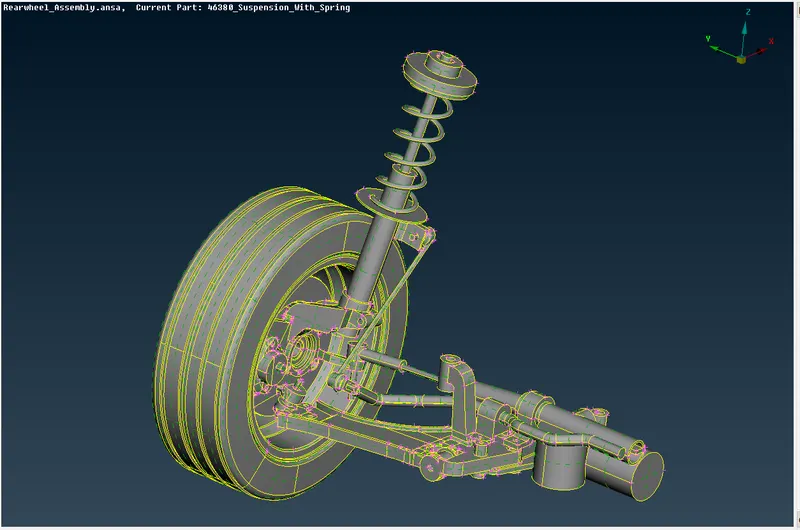
- Import the CAD model into ANSA.
- Then go to utilities – checks – geometry check to do geometry check whether any free edges, cracks on the surface of the components.
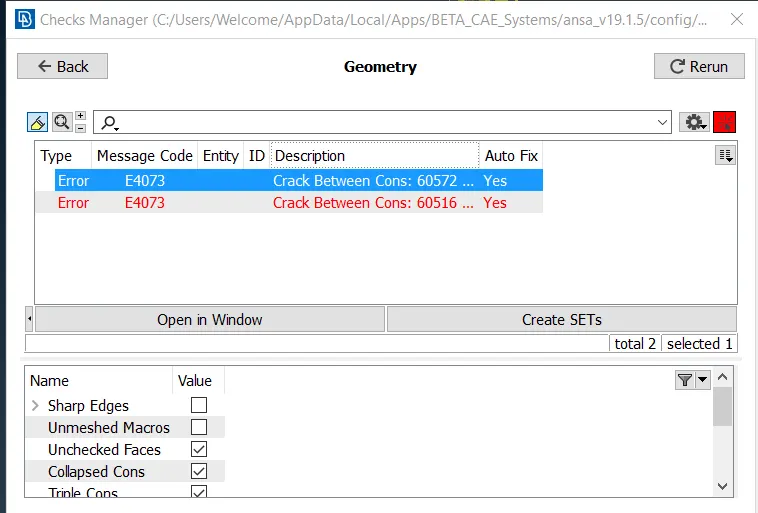
- Then topo the surface to clear the free edges and unwanted cuts.
- Then give the topo – faces – orient to orient the all surface.
- Measure the thickness of the components.
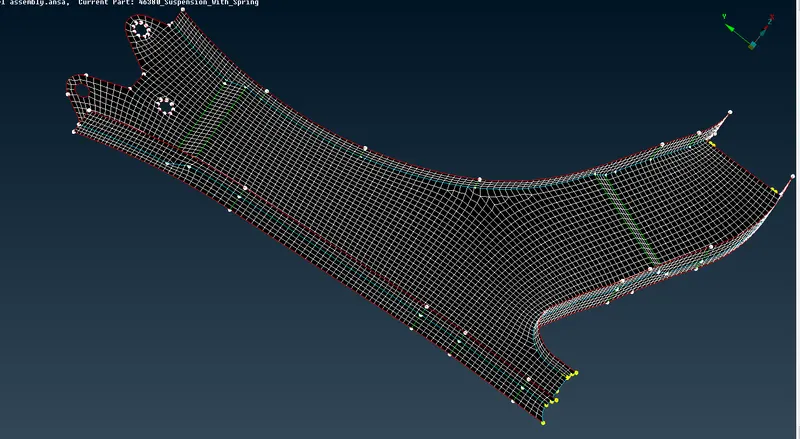
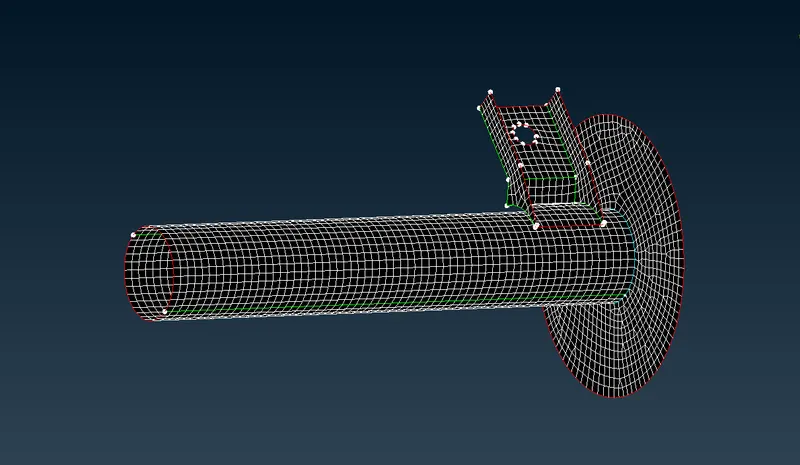
- Then extract auto mid-surface by topo – faces – mid-surfaces – skin but the auto mid-surface shows error so we go for manual mid-surface using topo – faces – offset.
- Before meshing the components give perimeter length and macros length, by mesh – perimeter – length.
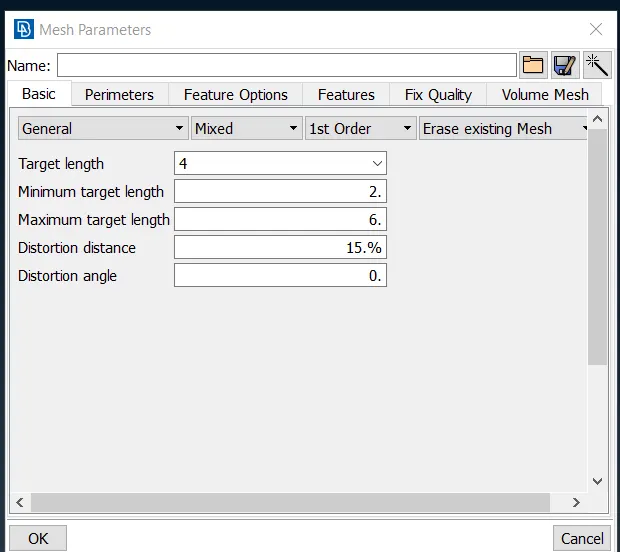
- Then give the mesh parameters in utilities – mesh parameters.
- Then give quality criteria by clicking F11.
- Then to achieve the quality use mesh – shell elements – reconstruct/smooth.
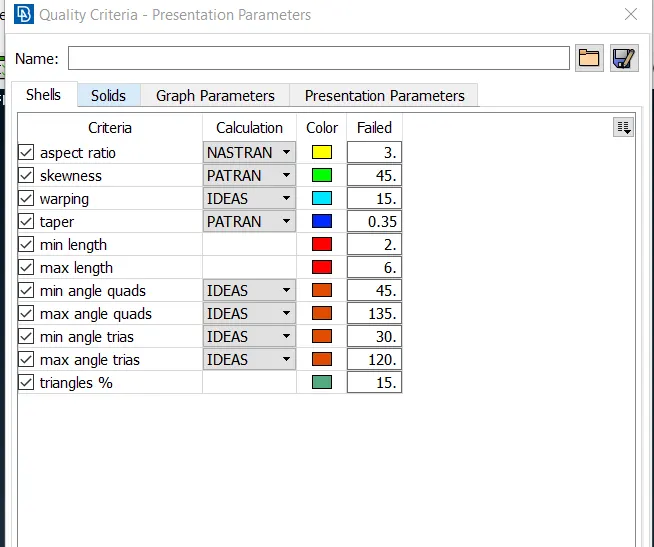
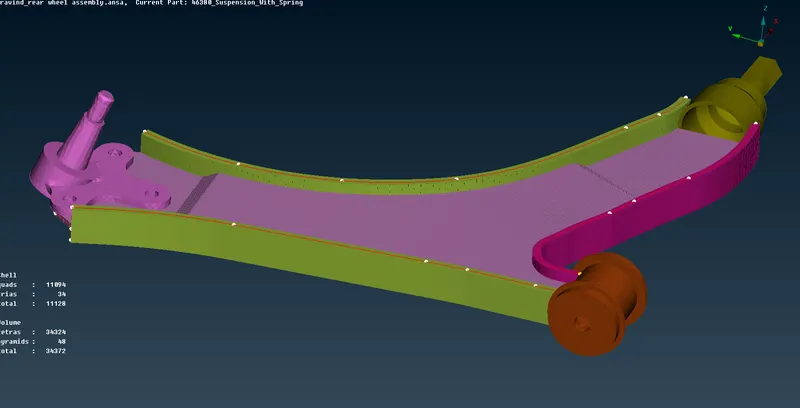
- To do solid mesh we have to do shell mesh.
- Then to achieve the quality use mesh – mesh generation – spot mesh, for fillet region we will use ortho tria rest plain region as tria.
- Then release the FE from geometry by v.mesh – volume mesh – release.
- The define the volume list by v.mesh – volume mesh – define – manual.
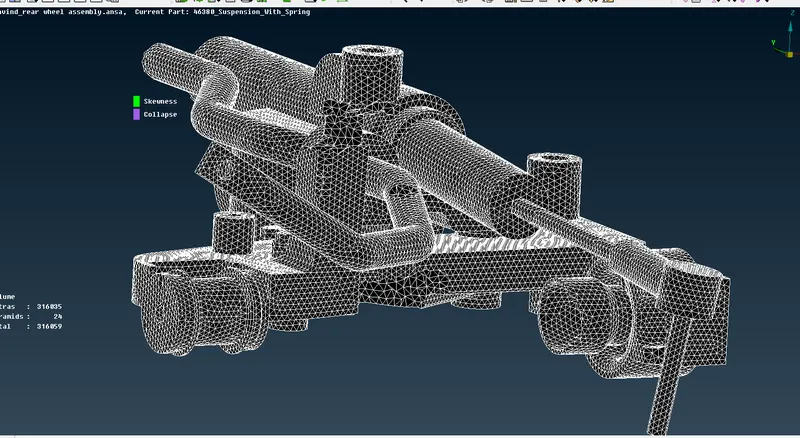
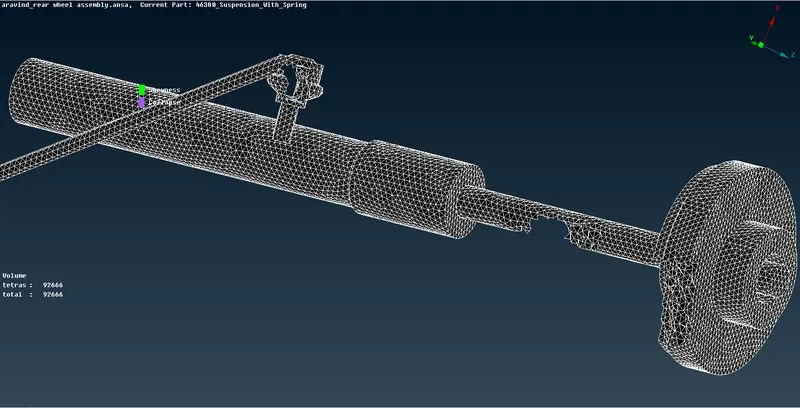
- Then generate tetra mesh by v.mesh – unstructured mesh – tetra rapid/tetra FEM.
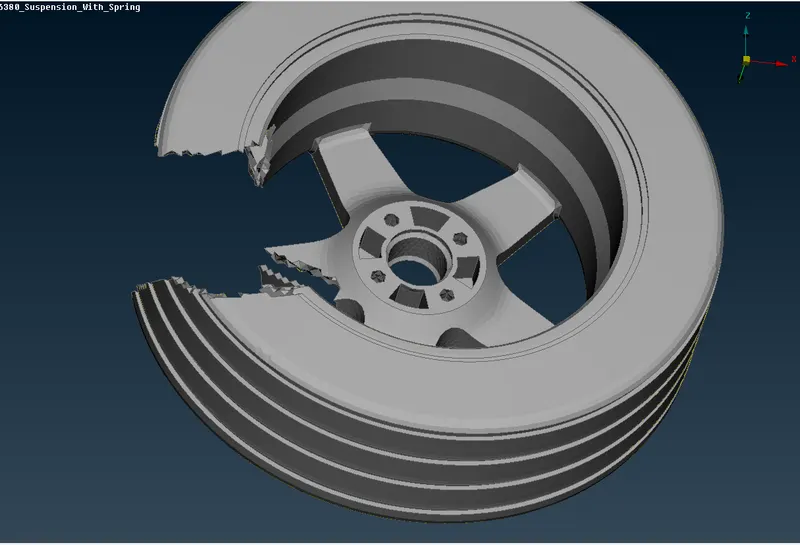
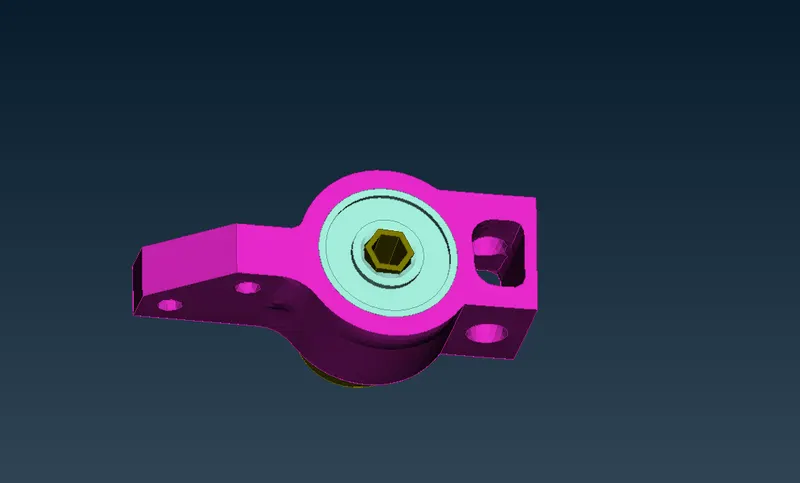
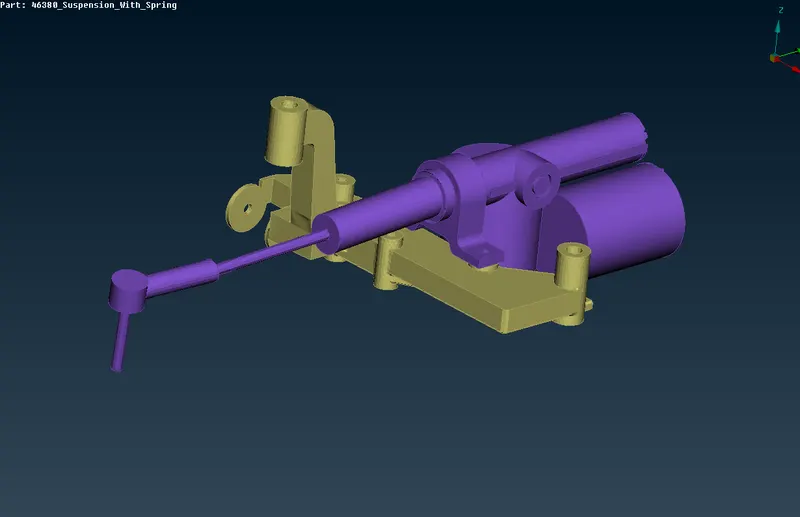
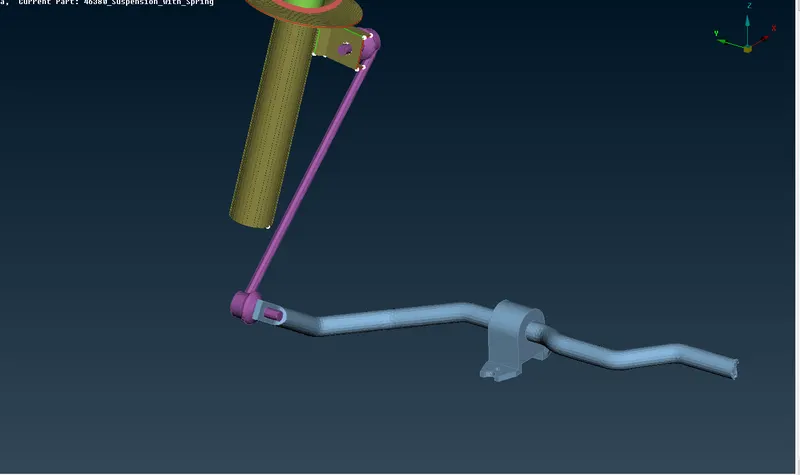
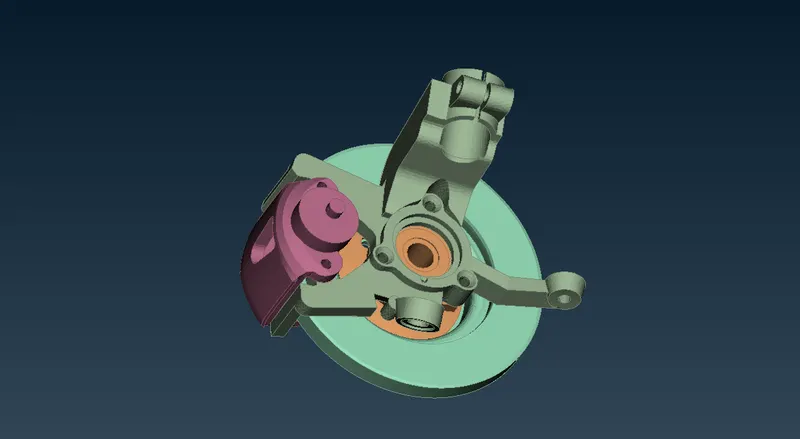
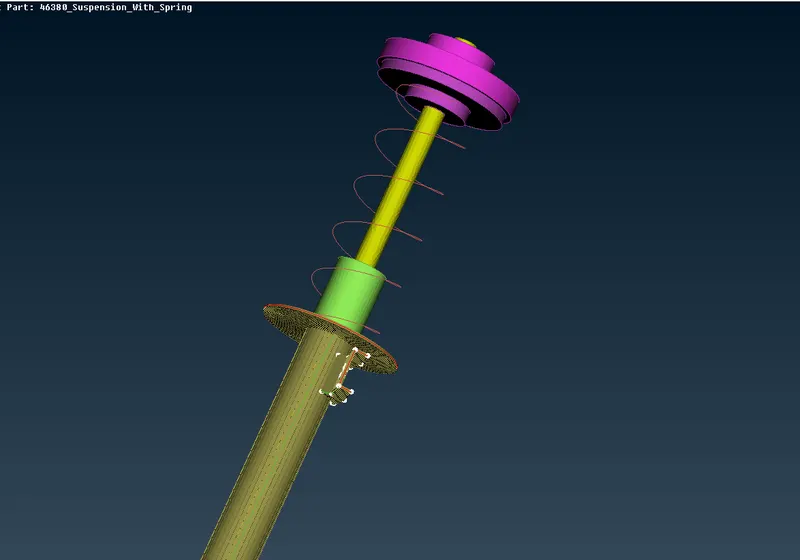
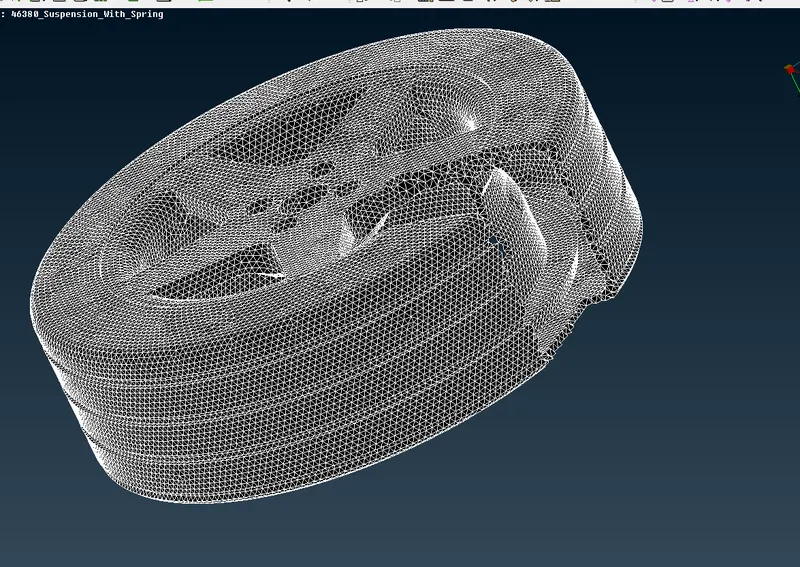
- To create connection between the components, go to NASTRAN deck.
- To create rbe2 element go to Nastran deck – elements – rbe2 – select the nodes to be connected then click of.
- To create bolt connections, create rbe2 elements on both holes and then connect the mid-point with node rbe2.
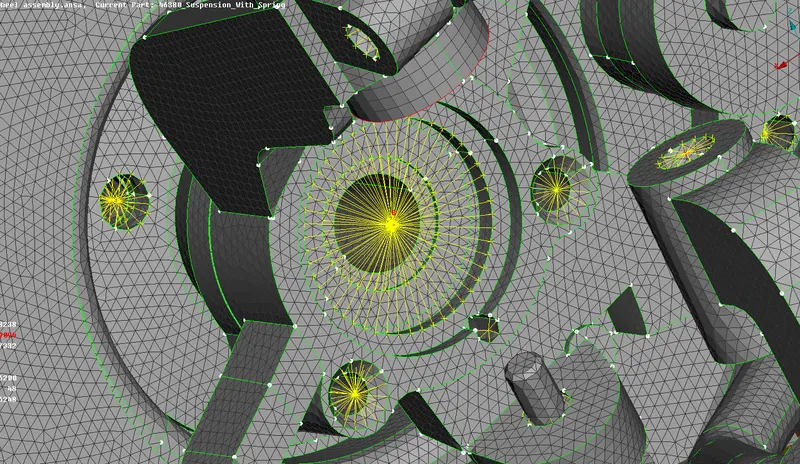
- for spring use Cbar element to represent as spring.
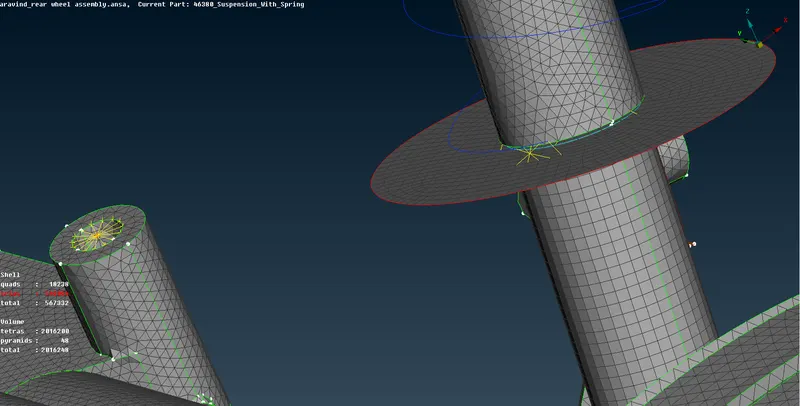
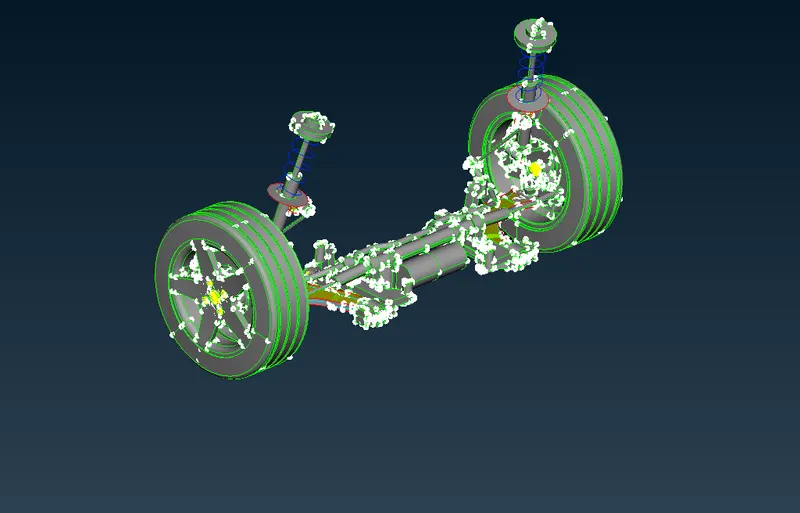
- Then mirror the entire assembly by utilities – transform – copy – symmetry – define the nodes then ok.
CONCLUSION
Finally, the dashboard CAD model is convert into FE model by extracting mid-surface geometry check mesh them with shell mesh and convert the solid part into solid tetra mesh, with required quality criteria .
LEARNING OUTCOMES
Learnt different typed of tetra mesh methods and connect them with appropriate connections with zero quality errors in ANSA pre-processors.