Week - 3 Drop test Challenge
PHONE DROP TEST
AIM
To create phone drop test in Ls-Dyna with required boundary conditions and perform a stimulation and extract result.
PROCEDURE
- We consider the phone is free fall from 1.8m height hence the initial velocity will be 5.94mm/ms.
- First import the .k file into Ls-prepost, then change the title by model – keywords – title.
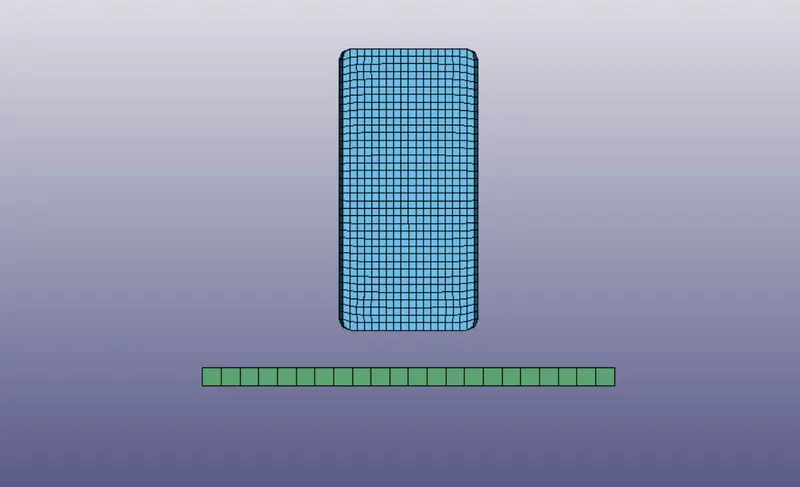
- Then delete the shell element in the model and we keep only the solid elements for better results.
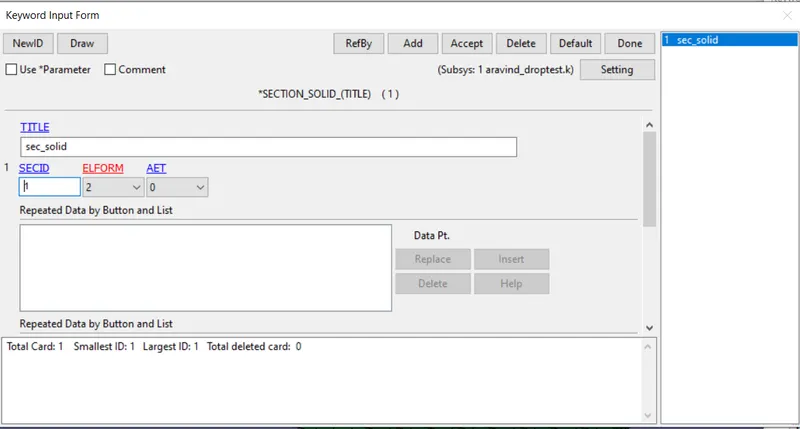
- Create section id for the solid elements by model – keyword – section – solid.
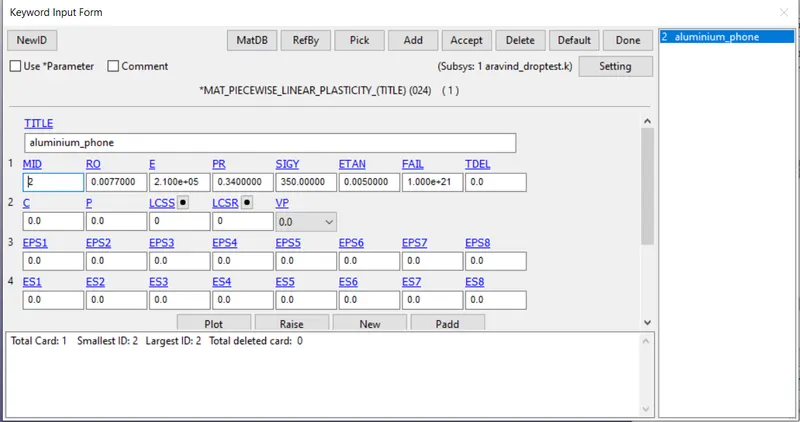
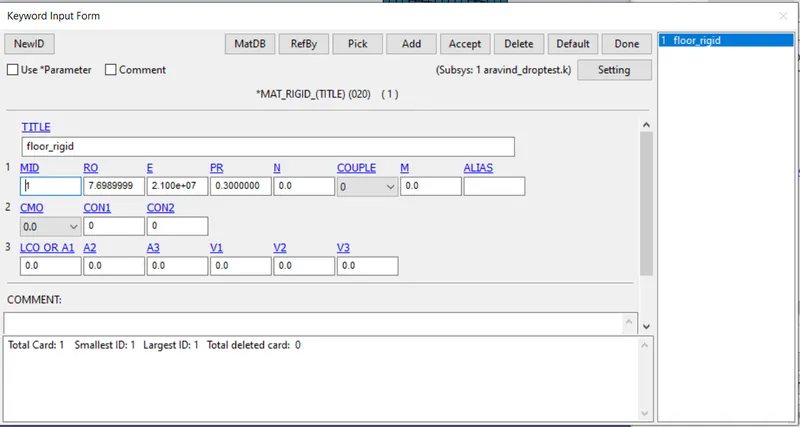
- Then create the material 20(rigid) for the floor with id and mat 024(piecewise linear plasticity) for the phone with different id.
- Then assign the sec and material to the part by model – keyword – part, change the title for the solid elements and assign the materials.
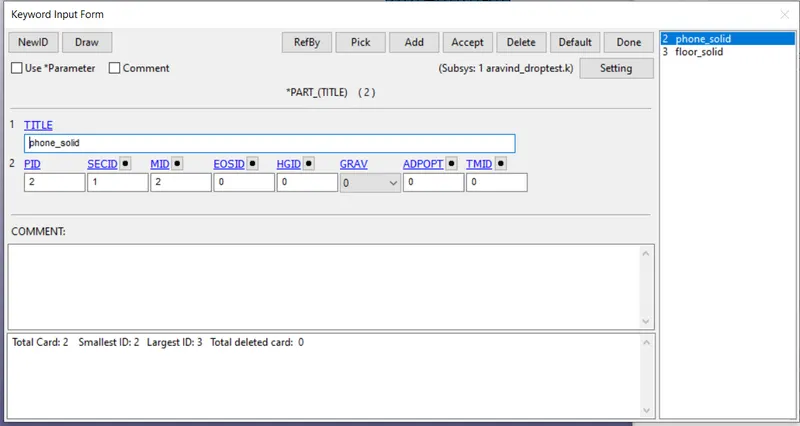
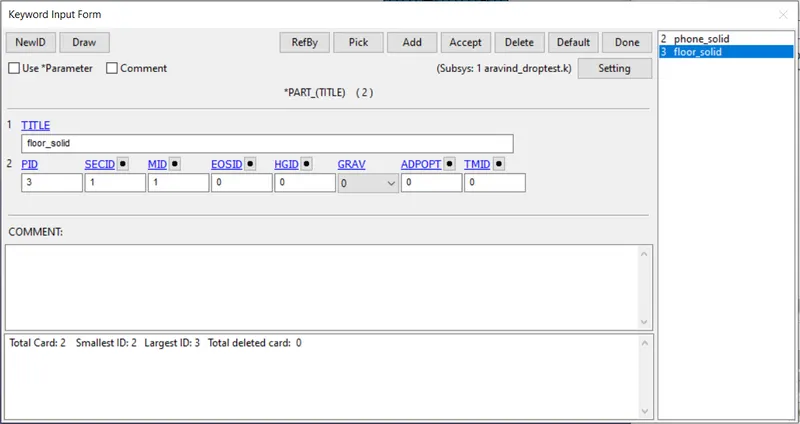
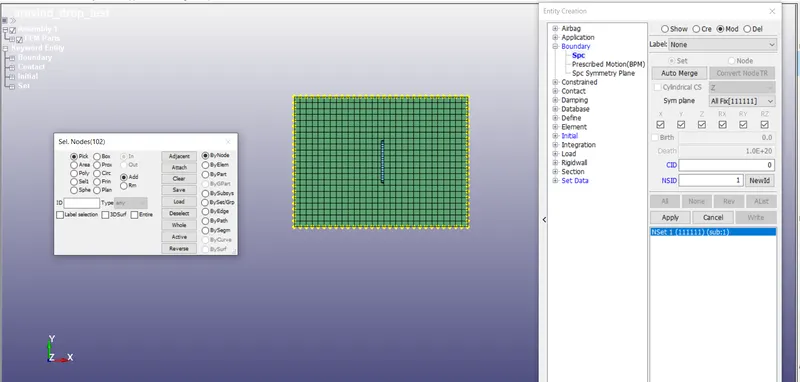
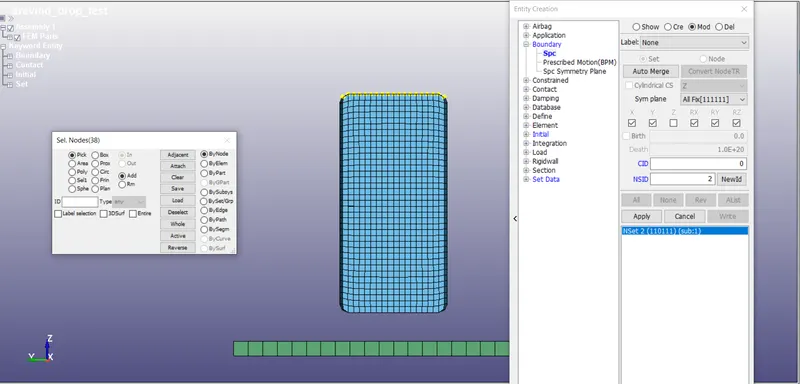
- Then create boundary conditions by model – content – boundary – spc, select the node set or the pick the node to be constrained, node to be constrained in all dof for floor and z-axis is free for phone.
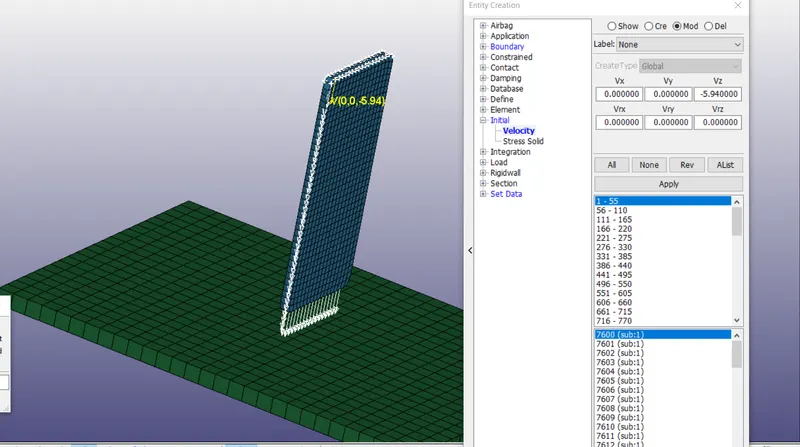
- Then create the initial velocity by model – content – initial – velocity select the hole part of the phone and give the velocity in z- direction as 5.94.
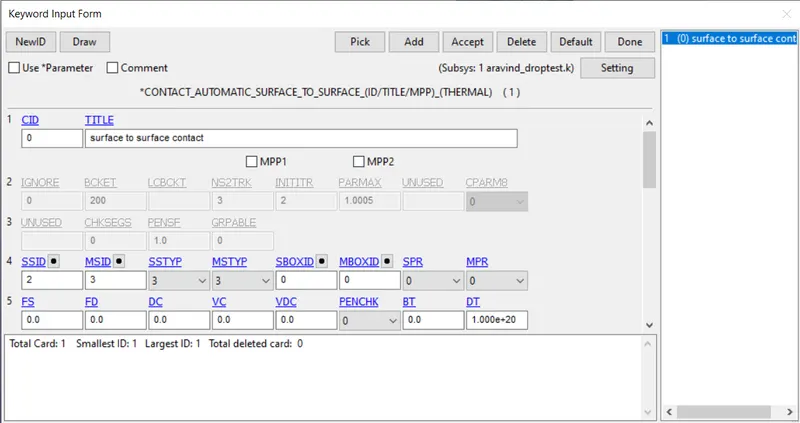
- Then create contact as automatic surface to surface contact, by model – keywords – contact. Assign floor as master nodes and phone as slave nodes.
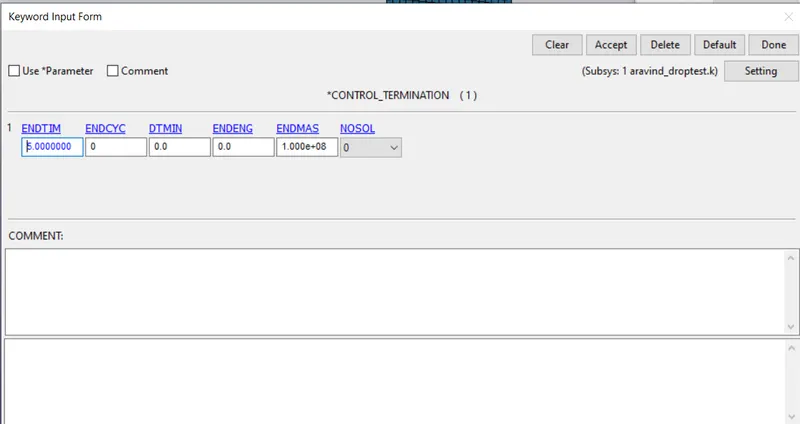
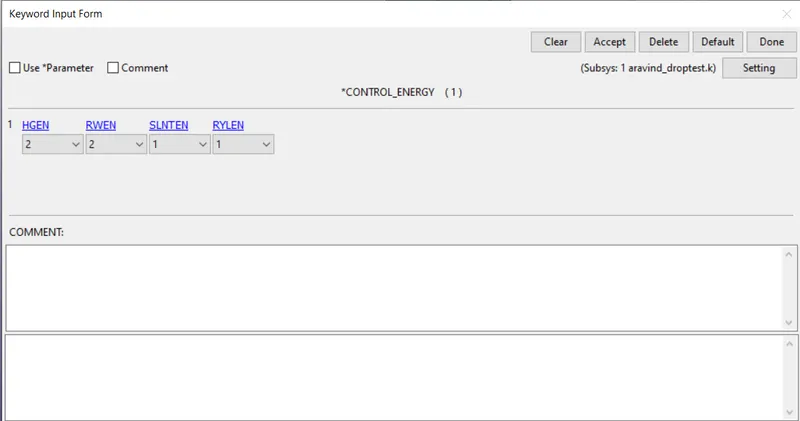
- Then create control energy and termination by model – keywords – control – energy & termination.
- Then for the results go to model – keywords – database – ASCII_option & Binary D3 plot.
RESULTS
- Then run the stimulation on Ls-Dyna solver by importing.k file into it.
- The von-mises stress, stress in Z direction, plastic strain and energy plot are shown below.
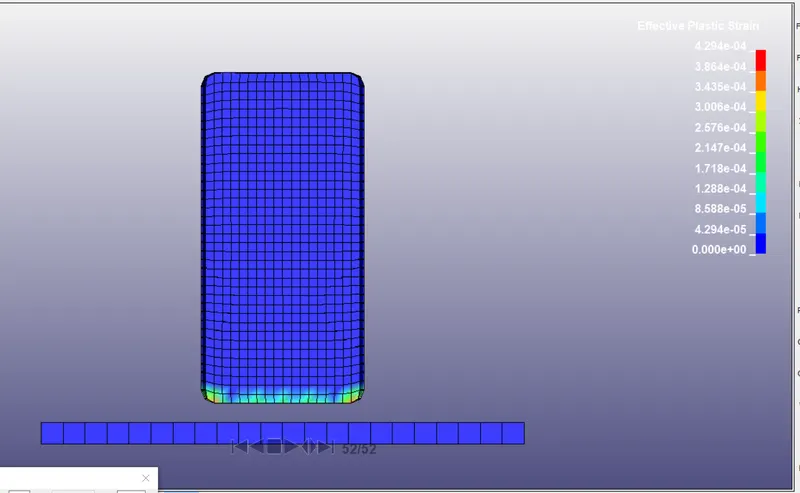
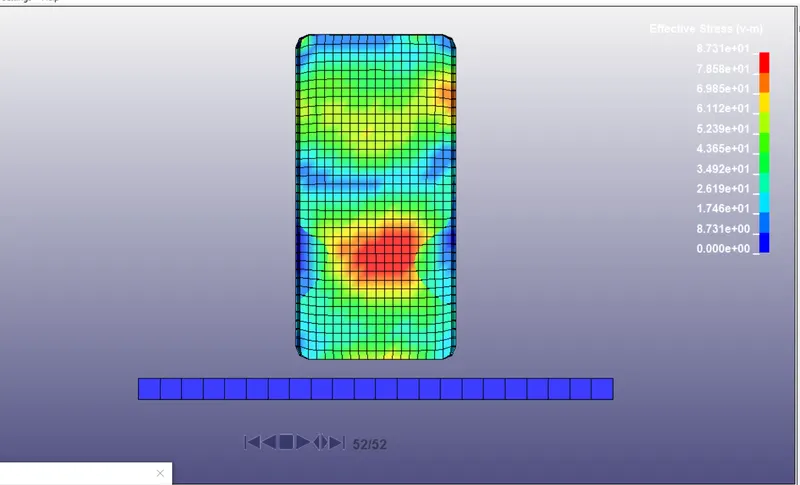
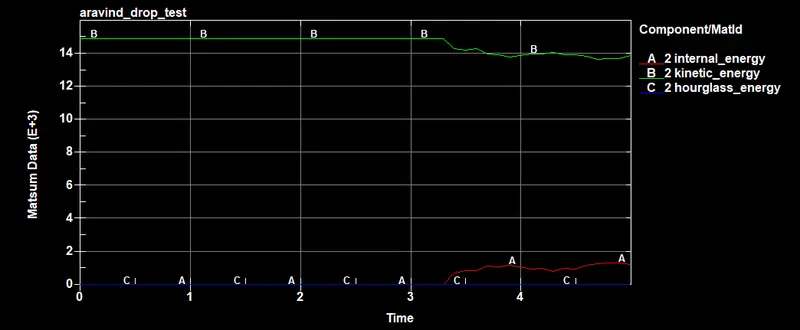
From the above result and plot it is clearly shown that internal energy drops after the impact, kinetic energy increases after that impact but hourglass energy remains constant because of control enegy.