Week 4
WEEK 4 CHALLENGE
OBJECTIVE
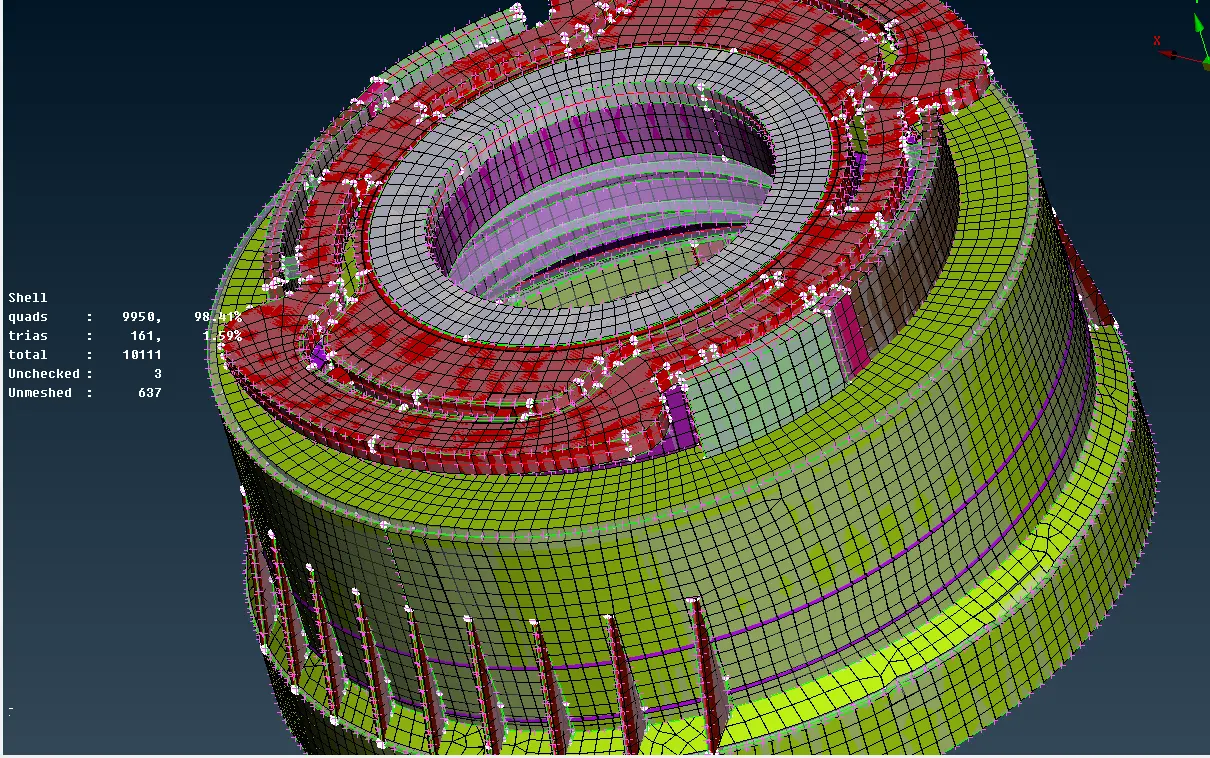
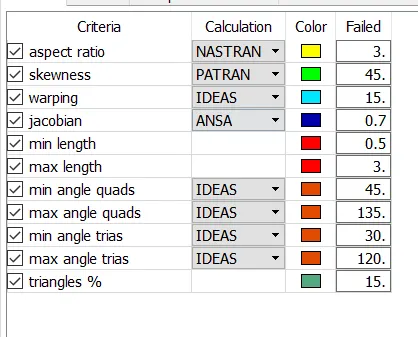
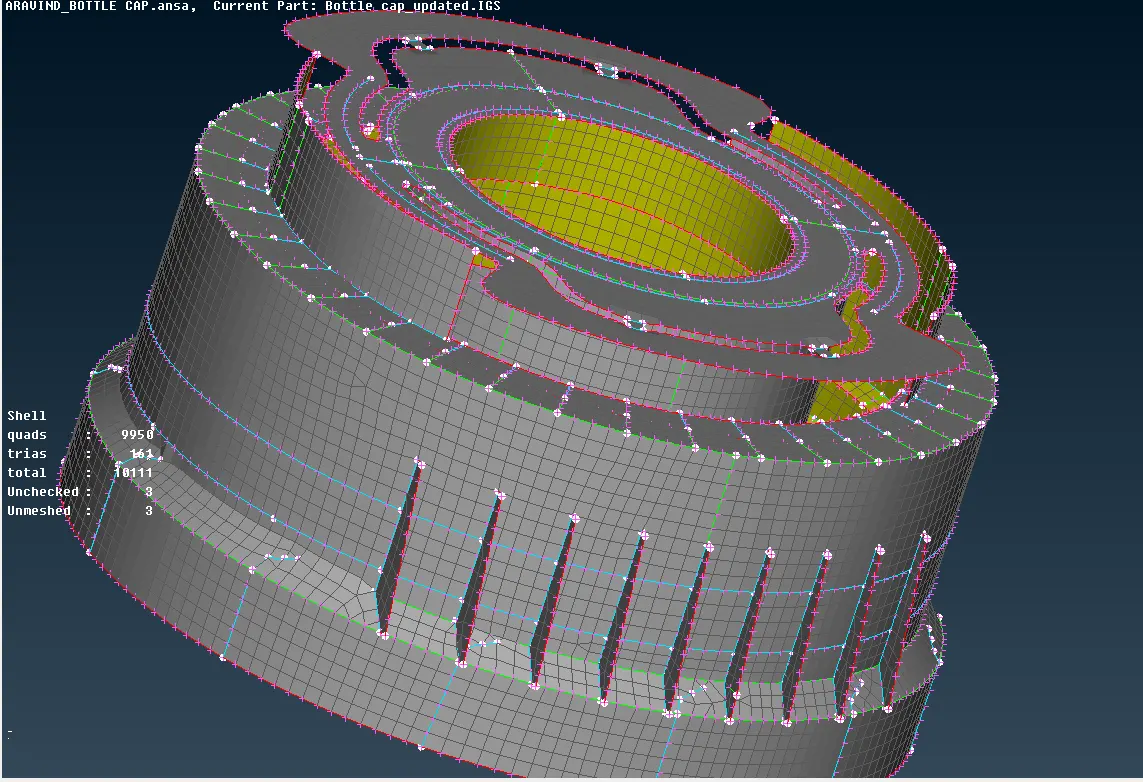
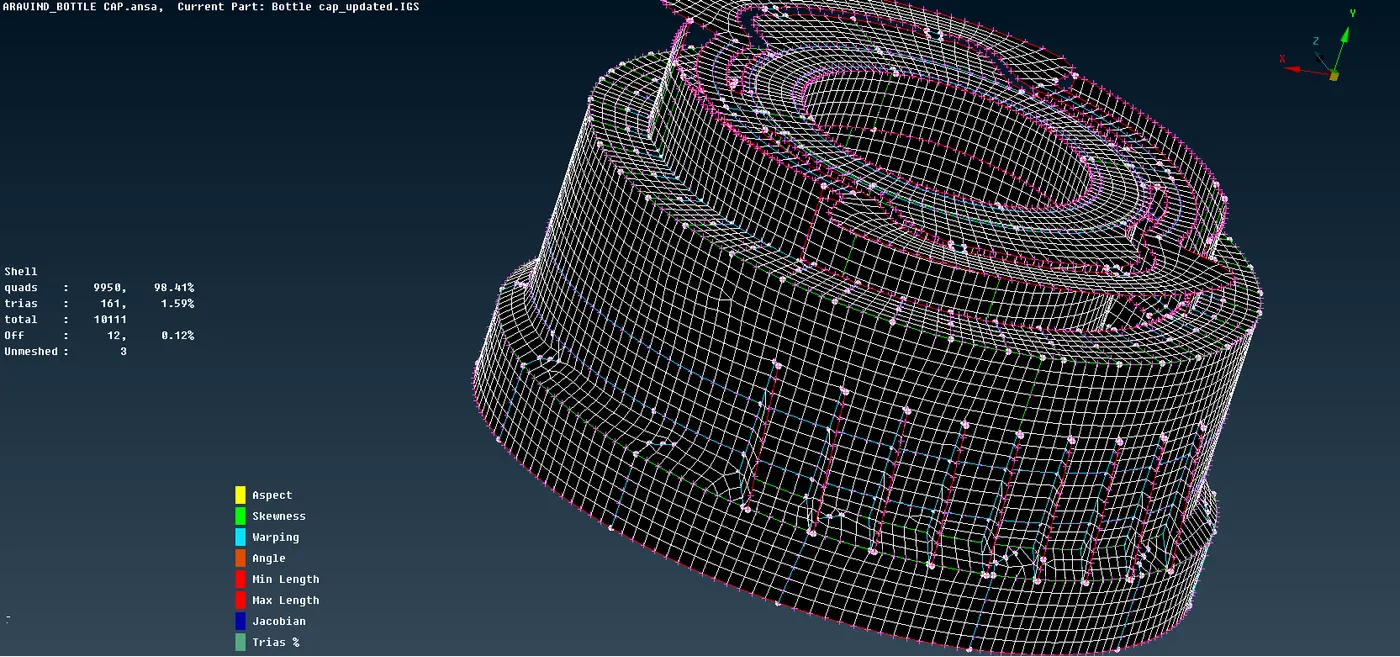
In this challenges we have to extract mid-surface For the given component, check for the geometrical errors and mesh with the given element Quality criteria. After meshing the components, the thickness has to be assigned.
|
S.No |
Quality Criteria |
Value |
|
1 |
Target/Average length |
1 |
|
2 |
Minimum Length |
0.5 |
|
3 |
Maximum Length |
3 |
|
4 |
Aspect |
3 |
|
5 |
Warpage |
15 |
|
6 |
Skewness |
45 |
|
7 |
Jacobian |
0.7 |
|
8 |
Minimum Quad Angle |
45 |
|
9 |
Maximum Quad Angle |
135 |
|
10 |
Minimum Tria Angle |
30 |
|
11 |
Maximum Tria Angle |
120 |
|
10 |
Tria Percentage |
15 |
PROCEDURE
- Import the model into the ANSA and check the property.
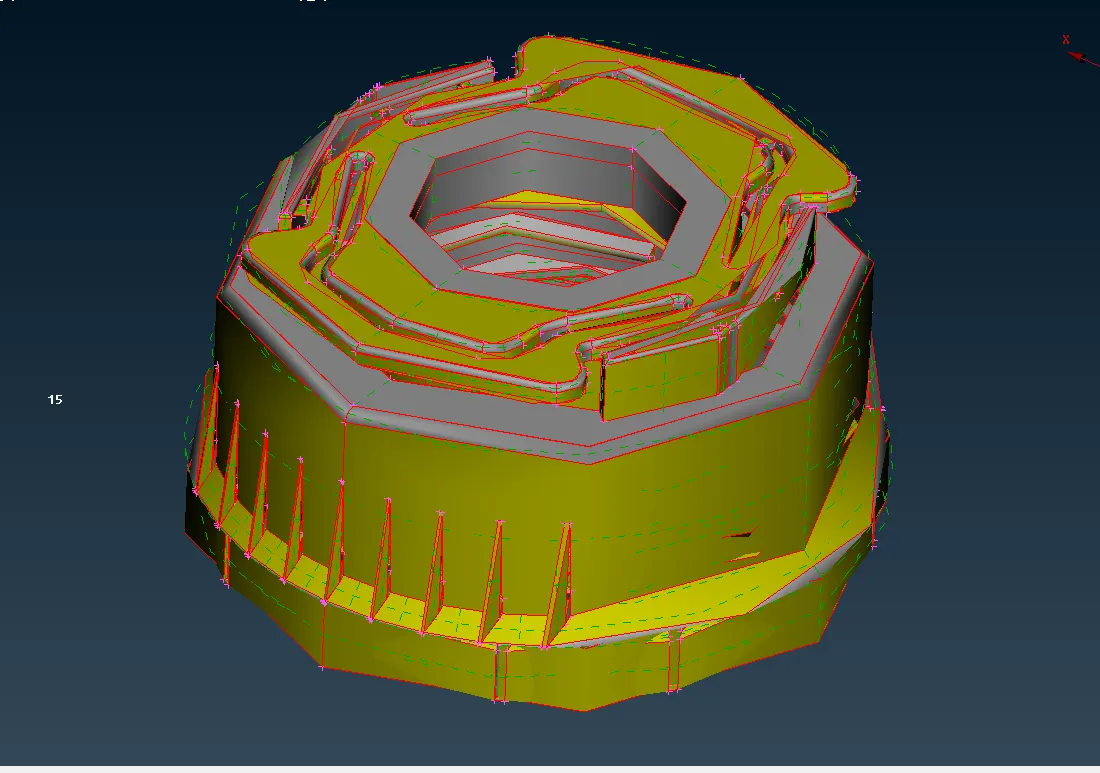
- Then go to utilities – checks – geometry check to do geometry check whether any free edges, cracks on the surface of the components.
- Then topo the surface to clear the free edges and unwanted cuts.
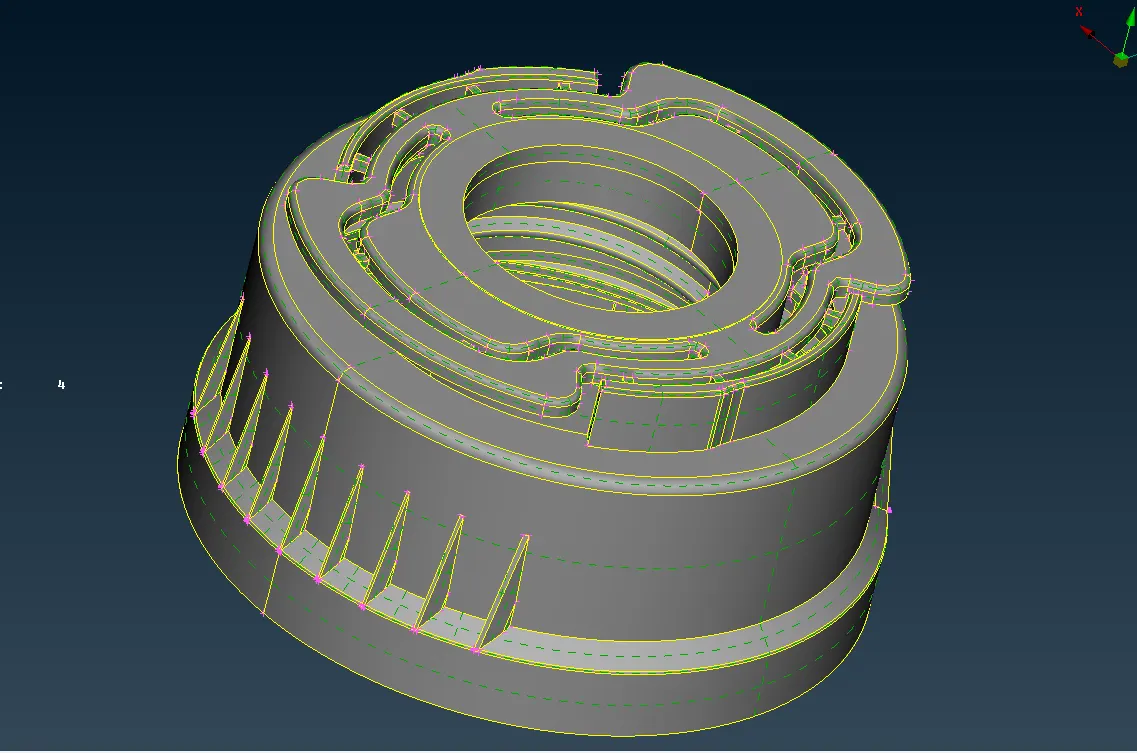
- Then give the topo – faces – orient to orient the all surface.
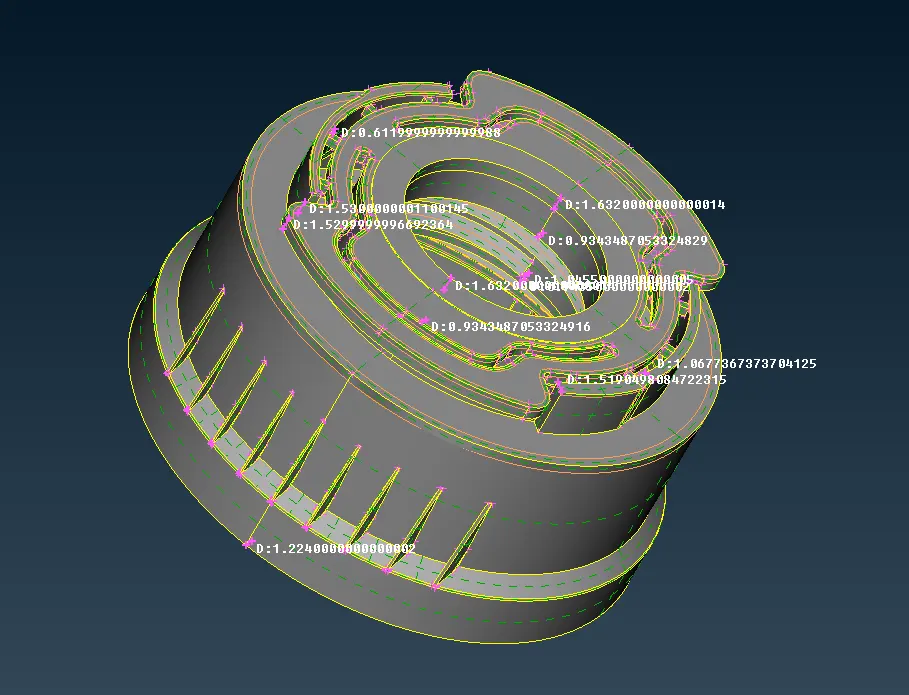
- Measure the thickness of the components.
- Then extract auto mid-surface by topo – faces – mid-surfaces – skin but the auto mid-surface shows error so we go for manual mid-surface using topo – faces – offset.
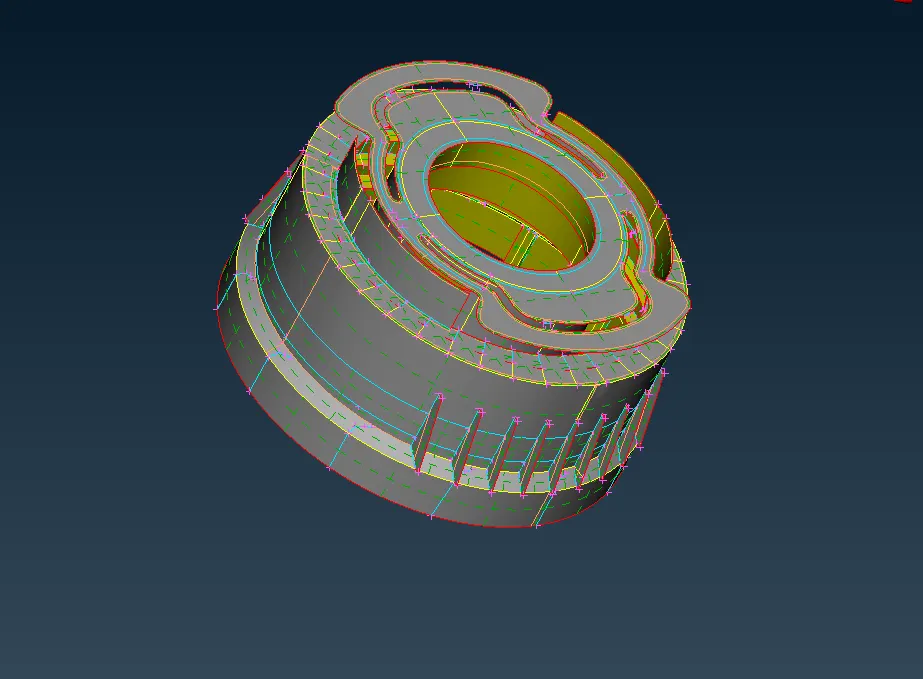
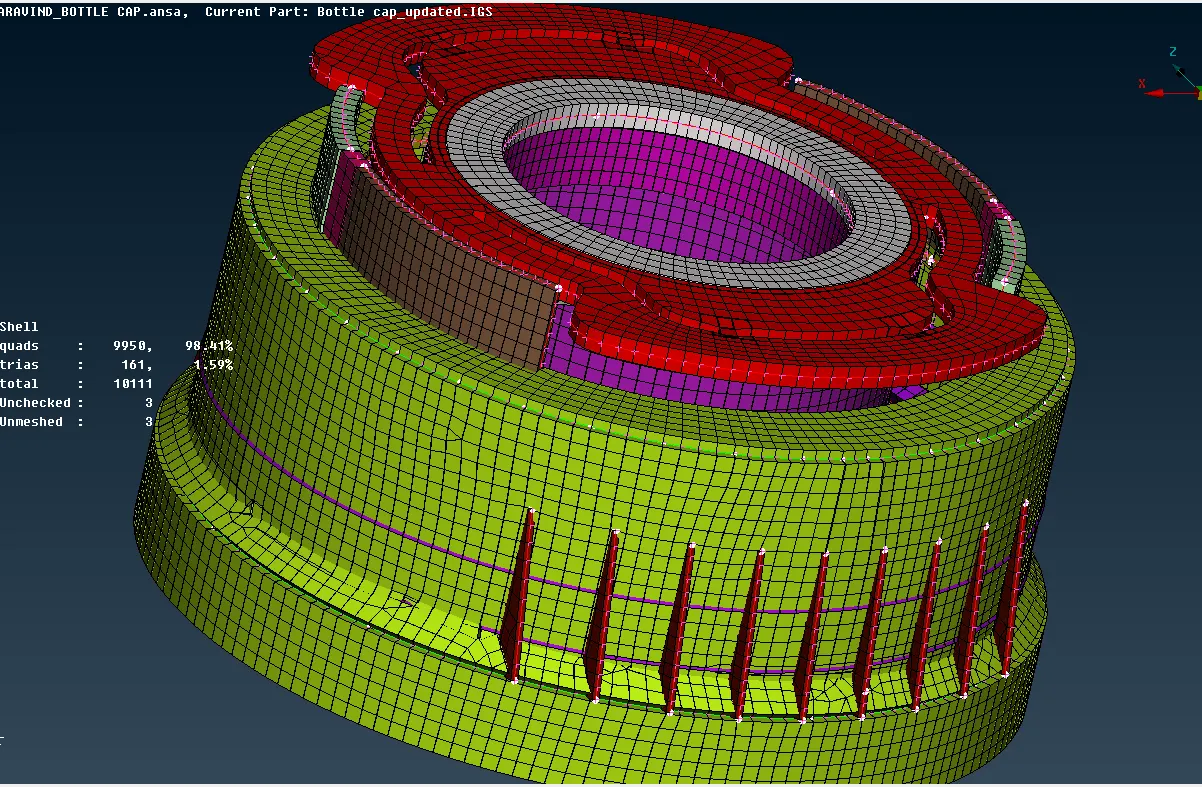
- Then create new PID for the mid surface of the components and assign thickness.
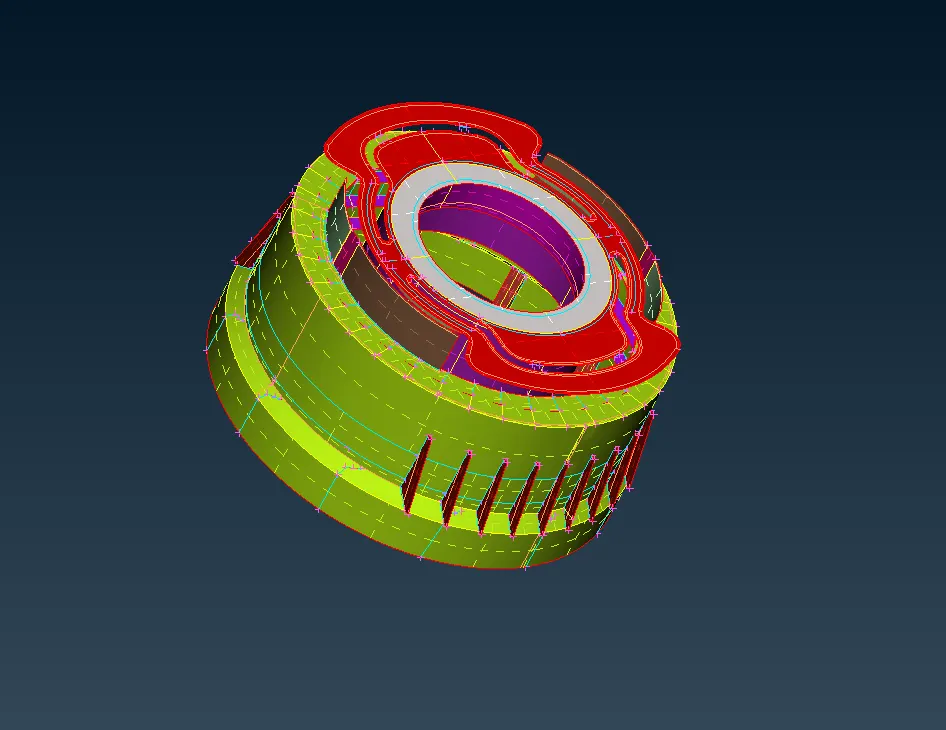
- Before meshing the components give perimeter length and macros length, by mesh – perimeter – length.
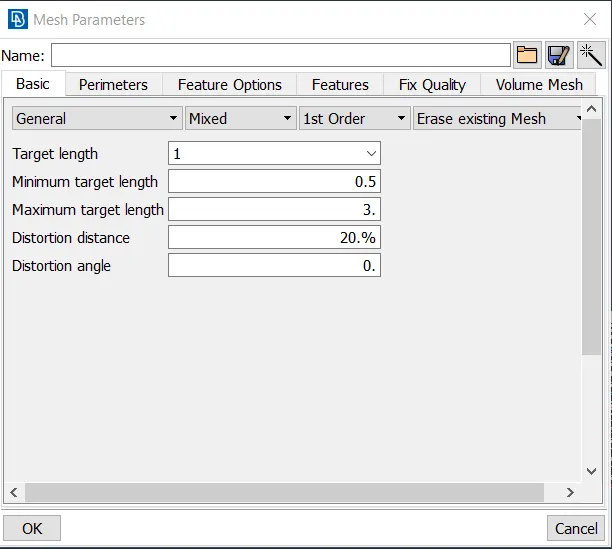
- Then give the mesh parameters in utilities – mesh parameters.
- Then give quality criteria by clicking F11.
- Then to achieve the quality use mesh – shell elements – reconstruct/smooth.
CONCLUSION
Finally the bottle cap CAD geometry is converted into FEA model with required quality parameters by extracting the mid-surface and assigning the thickness.
LEARNING OUTCOMES
In this challenge we learnt how to extract the mid-surface of the plastic component and converting them into FEA model and match the CAD geomentry.