Week 8
MORPH
OBJECTIVE
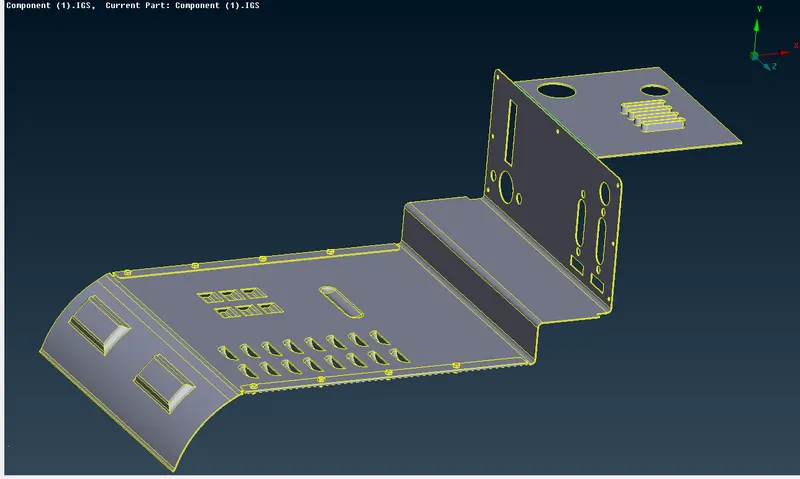
In this challenge we have to morph the given CAD model by changing the geometry parameters.
MORPHING
Morphing is a technique where change the shape of the geometry or FE in the Pre-processors and analysis.
PROCEDURE
- Import the FE back door model into ANSA.
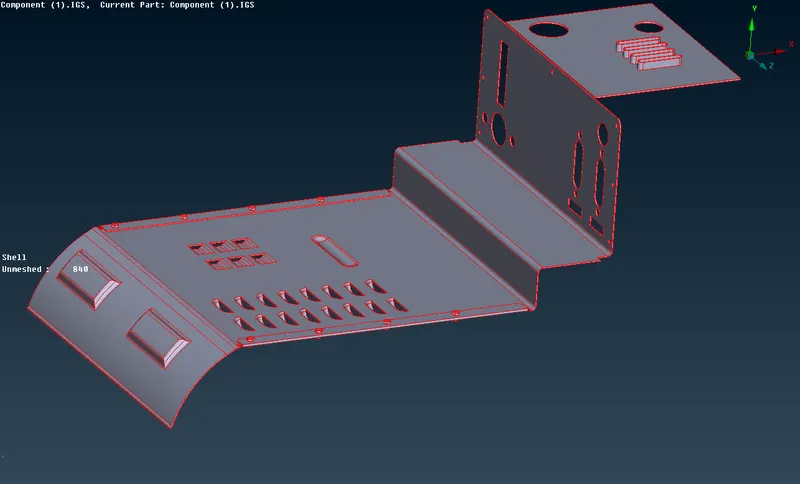
- Then go to utilities – checks – geometry check to do geometry check whether any free edges, cracks on the surface of the components.
- Then topo the surface to clear the free edges and unwanted cuts.
- Then give the topo – faces – orient to orient the all surface.
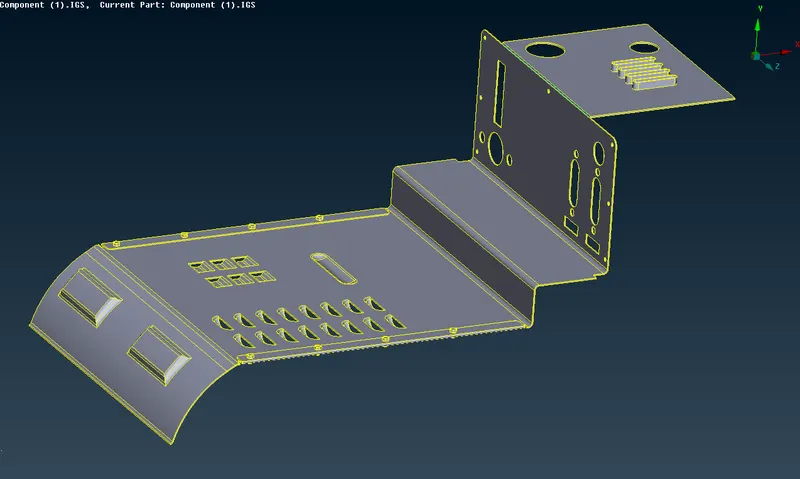
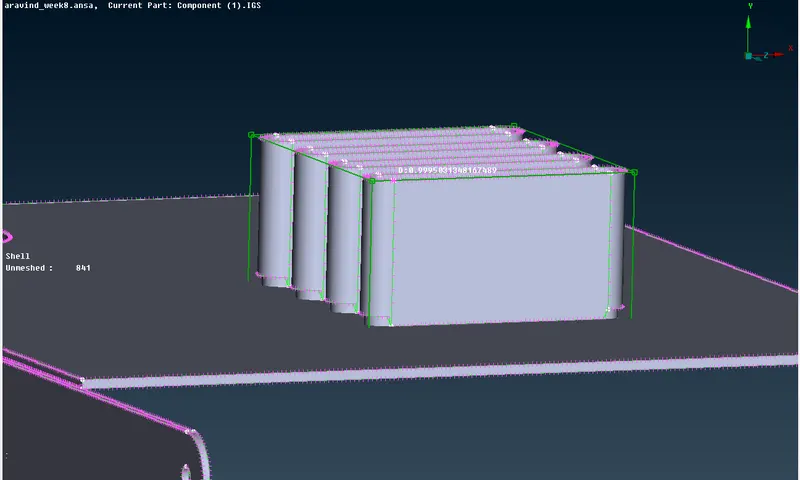
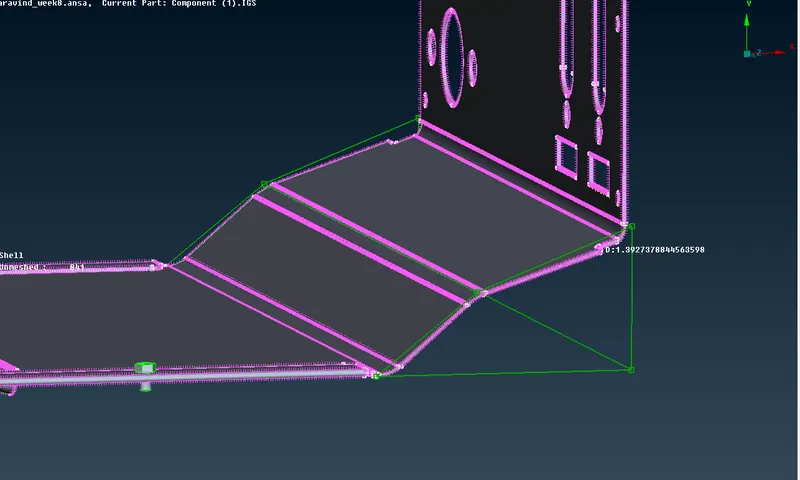
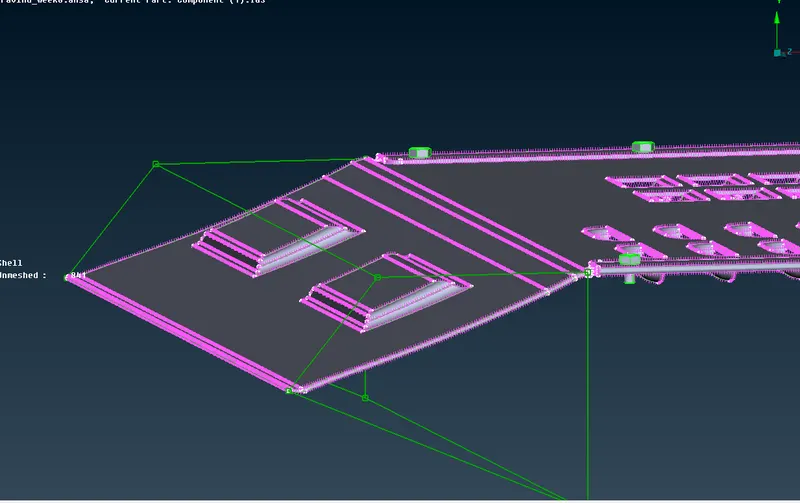
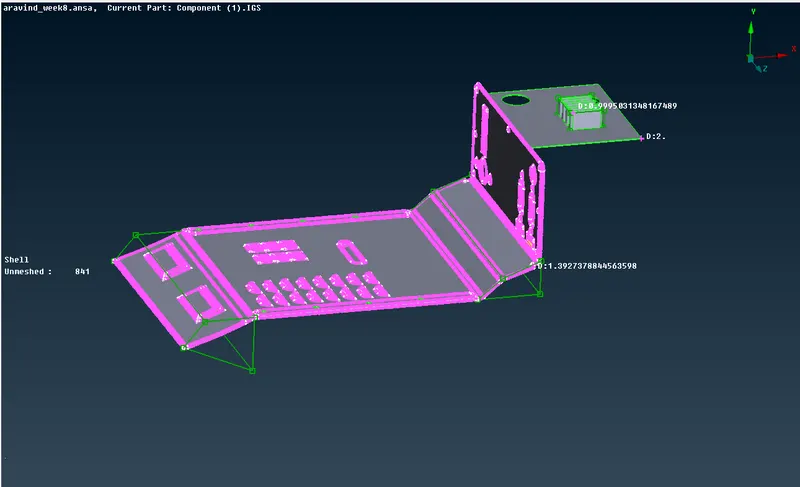
- then we have to create morph box to change the geometry by morph – boxes – new – select the geometry to be morphed.
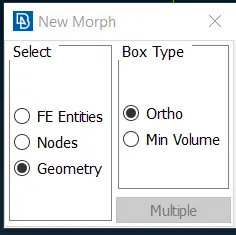
- Select the node on the box and move to the required direction.
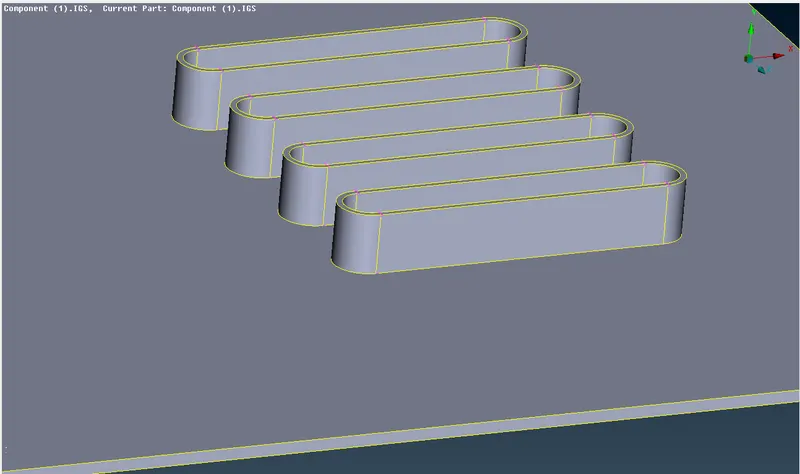
CONCLUSION
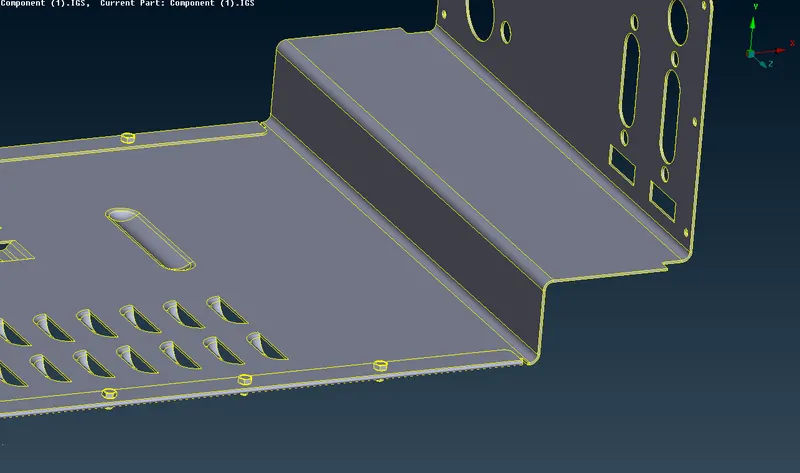
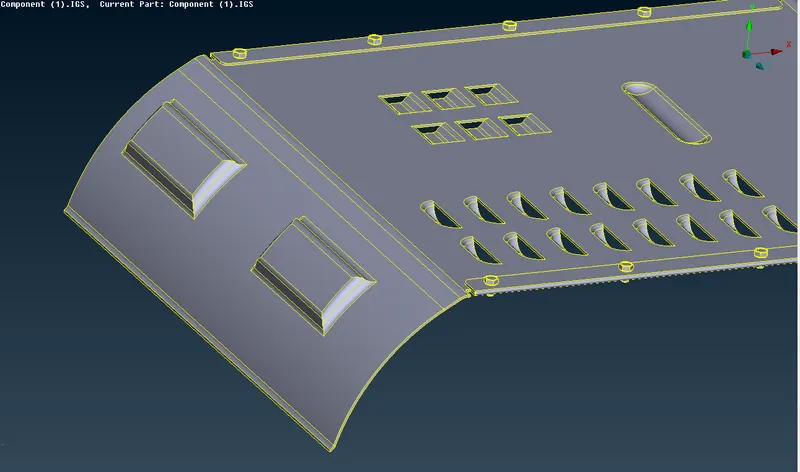
Finally, the given geometry model is morph with our requirement and the changes in the geometry has shown.
LEARNING OUTCOMES
Learnt how to change geometry or FE model by using morphing in ANSA pre-processor.