Week 2 Challenge : Surface meshing on a Pressure valve
Aim :
To perform topology cleanup and surface meshing of the pressure Valve using ANSA.
Objective :
Mesh the given component which is pressure valve for the given conditions
- Target length = 1mm, 3 mm and 5 mm (i.e. 3 cases)
- Element type = Triangular Mesh
Methodology :
Step1. Import a geometry in ANSA and perform geometry check
Go to checks`->` geometry`->`check the Templates
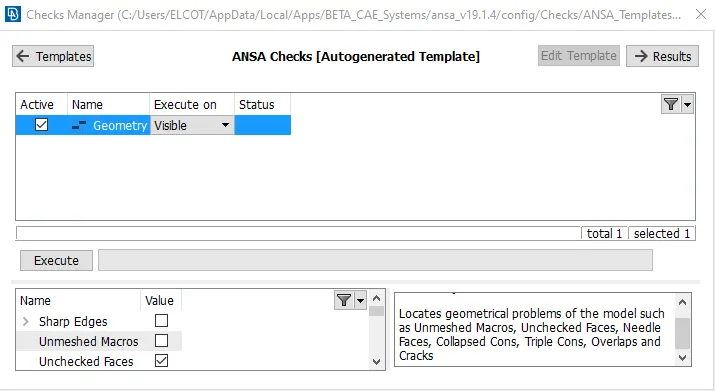
Check all these condition mention below
- UnMeshed macros
- unchecked faces
- Collpased cones
- Triple cones
- Needle faces
- Overlap faces
- Cracks
- single cons
After that Click on execute.
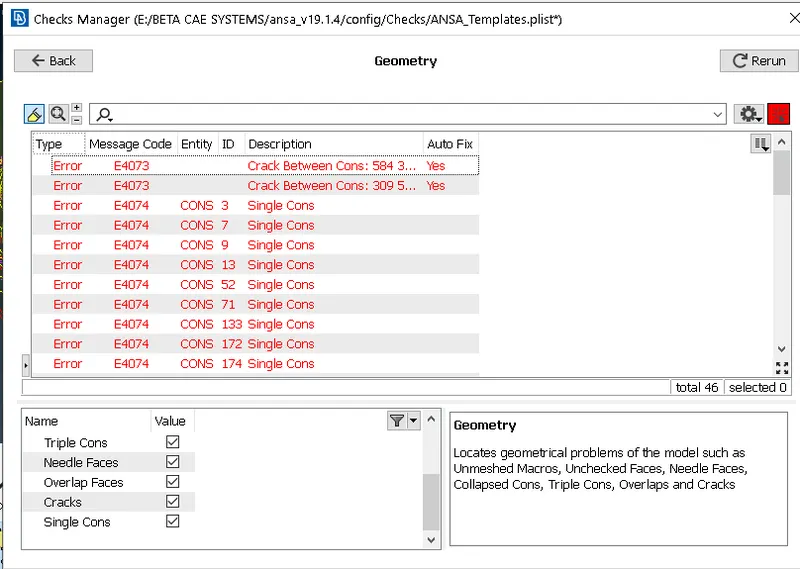
The above figure shows the list of errors we need to manual fix one after another. This process of fixing the errors is called topology up.
List of few errors are mentioned below :
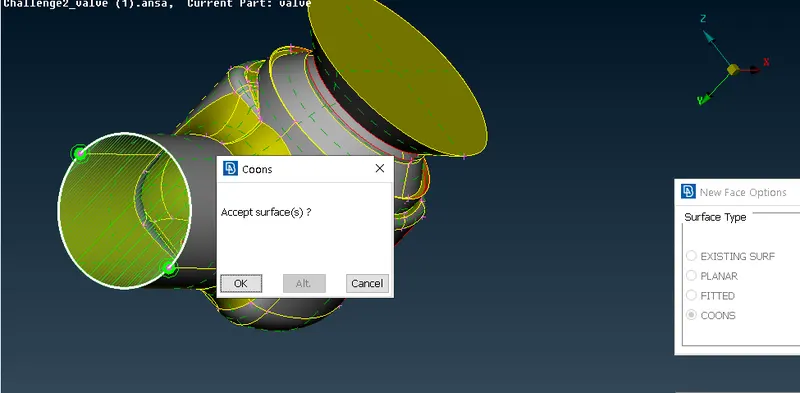
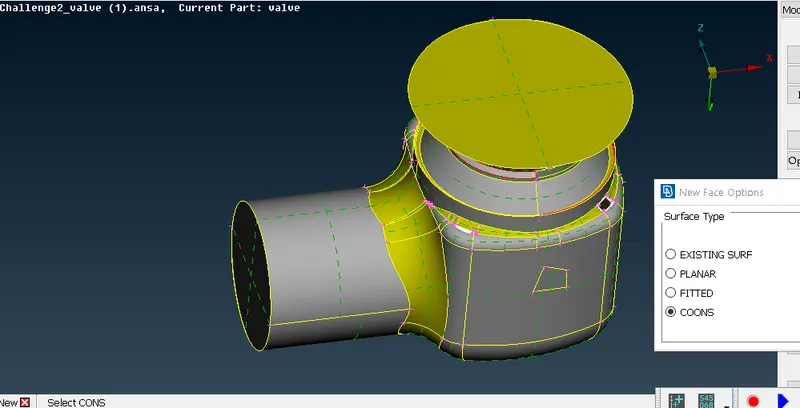
Component after fixing error :
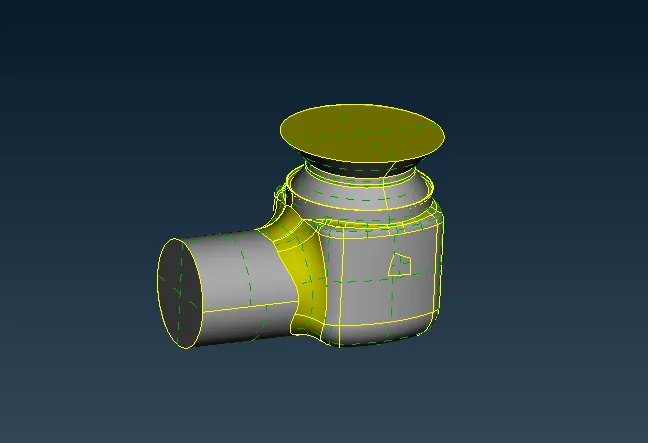
- In order to do volumetric mesh the component must be fully closed.
- After that name the PID's
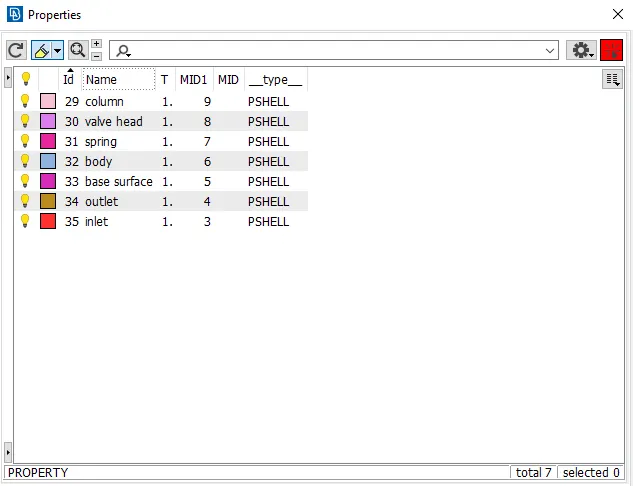
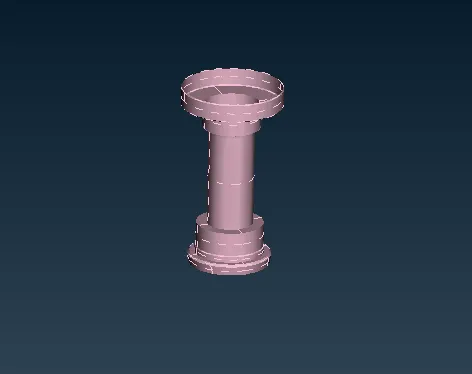
1. Column
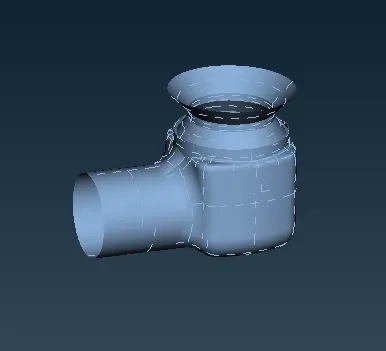
2.Body
3. Inlet

4. Valve head
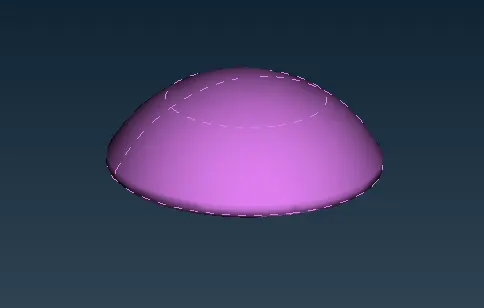
5. Outlet
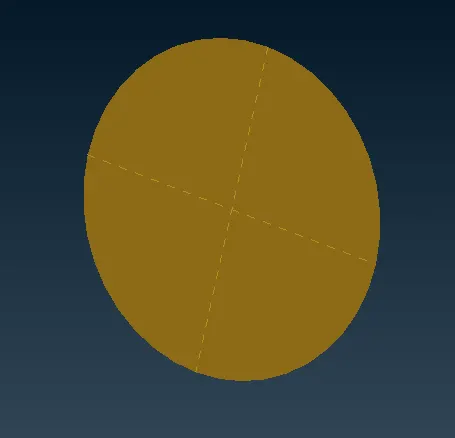
6. Base surface
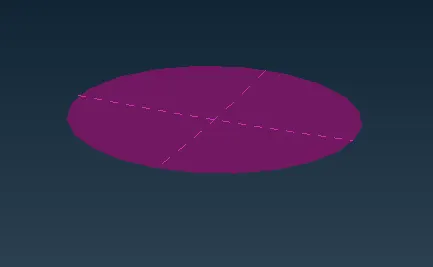
7. Spring
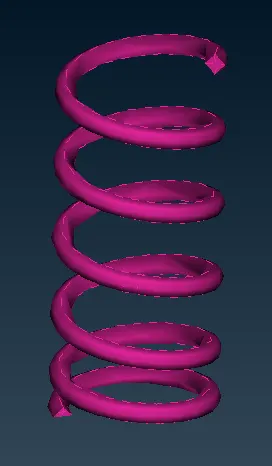
Components after mesh :
1. Target length = 5mm
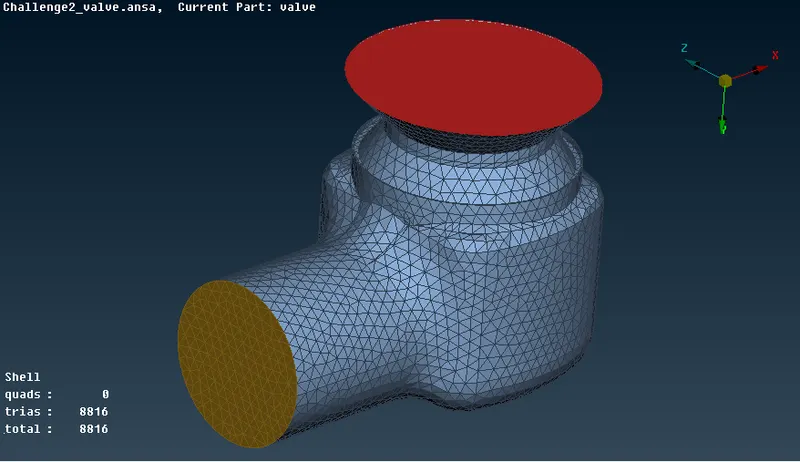
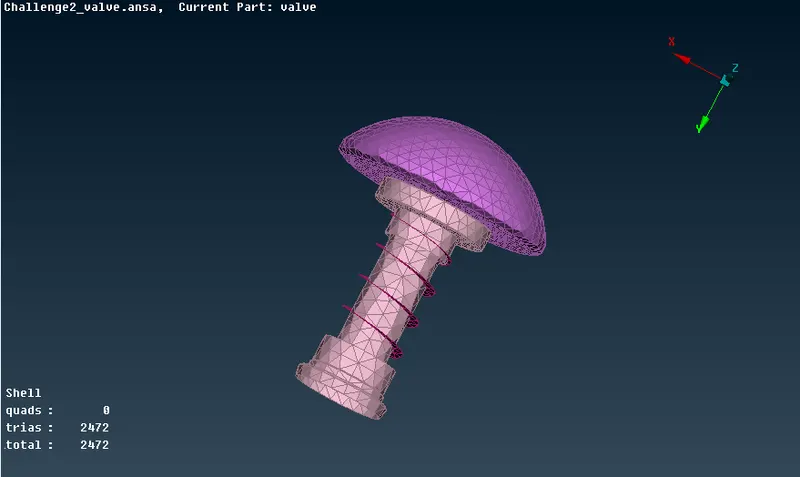
2. Target length = 3mm
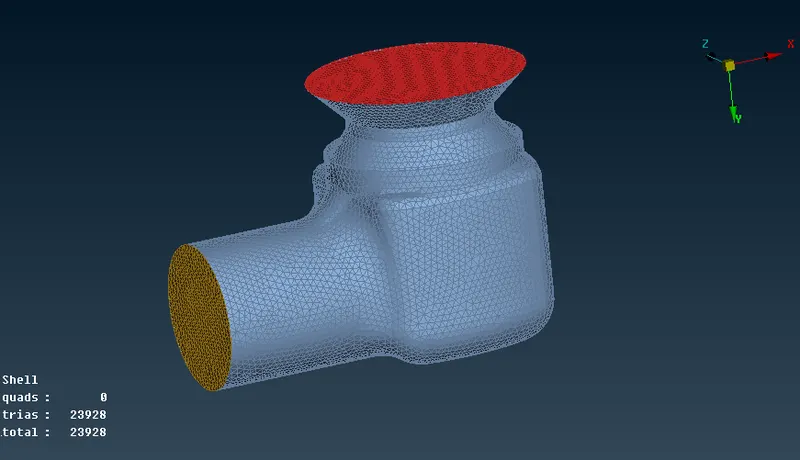
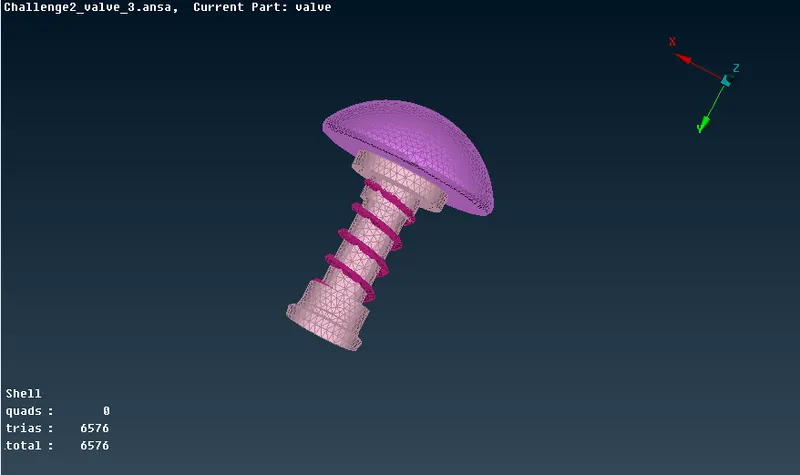
3. Target length = 1mm
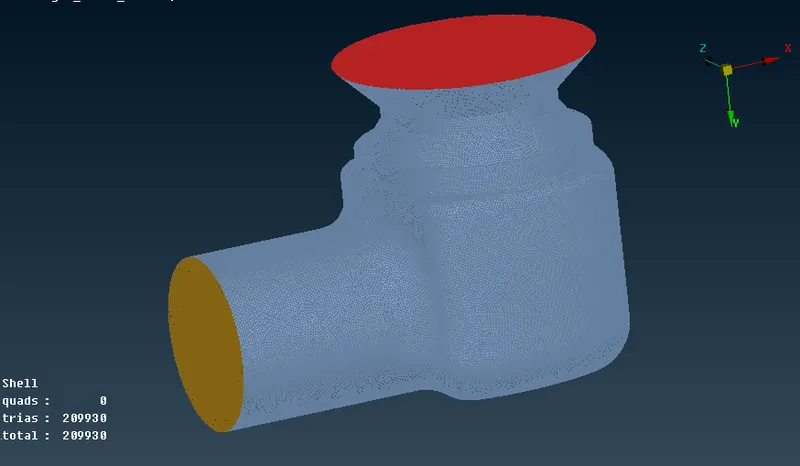
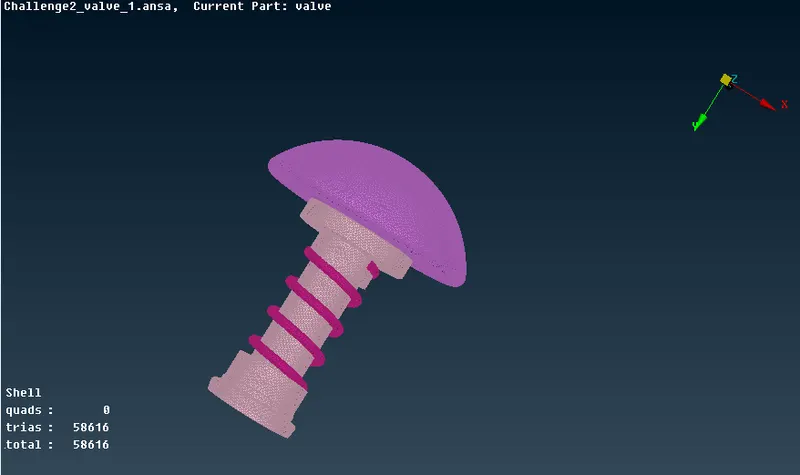
PID creation and PID assignment :
- Different selection techniques and visibility tools,
- Basic Topology cleanup
- Basic tools used in Surface mesh
Conlusion :
- By reducing the targent length we get more accurate surface finish especially for fillet region and edge region.
- Always choose target length according to the component, smaller the component smaller must be the target length,here for spring it was best to have 1mm target length. Its best to have different target length based on component.
- And also reduction in target length will increases the number of elements so that the simulation running time will also get increased