Week 5 Challenge : Surface wrap on Automotive Assembly
Aim :
To perform a surface wrap for the given automotive parts.
Objective :
- To check for the geometrical errors and delete surfaces that are unwanted for the surface wrap.
-
To merge all 3 models and perform surface wrap after clearing geometry.
-
The target length for wrap should be set to 3 mm.
Procedure :
Step 1 :
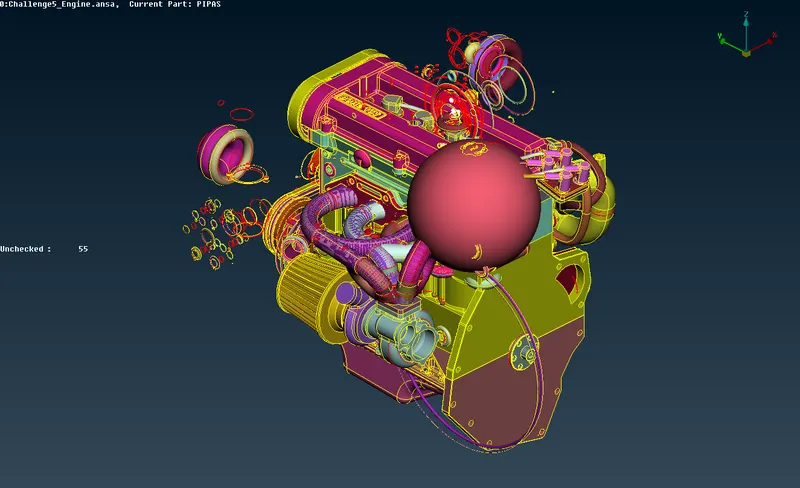
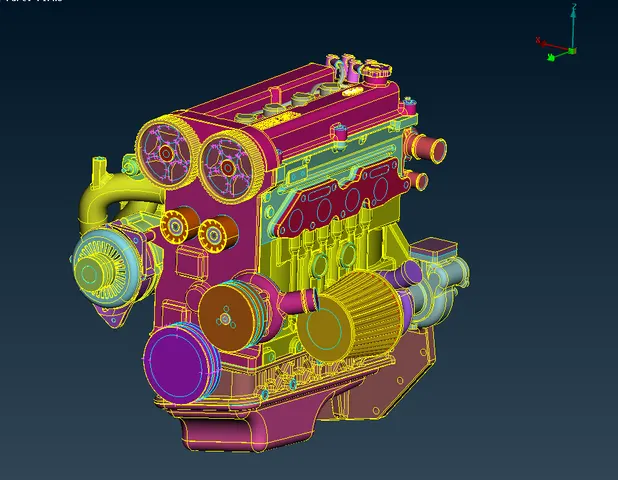
Firstly upload the engine model file in ANSA and remove the unwanted surface, overlap surface and fix single cons present in the model. This operation we generally called as topocleanup.
Engine model :
Engine component after topo cleanup :
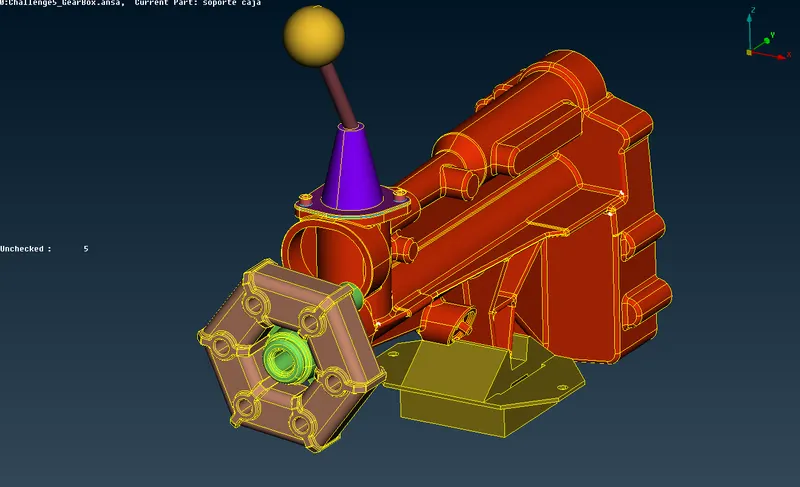
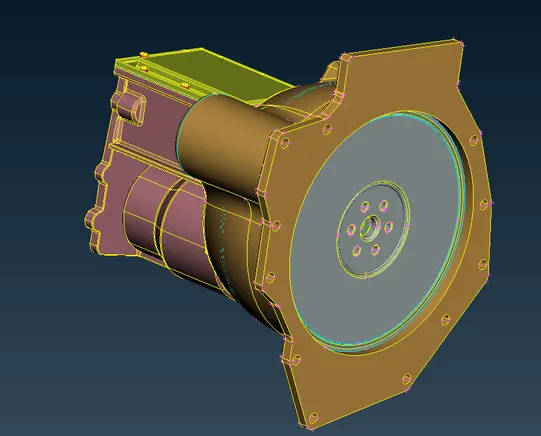
The same procedure is followed for both transmission and gear model.
Gearbox model :
Transmission model :
Step 2 :
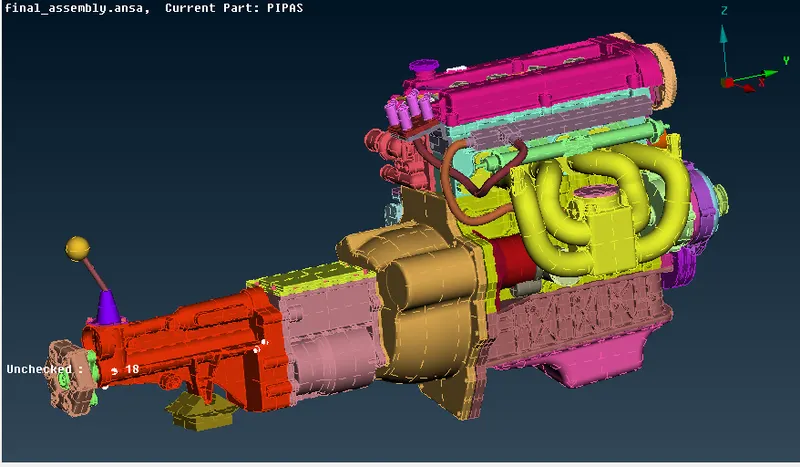
After the topocleanup merge all the model in a single GUI.
For that,
goto File`->`merge`->`open the particular model file
Model file after merging :
Step 3 :
For surface wraping
goto mesh`->`Wrap(under elements section)`->`constant length
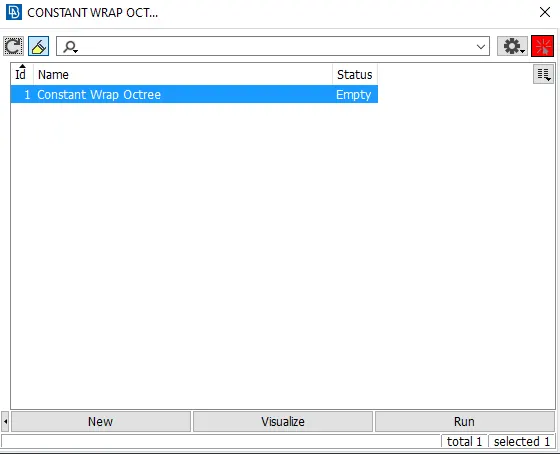
- It will open a dialog box like this which shown above.
- After that double click on empty it will open a dialog box as shown below.
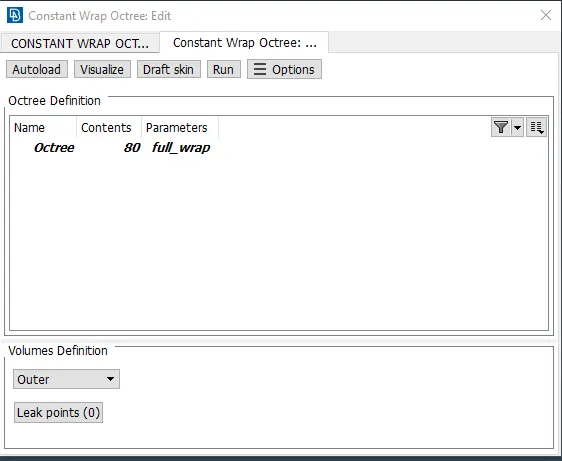
Parameter Dialogbox :
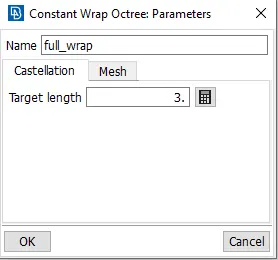
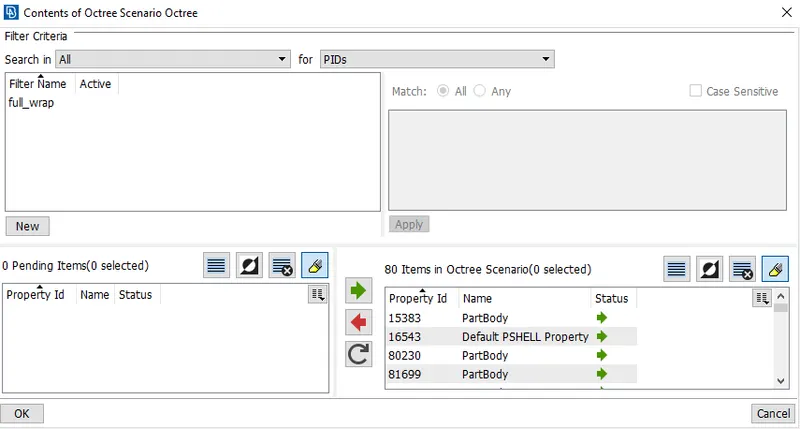
Content dialogbox :
- In parameters give the target length as 5mm and name the parameter.
- In contents select the PID's which is going to get wraped.
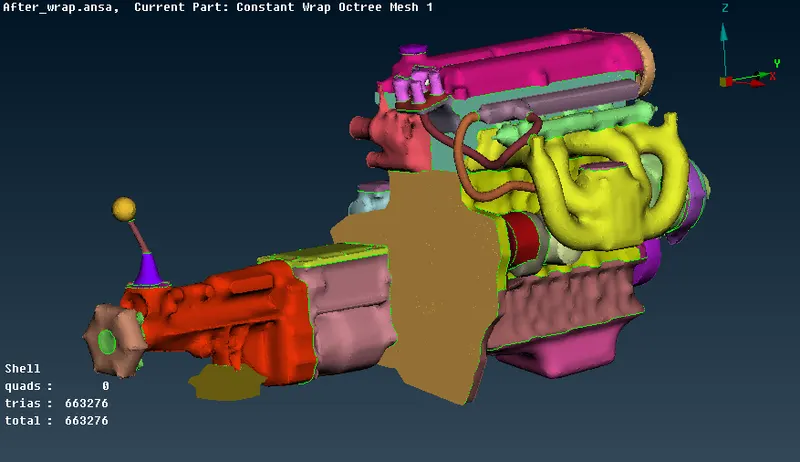
- Then click the run option it will perform surface wrap.
Final geometry :
Learning Outcomes :
- Different selection techniques and visibility tools.
- Advanced Topology cleanup.
- Tool used to perform surface wrap.
Conclusion :
Surface mesh for various automotive components by using surface wrap method is successfully made.
Link : https://drive.google.com/file/d/1h7q4OMxjWKAl8KTouBjuFRIm64whT8uk/view?usp=sharing