Tool Test 1
Model 1:
Import:
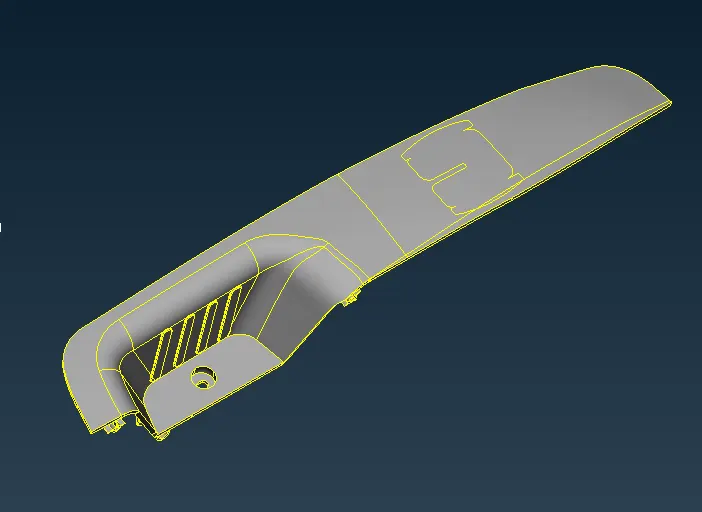
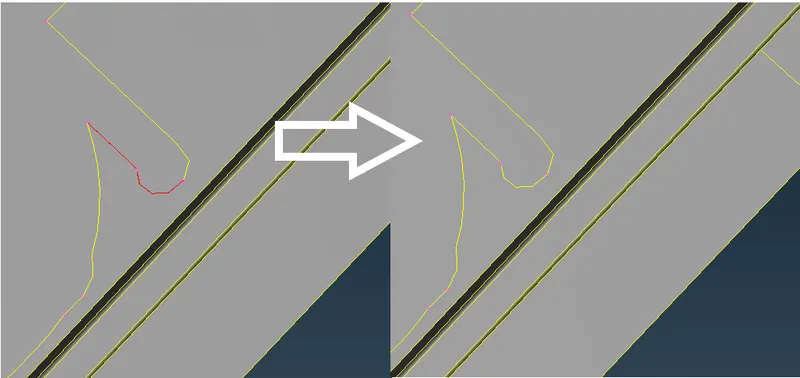
Geometrical Error:
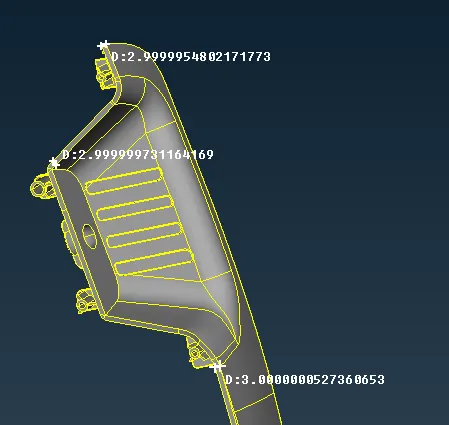
Thickness:
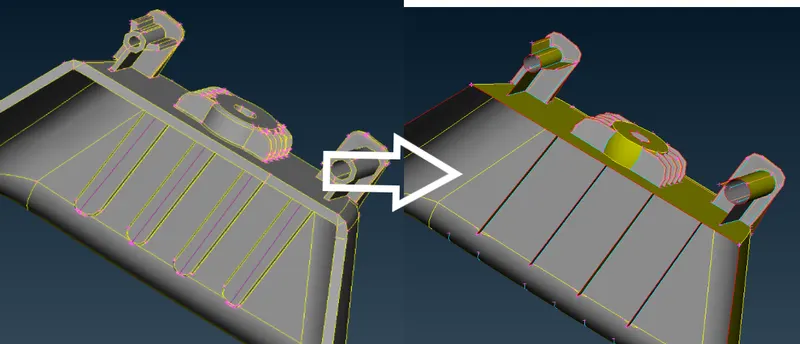
Midsurface:
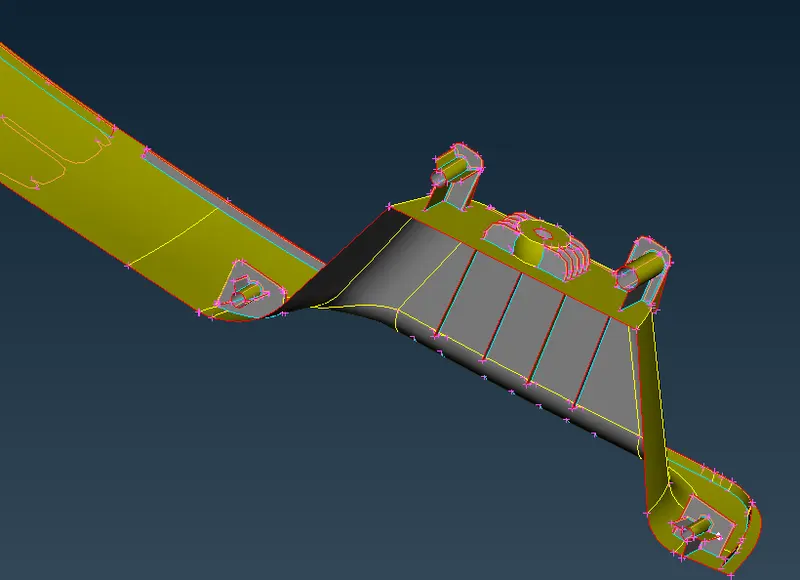
Meshing:
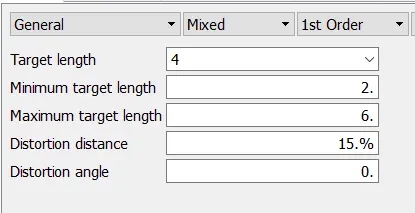
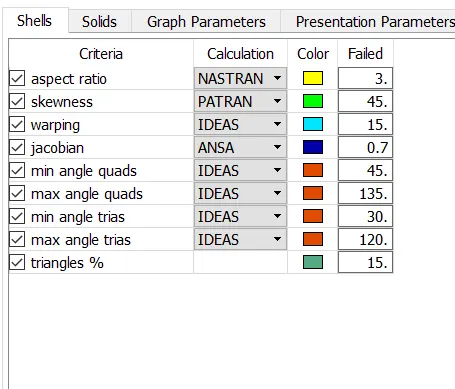
Property:
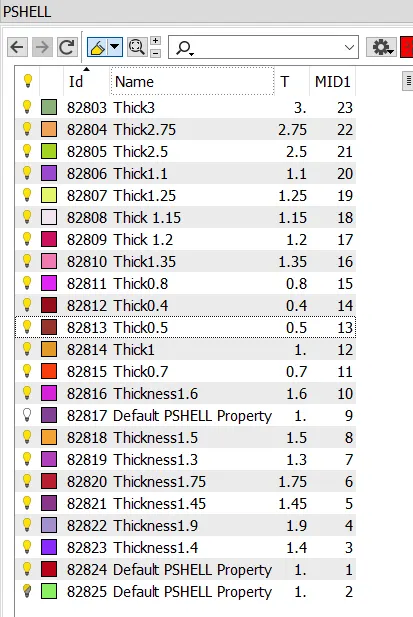
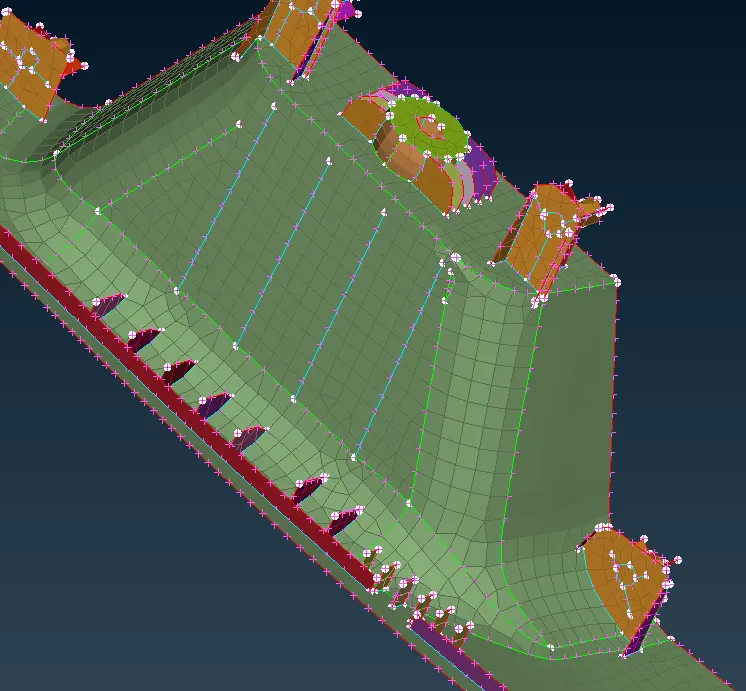
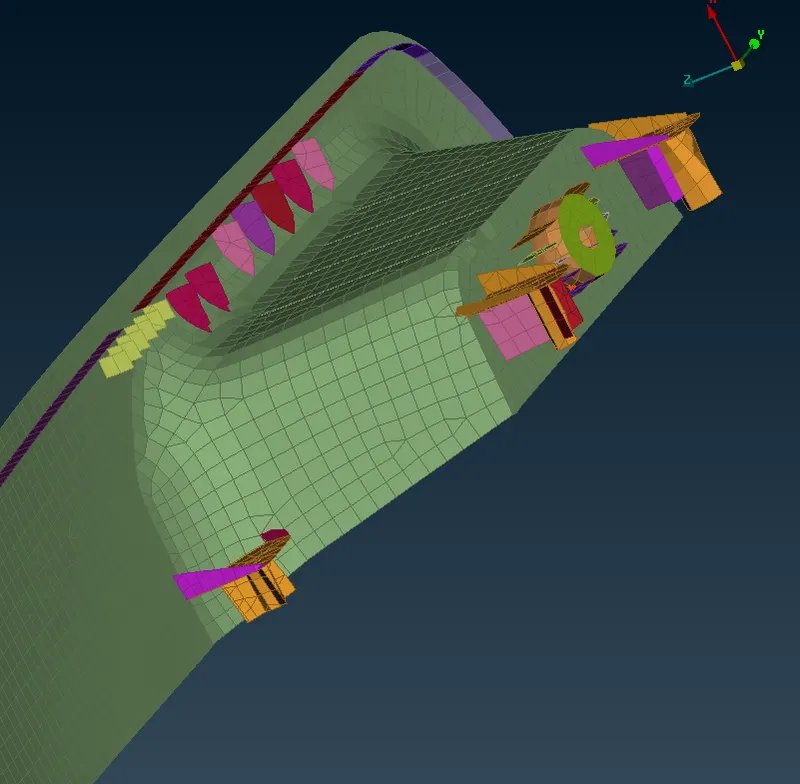
Enabling Thickness:
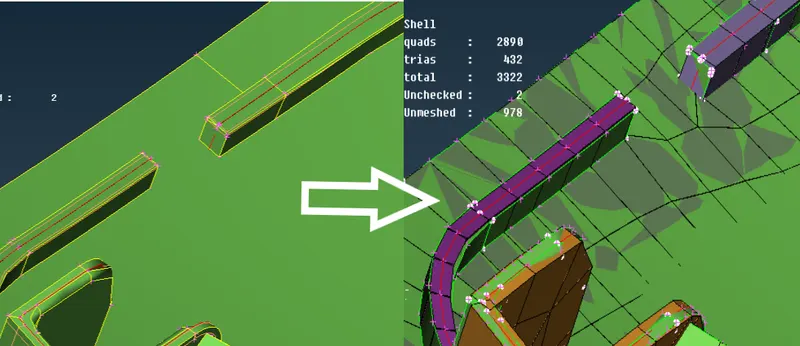
Model 2:
Import:
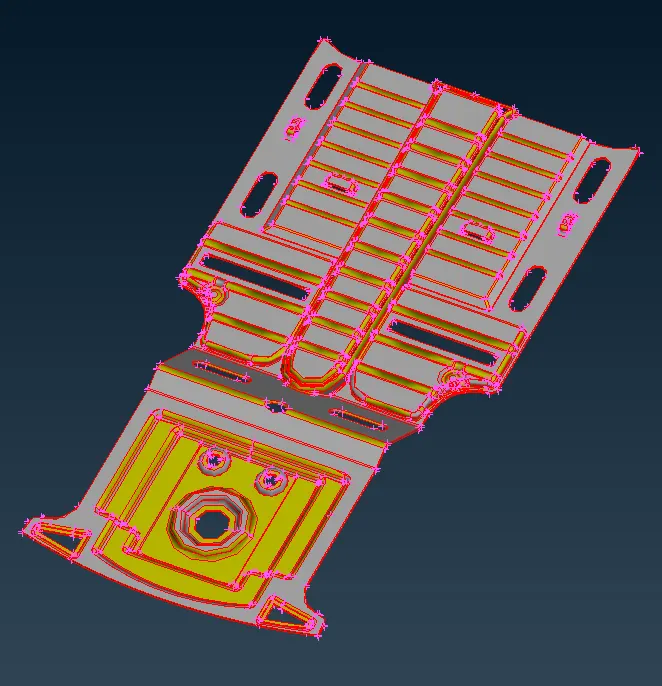
Topo:
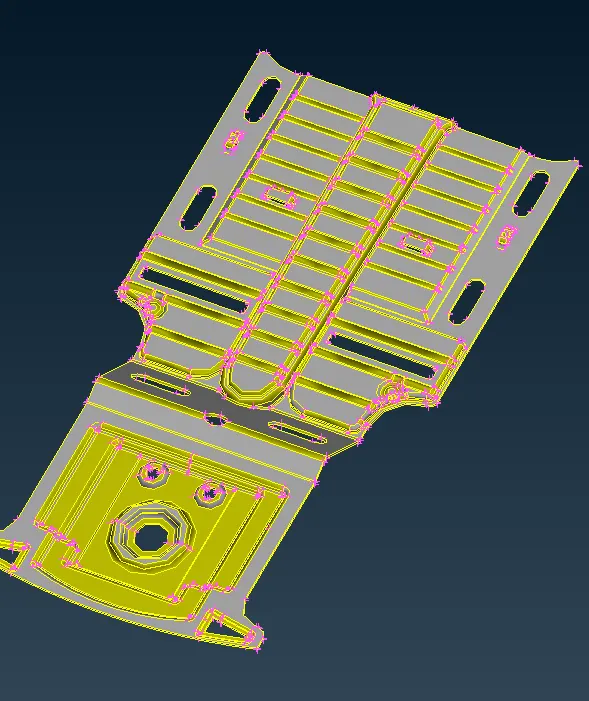
Thickness:
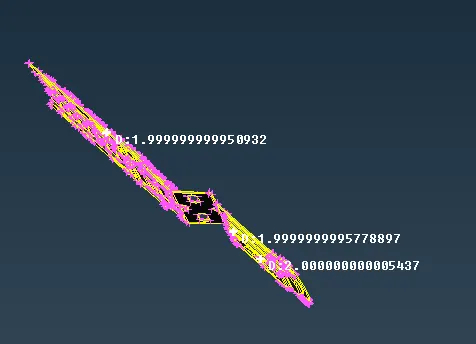
Middle Surface:
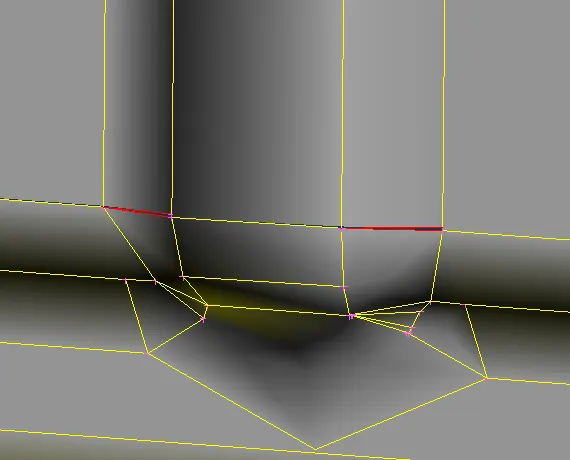
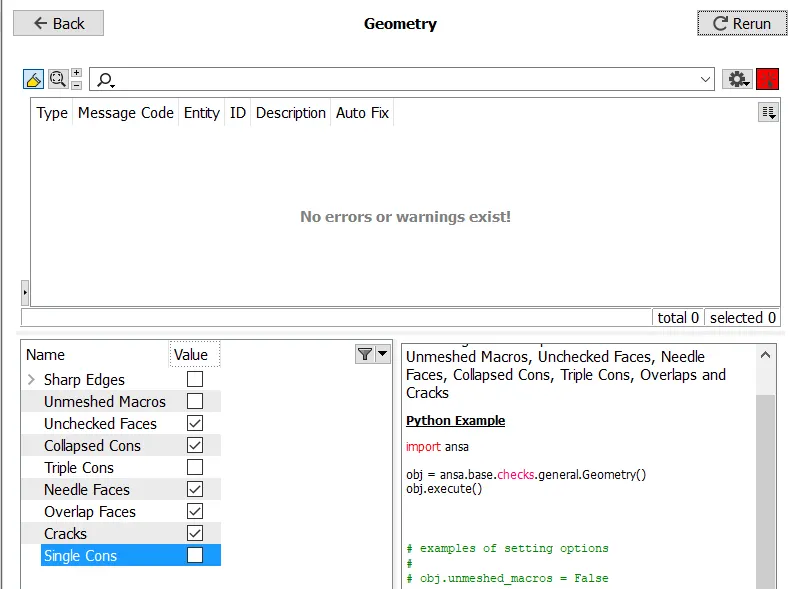
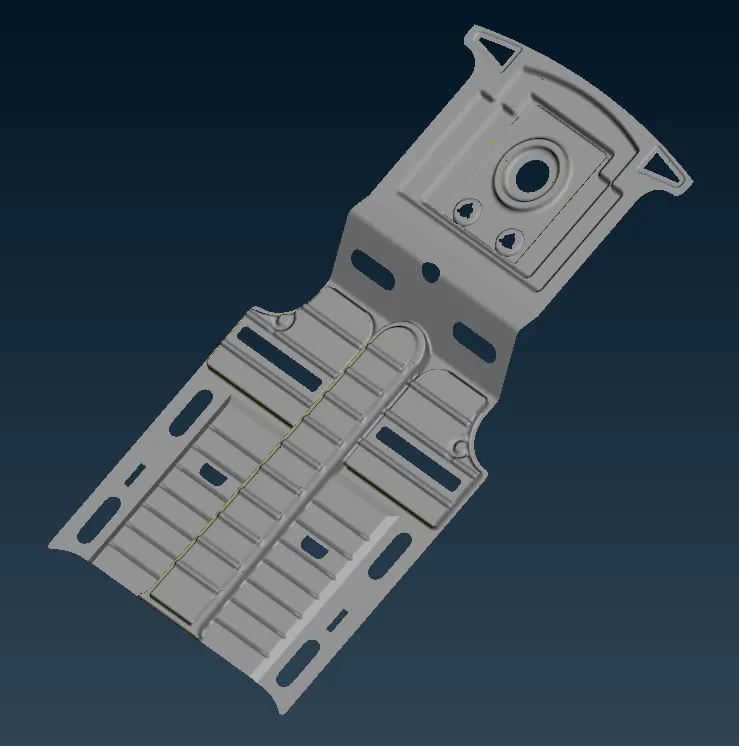
Meshing:
Model being symmetric except for a small area at the centre, only half of the symmetric part is meshed.
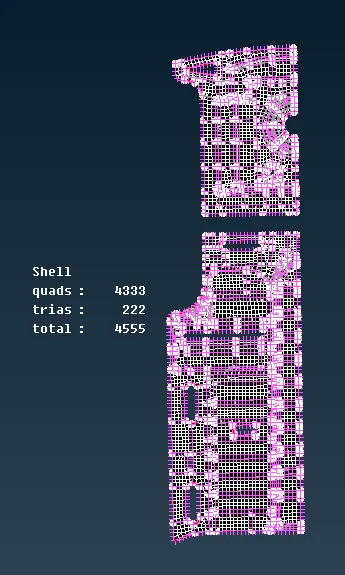
It is then reflected using transform option
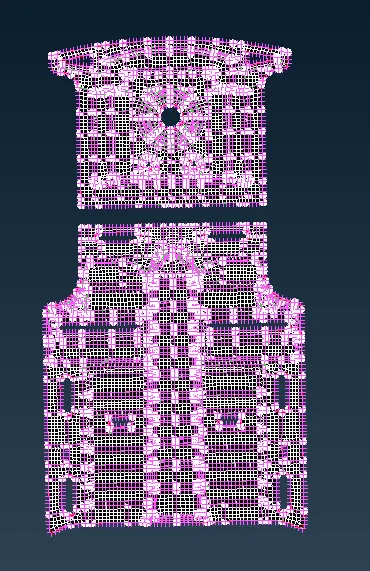
Middle area which is un-symmetric is also meshed
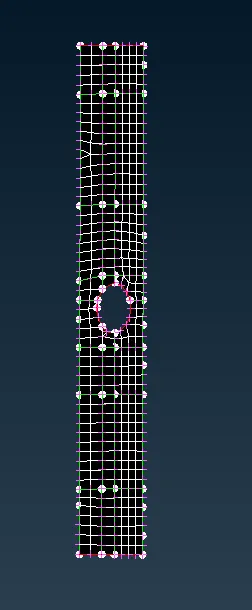
Once all mesh is obtained,
Topo action is performed to clear any connectivity issues with reflected parts.
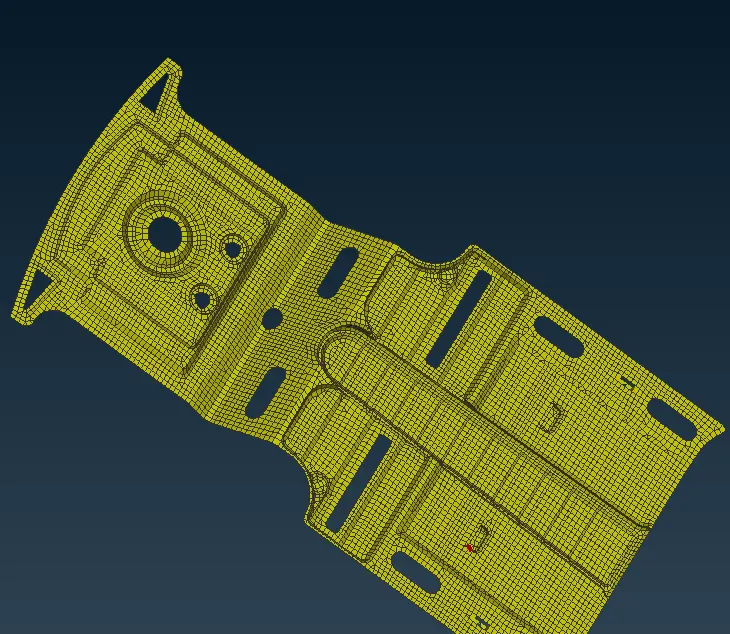
Assigning thickness:
Property is created with original model thickness and is applied to the midsurface entities.
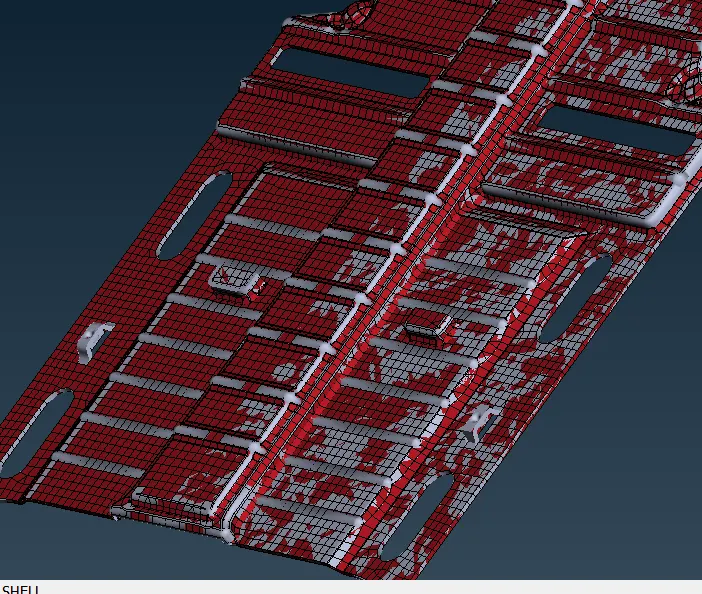
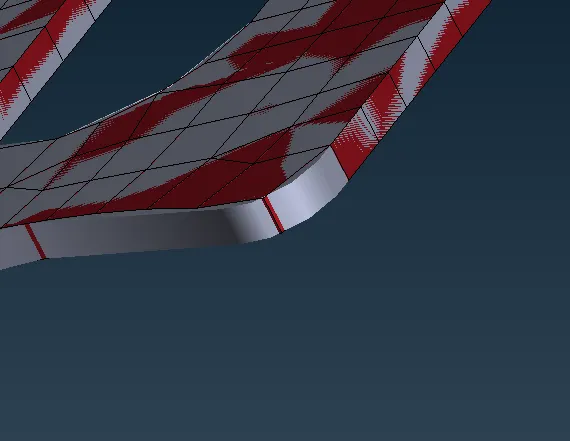
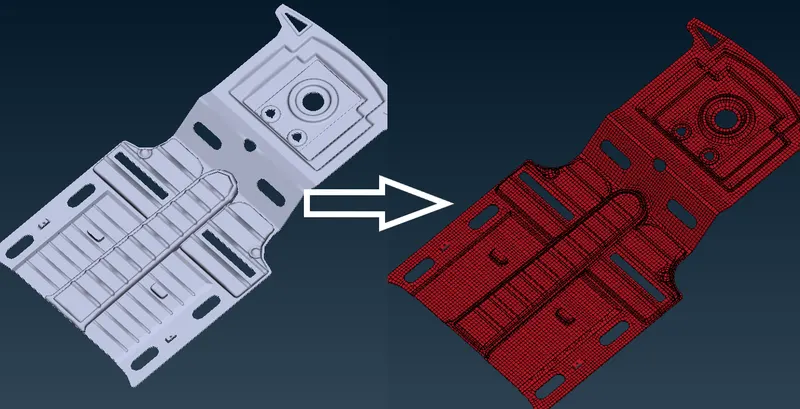
CONCLUSION:
Both given models are performed with the following actions:
- Performed geometry cleanup
- Created Mid-Surface
- Meshed with given quality criteria
- Assigned original model thickness using property definition