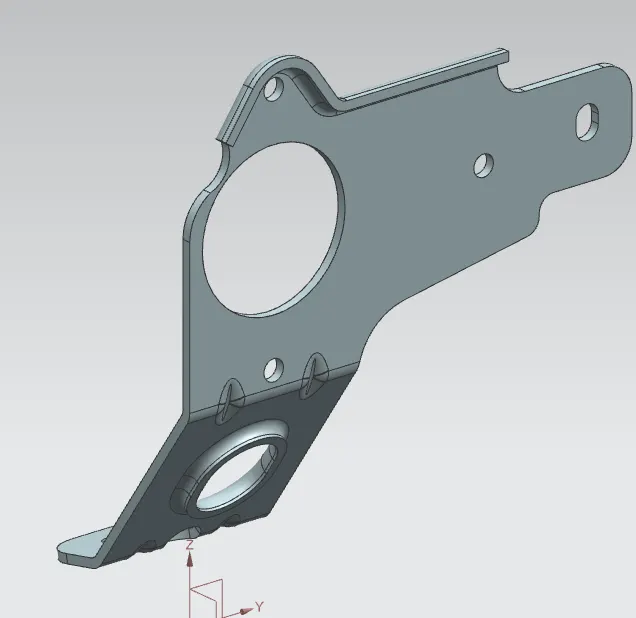
Advanced Sheet Metal Design Using NX Cad Challenge_7_ Metal bracket-II
DESIGNING A METAL BRACKET WITH NX SHEET METAL APPLICATION
OBJECTIVE:
To create a Metal bracket with respect to the given 2-D Drawing with NX sheet Metal Application.
INTRODUCTION:
This work focuses on designing a Metal Bracket with NX Sheet metal Application with respect to a given 2-D Drawing for dimensions.
This gives the step by step approach on hoiw to design the Metal Bracket.
DESIGN METHODOLOGY:
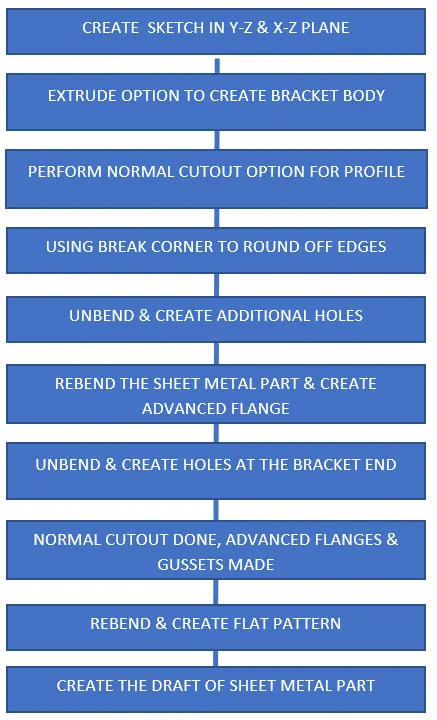
PROCEDURE
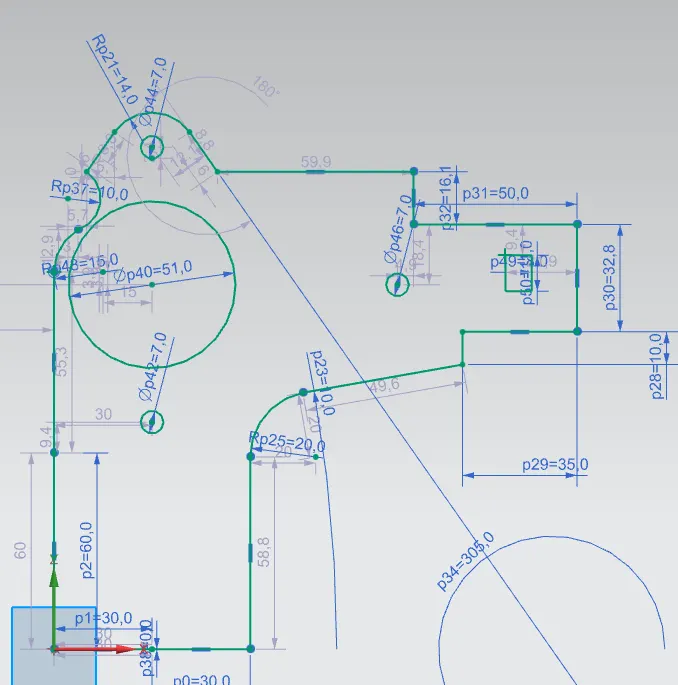
1) Sketch of the bracket profile is made in the YZ plane.
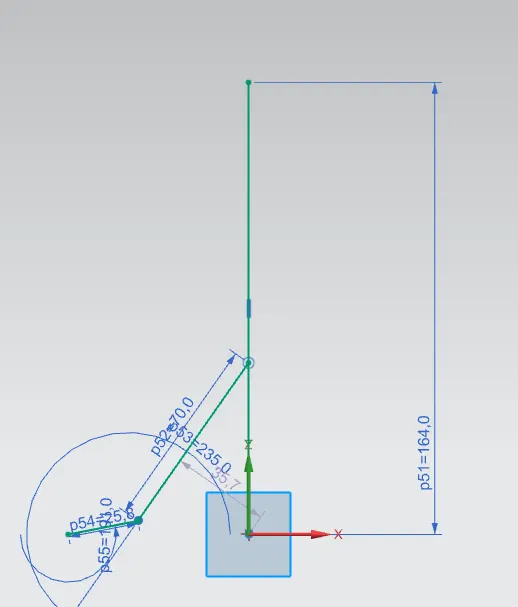
2) Sketch of the bracket contour is made in the XZ plane.
3) Extrude option is used to create the bracket body
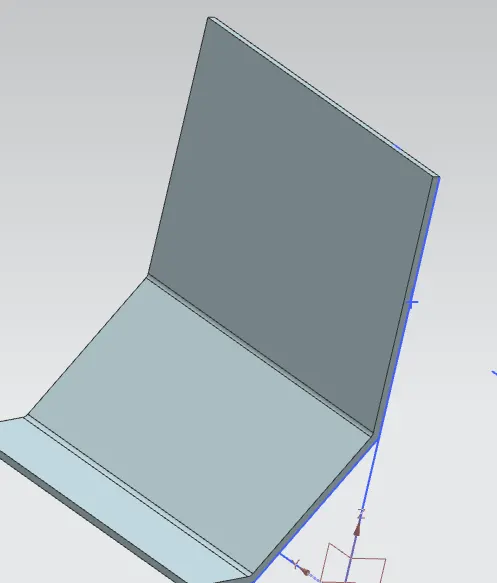
4) Normal Cutout option is used to cut the profile into the bracket body.
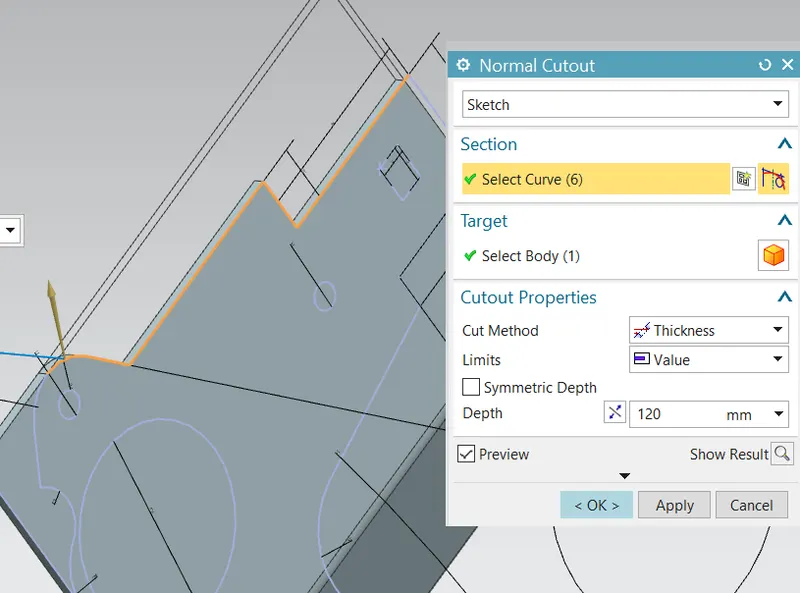
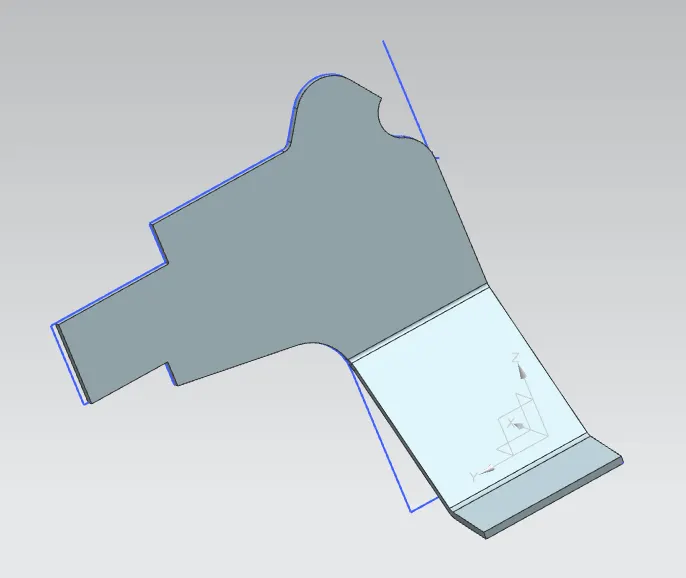
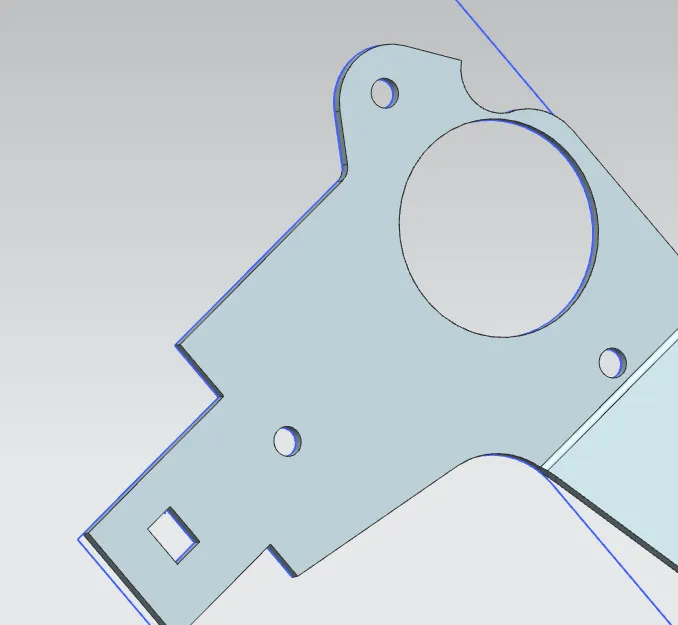
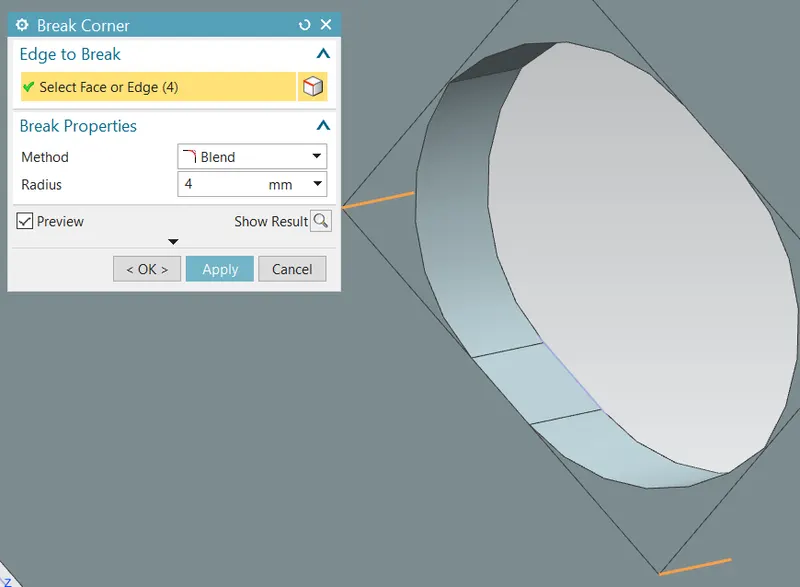
4) Break Corner option used to smoothen the cut
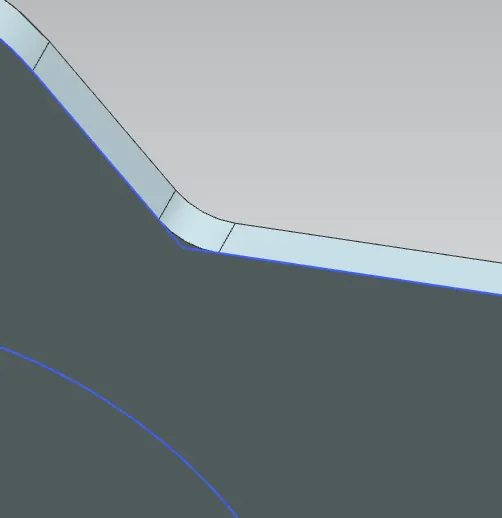
5) Break Corner option is used to round off sharp edges in the cut out parts:
6) The bracket body is unbend using the UNBEND option:
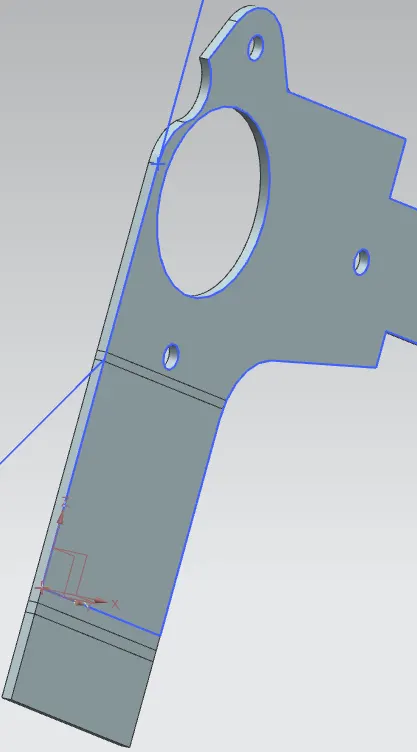
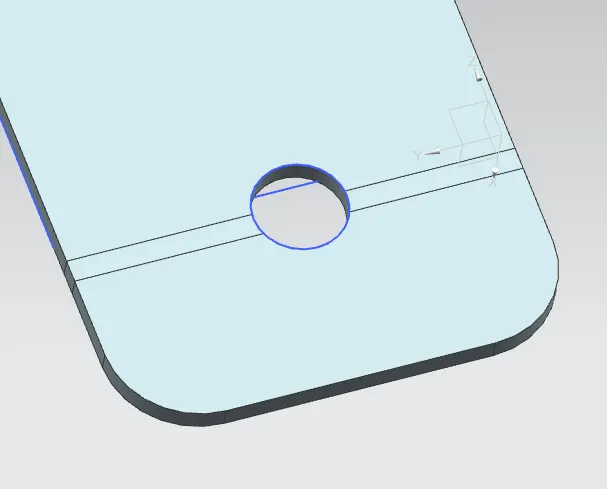
7) Sketch a circle with 12.5 mm diameter in YZ plane and cutout is done using the normal cutout option
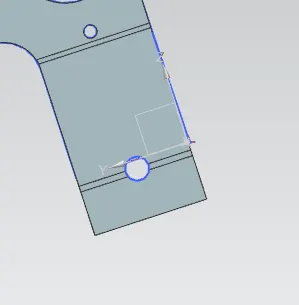
8) Break corner option used to round off the edges:
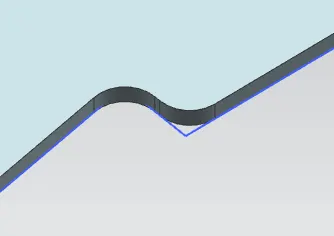
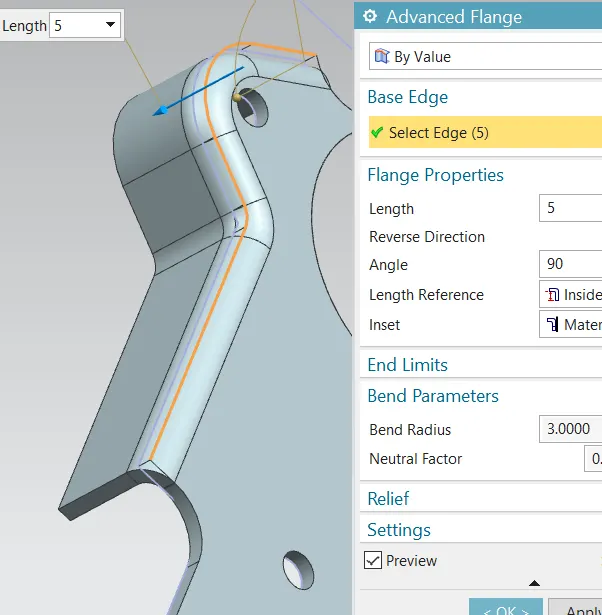
9) After the model is Rebend, Using the Advanced Flange option to create flange over the curved areas:
10) Using unbend option to flatten the model:
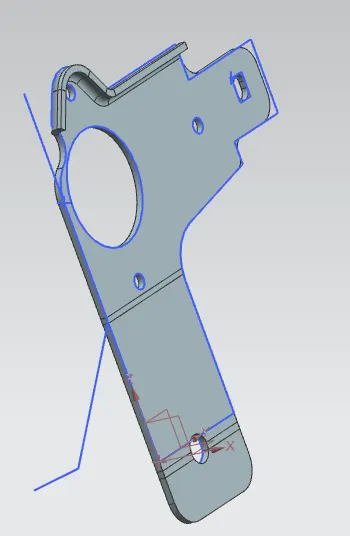
11) Using the hole option to create holes by sketching the points at specified location :
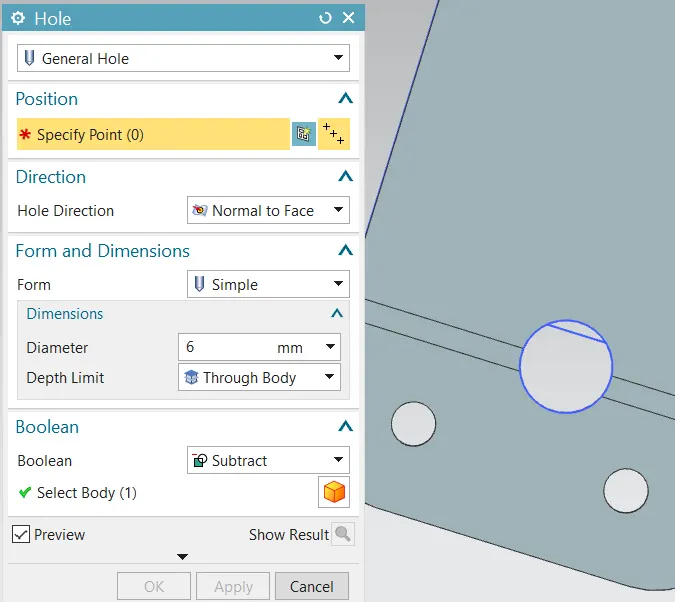
12) Using the Normal cutout option, sketching the required profile and cut out is made:
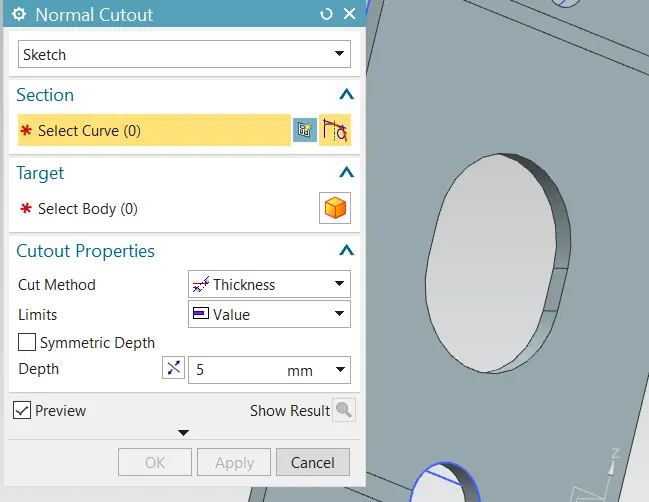
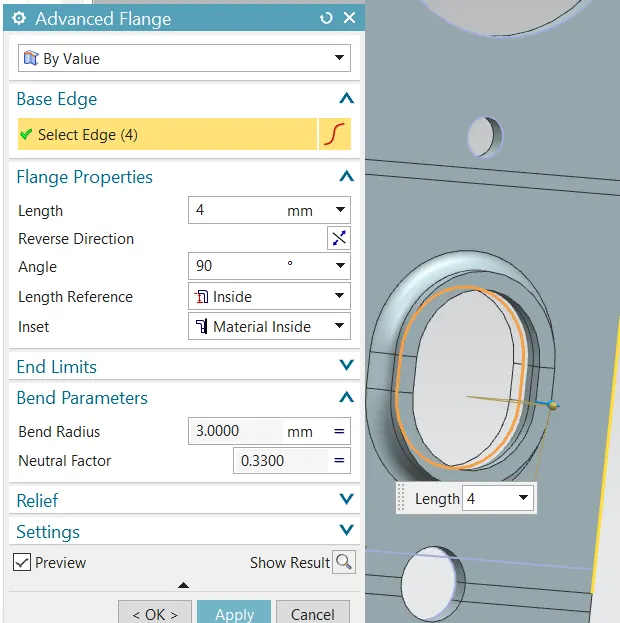
13) Creating advanced flange at the newly cut out profile:
\
14) using the Rebend option to make the profile to its original shape:
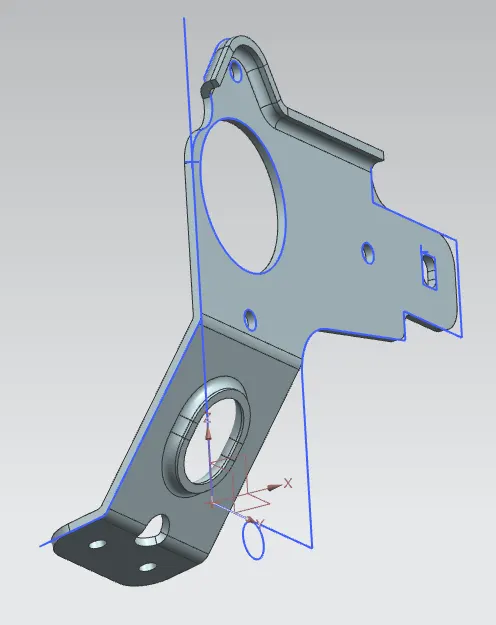
15) Gussets are made on the flange regions:
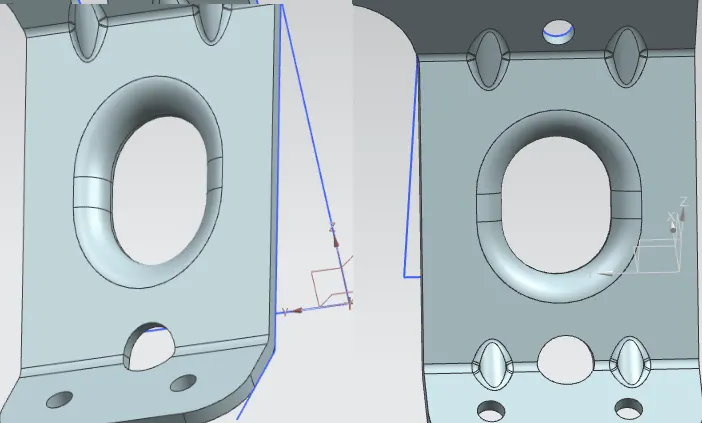
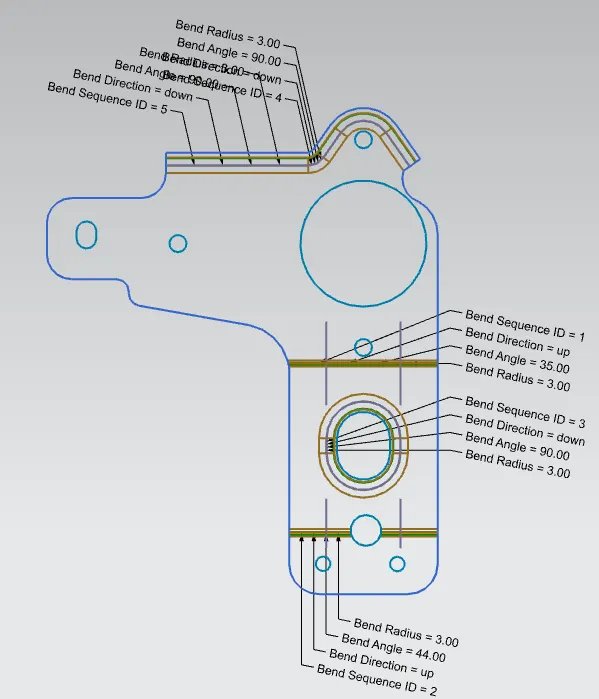
16) Creating the flat pattern view of the bracket:
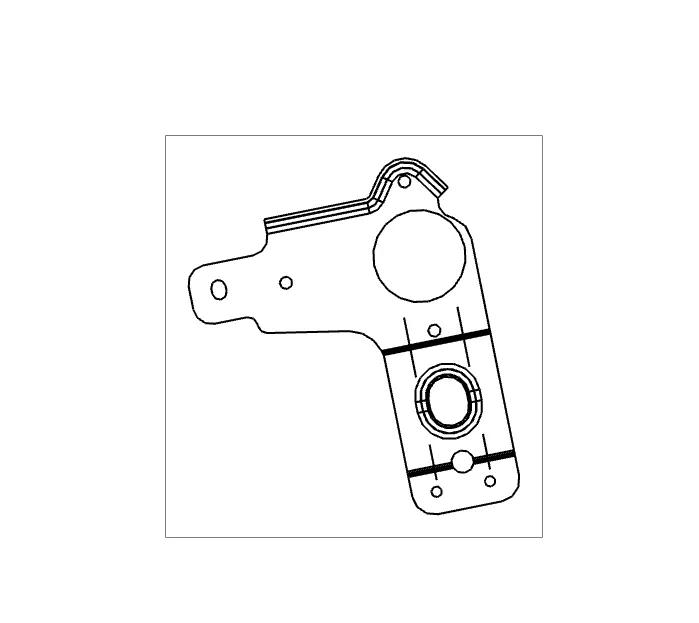
17) Draft view of the Bracket is also created:
CONCLUSION:
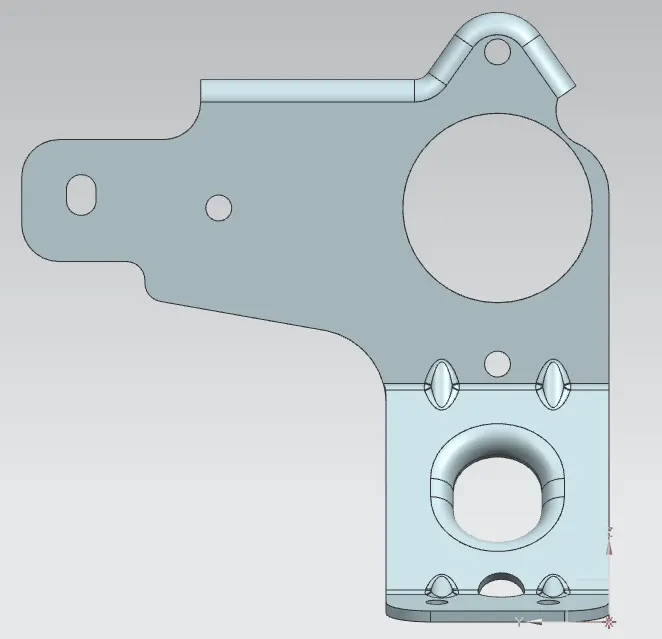
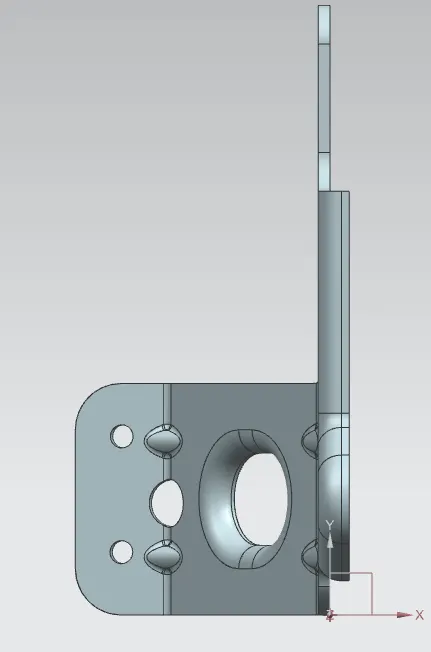
Hence the required metal bracket is designed using the NX SHEET METAL Application and the Bracket different views are given below:
Front View:
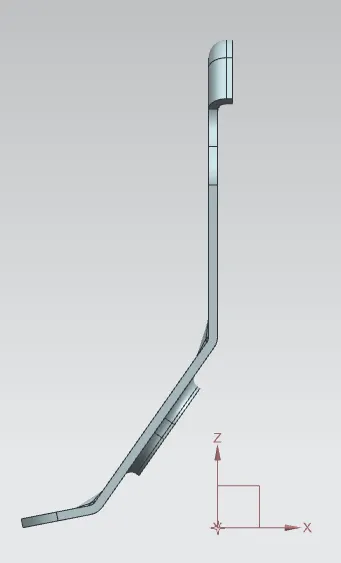
Left Side View:
Top View:
Isometric View: