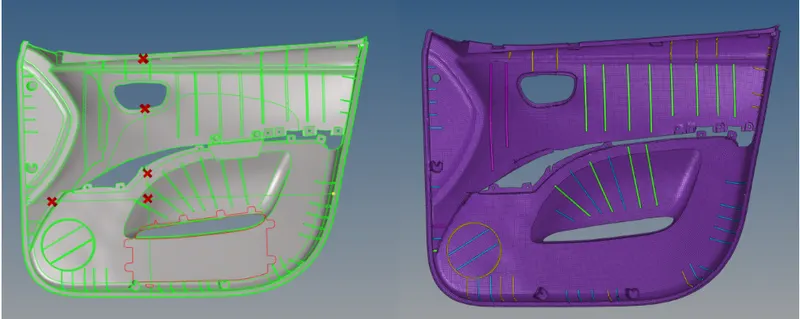
Week 12:Project-1-Meshing of Door Inner Panel Challenge
Aim:
Follow the given Quality Criteria and mesh the given component and assign thickness to the model.
Quality Criteria:-
| S.N | Quality Criteria | Value |
| 1 | Aspect Ratio | 5 |
| 2 | Skewness | 45 |
| 3 | Warping | 15 |
| 4 | Taper | 0.5 |
| 5 | Min. Length | 2 Units |
| 6 | Max. Length | 6 Units |
| 7 | Min angle Quad | 45 |
| 8 | Max angle Quad | 135 |
| 9 | Min angle Tria | 20 |
| 10 | Max angle Tria | 120 |
| 11 | Tria % | 10 |
Target Element Length = 4 Units
Procedure:
- Intially the Radioss Profile is selected and the given components are imported to the Hyper works.
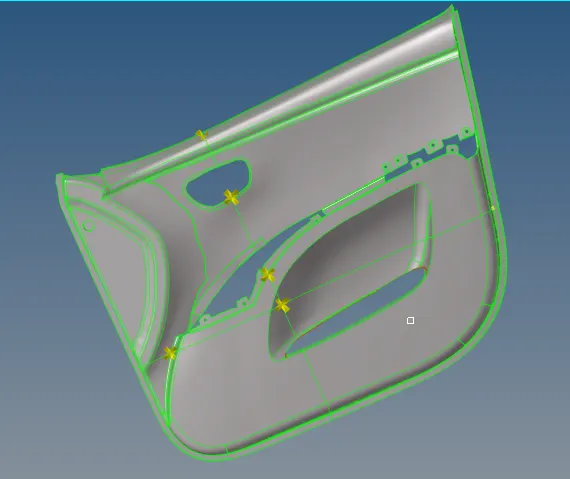
- Model is divided to 4 equal parts using Surface edit tool for simpicity in obtaining the mid surface and hence mesh the component.
- After the model is divided, midsurface of each part is extracted by offset option under surface edit tool.
- The outer surface is offset to the middle and the ribs are then offset from the inner surface to the newly created mid-surface.
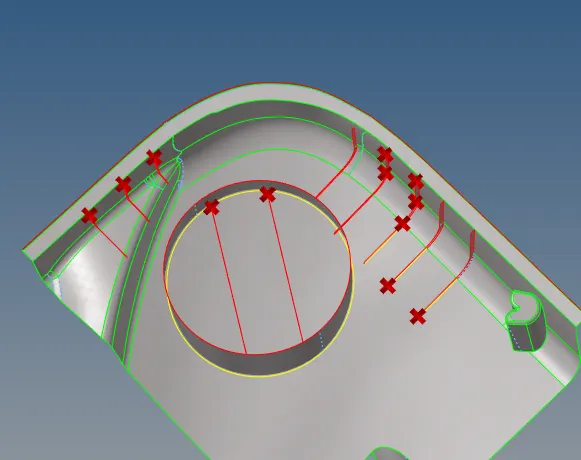
- To create the ribs to the mid-surface, the ribs are defeatured and then the mid surface is extracted from the defeatured ribs.
- Any small tapered surfaces that might cause elements to fail minimum size criteria is avoided and any unnecessary nodes/points are also removed and geometry cleanup of the extracted midsurface is performed.
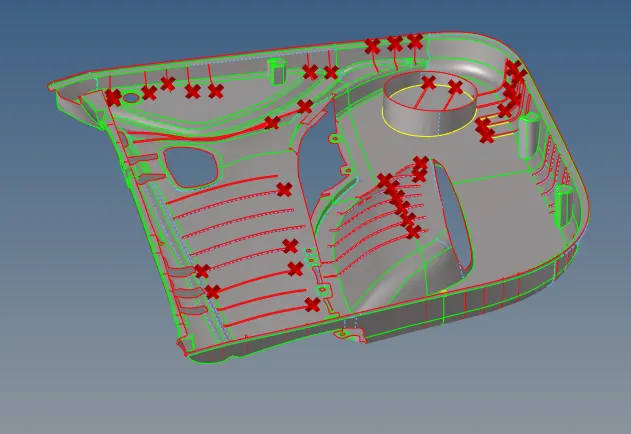
- Once midsurface of each part is extracted and the cleanup is performed, the ribs and extending surfaces are moved closer to the main door panel surface using translate tool and surface edit tool.
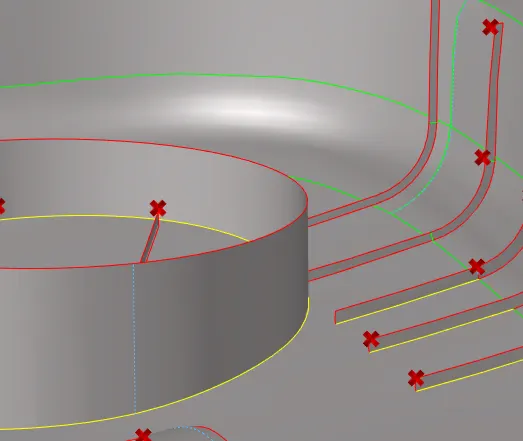
- After the midsurface is ready, each part is meshed using automesh tool under 2-D tab. The given criteria is defined in the criteria editor. Once meshed, the quality criteria is checked using quality index tool. Any elements violating the defined quality range are cleared using the various cleanup tool under qualityindex and elem cleanup tool. For violating elements that are difficult to clear, those elements along with adjacent elements are re-meshed.
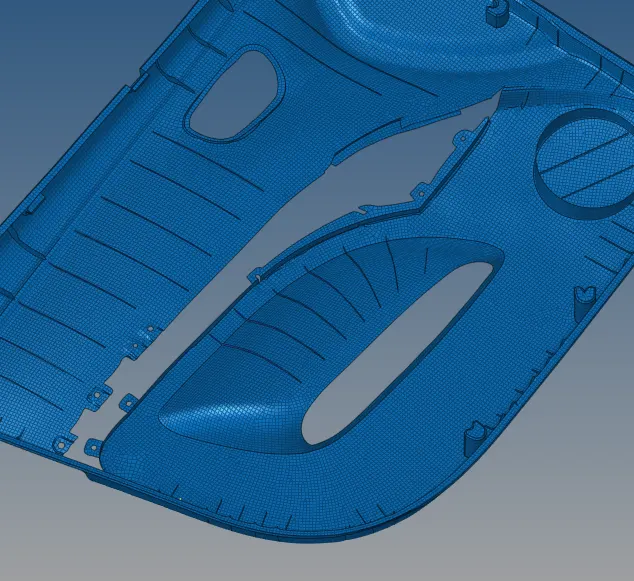
- The above given procedure is followed till all the elements fall within the specified quality range.
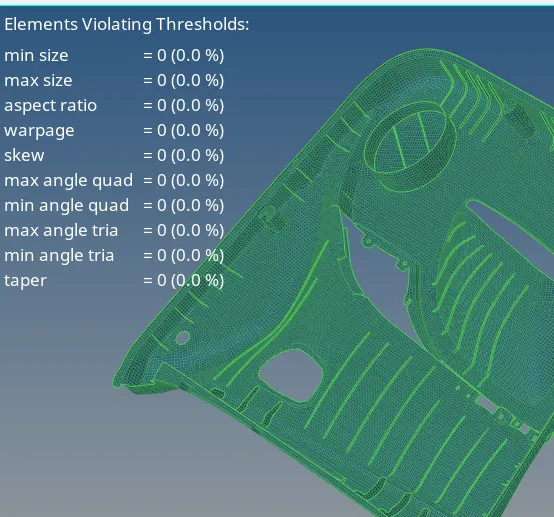
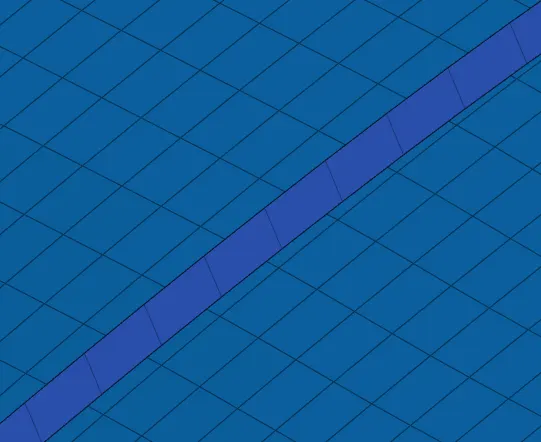
- After meshing is completed, it can be seen that the elemnts on the body surface and that of the ribs are not connected. This is corrected using replace option under tool tab. Here the nodes of rib elements are replaced with nodes of the body elements, hence making these connected.
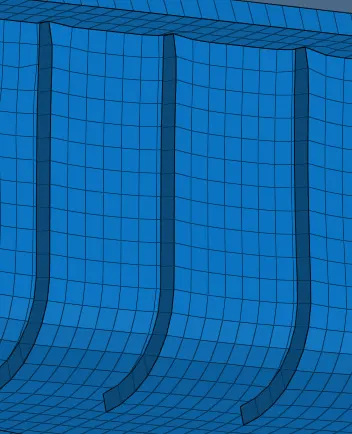
- After all such element nodes are corrected, the elements are checked once again for quality criteria check.
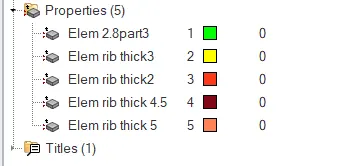
- Since the door panel is of non-uniform thickness, each surface is thickness is checked using distance tool and then a property is created for each measured thickness.
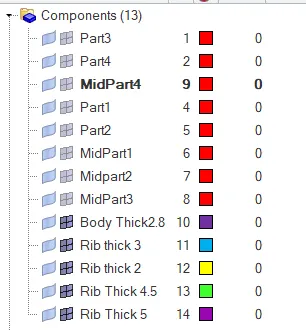
- The elements of surfaces with similar thickness is moved to a different collector and corresponding property is assigned.
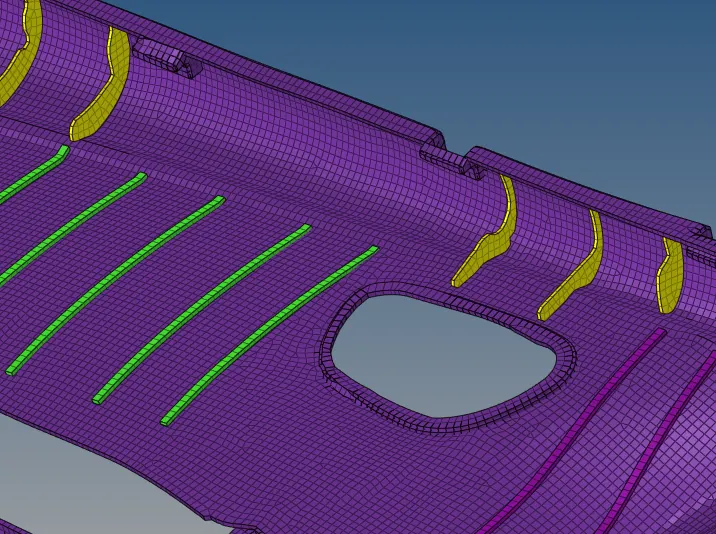
- Hence the midsurfacing, meshing and thickness assignment of given Side door panel is performed.