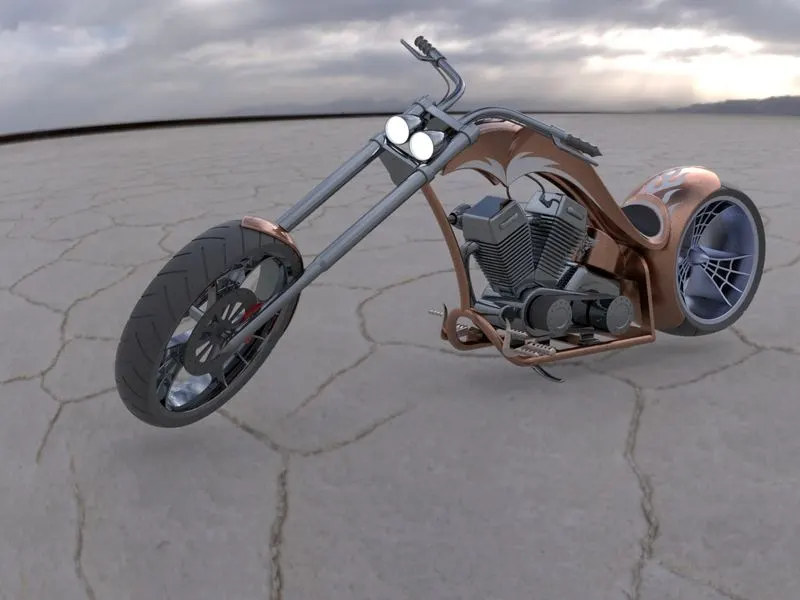
Photo Realistic Rendering
MODELLING OF AN RT66 AMERICAN CHOPPER
OBJECTIVE:
- To model each parts of an RT66 Chopper
- Assemble the each parts of Chopper to obtain full Scale model of RT66 Chopper
- Render the Chopper model to a realistic View
INTRODUCTION:
This projuct is focused on modelling of an American Chopper model part wise, then assembling all parts together into a complete RT66 Chopper model. Finally render the created model to get a more realistic view of the Chopper Assembly.
DESIGN METHODOLOGY:
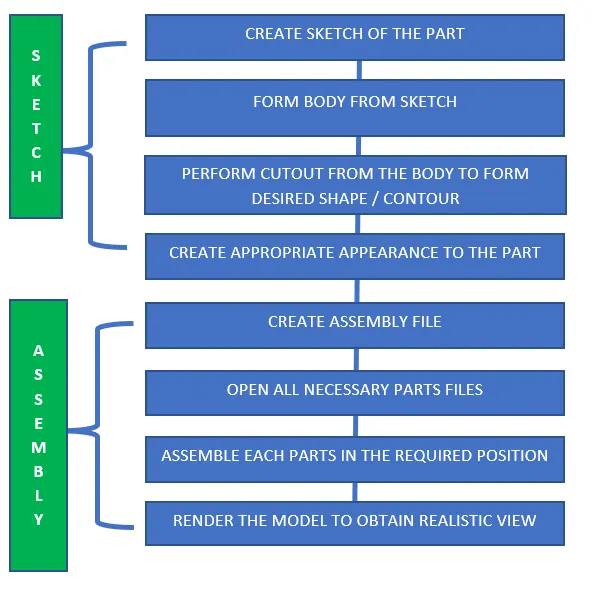
PROCEDURE:
CREATING THE PARTS:
Initially a new template is created with millimeter, gram seconds as units and this template can be selected to model the diiferent parts of the chopper:
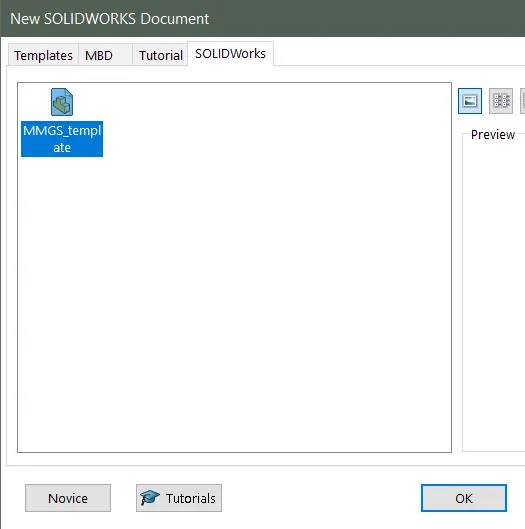
- After the template is saved, when a new part is modlled this template can be loaded to create the part.
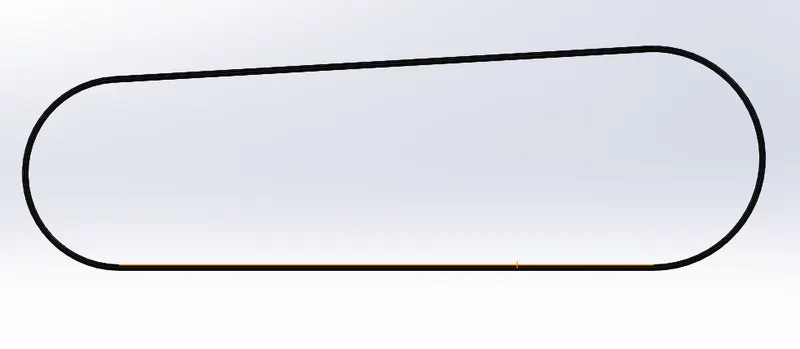
1) Transmission Belt:
Sketch:
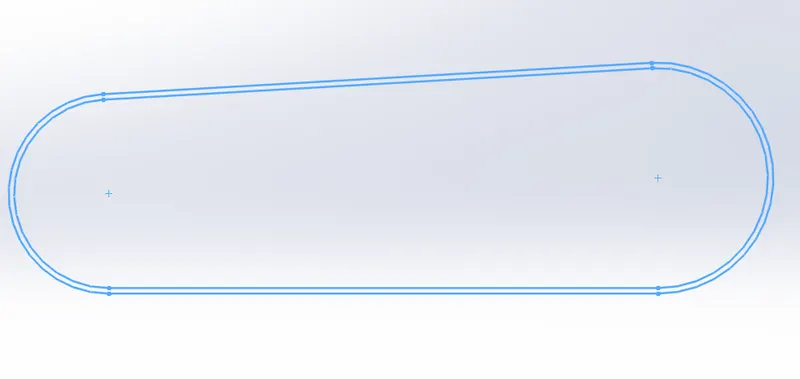
- Sketch of the belt profile on the Front plane is made with the below shown dimensions.
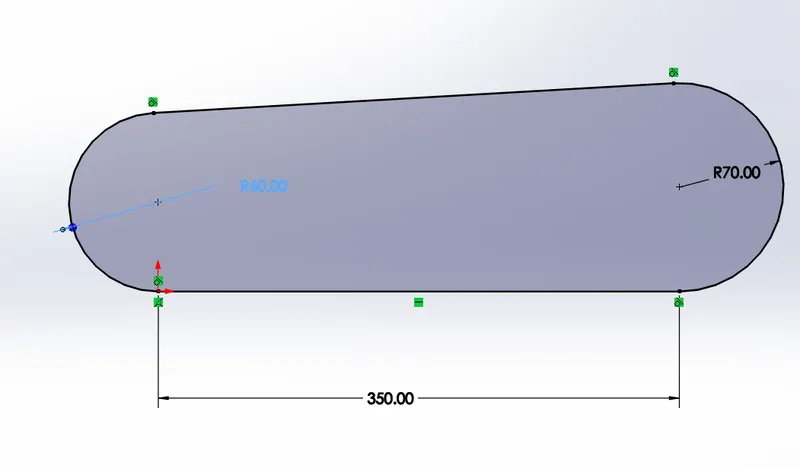
Offset:
- The created profile is offset to a distance to create the thickness of the transmission belt.
Boss Extrude:
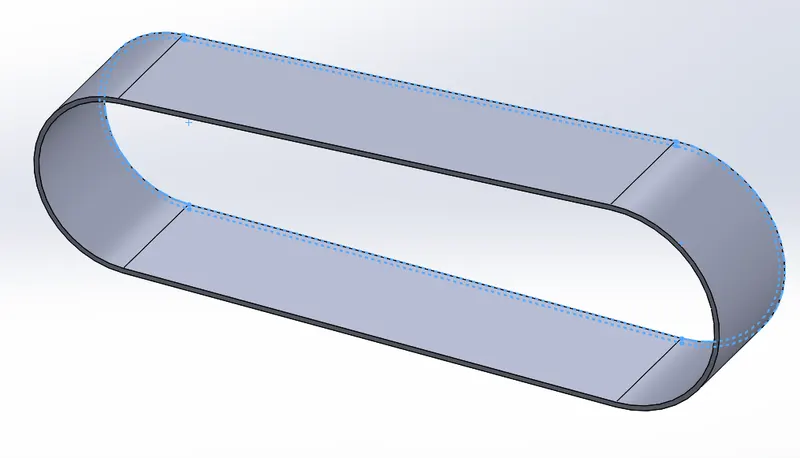
- Once the profile is created with the thuckness profile, this are selected under Extrude boss option with 88mm as dimension.
Fillet :
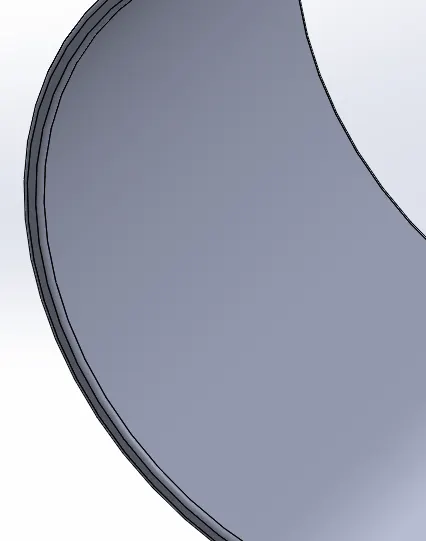
- Once extruded, the edges of the belt body is selected and a fillet of 1mm is made.
Appearance:
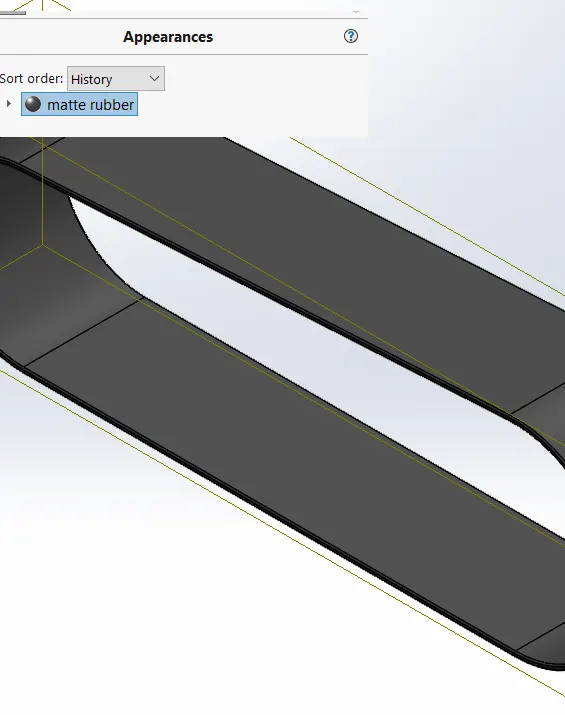
- After all the above steps are performed, the belt modelling is finished and an appearance as to represent rubber is provided to the part.
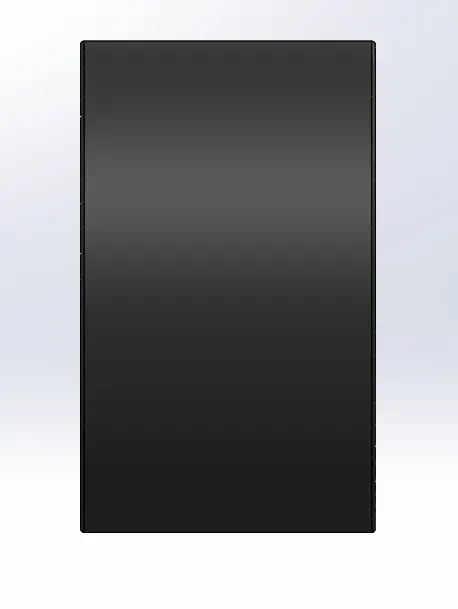
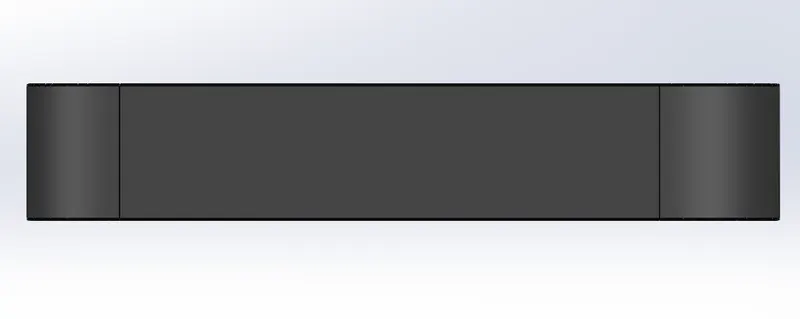
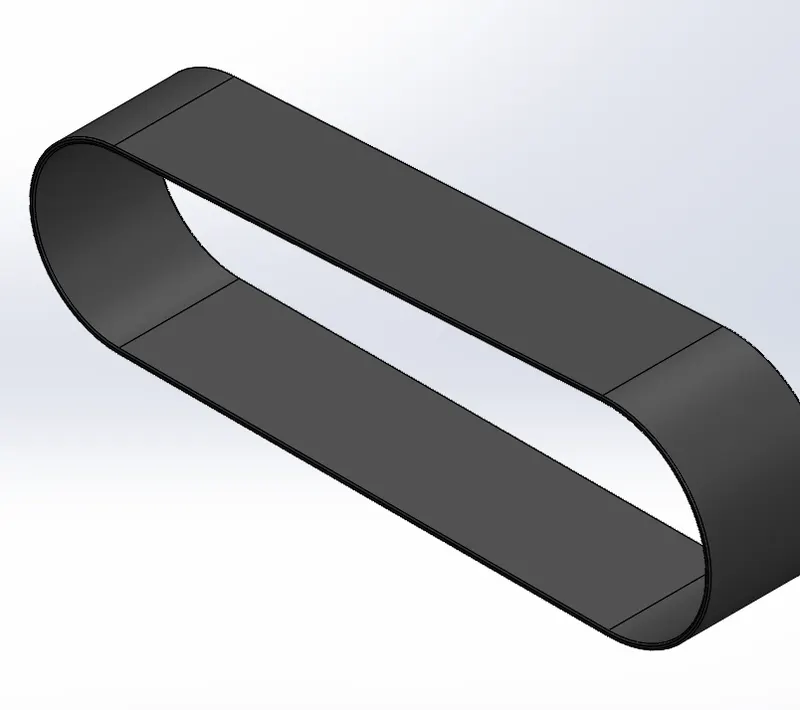
Hence the Transmission belt modelling is finished and the different views are as shown below:
- Front View:
- Right Side View:
- Top View
- Isometric View:
2) Kick stand
Sketch:
- Initially the template is loaded, and a sketch is made in the Front plane with ellipse:
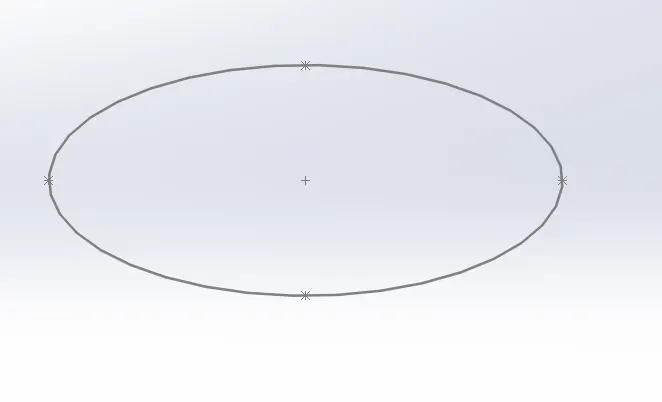
Spline:
- Once an ellipse is created, on the Right plane a spline is made inorder to represent the Kick Stand curvature.
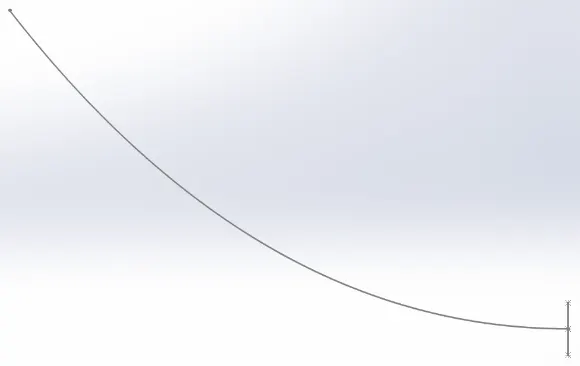
Sketch:
- Now to represent the other end body of the Kickstand, a new plane at end of the spline is created.
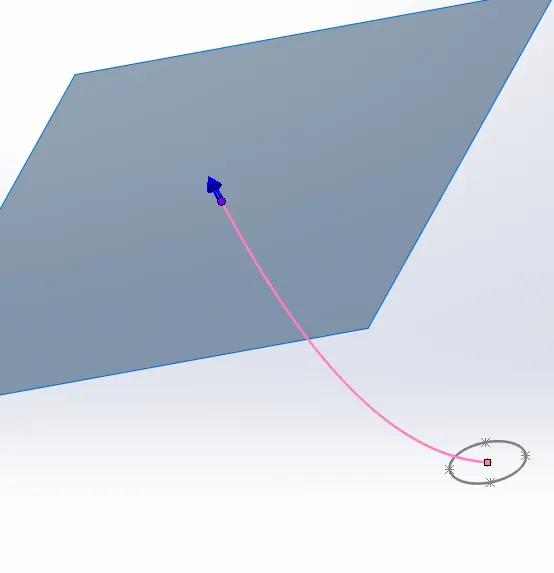
- On the new created plane, an ellipse at end of the spline is made.
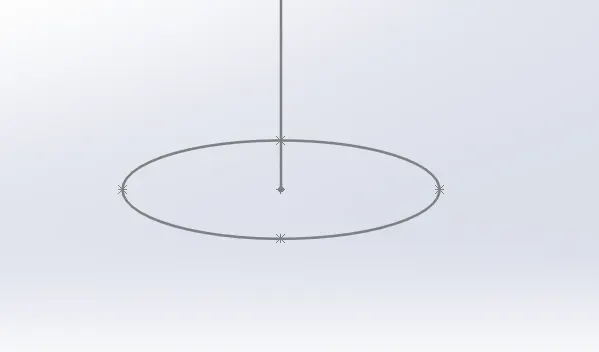
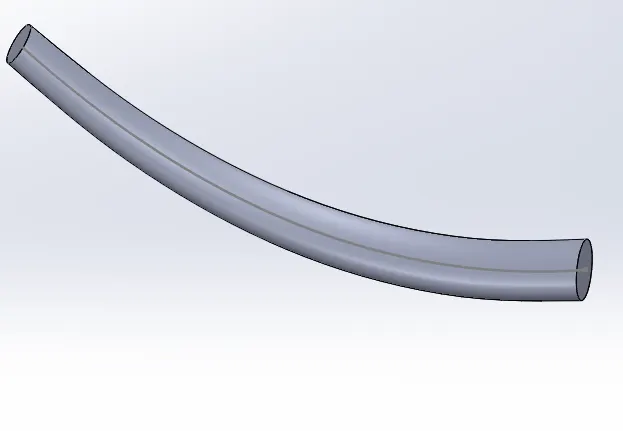
Lofted base:
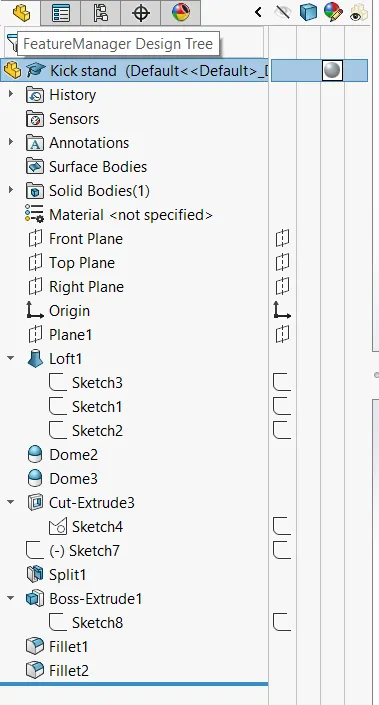
- With the help of using ellipses and the spline, Kick stand body is made using the lofted base option.
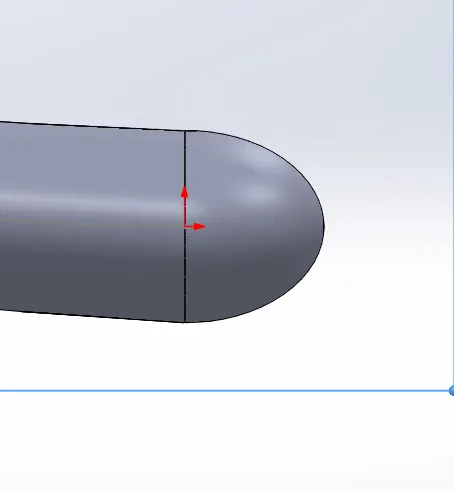
Dome:
- Once the Kick stand body is created, dome option is used to create an elliptical shape at the ends of the body.
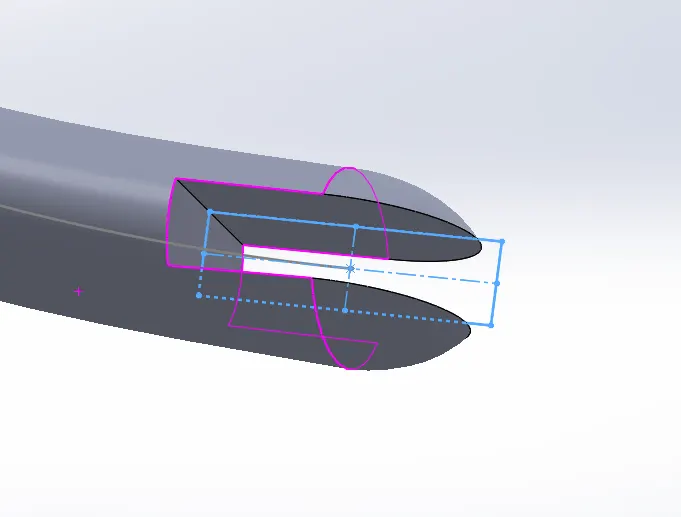
Extruded Cut:
- To make a cut to pivot the stand on the Chopper, a rectangular sketch is made and Extruded cut option is used to cut throught the body.
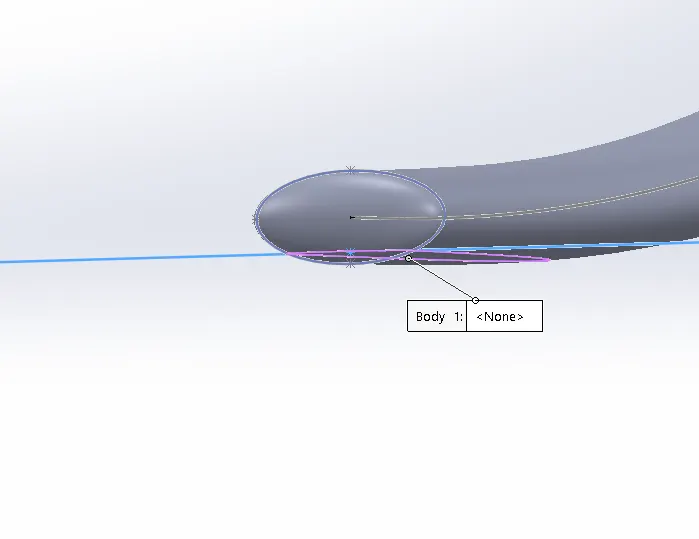
Split:
- Inorder to create the flat surface at the end where the stand touches the ground, a construction line is created and split option is used to remove the part of the stand body below the line.
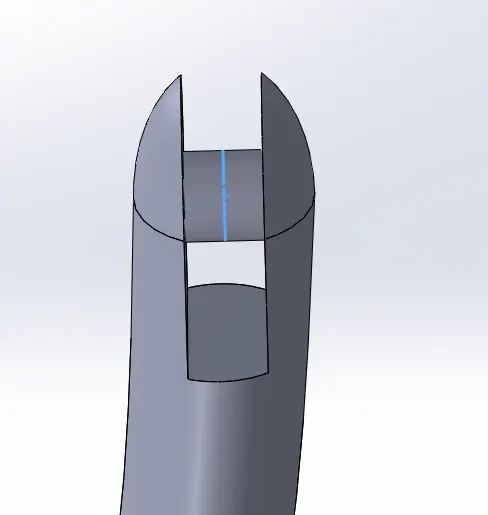
Extrude:
- Inorder to create a pivot for the stand at the extruded cut region, extrude option is used to both sides.
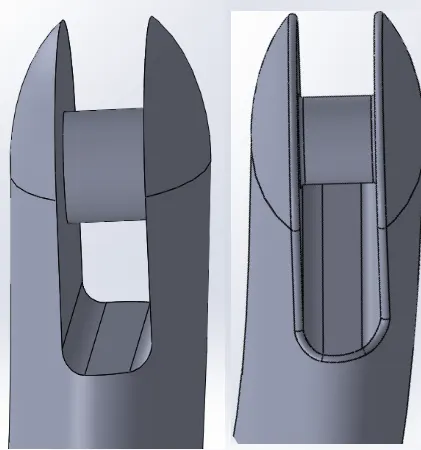
Fillets:
- Finally fillets are added at the cut region for proper modelling.
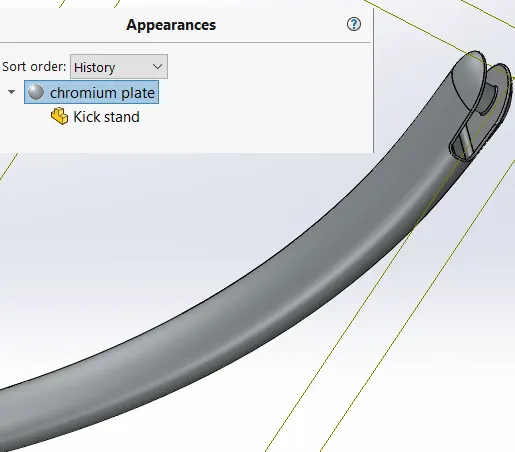
Appearance:
- After the modelling of the Stand is finished, under appearances chromium plate appearance is selected as shown below:
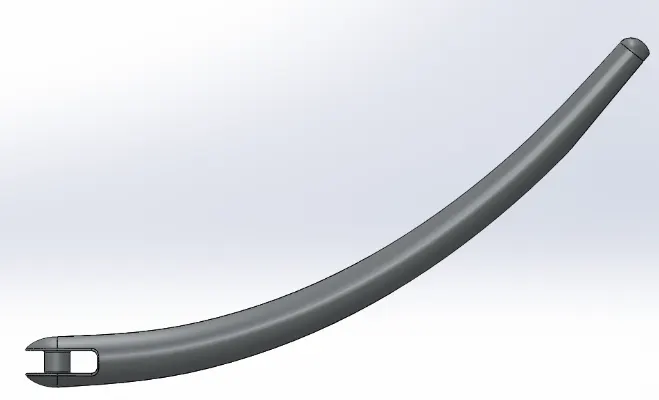
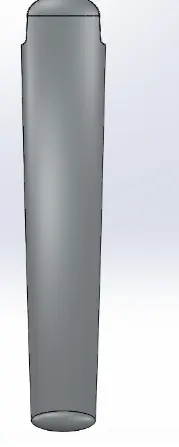
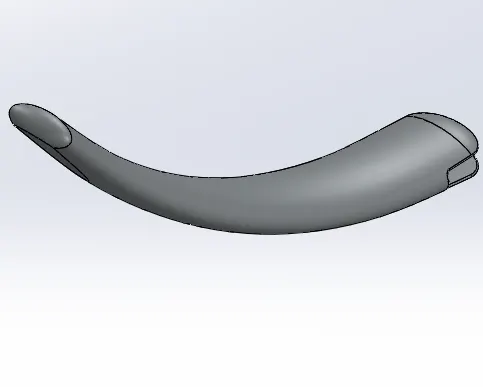
Hence the Kick Stand moddeling is finished and the different standard views of the Stand are shown below:
Front View:
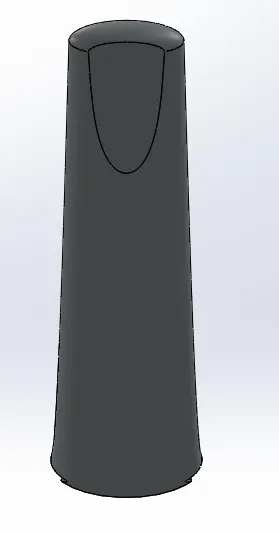
Side View:
Top View:
Isometric View:
Design Tree:
3) Front Fender:
Sketch:
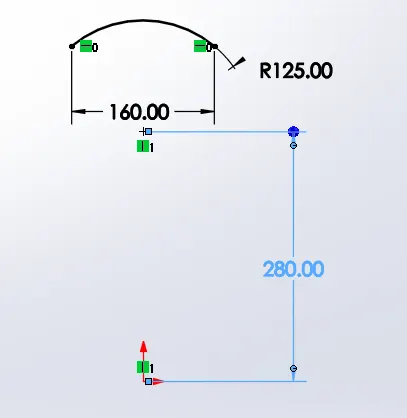
- Fender profile is sketched using a 3 point arc with the specified dimensions.
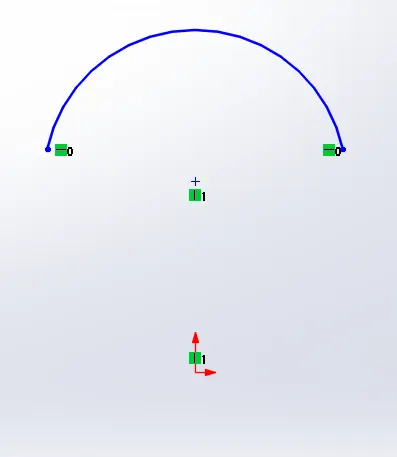
Defining Relations:
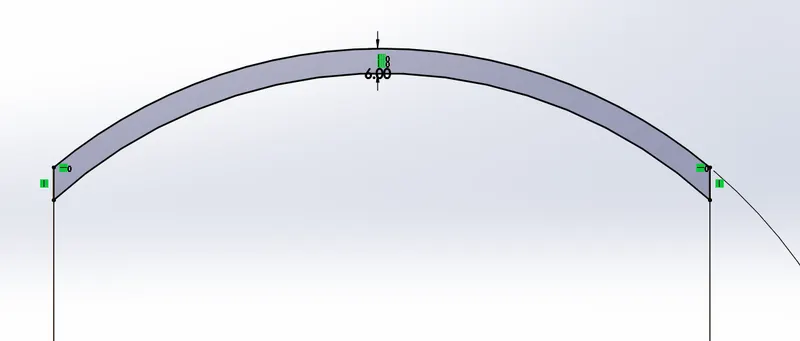
Offset and creating thickness:
- The profile created is offset inwards to represent the thickness, inner sketch is extended to make a closed profile.
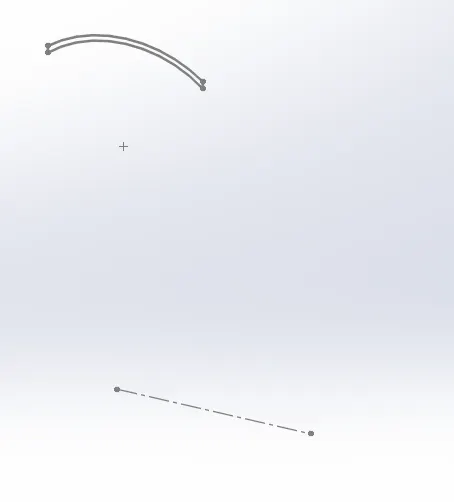
Centre Line for Axis of rotation:
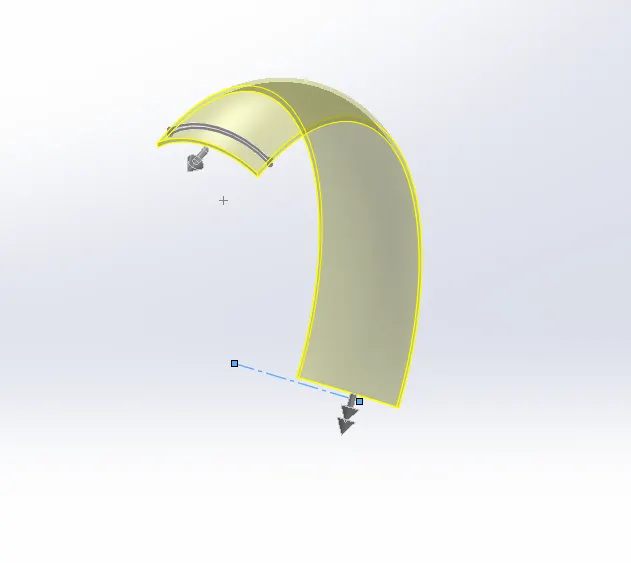
- A construction line is created on the plane which acts as the centre of rotation of the profile.
Revolve:
- Revolve option is used to make the fender body and direction 1 and direction 2 are defined as 5 degrees and 130 degree respectively.
Appearance:
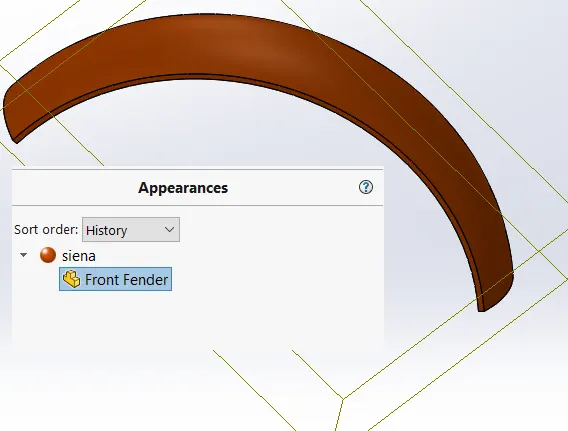
- Once the fender body is created, the appearance of the fender body is selected with desired choice.
Mirror, Spline and Split:
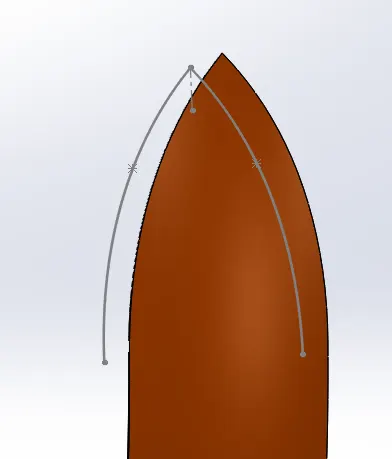
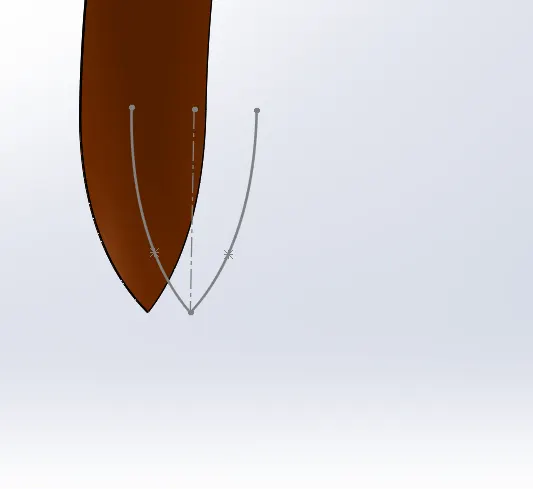
- Inorder to create a geometric cut on the ends of the fender body, initially a line is sketched.
- This line is used in Dynamic mirror option.
- Next, a spline is created with specified dimensions and shape
- split tool is used to cut the part.
Fillets:
- Once cuts are made, fillet is used to round off the outer edges of the fender.
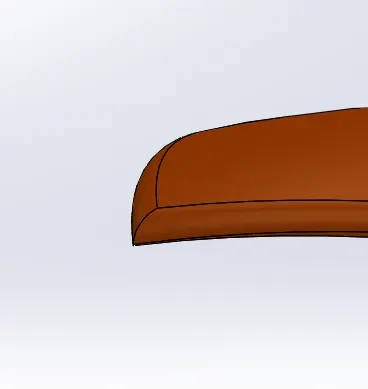
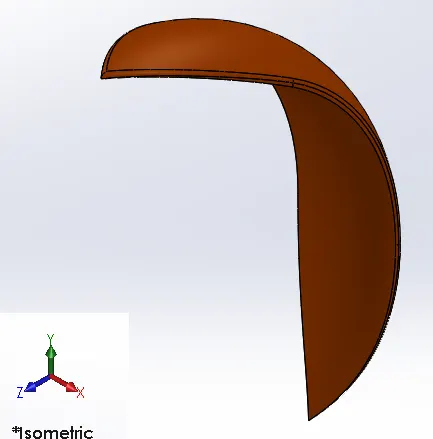
Hence the modelling of the fender body is finished and the standard views of the same are given below.
Top View:
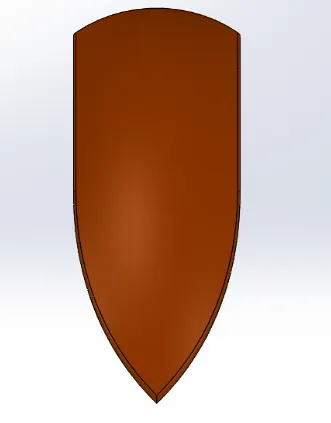
Side View:
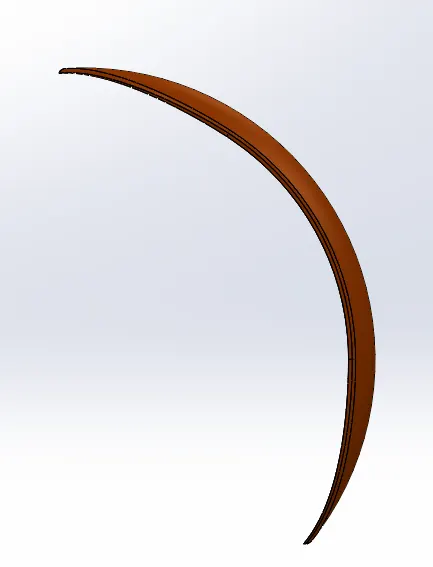
Front View:
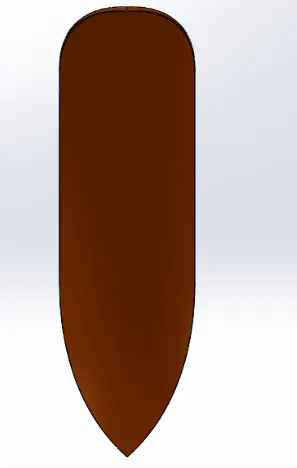
Isometric View:
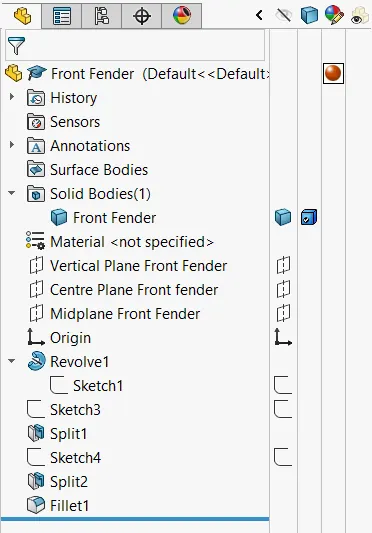
Model Design Tree:
4) Rear Fender:
Sketch:
- Fender profile is sketched using a 3 point arc with the specified dimensions.
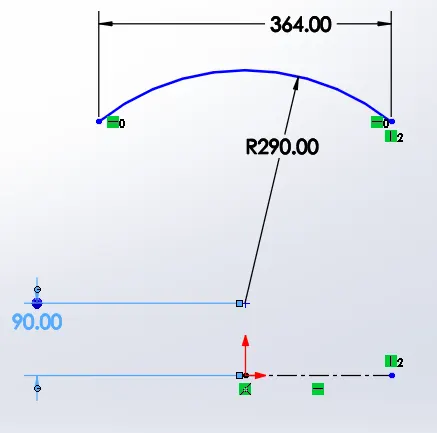
Sketch offset :
- The profile created is offset inwards to represent the thickness, inner sketch is extended to make a closed profile.
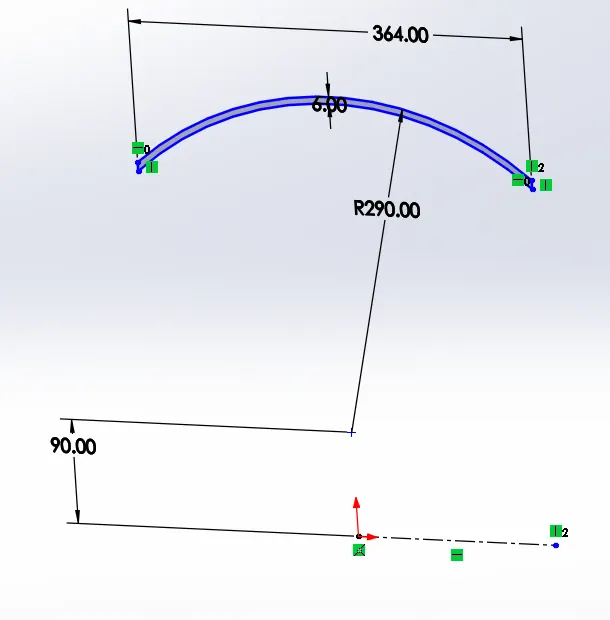
Revolve:
- Revolve option is used to make the fender body and direction 1 and direction 2 are defined as 10 degrees and 140 degree respectively.
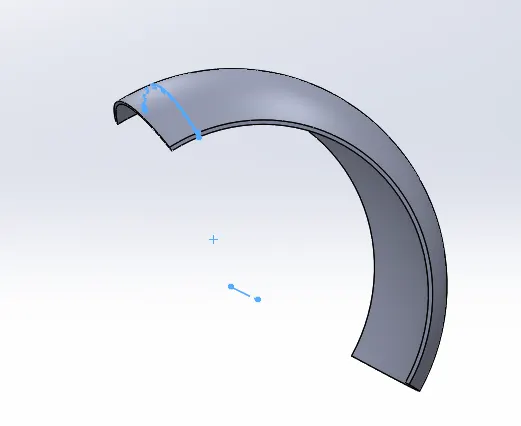
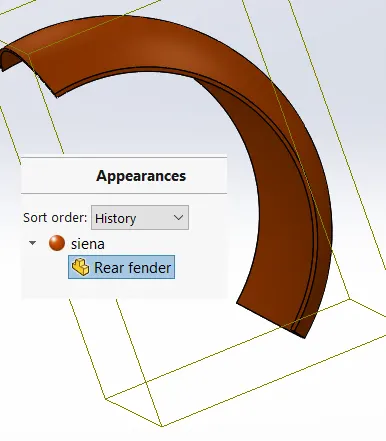
Appearance:
- Once the fender body is created, the appearance of the fender body is selected with desired choice.
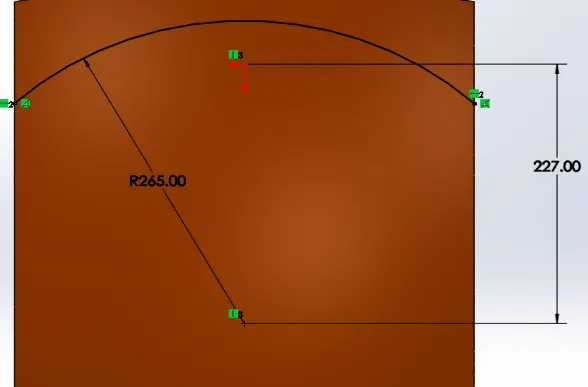
Arc and Split:
- Inorder to create a geometric cut on the ends of the fender body, initially an arc is sketched.
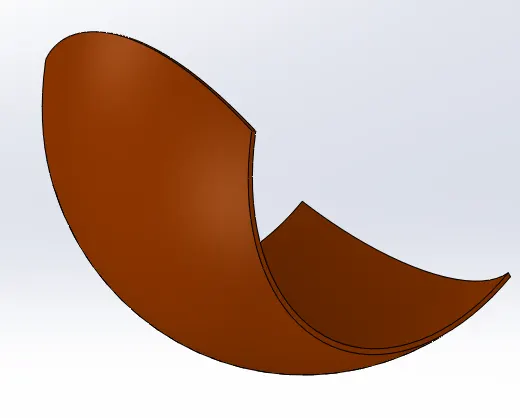
Split:
- split tool is used to cut the part.
Fillets at the edges:
- At the edges of the fender, fillets are used to round off the edges.
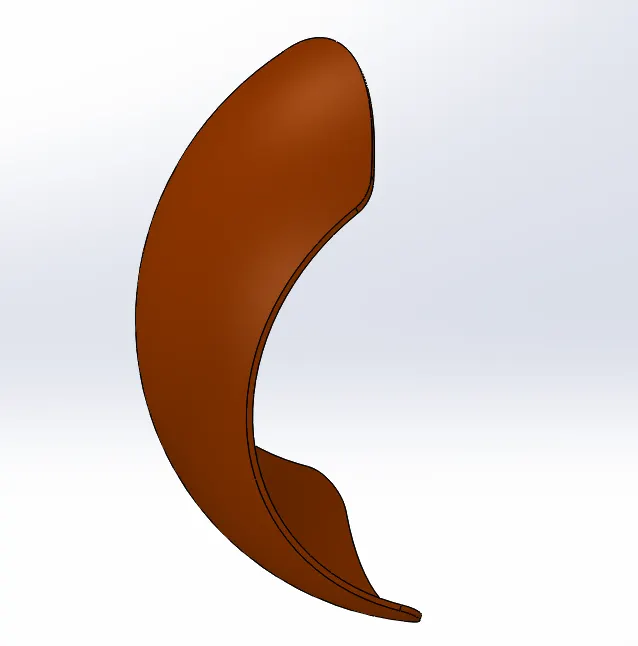
Fillets at face edges:
- Fillets at the outer face edges are also made.
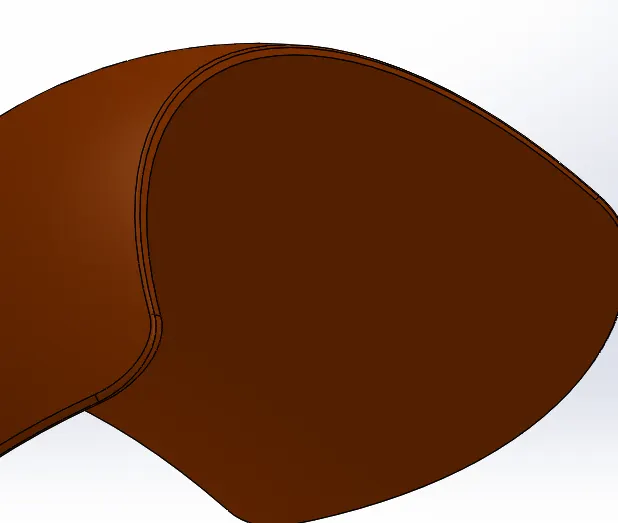
- Finally shell option is used to the inner face of th rear fender body.
- Hence the modelling of the Rear fender is completed by following the above steps.
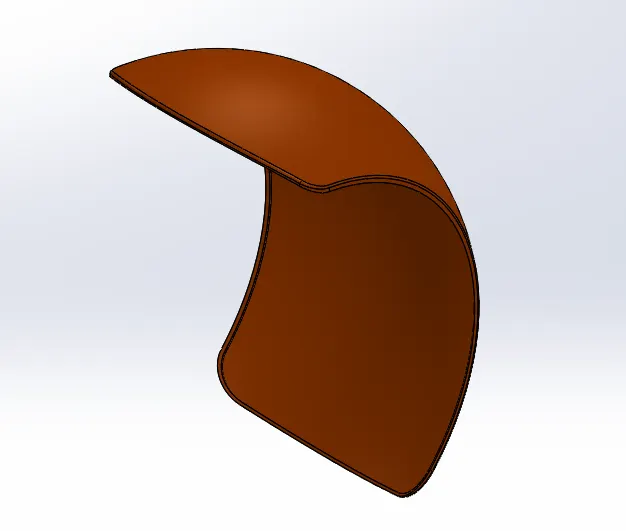
- Standard views of the fender so created are shown below:
Front View:
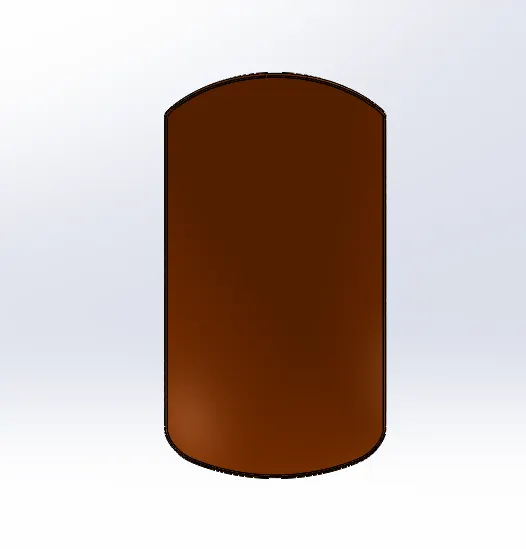
Side View:
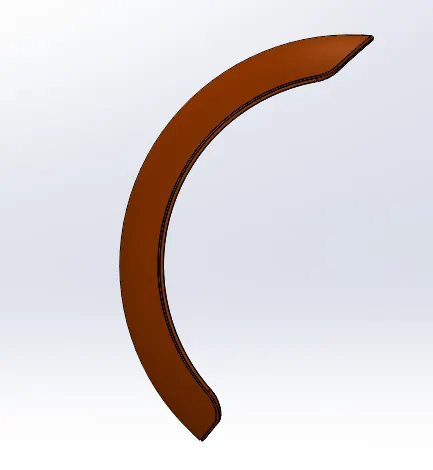
Bottom View:
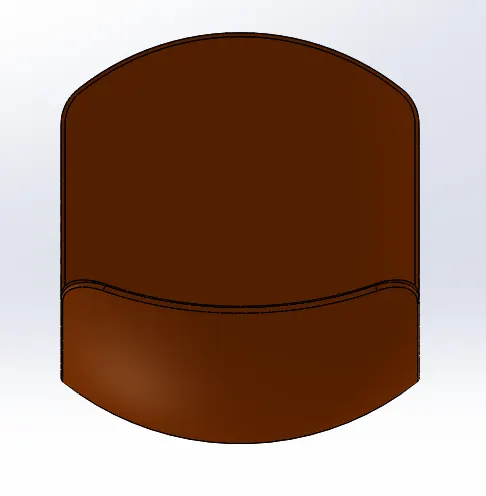
Isometric View:
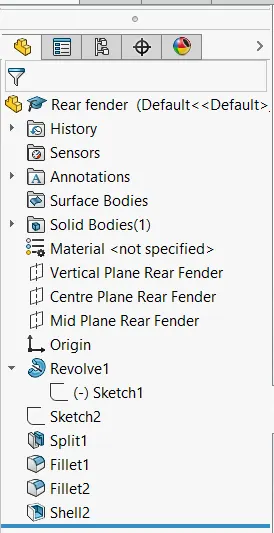
Design Tree:
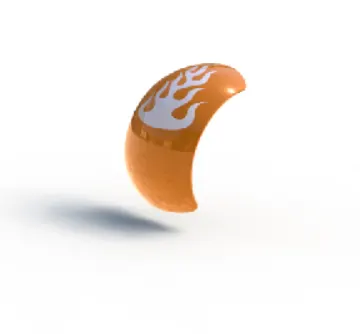
5) OIL TANK
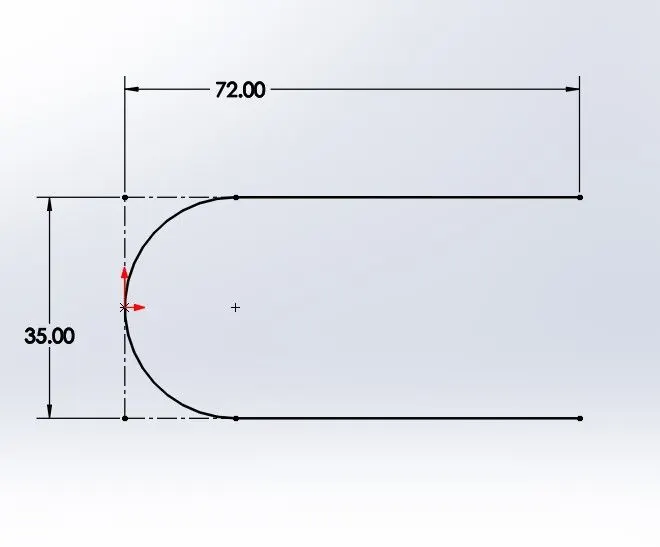
Sketch:
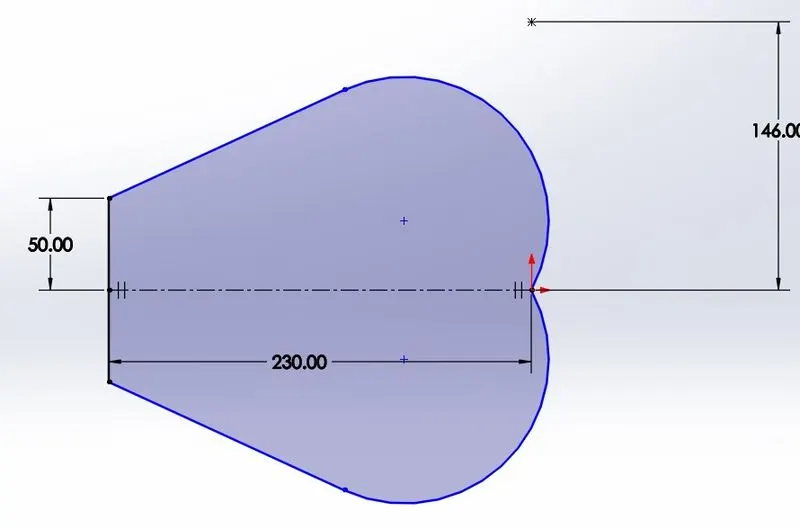
- Initially the Sketch of the Oil Tank is made as shown above.
- Then extrude option is used to create a solid body as per the profile created.
Sketch & Extrude of Side profile:
- A sketch for the shape profile from the side is made and extruded as shown below:
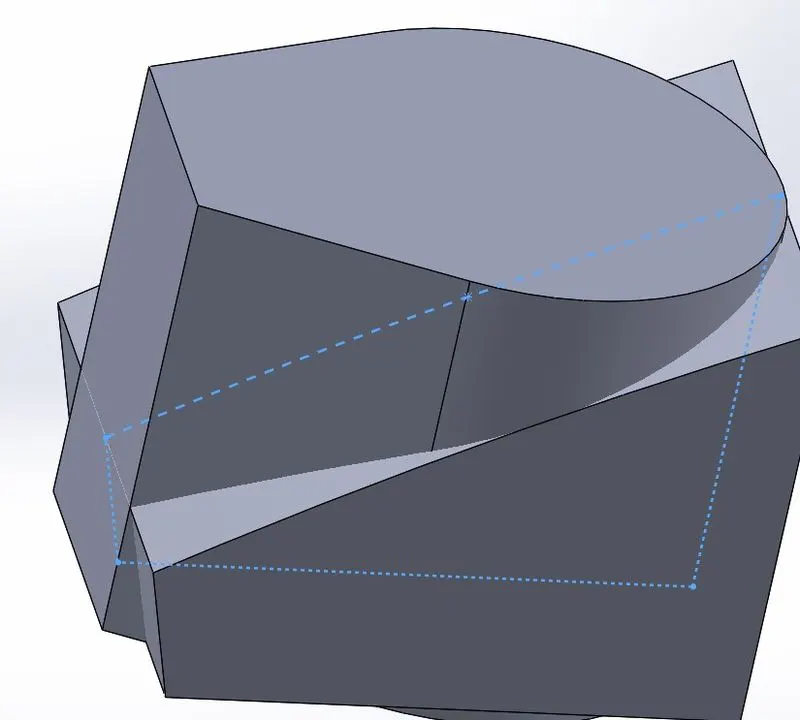
Combine:
- Combine tool is now used with common option to create the required Tank profile
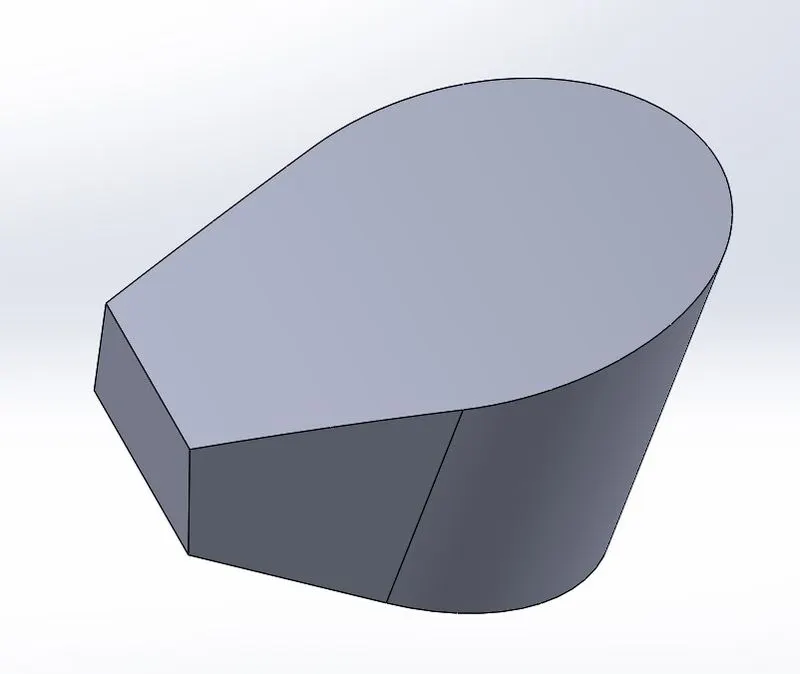
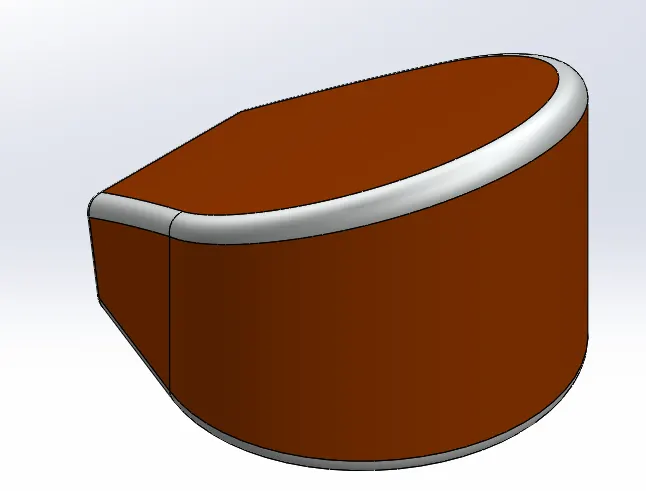
Fillet & Appearance:
- The edges of the tank profile is shaped usin the fillet option and appearance of the tank is changed
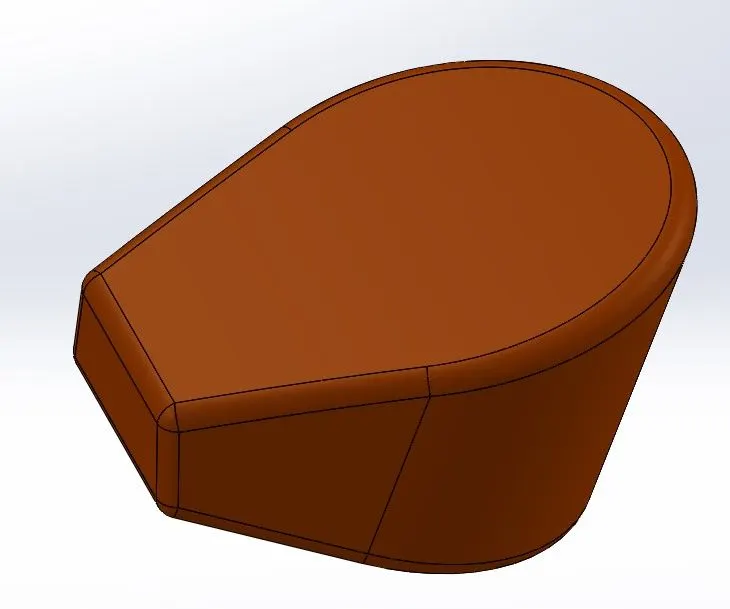
Tank Edges Appearance:
- Additional appearance is given to the fillet feature of the tank
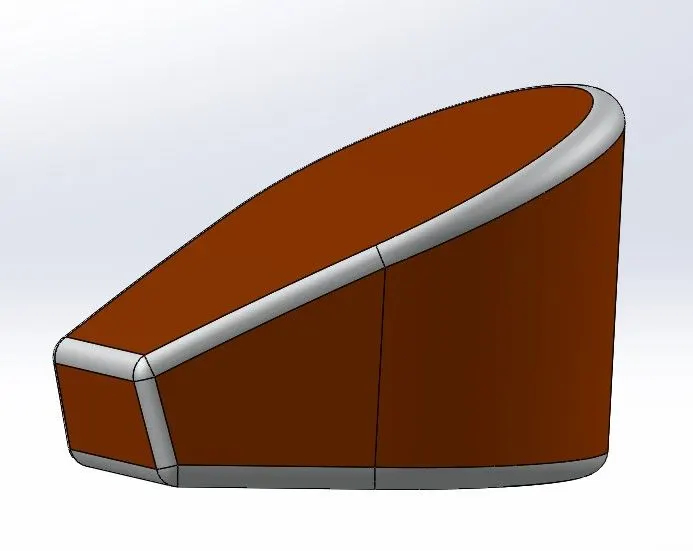
Shell:
- One the outer profile and appearance of the tank is finished, Shell option is used to create the hollow tank from the solid tank body
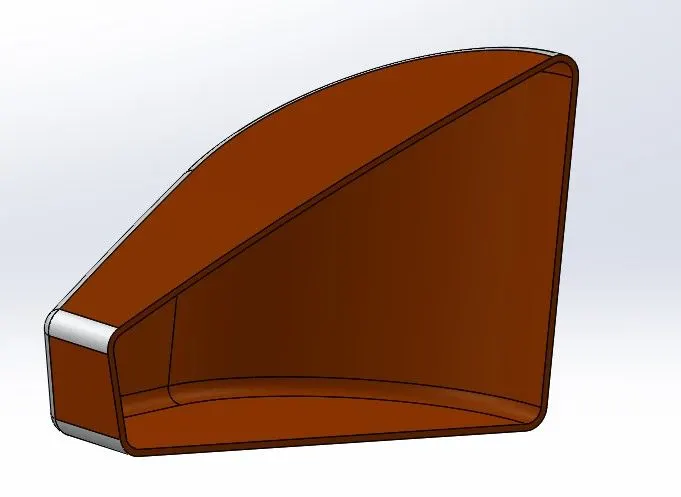
- Hence completed the modelling of the Oil Tank of the American Chopper.
- Different Standard Views of the same are given below:
Front View:
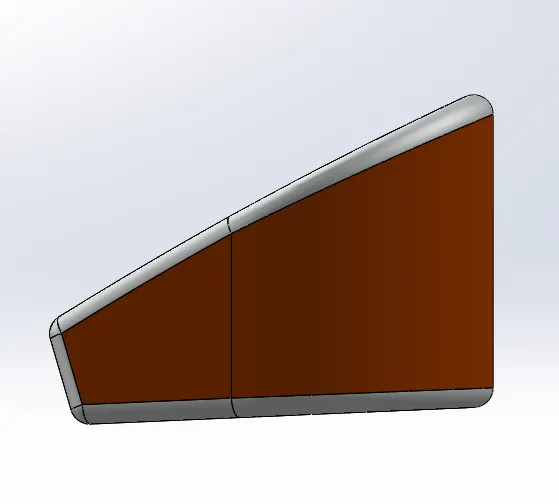
Side View:
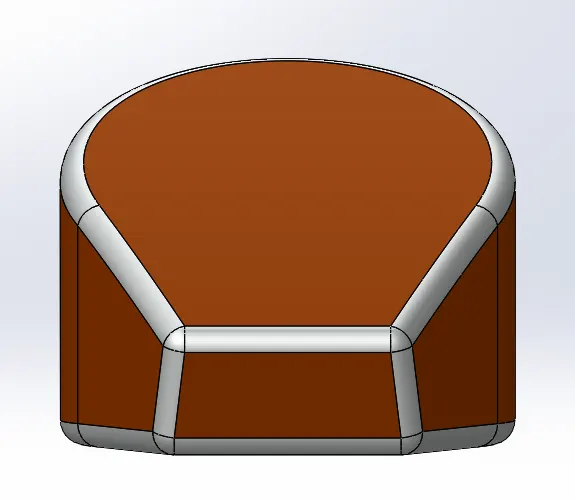
Top View:
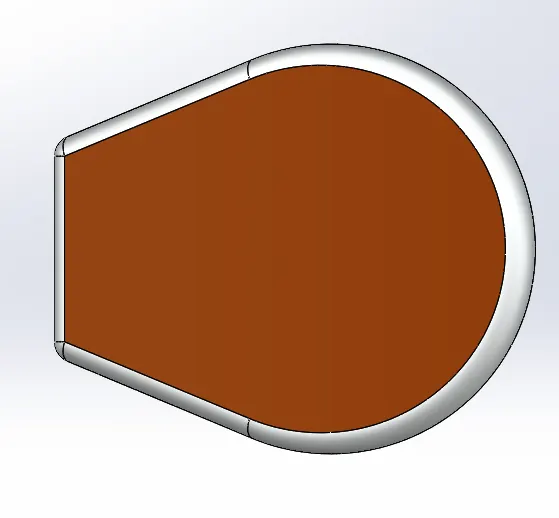
Isometric View:
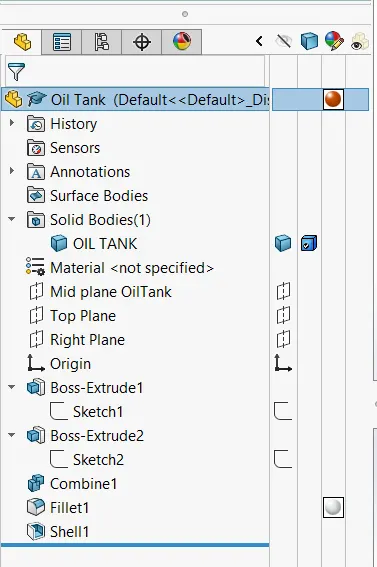
Model Tree:
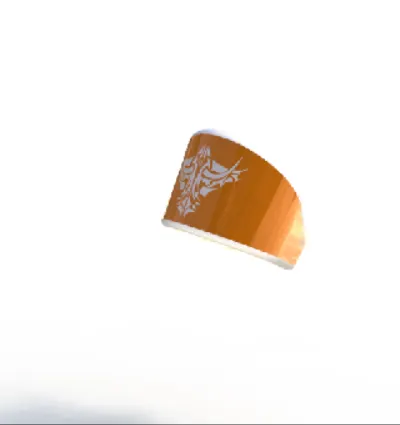
6) Pedal
Sketch:
- The sketch profile is created as shown
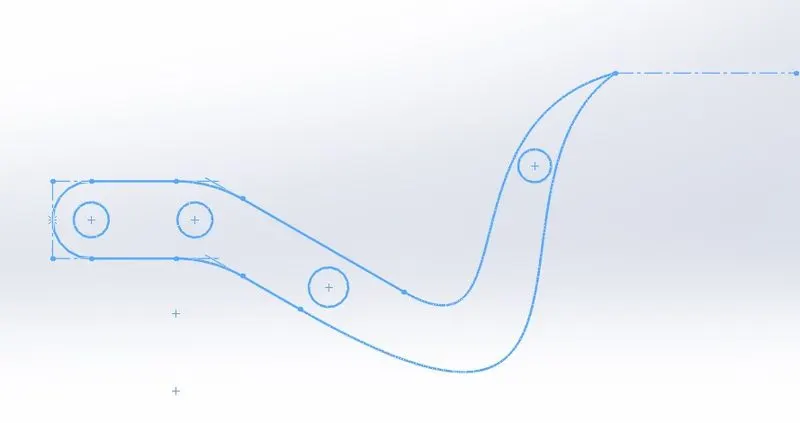
- Final Sketch of the Pedal is obtained as shown above.
Extrude:
- The created sketch is used and the different profiles are exruded as shown below.
- Additional foot peg is modelled by initially creating sketch and revolved the sketch to obtain the model as below
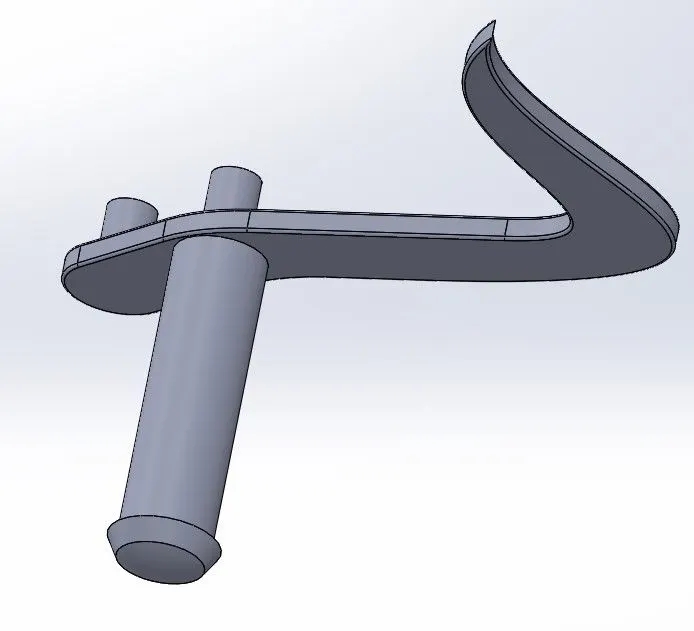
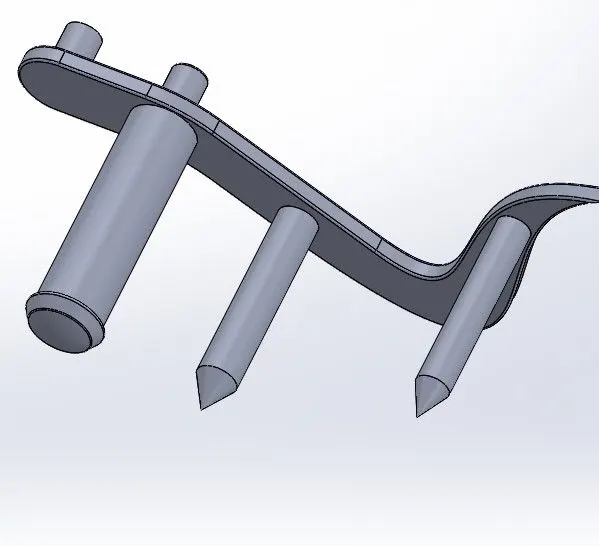
Chamfer:
- Additional pegs are extruded from the base sketch and the ends of the same are chamfered using the Chamfer option.
Features on Foot pegs:
- The outer profile of the extruded pegs are offset and extruded. The same are then multiplied using the linear pattern feature option.
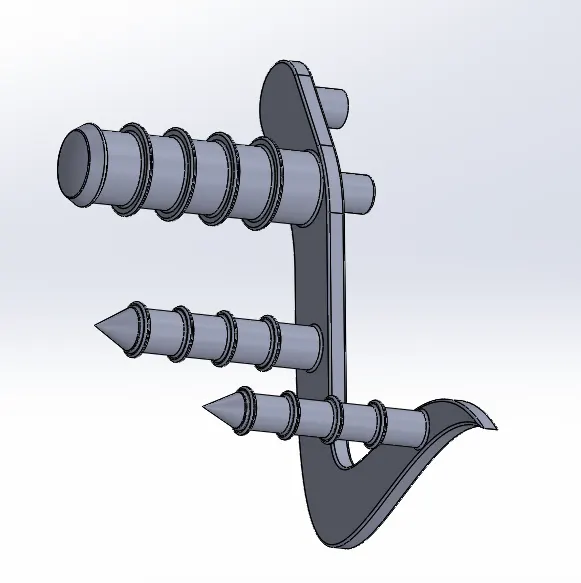
- Fillets at all edges are done and hence the modelling of the Pedal is completed as shown above.
- The different standard views of the pedal are as follows:
Front View:
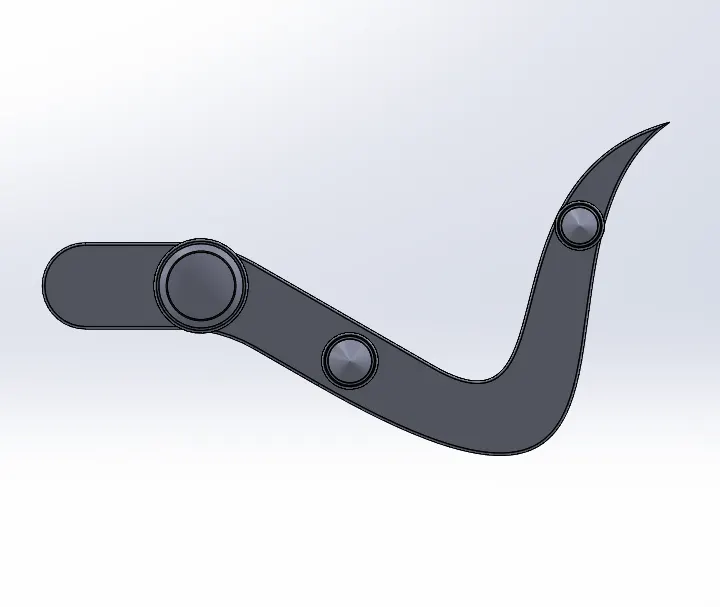
Side View:
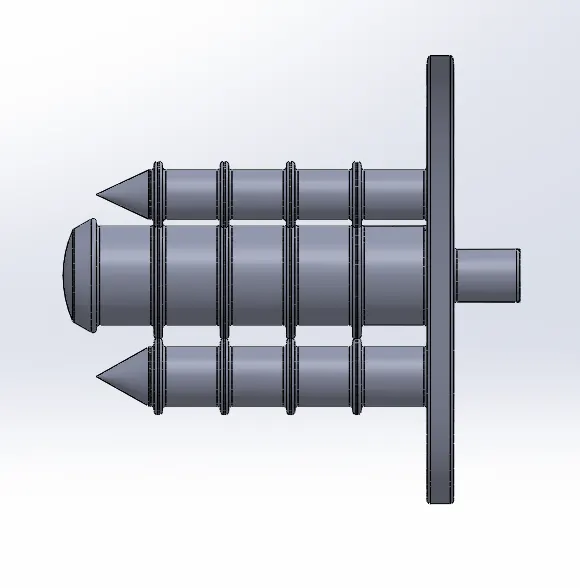
Top View:
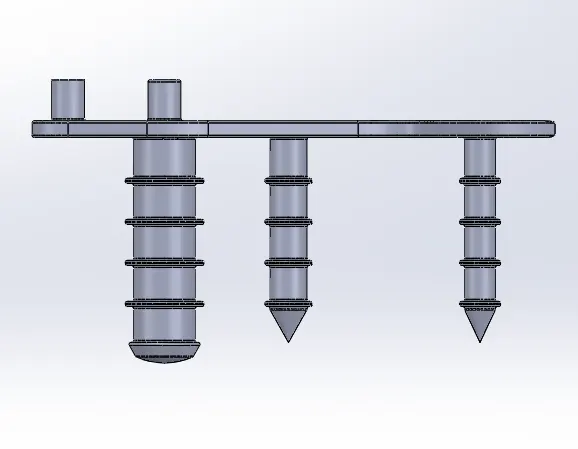
Isometric VIew:
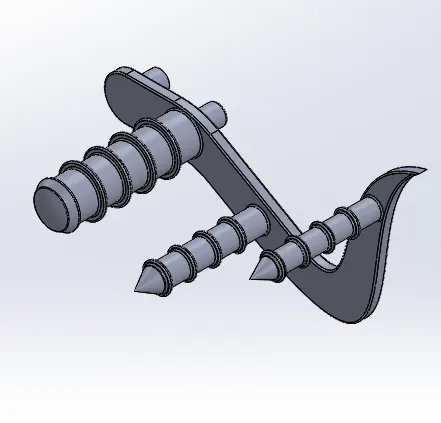
Model Tree:
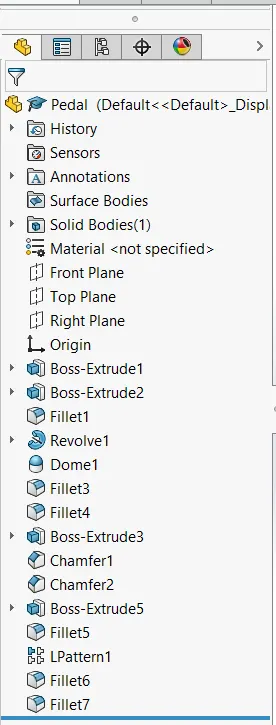
7) Chain
Sketch:
- Profile for the chain path is initially created.
- Chain plate 1 and chain plate 2 sketch is also made and saved as blocks inorder to use them multiple times.
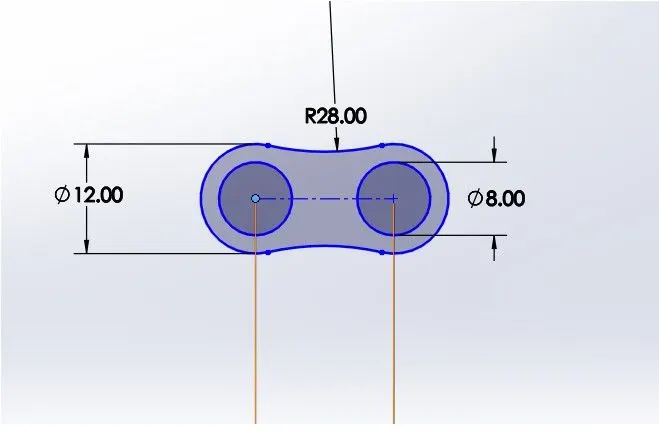
Chain Plate 1
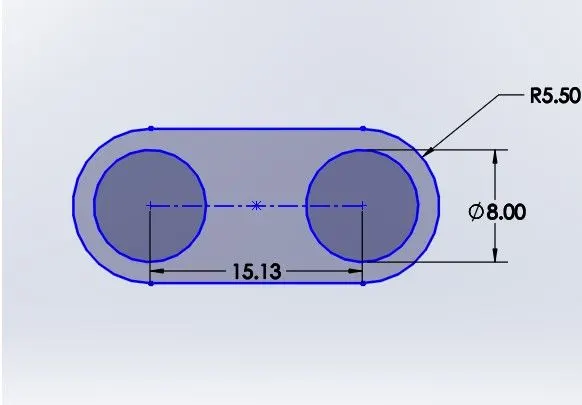
Chain Plate 2
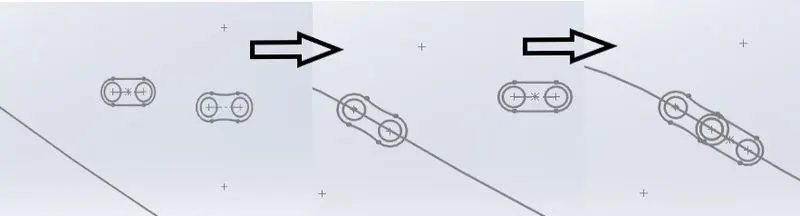
- These chain plate blocks are used to model 2 or 3 chain links.
Extrude:
- Once the blocks are placed on the chain path profile, extrude tool is used with offset options to create one side body of the chain plates and the pins.
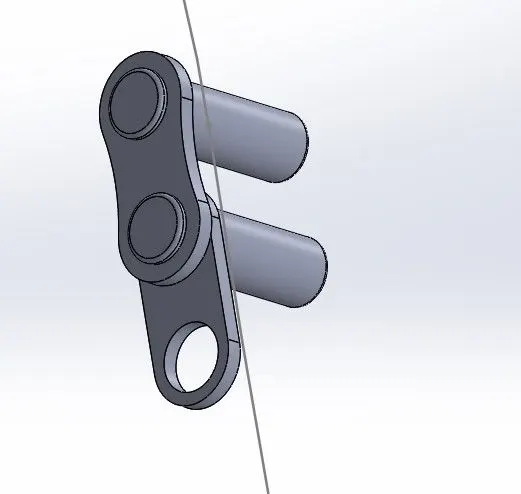
Curve Driven Pattern:
- Once the links are created, they are selected and pattern is created till the next arc appears.
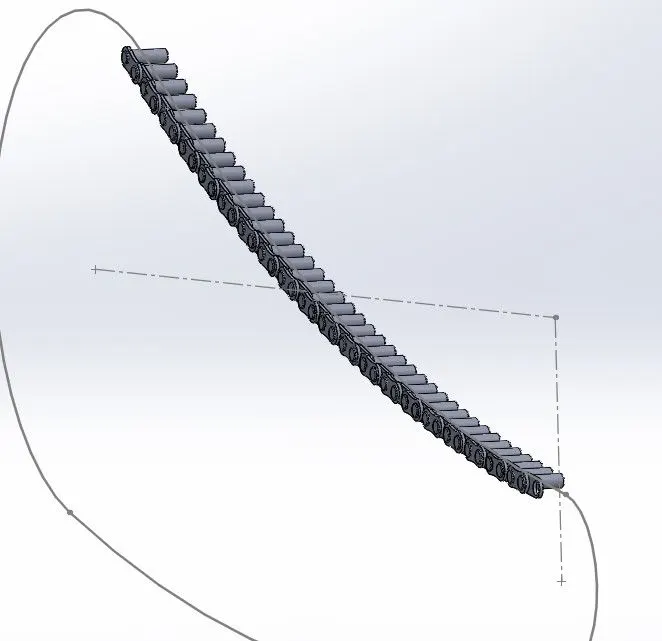
- Similarly the whole Chain links on Chain path profile is made as shown above till it reaches the starting point,
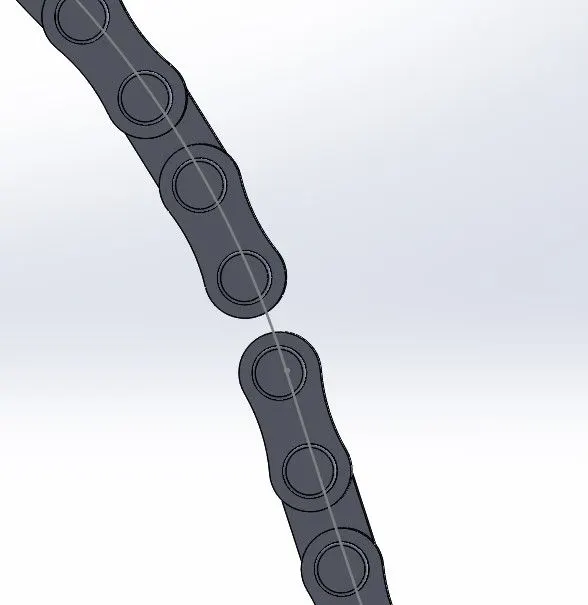
- Since there is mis alignment in the last connecting chain plate, only this plate is seperately sketched by using the pins as reference and then the plate is extruded.
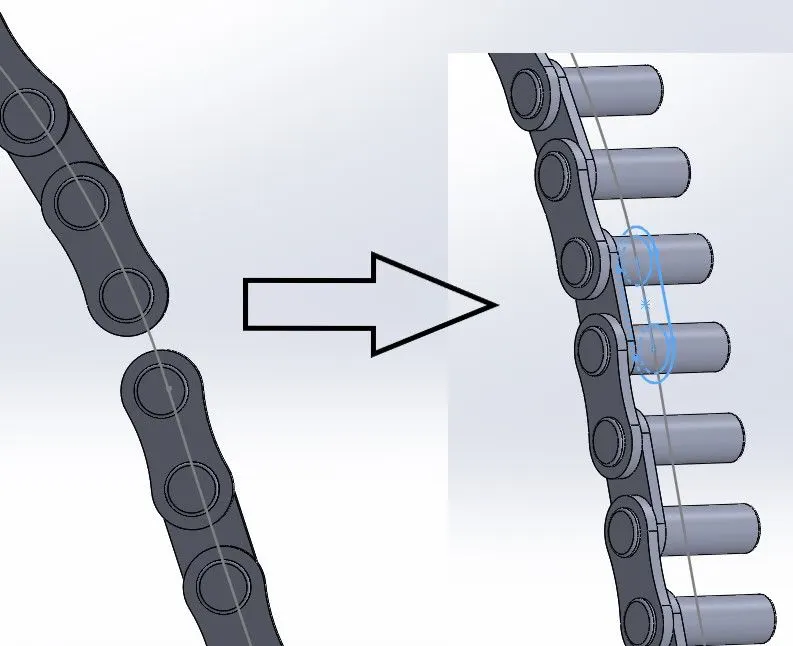
Mirror:
- Once the whole Chain plates on one side is finished, they are selected and mirrored to obtain the full chain model
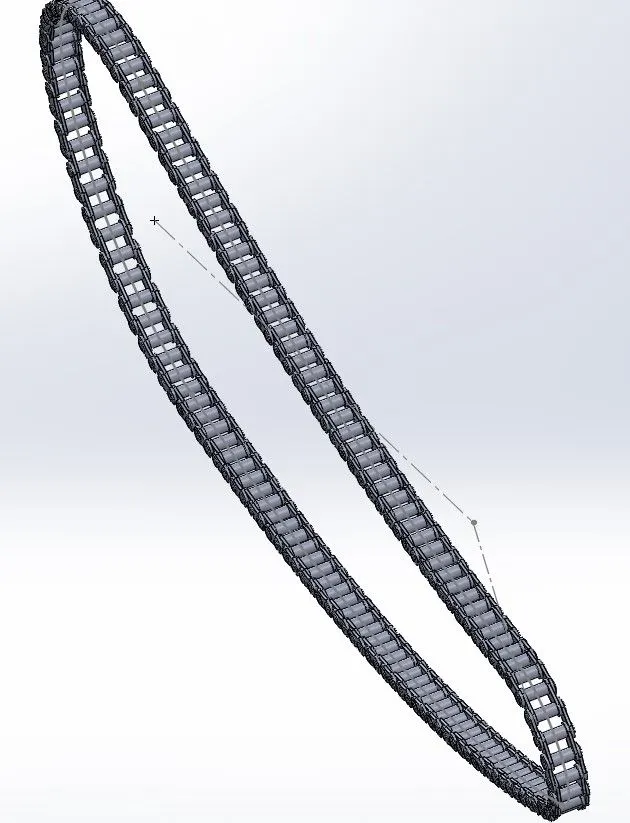
Appearance:
- After the modelling of the chain is finished, appearance to the chain is selected as shown below:
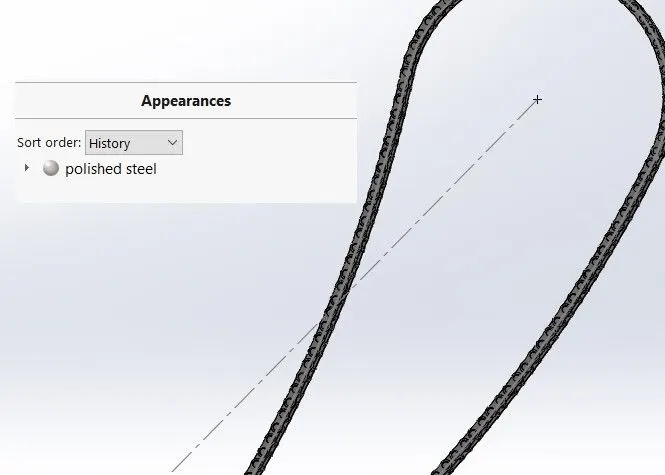
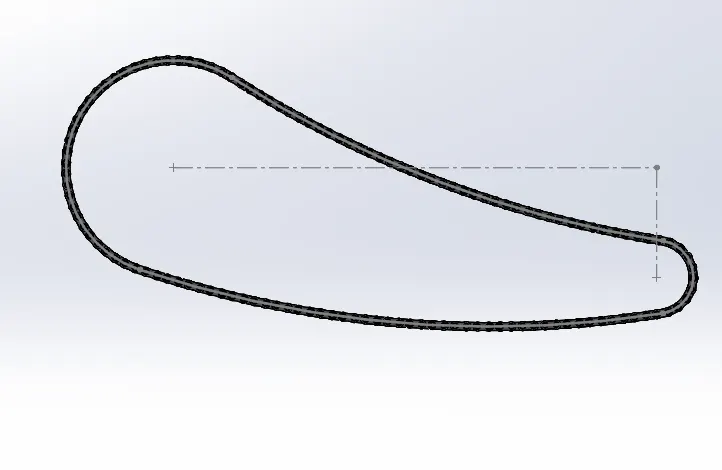
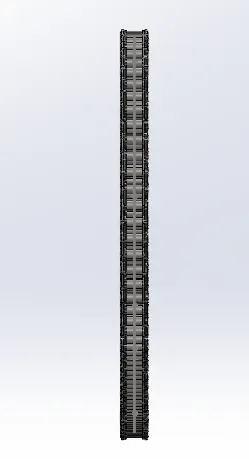
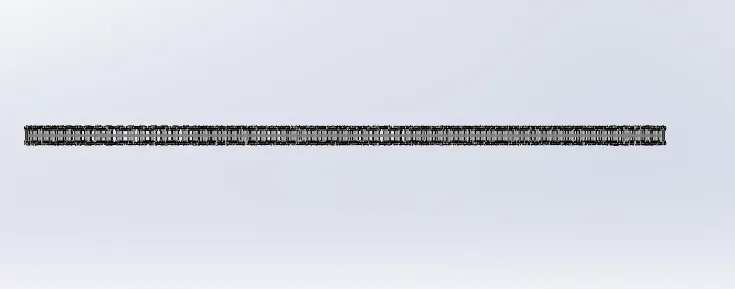
- Hence modelling of the chain is finished following the above steps and Various standard views of the chain are shown below:
Front View:
Side View:
Top View:
Isometric View:
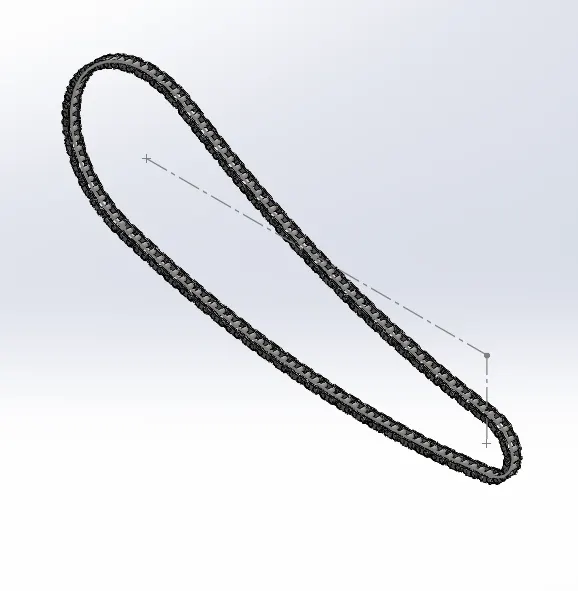
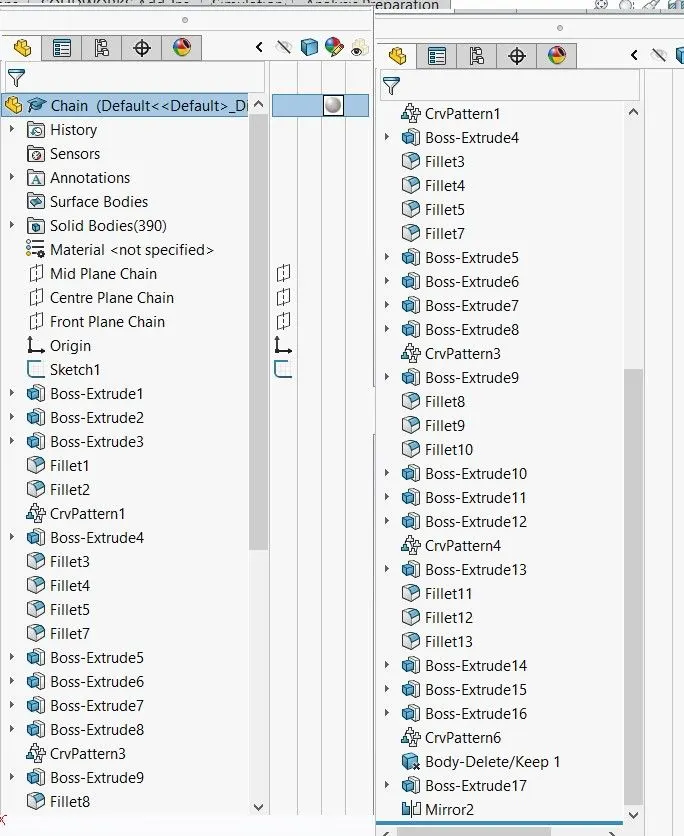
Model Tree:
8) Front Wheel
Sketch:
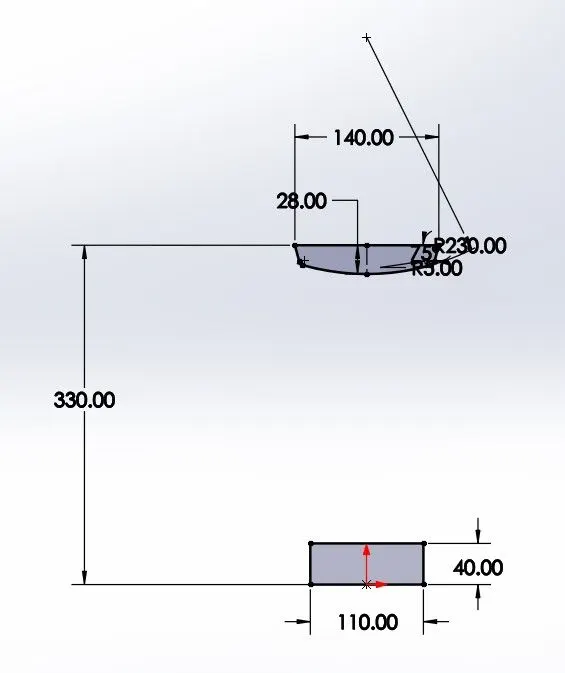
- initially the sketch of the rim profile is made as shown above.
Revolved Base:
- Now the Revolved base option is used to create the body from the Sketch created.
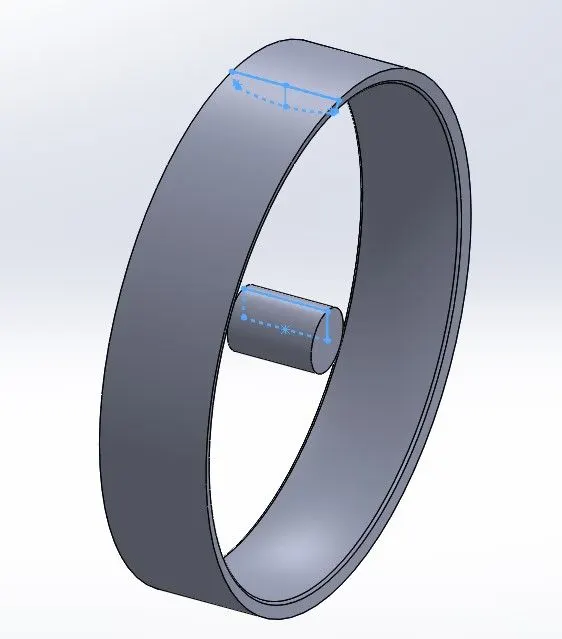
Rim Web Profile:
- Once the Rim body profile is made, On the right plane a sketch is made to roughly create the web body. Extrude option is used to make the Web body from the sketch.
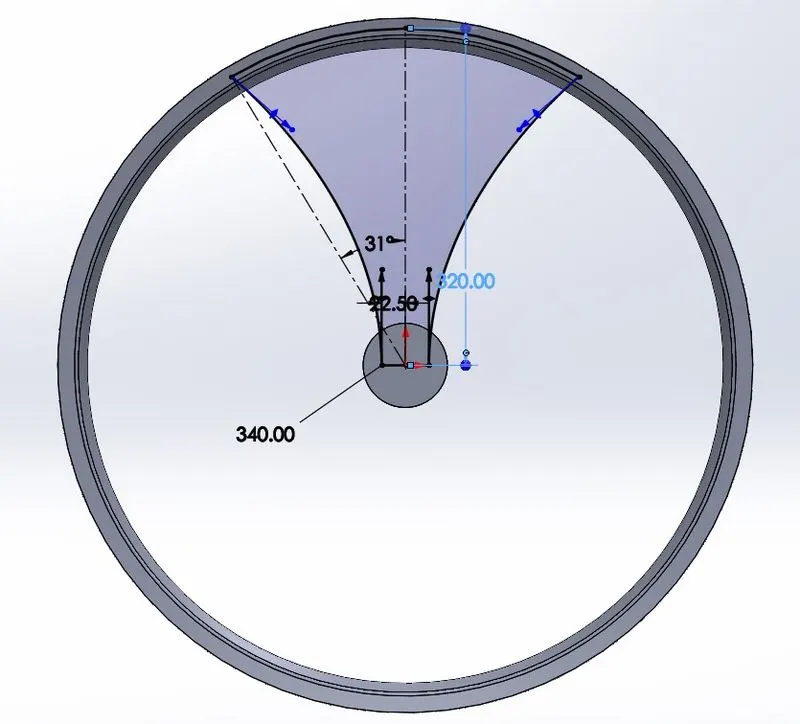
Web Sketch:
- After the rough web body is created, sketch is made on the body face as required.
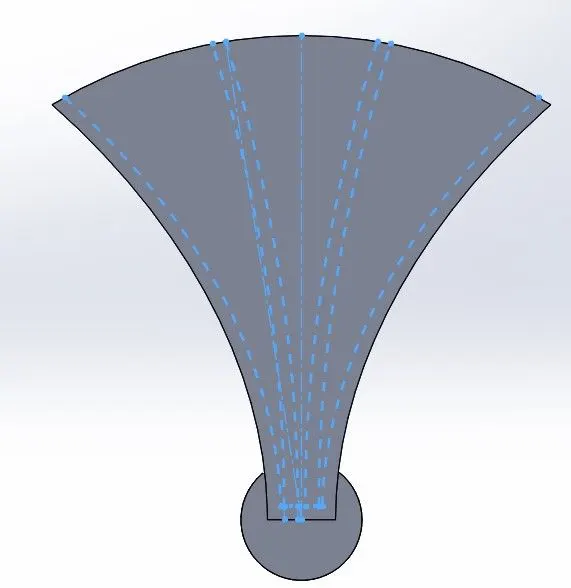
- Once the sketch is created, extrude option is used to remove the unwanted areas of the rough web body created.
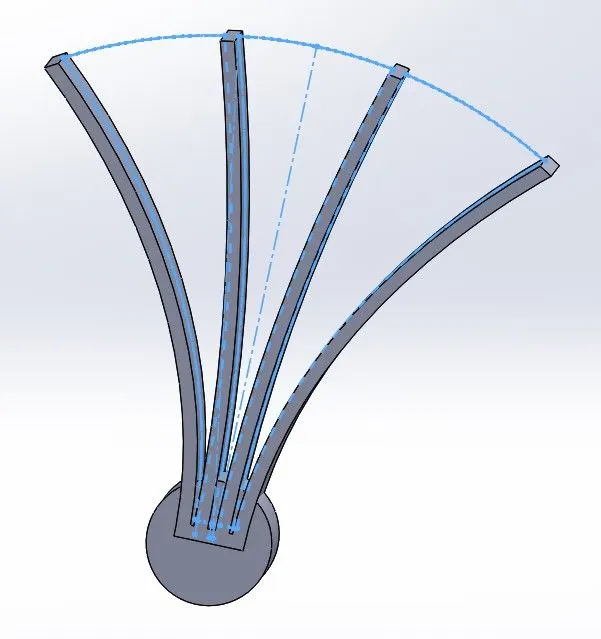
- The web profile is created as shown above.
Rim inner Web design:
- Inorder to create inner sub webs between the main webs, the sketch is made on the right plane with help of arcs.
- The sketch is then extruded with vertex of main web as reference.
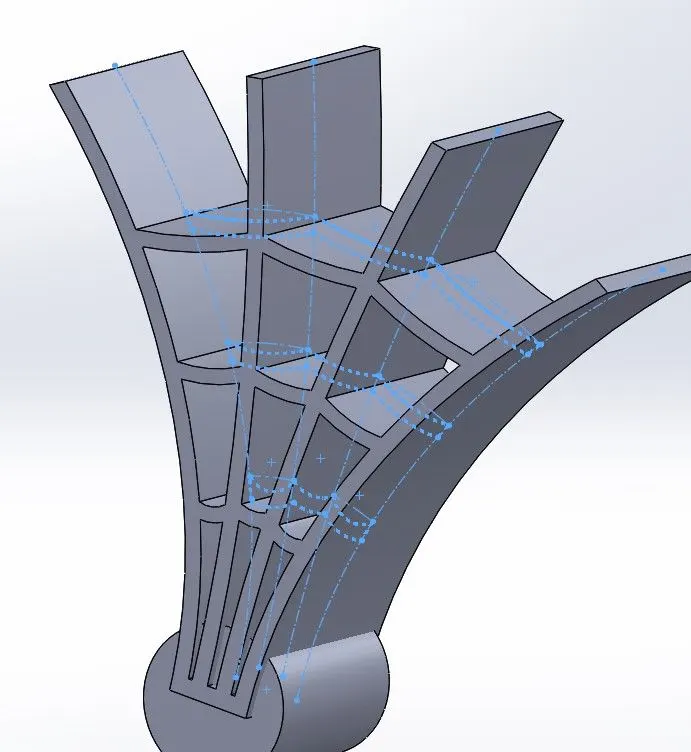
- After the Inner web and main web is extruded, a curved profile from the thickness of the rim to the middle mounting portion of the rim is created and the unnecessary parts are extruded.
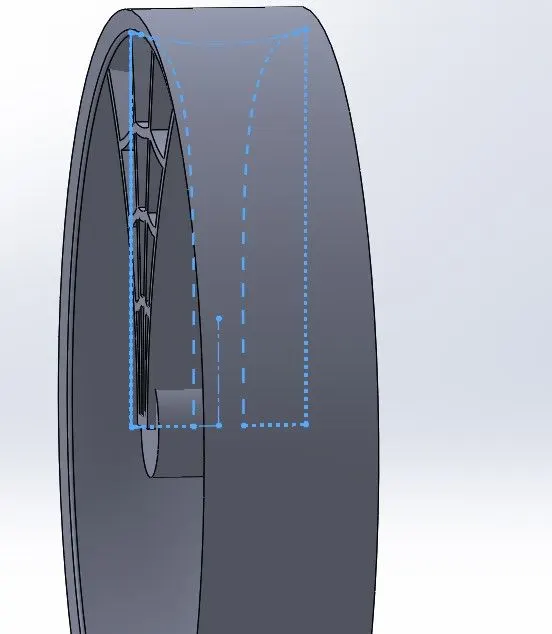
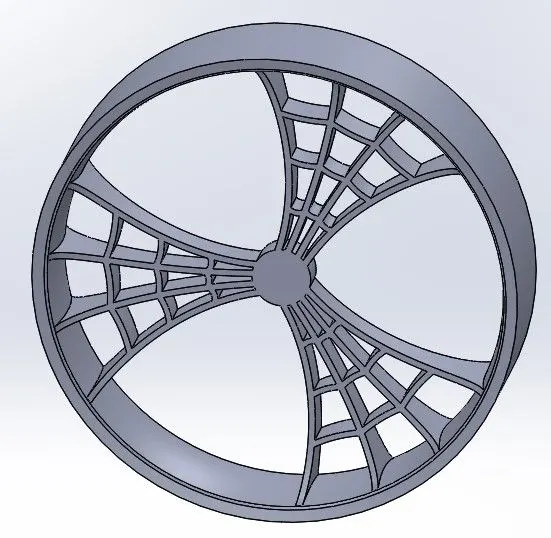
- Once the modelling of web profile is completed, Circular pattern option is used to make the full web design of the rim
- Also Combine option is used to make all these profiles to a single body.
Brake Disc Rotor:
- After rim modelling is finished, A circular disc is created at an offset from the rim profile with a small thickness to represent the Disc Rotor
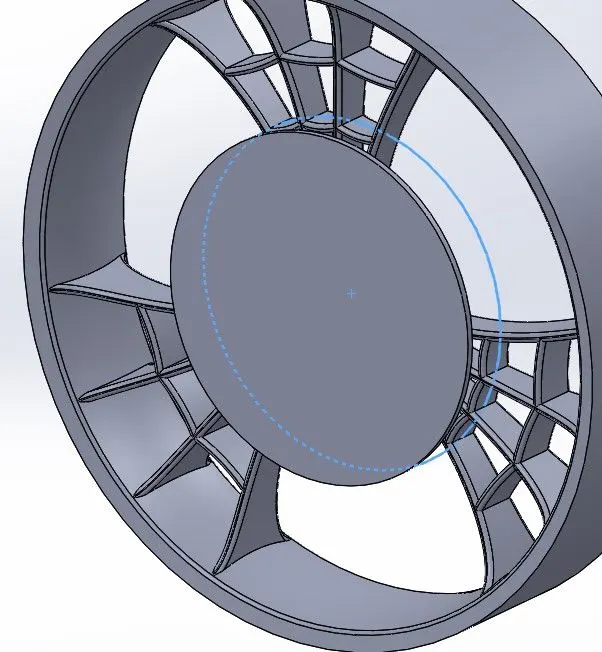
- At the disc rotor face, sketches of holes and cutout are made and extrude option is used.
- Fillets are also made on the edges of the cutout.
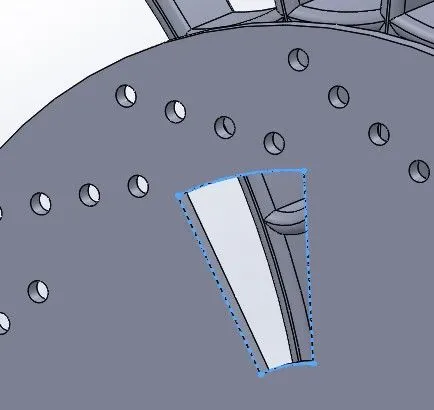
- After extruding, Circular pattern option is used to create the holes and cutout thorughout thr rotor disc.
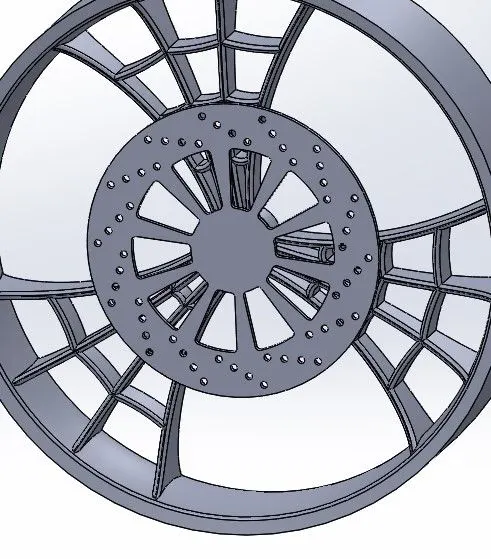
- Hence the disc rotor is modelled as shown above.
- A circle is drawn at the rotor centre and extruded to create the hole at centre of both rotor and the rim.
Brake Caliper:
- After rotor is modelled, sketch is made on the rotor face to represent a Brake Caliper.
- Extrude option is used in 2 directions to make the caliper in such a way that rotor stays within the brake Caliper.
- Its outside faces aree chamfered and filets are provided at the edges.
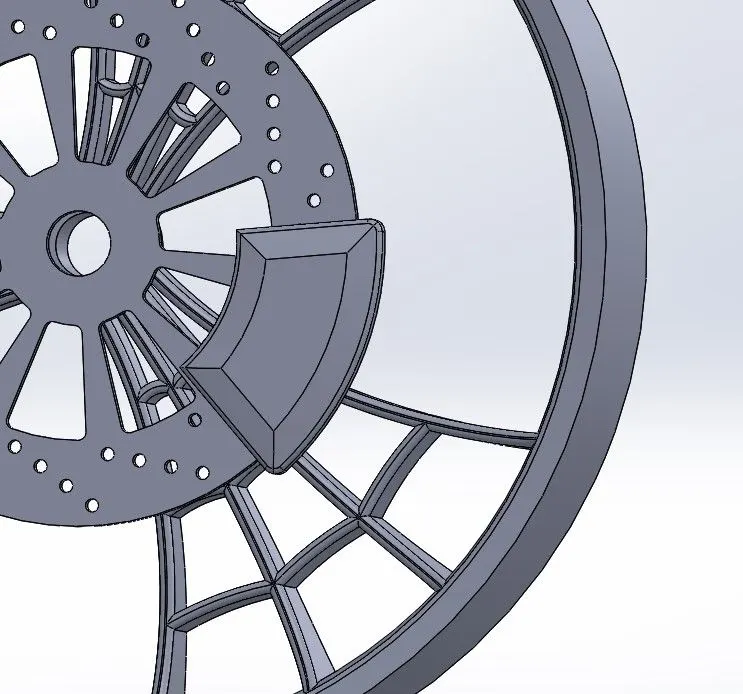
- Hence the Brake caliper is modelled as shown above.
Tire :
- Front wheel tyre sketch:
- Initially the sketch of tyre profile is created at the front plane as shown below:
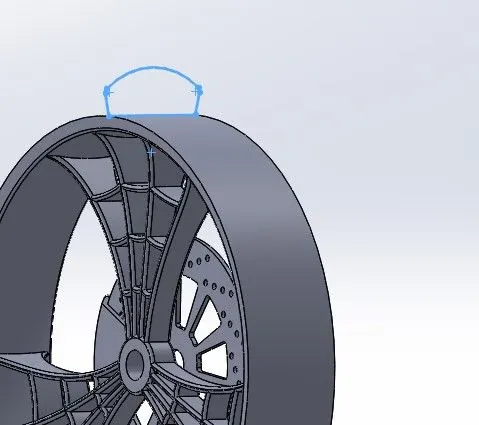
Revolved Base:
- Revolved base option is used to create the tyre body from the created sketch of tyre profile
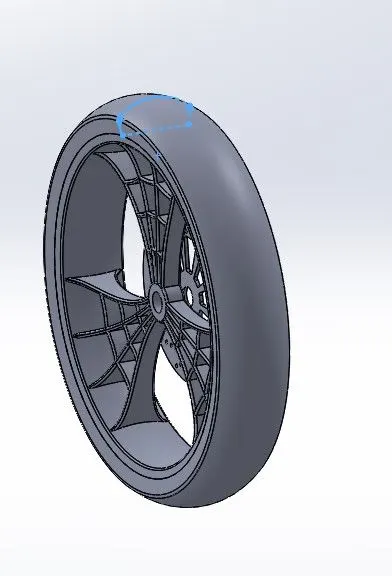
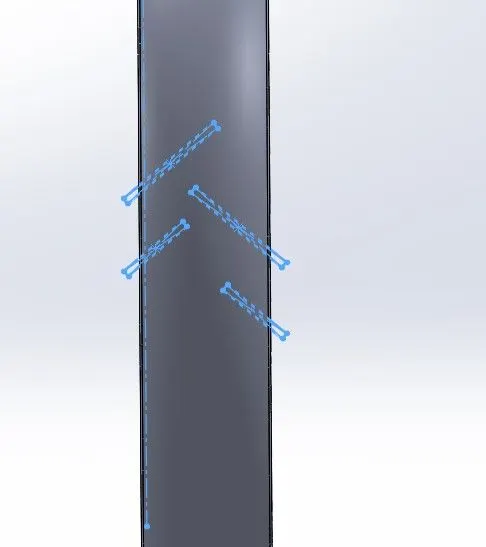
- Once the tyre body is created, sketch is made on the front plane to represent the tyre treads.
Extrude Cut:
- Inorder to create the tread on the tyre body from the sketch, extrude cut option is used
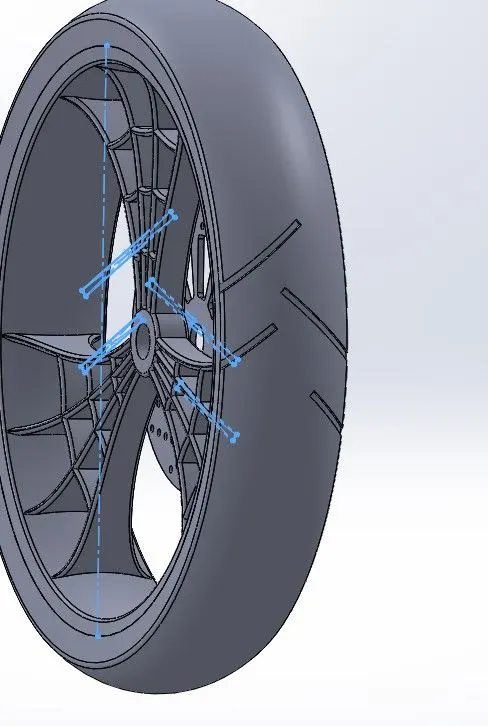
- Fillets are used to round the interior edges of the tread pattern created on the tyre body.
- Hence the tread pattern from the sketch is created as shown above.
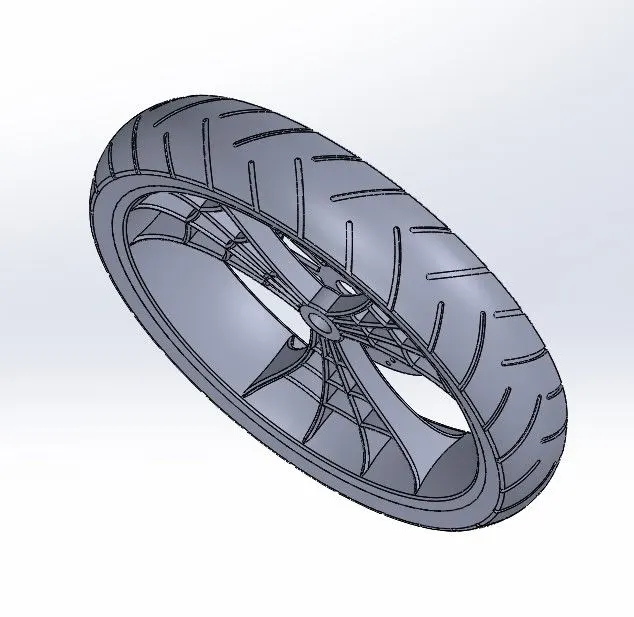
- Circular Pattern option is used to make the treads on the whole outer part of the tyre body.
Appearance:
- Once all the features and profiles are made for the Front wheel of the chopper, the appearance for each part is done
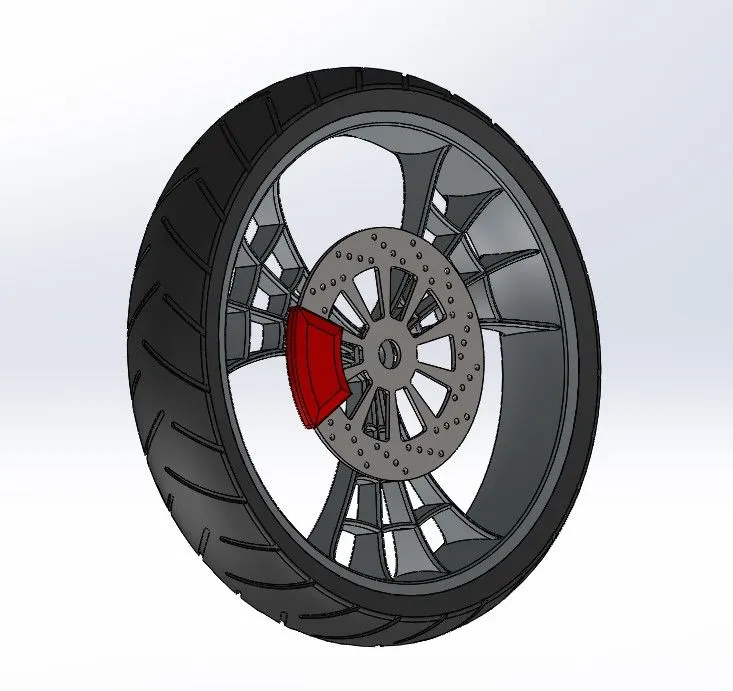
- Matte rubber appearance for tyre, Carbon steel for rotor, red color for the caliper and Chrome finish to the rim is given.
- Hence the modelling of Front Wheel of th American Chopper is performed.
- Modelling of the Front wheel of American Chopper is finished and the various standard views of the same are as shown below:
Front View:
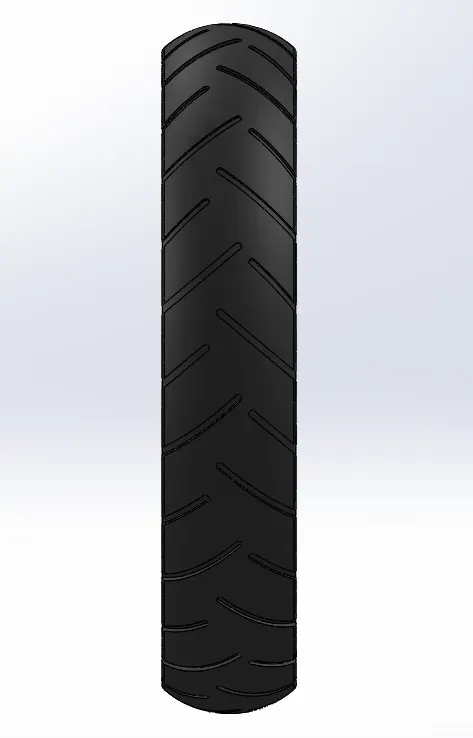
Side View:
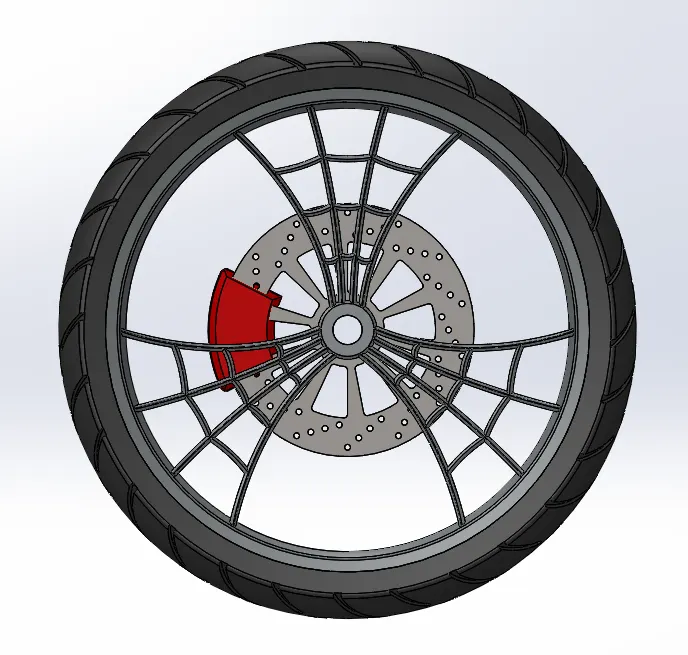
Top View:
Isometric View:
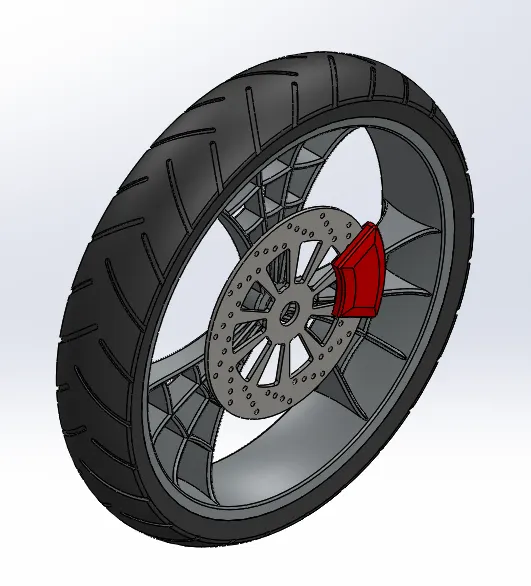
Model Tree:
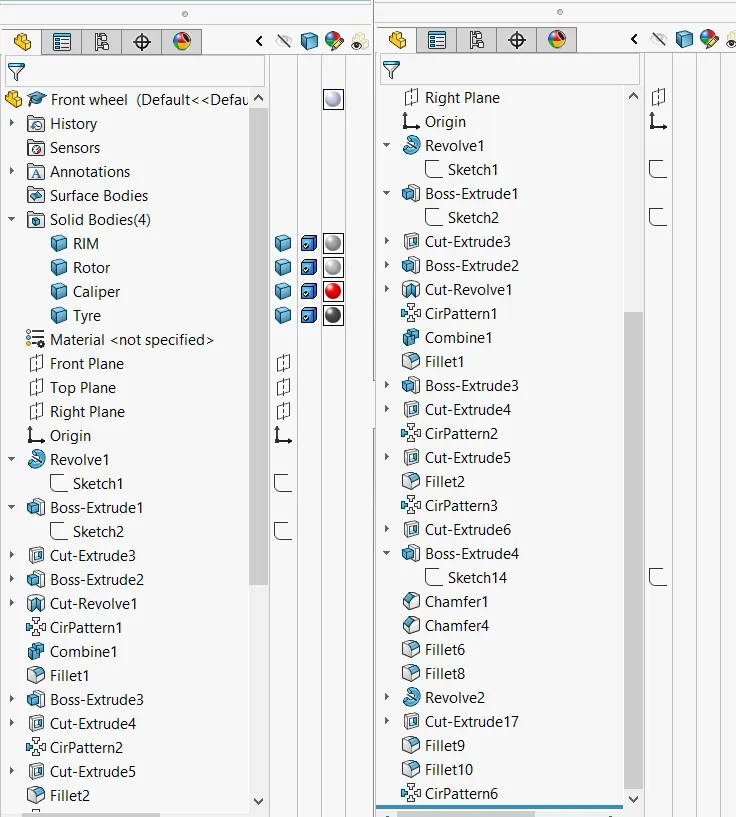
9) REAR TYRE
PROCEDURE:
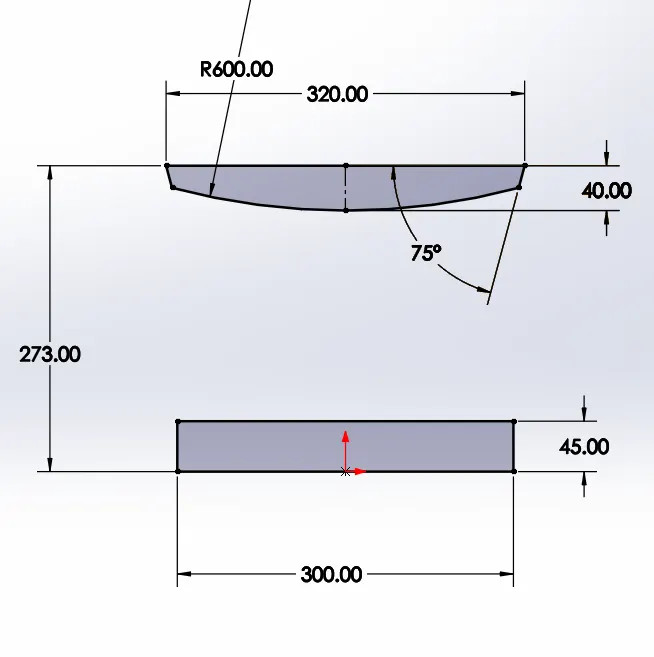
- Initially ,Sketch in the front plane for the rim profile is created as shown below.
- From the sketched profile, Revolved Base option about origin is done to create the rim body :
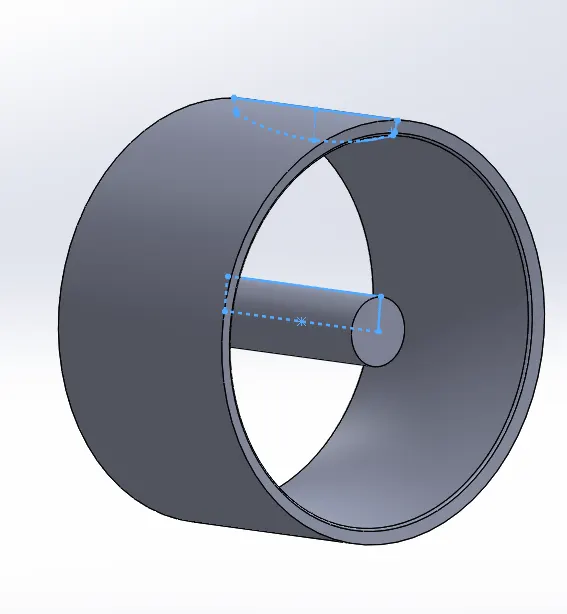
- Next , the Sketch of Web body of the rim is created as shown:
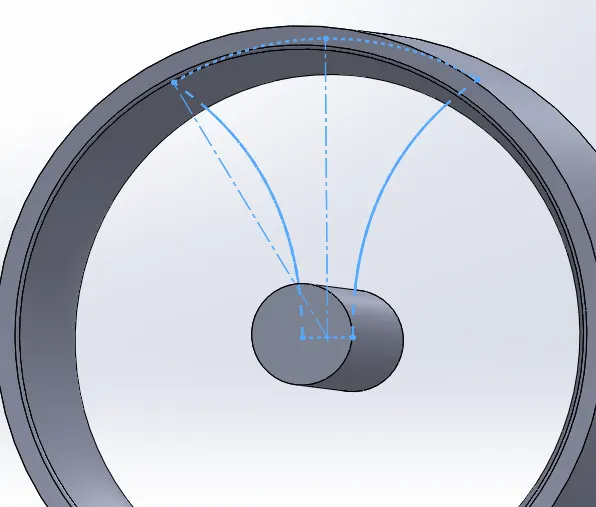
- Then the web body rough profile is extruded and web profile sketch is created.
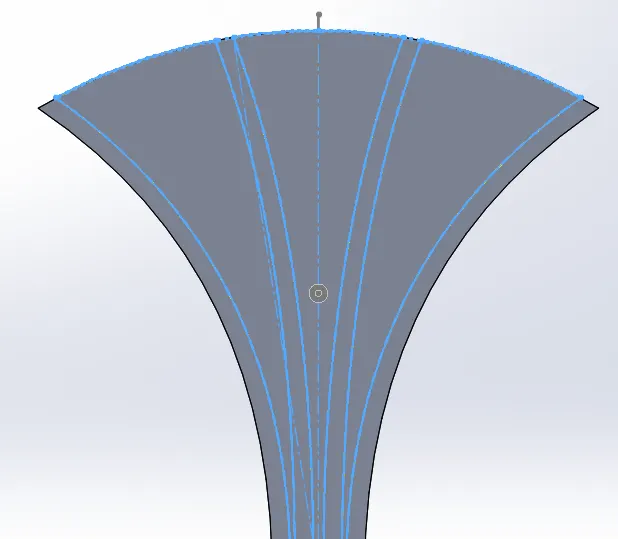
- The created Web Profile is performed wiht Extruded cut:
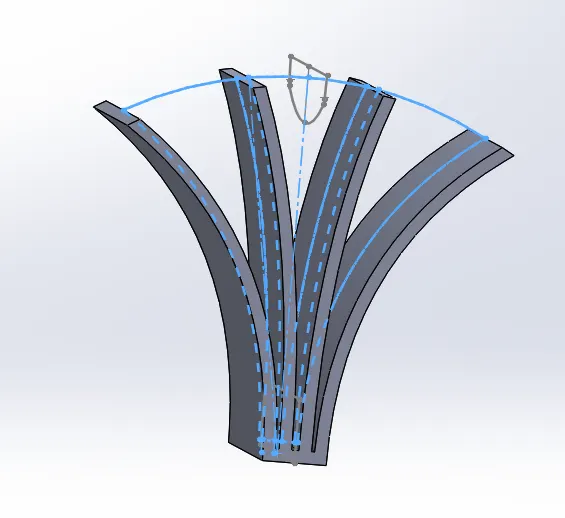
- Then Sketch For inner webs are created as shown below:
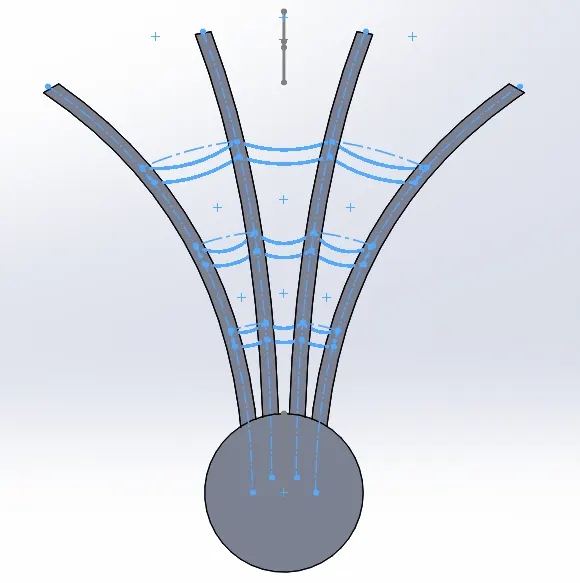
- Now the inner webs are extruded to obtain the desired web profile on the rim:
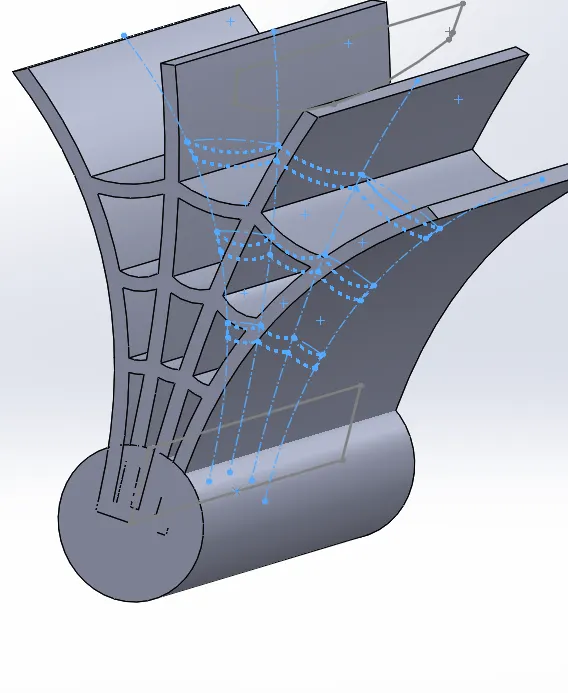
- After one set of web body is created, Circular pattern option is used for 3 instances to create full web profile on the rim.
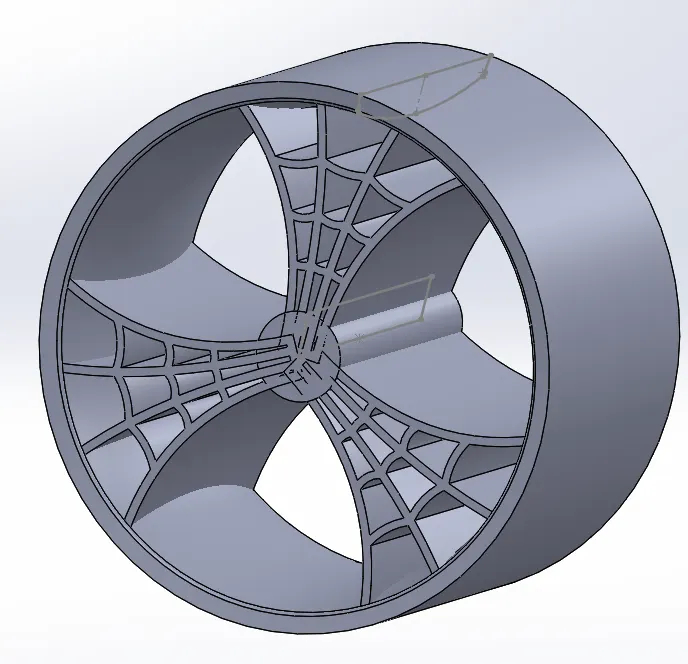
- Now Sketch to remove additional parts of web body is created:
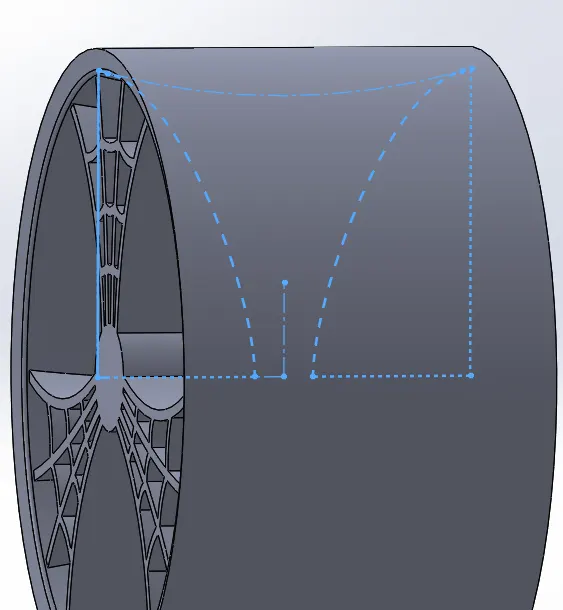
- Revolved Cut is used to remove the additonal web parts created:
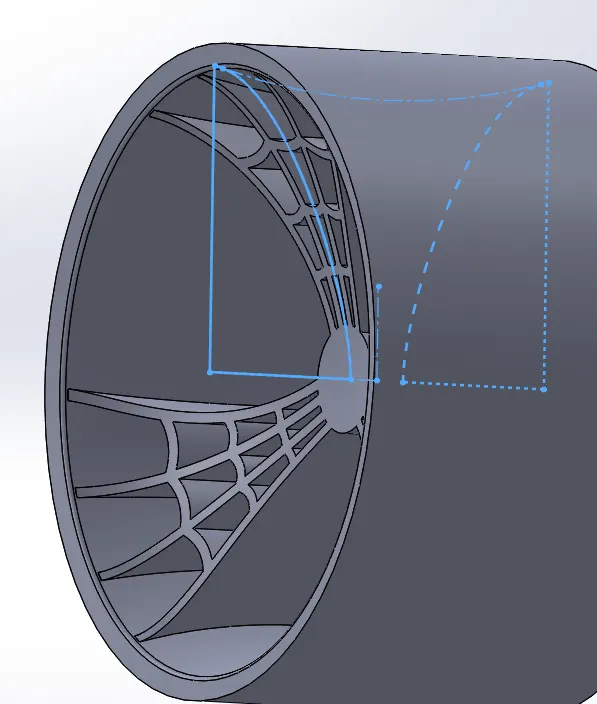
- Next, Fillets are applied of 3mm radius to the inner and outer faces of the web body.
- Inorder to create a hole at hub part Extruded cut option with both sides through all type is selected and hole is made:
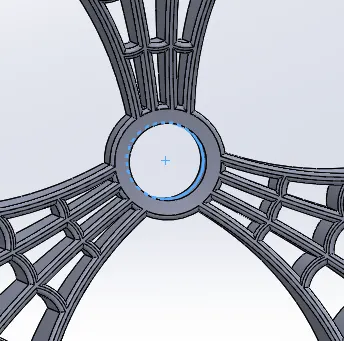
- Similarly axle for the wheel is also created
- On the axle, sketch is made to create Brake Rotor body:
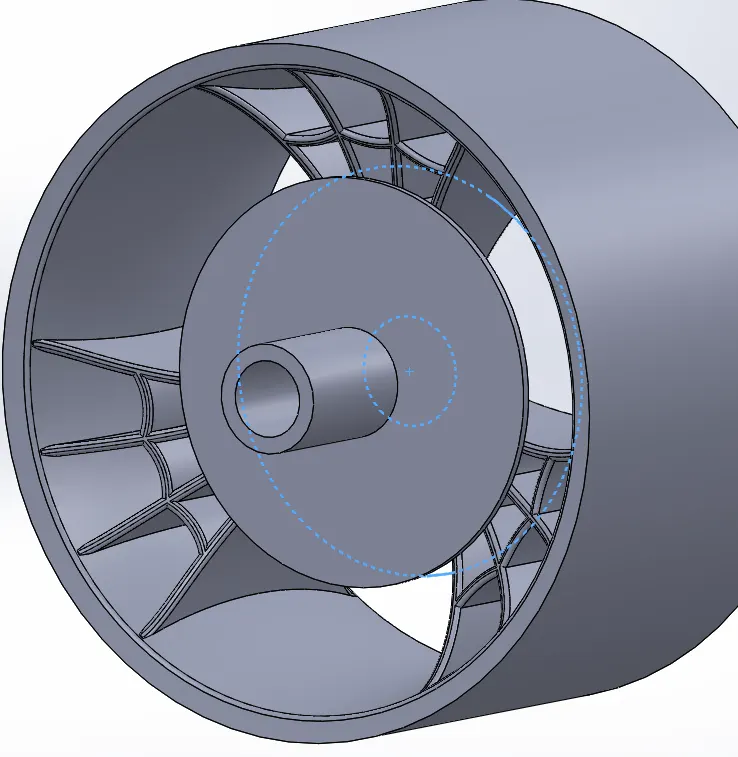
- After the rotor body is made and chamfer created on the edge, holes are sketched and created on the rotor:
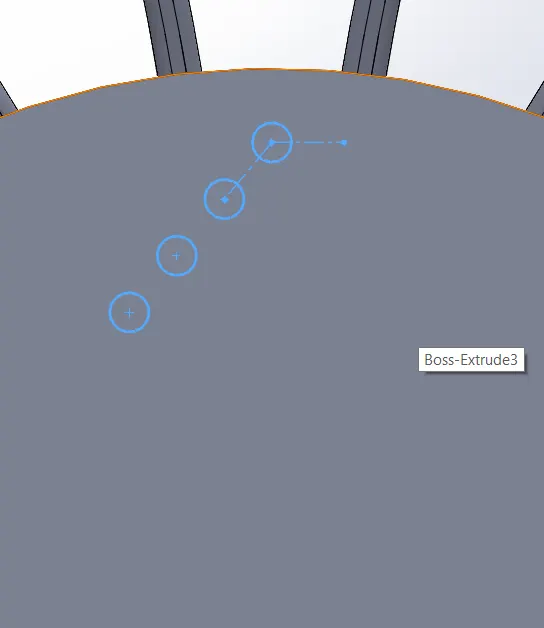
- Extrude option is used to create the holes as required.
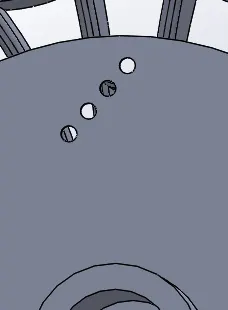
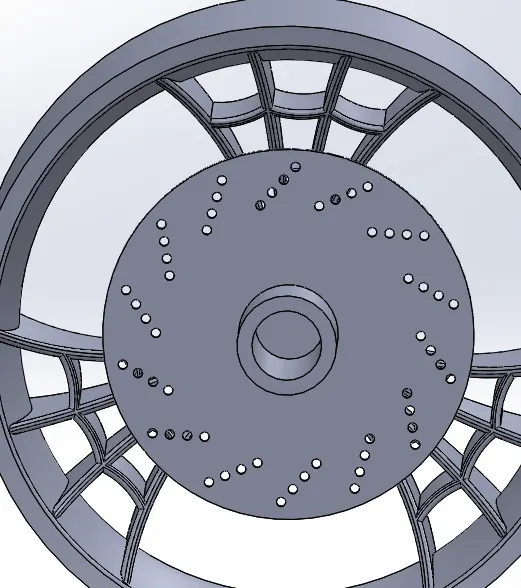
- Circular Pattern option is used to create the initially created holes throughout the rotor body.
- Sketch to create cutout on the rotor body is created, extruded and fillet is applied:
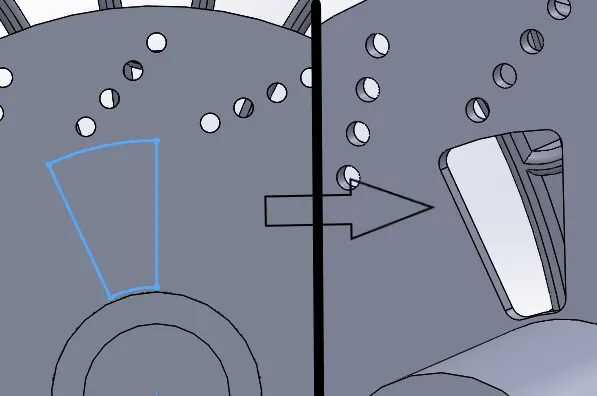
- Circular Pattern option is used to create the cut out throughout the rotor body:
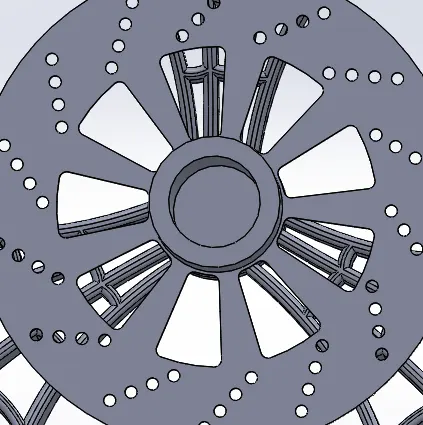
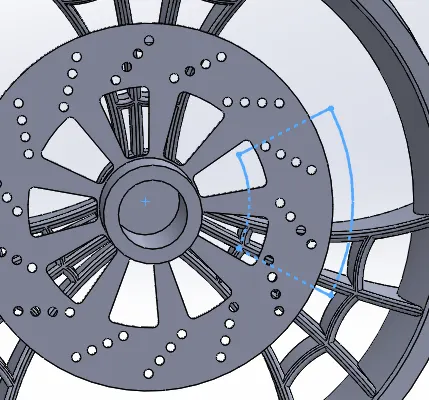
- Sketch for Caliper is made on the face of the rotor as shown:
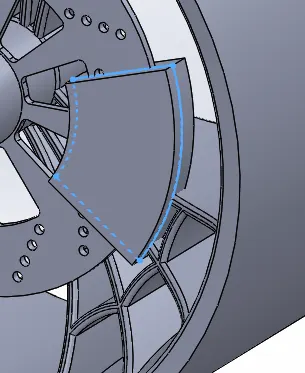
- Extrude option with offset is used to create the caliper body from the sketch created:
- Chamfer is applied on the faces of the Caliper body on both sides:
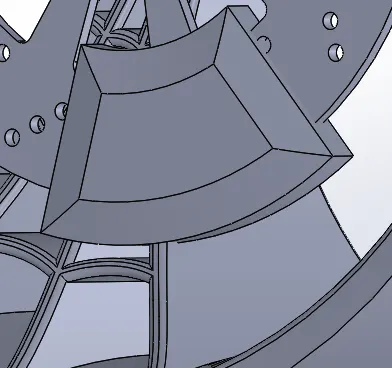
- Fillets are also created on the edges as required.
- Sketch of sprocket is made on the end of the axle with an offset:
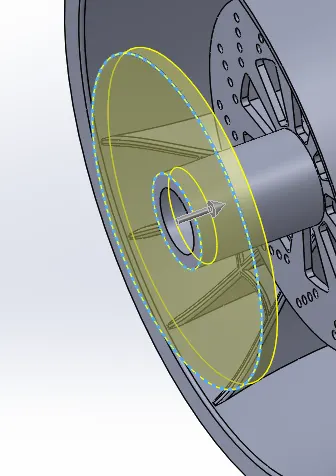
- Sketch of teeth profile on sprocket is created as shown below:
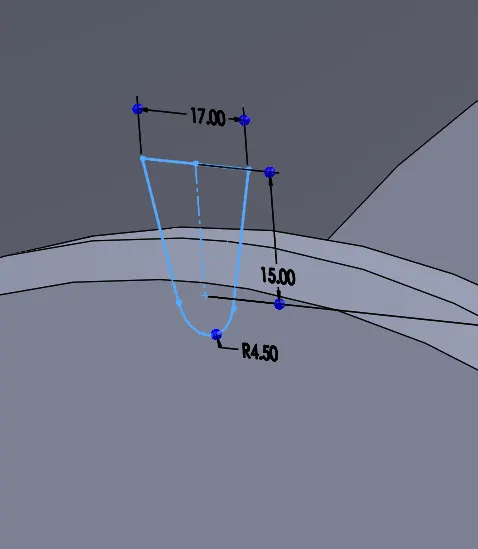
- extrude cut option is used to remove the area from the sprocket to ressemble teeth:
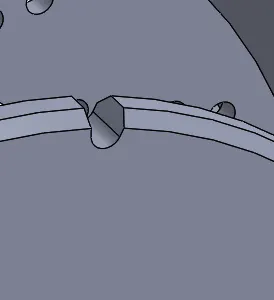
- Circular pattern option is used to create the teeth allover the sprocket body edge:
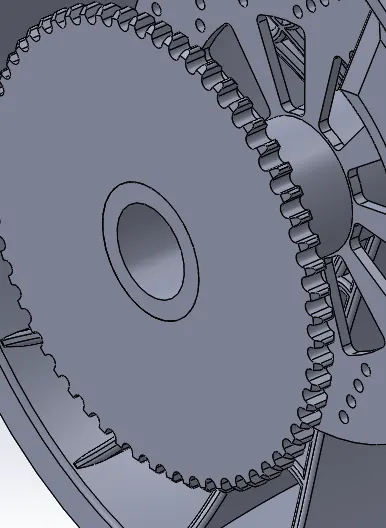
- Sketch for sprocket body cutout is created as shown:
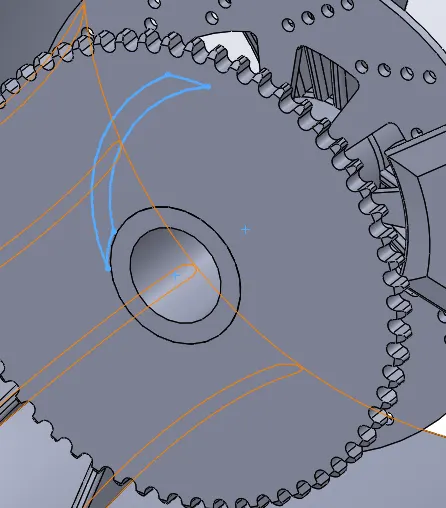
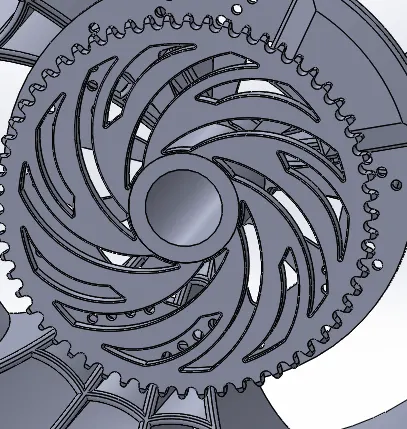
- Extrude cut and circular pattern option is used to obtain a sprocket body profile as required:
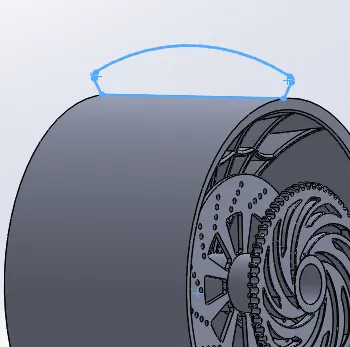
- Sketch of the tyre profile is made as shown below:
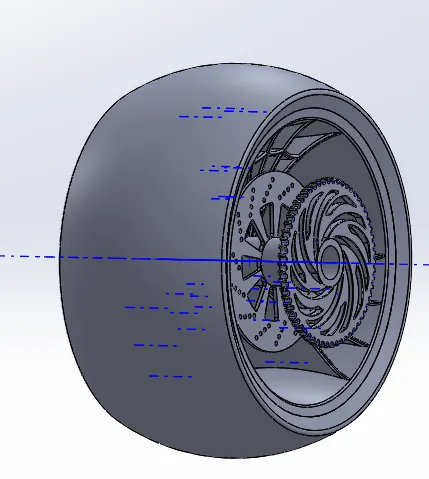
- Extrude option is used with temporary axis at middle as reference:
- Tyre tread sketch is made as shown:
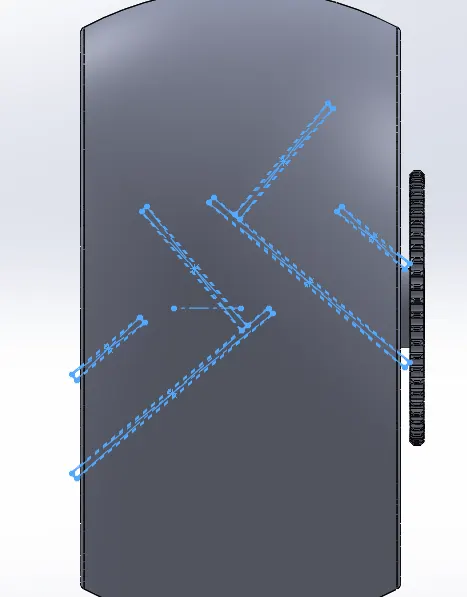
- extrude option is used to create the tread on the tyre profile as sketched:
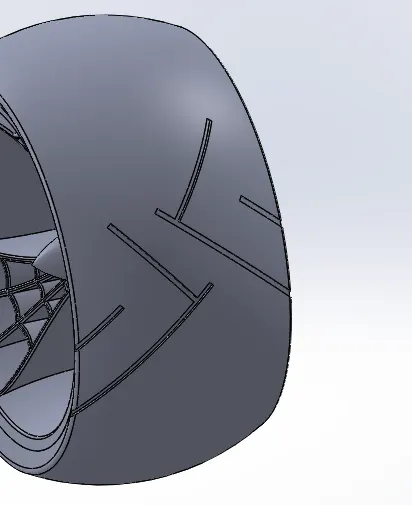
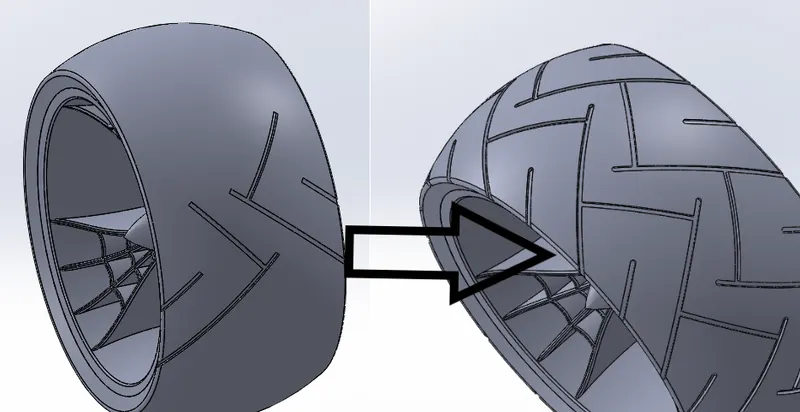
- Circular pattern option is used to create tread profile all over the tire perimeter.
- Appearance of the tyre, rim, sprocket, rotor and caliper is defined:
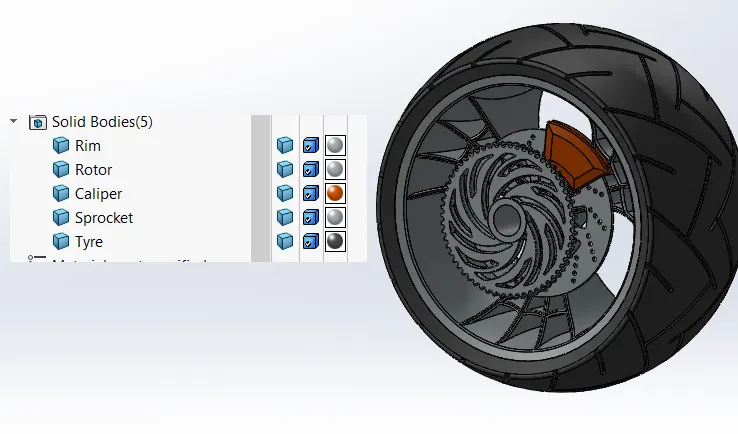
Model Tree:
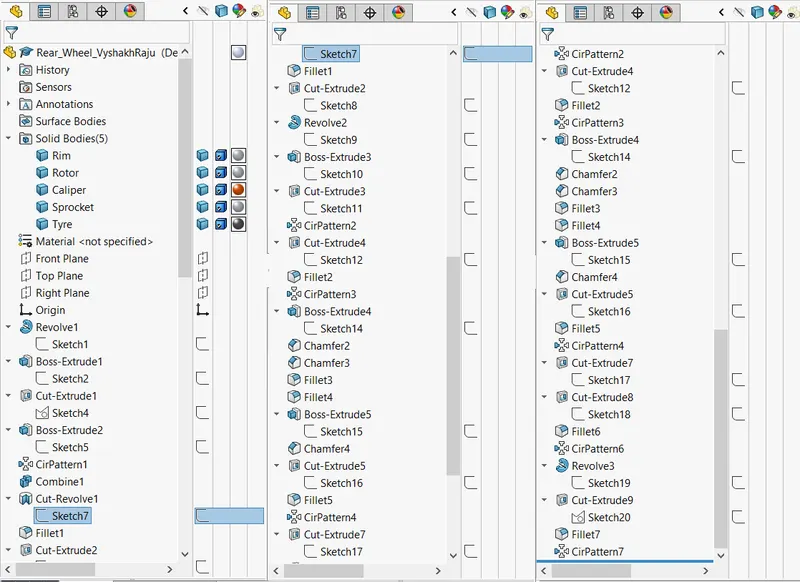
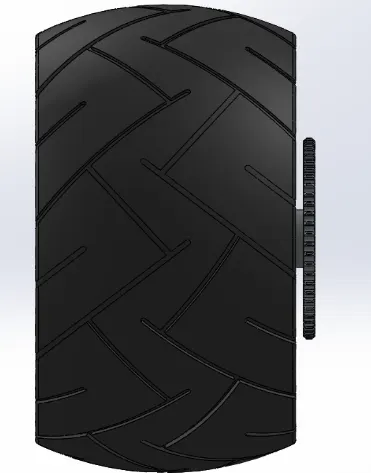
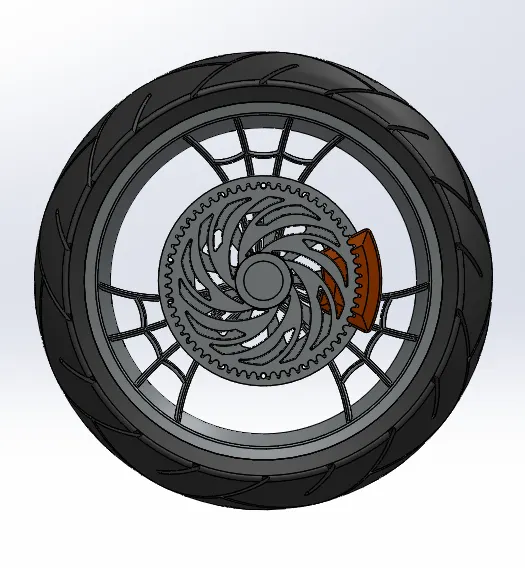
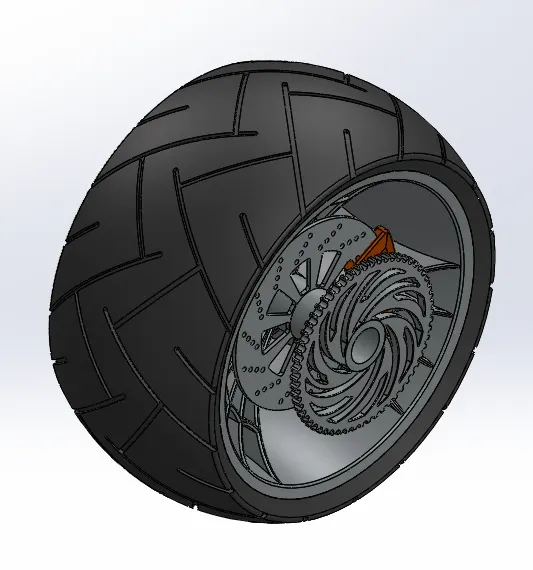
Hence Modelling of the rear tyre of the American Chopper is completed and the different standard views of the Model is as shown below:
Front View:
Side View:
Top View:
Isometric View:
10) FRONT FORK :
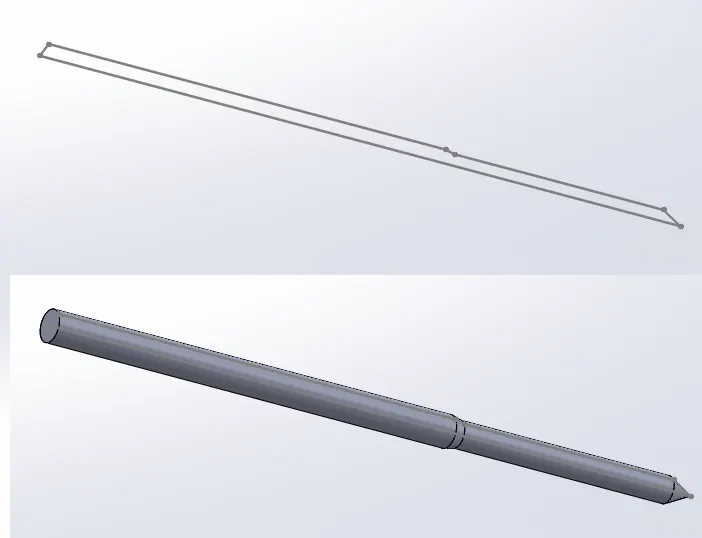
- Initially the symmetric half sketch for the front fork tube is created as shown below, which is swepted to created the tube body:
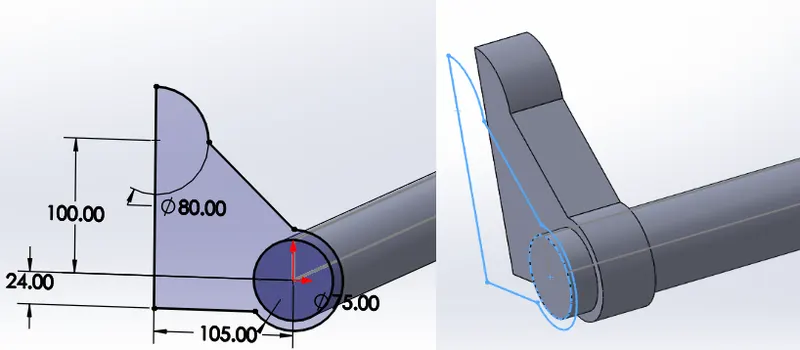
- Sketch of the Triple clamps for the handle body is created and extruded as shown :
- Linear pattern option is used to create 2 instances of the triple clamps on the tube body.
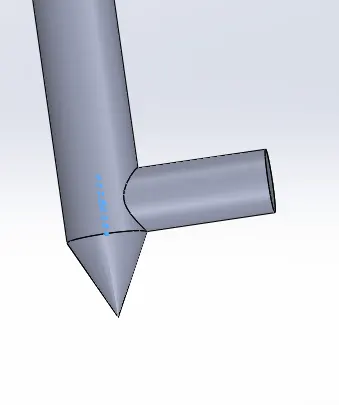
- Sketch of the axle is made on the tube and extrude option is used to create the axle body:
- Sketch of the head light profile is created and swepted to create the headlight body as shown:
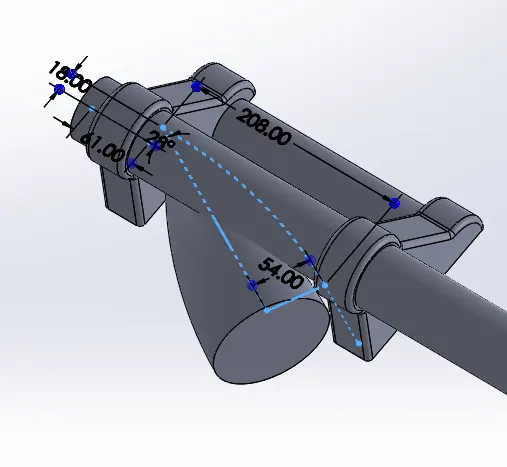
- The headlight body is then moved to the required location with move?copy body option.
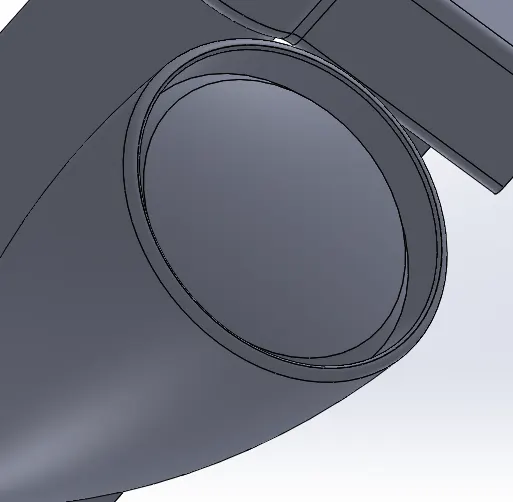
- Dome option is used to create a light profile on the headlight face and revolved cut is used to create edges as shown:
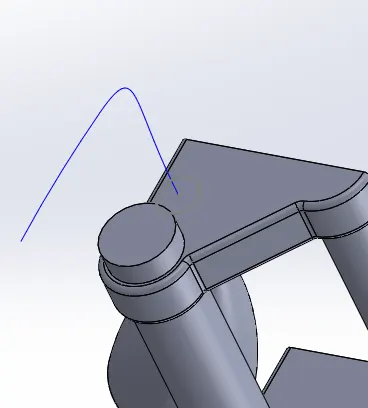
- Two curves are made on 2 different planes and Projected curve option is used to create sketch for handle bar
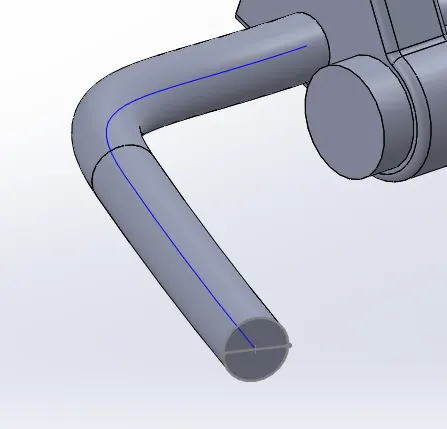
- Swept Base option is used create the handle bar body:
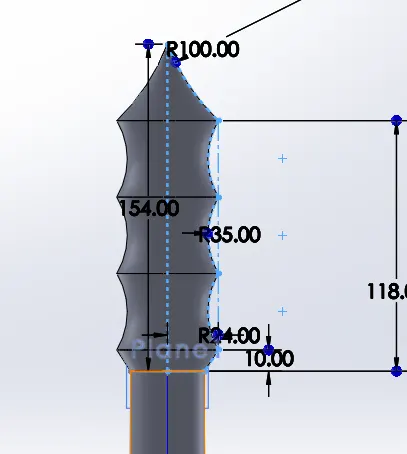
- Handle grip is sketched at the end os the handle bar and revolved base to create the profile as shown below:
- Sketch of lever is made as shown and extruded to create the lever body:
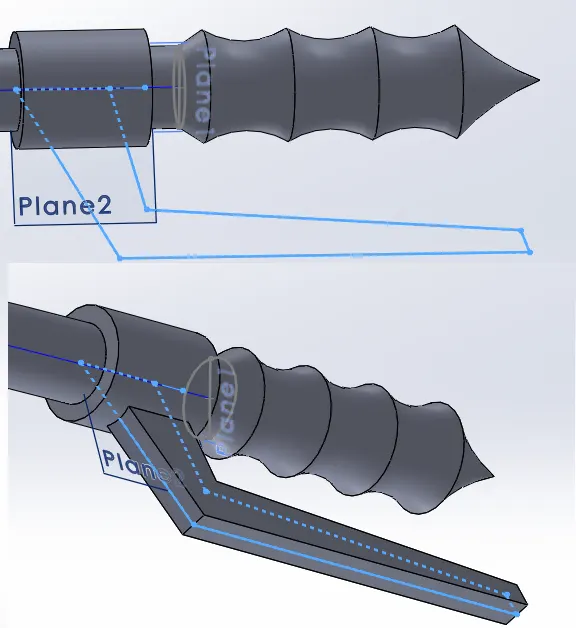
- To create the cable body, projected curve is used and swept base option used to create the Cable as shown:
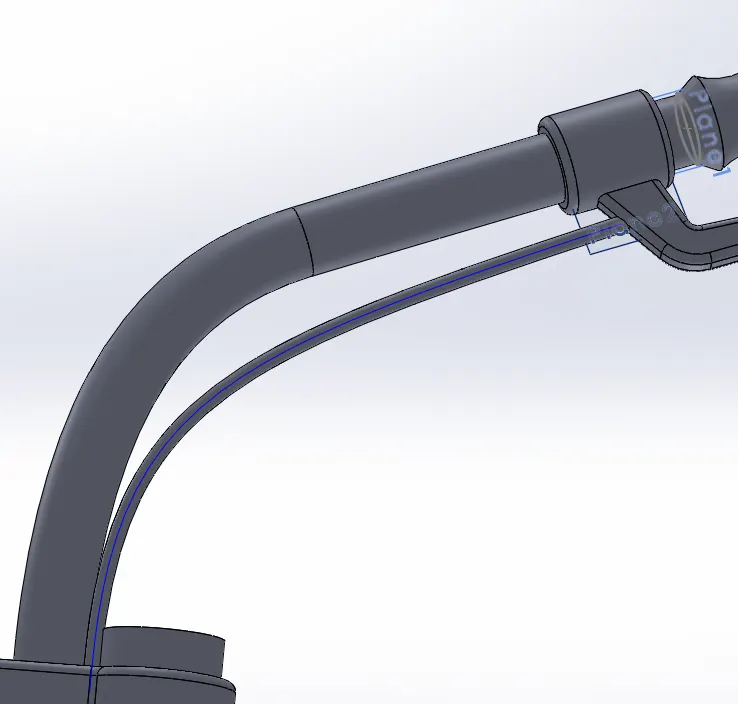
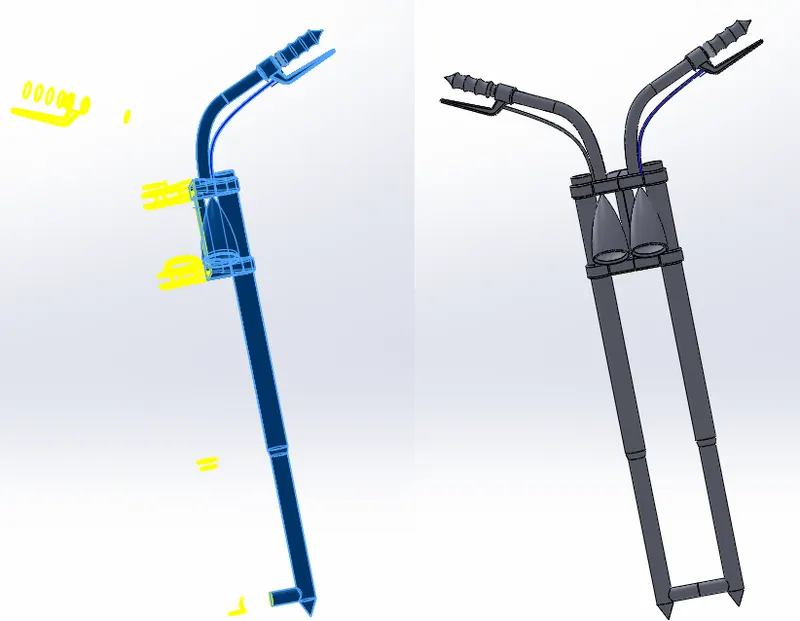
- After all the features of the fork is made on one side, Mirror entities option is used to create the entire Front fork assembly:
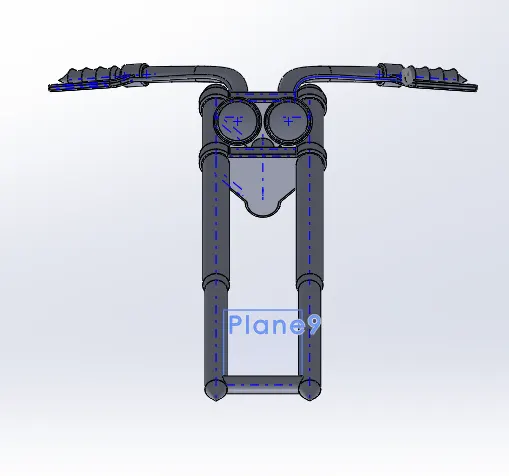
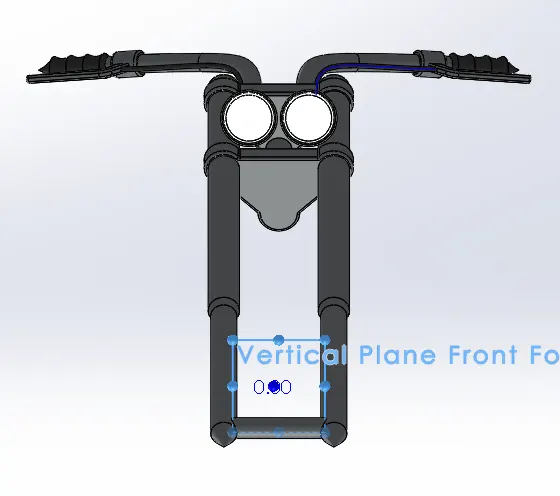
- After modelling is finished, a reference plane is made inorder to get the front view in normal to the new plane:
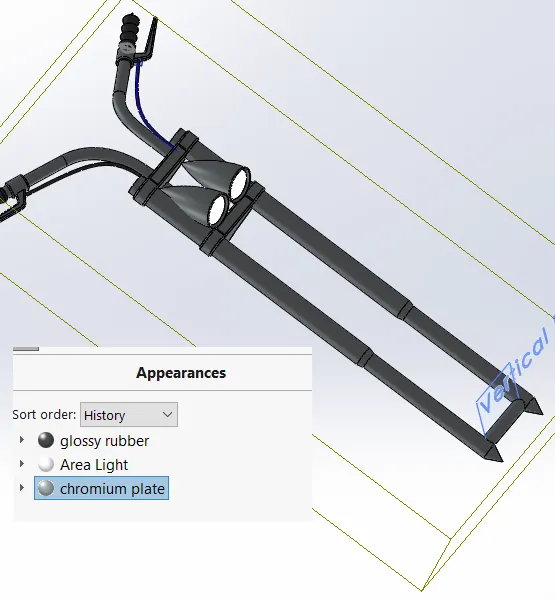
- Appearance for the front fork is defiined as shown below:
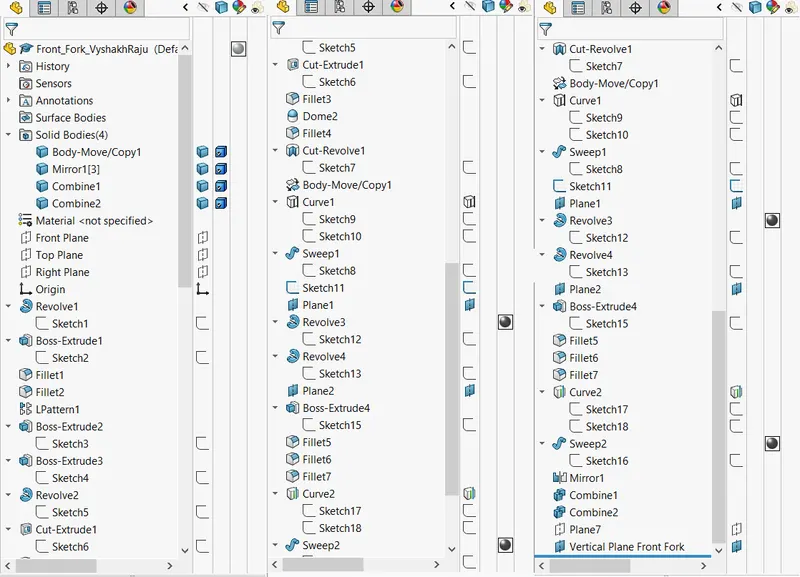
Model Tree:
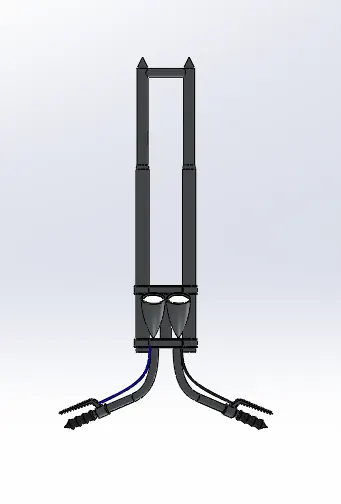
Hence modelling of the front fork of the American Chopper is created and different standard views of the same are shown below:
Top View:
Front View:
Side View:
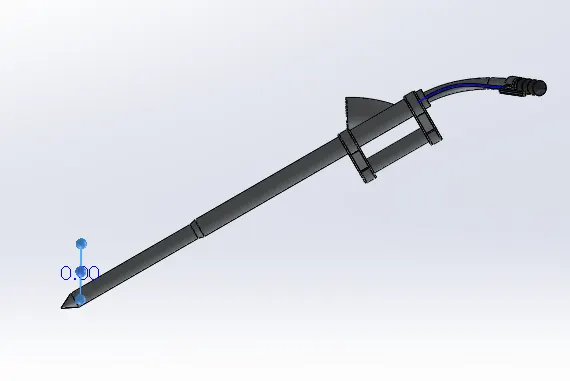
Isometric View: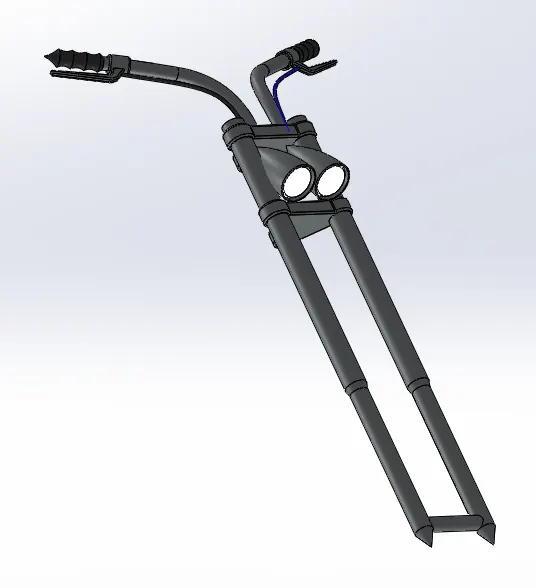
11) CHASSIS:
Initially the sketch picture in reference to with the chassis is to be modelled is inserted:
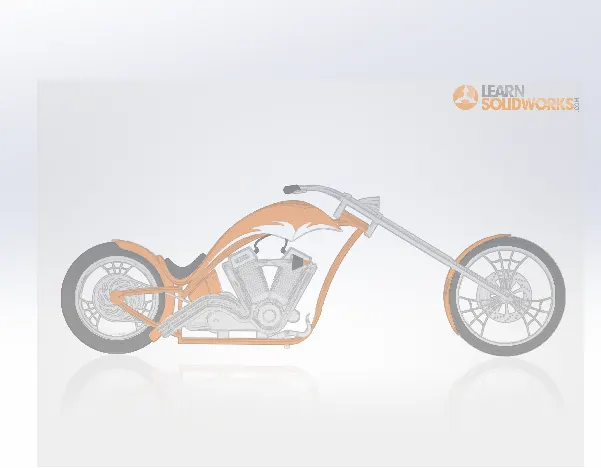
Sketching bottom profile of the chassis in 2 planes to get a projected curve:
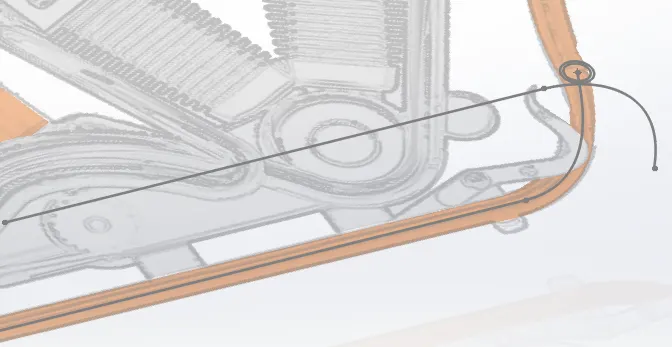
Project curve option used to get the 3-D curve of the chassis :
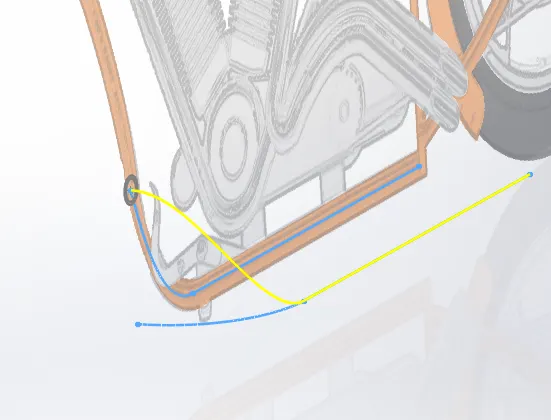
Swept Base option used to create the Chassis tube body from the curve:
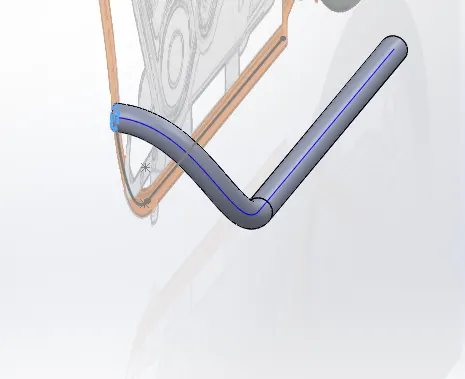
Mirror option is used to mirror the symmetric part of the chassis:
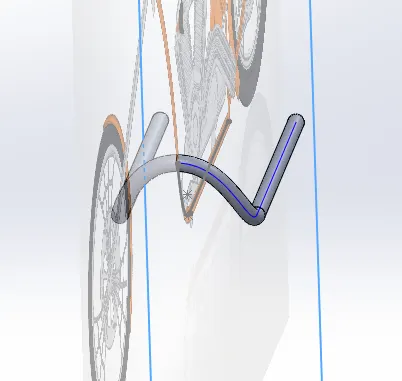
Sketching towards rear part of the chassis is performed:
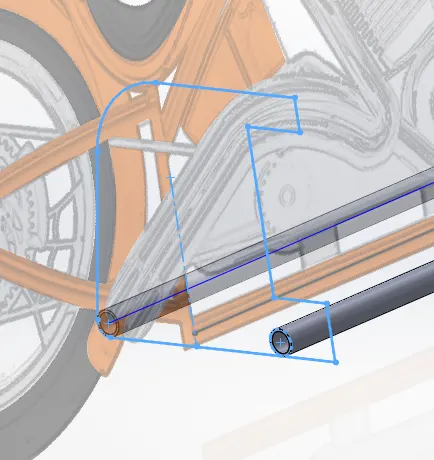
Extruded base option is used to create the rear part body of the chassis:
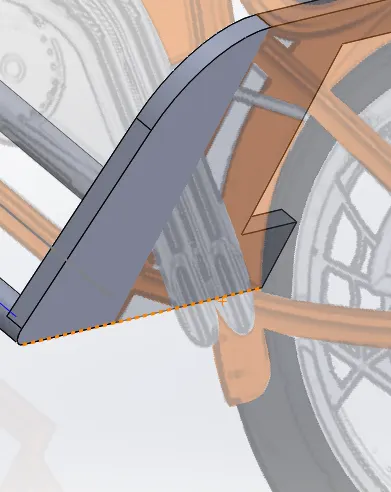
Cutout sketch is made and extruded cut option is used to remove the unwanted parts:
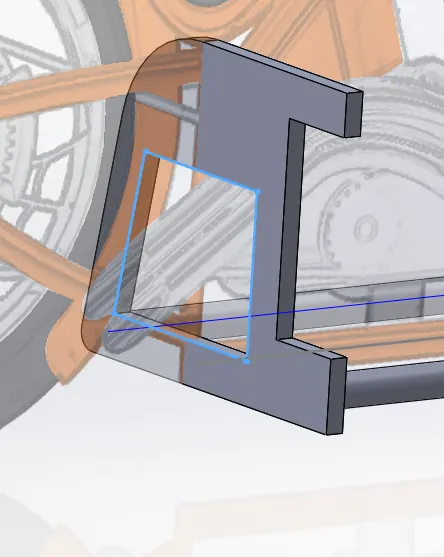
Creating sketches to extend the chassis to the axle and extrude base option is used to create solid body from the sketch.
swept base option is used to create the tube sections of the chassis:
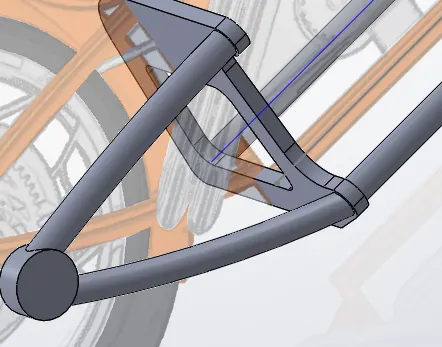
Bottom mounting plates on the chassis are sketched and extruded base option used to create the solid body:
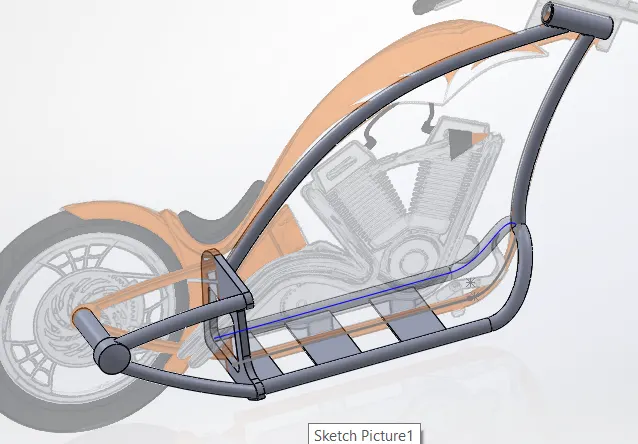
Mounts for levers are made by sketching and extrude base option is used at offset to the surface:
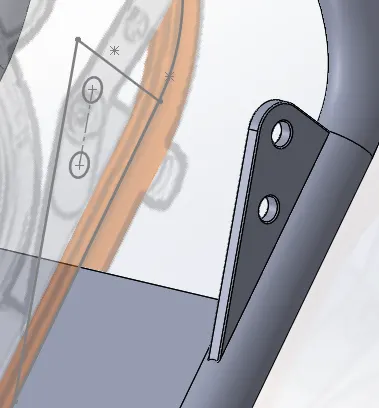
Finally appearance of the chassis is defined.
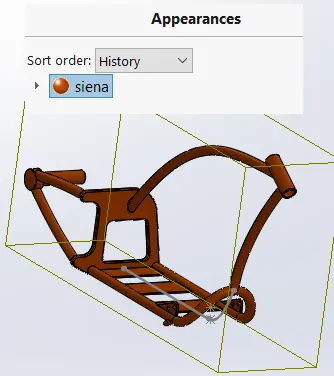
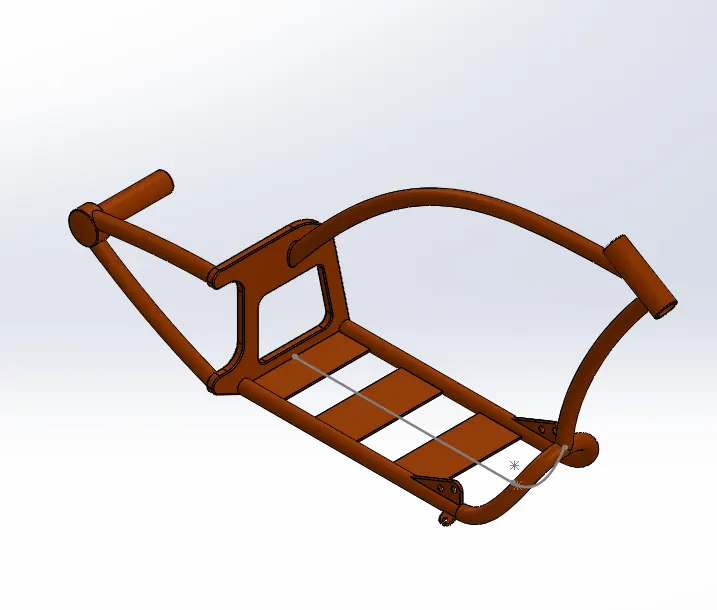
Hence modelling of the Chassis of the American Chopper is finished as shown above.
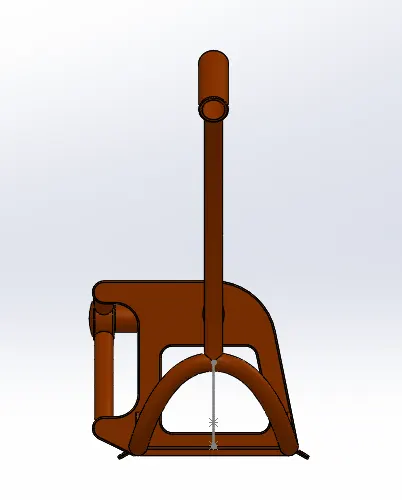
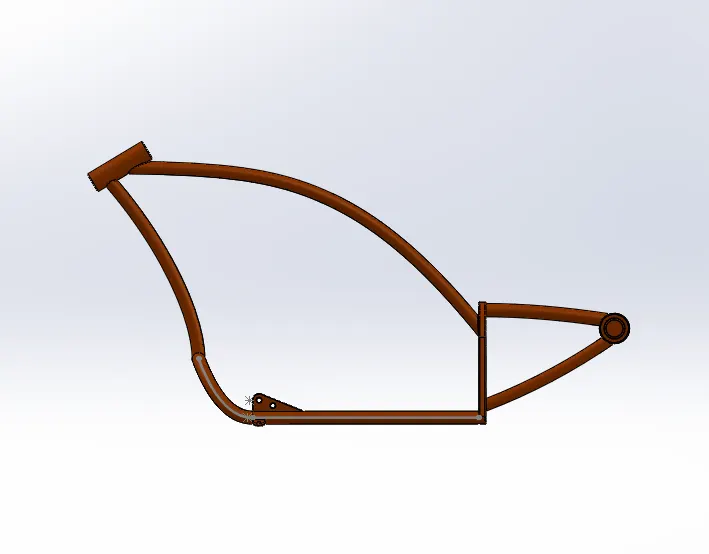
Various standard views of the Chassis is as follows:
Front View:
Side View:
Top VIew:
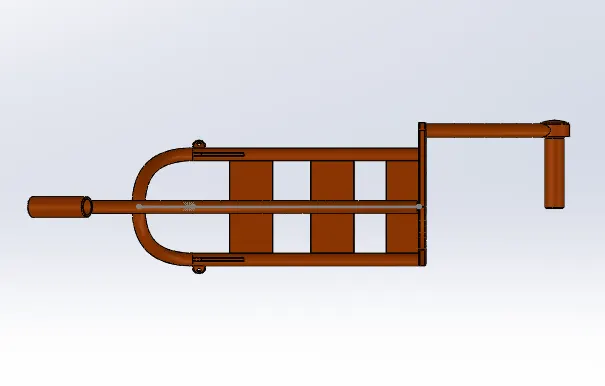
Isometric View:
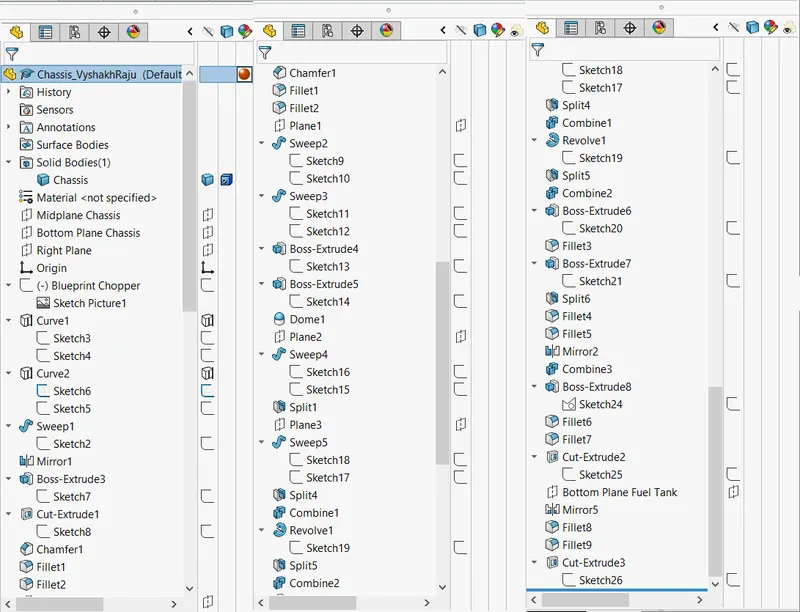
Model Tree:
12) ENGINE:
Sketch of the engine body in front plane is created and extrude base option is used to create the solid body from the sketch:
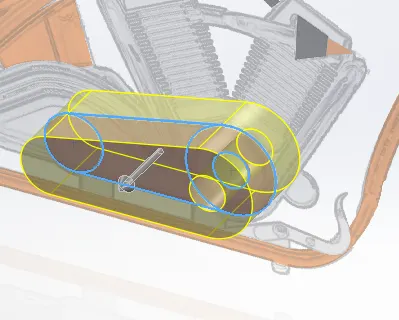
Similarly transmission case part of the engine is sketched and extruded base option is used to create the solid body:
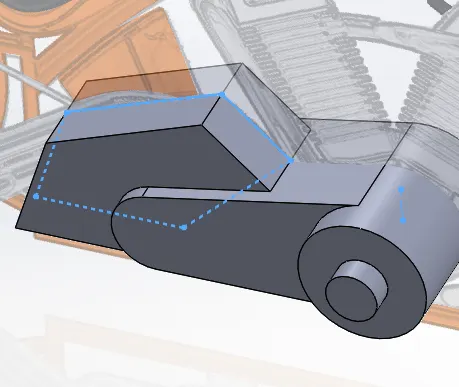
Similarly sketching and revolving on the other side is performed to obtain pulley body:
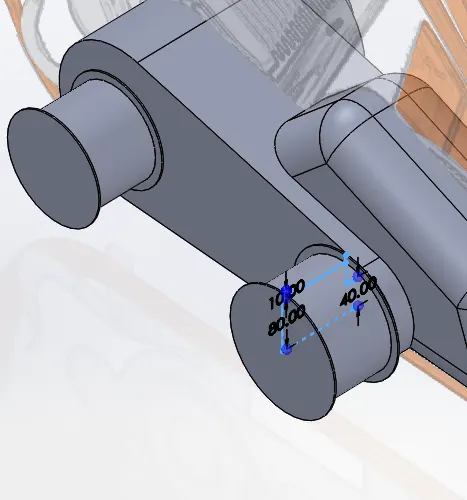
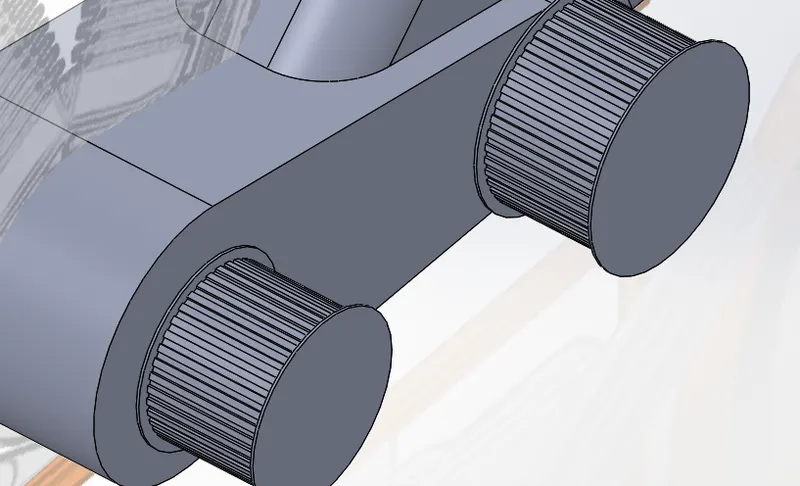
Sketching of the teeth profile on pulley is performed and extrude cut option is used to create cut on the pulley body.
circular pattern option is used to make teethall over the pulley body.
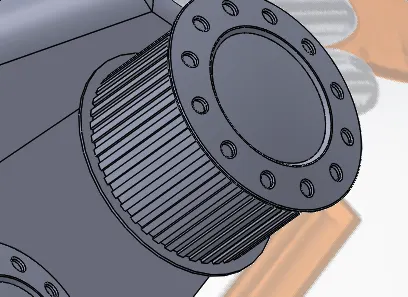
Similarly, sketch for holes on the sides of pulley is made and extrude cut option with offset used to remove unwanted parts
Circular pattern is used to create holes around the pulley face.
Dome option is used to create a small dome on the exterior part.
Engine block sketch is made and exrtuded base option is used to create body with a required draft:
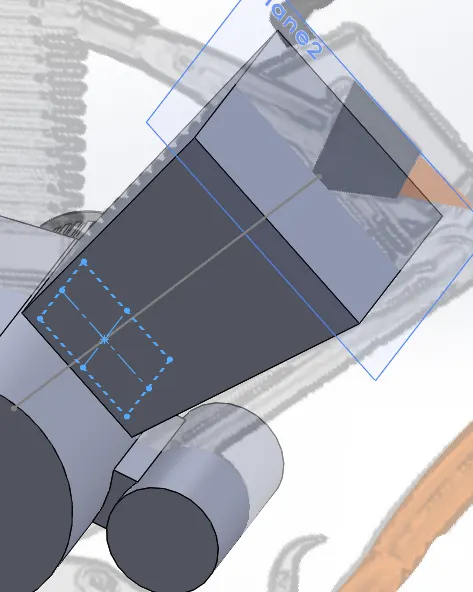
Sketch of the fin part is made and Extrude cut option is used to remove unwanted areas.
Linear pattern option is used to create the fins all along the engine head:
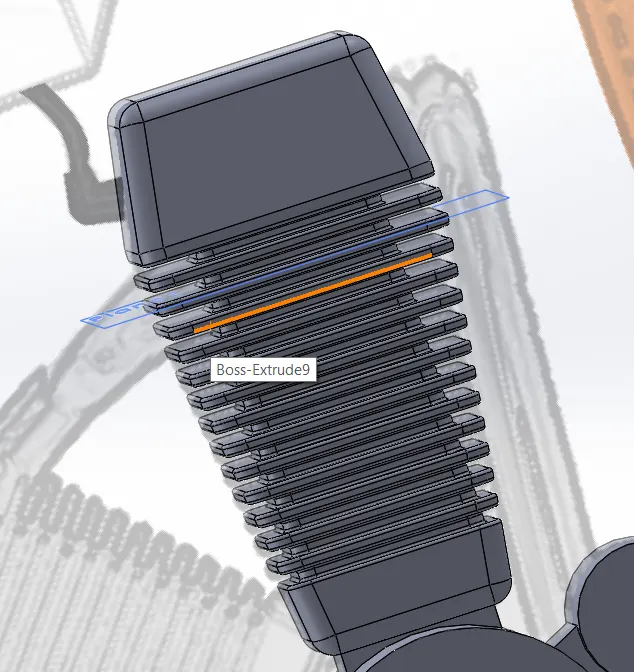
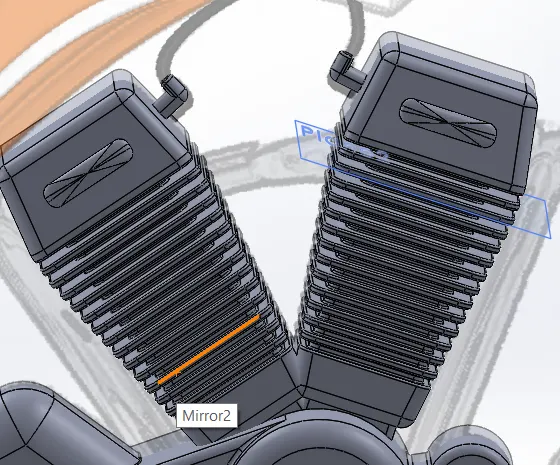
Mirror option is used to create the second Engine block :
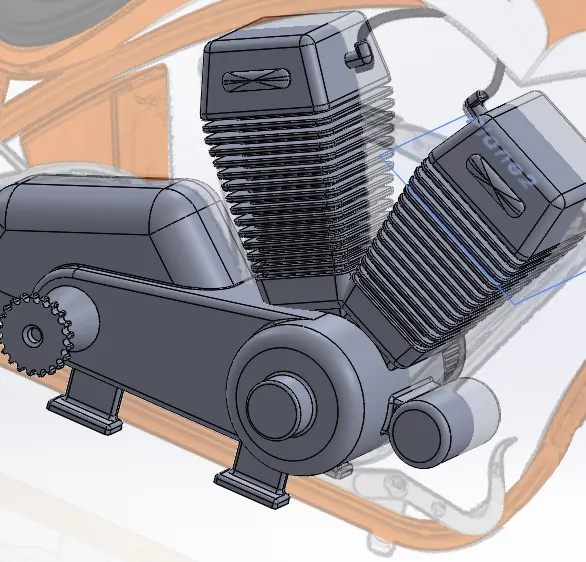
Sketch of teeth on sprocket is made and extrude cut option is used to create sprocket body.
circular pattern option is used to create the teeth along the edges of the sprocket:
Sketch of intake tube is made and sweep option is used to create intake body.
Mirror option is used to create the intake on both engine heads:
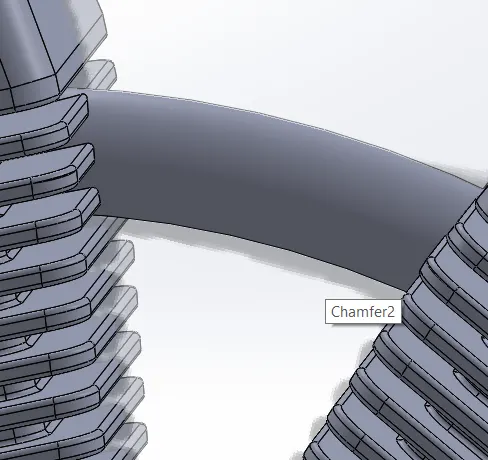
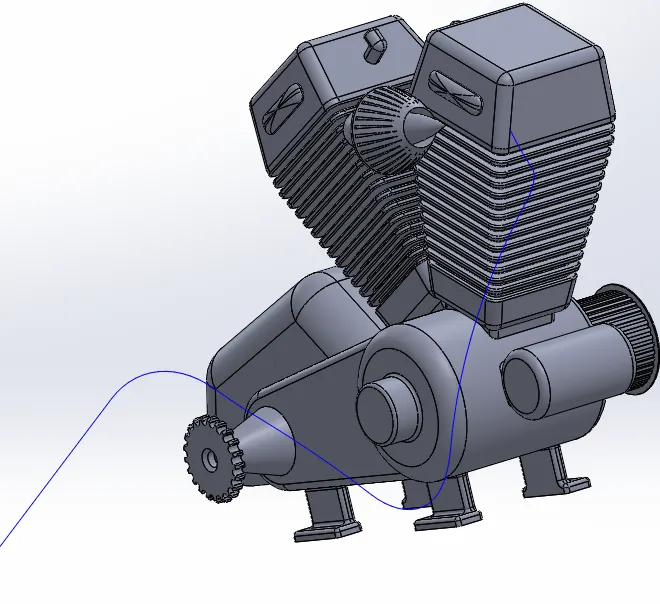
Curve for exhaust tube from engine head 1 from 2 different curves are projected to a single 3-D curve.
After creating a reference plane at end of the projected curve, sketch for the exhaust tube is made:
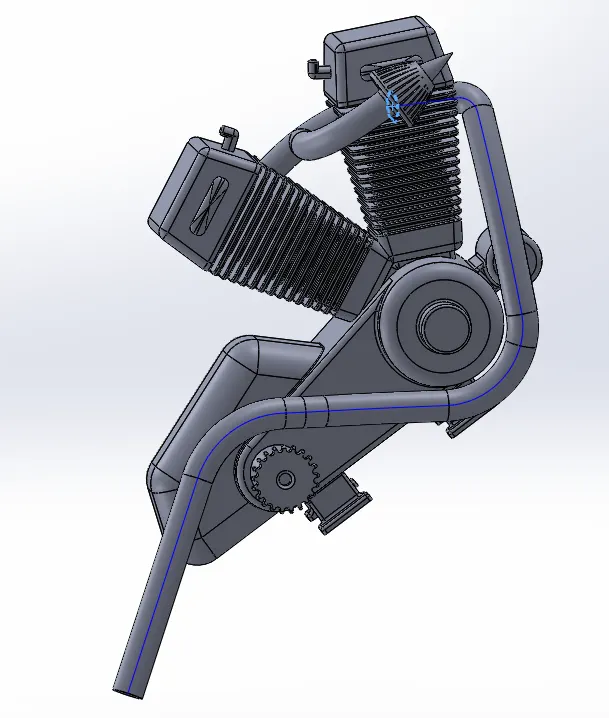
Sweep base option is used along composite curve to create the exhaust tube body:
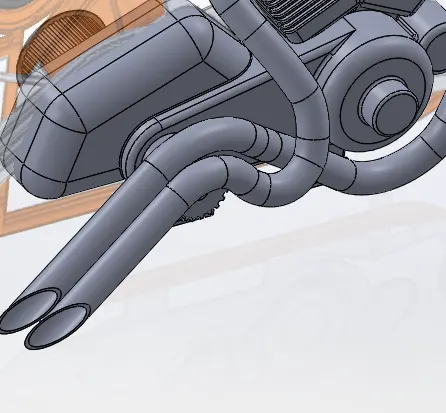
Similarly second exhaust tube from engine head 2 is also created:
Sparkplug wires are sketched and swept base option used to make the body:
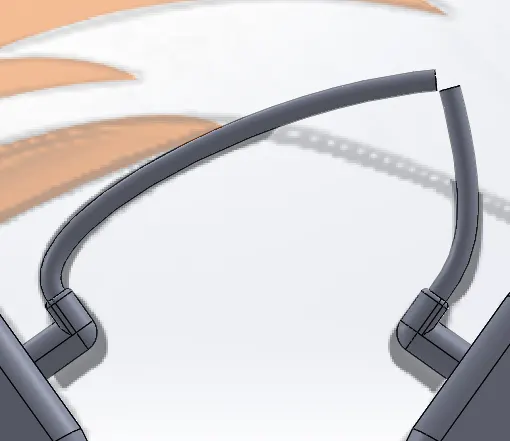
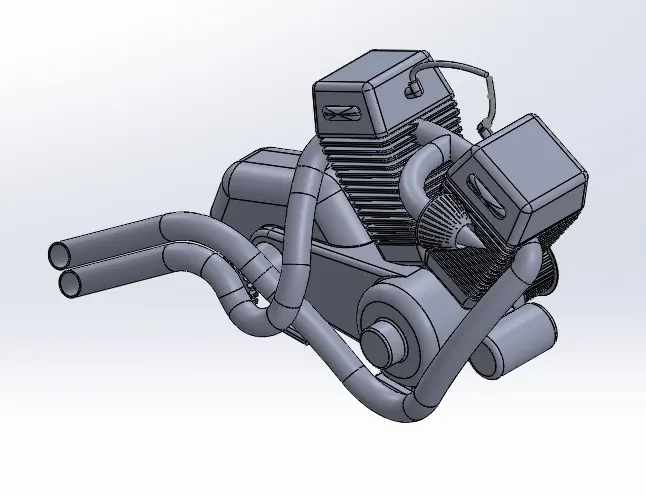
Hence by follwoing the above steps, the modelling of the engine of the American Chopper is completed.
Standard views of the Engine model is given below:
Front View:
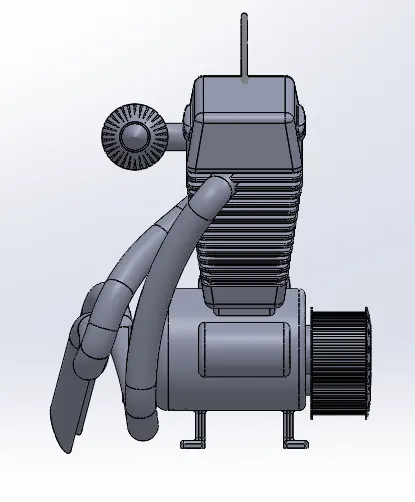
Side View:
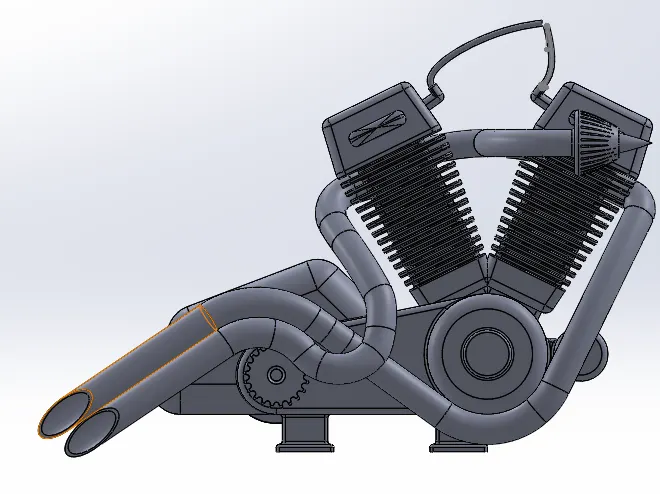
Top View:
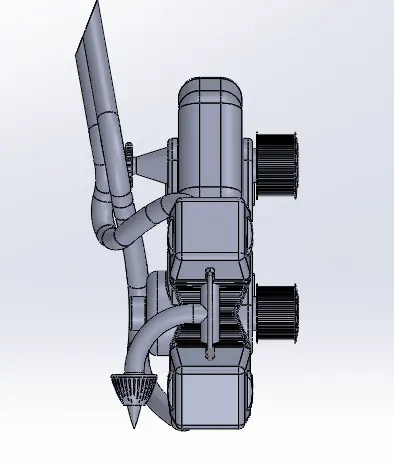
Isometric View:
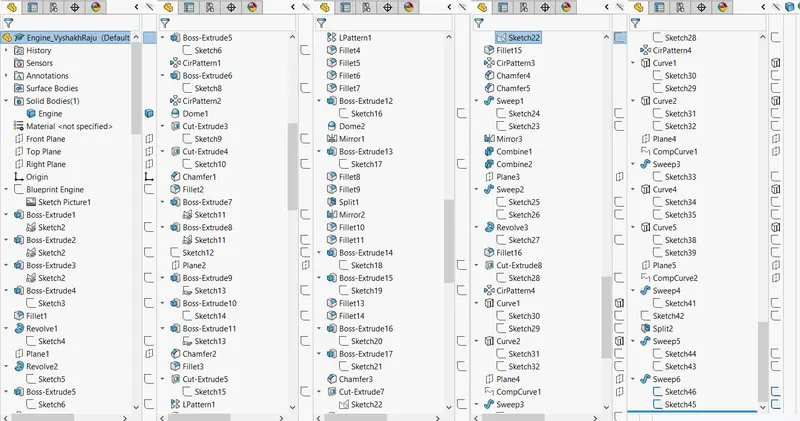
Model Tree:
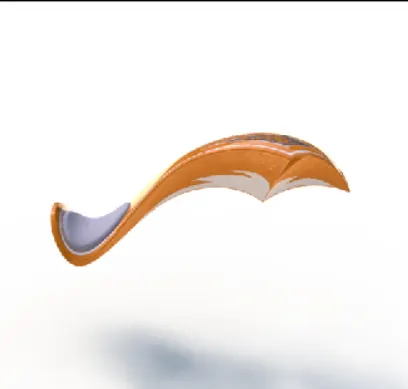
13) Gas Tank:
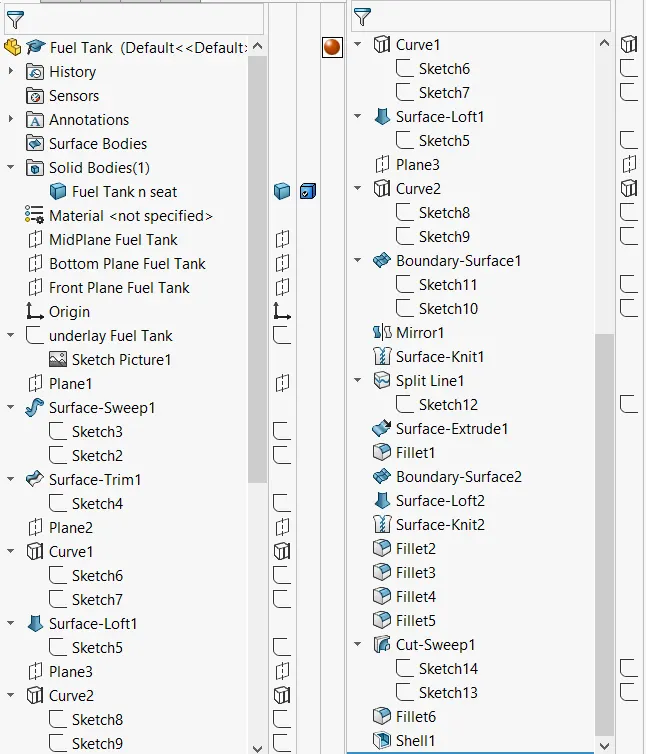
Initially the sketch of tank with the seat profile is made as shown:
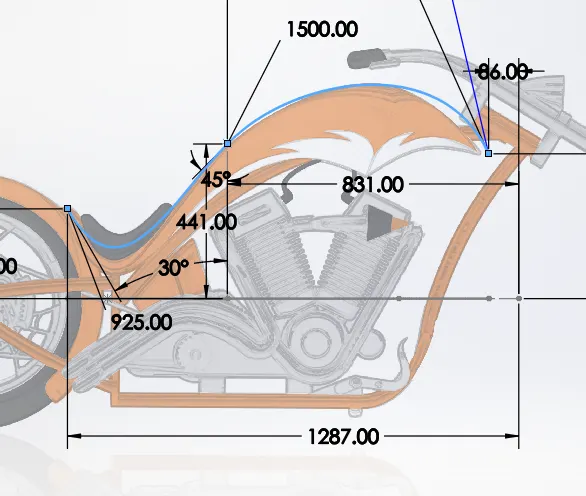
Lofted surface option is used to create the top flat portion of the tank and seat body.
Projected curves option is used to model the bottom contour plot of tank on the sides:
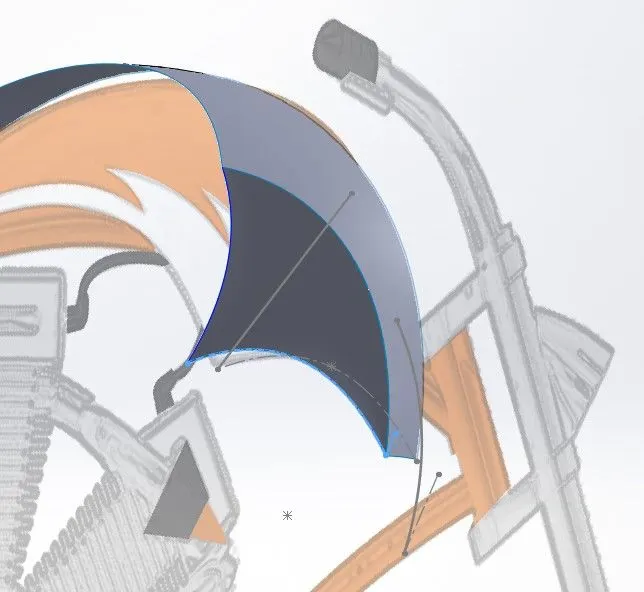
Two curves are used to create the projected curve for side profile of the tank.
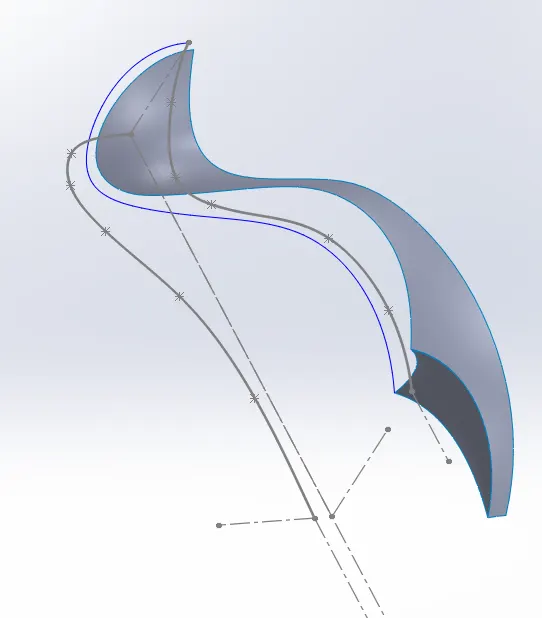
Boundary surfaces option is used to create the side profile body with the help of the curve created:
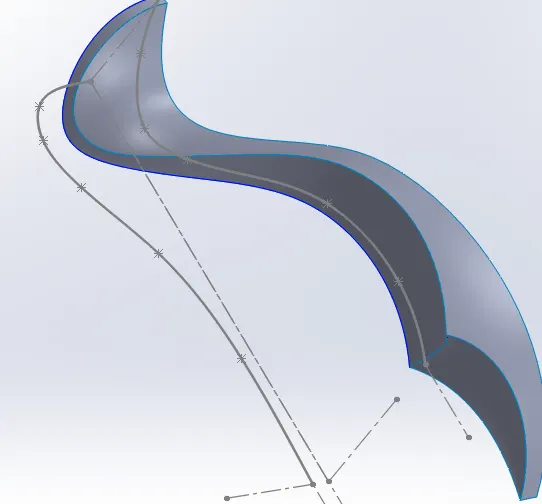
Mirror option is used to create the symmetric half of the tank on the other part of the plane:
Also solid converted the tank into a solid part.
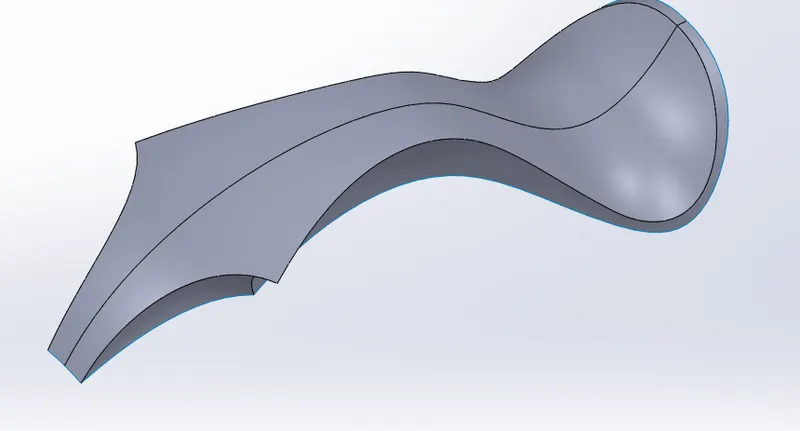
Sketch on bottom plane is created and split line option is used to project the sketch on bottom plane to the seat part of the created tank surface.
Extruded base option is used to create an extruded part ressembling the seat of the Chopper.
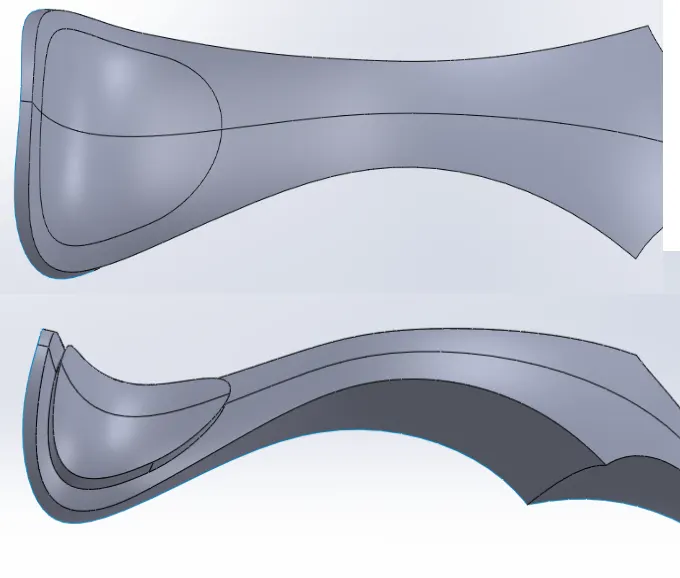
Inorder for covering bottom part, boundary surfaces option is used on the front part:
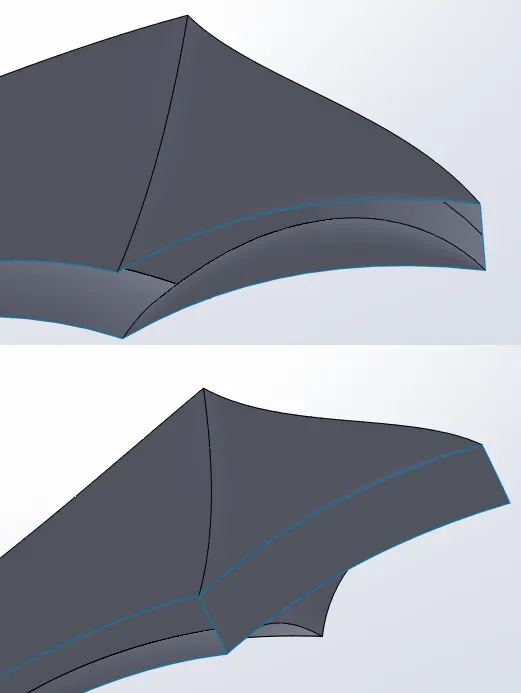
Lofted Curve option is used to create the covering part of the tank towards the rear part:
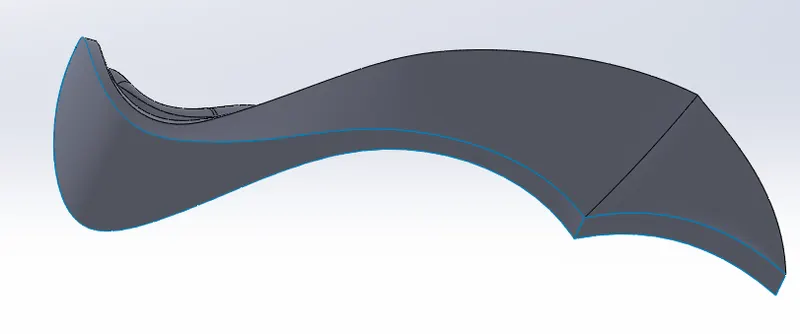
Fillets of radius 5mm are created on the tank edges as shown:
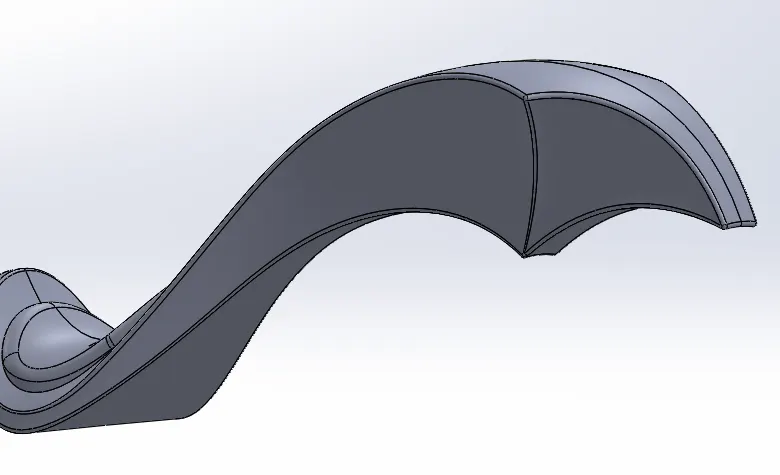
Sketch for cutting part out of the tank is created and Swept cut option is used to create frame clearance:
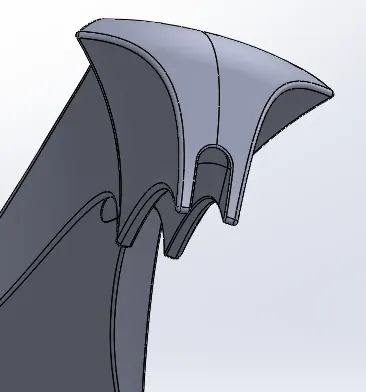
Shell option is used to create hollow solid part from the solid tank body with a thickness of 3mm.
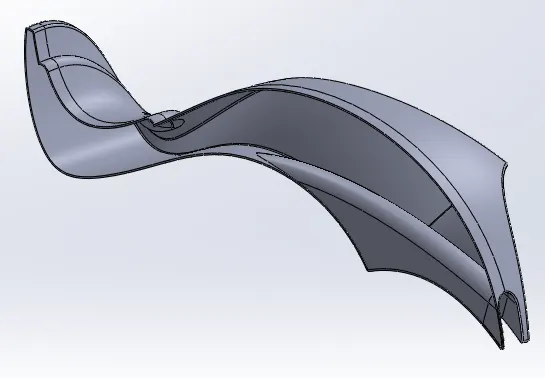
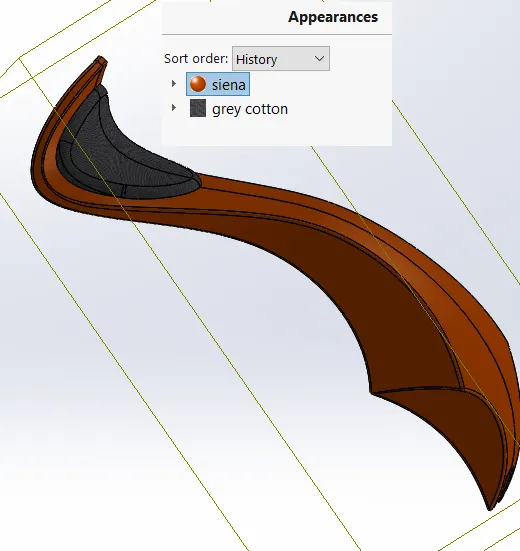
Appearance of the tank part is defined and a different fabric material appearance is defined to the seat part.:
Model Tree:
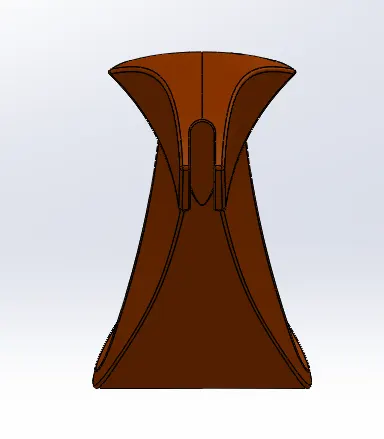
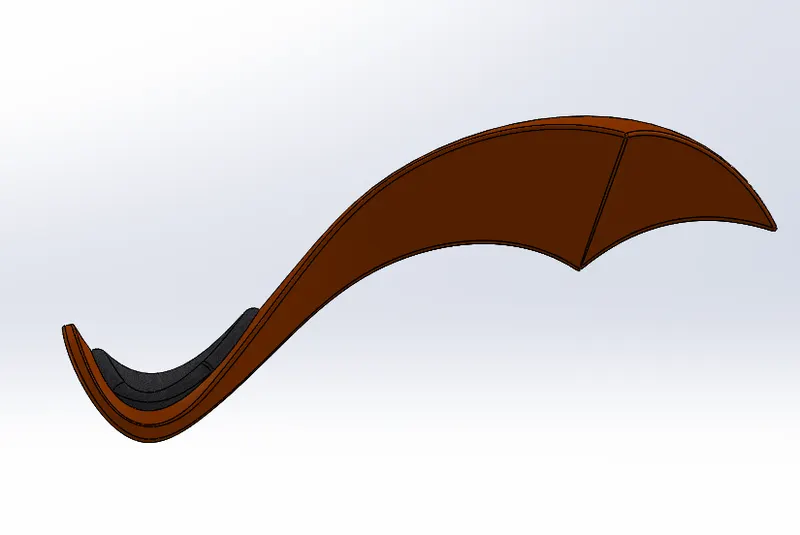
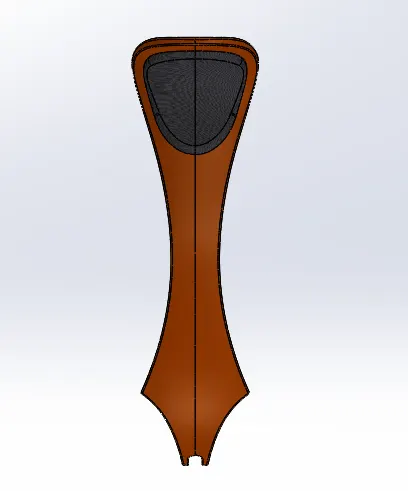
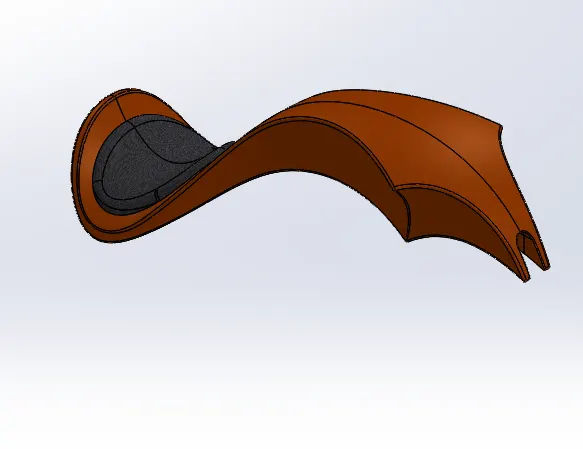
Hence modelling of the fuel tank of Chopper is completed and the different standard views of the same are as shown below
Front view:
Side View:
Top View:
Isometric View:
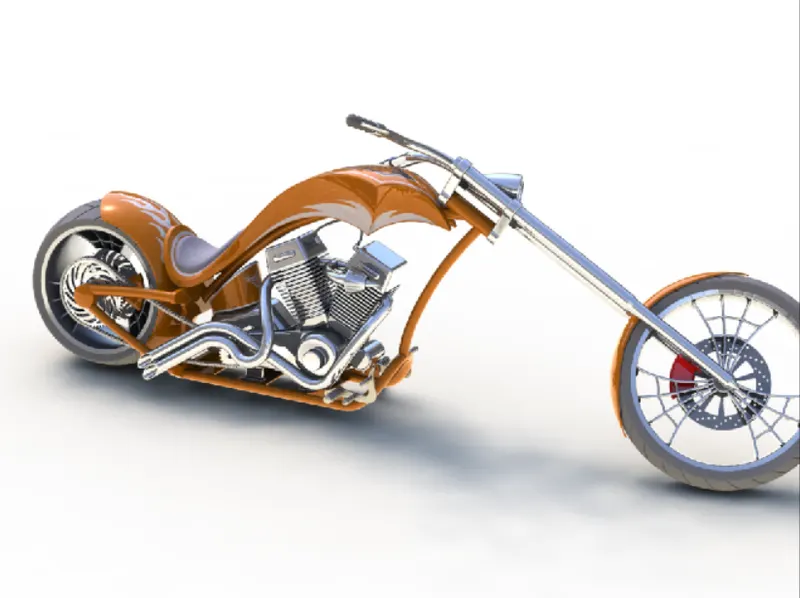
ASSEMBLY of Chopper:
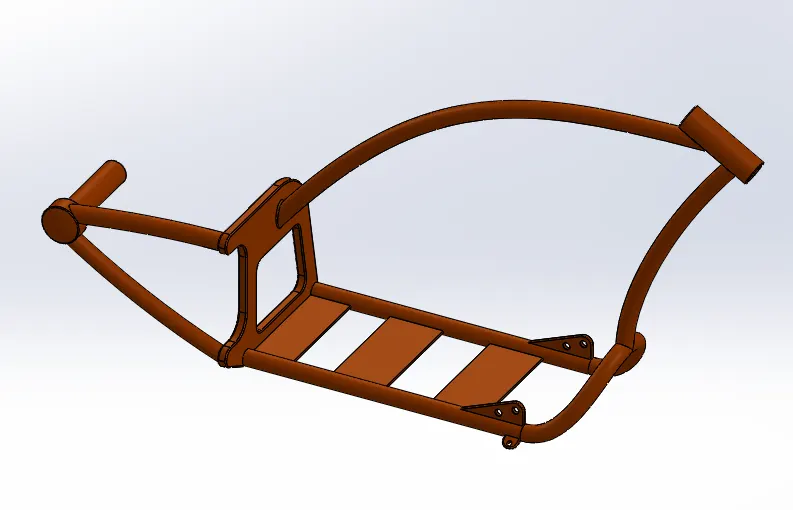
Initially all parts of the chopper model is opened, new assembly part is opened
At first chassis is inserted to the assembly model:
Engine part is then inserted, and its plane is made coincident to that the chassis:
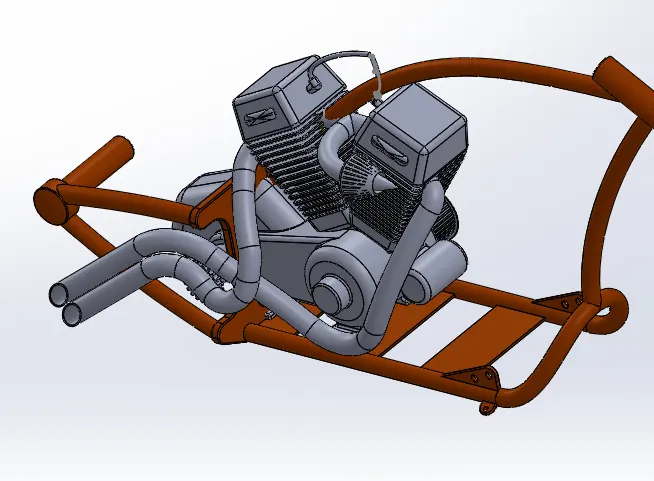
Engine is placed correclty in position using distance method in mate option.
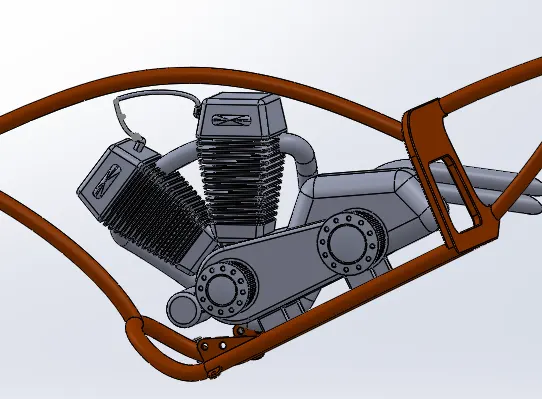
Also altered the engine exhaust tube sketch to remove the tube touching the pedal assembly.
Pedal part is then inserted and placed in position using the mate option.
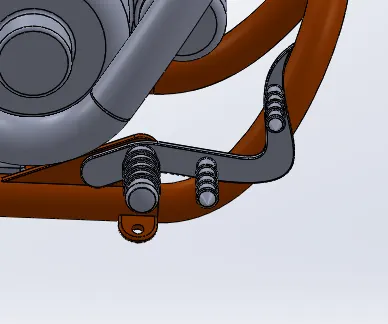
Mirroring of the pedal part is done to obtain pedal on either sides of the chopper assembly.
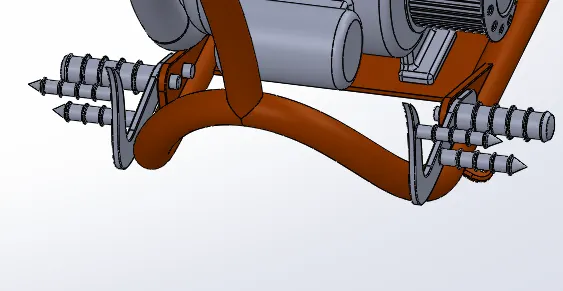
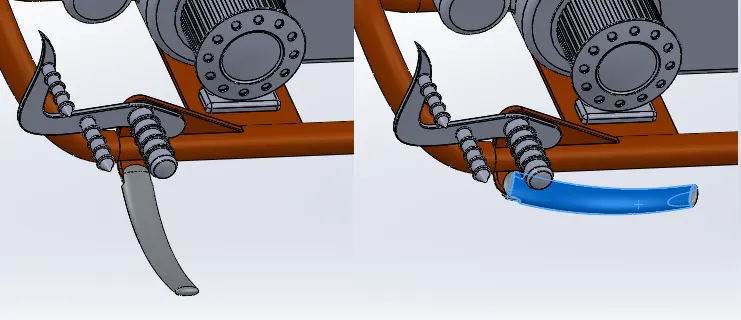
Kick stand part is inserted and angle limits in advancd mate option is provided to limit the motion of the stand:
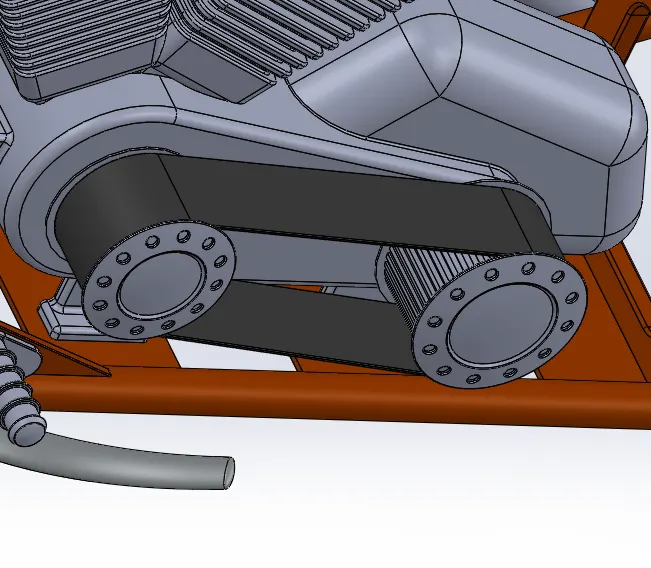
Transmission belt is inserted with width mate, concentric and angle mate type of position definitions
Also edited belt smaller diamter from 60 to 61mm for proper fit on the pulleys.
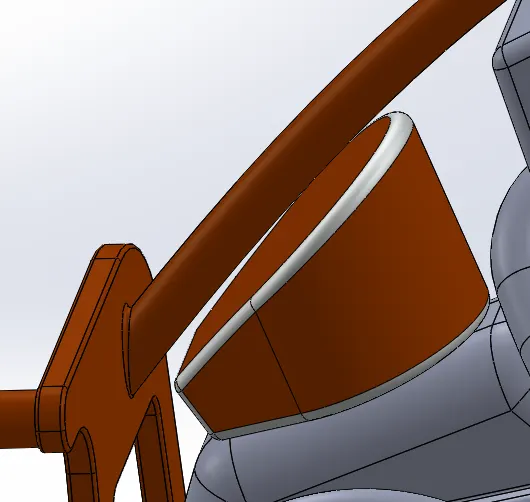
Oil tank is inserted
Oil tank is mated with the top surface of the transmission block and is made coincident with chassis midplane.
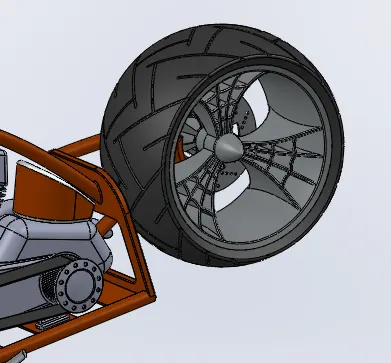
Inserted rear wheel and mate axle and hub part
Midplane of tyre is made coincident with midplane chassis.
Chain is inserted,
mates used to position the chain are widh mate with sprocket, concentric mate with sprocket and parallel with bottom plane of chassis
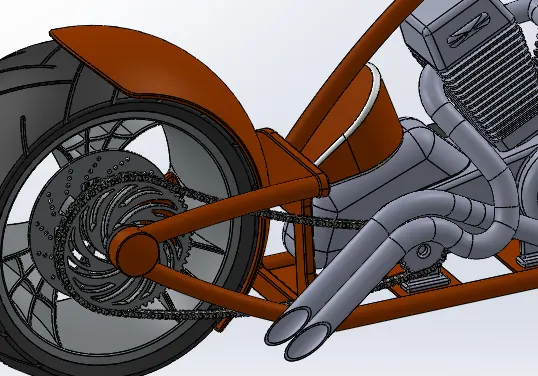
Fuel tank is inserted with coincident relation at bottom plane mid plane and distance of 5mm relation with plane 2 on chassis.
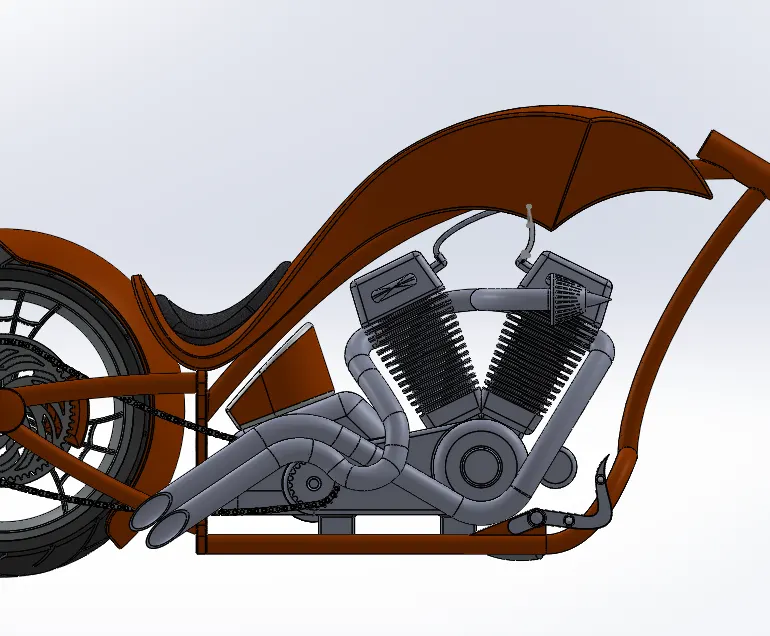
Front fork is inserted:
angle mate given with reference to midplane chassis at 30 to -30 deg of turning
also parallel mate is defined inorder to make the fork straight.
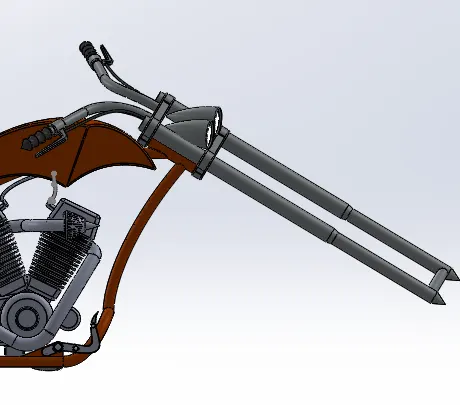
Front tyre and fender part is inserted:
Both of these are made coincident with the respective planes on the chassis.
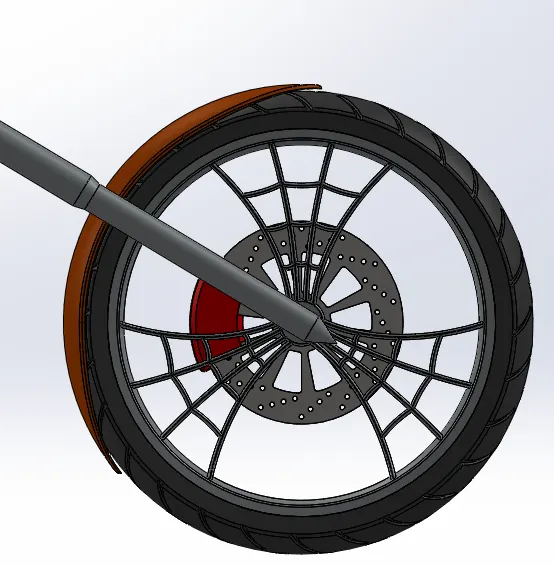
Chassis is modified to create cutout in the area where chain touched the chassis:
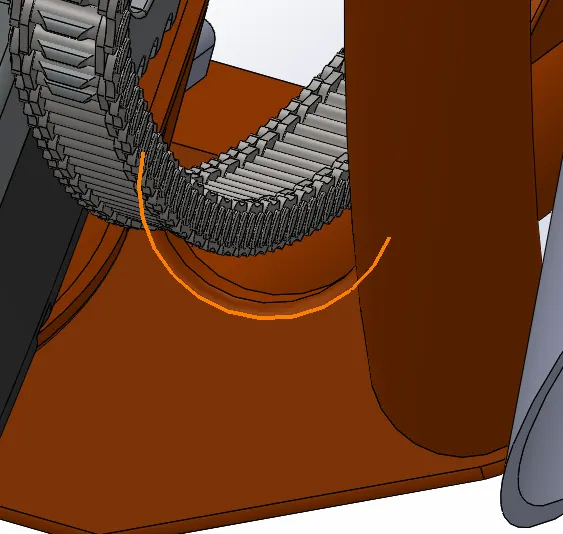
Hence assembly of the chopper model finished by following the above steps:
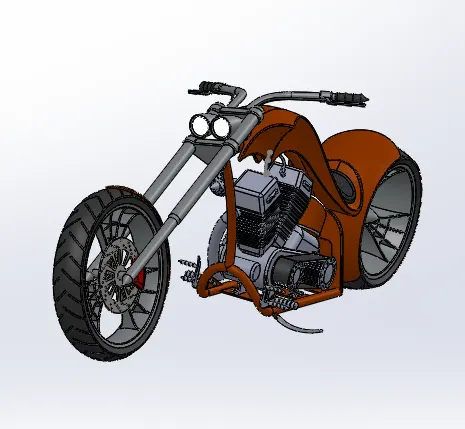
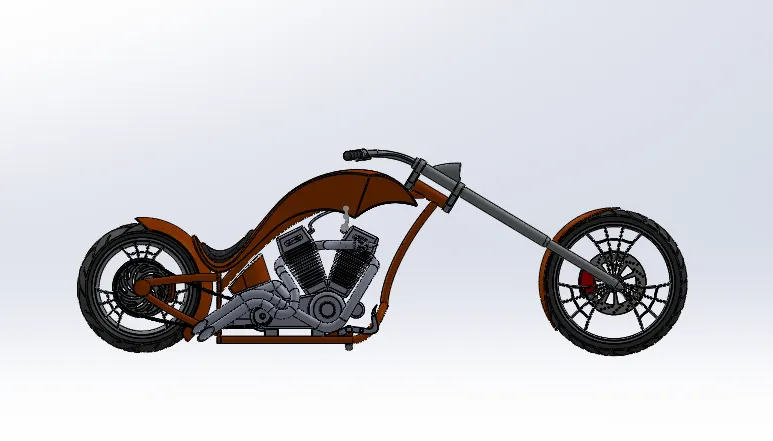
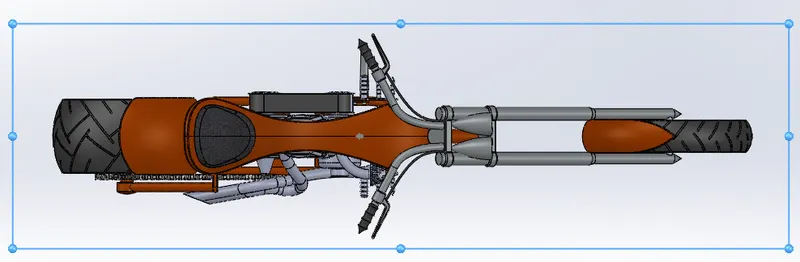
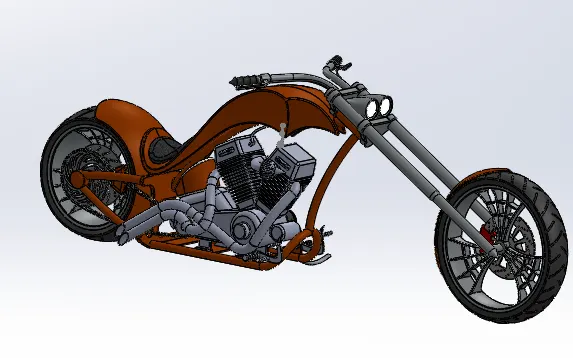
Various standard views of the Chopper model after assembly is shown below:
Side View:
Top View:
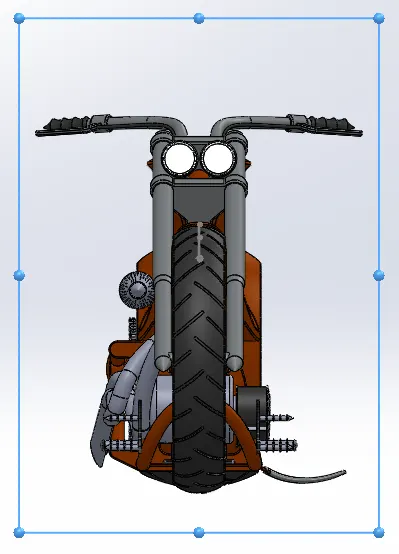
Front View:
Isometric View:
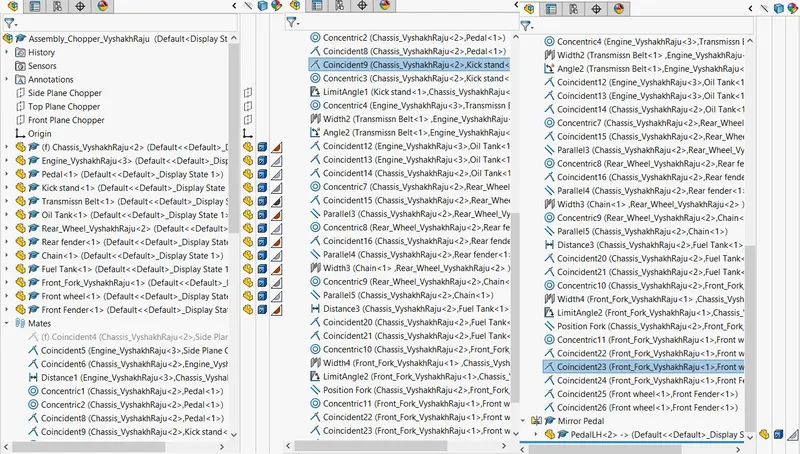
Model Tree:
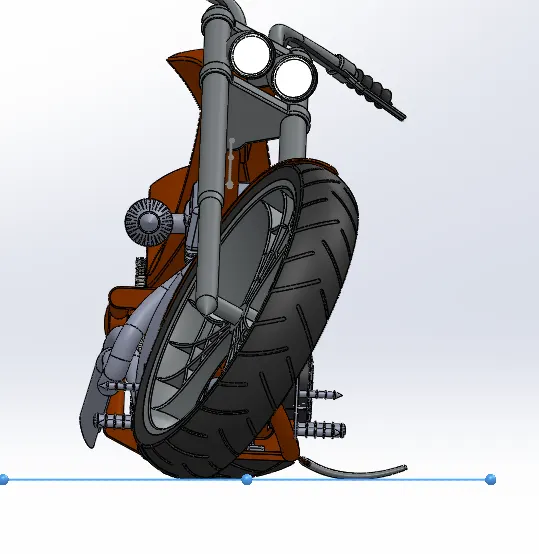
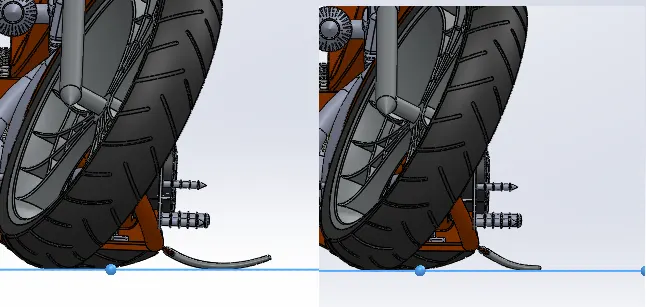
- Making tyre and stand tangent to top plane of assembly:
- Editing the sketch of stand so as to make the stand touch the plane tangently:
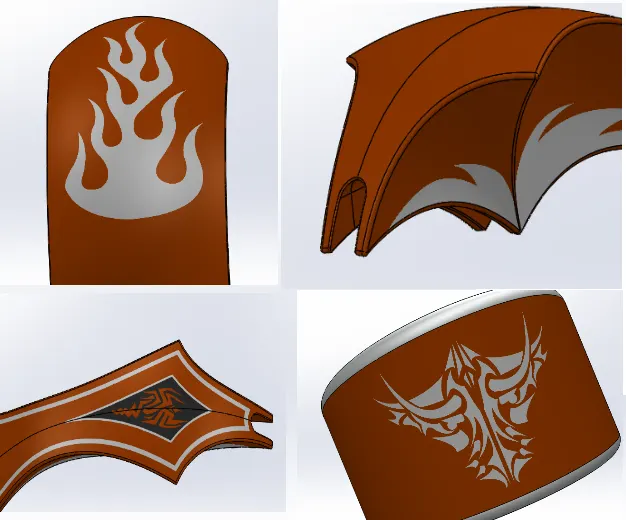
- Adding decal to the parts:
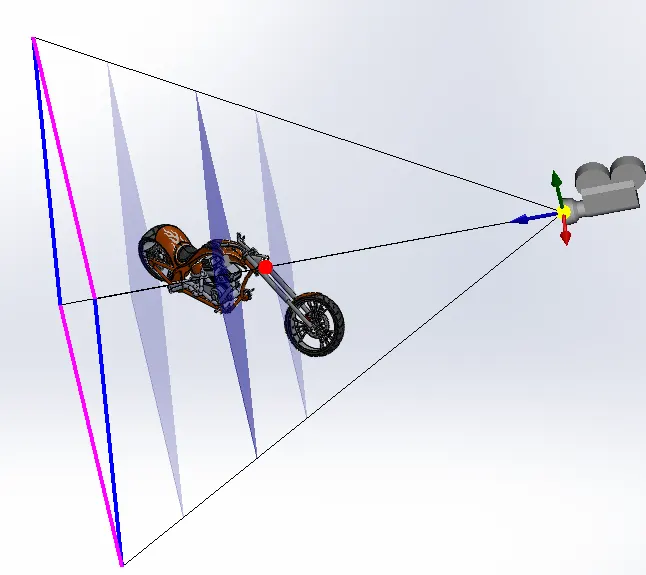
- Creating a new Camera to view Chopper Model at a desired position:
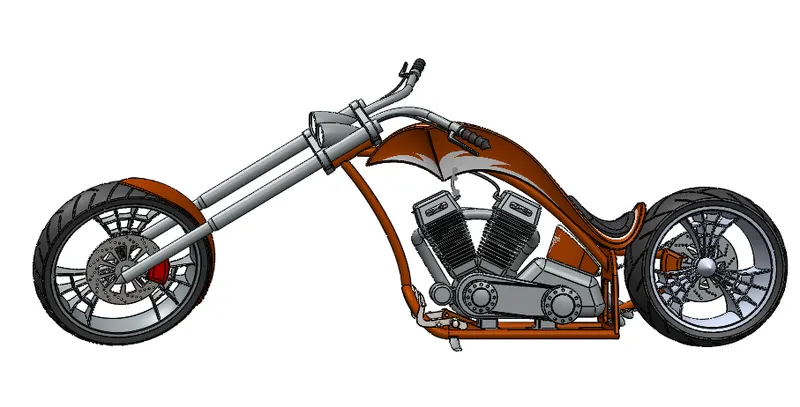
- hence standard views of the model after it is made tangent to the bottom plane to ressemble as of the Chopper is resting on floor with stand.
Side View:
Front View:
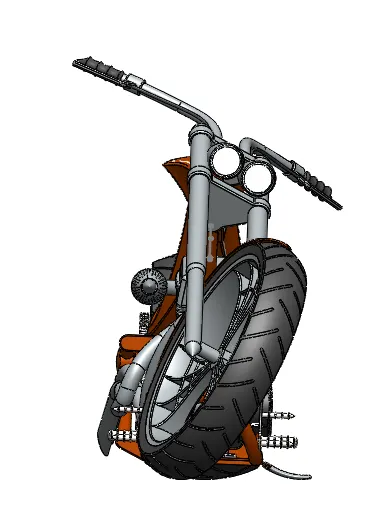
Top View:
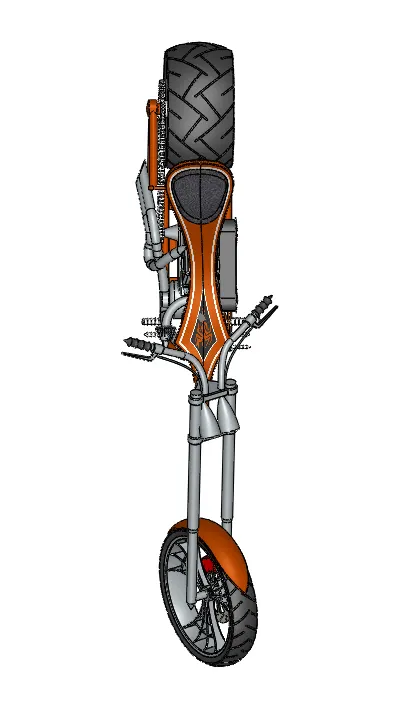
isometric View:
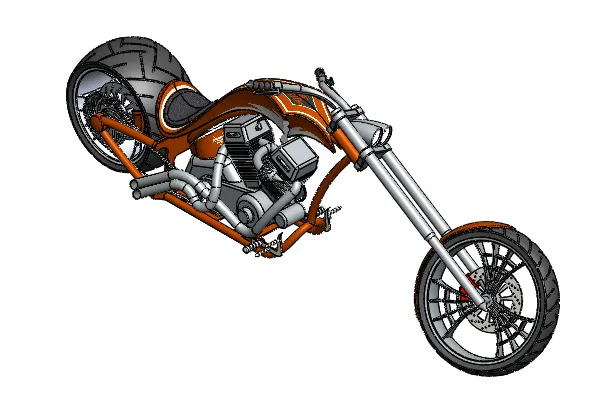
Camera Setup VIew:
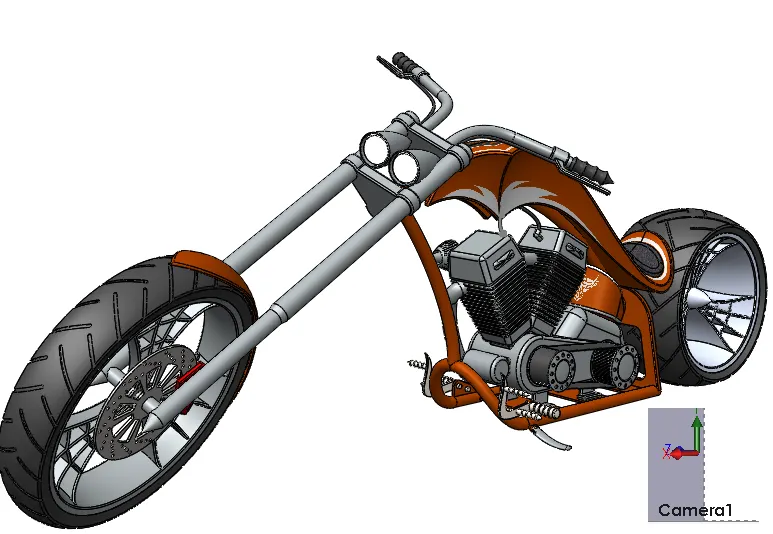
Rendering:
- Rendering of each parts in the Chopper assembly is done as shown below to get a realistic view of the parts.
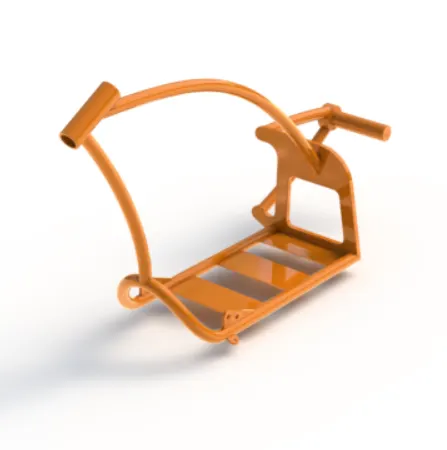
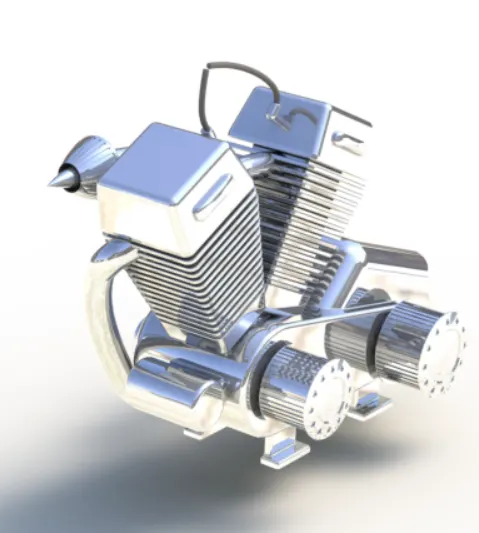
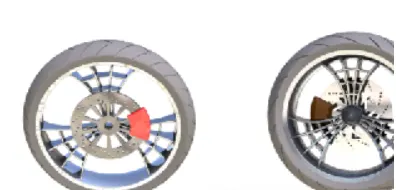
- Rendering shows the real world view of all the appearance on the parts that was defined during the modelling of each part.
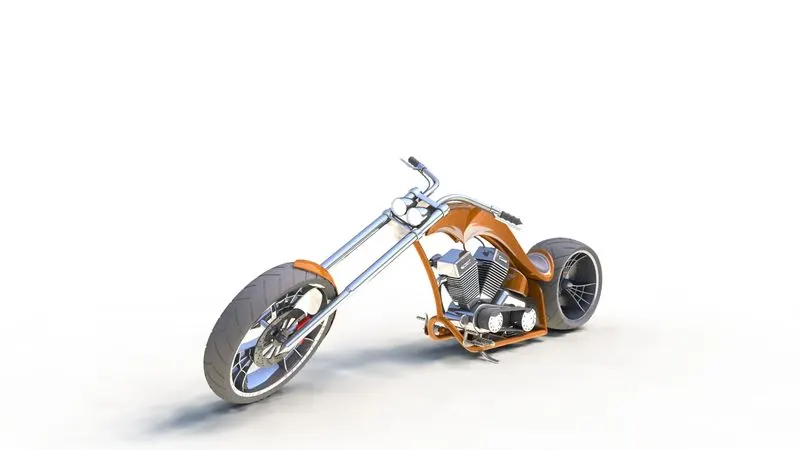
- Final rendering of the whole Chopper assembly is done using the high quality settings and the rendered images of the Model are shown below from the Camera setup view.
CONCLUSION:
- Hence Modelling of each parts of the RT66Chopper model is performed
- Assembly of all parts are done at required position to obtain the full scale model of RT66 Chopper
- Rendering of the assembled model is performed to get the realistic view of the Chopper Model
1) Transmission Belt:
2) Kick Stand
3) Front Fender
4) Rear Fender
5) Oil Tank:
6) Pedal:
7) Chain:
8) Chassis:
8) Engine:
10) Front and Rear Tyre
11) Gas Tank:
ASSEMBLED CHOPPER MODEL:
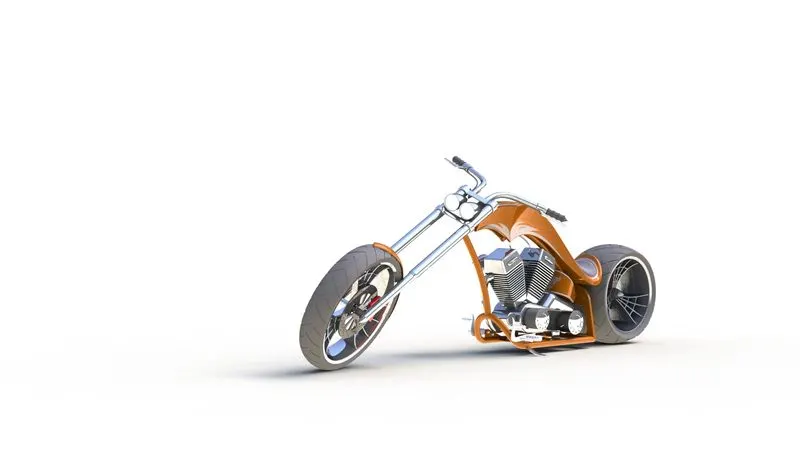
Chopper rendered to a Realistic Environment: