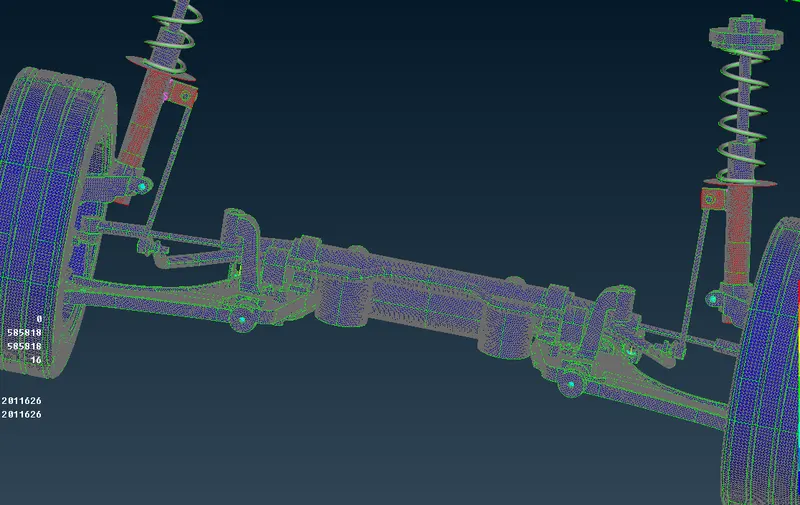
Project - 2 - Meshing on the suspension Assembly
OBJECTIVE:
For the given assembly,
- check for the geometrical errors
- mesh with the given element Quality criteria. After meshing assign the component thickness to mid surfaces.
- Use tetra elements to model non-uniform thickness components.
- use Appropriate connections to connect the component
- perform Symmetry command to reflect the half finished model to the other side.
Quality Criteria for Surface Meshing of Tyre and Rim (Element type: Tria) :
|
S.No |
Quality Criteria |
Value |
|
1 |
Target/Average length |
6.5 |
|
2 |
Minimum Length |
5 |
|
3 |
Maximum Length |
10 |
|
4 |
Skewness |
45 |
Quality criteria for Surface Meshing of Non Uniform thickness components other than Tyre and Rim (Element type: Tria) :
|
S.No |
Quality Criteria |
Value |
|
1 |
Target/Average length |
4 |
|
2 |
Minimum Length |
2 |
|
3 |
Maximum Length |
6 |
|
4 |
Skewness |
45 |
Quality Criteria for Volume meshing of all Non Uniform thickness components (Element type: Tetra Elements):
|
S.No |
Quality Criteria |
Value |
|
1 |
Tet-collapse |
0.2 |
Quality criteria for Mid surfacing of Uniform thickness part which has thickness less than 5 mm (Element type: Mixed elements) :
|
S.No |
Quality Criteria |
Value |
|
1 |
Target/Average length |
4 |
|
2 |
Minimum Length |
2 |
|
3 |
Maximum Length |
6 |
|
4 |
Aspect |
3 |
|
5 |
Warpage |
15 |
|
6 |
Skewness |
45 |
|
7 |
Jacobian |
0.7 |
|
8 |
Minimum Quad Angle |
45 |
|
9 |
Maximum Quad Angle |
135 |
|
10 |
Minimum Tria Angle |
30 |
|
11 |
Maximum Tria Angle |
120 |
PROCEDURE:
Import:
The given file is imported using file>Open>File Location>File
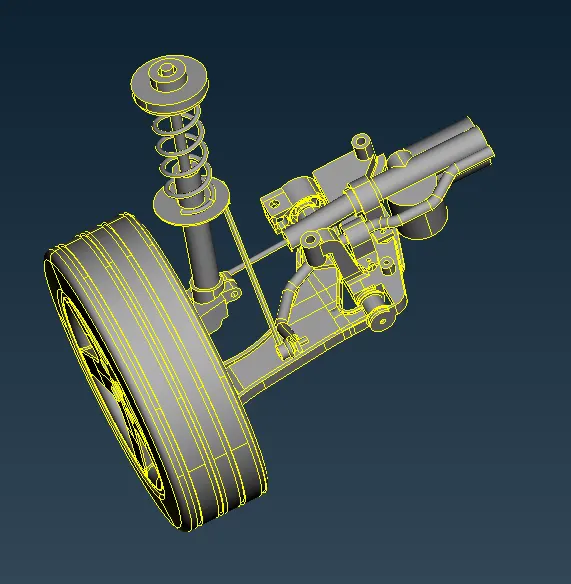
Once imported, the orientation of the model is corrected using the orient option under faces tab.
Geometry Check:
Once the topo action is done, the model is checked for geometrical errors, any error in the model is fixed using geometry check.
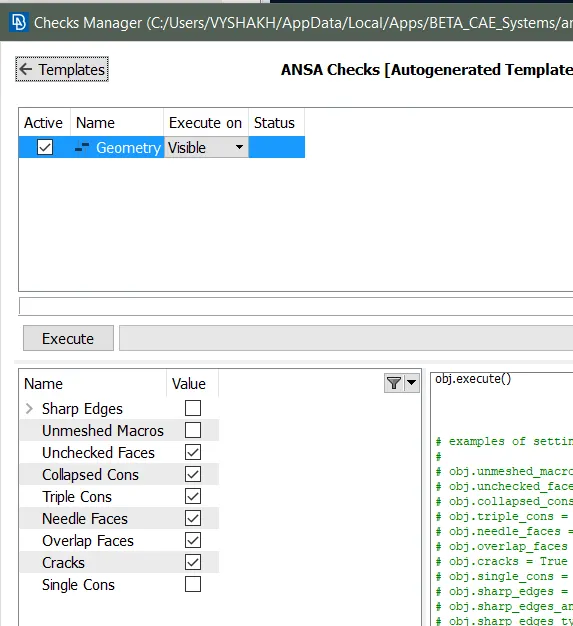
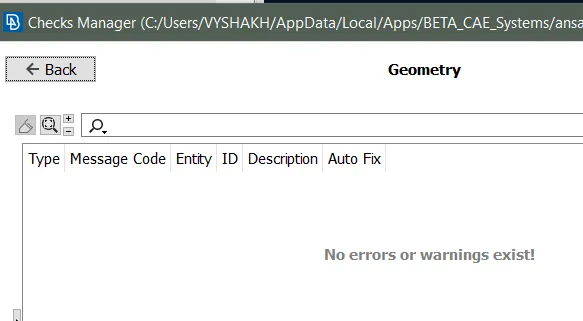
Geometry check is performed and made sure that there are no surface irregularities and can be further progressed to meshing.
MID-SURFACE:
For surfaces having thickness of less than 5mm, offset tool is used to generate the mid-surfaces and property is defined to store the mid-surface area with the original part thickness.
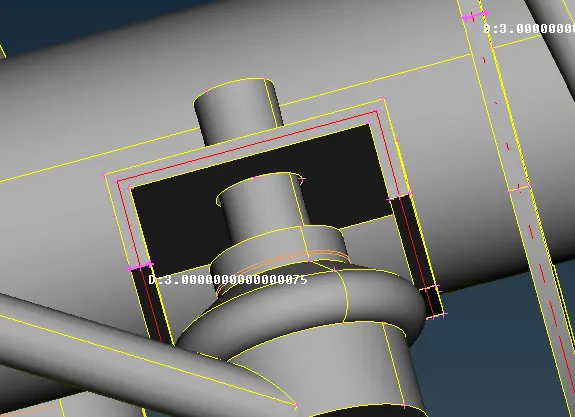
Rest surfaces having thickness of more than 5mm is left without mid-surfacing inorder to perform volume meshing.
Modelling the Suspension Spring:
Initially middle curve for the spring is generated by middle tool under curves tab.
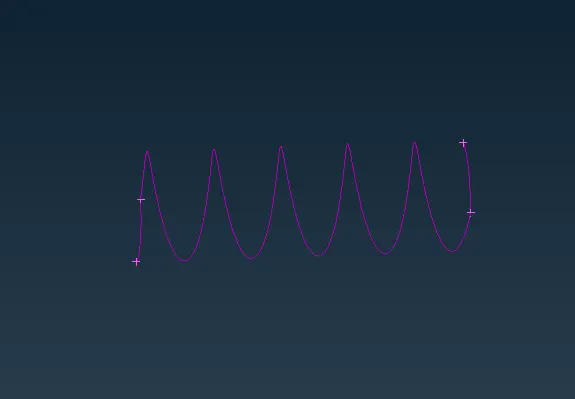
This curve is selected under CBAR tool under NASTRAN panel and element length is specifed.
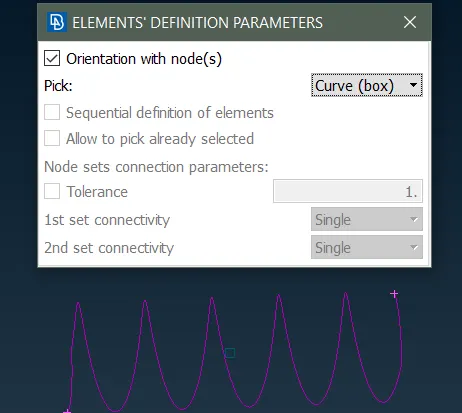
A PID is also defined as PBAR to store the spring elements.
Under presentation parameters, Line elements as solids option is checked to represent the spring using 1-D bar element
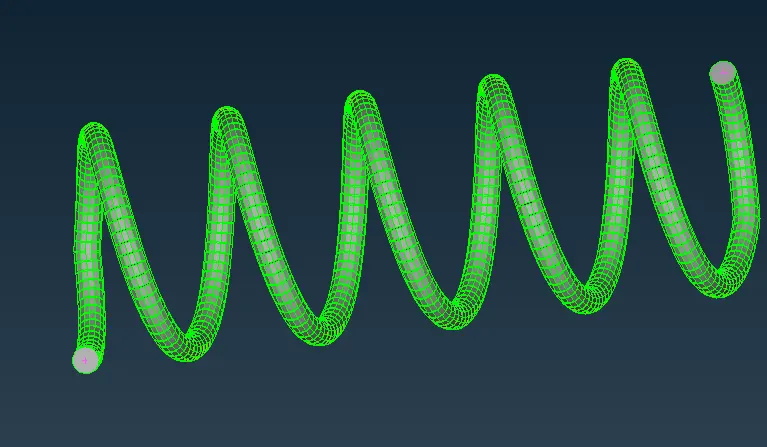
Mesh Parameters:
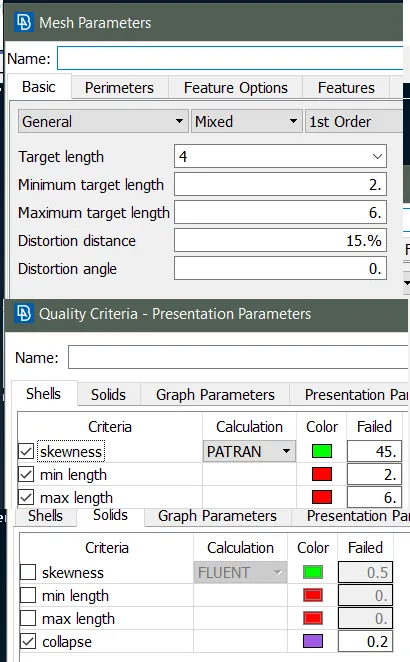
Mesh parameters are defined as specified.
Measurement around fillets are taken and small regions are joined for better meshing without elements violating the quality criteria.
Meshing:
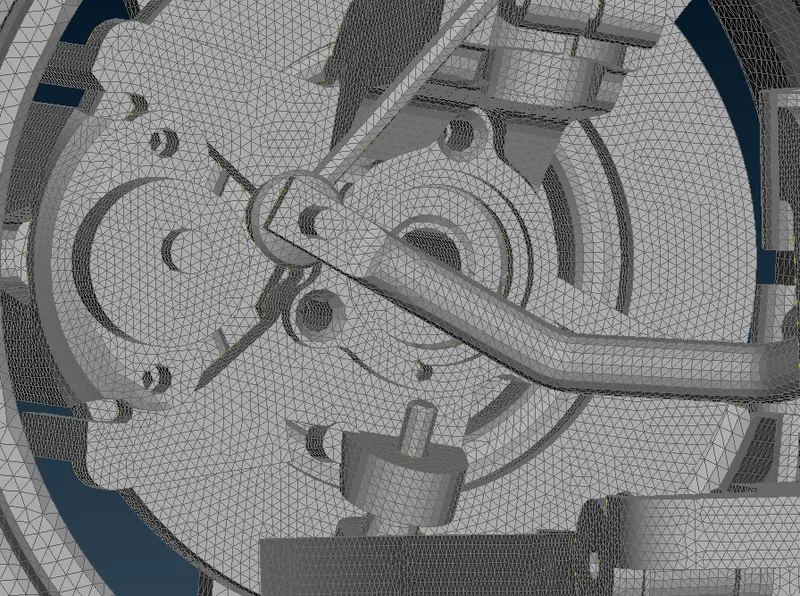
Once the fillets are joined and surfaces are splitted to make perfect mesh, 2-D meshing of the surfaces are done.
Spot mesh option is used with ortho tria elements to capture rounded surfaces and tria elements are used for meshing plane areas with best mesh option.
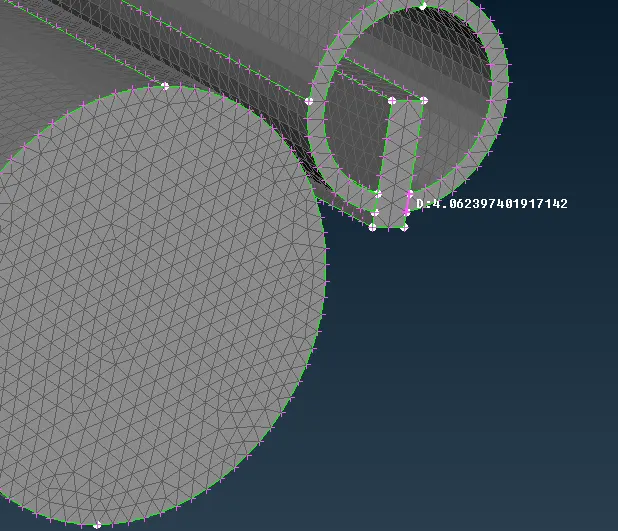
After the part is meshed with tria and ortho tria elements using spot mesh and best mesh options, new volume is defined.
Each part of the model is stored under different volumes.
after volume is defined, Tetra fem option under unstructured mesh is used for specific volumes to obtain solid meshing.
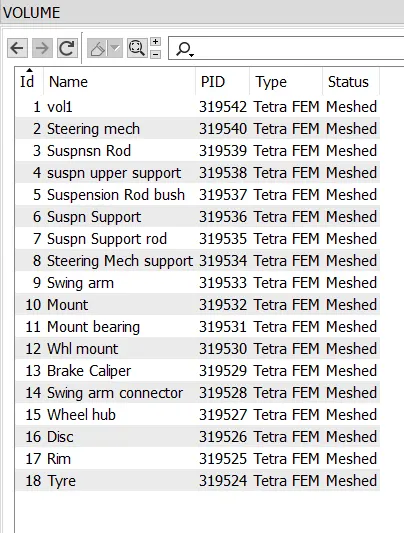
Geometry mode and fe mode is hidden and volume mode is used to view how the solid tetra meshing is obtained.
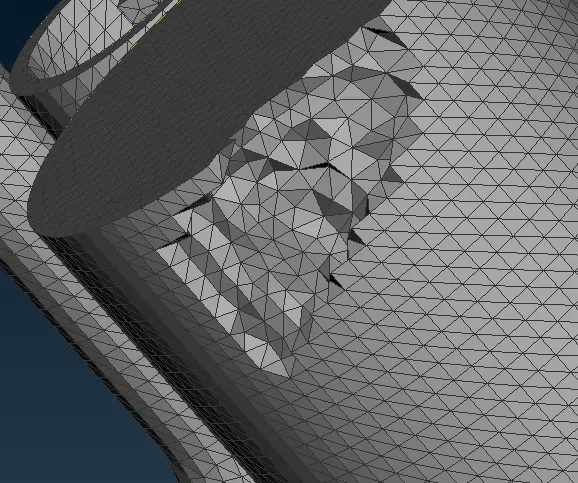
Hence the whole model is meshed using tetra elements.
BOLT Connections:
- Once meshed, the areas where a bolt connection is suitable is found and bolt connection is made.
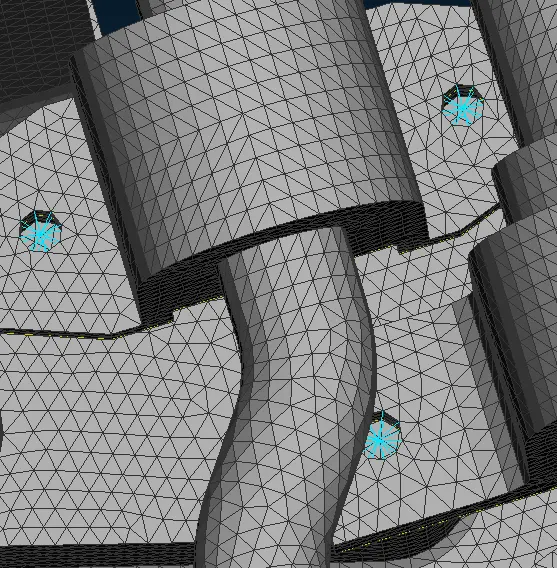
- bolt connections are also made manually using RBE2 option (multi nodes) under NASTRAN Panel and bolt connection is established
- Hence bolt connection at suitable locations are made.
SEAM Weld Connection:
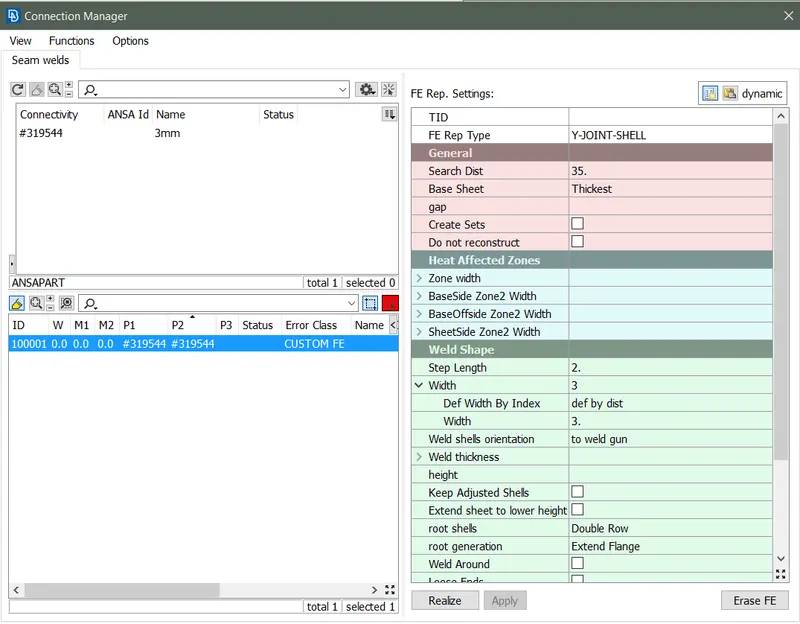
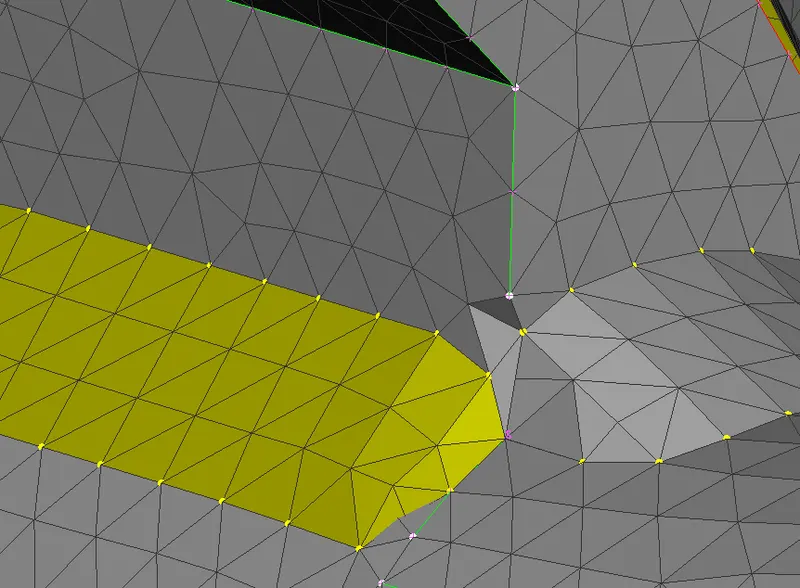
Hence the given enitre model is meshed and connections at the suitable locations are made as shown above.
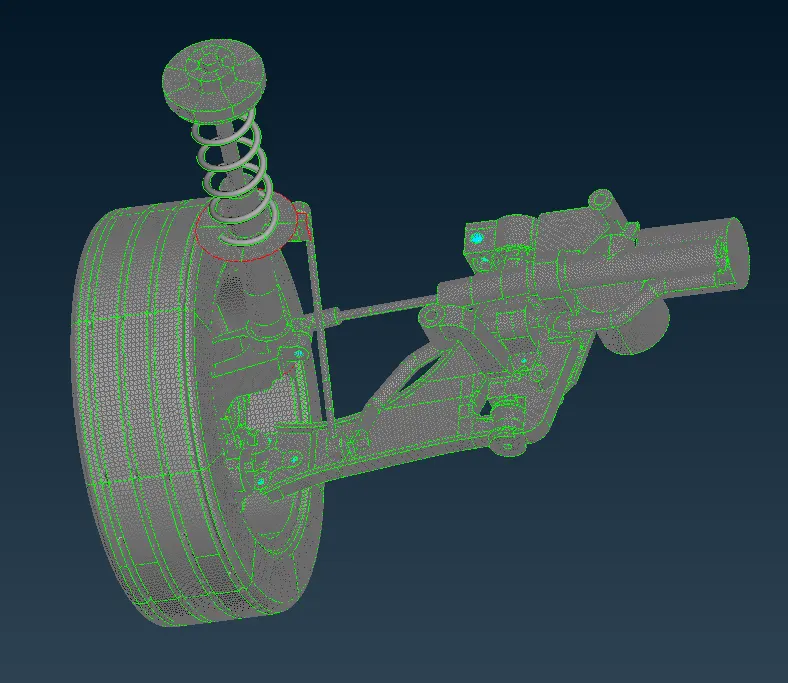
Mirror:
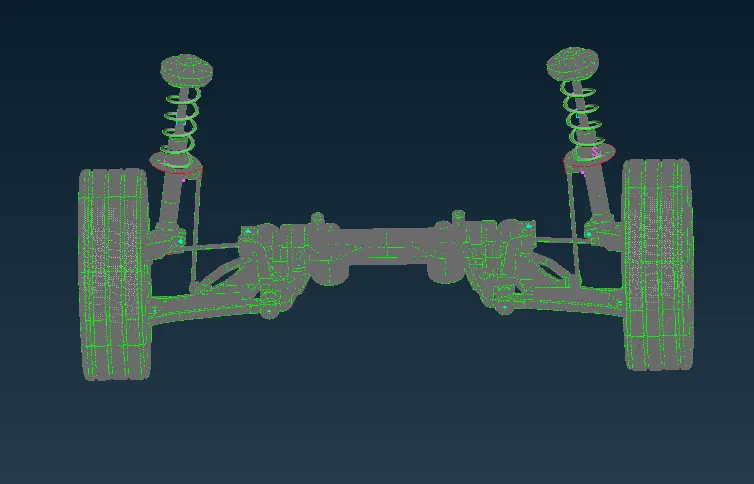
Copy tool is used and symmetry option is selected.
Mirror plane is used to mirror the meshed model and is mirrored to obtain the full scale model.
CONCLUSION:
- Checked for the geometrical errors and cleared any errors present in the model.
- Generated mid-surfaces for areas with thickness less than 5mm.
- Meshed the model with the given element Quality criteria.
- Assigned thickness to the midsurfaces generated
- Used tetra elements to model non-uniform thickness components.
- Used Bolt, Spot and Seam Weld connections to connect the component at appropriate spaces.
- Performed Symmetry option to reflect the half finished model to the other side.