CREATING 3D TRTRAHEDRAL MESH
CREATING 3D TRTRAHEDRAL MESH
OBJECTIVE:
To mesh given components in various methods of Tetra mesh and produce 3D mesh.
Methods to create 3D Tetra mesh:
- Conversion from 2D tria elements to 3D Tetra mesh.
- Quick Tetra mesh.
- Volume Tetra mesh.
PROCEDURE:
Conversion from 2D tria elements to 3D Tetra elements:
- Import geometry:
Given geometry imported using option File> Import >Model.
- Delete solid in the given model:
Delete > Solids > Displayed.
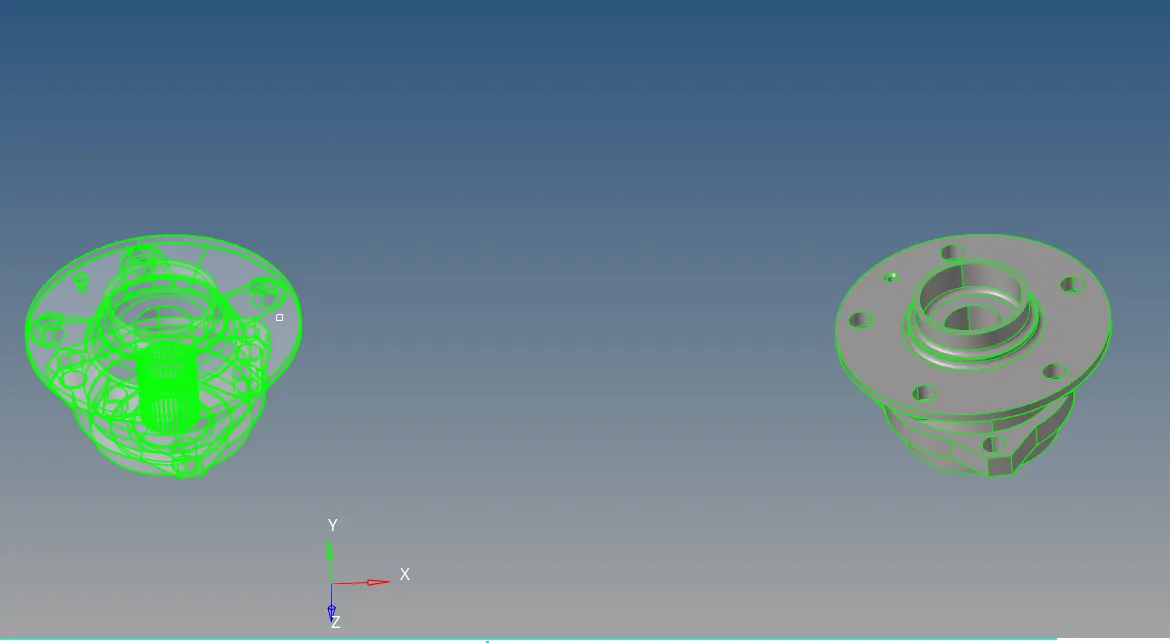
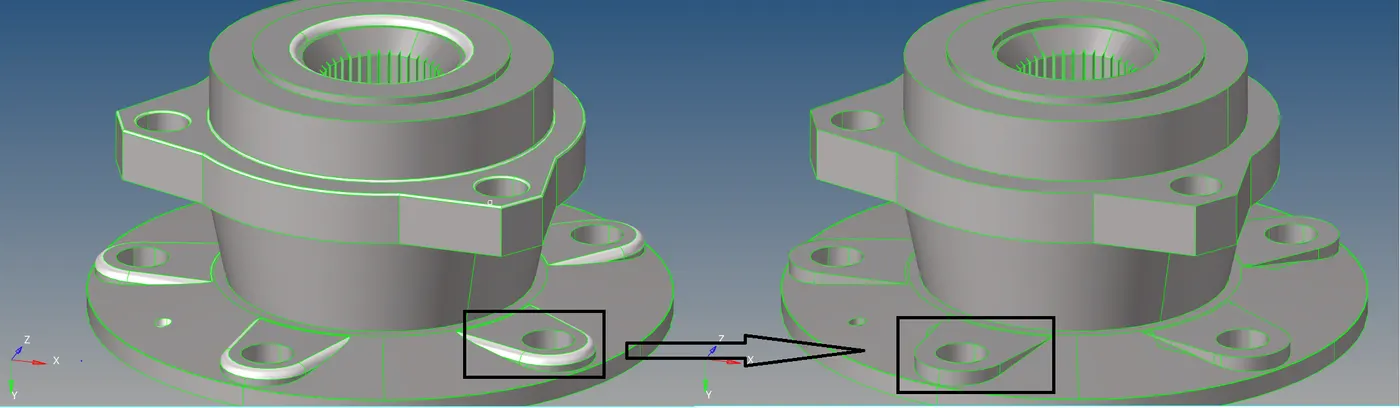
- Remove fillets less than 5mm radius:
Defeature > Surf fillets > Surf > Displayed.
This will find fillets and Remove from geometry.
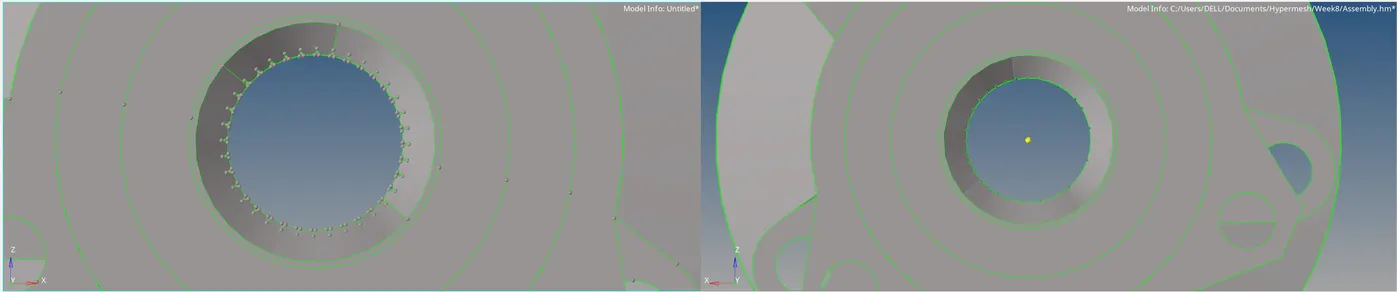
- Edit surface:
Using Quick edit and Edge Edit options, some edges and points are modified. This process will continue while obtaining a proper surface which has no free edges.
- Creating 2D tria elements with the required parameter:
2D > automesh > Select surf > Element size (5mm) > Mesh style (tria) > Mesh.
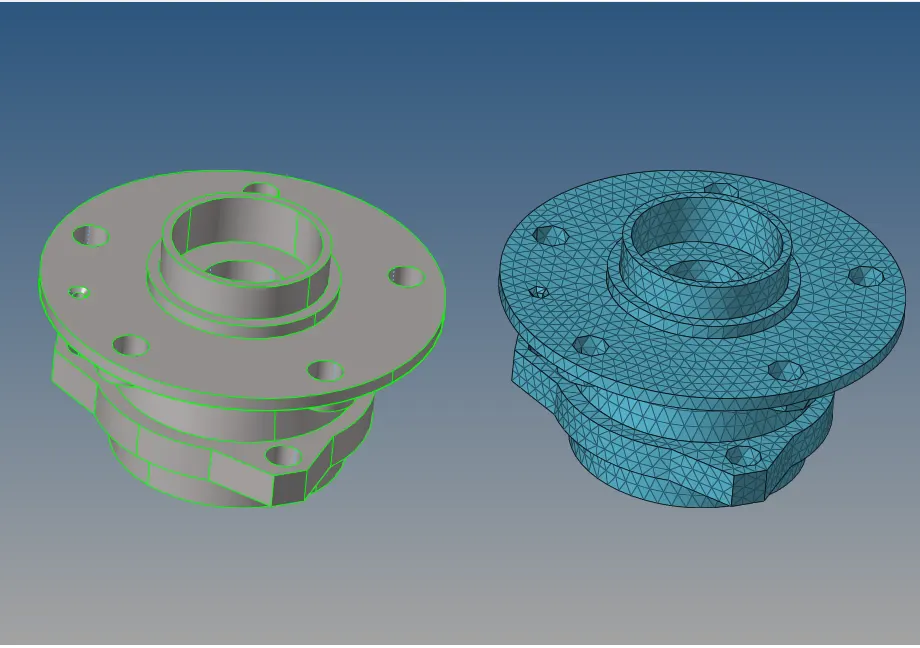
This will create tria elements on the surface. After creating elements, check whether they satisfy quality criteria.
Tools > Check elements > Min length (2mm) and Max length(7mm).
Re-mesh element until it satisfies quality criteria.
- Convert 2D tria elements to 3D tetra elements:
3D > Tetramesh > Fixed Trias/Quads to Tetra mesh > Select tria elements.
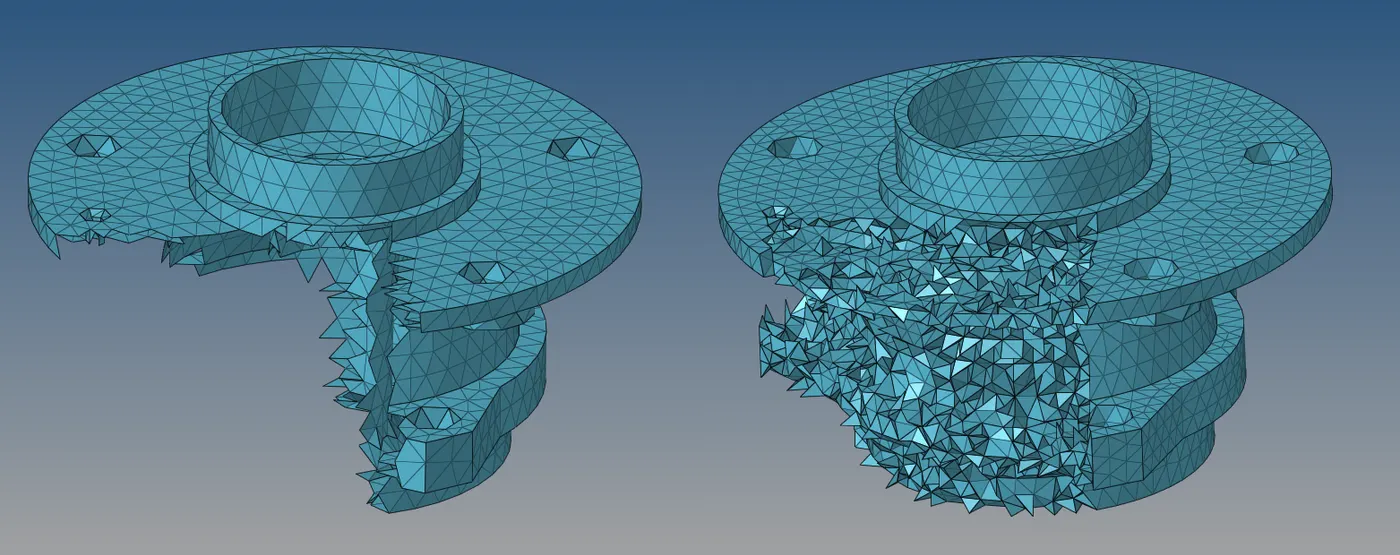
After checking for Tet collapse, if elements failed to tet collapse value then proceed for Re-mesh.
- Remesh:
3D > Tetra remesh > 3D elements (Config > Tetra4) > 2D elements (Config > Tria3) > Remesh.
After remesh every element satisfies quality criteria, The model saved.
2.QUICK TETRAMESH:
- Import geometry:
File > Import > Model > Select file > Import.
- Delete solids in the given model as said before.
- Surface Cleanup is done manually and deleted Fillets, unwanted points, small parts (which less than minimum length), etc.,
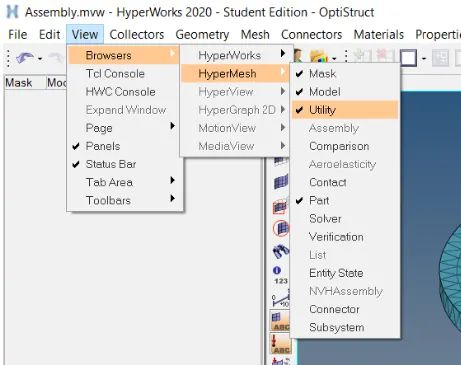
- Open utility browser:
View > Browser > Hypermesh >Utilite.
Geom/Mesh > Quick Tetra mesh.
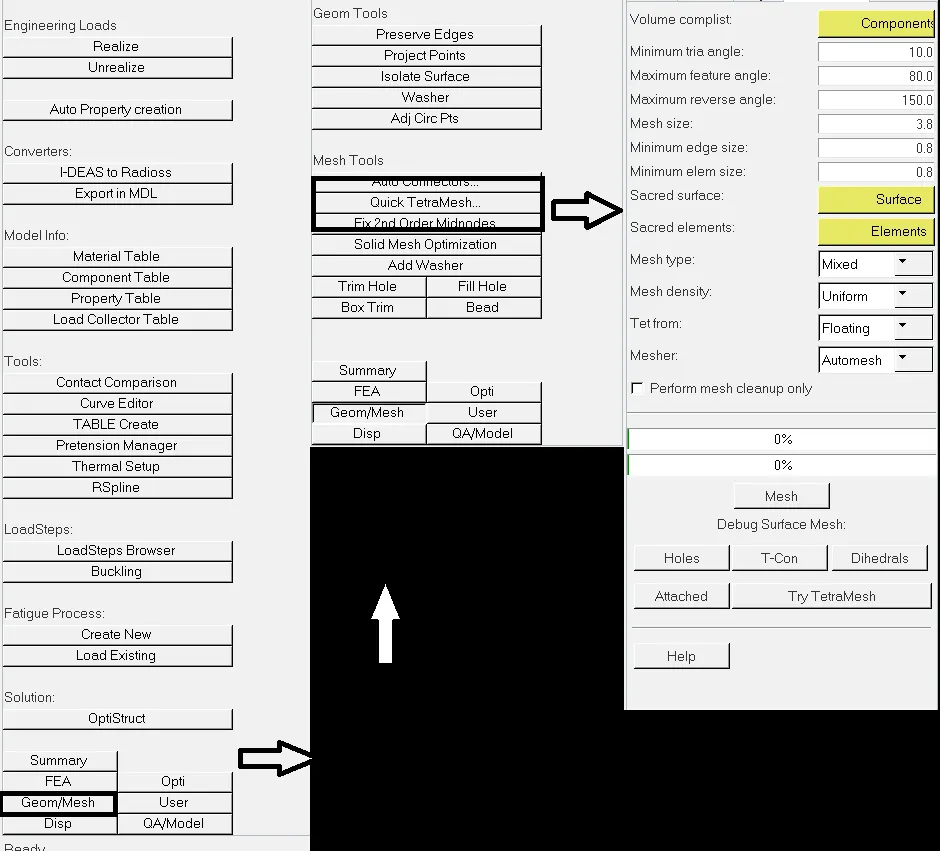
- Assign values:
Components: Comp > Select components.
Surface: Surface > Select surface.
Mesh size> Mesh 6mm
- After completing the mesh check for quality criteria. If elements not convinced, then re-mesh element by changing the Remesh parameter.
- Parameters to be set.
Mesh tetra size: Defines tetra mesh size.
Fill void: Fill by mesh inner area of volume.
Fix mid node: Save mid node position and prevent from motion while remesing.
Smoothing: Extra layer for aligning mesh finely.

3.VOLUME TETRAMESH:
- Import geometry.
- 3D > Tetra mesh > Select solid > Mesh size > Enable options [Use curvature, Use proximity and Cleanup elements]. >Mesh

- Check for element criteria, and Remesh if required.
Use curvature: Create mesh along with curvature without compromising geometry.
Use proximity: Refine the mesh and produce a smooth transition from small to large mesh.
Cleanup element: Additional refinement in elements.
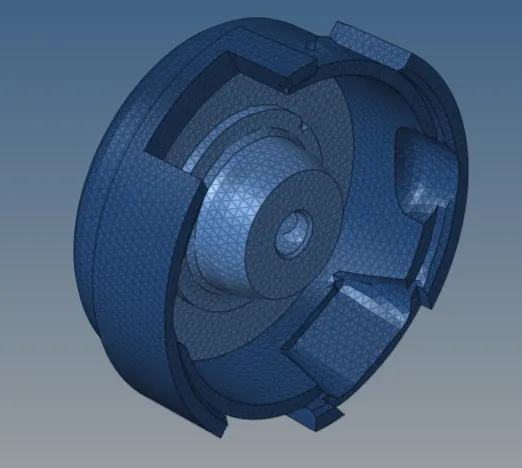
FINAL IMAGES OF MESHED MODEL:
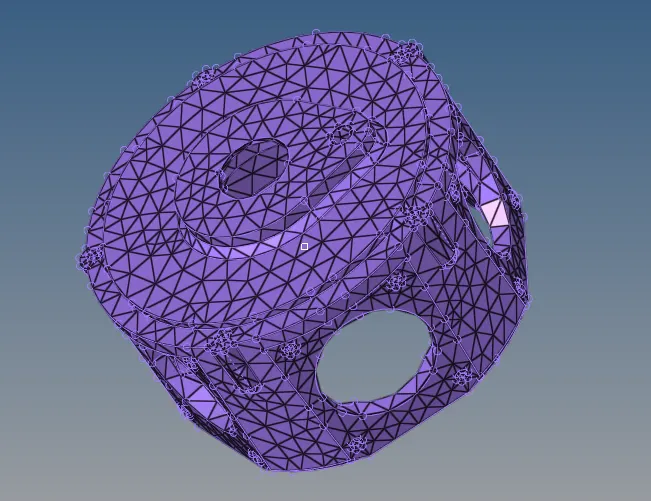
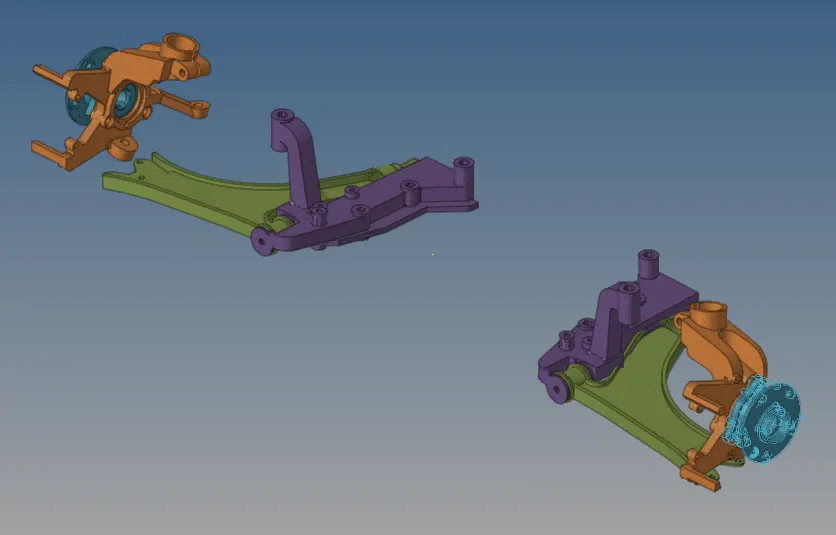
RESULT:
Thus Tetrahedral meshes created using the above-said method and satisfy quality criteria.