CREATING MESH WITH VARIABLE THICKNESS
CREATING MESH WITH VARIABLE THICKNESS
OBJECTIVE:
To create a mesh for a given component and assign variable thickness across the component.
PROCEDURE:
Import Component: Initially component imported using option Import > Model.
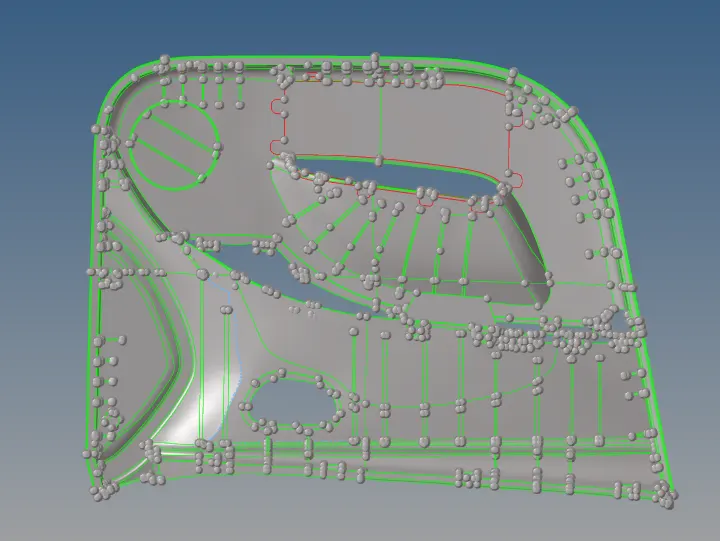
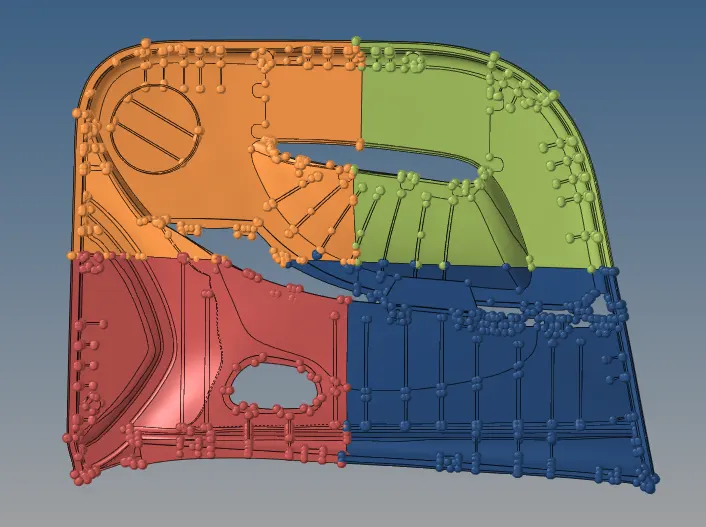
Split Component: This component is large in size. To make this easier to mesh, the component is spat into 4 parts.
- Create node at the center of the component.
- Surface edit > Trim with surf/Plane > (with plane) > Select surface and node base points.
Pic 1:

- Create new components in entity editor. And Organize each component in separate files.
Pic 2:
 Create Mid-Surface:
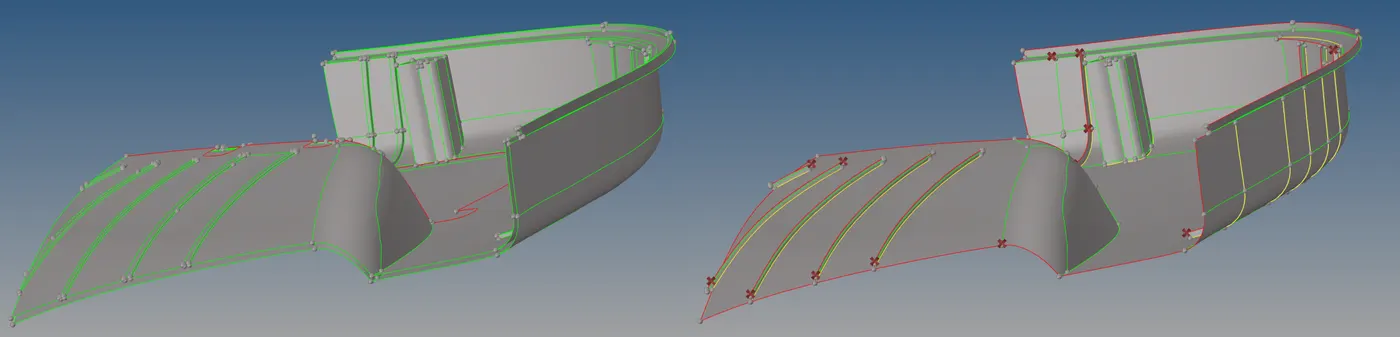
- The thickness of the plate measured using option Distance and point in middle for those points is created.
- The surface on one side was offset for a particular distance and translate middle point.
Pic 4:
Create Mesh:
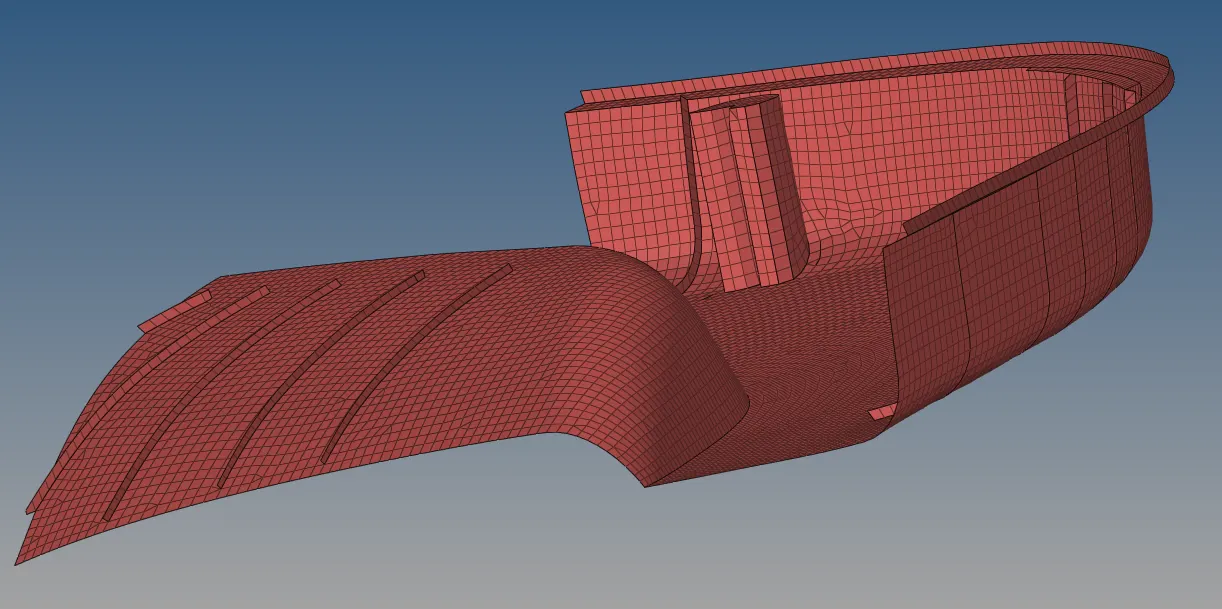
- For this mid-surface auto, mesh is created.
- This is continuously re-mesh until the desired mesh is created.
Pic 5:
Elements Connected:
- Meshes on 4 components combine to form a single connected element.
Pic 6:
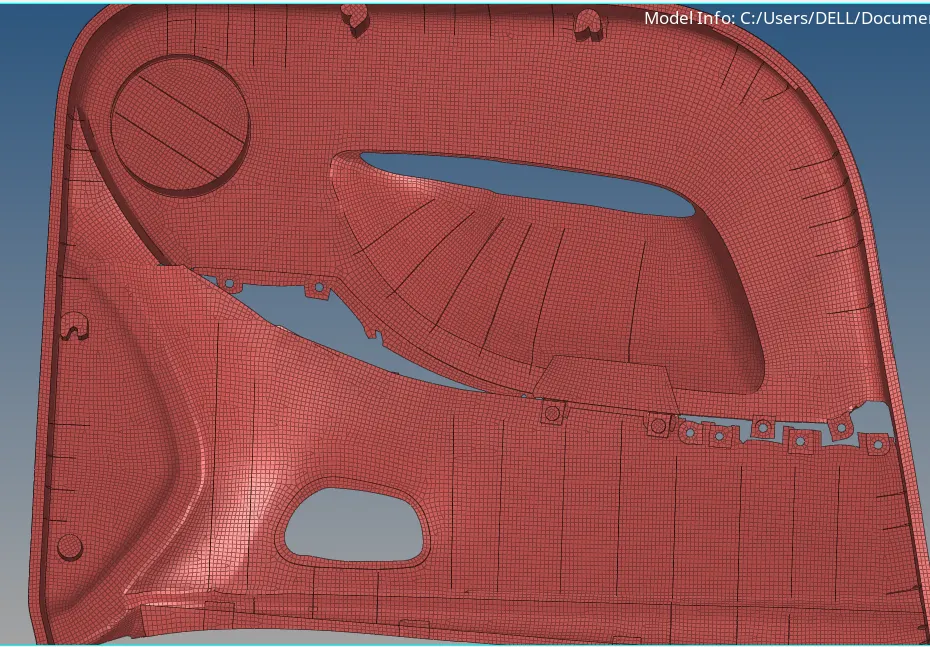
Create Property:
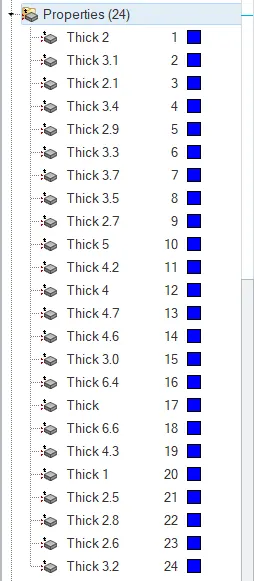
- The new property is created with variable thickness in the entity editor.
- Thickness values entered with respect to the thickness of the components.
- New components created in entity editor assigned with respective properties of the components.
Pic. 7 and Pic. 8
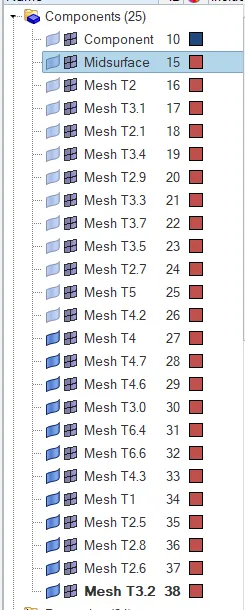
- Each property assigned to respective elements.
Quality check:
- The mesh is check for given quality parameters and ensures each element satisfies quality condition.
Pic 9:

Final Images:

RESULT:
Here mid-surface and mesh are created for given component and thickness for each element is assigned.