Week 12 Challenge
CHALLENGE 12
OBJECTIVE:
To create a TCL command file for the following process.
- Identify similar components in the model which has the same surface count.
- Create weld and locators with respective components.
- Reading node coordinates from an external file.
PROCEDURE:
1.Identical Components:
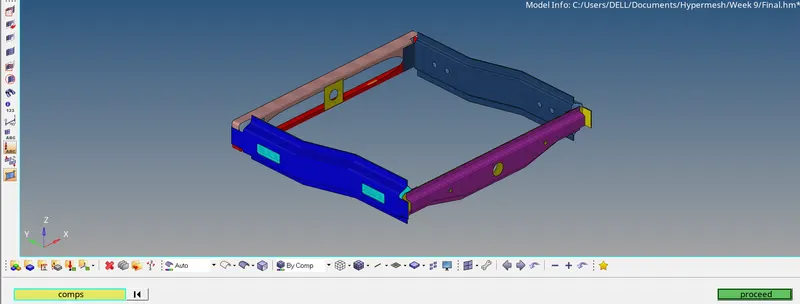
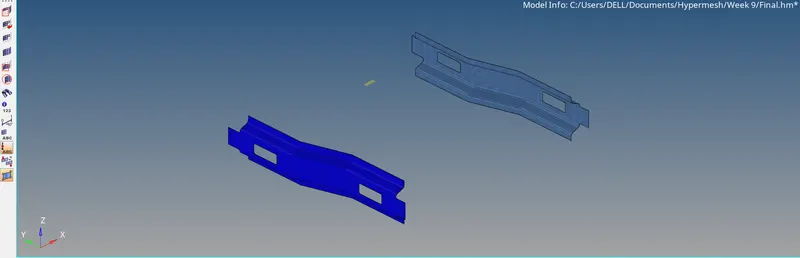
This process will show identical or same surface count components. For this surface counts for each component were saved to a file and compare with user-selected components.
- Create a selection of all components in a model.
- Get surface count for each component by using the command “hm_marklength”.
- By using “*createmarkpanel” command, the target component selected by the user.
- The surface count for the target component was calculated by command.
- Using “lsearch” command value of the target component check with other all components in a list.
- Matched components list was saved in a separated variable.
- This variable contains a position of the matched components in the list.
- Mask all components.
- For each variable, a component was identified and unmasked.
TCL command:
*createmarkpanel - User interface gets input a component from the user.
Lappend - Add values in a list with space.
Lsearch - Search for a given value in a list. And return matched values ID.
Hm_marklength - Get no of marked items in mark ID.
Sample images:
- Creating Connectors:
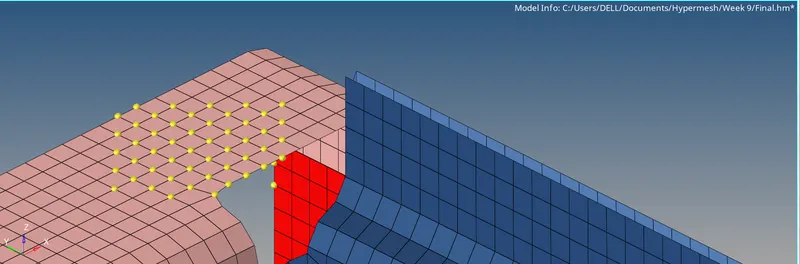
Connectors are 1D elements that made a connection between components in hypermesh model. Various connectors are available in Hypermesh which can be used for various applications. In this command, Weld and locator connectors are created between nodes.
- Initially, the component created on entity editor for weld and locators.
- Components assigned with different colors and names.
- Procedures are created for weld and locator.
- For weld, nodes are gotten as an input from the user by the command “*createmarkpanel”.
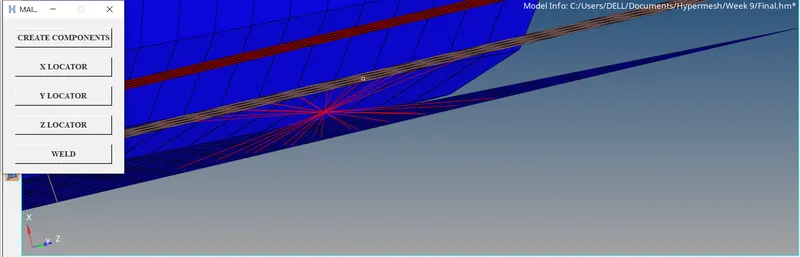
- Using the command “*rigidlinkinodecalandcreate” weld connections are made.
- An “if” condition was used to determine which axis the locator should be made.
- For each axis, different DOF will be selected in if condition.
- Node for source and target get as input from panel command.
- For locators, “*rigid” was used to create locators.
TCL Command:
*rigid - Create locators between selected nodes.
*createmarkpanel - Create a panel that can be used to select an entity.
Hm_getmark - Get marked entity’s ID.
Sample Images:
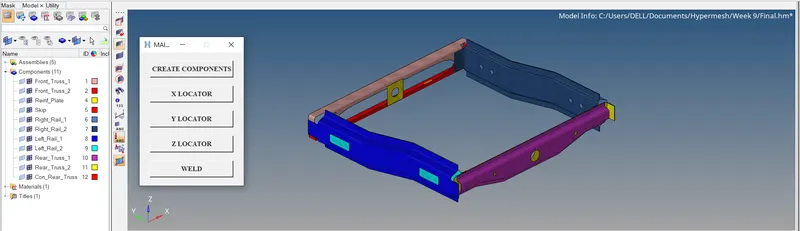
:
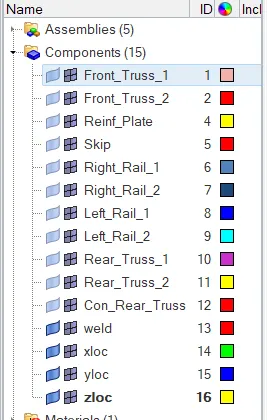
LOCATORS:
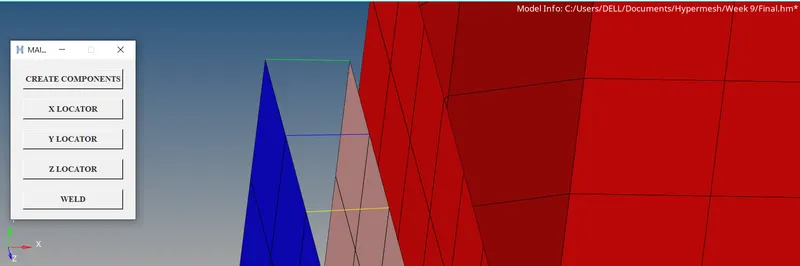
WELD:
File Parse:
In this process, an external file has been read data of node coordinates. Using this co-ordinates value temp nodes have been created in the model.
- The input file has been selected from the user on the file manager panel which opens by the command “tk_getOpenFile”.
- For the selected file, the File ID was created.
- Using this file ID, each line on the file was read.
- For co-ordinate values, temp nodes have been created by the command “*createentity node”.
TCL Command:
Open “Filename.extension” r - Opens a file and read lines.
Eof - End of file.
Lindex - Selects a particular value in a list.
*createentity - Create entities.
Sample Images:
WIDGET:
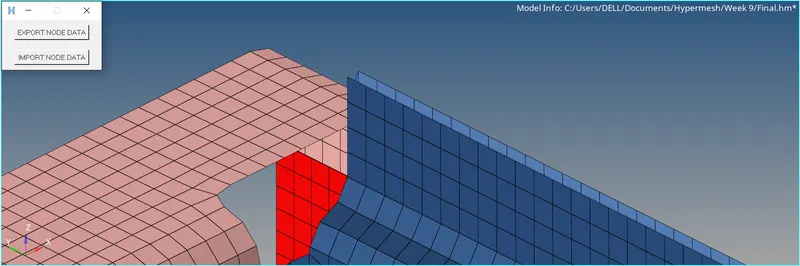
FILE SELECTOR:
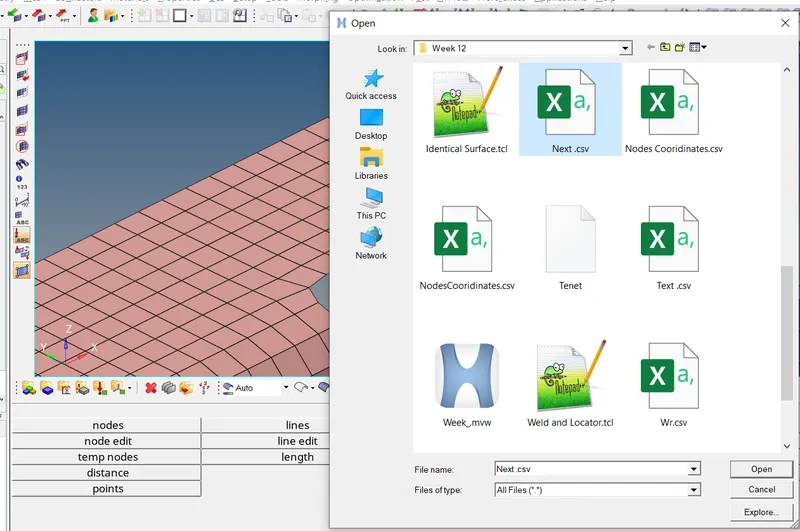
TEMP NODES FOR VALUES ON DOCUMENT:
RESULT:
Final TCL commands are assigned to different keys on the keyboard. This command is checked for a component and results are verified.