Week- 5 - Solid meshing
SOLID TETRA MESH
OBJECTIVE:
To create a tetra 3D mesh for a given mirror holder with satisfying quality criteria.
INTRODUCTION:
Solid meshing is classified into 2 types Hexahedral and Tetrahedral. Hexa mesh contains solid box-type elements which have the perfect shape. So that it named as structural mesh. Where else tetra mesh was 3 triangular mesh which shapes according to geometry and it named as un-structural mesh. Hexa meshing needs more time comparing to tetra meshing as well as analysis time.
PROCEDURE:
Import geometry and Geometry cleanup:
- Geometry imported on Ansa and created links to surfaces by using option TOPO.
- While trying to split faces it found that 2 surfaces shared cons and create it as a triple con.
- Those cons are released from surfaces and made connection properly using option
- The model then segregated and split into 4 variants:
- Bottom holder.
- Universal rotating ball.
- Mirror holder.
- Mirror.
- These surfaces split and saved as different lock views.
- Then all surfaces checked for geometry check and find it clears all quality parameters.
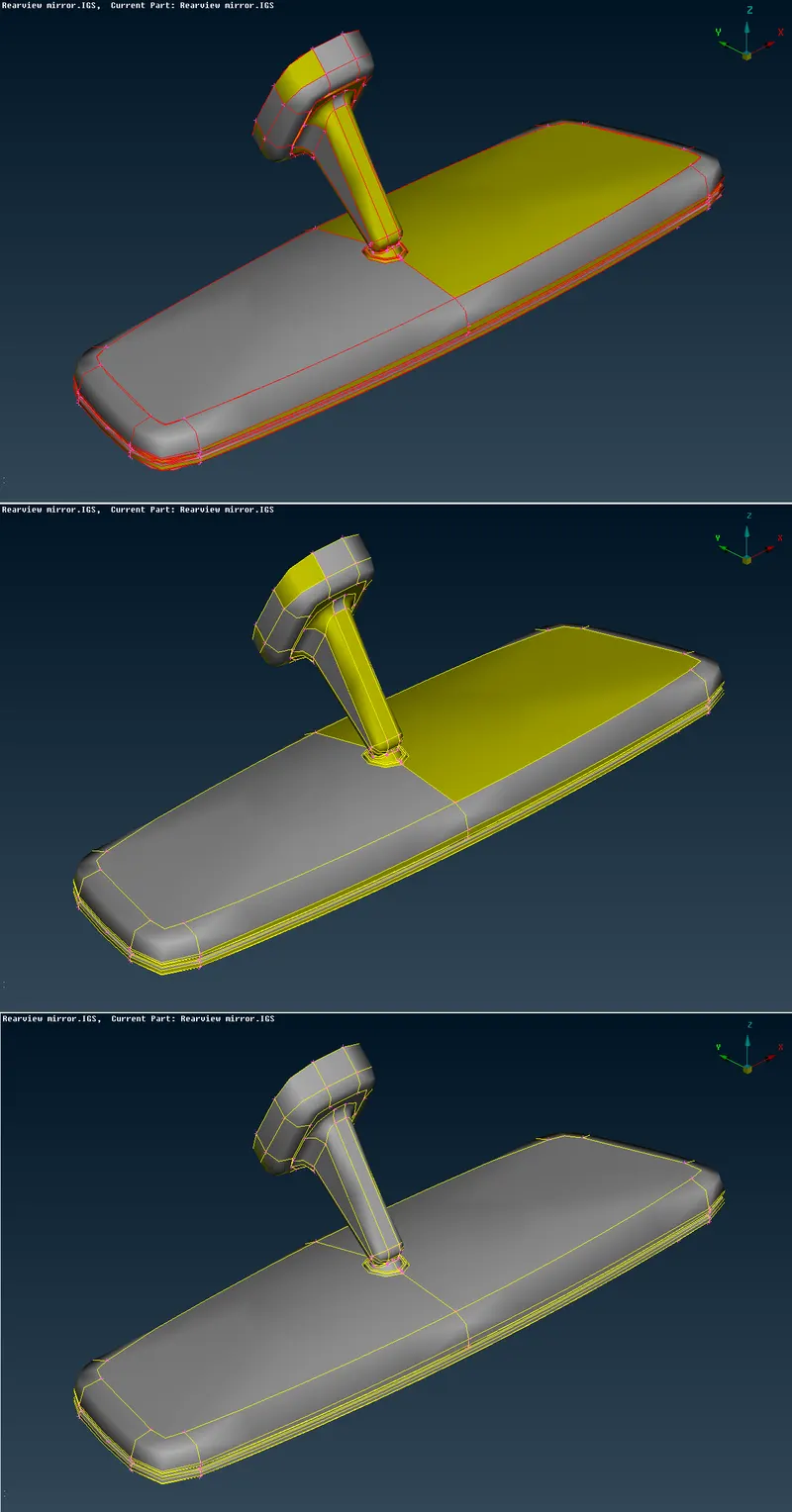
Pic 1: Topology clean-up
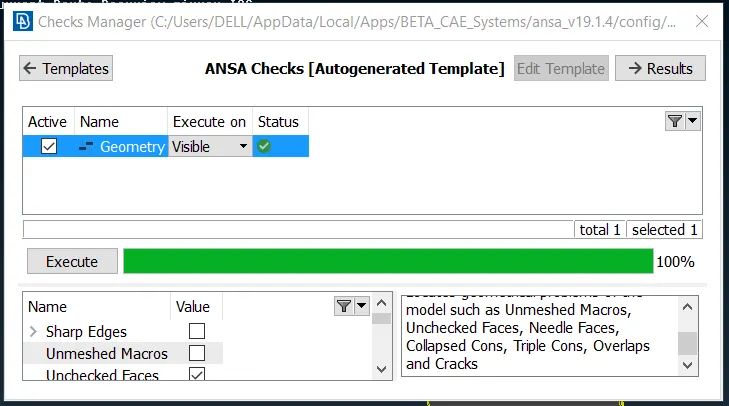
Pic:2 Geometry check
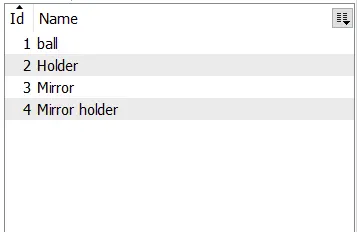
Pic:3 Lock views
2D tria mesh:
- Before meshing started it has to be created hot points in equal distances. For that purpose, the option Perimeter > Length option is used.
- Then the short length of the model was identified and made a model modification.
- In the mesh parameter, the minimum and maximum sizes of the elements are entered.
- Mesh quality values entered.
- Using SPOT MESH each and every surface meshes with tria elements.
- Curved area meshes with ORTHO TRIAS and flat areas are meshed with
- Mesh re-constructed if required.
- Quality for a mesh, like minimum and maximum length is checked and corrected if failed.
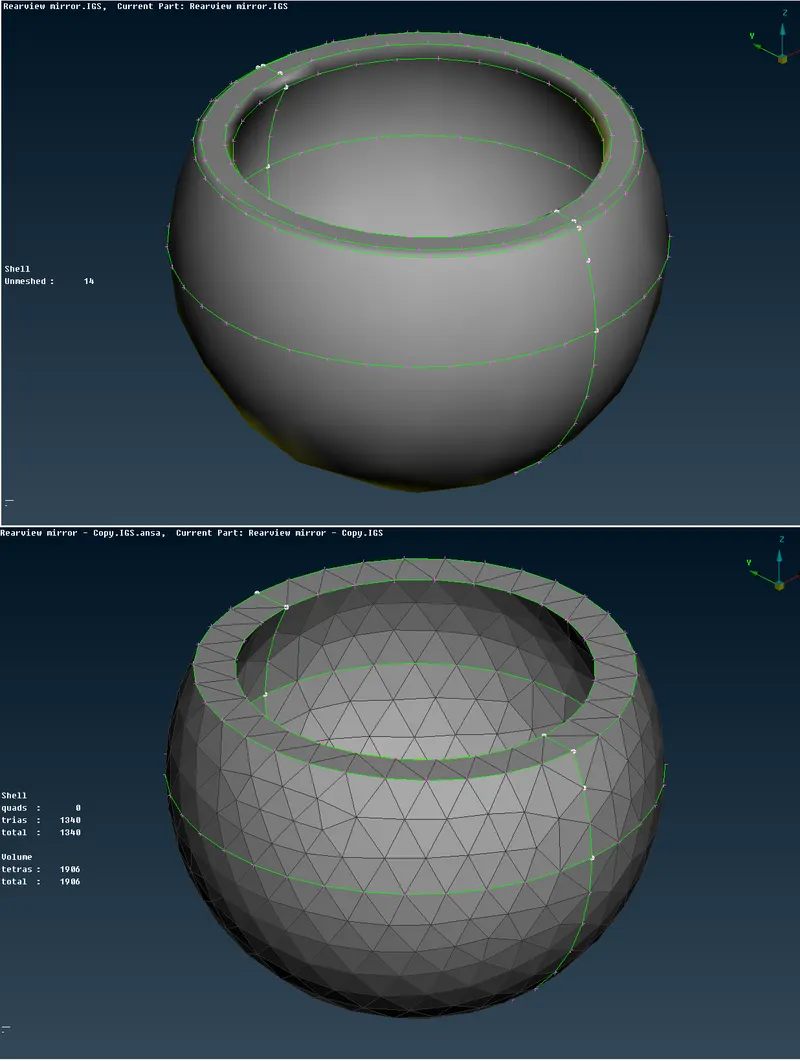
Pic:4 Tria mesh
3D Tetra mesh:
- 2D meshed surfaces are checked for geometry and connectivity for its mesh.
- After that closed surfaces are defined for volume and created a solid property for it.
- This was done by option Volumes > Define.
- Then the model re-meshed with Tetra rapid and Tetra FEM.
- The meshed model then inspected for collapse quality.
- If any elements fail for collapse then those meshes are re-constructed until its satisfies it quality values.
- Some exceptional cases which violate collapse values, those elements length are manually increased in order to make elements within tolerance.
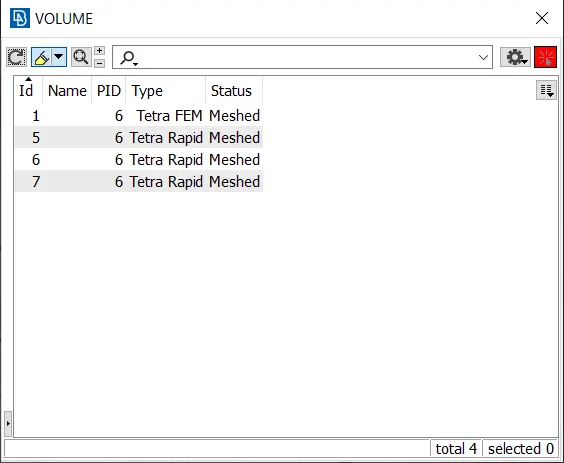
Pic:5 Volume list
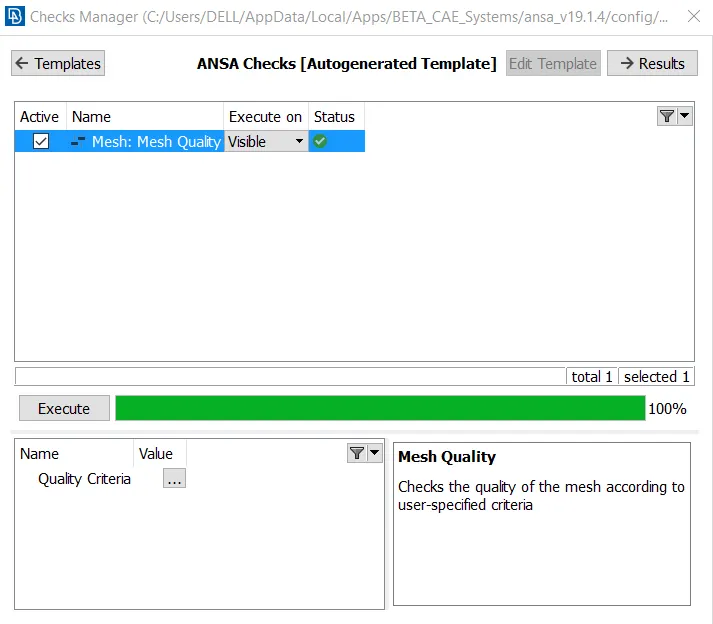
Pic:6 Quality check
RESULT:
Given mirror, the model has been meshed with 2D tria elements and created 3D tetrahedral elements within tolerances.
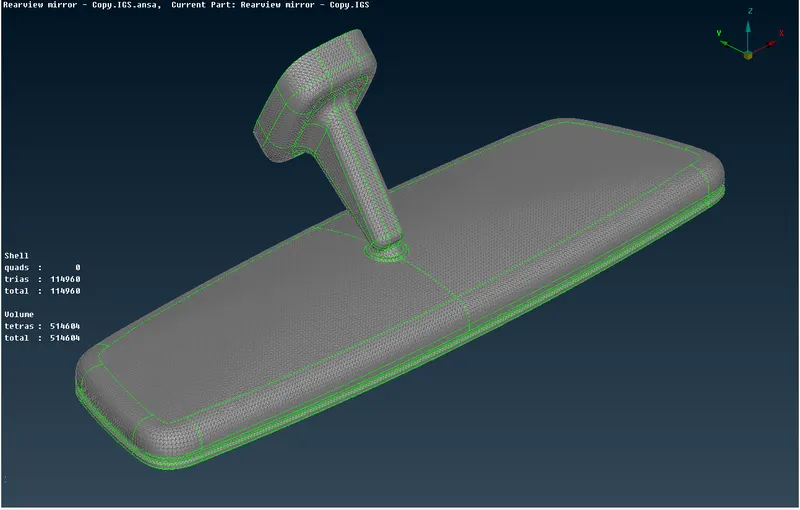
Pic:7 Result