Week 7- Meshing of Backdoor Challenge
CHALLENGE 7: MESHING OF BACKDOOR
AIM:
For the given model, extract the mid-surface and generate its mesh maintaining the required quality criteria.
CAD MODEL:
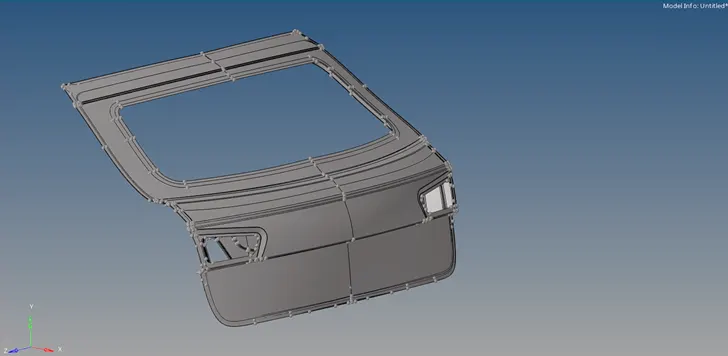
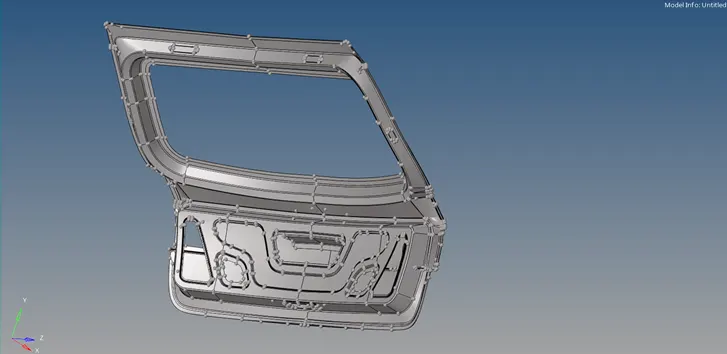
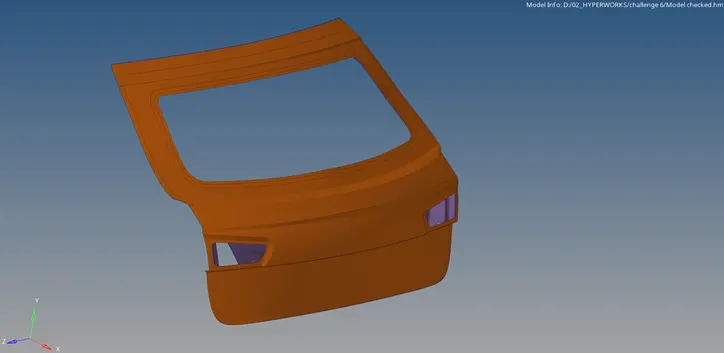
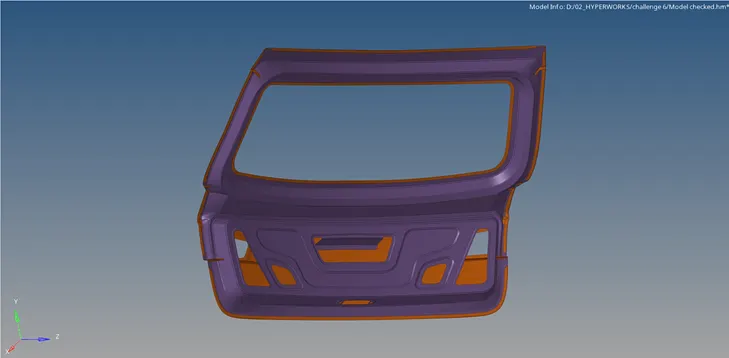
Different views of the model
PROCEDURE:
- Open the model and view in By Topo mode. Check the surfaces for geometric errors or edge connectivity .
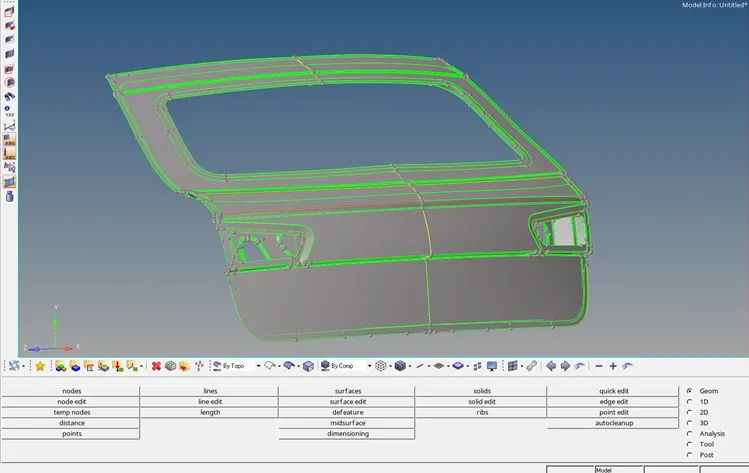
- Remove or delete the symmetric half of the mid-surface.
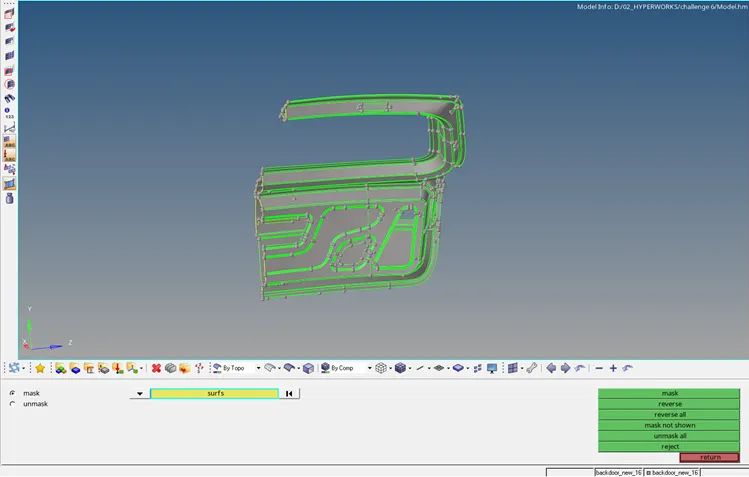
- Use Quick Edit panel to toggle the edges if required.
- Extract the mid-surface of the model using Auto-midsurface panel.
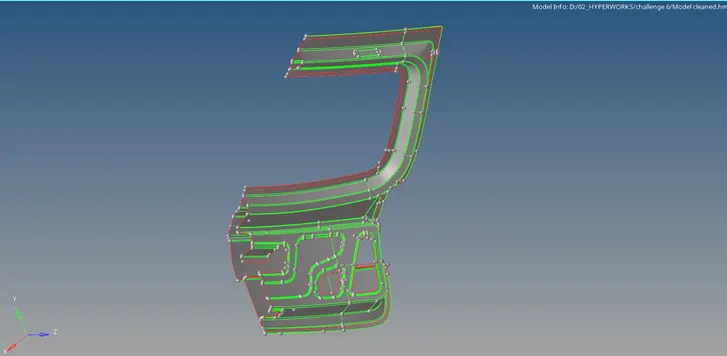
- Apply Autocleanup panel to clear any geomerical or surface edge errors. Set the required parameters in autocleanup settings.
- Holes, fillets and construction lines are cleaned by the software. Further requirements has to be done manually.
- Toggle/suppress the construction lines wherever required.
- Input the required values in the Criteria settings.
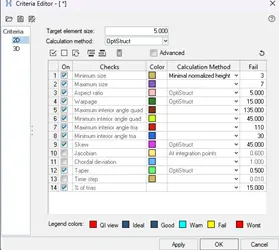
- Set the mesh parameters in the Mesh settings.

- Mesh the entire surfaces maintaining the quality criteria and mesh flow.
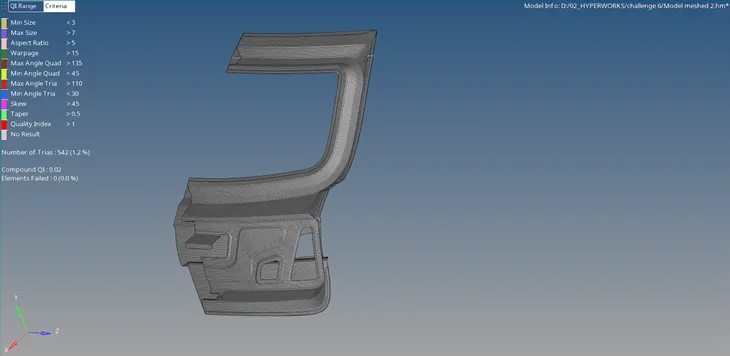
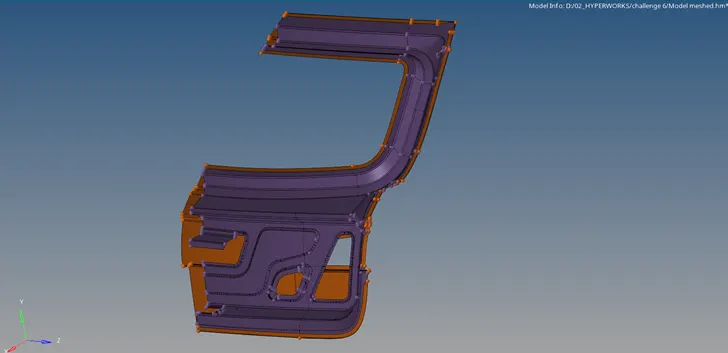
- Select the vectors to define a plane of symmetry and reflect the elements.
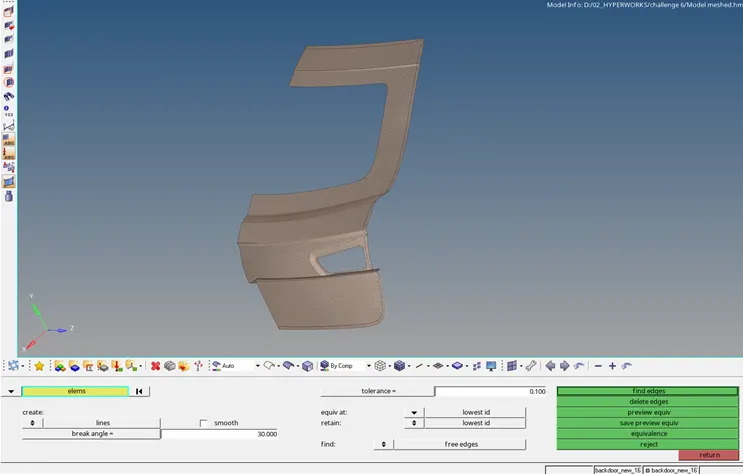
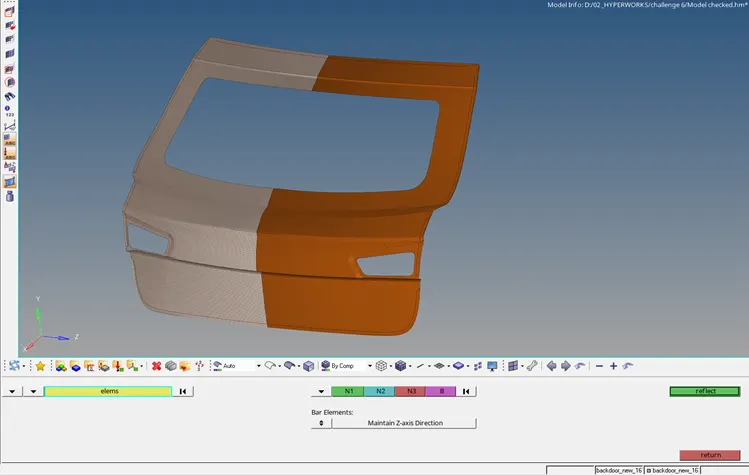
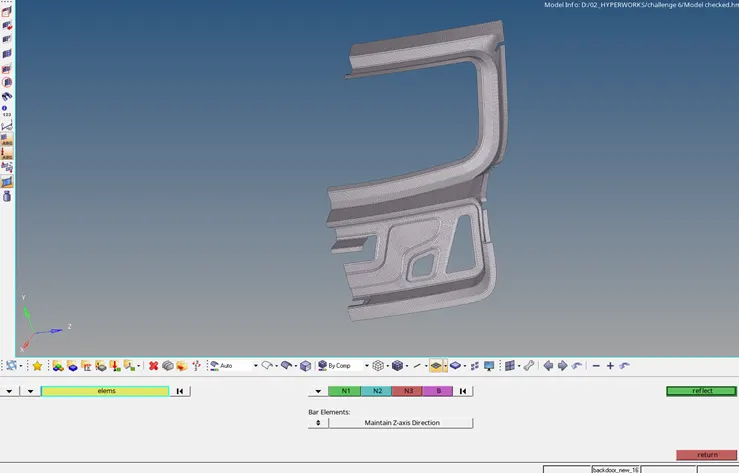
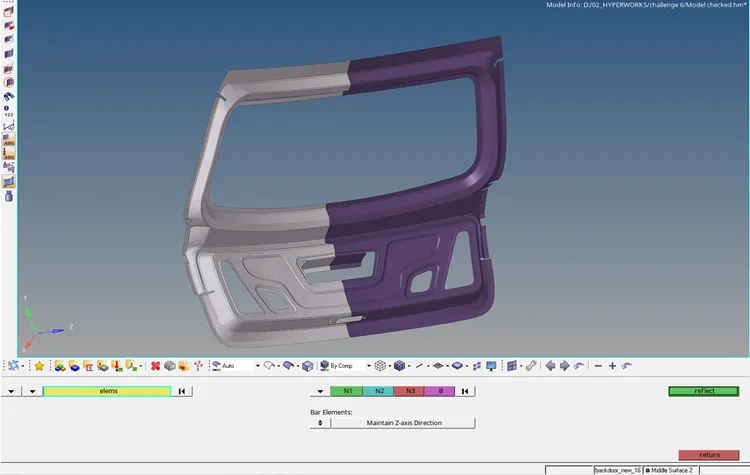
- Preview equivalence and apply to join the free edges of reflected portion.
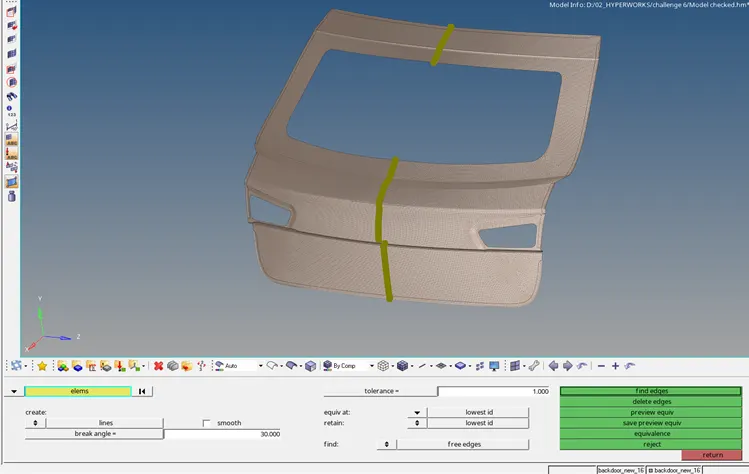
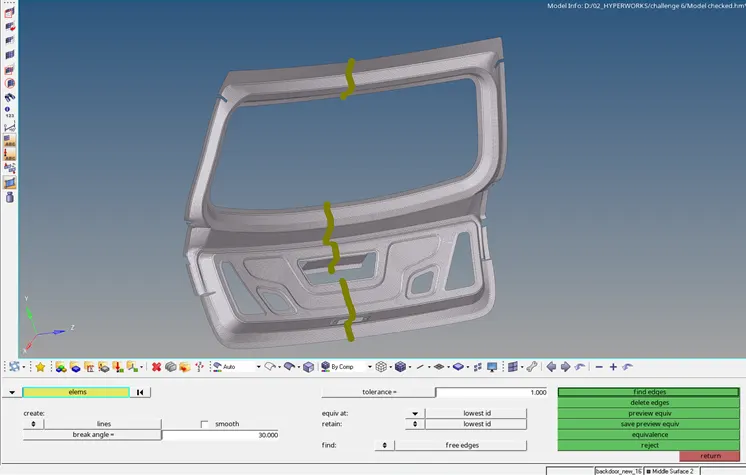
Final Model:
RESULT:
The given Backdoor model has been meshed by generating mid-surface and the quality criteria are satisfied.