Week 3 - 2D meshing for Sheet metal
CHALLENGE WEEK 3 : MESHING OF HOOD MODEL
OBJECTIVE:
To check the geometrical errors and mesh the mid-surface for the Hood model as per the given quality criteria.
CAD MODEL:
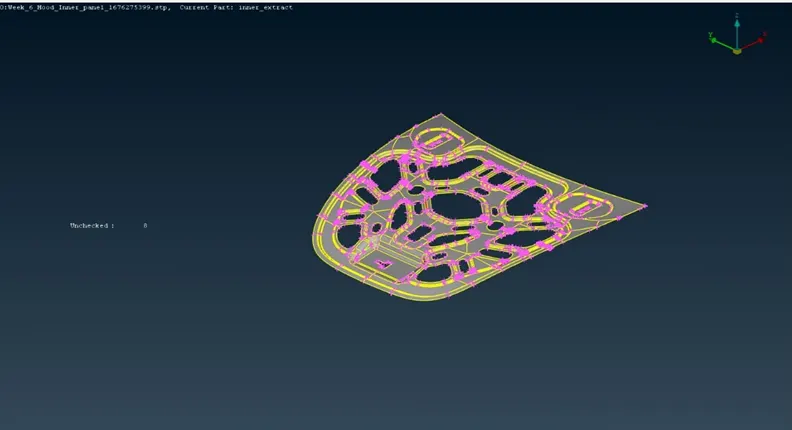
Model of Hood Inner Panel
PROCEDURE:
Importing CAD model:
- Open the geometry model. Use Topology option to clear the cons and check the model orientation using Entity Drawing Style in Menubar.
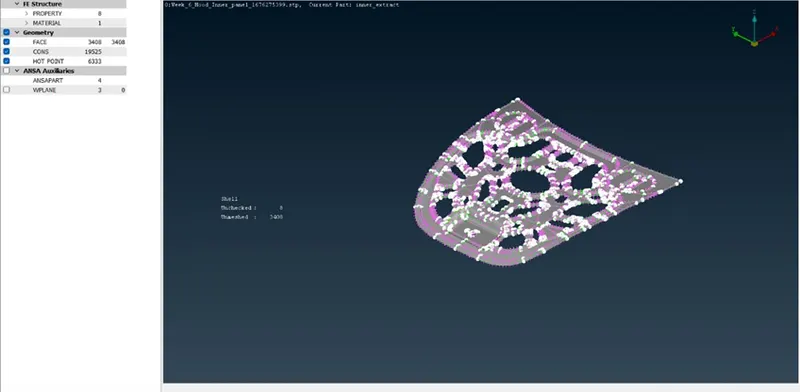
- Check and assign PID and Materials from Lists menu (if required).
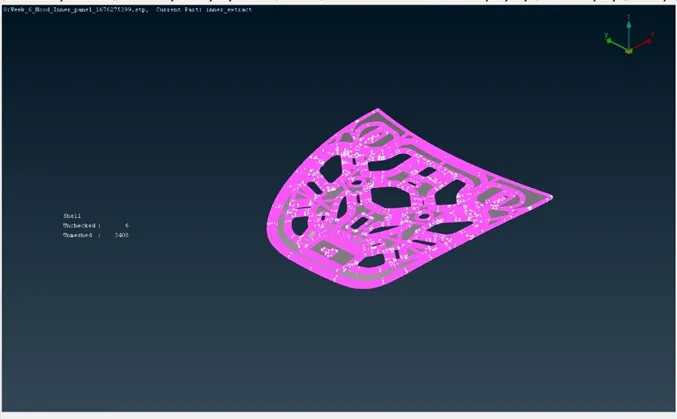
- Check the CAD model quality by assigning shell element length as value 1 using Length Parameter option in Mesh module.
Geometrical Clean-up:
- Check for geometrical errors using Checks Manager option. Execute the geometry after selecting the required options.
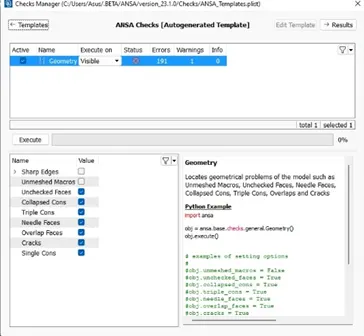
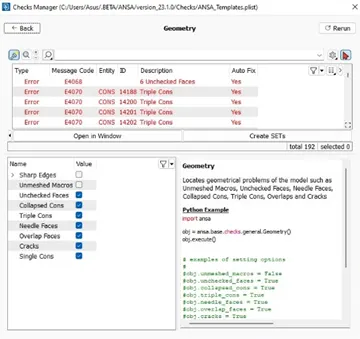
- Clear the errors using auto-fix option in Checks Manager from Tools menu.
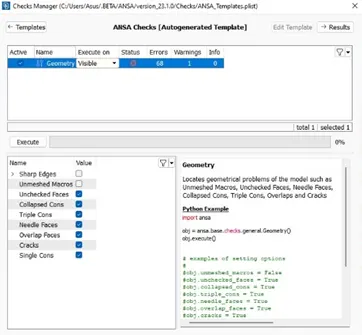
- If the errors still persist, then they have to be corrected manually using TOPO options.
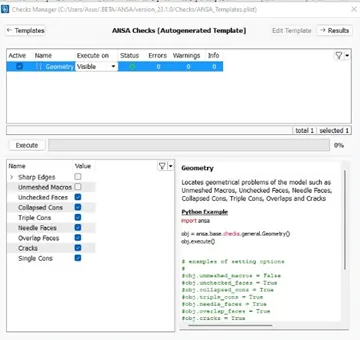
- Rerun the geometry check again for zero errors.
Creating Mid-surface:
- Check the model thickness at different spots using Measure option in Utilities menu.
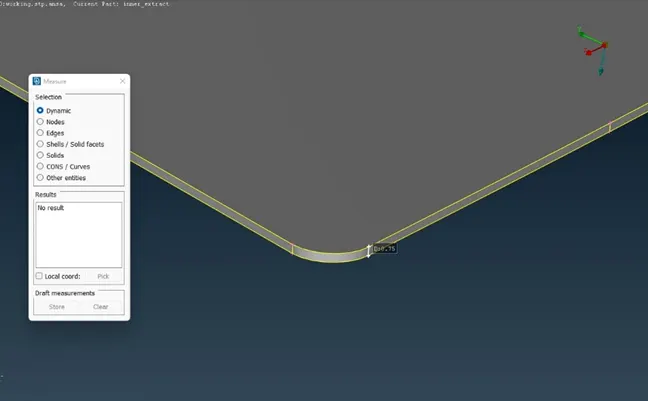
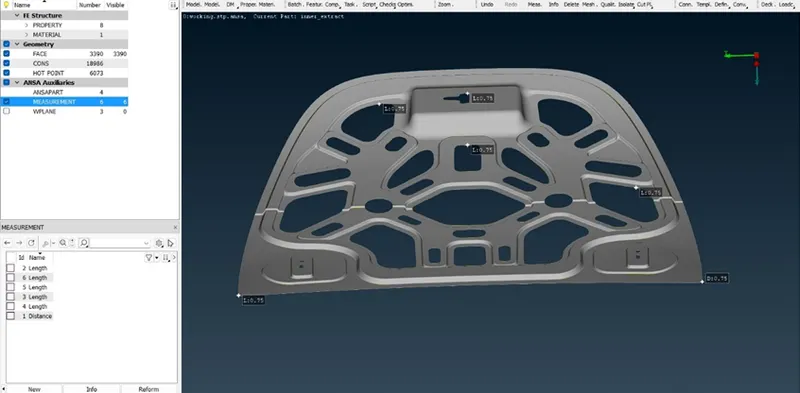
- Store the measurement data in Database if required.
- The given model can be recoginsed as a sheet metal due to uniform thickness throughout.
- Extraction of mid-surface of the model can be done using Offset option or Mid-Surface option from Topo menu.
- Here we will be proceeding with Mid-Surface (Skin) option for quick process.
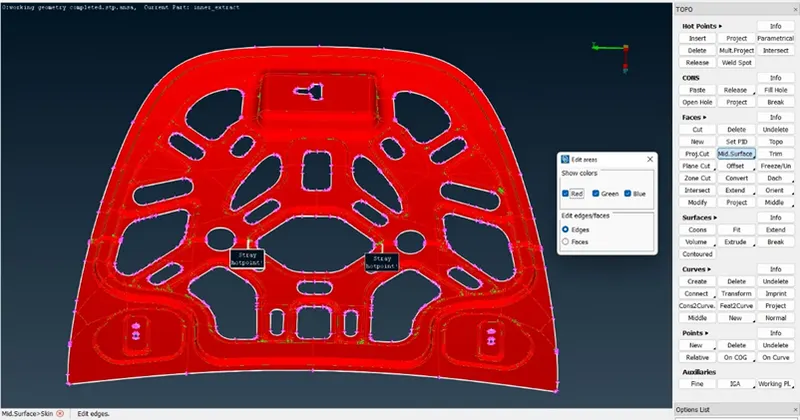 Note: The number of errors as shown above should be minimum in order to proceed with this method.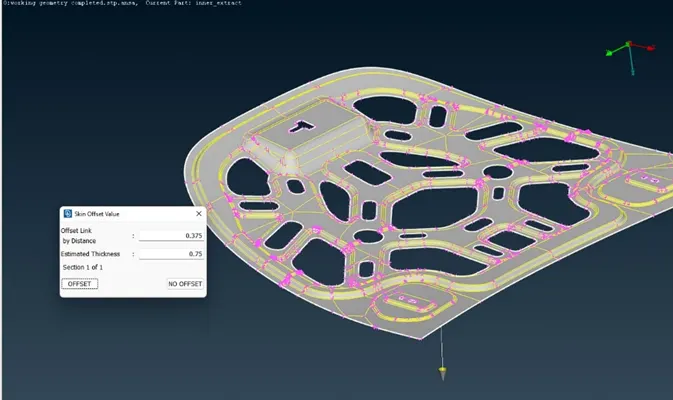
- Assign a new PID and thickness value for the created mid-surface.
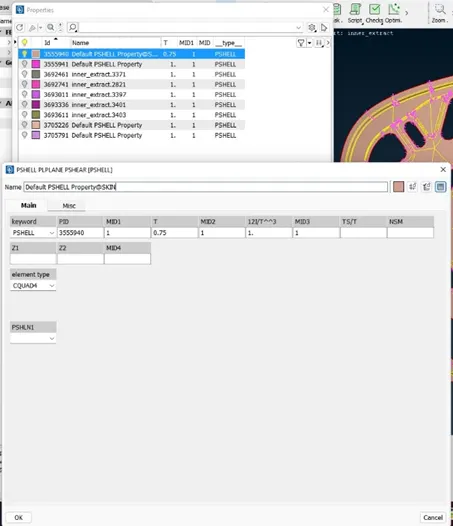
- Store Lock the mid-surface and parent model view separately.
Quality Criteria and Meshing:
- Change the Length Parameter to value 5 for both Perimeter and Macros.
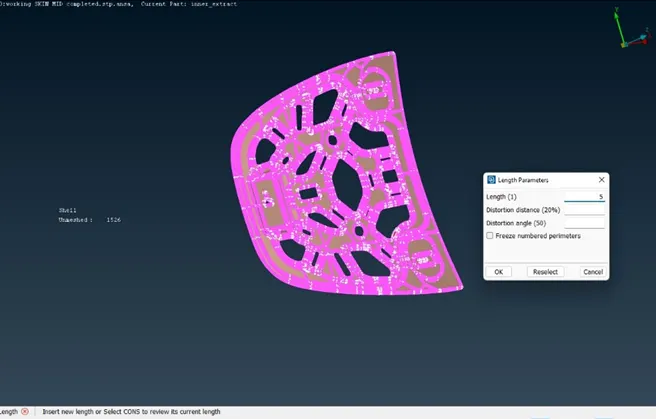
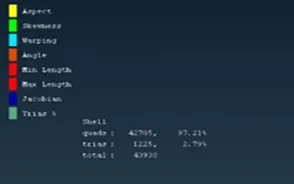
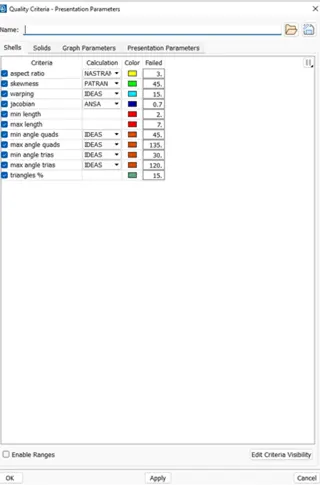
- Select and enter the values required in the Quality Criteria box from Utilities menu.
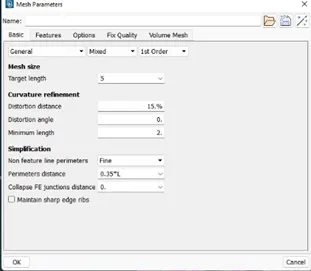
- Input the required mesh length and minimum length in Mesh Parameters from Utilities menu.
- Since it is observed to be a symmetrical model, meshing shall be completed for the half-section.
- Select Classical Mesh option from Mesh module.
- Mesh the features sequentially and use Shadow Drawing Style to view the mesh quality deviations.
- Correct the mesh flow and quality using Mesh options.
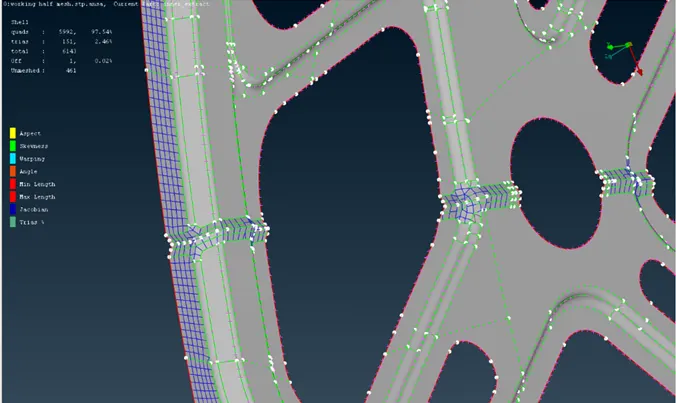
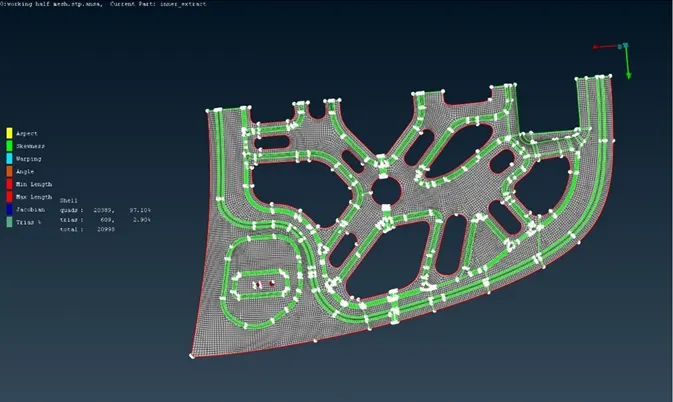
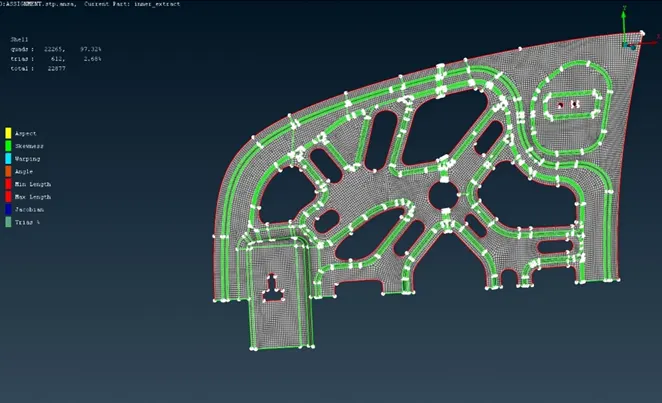
- Delete the unmeshed remaining half from the entity.
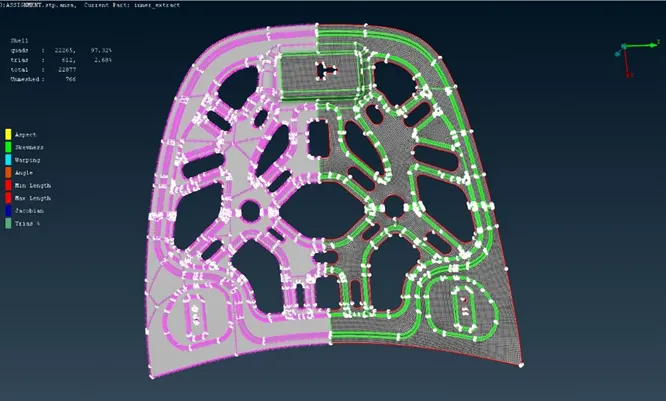
- Copy the meshed half using Transform option from Utilities menu. Select Symmetry option and assign the plane w.r.t which the mesh geometry has to be copied.
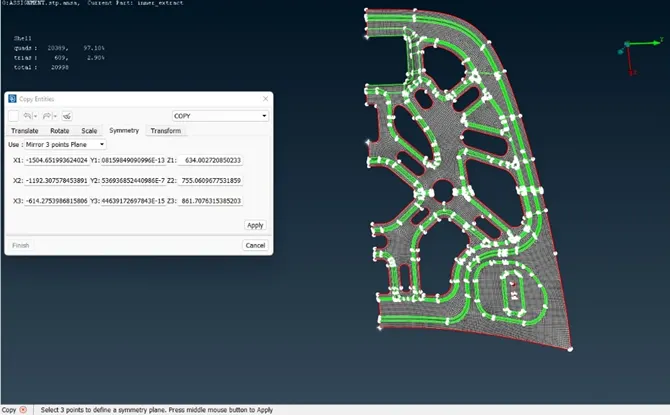
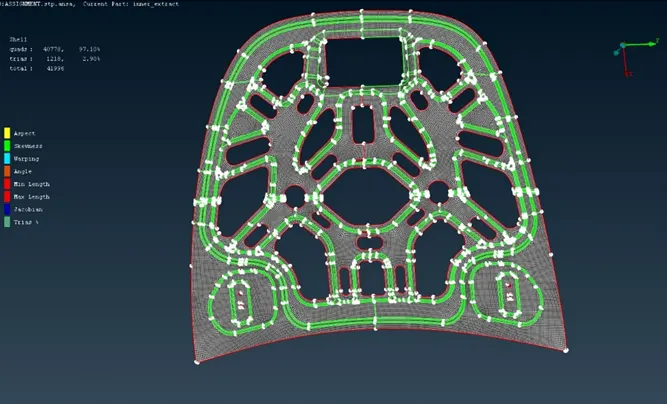
- Topology of the copied entities have to be done and check for unmeshed regions. Remesh has to be done if required.
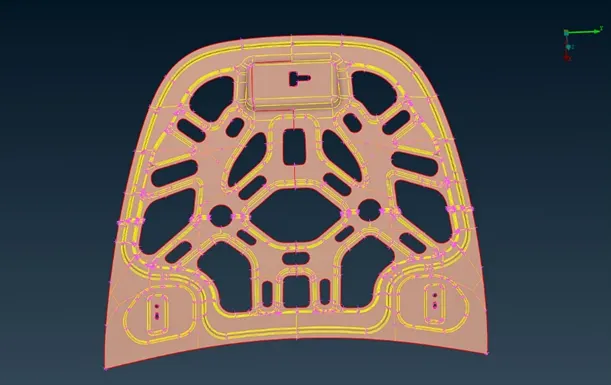
FINAL MODEL:
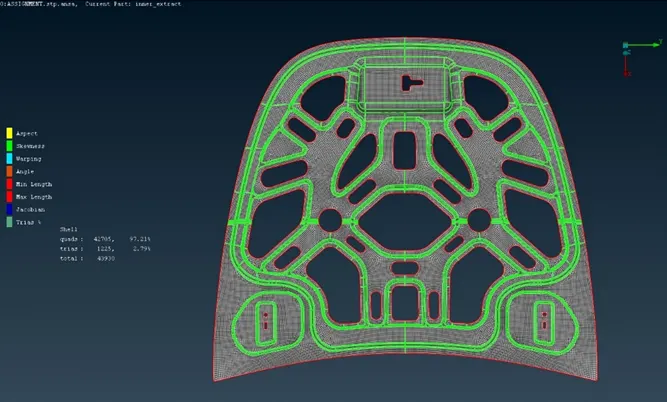
RESULTS:
The given Hood model has been completely meshed maintaining all the quality criteria.