Project 1-Meshing of Rear Wheel Holder challenge
PROJECT-1: MESHING OF REAR WHEEL HOLDER
AIM:
For the given model, extract the mid-surface and generate its mesh maintaining the required quality criteria.
CAD MODEL:
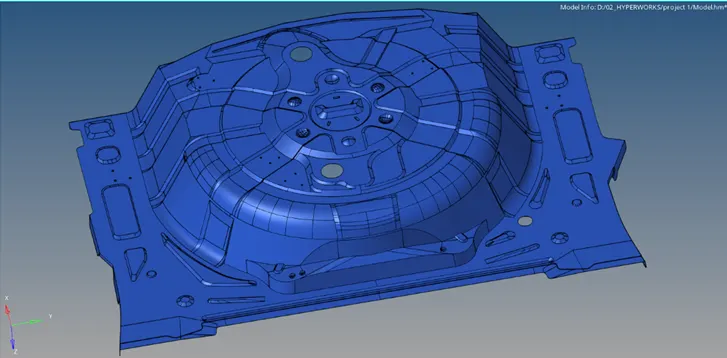
PROCEDURE:
- Open the model and view in By Topo mode. Check the surfaces for geometric errors or edge connectivity .
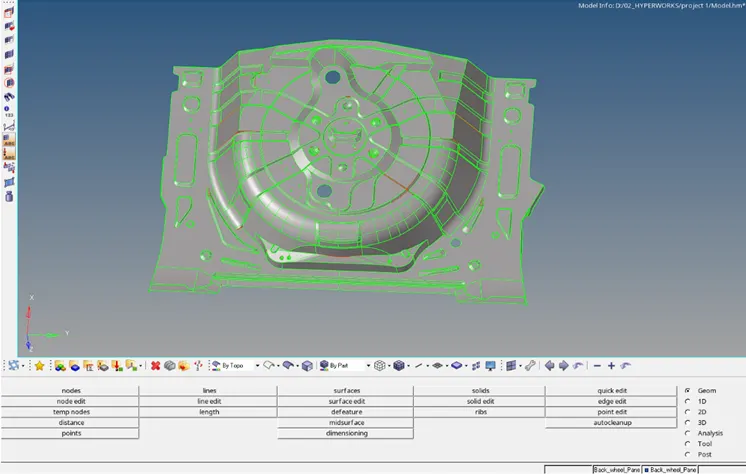
- Delete deformed surfaces from the geometry.
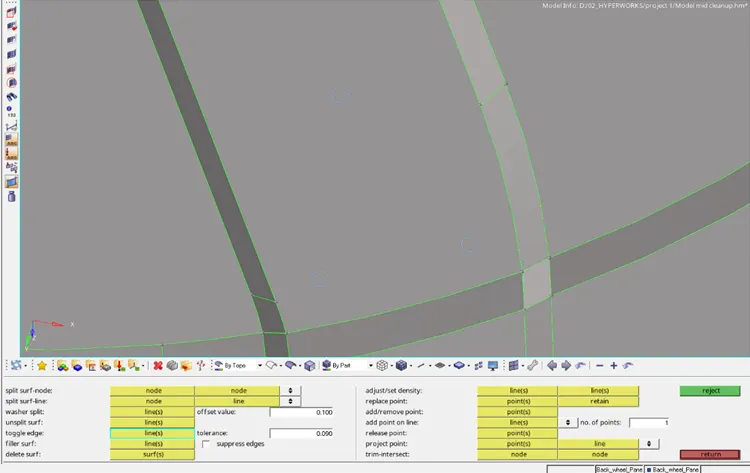
- Use Quick Edit panel to toggle the edges (release the attached edges).
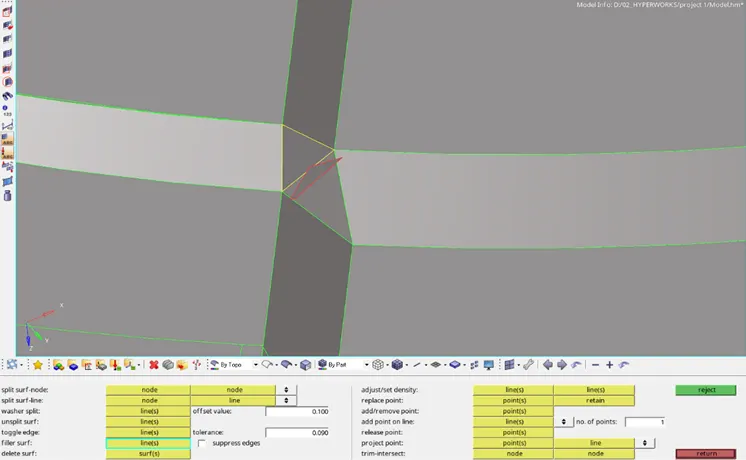
- Create new surfaces if required using Filler surf option feom Quick edit panel.
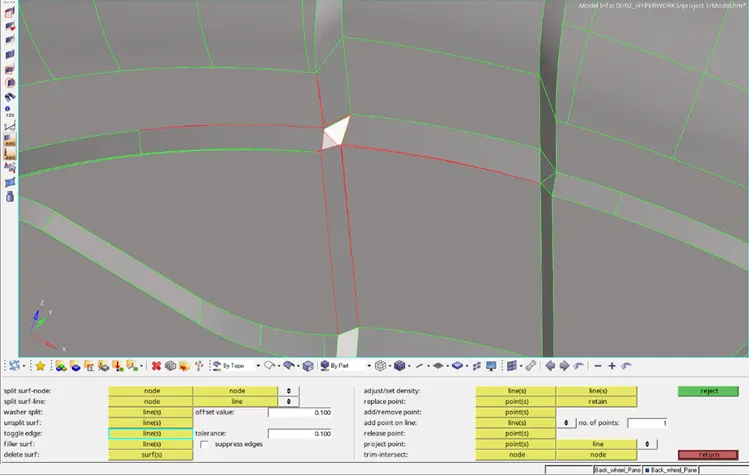
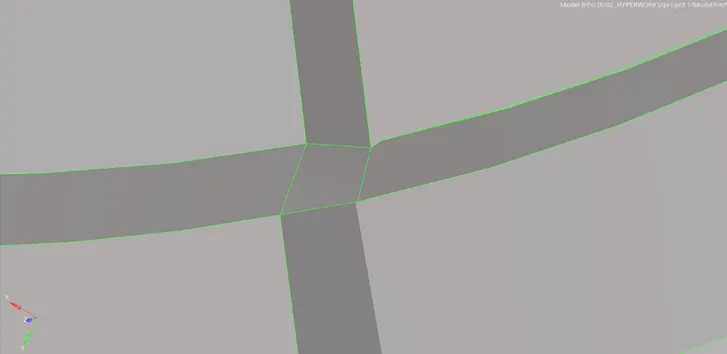
- View the geometry using Wireframe mode to check edges and Toggle them if required.
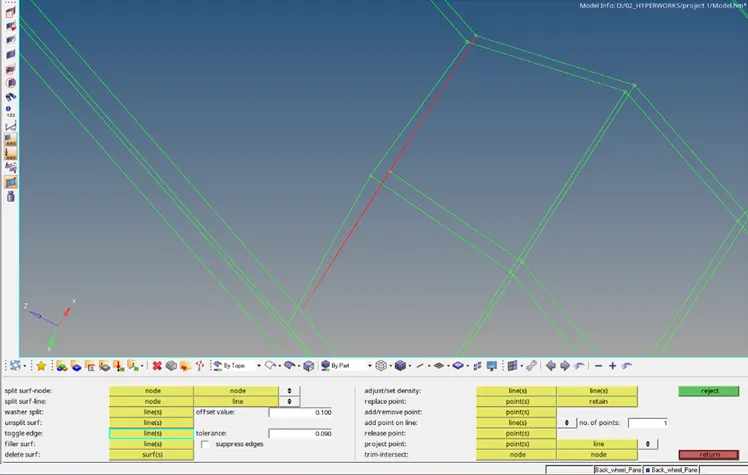
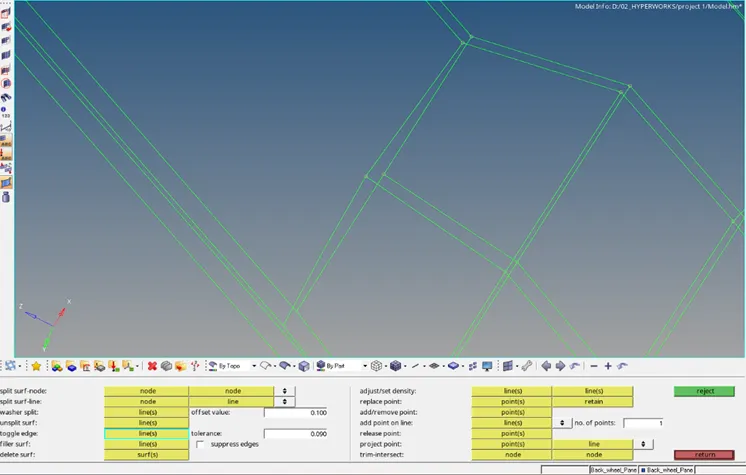
- Replace points to eliminate stray points and toggle the edges.
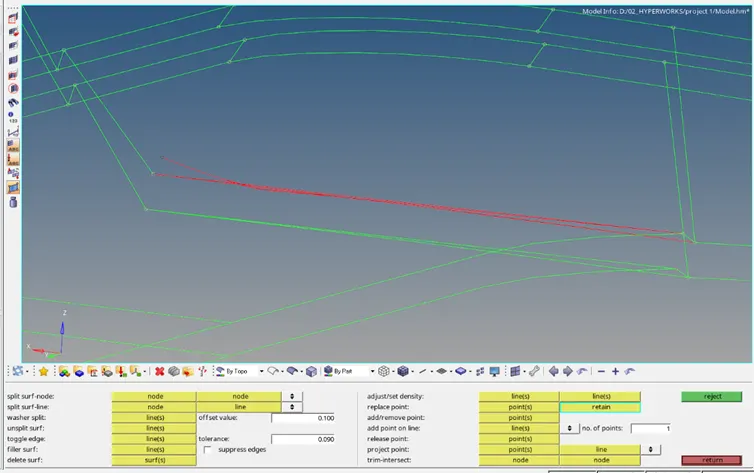
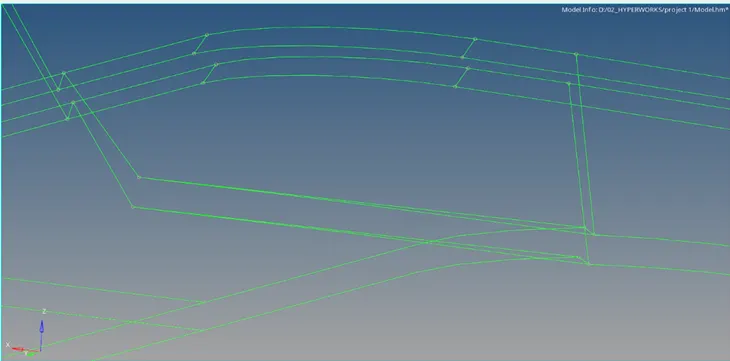
- Repeat the correction methods for other surfaces and edges.
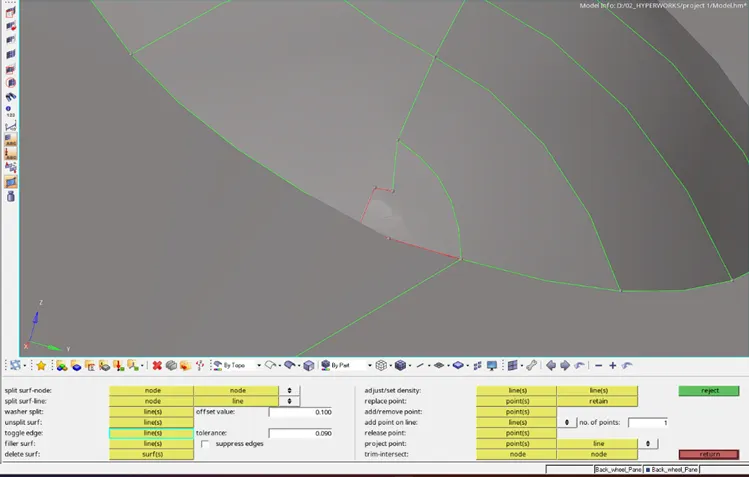
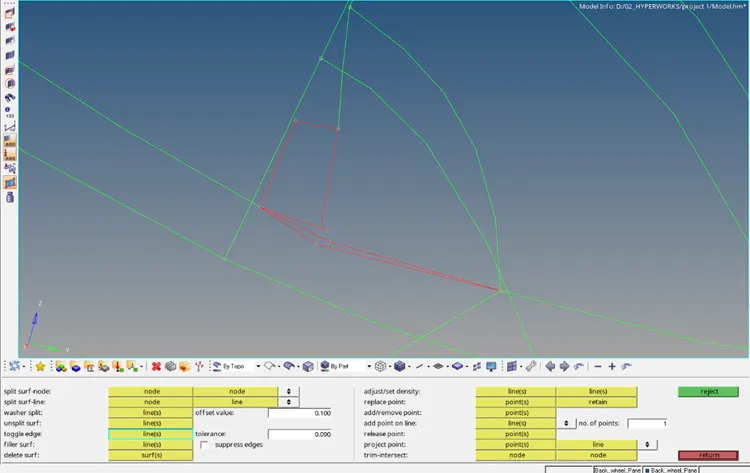
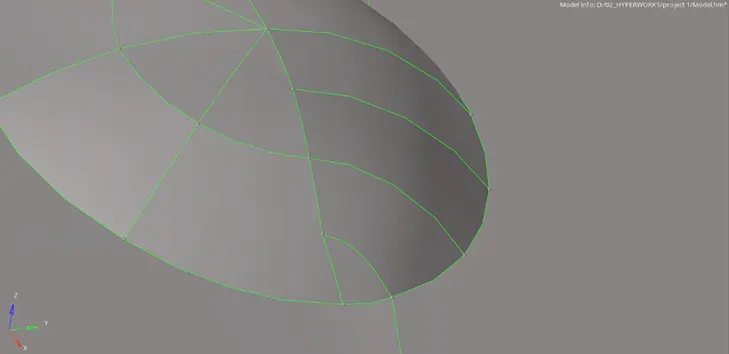
- Create new surfaces using Ruled option from Surface panel or Spline option from 2D menu if other methods does not provide satisfying results.
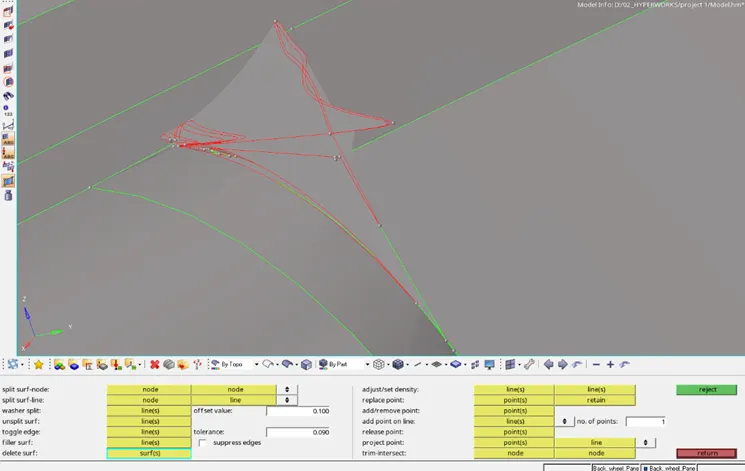
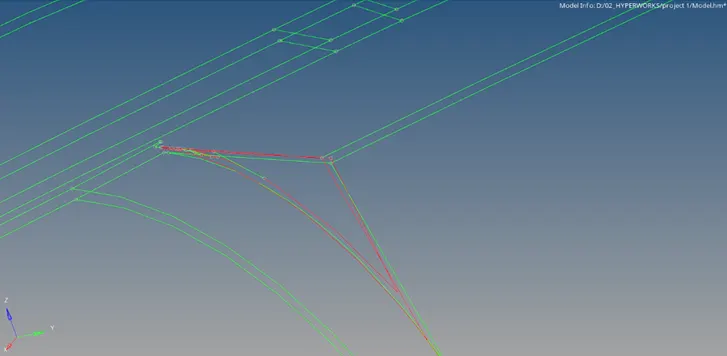
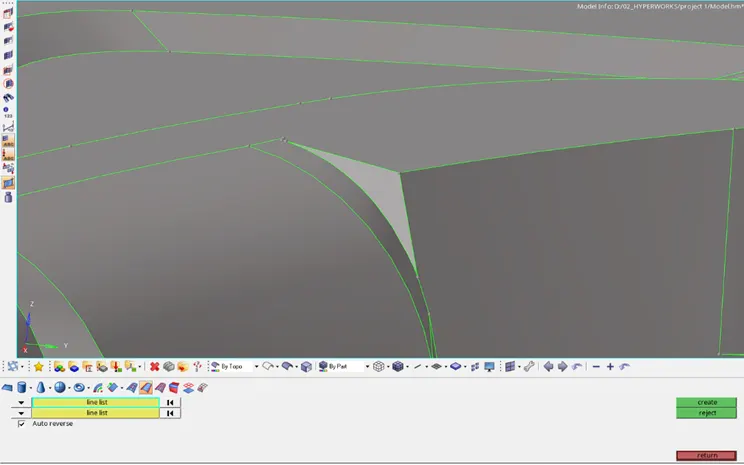
- Clear all geometrical errors or deformations inorder to get better result during mid-surface extraction.
- Select the Offset option from Extraction options.
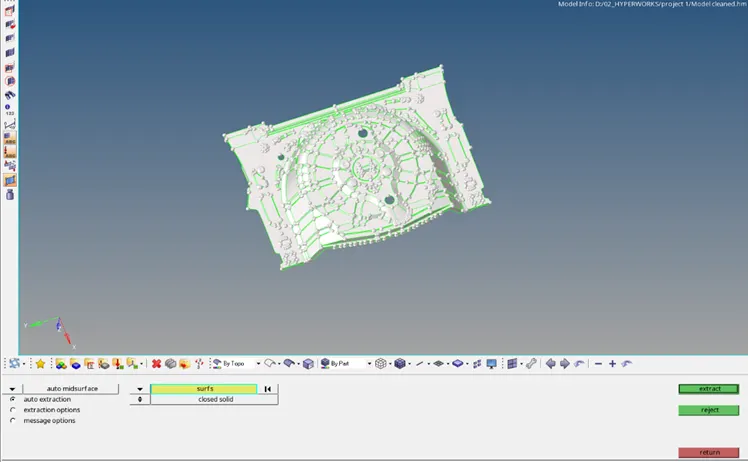
- Check and compare the obtained mid-surface and the model for surface features.
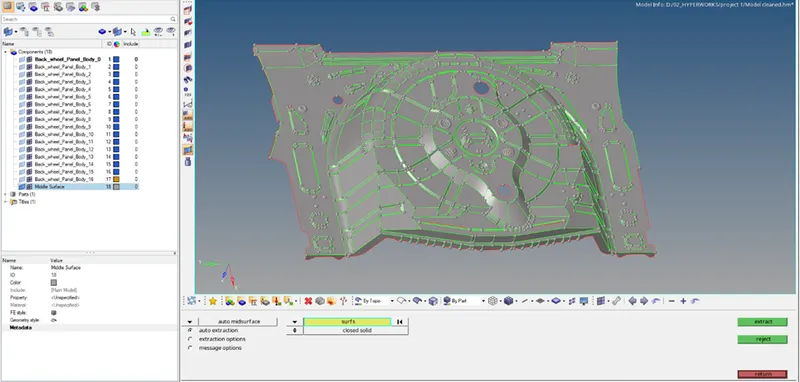
- Usually we use Autocleanup panel for clearing mid-surface errors but due to the geometric complexity, the software crashes.
- Manual method is used to correct the surfaces.
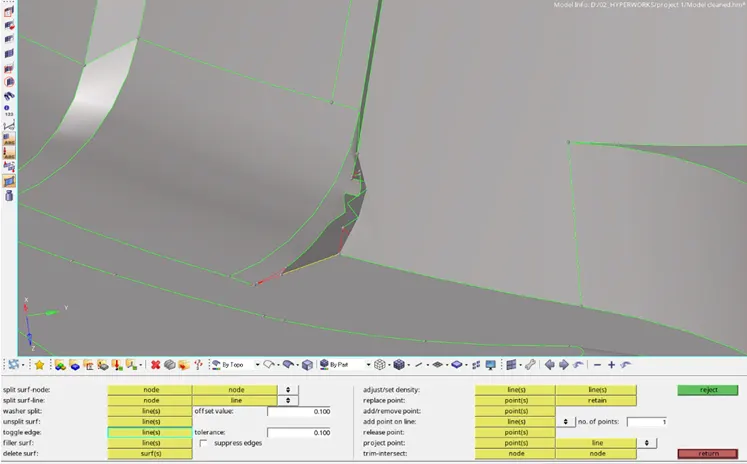
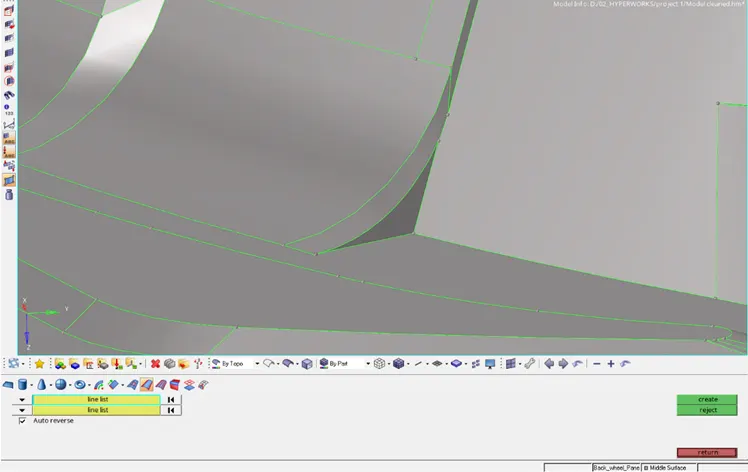
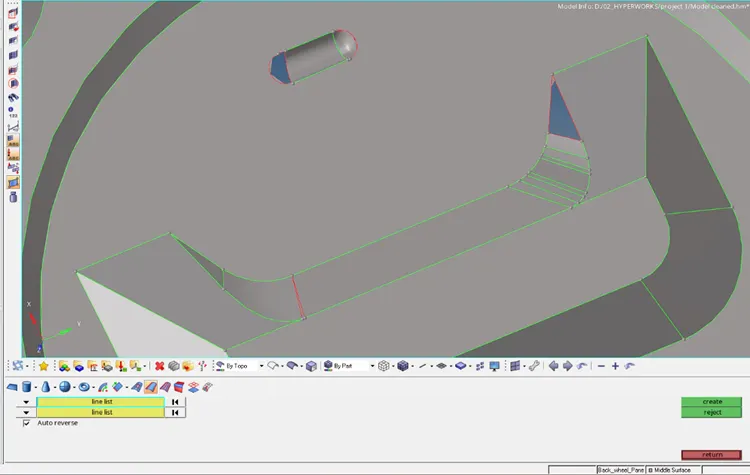
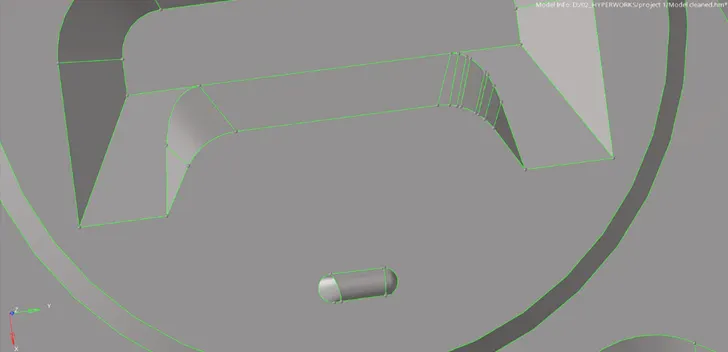
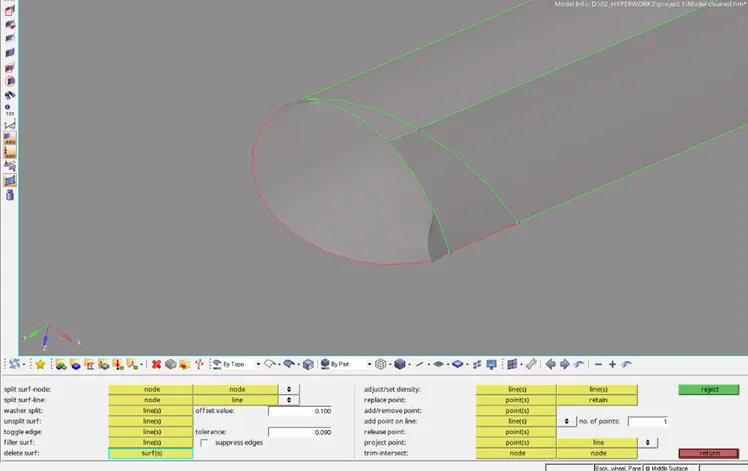
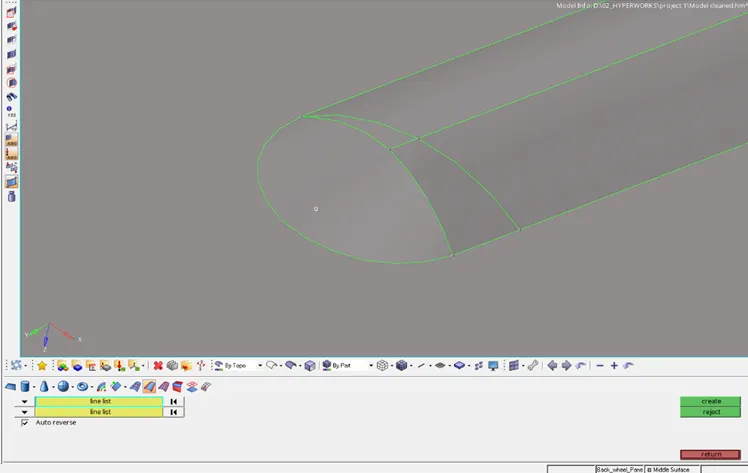
- Certain features are removed inorder to avoid its interference with quality criteria and mesh flow.
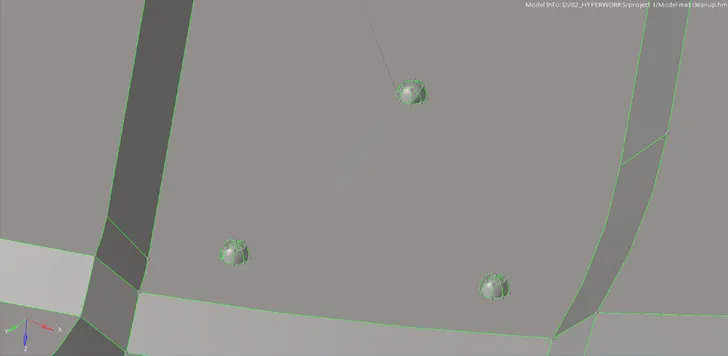
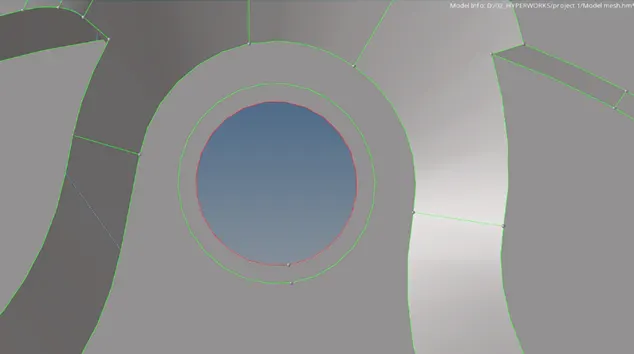
- Apply washer around holes to control the mesh flow.
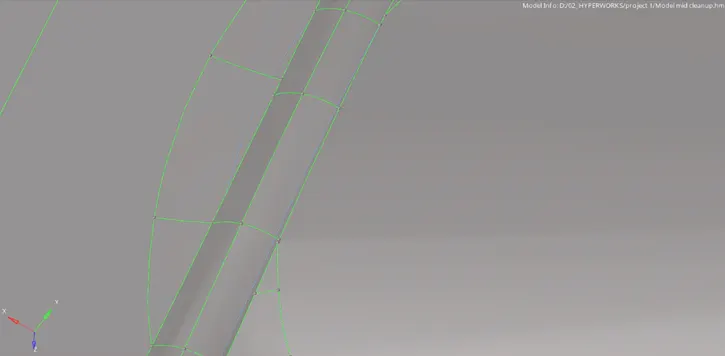
- Toggle the lines to suppress (green lines to dotted blue lines) unnecessary construction lines or the feature lines that might affect the quality criteria of the mesh.
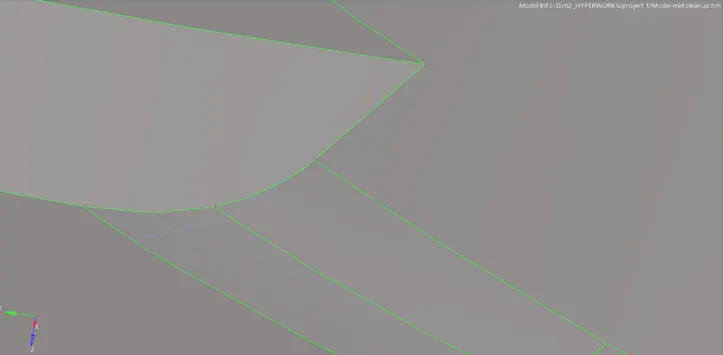
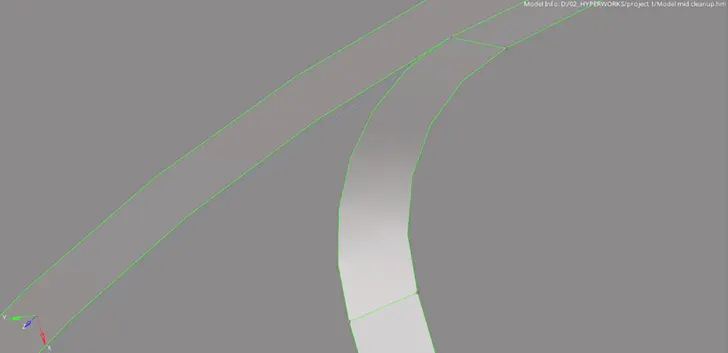
- Use Trim option from Surface edit panel to capture the bead line for features as shown below.
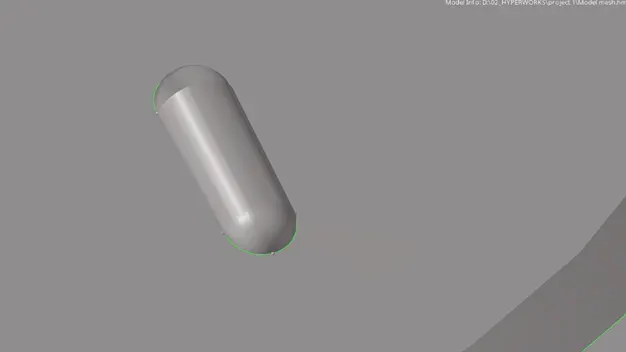
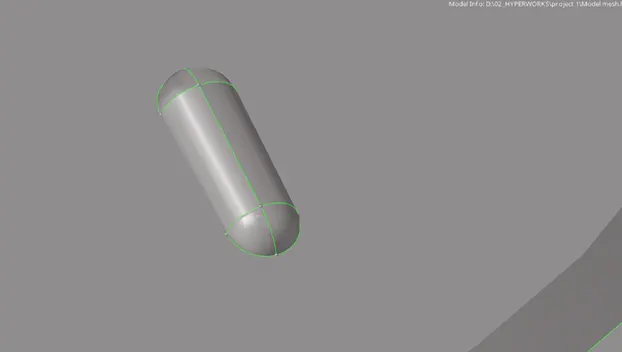
- Input the required values in the Criteria file settings.
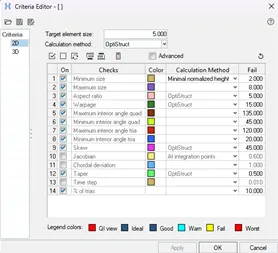
- Set the mesh parameters in the Mesh settings.

- Mesh the entire surfaces maintaining the quality criteria and mesh flow.
- Defeaturing of geometry is necessary to maintain the mesh quality.
- Check for free edges and normals of the elements after meshing.
Final Model:
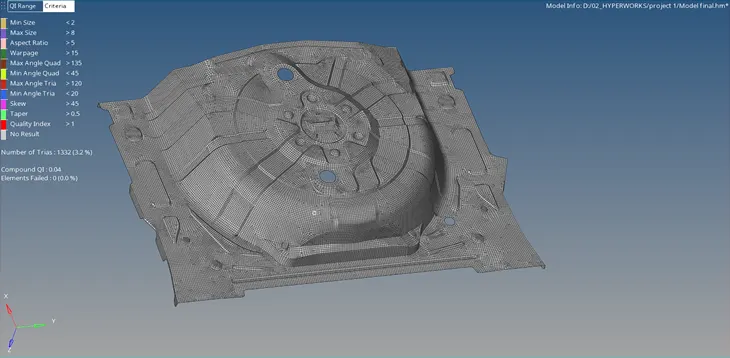
RESULT:
The given Rear wheel holder model has been meshed by generating mid-surface and the quality criteria is satisfied.