Assignment 6-Frontal Crash Simulation Challenge
AIM:
To perform Frontal Crash simulation for the given BIW structure using Radioss and HyperCrash.
CAR MODEL:
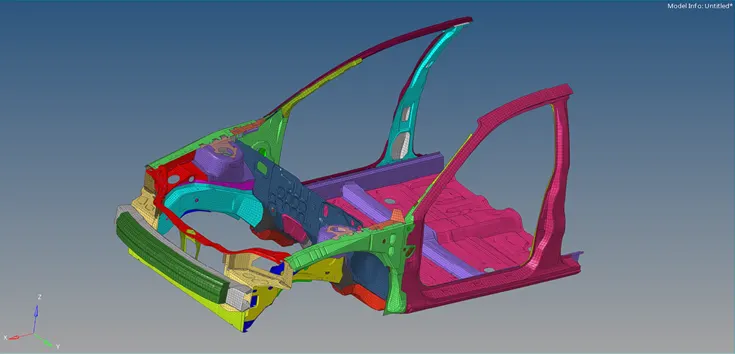
PROCEDURE:
- Import the starter file into the Radioss profile.
-
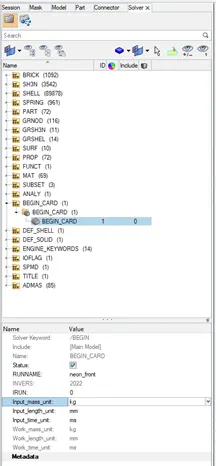
Check unit system in the BEGIN_CARD in the Solver tab. With reference to this unit system all input values are given throughout the procedure.
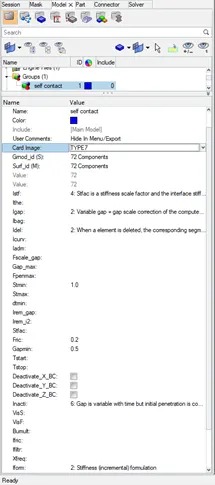
- Create Type7 interface along with recommended parameters (friction=0.2) and select the components in the model.
- Export the model as rad file from Hypermesh.
- Open new HyperCrash window (kN mm ms kg) and import the rad file.
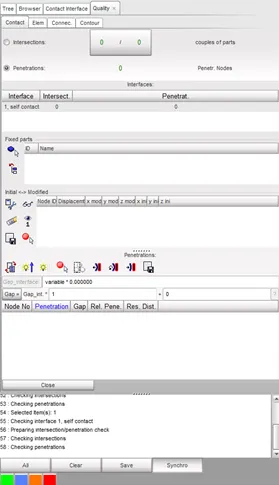
- Review and check the Interface contacts.
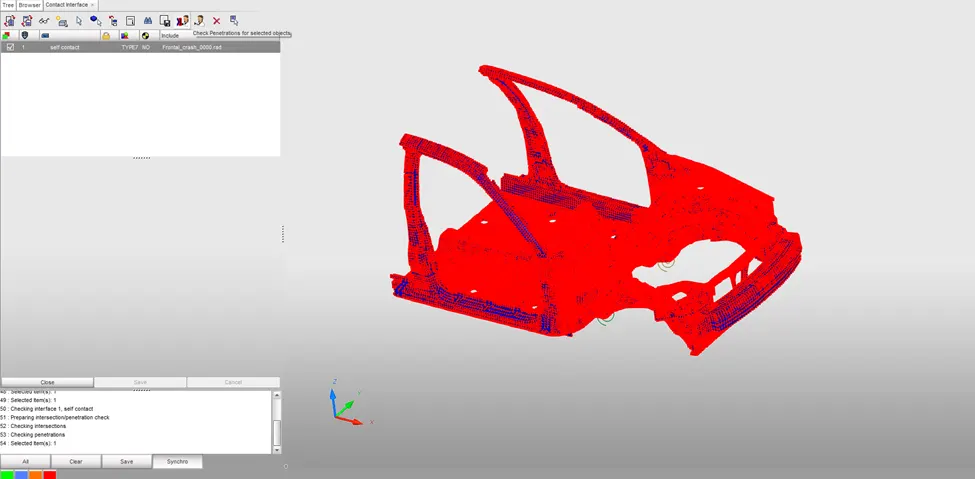
- Select penetration check option from the tab menubar.
- Ensure zero penetration error for the model.
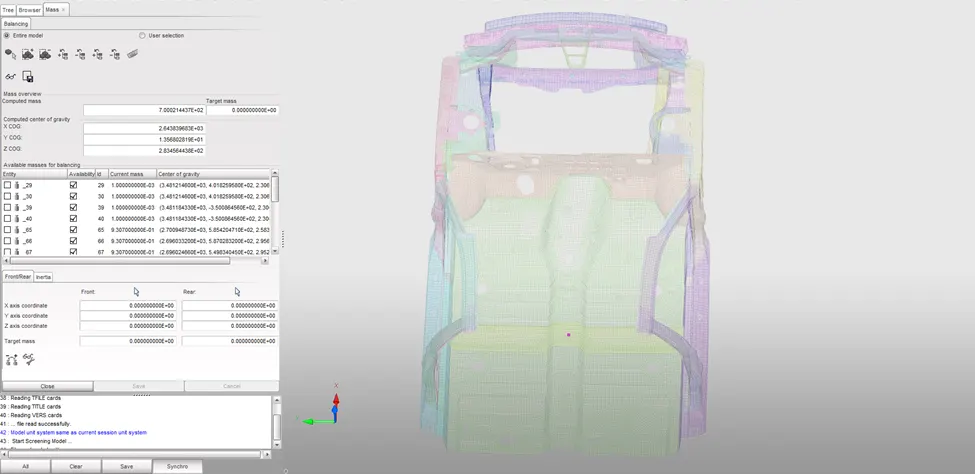
- Select and open the Mass(Balancing) option from menubar.
- Check the mass, which is 188 kg and the COG is highlighted in the model.
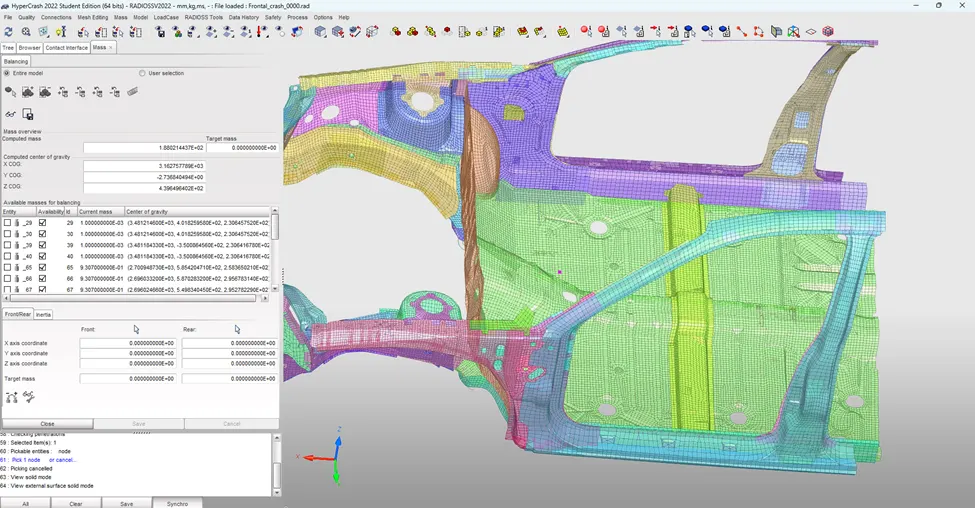
- The required value of total mass is supposed to be 700kg and the recommonded position of the COG is more towards the cross frame near to the driver seat.
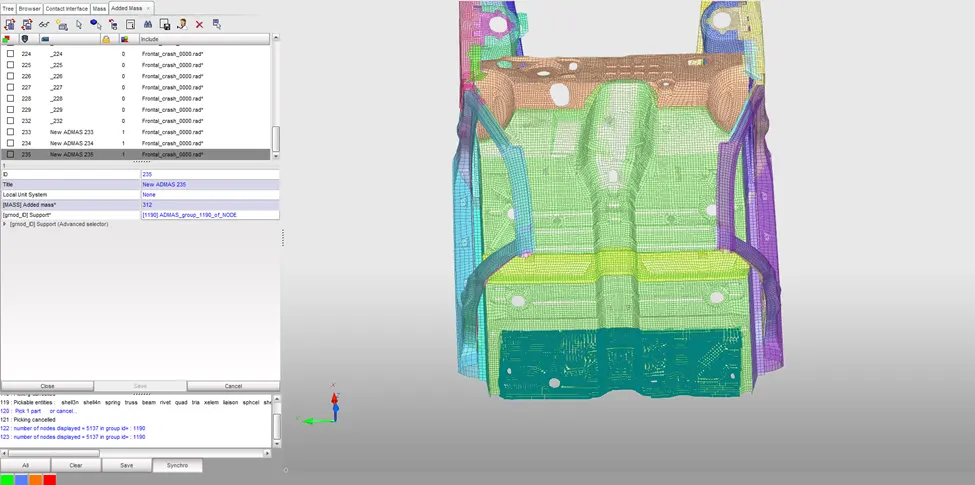
- Create or add extra mass to nodes using ADMAS card. The mass addition is to be adjusted more towards the back (right side) region to obtain proper COG.
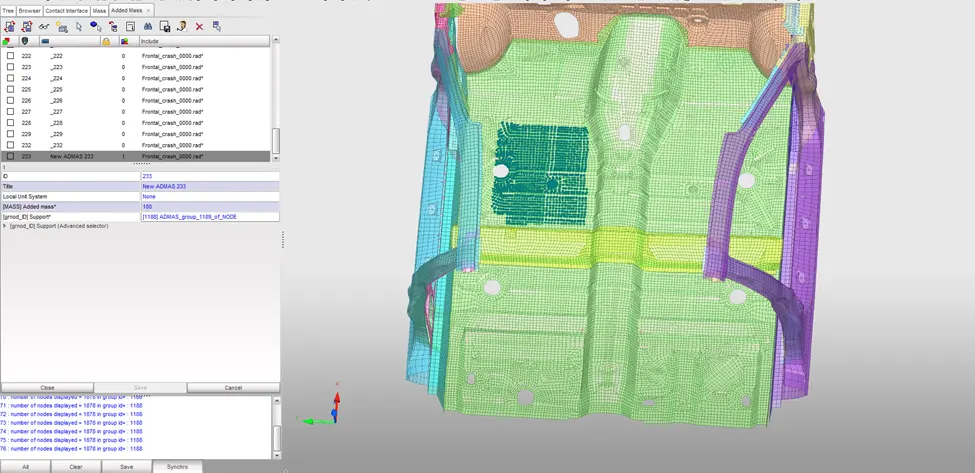
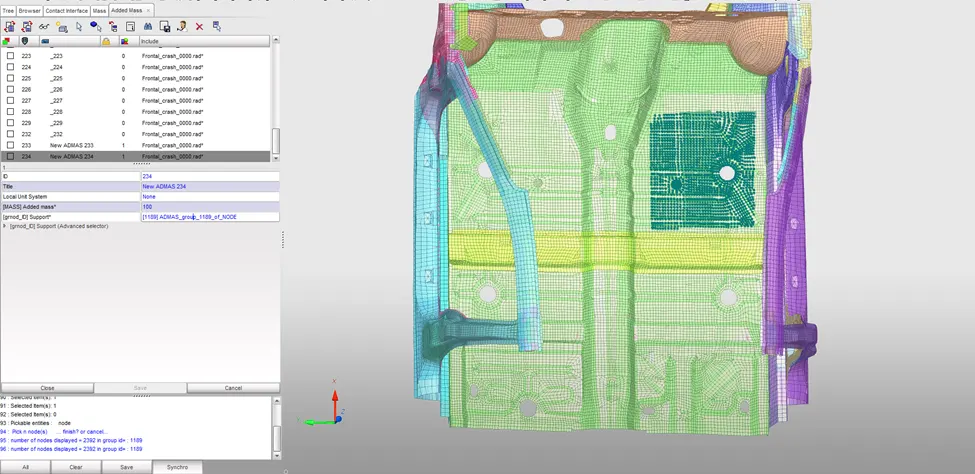
- Check the total mass and COG.
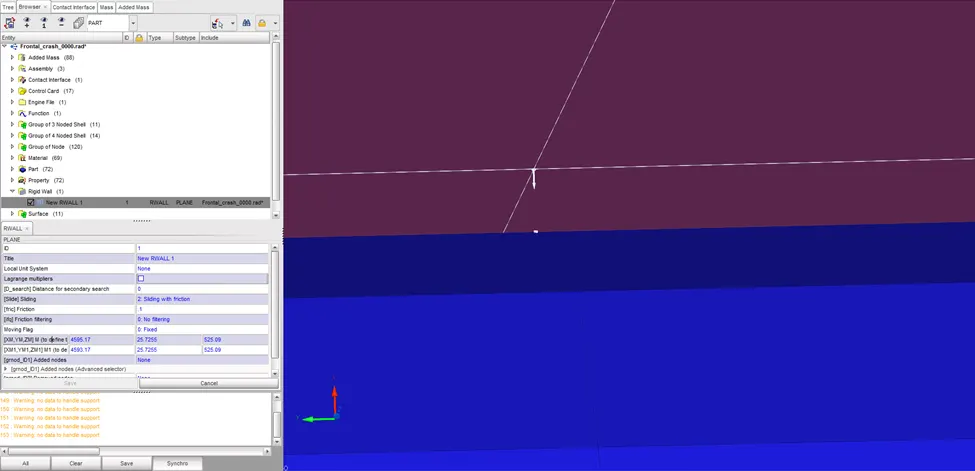
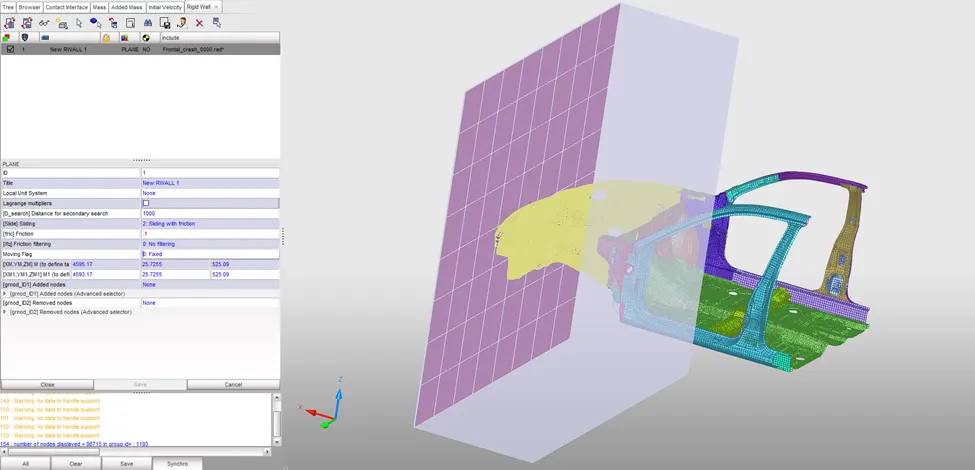
- Create a Rigid wall (plane) with friction=0.1 and define XM,YM,ZM (wall plane coordinate) and X1,Y1,Z1 (wall plane normal direction).
- Set a secondary search distance that highlights the nodes(yellow)
- Create and apply an Initial velocity of 30mph(15.645mm/ms) for all nodes.
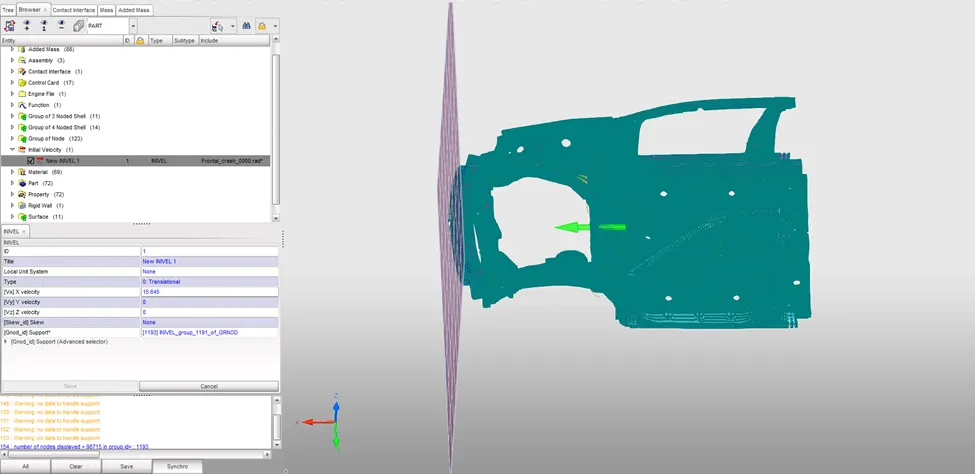
- Check and set the runtime to 80ms and time step to 0.5ms
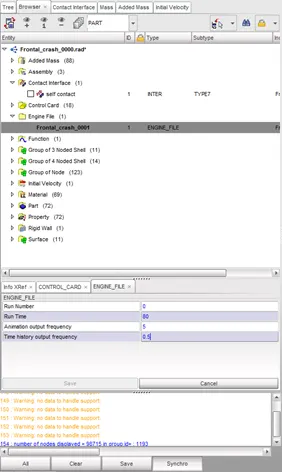
- Run the Model checker available in the Quality menubar and check for errors.
- Warnings are reviewed for any critical effects and ignored if posssible.
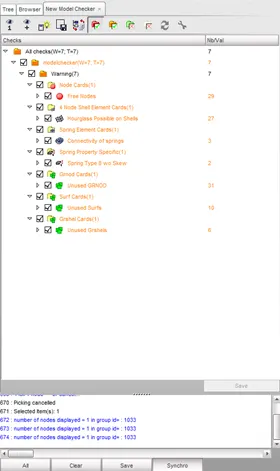
- Export the model rad file from HyperCrash and import and open the model into Radioss profile.
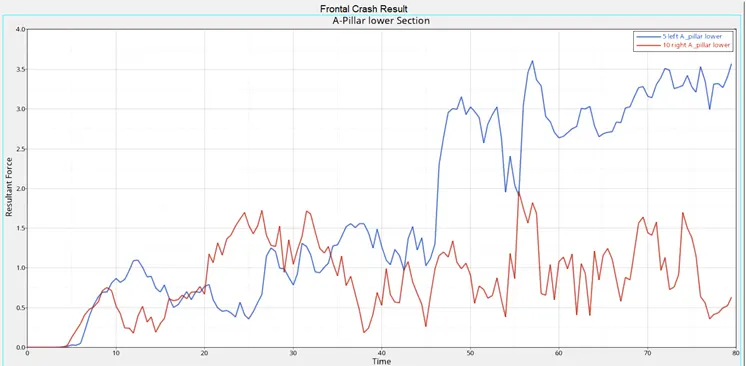
- Create Moving frames for the Cross-sections where the force variation has to be obtained.
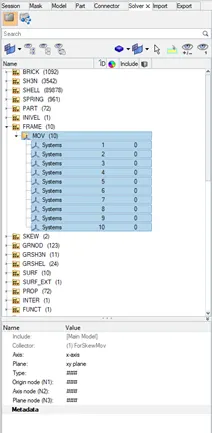
- Create the section(plane) w.r.t Moving frames and select the elements.
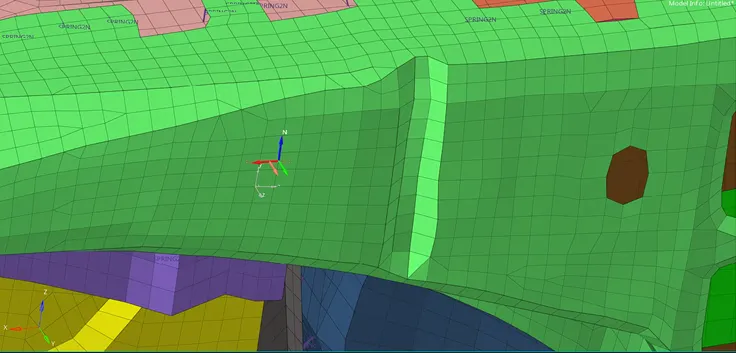
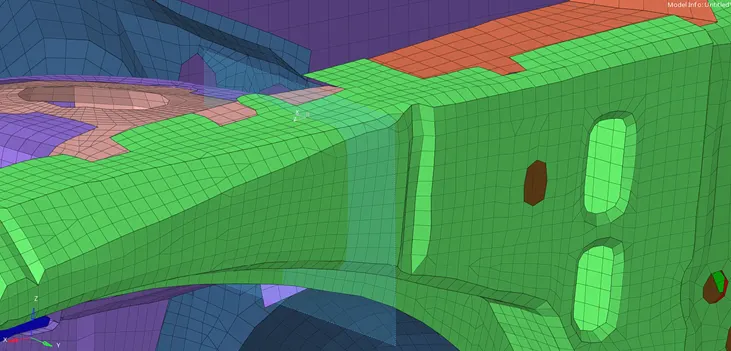
- Similarly other sections are created on left and right side.
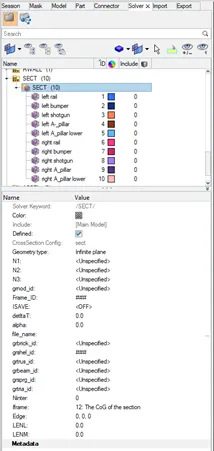
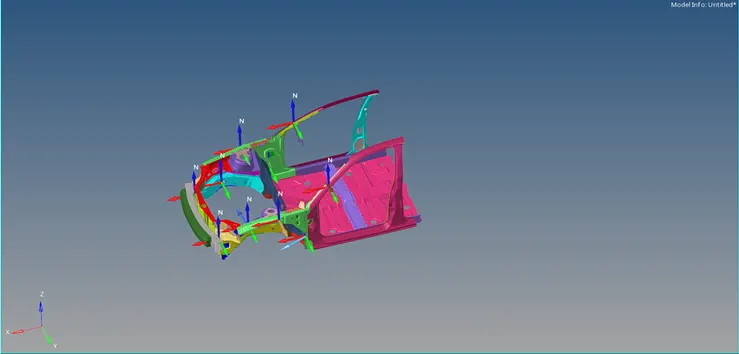
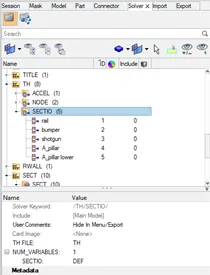
- Create TH card and assign the left and right conterpart for plotting the section output.
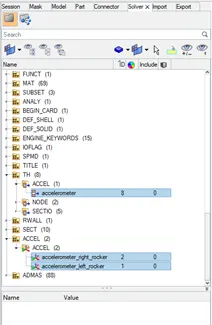
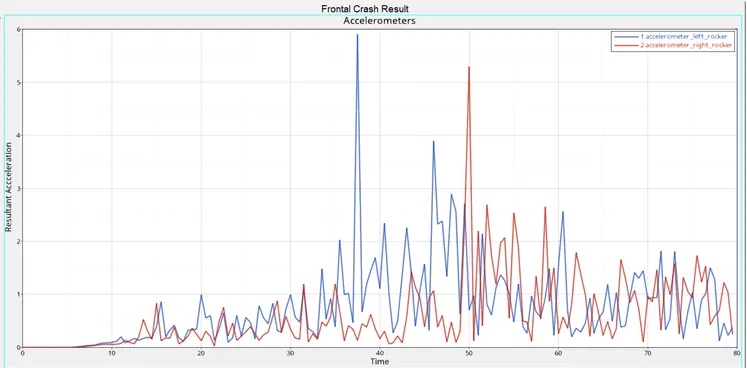
- Create two acceleometers at the base of left and right rockers near B-pillar.
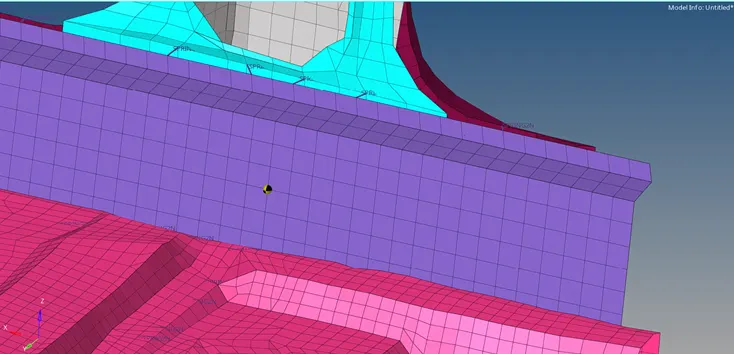
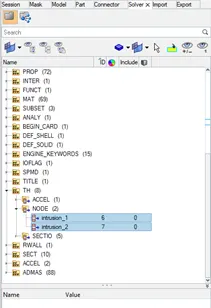
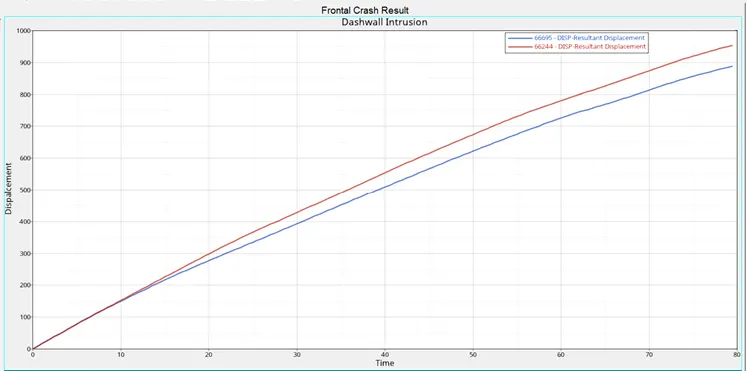
- Select two node on the dashwall to measure their intrusion during the crash.
- Create two Moving Skew inorder to measure dashwallintrusions at two nodes. The skew is placed on a region which won't be affected by the frontal collision.
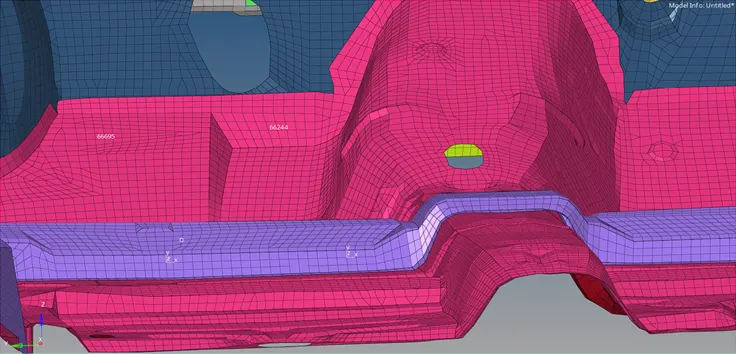
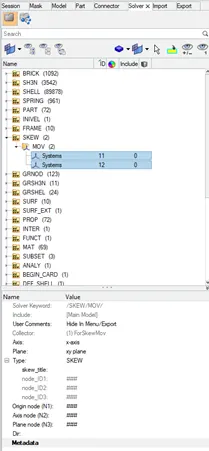
- Create TH card and assign their respective skew to each node
- Under Analysis panel run the analysis and check the results.
- Open the H3D file and apply the Von Mises stress contour plot using HyperView window.
- Open T01 file in HyperGraph 2D window and plot the required output.
RESULT:
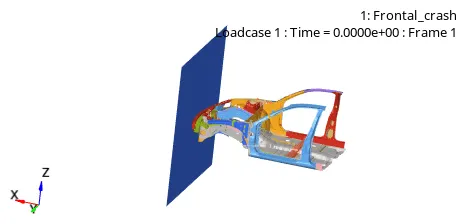
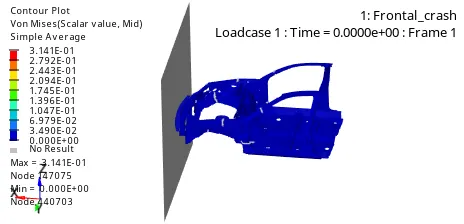
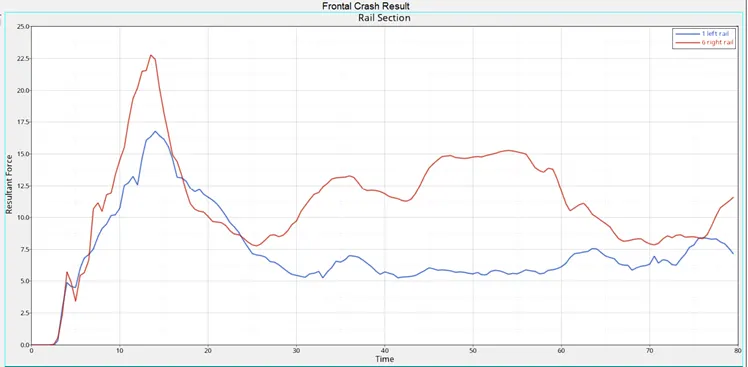
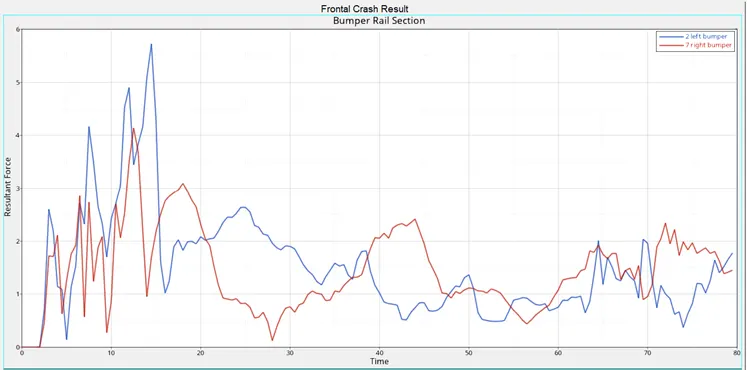
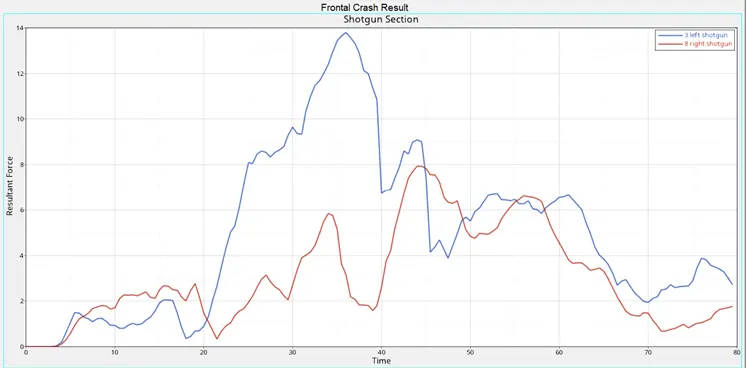
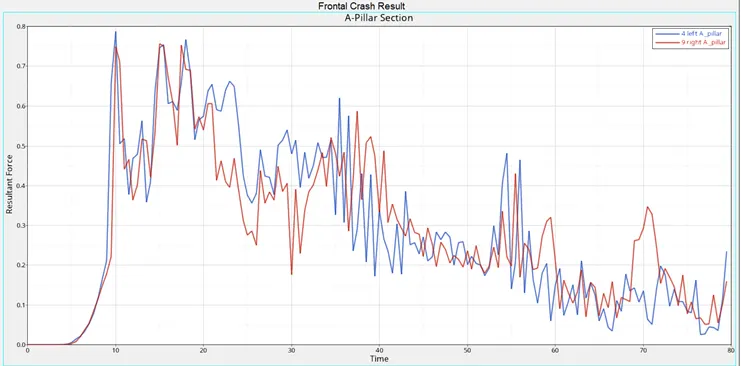
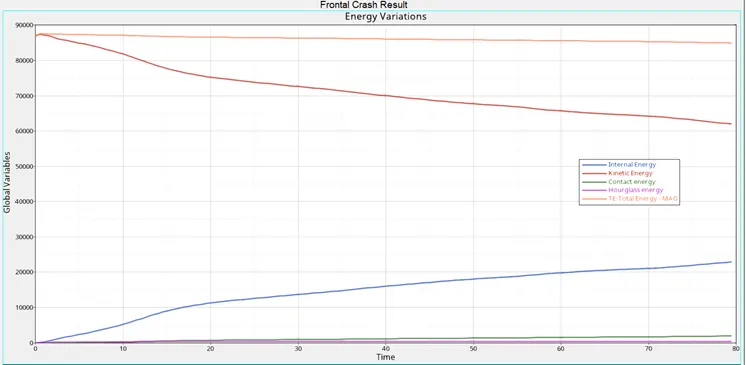
- The body loses kinetic energy throughout the simulation due to the obvious decrease in velocity. At the same time, it absorbs the forces, and this results in an increase in internal energies.
- The magnitude of contact energy generated due to element contact during the collision is much lower compared to Total energy.
- Hourglass energy remains alomost constant at a lower value.