Week 9 - Creating connection for Rear door
CHALLENGE 13: CREATING CONNECTION FOR REAR DOOR
OBJECTIVE:
To deploy different 1D element connections required for the given rear door FE model.
FE MODEL:
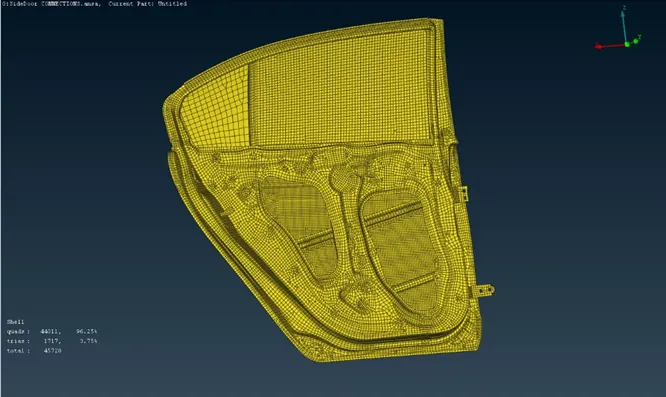
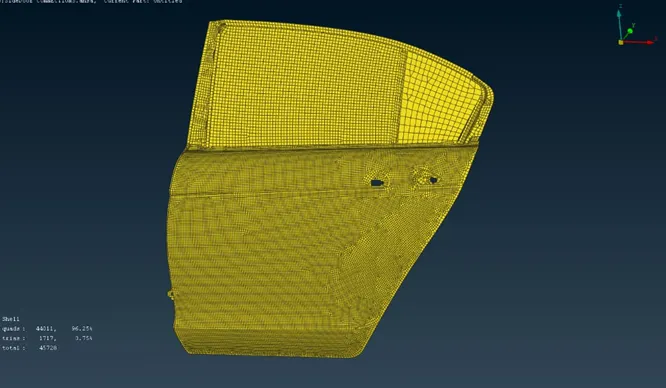
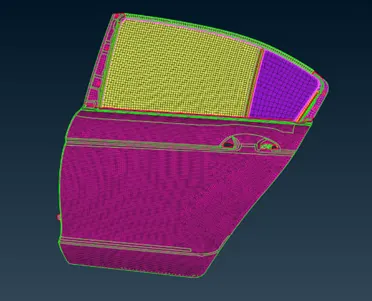
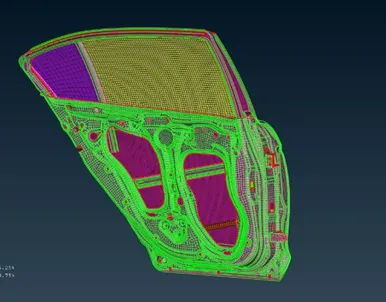
Different views of the Rear Door
PROCEDURE:
1. Assigning PID:
- The give FE model consist only single PID for the whole set. Therefore, we will be assigning diffferent PIDs to each section in order to proceed with connections.
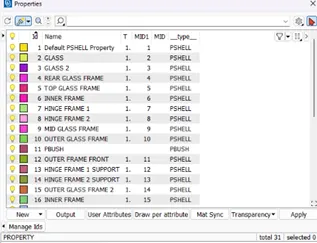
- Open NASTRAN module.
2. Hinge Connection:
- The hinge is joined by Bolt type connection that can be done using RBE2(Many nodes) option from NASTRAN module.
- Initially form cluster connection on the aligning holes.
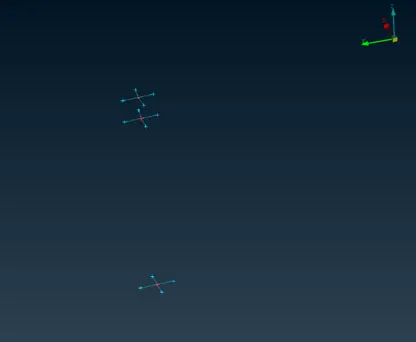
- Join the above RBE2 connections using RBE2(Two nodes) option.
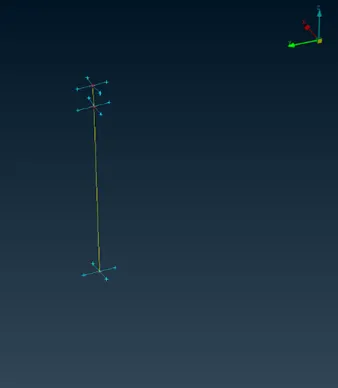
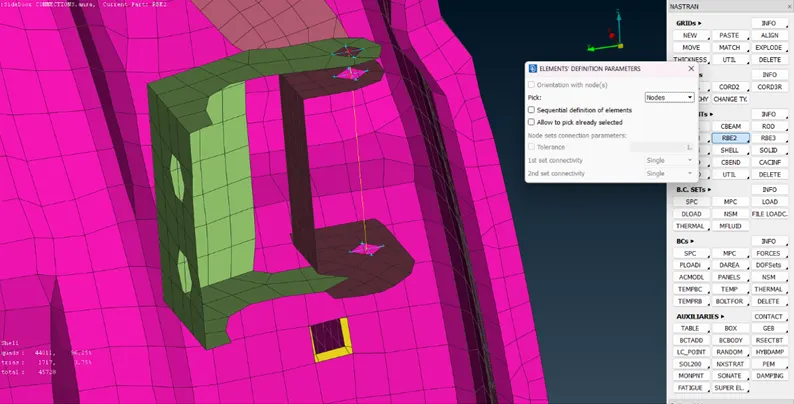
- The formed two nodes RBE2 has to be constrained to all six degrees of freedom.
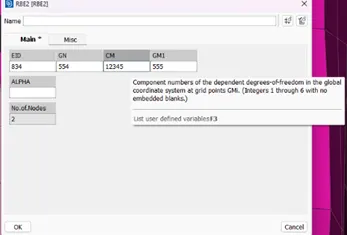
- Use the same method for other hinge as well.
3. PBUSH Connections for Glass:
- Separate out the glass PID from the model.
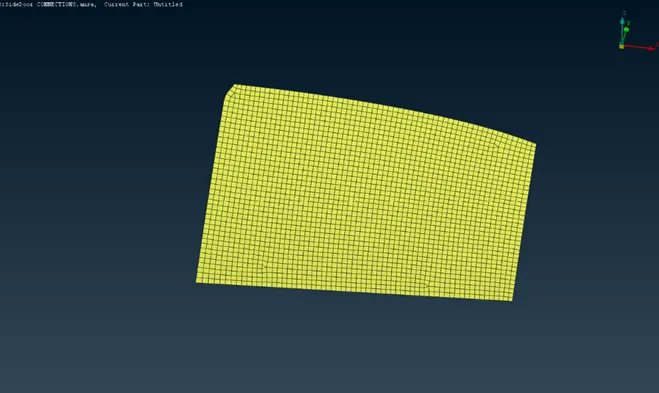
- Create an outline of the glass using Curves(Feat2Curve) option.
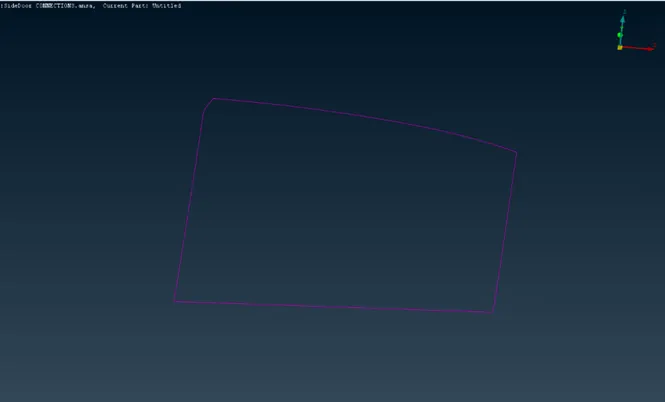
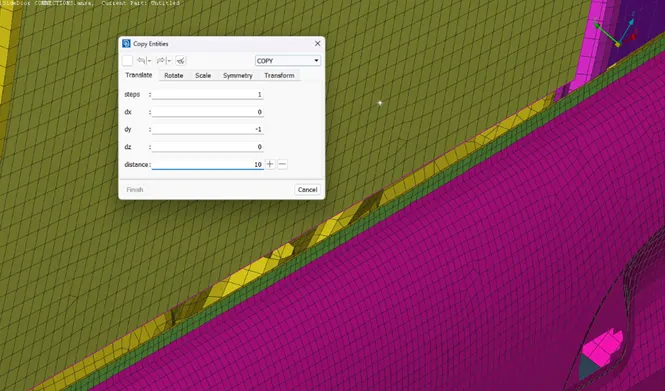
- Offset a copy of the bottom curve in between the glass and door frame.
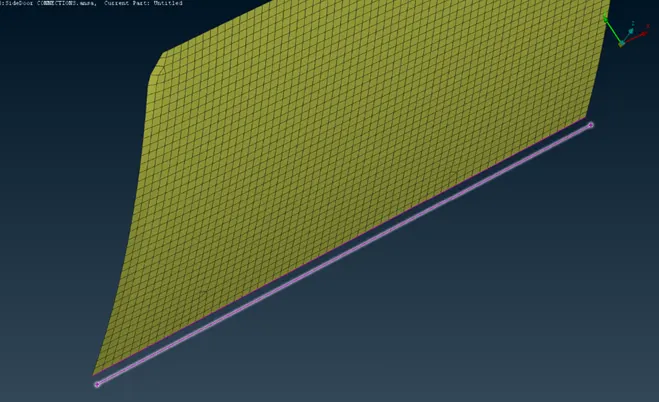
- Convert the curves into Spot-line.
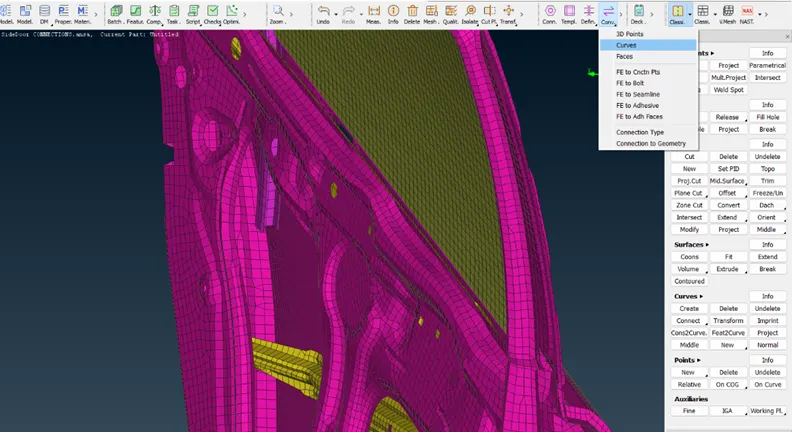
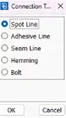
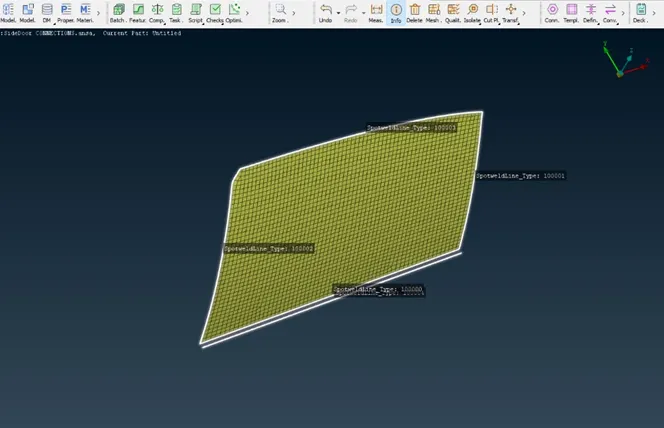
- Select the Spot-lines one by one using Connection option.
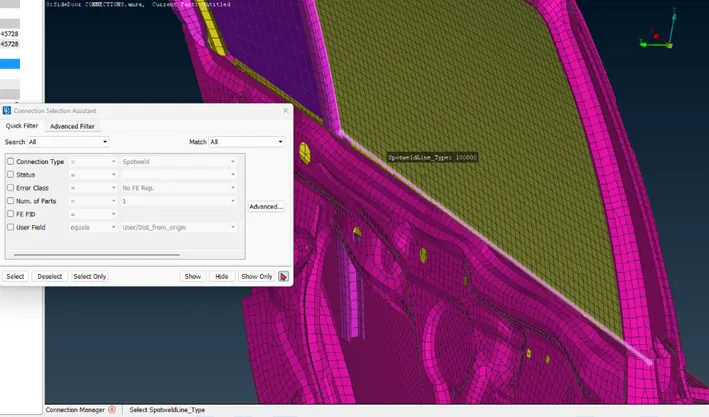
- In Connection Manager, input the PID and connection details as shown below.
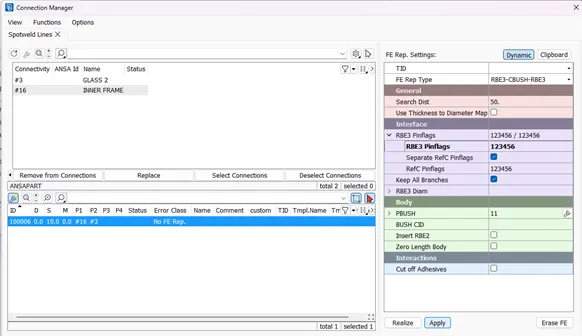
- PBUSH property card has to be filled in for the stiffness values.
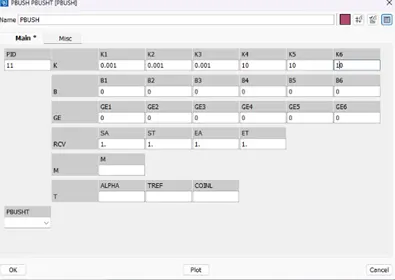
- Separate PID has to be created for the PBUSH connection.
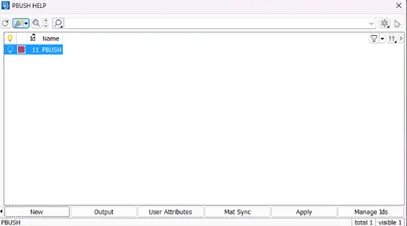
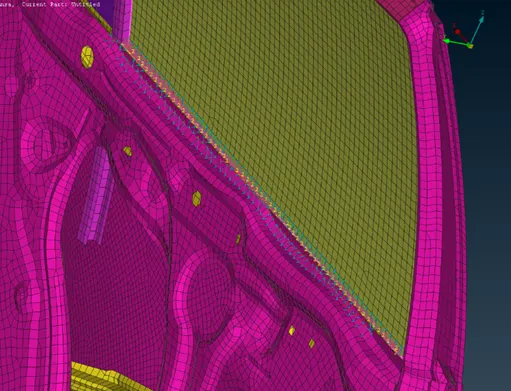
- Similar connection has to be done for all Spot-line around the glass.
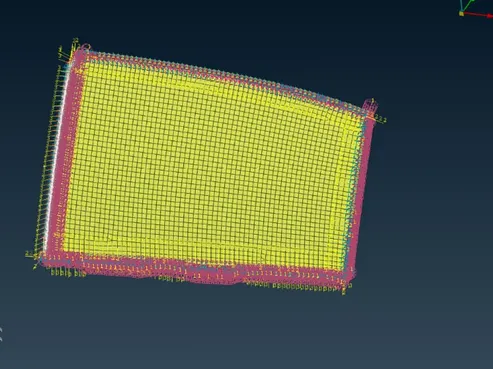
- Then proceed to the next glass in the model.
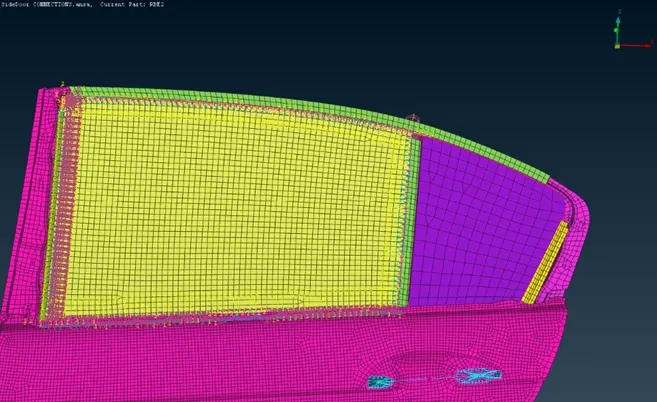
- Create the spot-lines using curves.
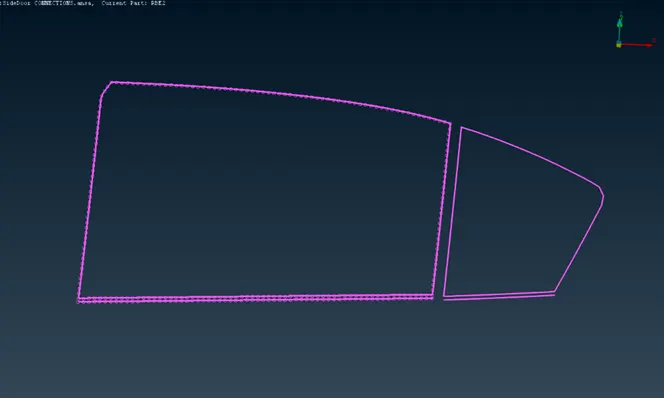
- Repeat the steps for the former glass connections.
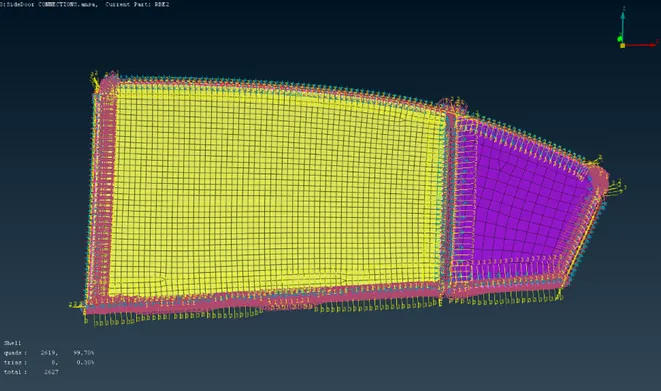
4. Connection by Spot-weld:
- Create a 3D point and Convert it to Spotweld point.
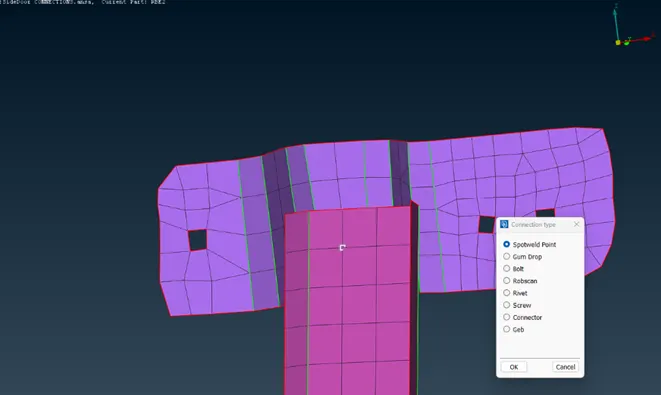
- Select the Spotweld point and input the required data into the Connection Manager.
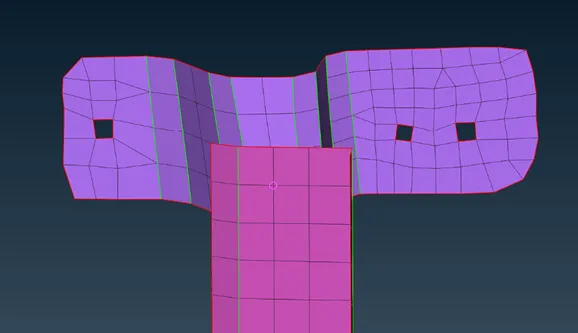
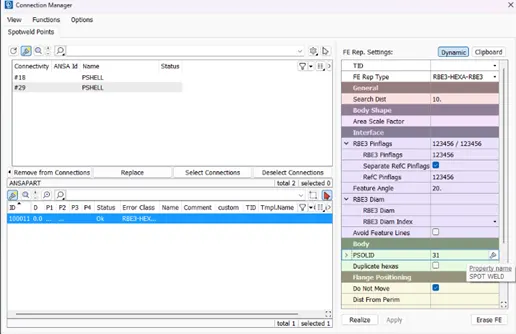
- Assigning PID and Realise the connection.
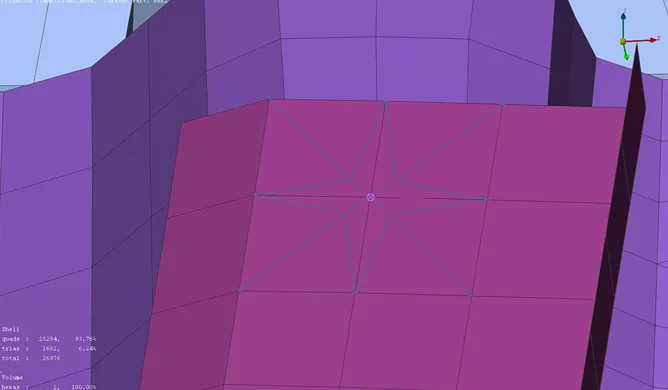
5. Concentrated Mass for Door Handle:
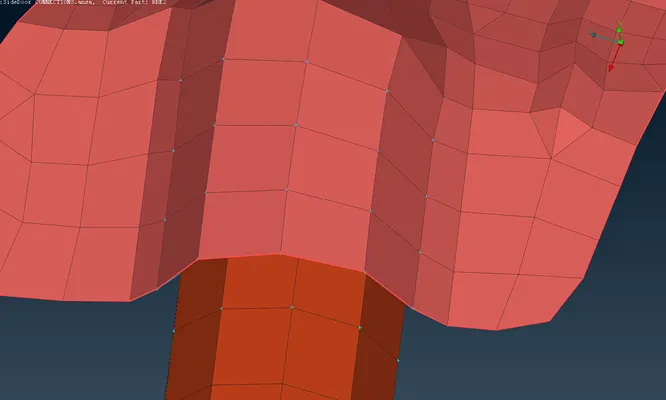
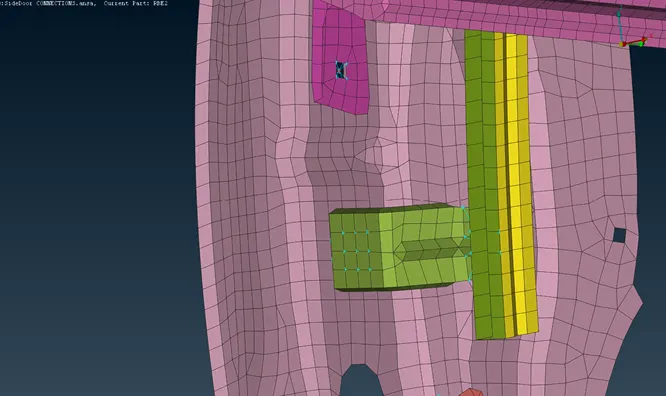
- Create RBE2(Many nodes) connection and join them together as shown below.
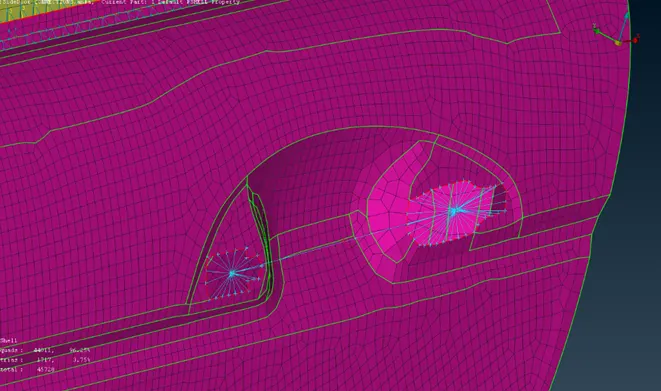
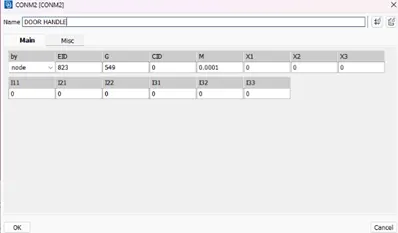
- Select the COG point and assign mass concentration using CONMi option.
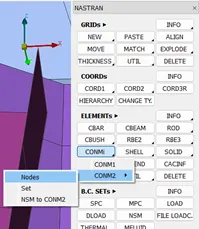
- Input the mass value(M) in Tonnes.
- Similar RBE2 connections are formed for Rigid attachments.
6. Final Model:
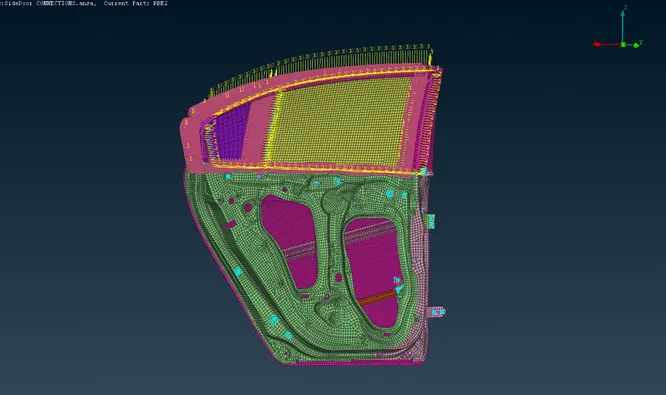
RESULTS:
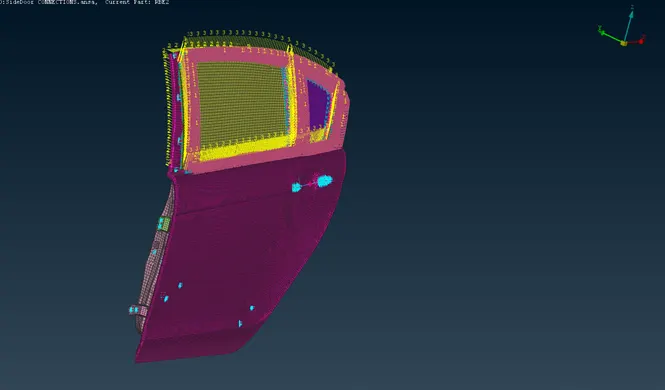
The given Rear-door model has been completely connected with possible 1D elements in NASTRAN module.