Week_8_Plastic Model_1
CHALLENGE 9: PLASTIC MODEL-1
AIM:
For the given model, extract the mid-surface and generate its mesh maintaining the required quality criteria.
CAD MODEL:
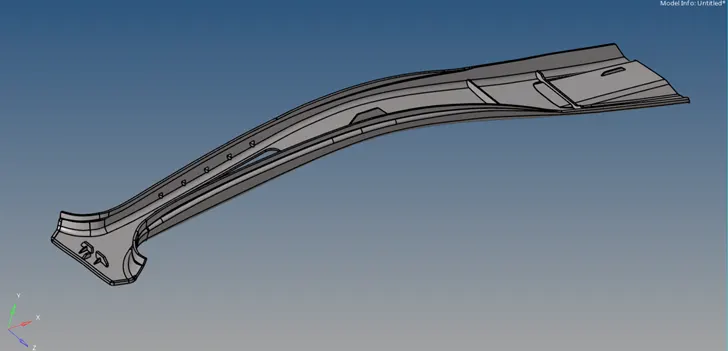
PROCEDURE:
- Open the model and view in By Topo mode. The given model contains solid geometry when viewed in Wireframe mode.
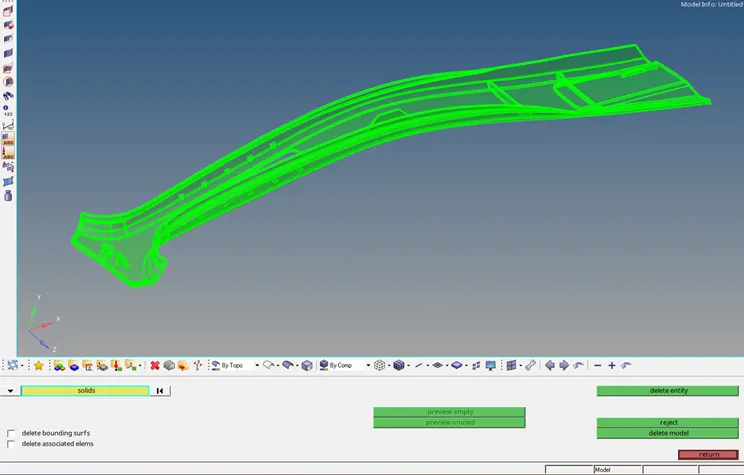
- Delete the solids from the geometry.
- Check the surfaces for geometric errors or edge connectivity .
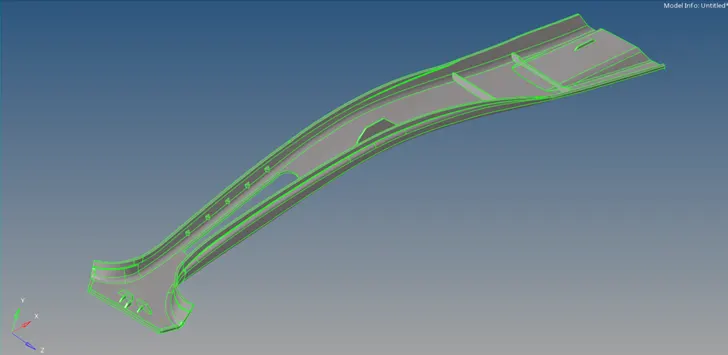
- View the geometry using Wireframe mode to check edges and Toggle them if required.
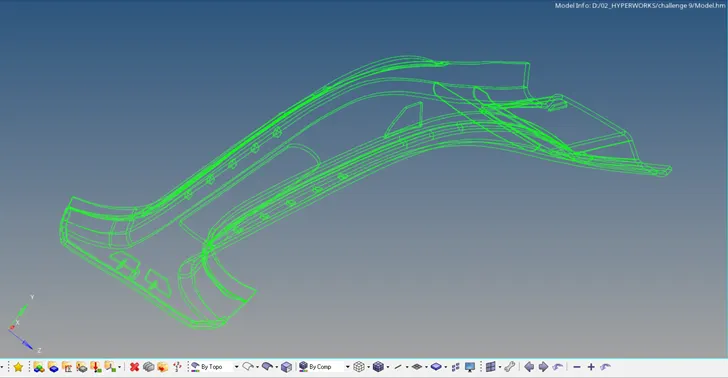
- The different options available for mid-surface seems to be unable to capture the base geometry.
- Select the Skin Offset option from Extraction options to create the mid-surface of the base.

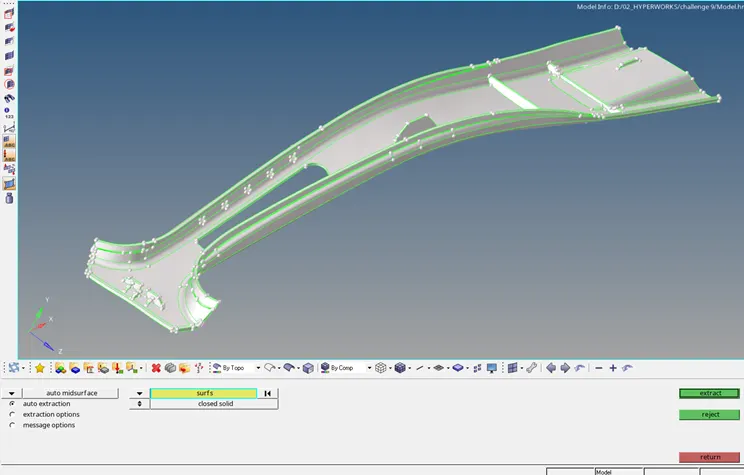
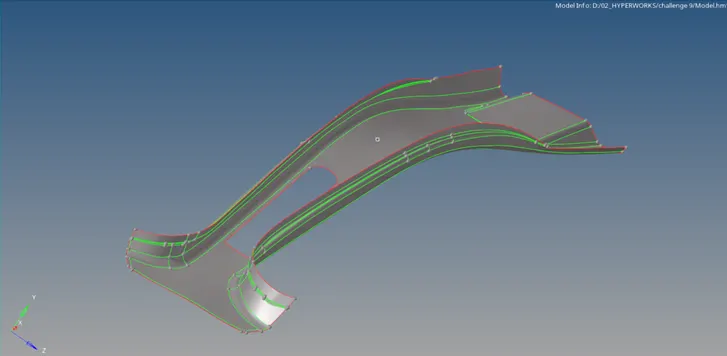
- The ribs in the model can be created separately.
- Use the Extract on Line option from nodes panel to obtain the mid-plane nodes of the rib.
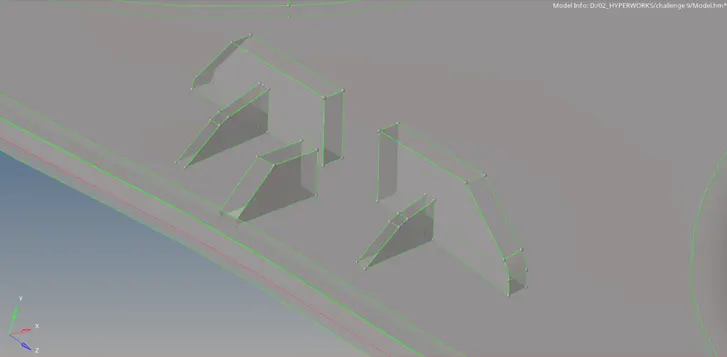
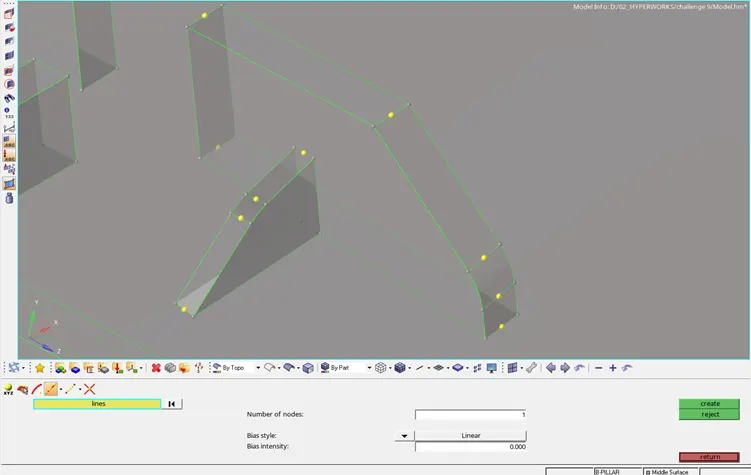
- Select the nodes and apply the Ruled option to create mid-surface.
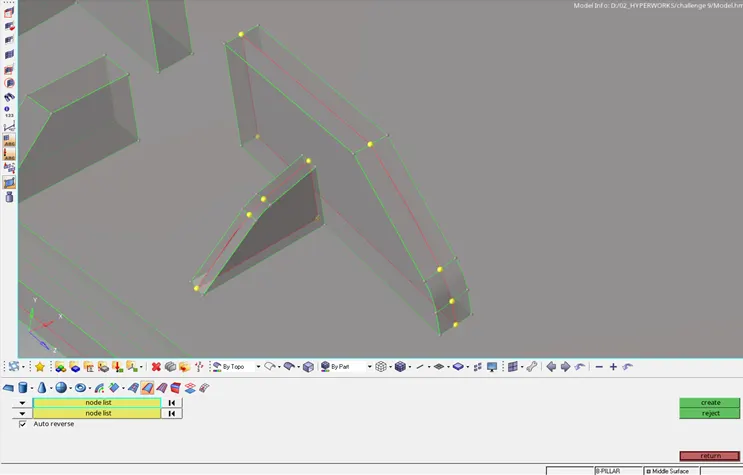
- Extend option from Surface Edit panel attachs the ribs together and to the base.
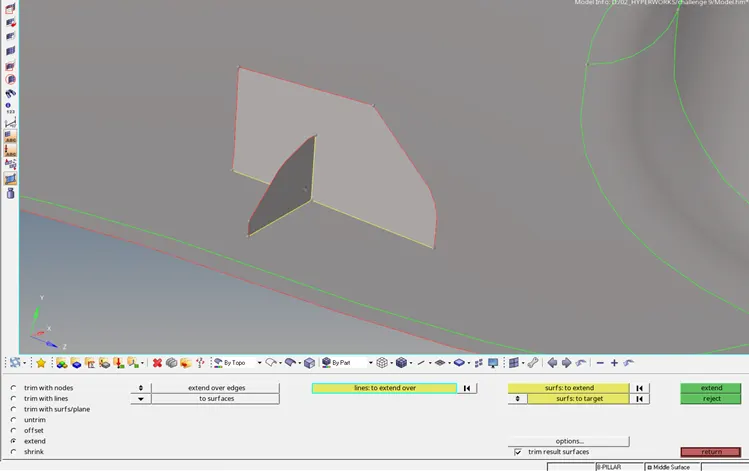
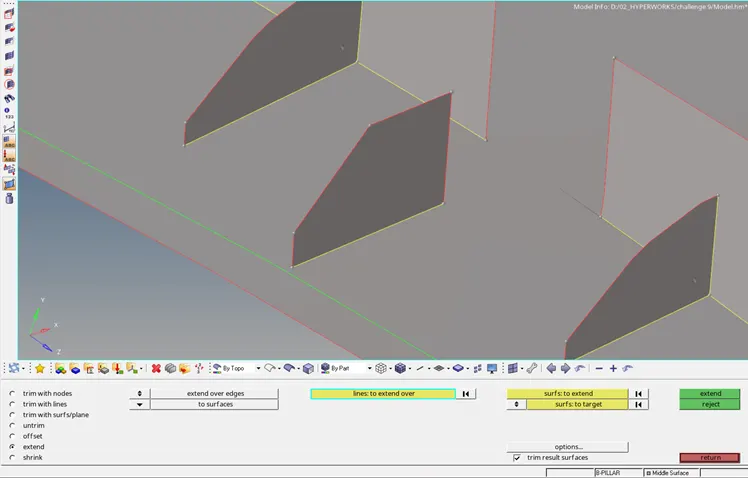
- Similarly create and attach other ribs to the base surface.
- The surface feature on the edge has to be duplicated and check the vector normal in Offset option (Surface edit panel) to move the duplicated surface. Input the offset value by measuring the feature mid-point.
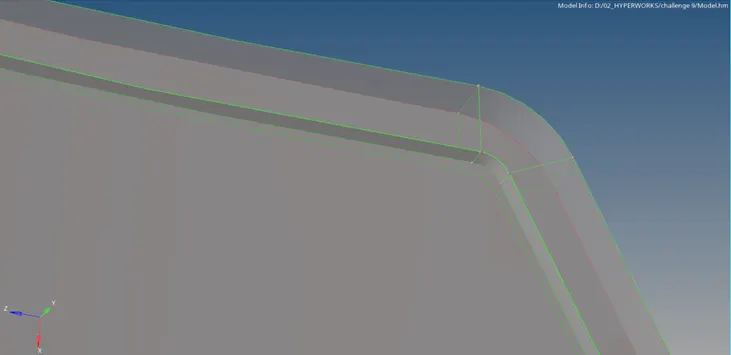
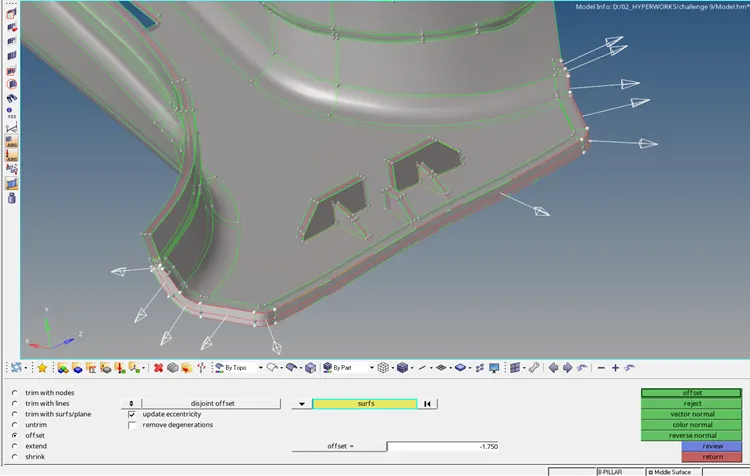
- The surface is intersected by the base. Use trim option to cut the surfaces.
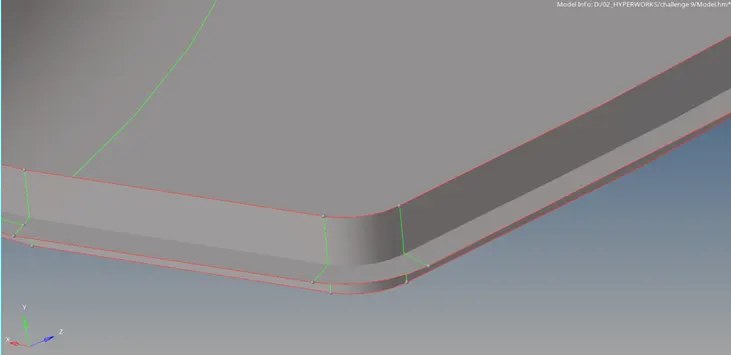
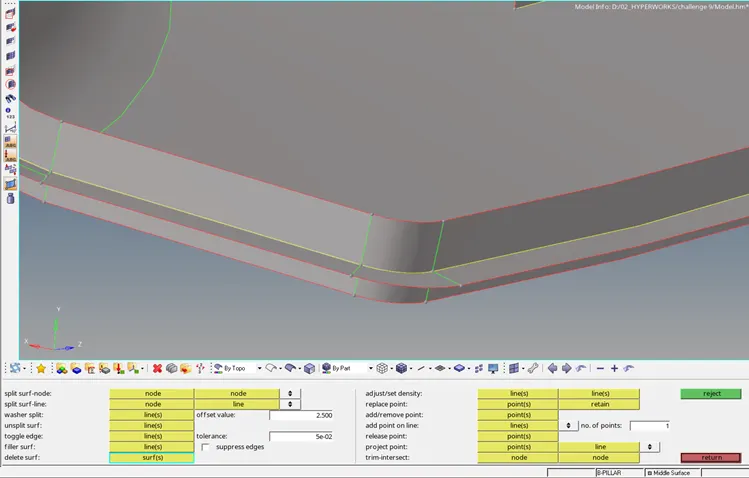
- Delete the unwanted portion of the trimmed surfaces.
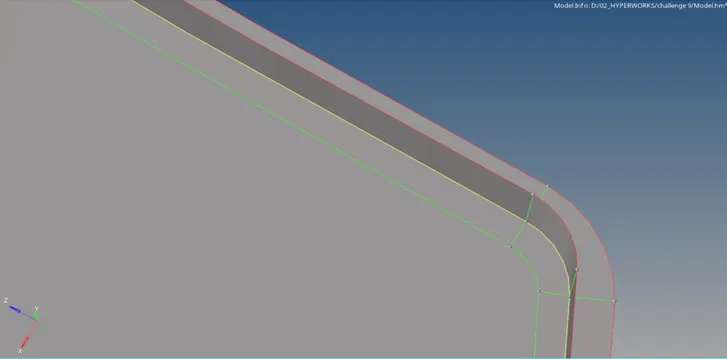
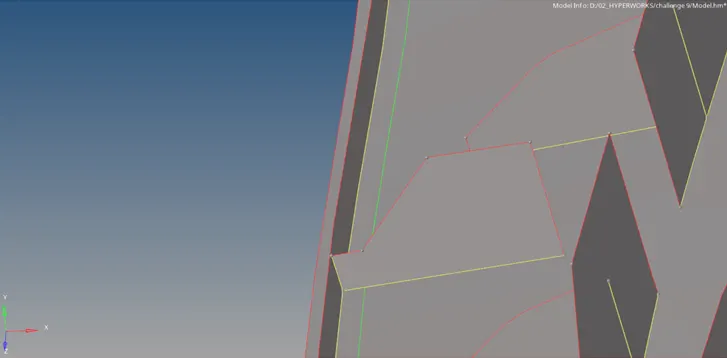
- Extend the rib to the created surface.
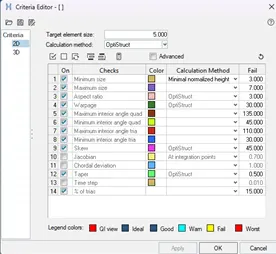
- Input the required values in the Criteria settings.
- Set the mesh parameters in the Mesh settings.
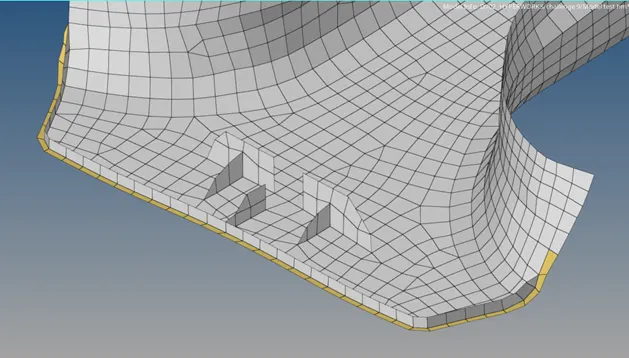
- Mesh the entire surfaces maintaining the quality criteria and mesh flow.
Final Model:
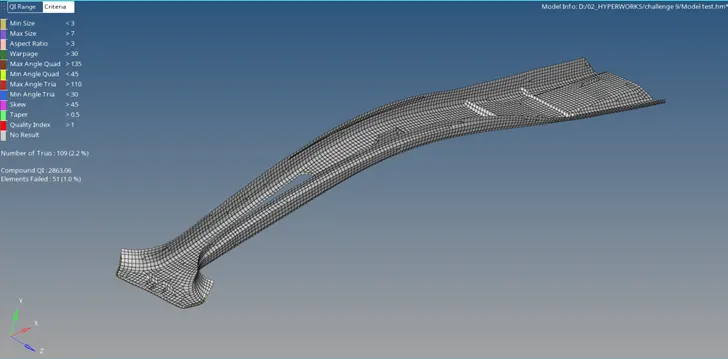
RESULT:
- The given plastic model has been meshed by generating mid-surface. Some of the elements have been failed for quality criteria for minimum length.
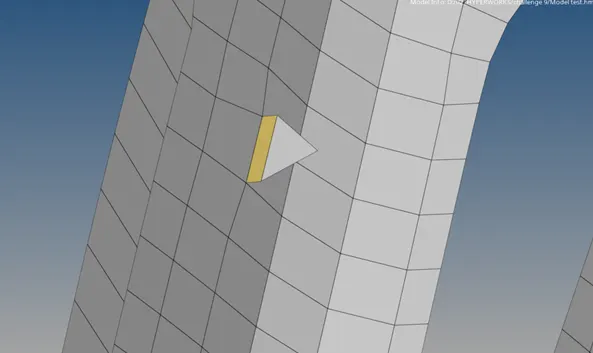
- Elements are assigned with different thickness values in the property card.