Week 11-3D Tetra Meshing Challenge
CHALLENGE 14: 3D TETRA MESHING
AIM:
For the given models, extract 3D Tetra mesh with required parameters..
CAD MODELS:
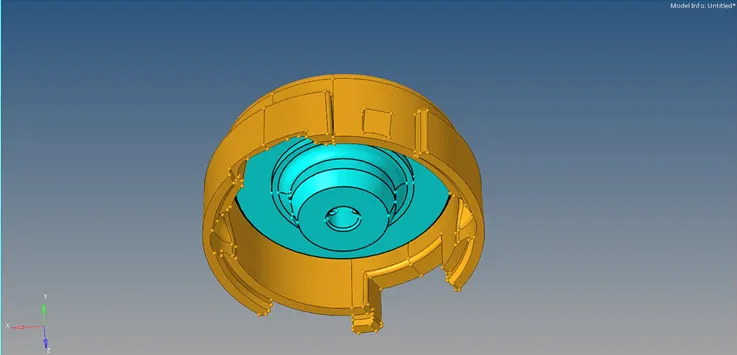
Model-1
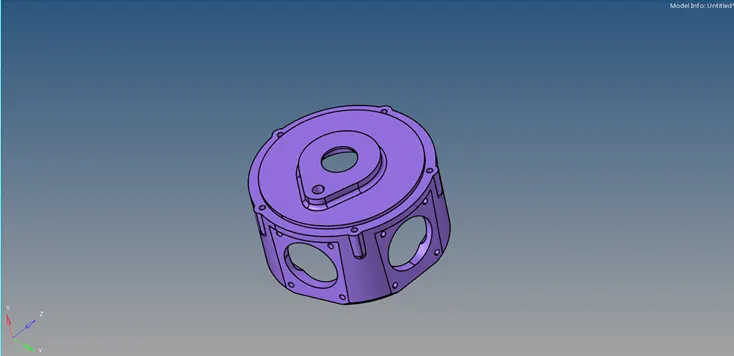
Model-2
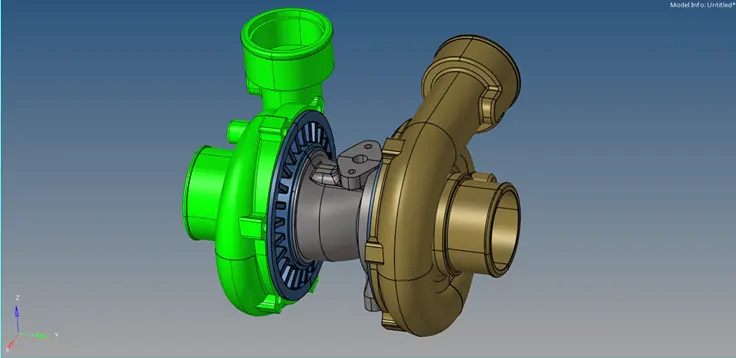
Model-3
PROCEDURE:
Model-1
- View first component in the graphics area.
- Open the model and view in By Topo mode. Check the surfaces for geometric errors or edge connectivity.
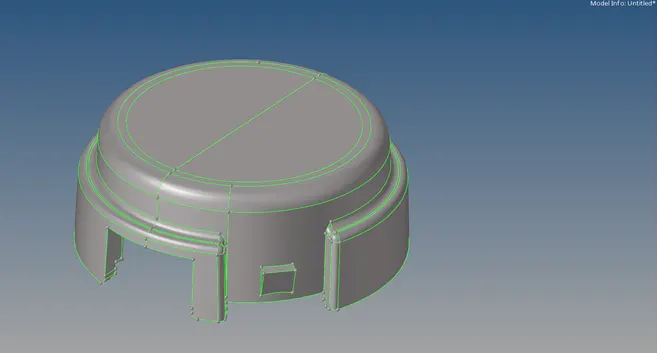
- Set the mesh parameters in the Mesh settings.

- Mesh(Trias) the entire surfaces maintaining the quality criteria and complete the model by 2D meshing.
- In 3D menu, select Tetramesh option to convert the 2D elements to 3D Tetra mesh.
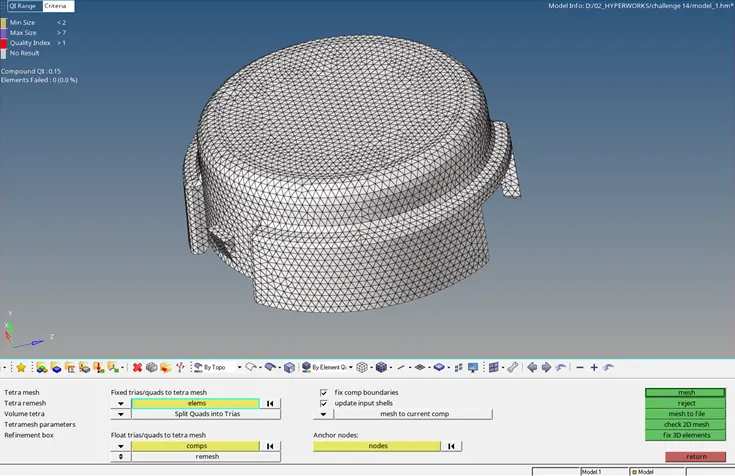
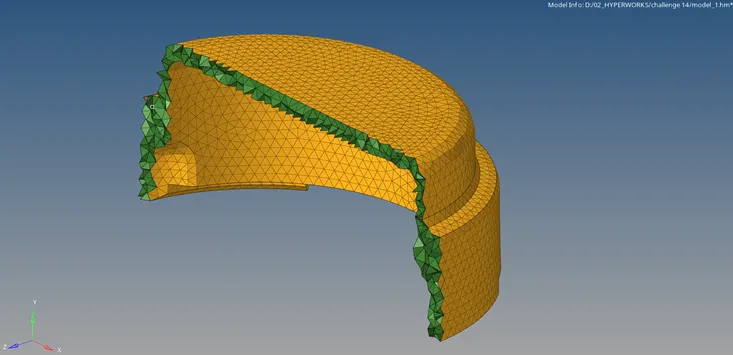
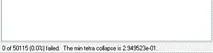
- Check for tet collapse.
- View the second component in the graphics area.
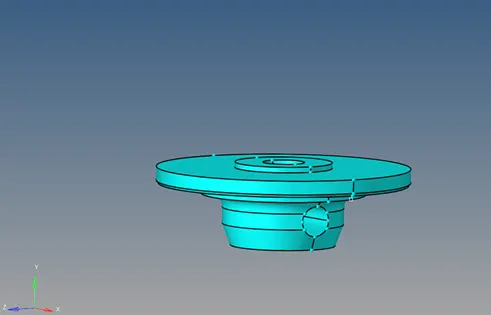
- Delete the solid from the model.
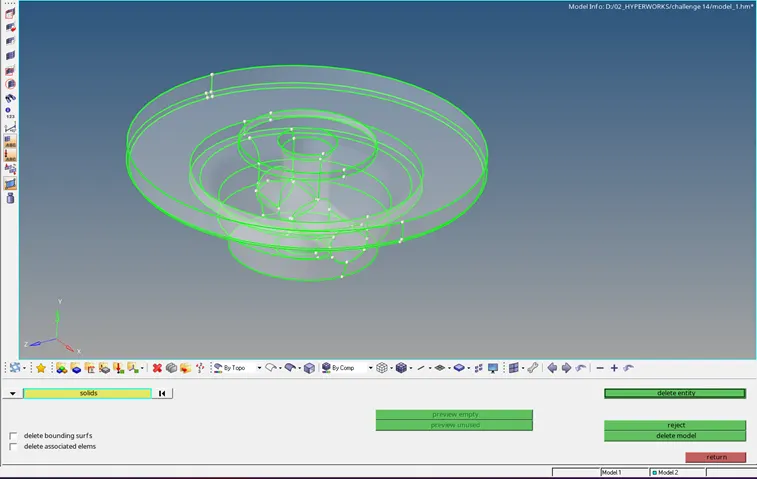
- Open the model and view in By Topo mode. Check the surfaces for geometric errors or edge connectivity.
- Split and trim the surfaces symmetrically and delete one of the equal half.
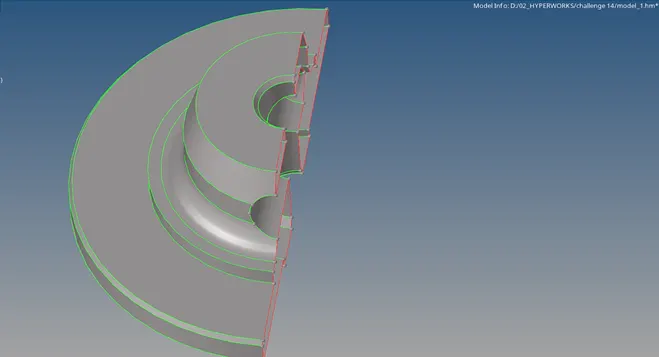
- Mesh(Trias) the entire surfaces maintaining the quality criteria.
- Reflect the mesh and apply equivalence to connect the mesh.
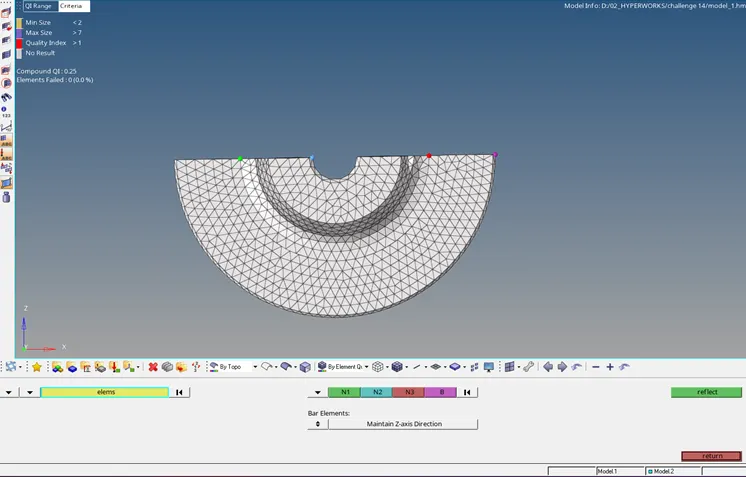
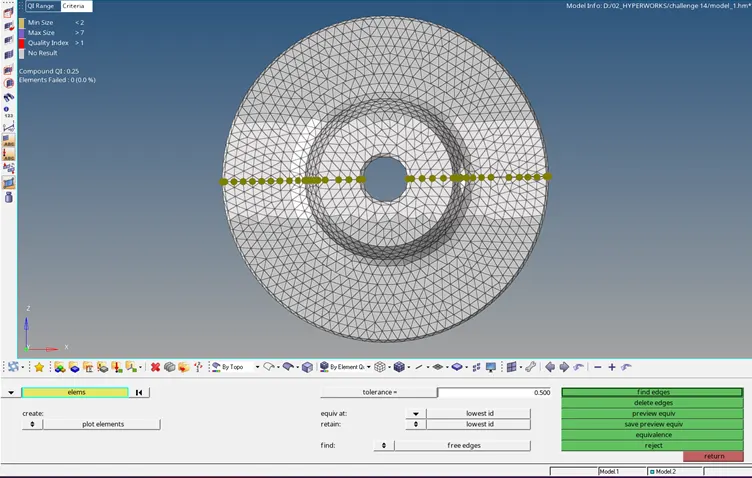
- Create Tetra mesh from the shell mesh.
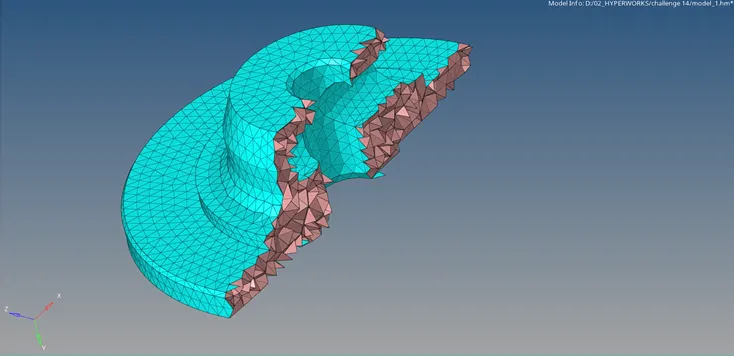
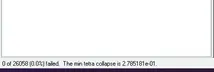
- Check for tet collapse.
Model-2
- Select the solid component for Quick tetra by providing input parameters.
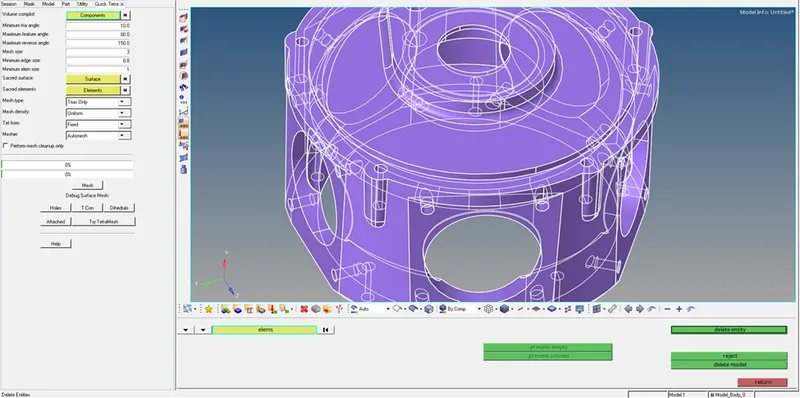
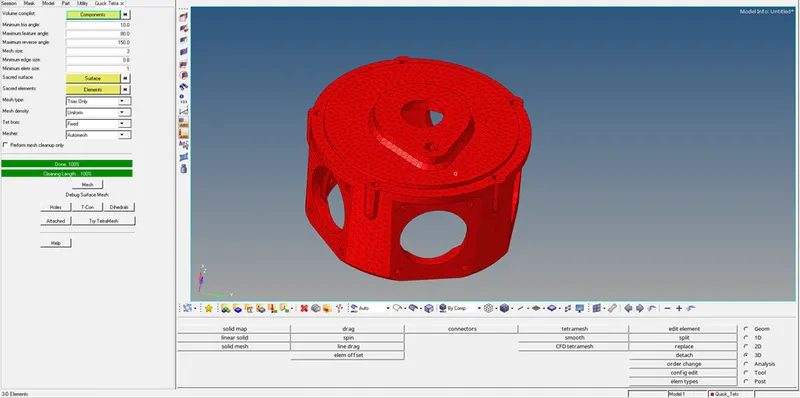
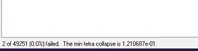
- Check for tet collapse.
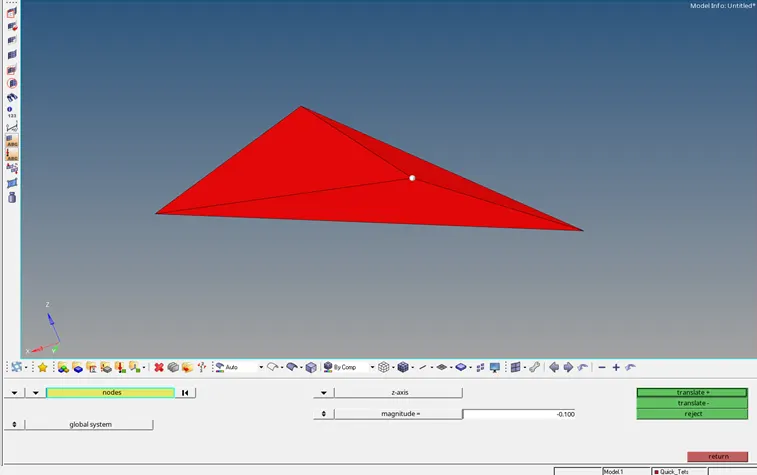
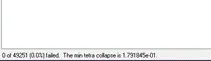
- Clear the deviations by translating the element nodes manually.
Model-3
- Select the solid component for Volume tetra by providing input parameters.
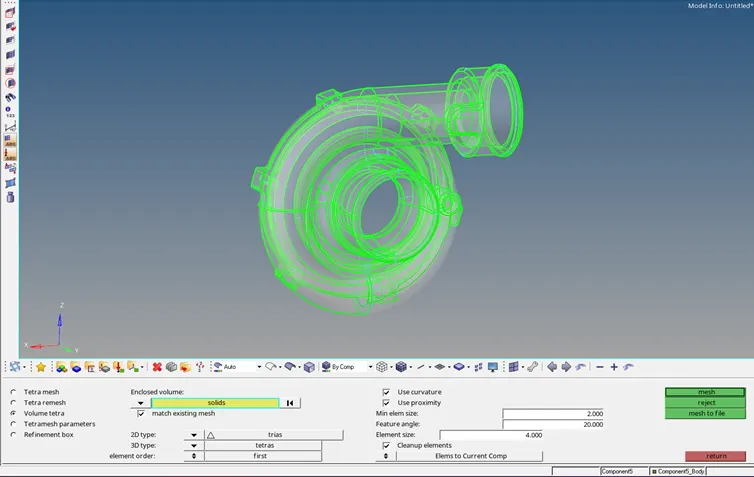
- Each component are separately meshed by Volume tetra option.
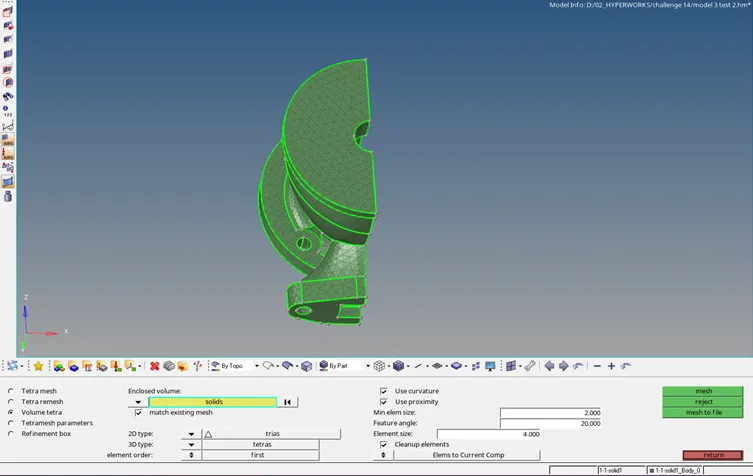
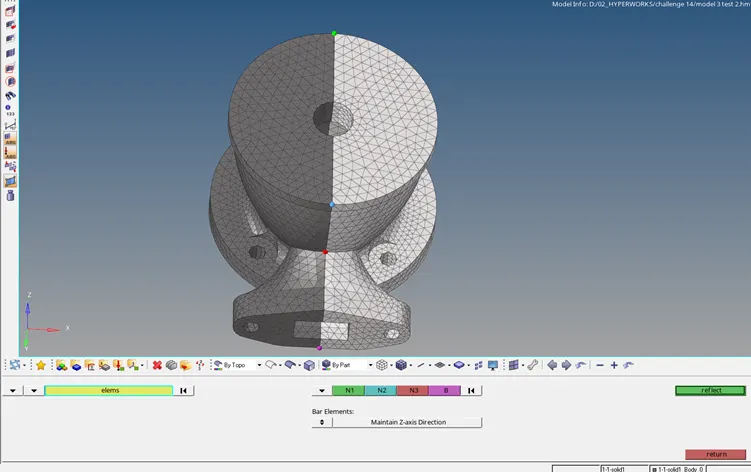
- Symmetrical solids can be meshed by half and reflected.
- Mesh can be joined by equivalence.
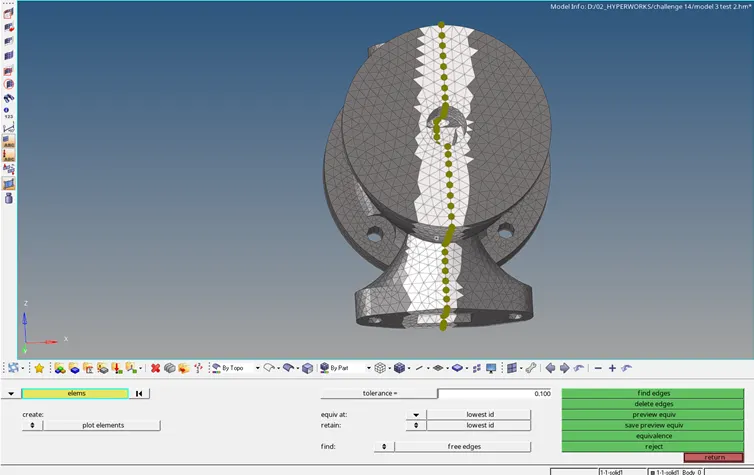
- Final Model:
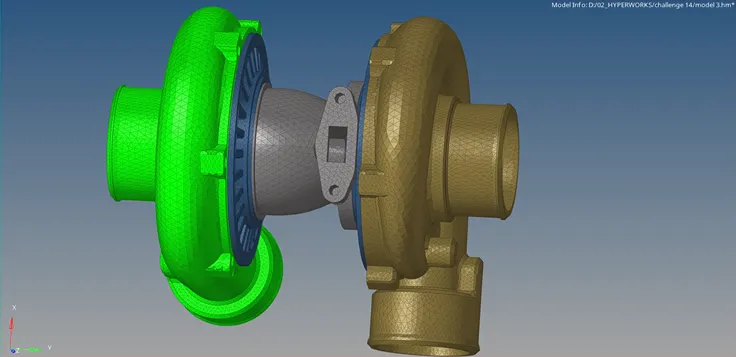
RESULT:
- All the models are tetra meshed by different methods.
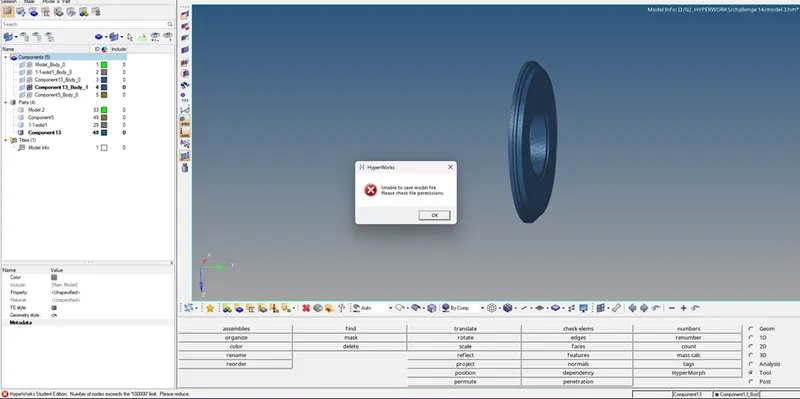
- There is a 100000 nodes limit for HyperWorks Student Edition, therefore the following mesh is removed from model-3.