Assignment 1-2D Meshing Challenge
ASSIGNMENT 1: 2D MESHING
OBJECTIVE:
To conduct 2D meshing on the given models by extracting the midsurface.
CAD MODELS:
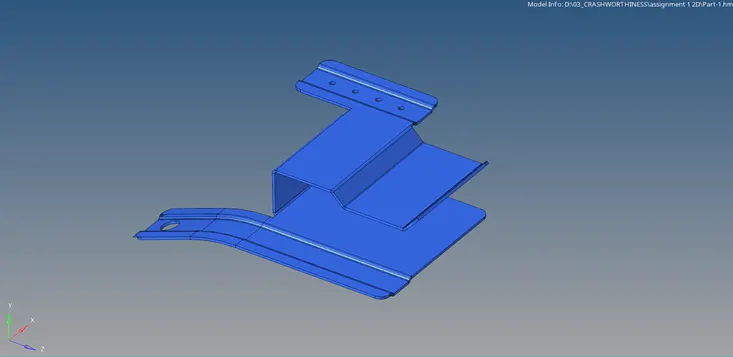
Model-1
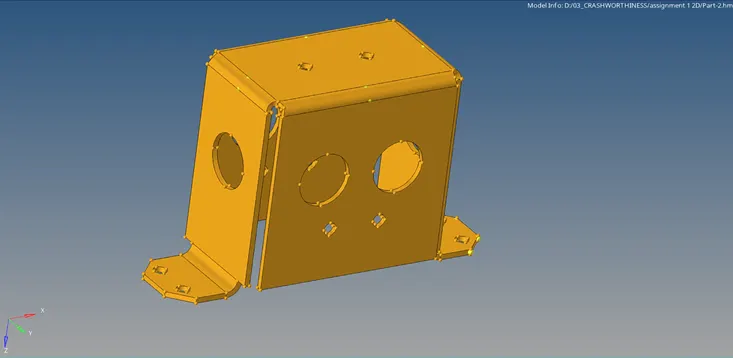
Model-2
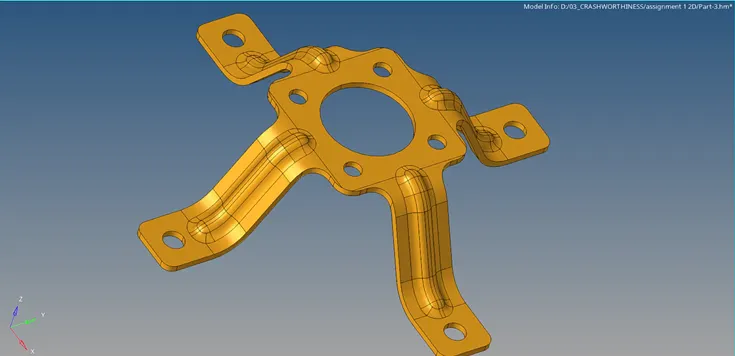
Model-3
PROCEDURE:
Model-1
- Open the model and view in By Topo mode. Check the surfaces for geometric errors or edge connectivity .
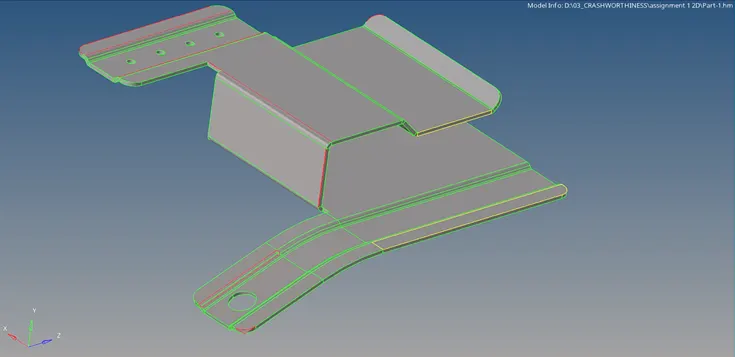
- Use the Trim option available in Surface Edit panel to cut intersecting surfaces.
- Delete unwanted surfaces from the feature,
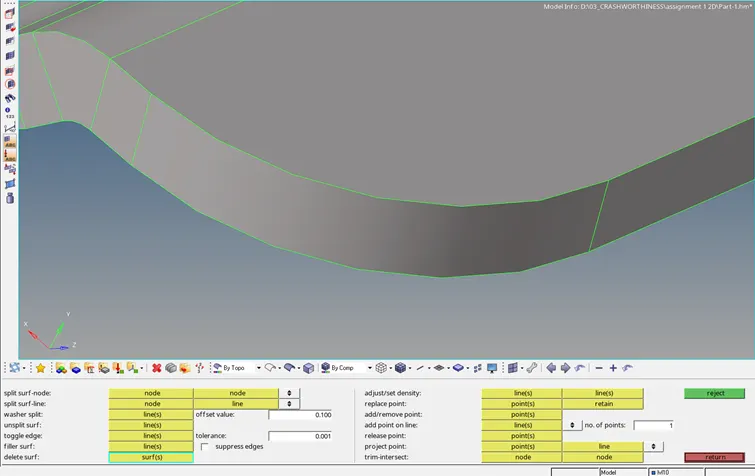
- We can use Filler surf option from Quick Edit panel to form new surfaces.
- Replace point option from Quick edit panel helps to paste the nodes, thereby eliminting the surface gap,
- The construction line (green) can be suppressed using Toggle edge option in Quick edit panel.
- Use Skin offset method in Extraction options to create mid-surface.
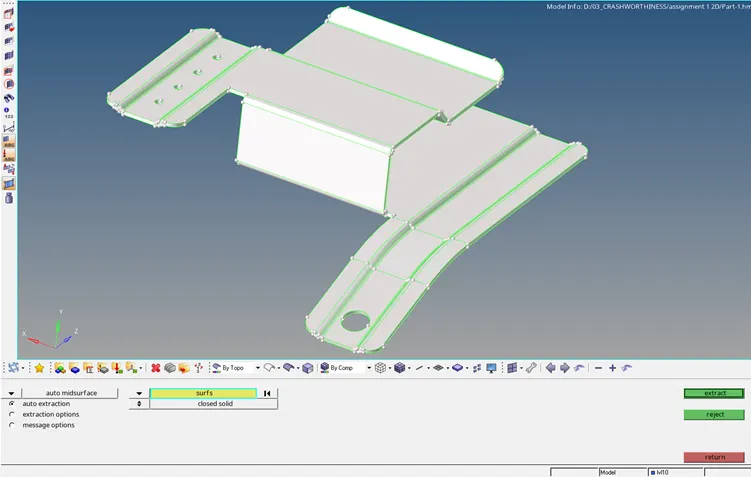
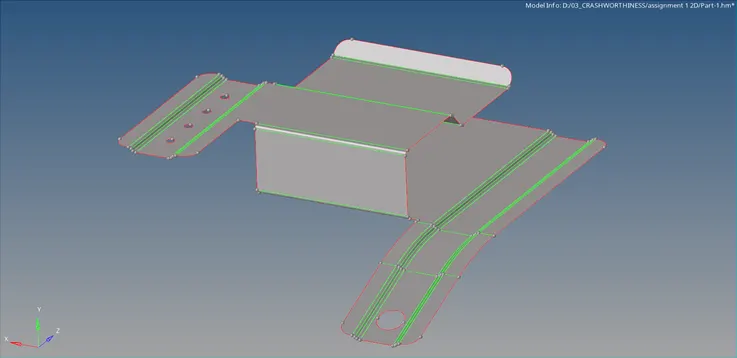
- Input the required values in the Criteria settings.
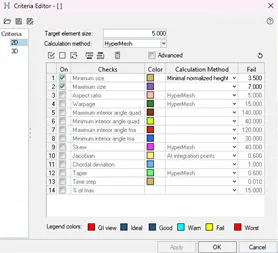
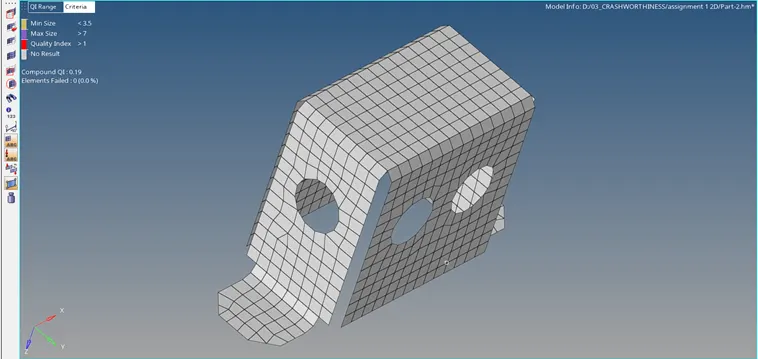
- Mesh the entire surfaces maintaining the quality criteria and mesh flow.
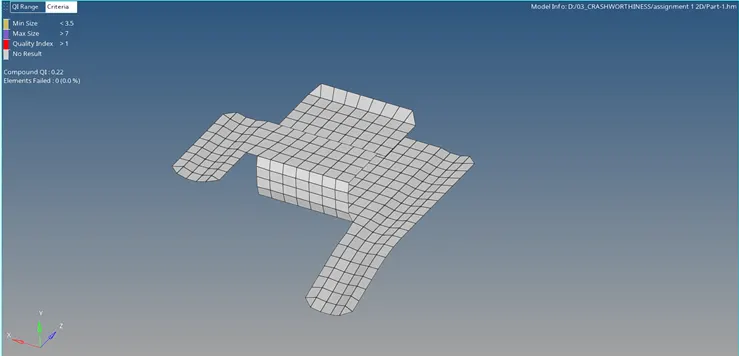
Final Model:
Model-2
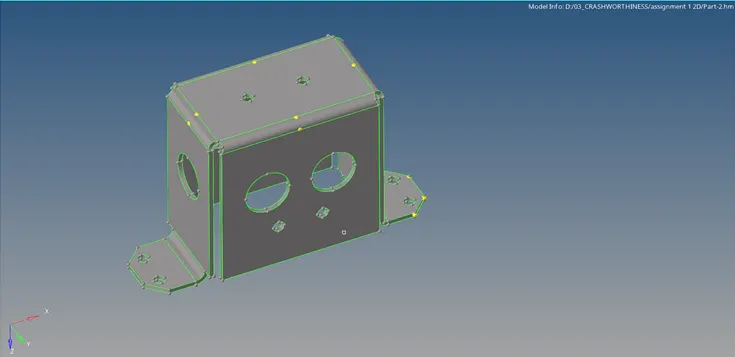
- Open the model and view in By Topo mode. Check the surfaces for geometric errors or edge connectivity .
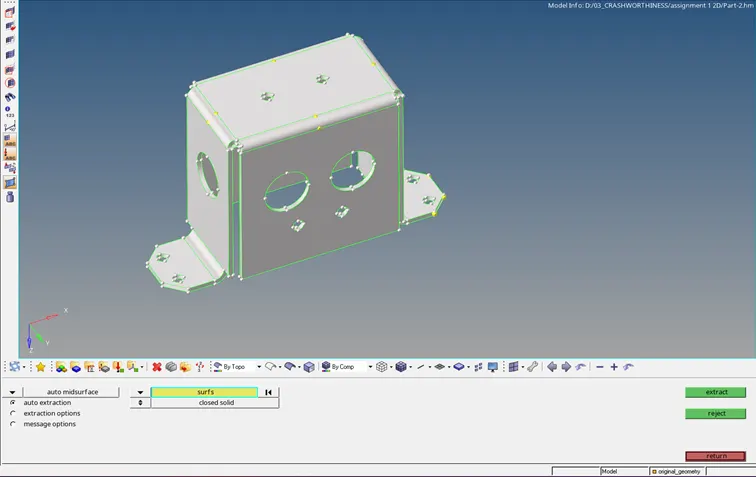
- Use Skin offset method in Extraction options to create mid-surface.
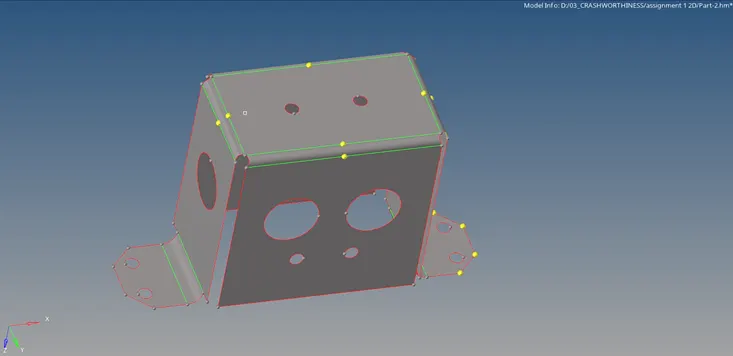
- Mesh the symmetrical half of the model.
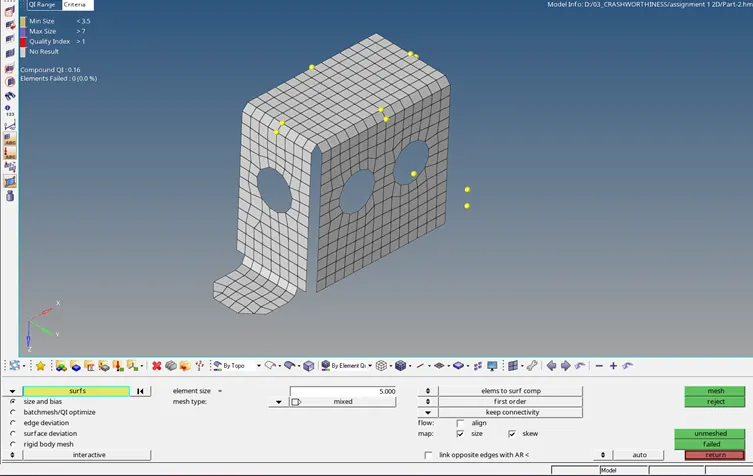
- Reflect the mesh along symmetrical plane.
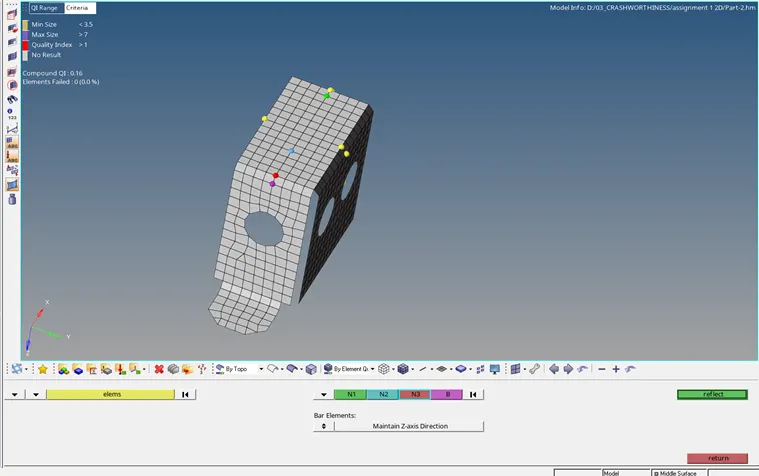
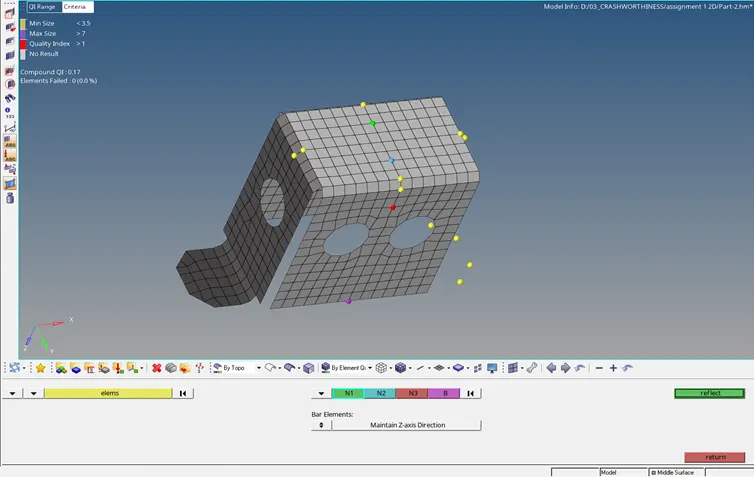
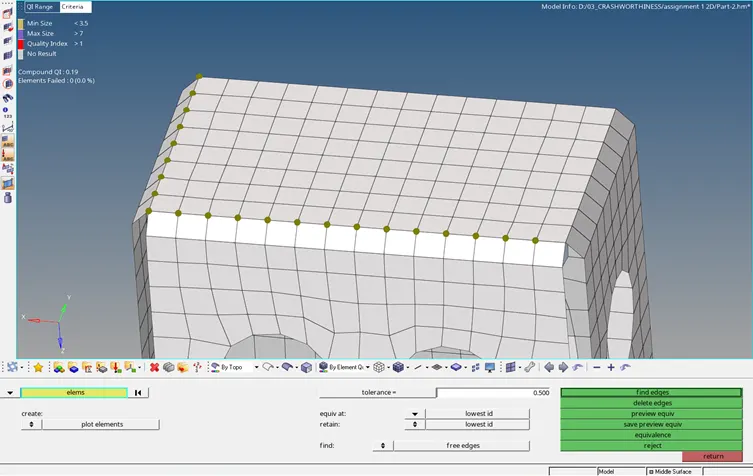
- Apply equivalence to the reflected mesh to join the nodes.
Final Model:
Model-3
- Open the model and view in By Topo mode. Check the surfaces for geometric errors or edge connectivity .
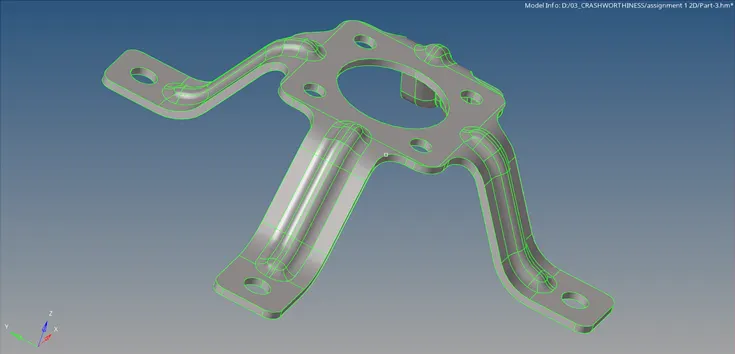
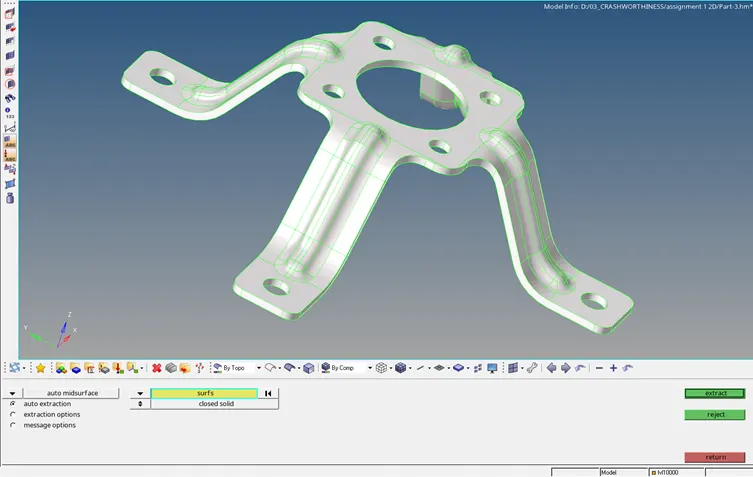
- Use Skin offset method in Extraction options to create mid-surface.
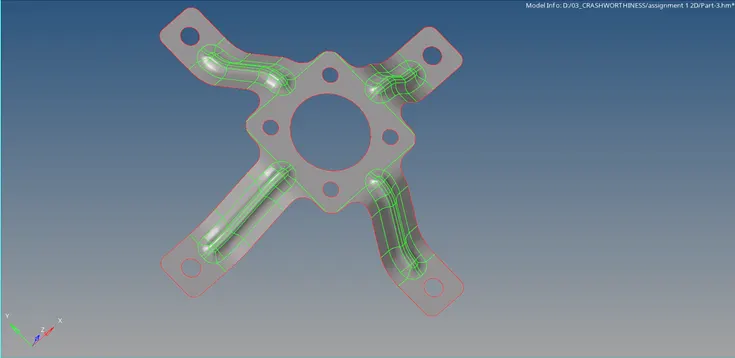
- Toggle the lines to maintain min.length of the mesh criteria.
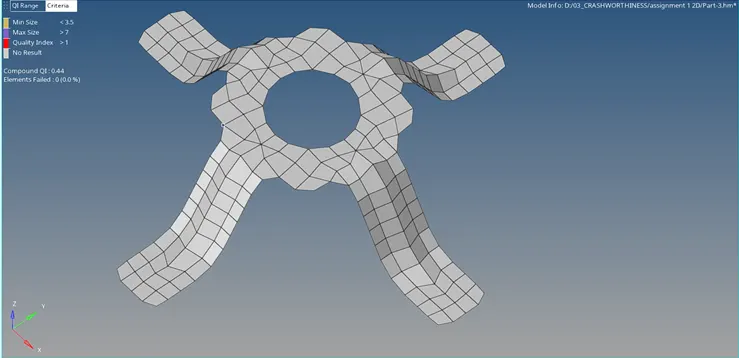
- Mesh the entire surfaces maintaining the quality criteria and mesh flow.
Final Model:
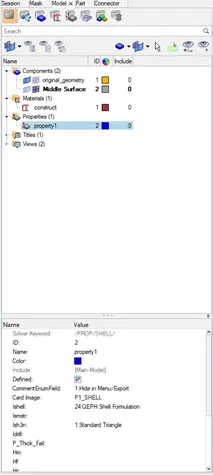
- Assign property to the mesh models by specifying their thickness,
RESULT:
The given models have been meshed by generating mid-surface and the quality criteria are satisfied.