Project-2-Meshing of Door Inner Panel Challenge
PROJECT-2: MESHING OF DOOR INNER PANEL
AIM:
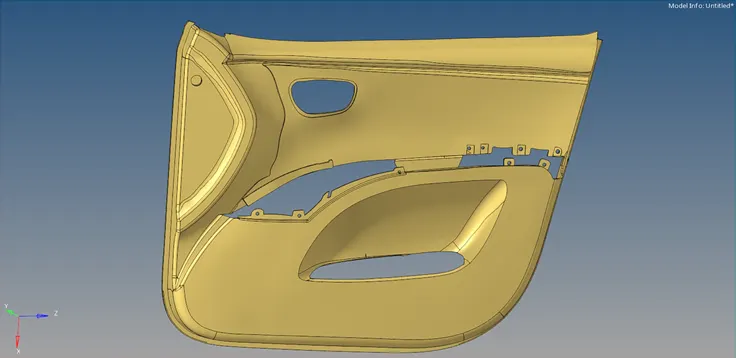
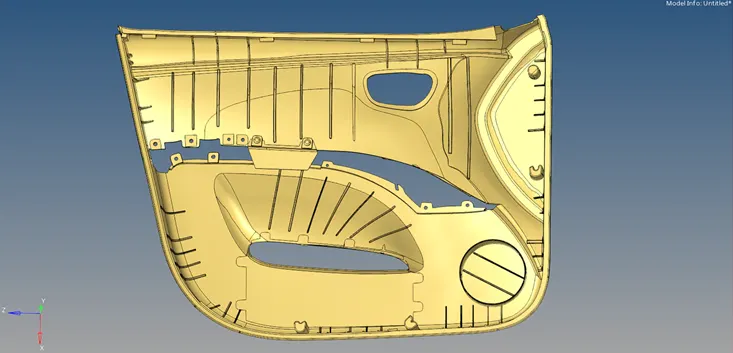
For the given model, extract the mid-surface and generate its mesh maintaining the required quality criteria.
CAD MODEL:
PROCEDURE:
- Open the model and view in By Topo mode. Check the surfaces for geometric errors or edge connectivity.
- Use Quick Edit panel to toggle the edges (release the attached edges).
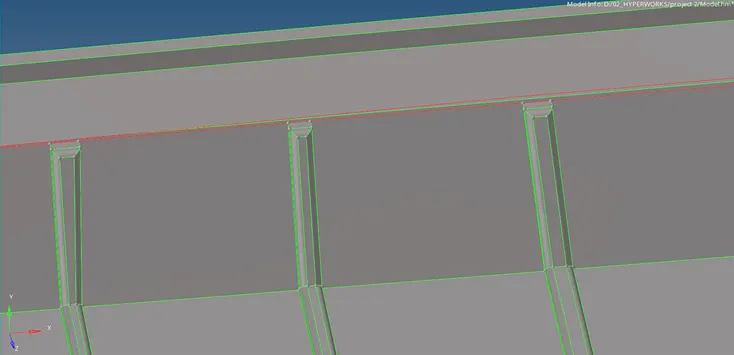
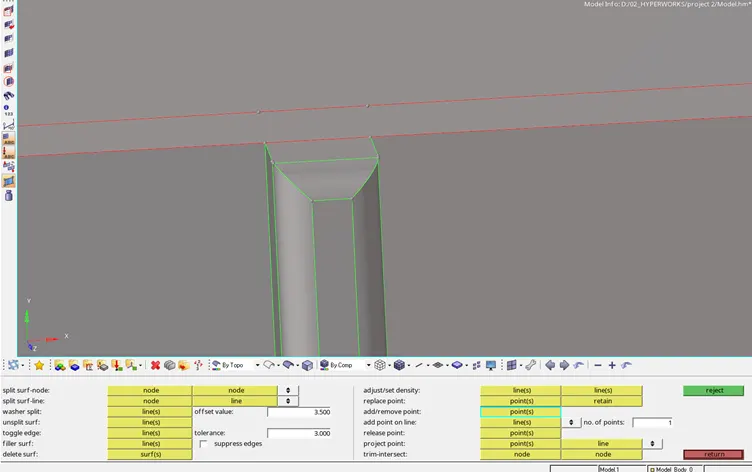
- Replace points to eliminate stray points and toggle the edges.
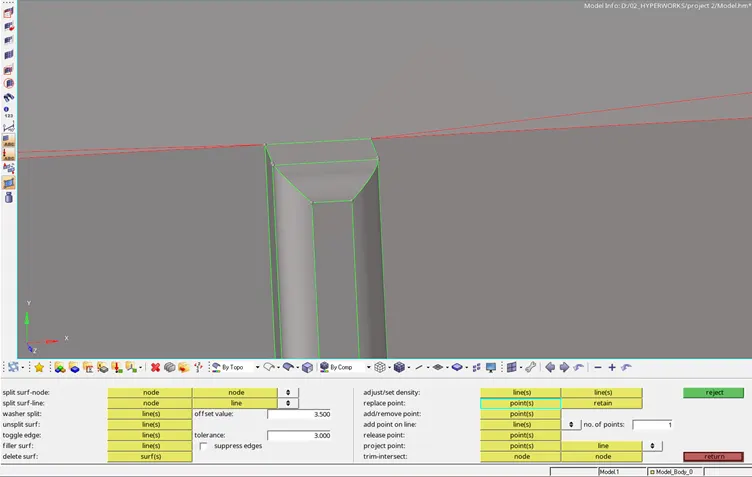
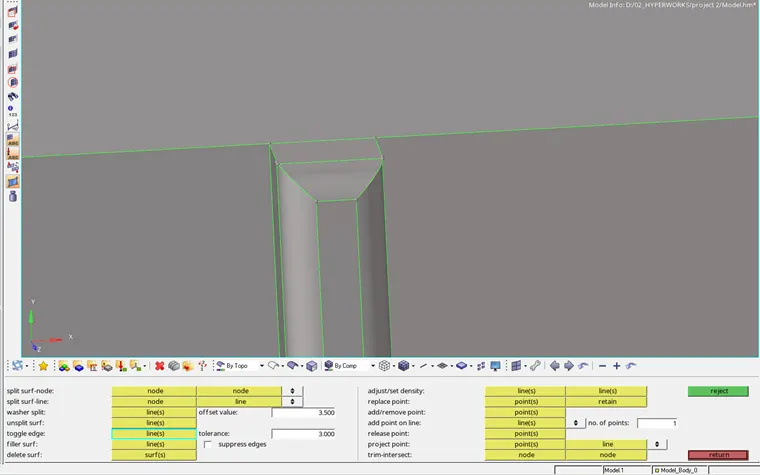
- View the geometry using Wireframe mode to check edges and Toggle them if required.
- Suppress unwanted connections on the surface.
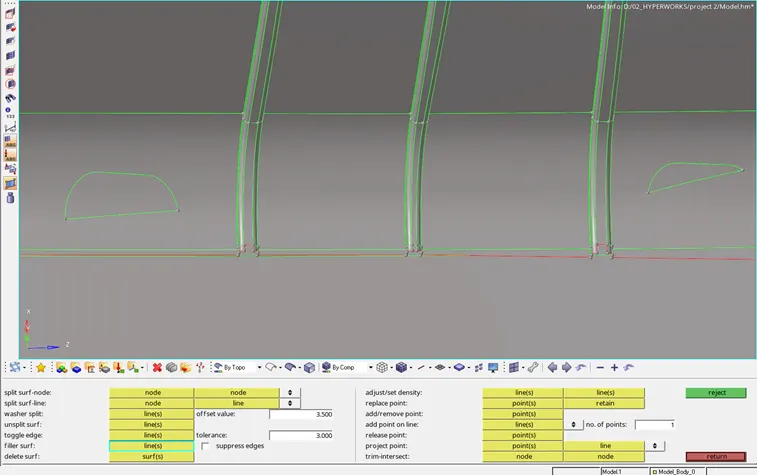
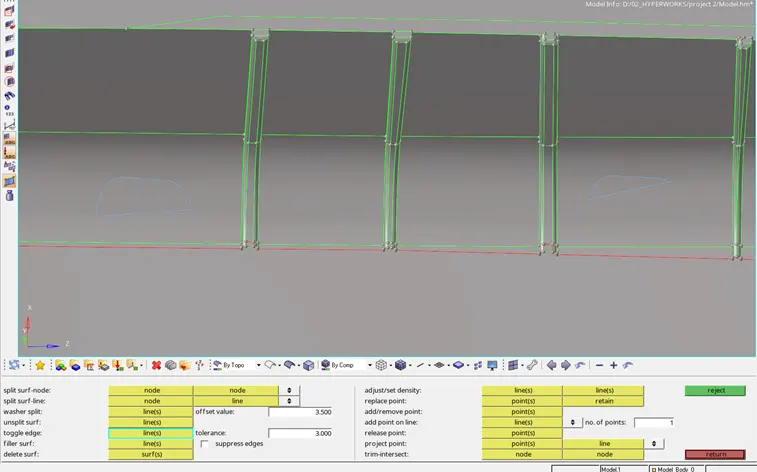
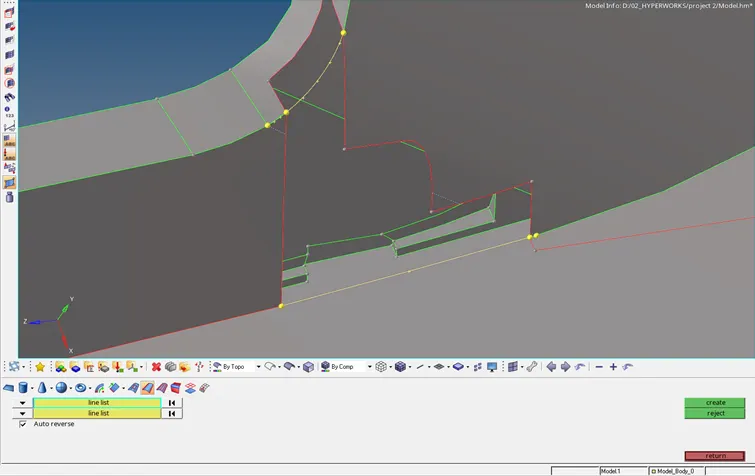
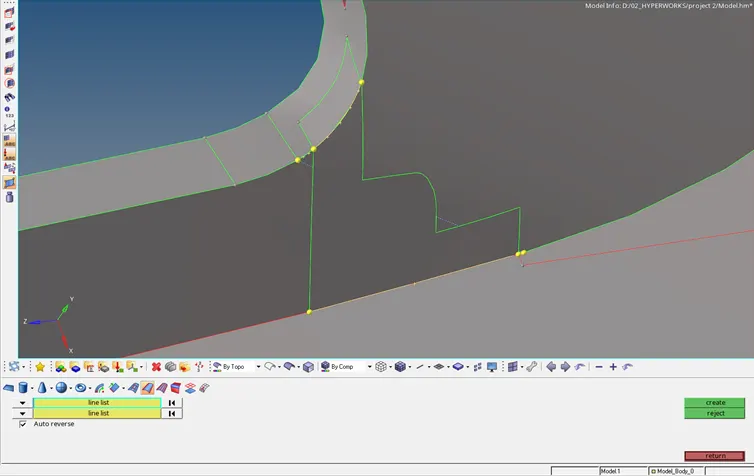
- Create a new surface using the reference line and the neighbouring mid-surfaces.
- Select the Offset+Planes option from Extraction options to create the mid-surface.
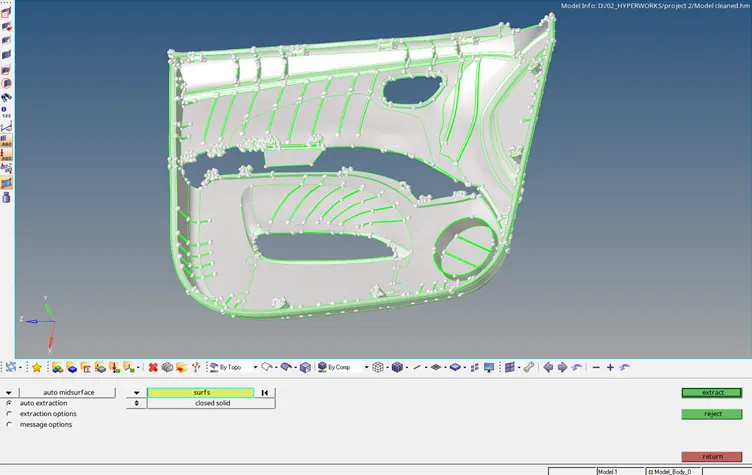
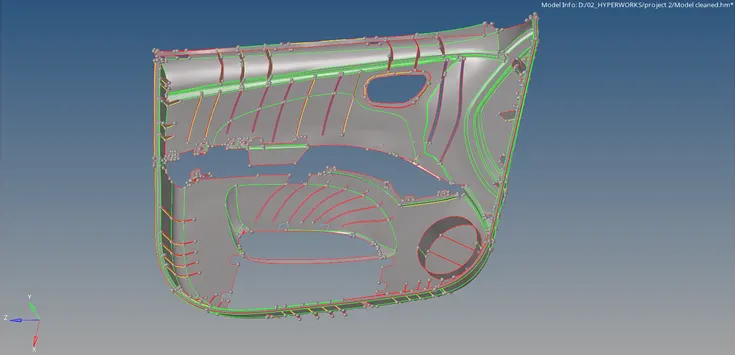
- Delete deformed surfaces from the mid-surface.
- Create new surface using Spline panel in 2D menu.
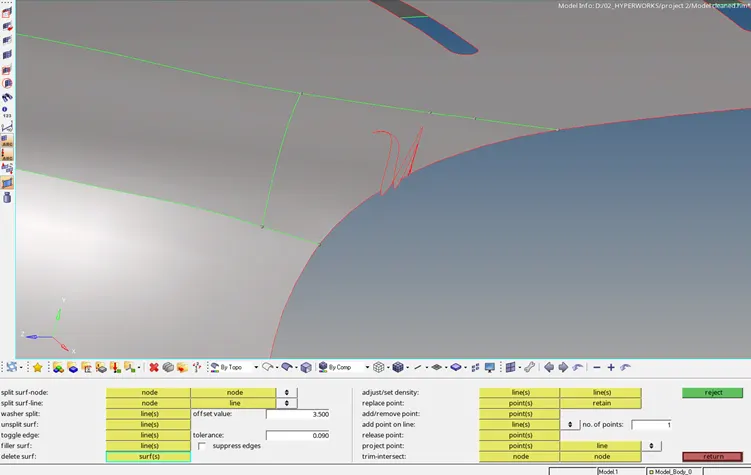
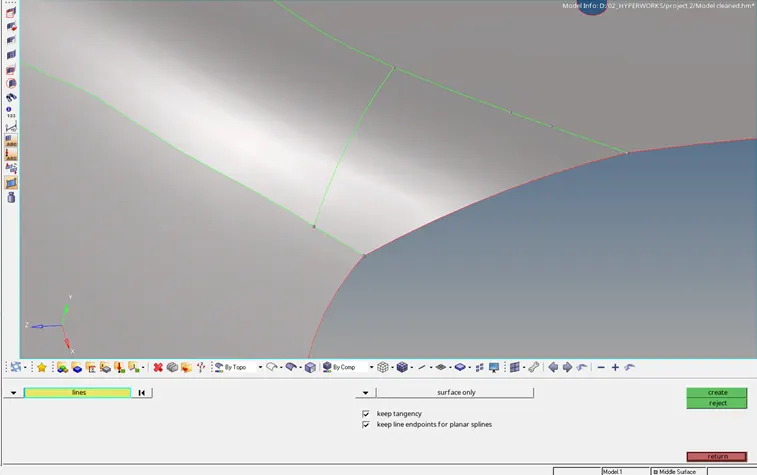
- Use trim option to cut the surfaces and delete the unwanted portion of the trimmed surfaces.
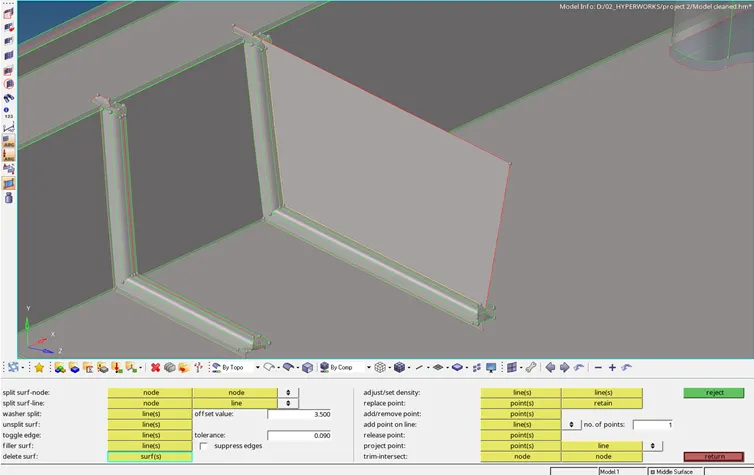
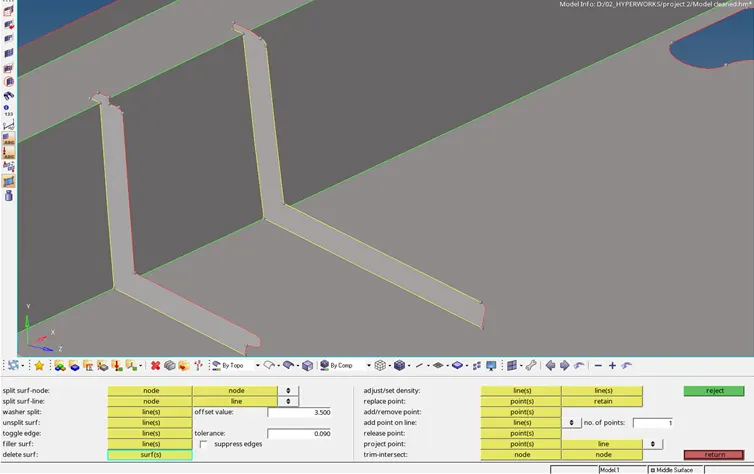
- Features with thickness more than 6 units are represented as shown below.
- Use node panel and line panel to construct the outline of the feature and extend it to the base.
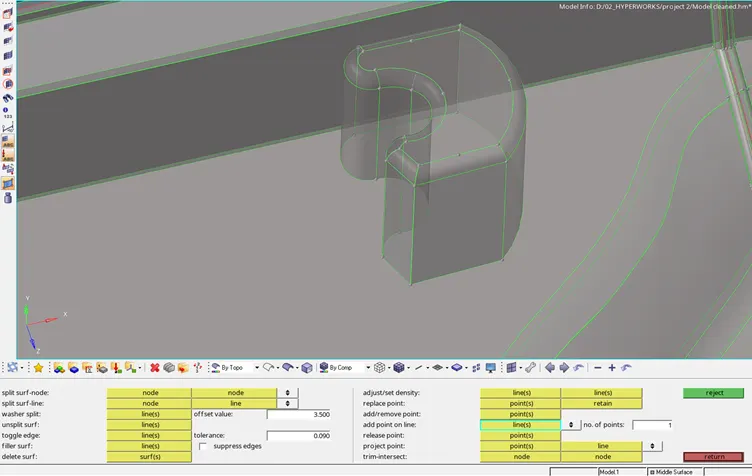
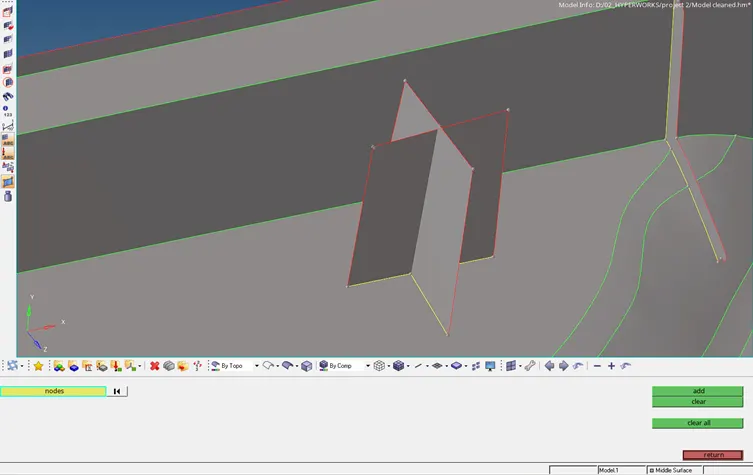
- Remove fillets of the ribs to extract mid-surface by Defeature panel in Geom. menu.
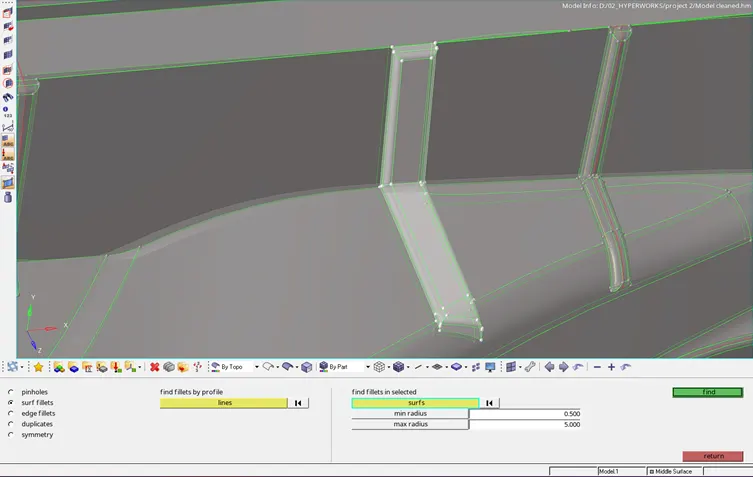
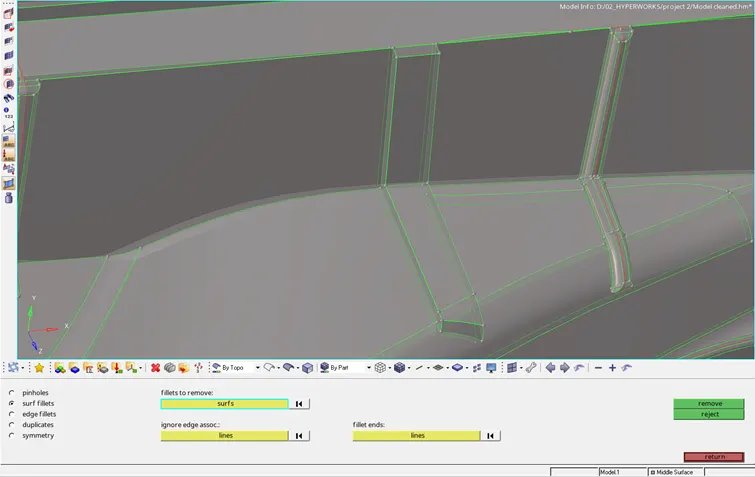
- Offset/Translate the side to the mid point.
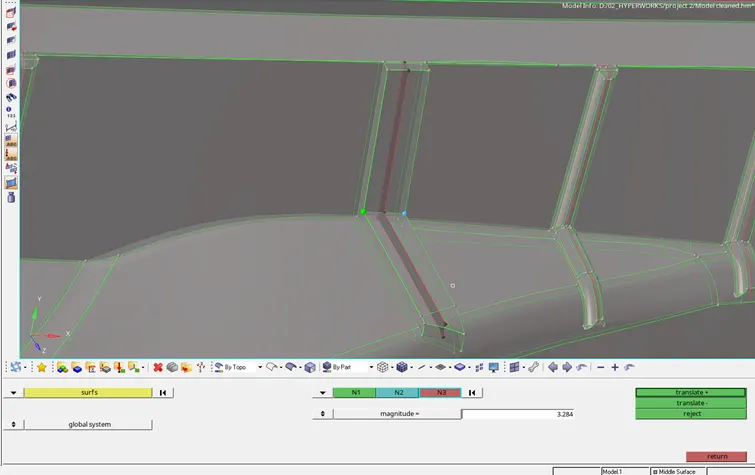
- Toggle unnecessary construction lines or the feature lines that might affect the quality criteria of the mesh.
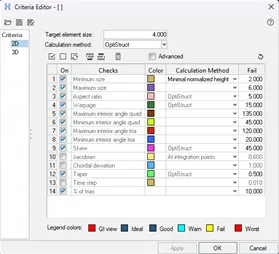
- Input the required values in the Criteria file settings.
- Set the mesh parameters in the Mesh settings.
- Mesh the entire surfaces maintaining the quality criteria and mesh flow.
- Mesh-edit panel can be used to stitch perpendicular surface mesh by Imprint/Extend option.
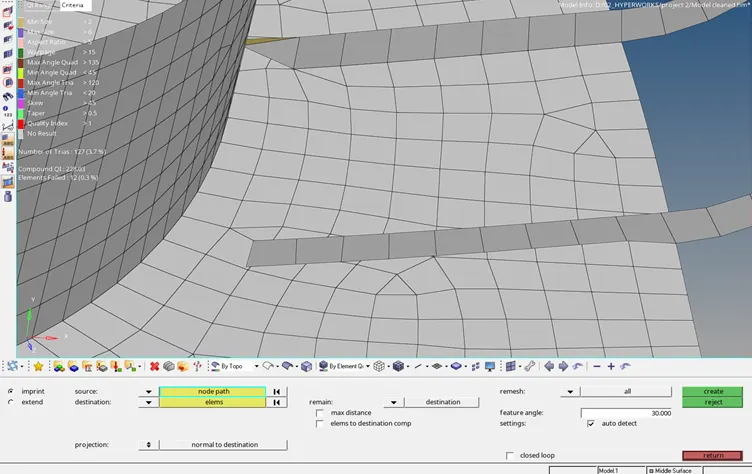
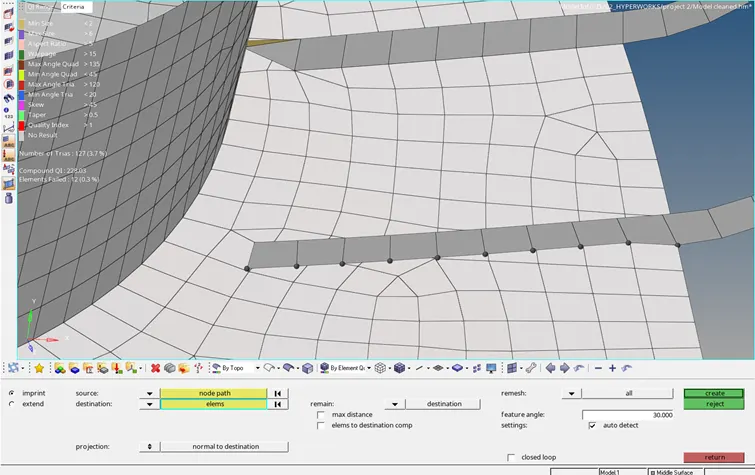
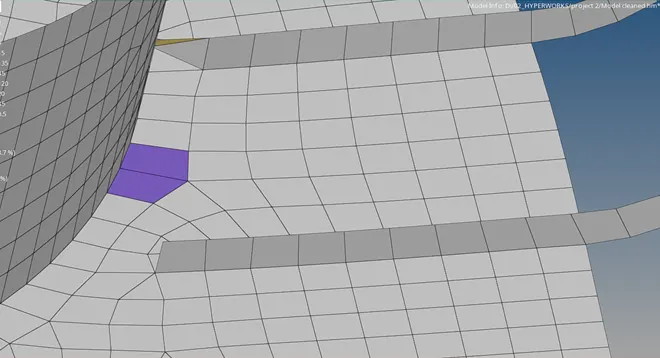
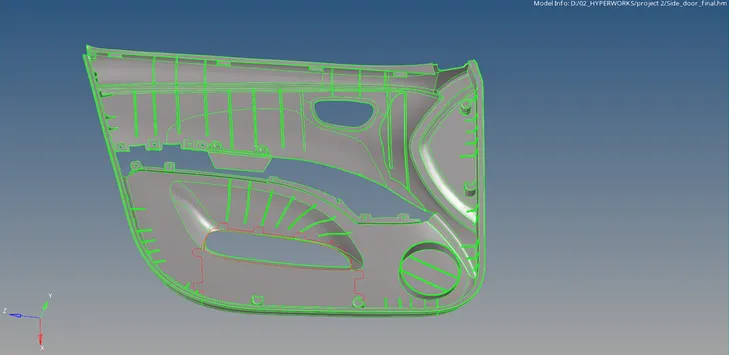
- Check and clear free edges from the model.
Final Model:
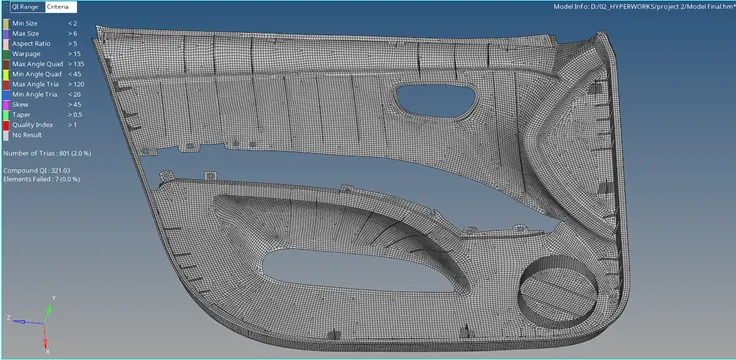
RESULT:
- The given door inner pannel model has been meshed by generating mid-surface. Some of the elements have been failed for quality criteria due to minimum length.
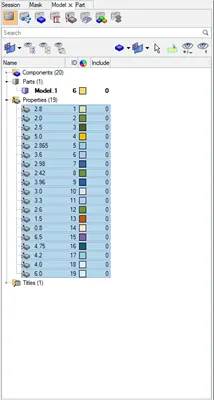
- Elements are assigned with different thickness values in the property card.