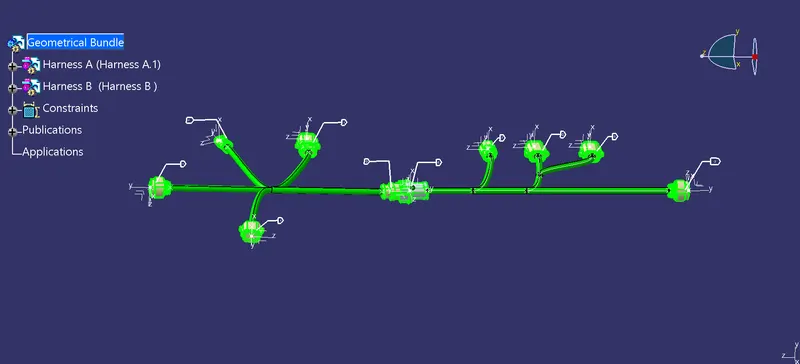
Wiring harness design in CATIA V5 - 3D modeling Week 5 & 6 Challenge
AIM
To create the assembly wiring harness as per the image given below. Convert all the given part files into CAT.Part file and define all into electrical component and also define all the electrical features. Create Harness Assembly and check for Connectivity and also check for warnings. create annotation for all the connector and convert the harness assembly file inot CAT.Part file.
PROCEDURE
Convert all the given input connectors files into CAT.Part files and define them into electrical component and also define the electrical features for the connectors.
Connector 1.
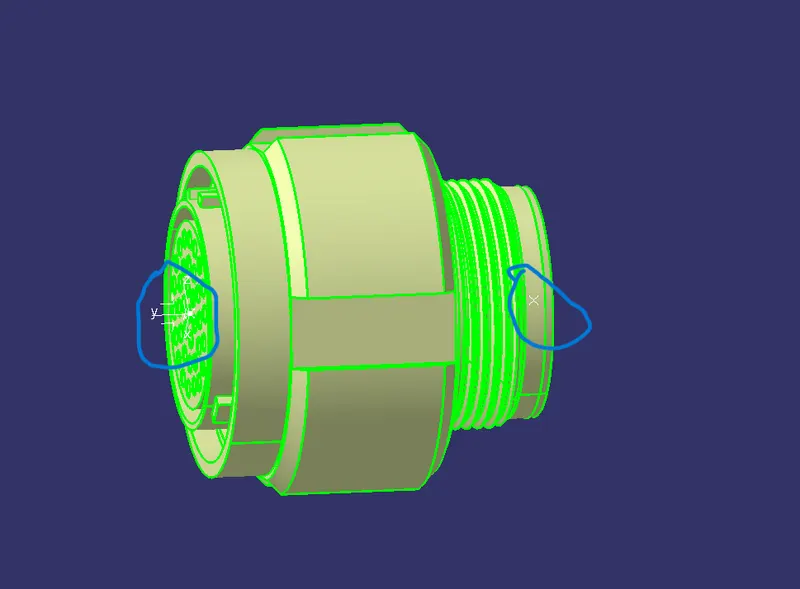
Connector 2.
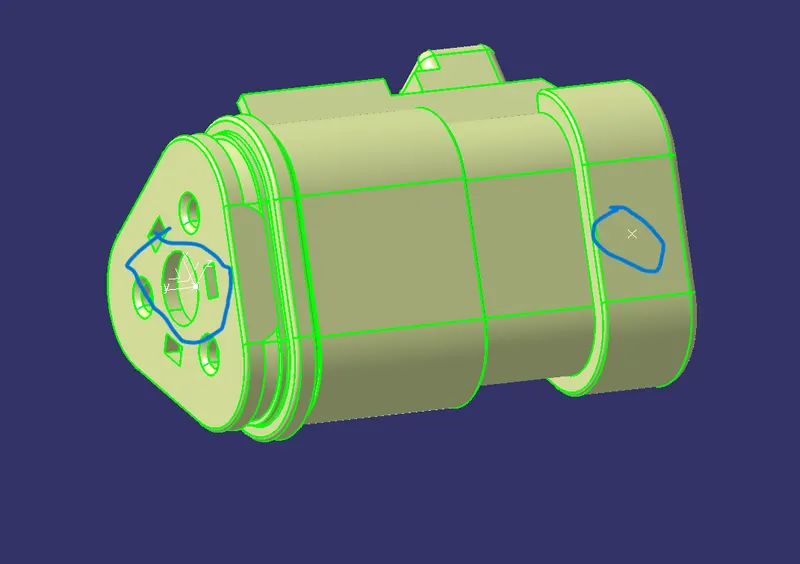
Connector 3.
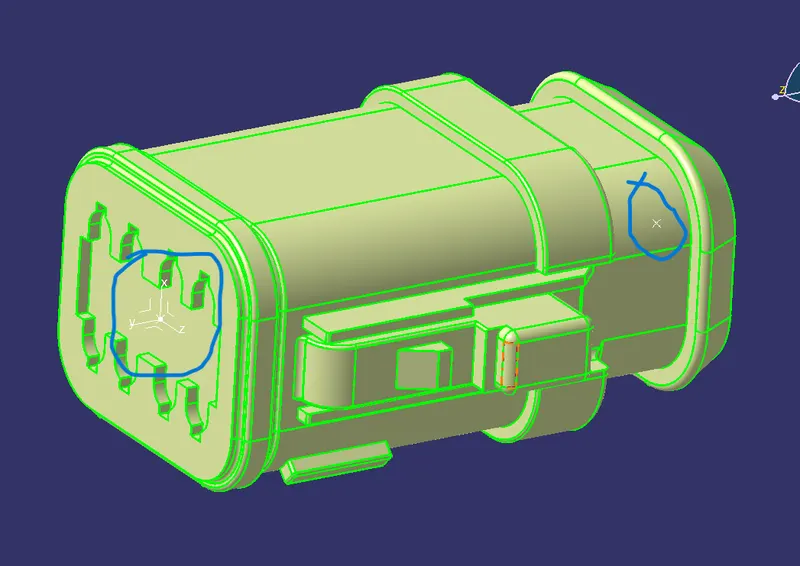
Connector 4.
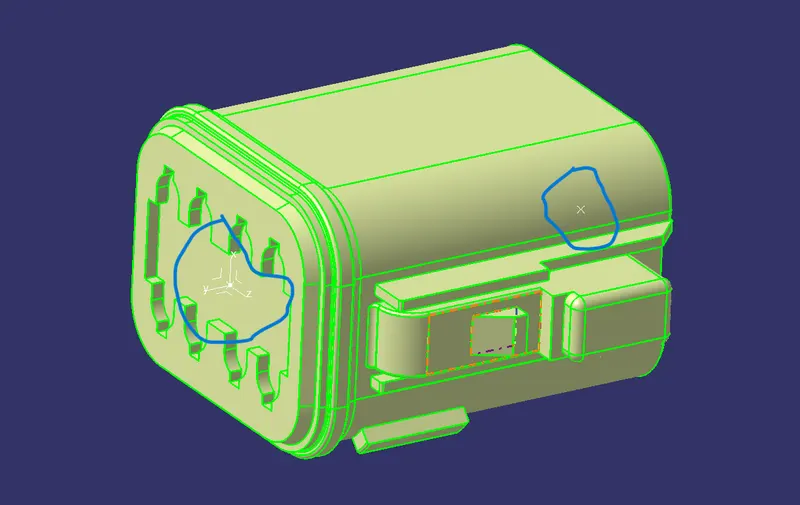
Connector 5.
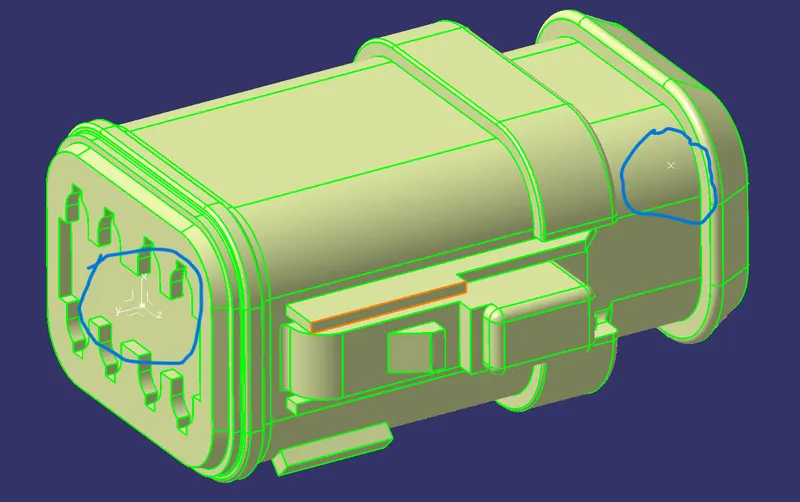
Connector 6.
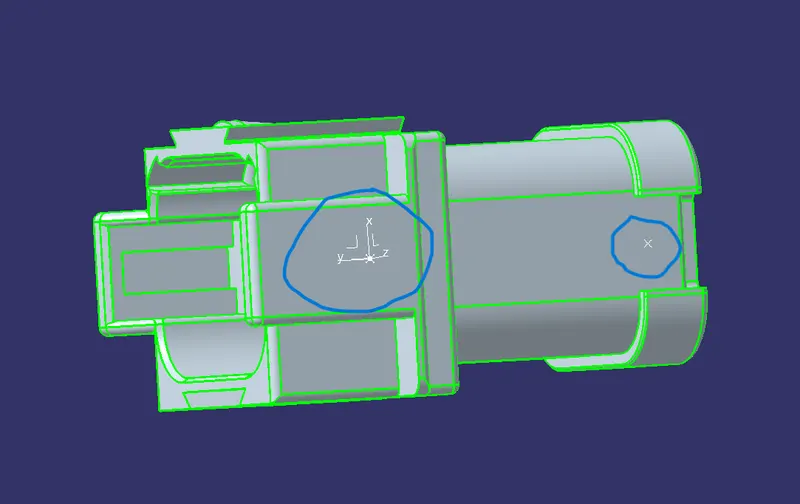
Connector 7.
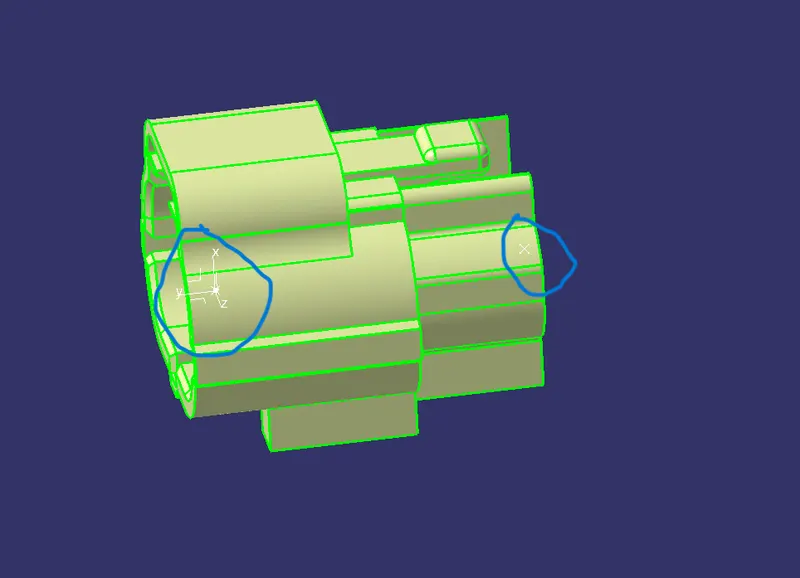
Connector 8.
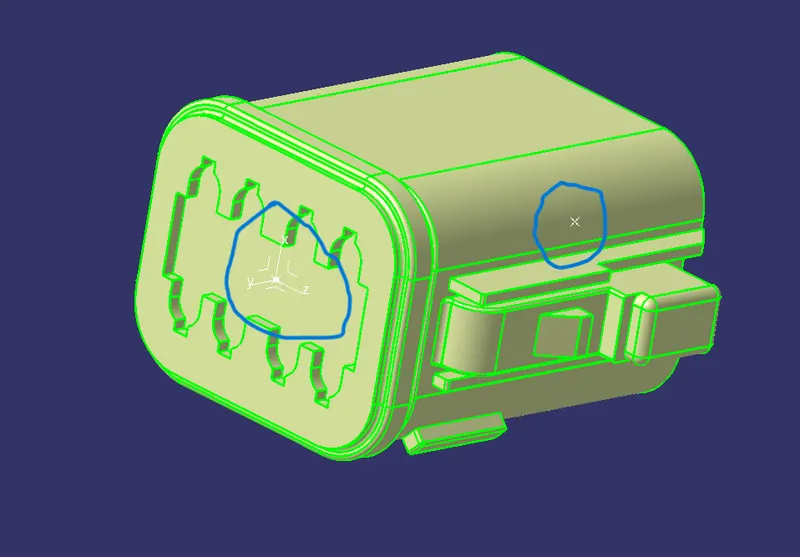
Connector 9.
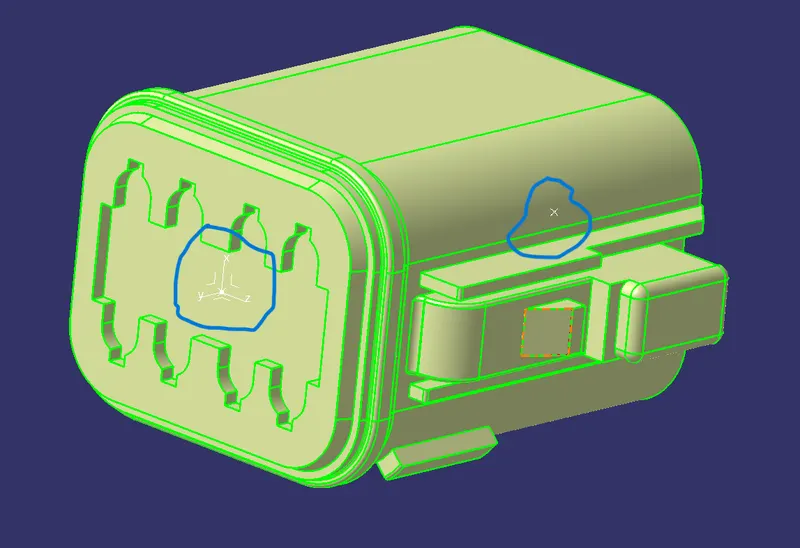
Connector 10.
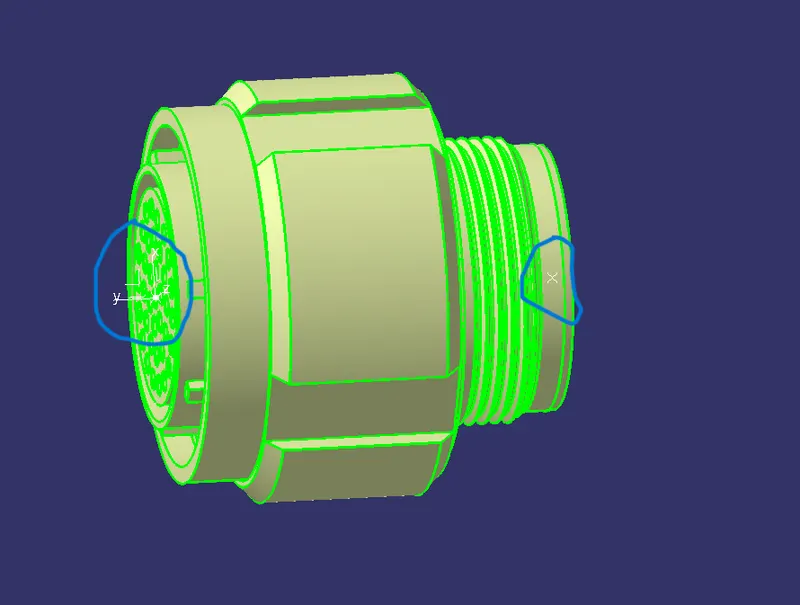
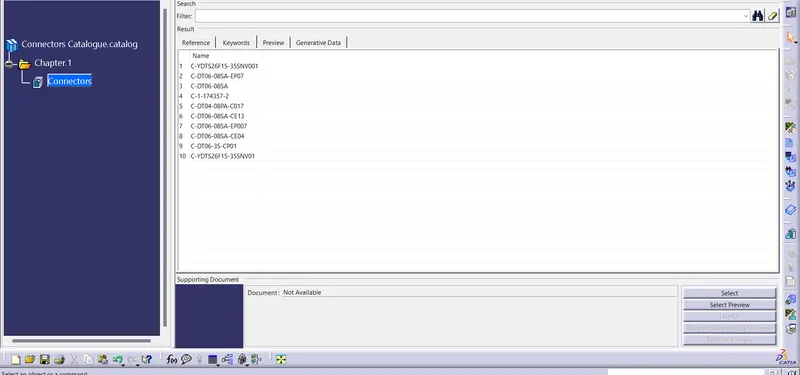
Now create the catalogue for connectors -
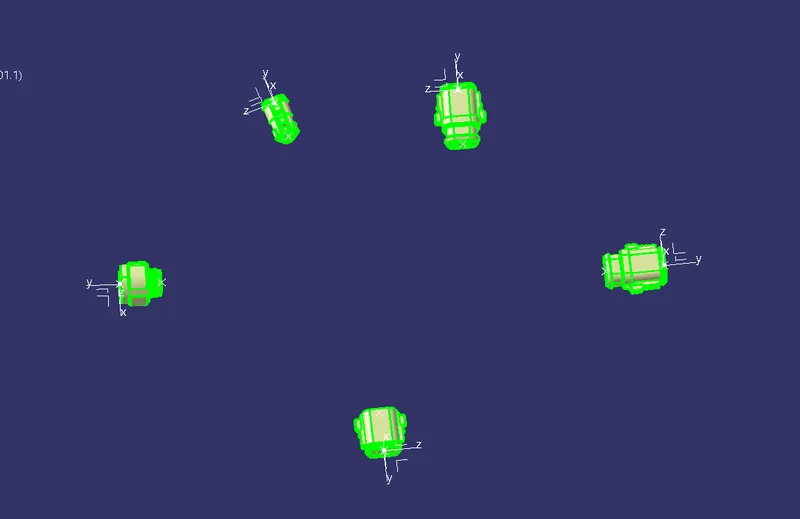
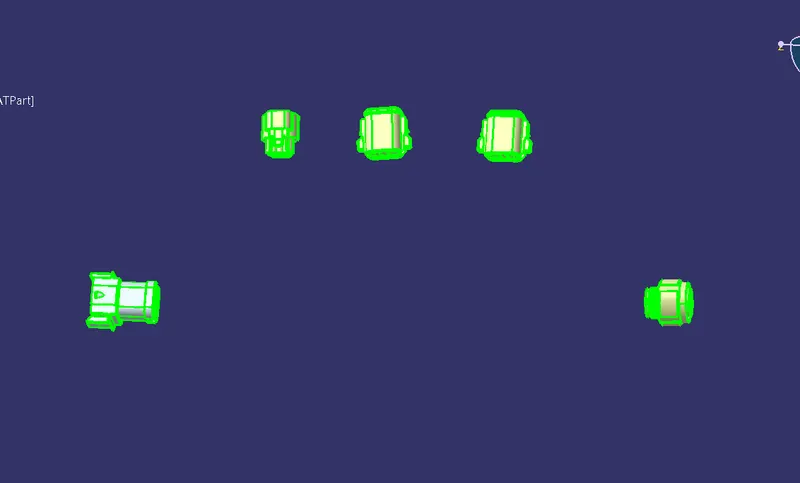
Now Position all the connectors at the required position for the harness assembly -
Harness B
Harness A
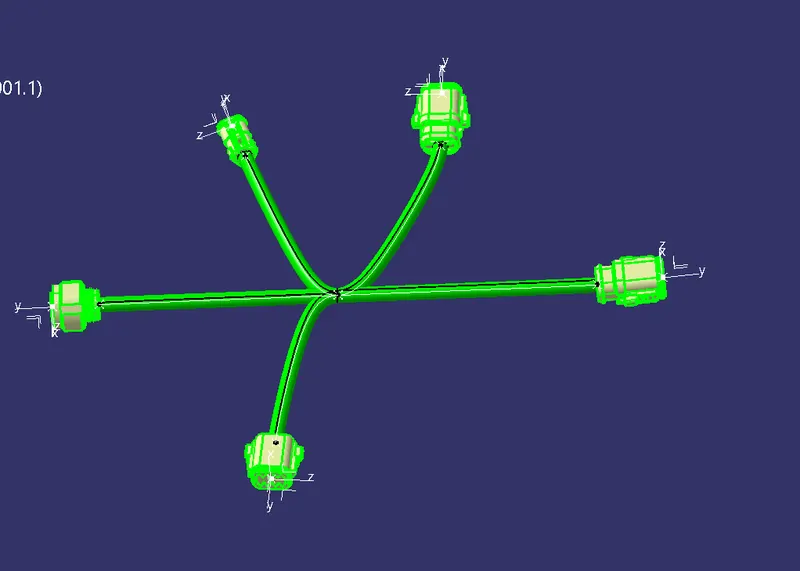
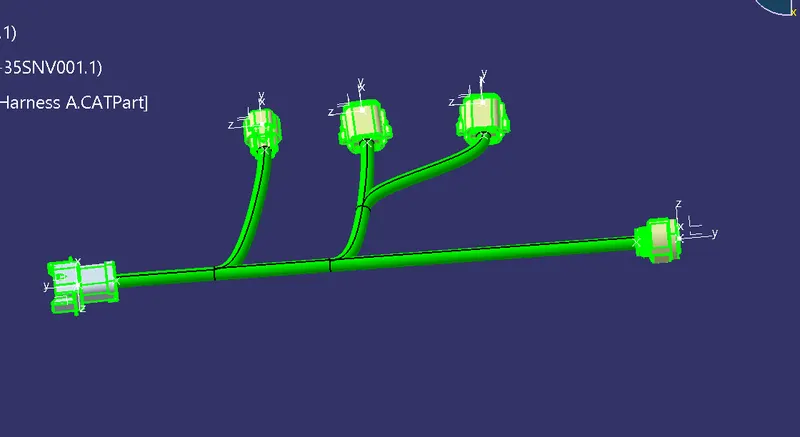
Now create harness assembly for both harness A and harness B.
Harness B
Harness A
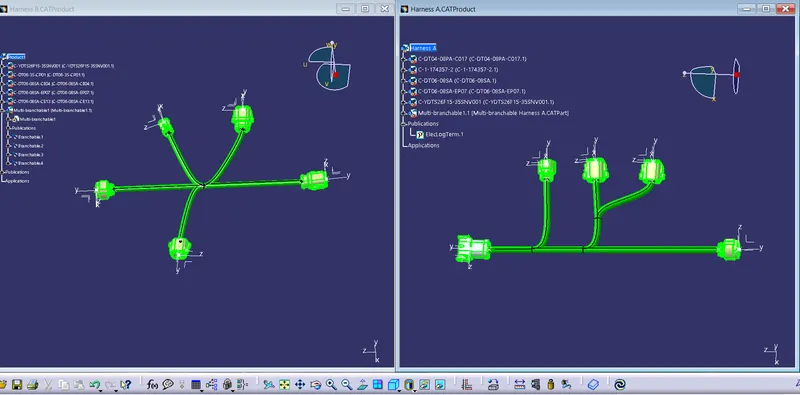
Create a new product file and add Harness A and Harness B into them -
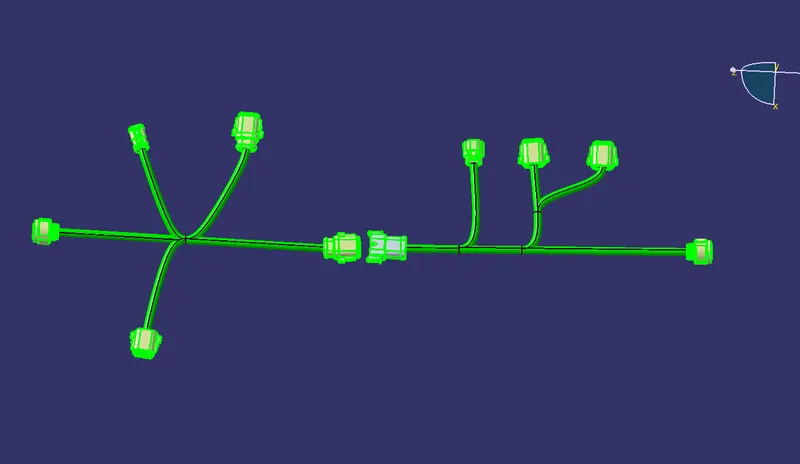
Now join the both Harness A and Harness B -
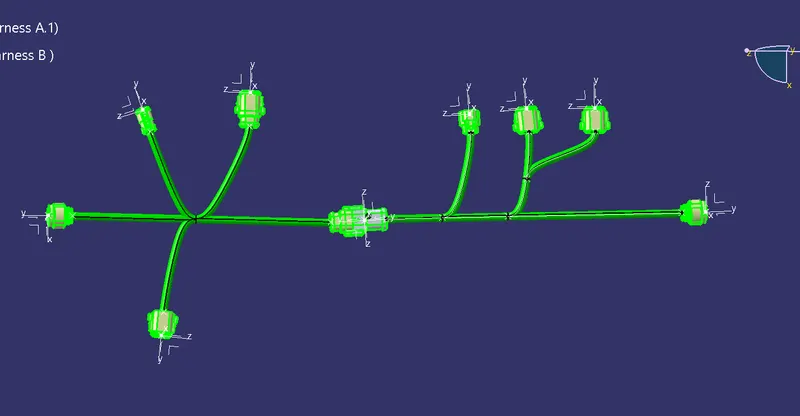
Now check for the connectivity of the harness -
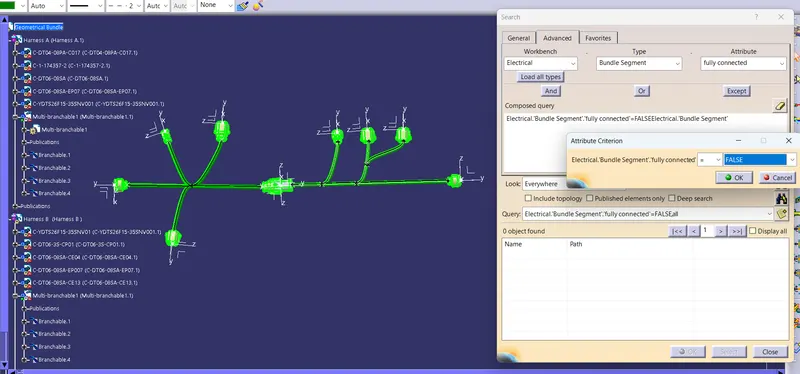
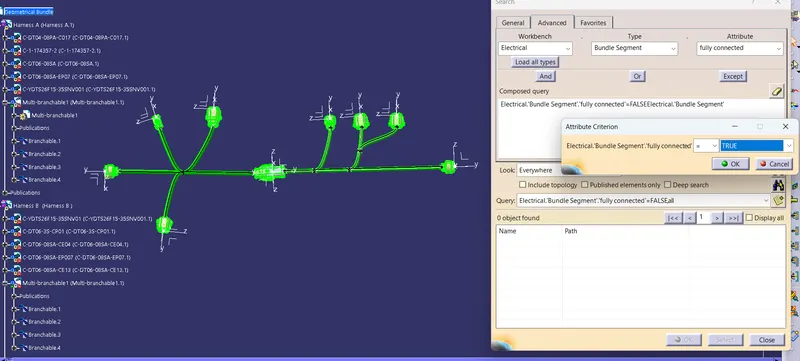
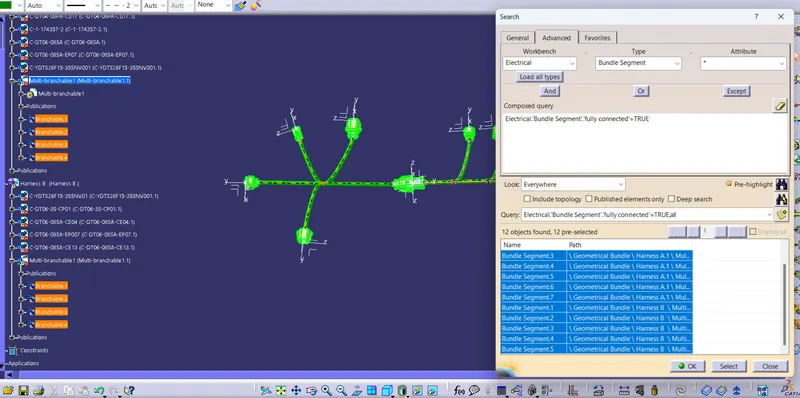
Now check for the warnings -
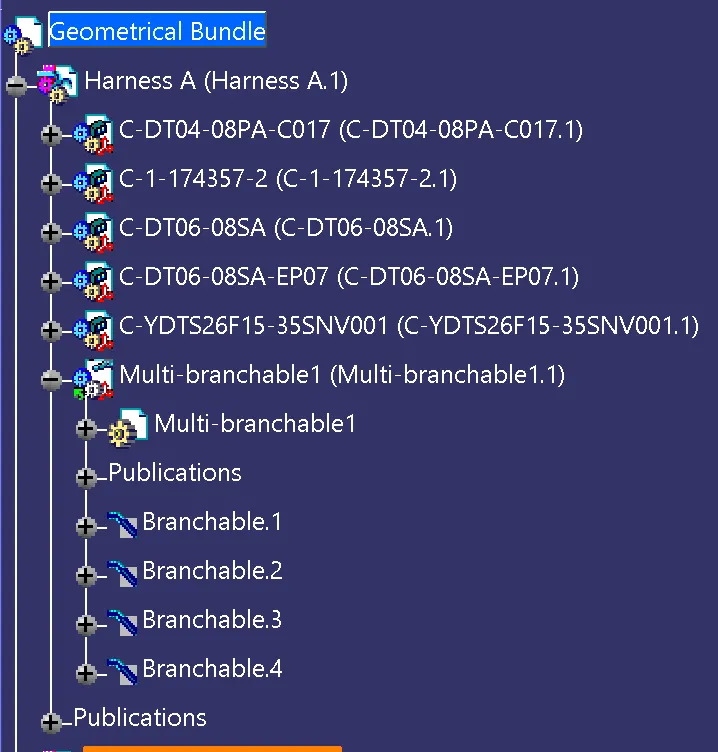
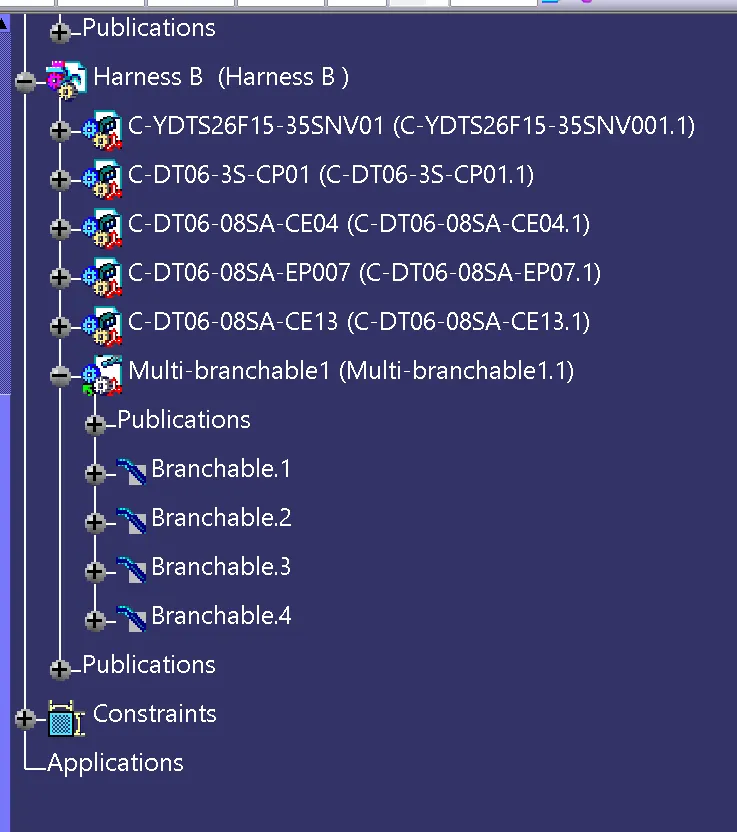
Now add the annotation for all the connectors -