Wiring harness design in CATIA V5 - 3D modeling Week 7 Challenge
AIM
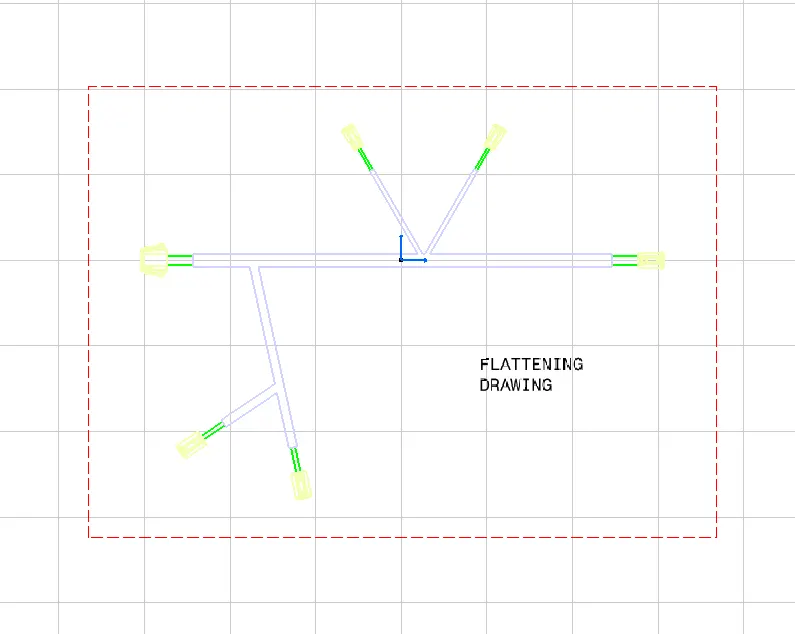
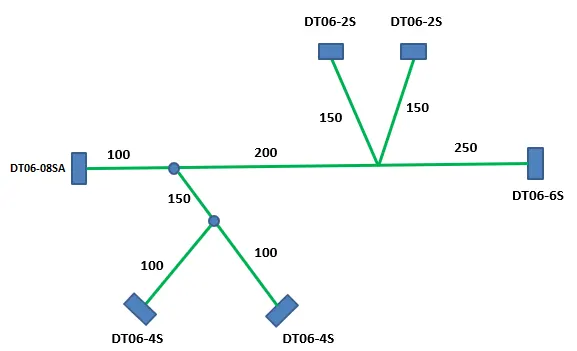
Flatten the harness assembly completed in “ week 4 challenge”. Place the flattened view on drawing sheet. Ensure bundles with protective coverings has different visuals on drawing view.
PROCEDURE
Define all the connectors as electrical component and electrical features for them. Then create harness assembly from them.
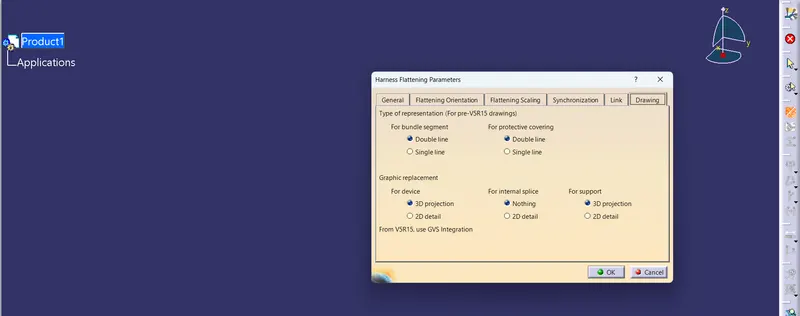
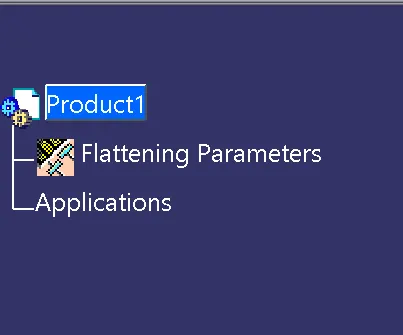
Now create a new product file and define Flattening Parameters.
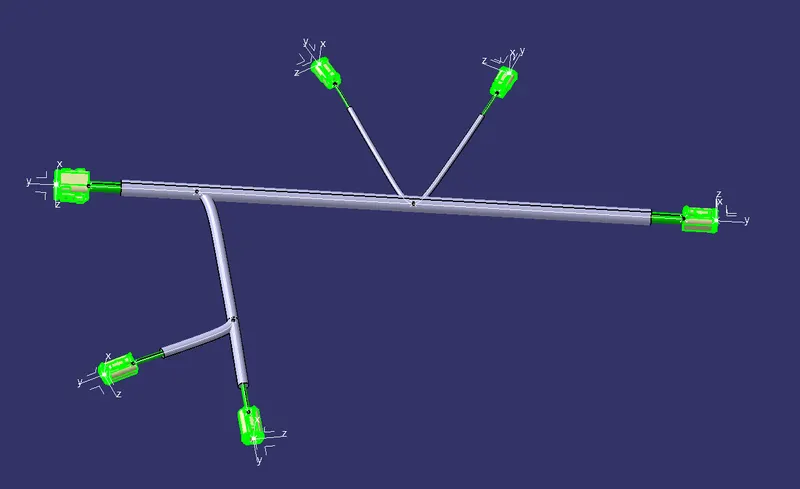
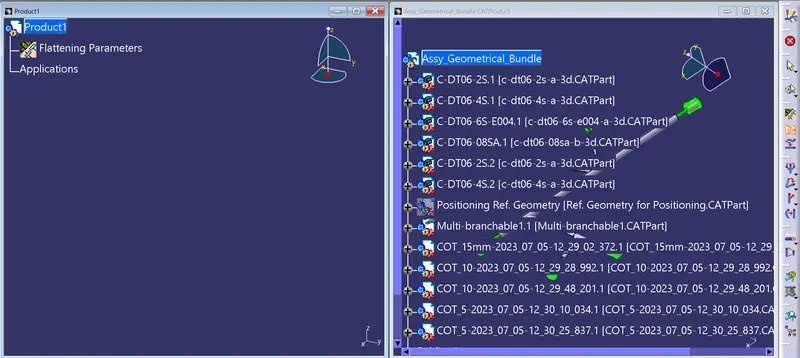
Then extract the harness assembly -
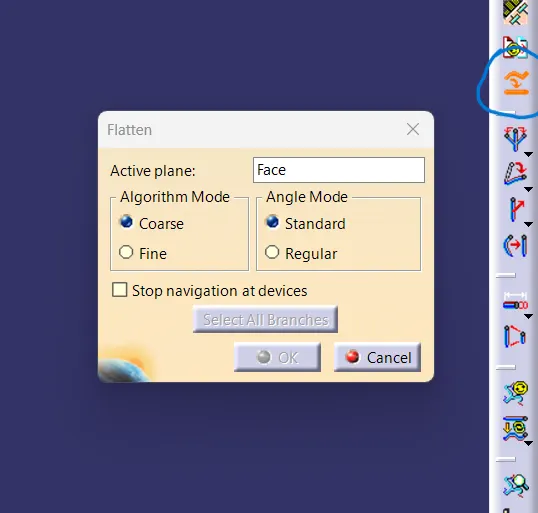
now do flatten for flattening the harness assembly.
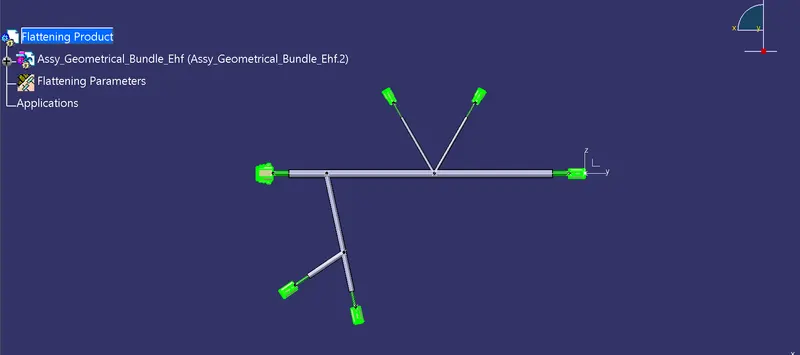
Now create a new Drawing File and make 2D representation for the flattened harness assembly.