Wiring harness design in CATIA V5 - 3D modeling Week 2 Challlenge
Aim
To import the electrical models from the TE website then define each part as a electrical and then design connections for them.
Connectors:
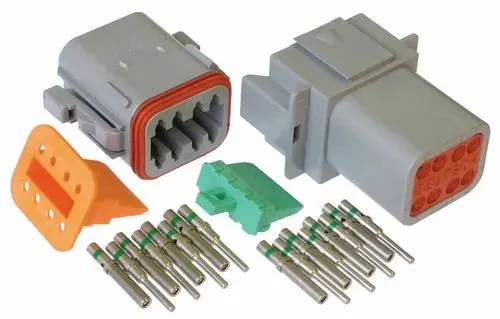
Connectors are parts or devices used for electrically connecting or disconnecting circuits etc. They can connect and disconnect by hands or with simple tools without requiring special tools or processes such as soldering. Electromehanical device used to join electrical termination and create electrical circuits.
Connectors are Plastic molded componets.
Procedures of Connectors Definition:
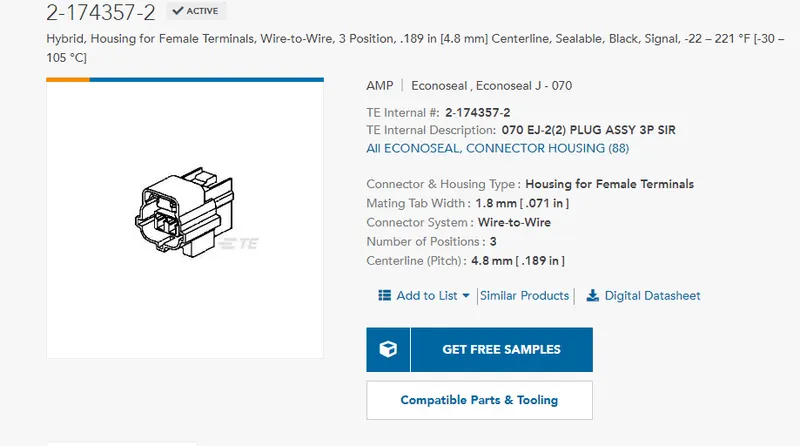
First, import the 3D connector component form the given link2
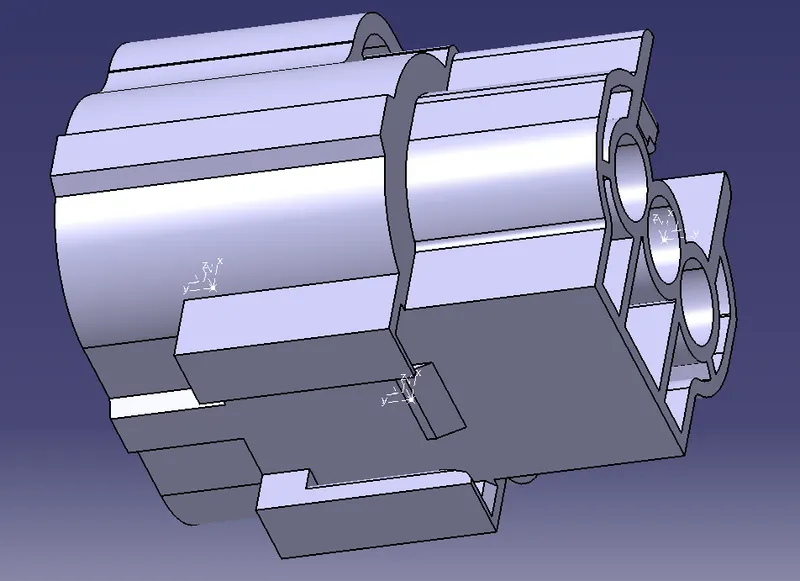
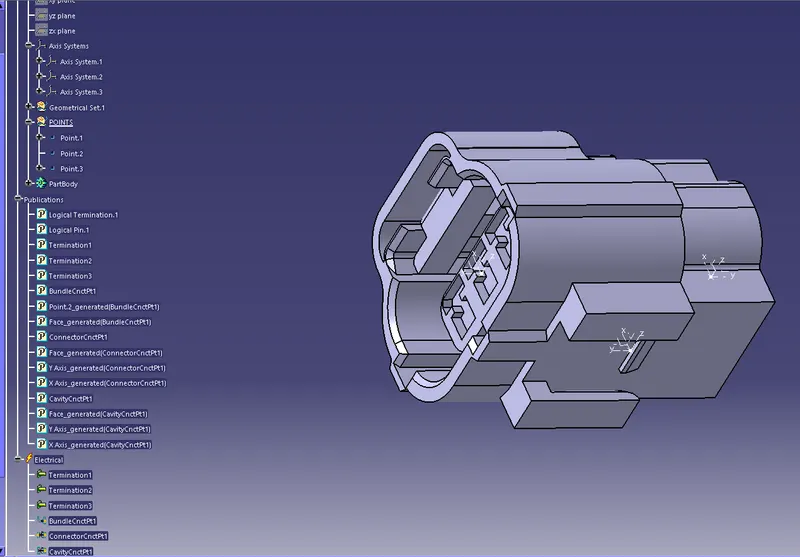
Create required paramentes such as points in the center of the connector connecting face and put Co ordinate system(axis system)in created points in part workbench and make axis system requiresd orientaion with respect to connecting direction( Y axis) and mouting direction (X axis).
As same procedure for bundle connection side.
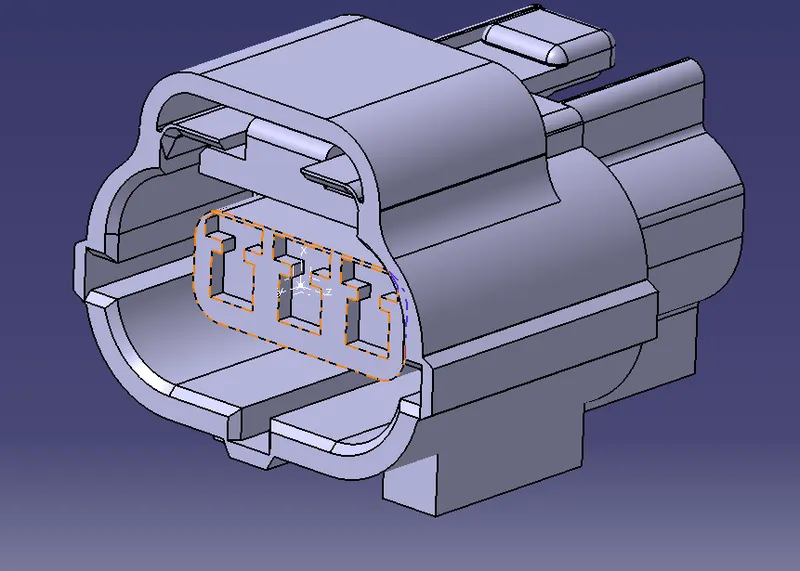
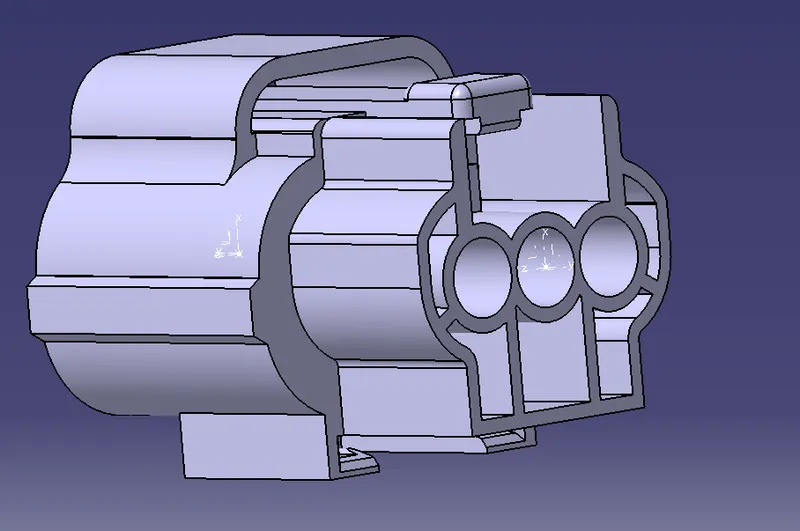
Connector Definition.
After Created, geometrical parameters, move to Electrical Part Desing workbench and define given model as connector using Connection connector definition tool.
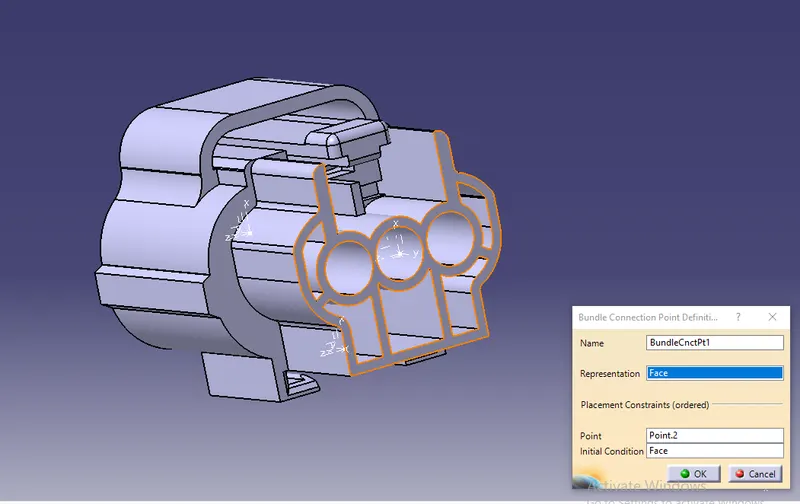
Define Bundle Connection Points.
Using Bundle Connection Points Definition tool, define bundle connnection with point and face.
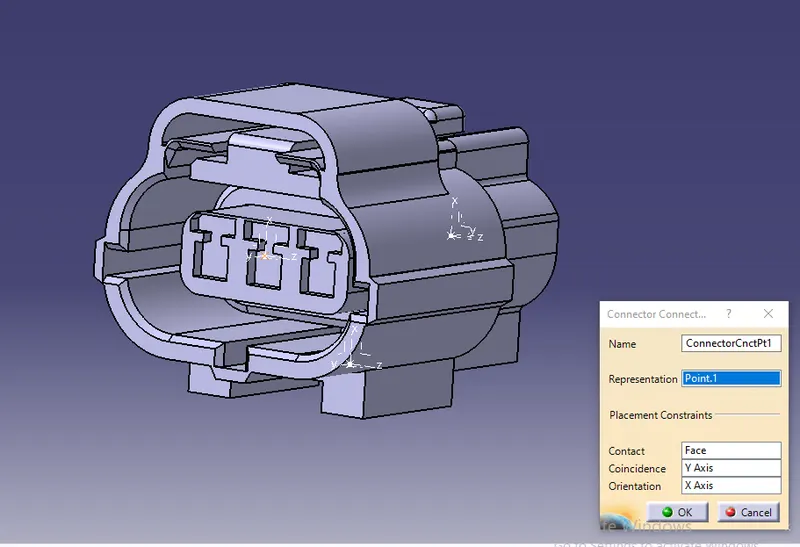
Create cavity definition in the mounting face of hte connector.
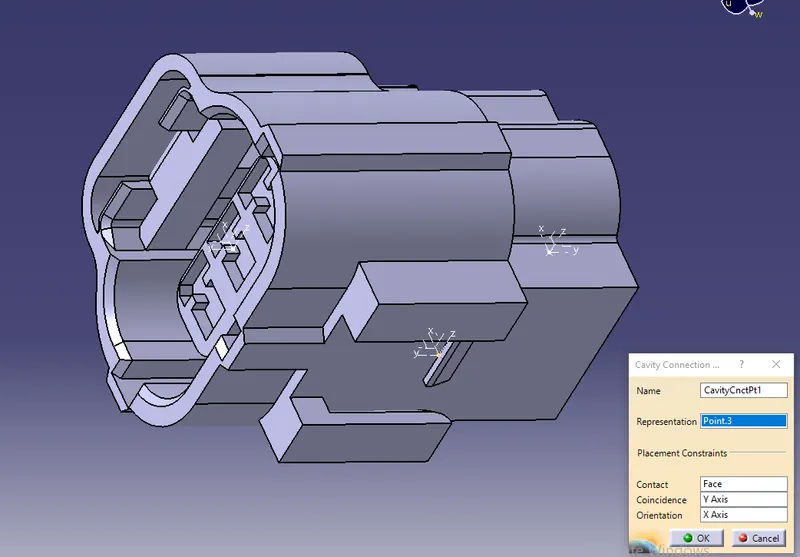
The final definition connector with all the publication were seen on the tree.
Connector mounting clip
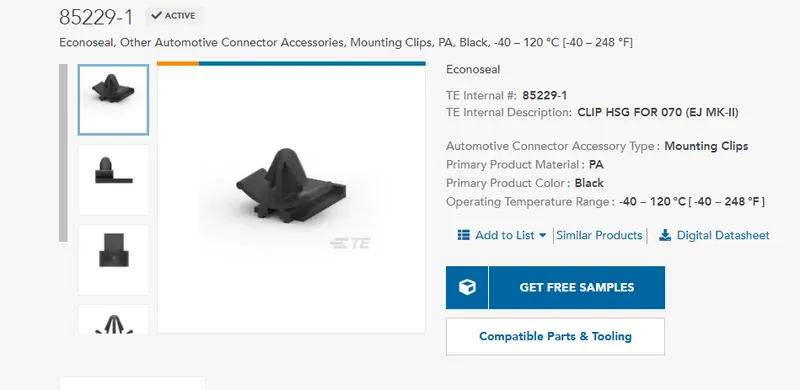
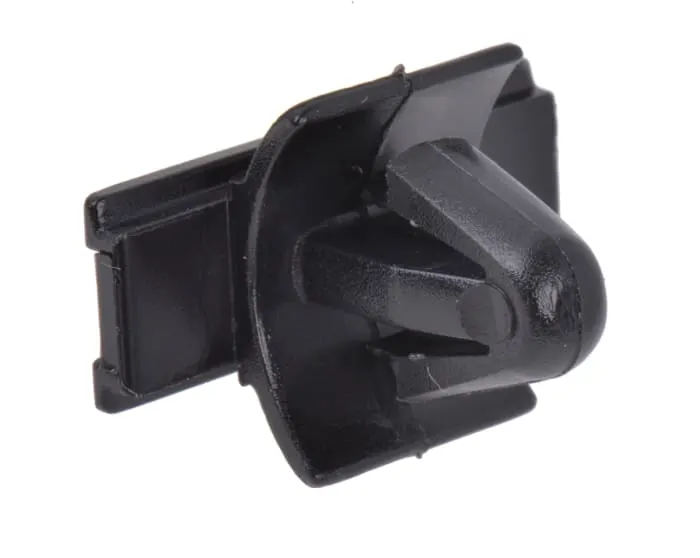
Have to create geometrical parameters points and axis for the moutning clip.
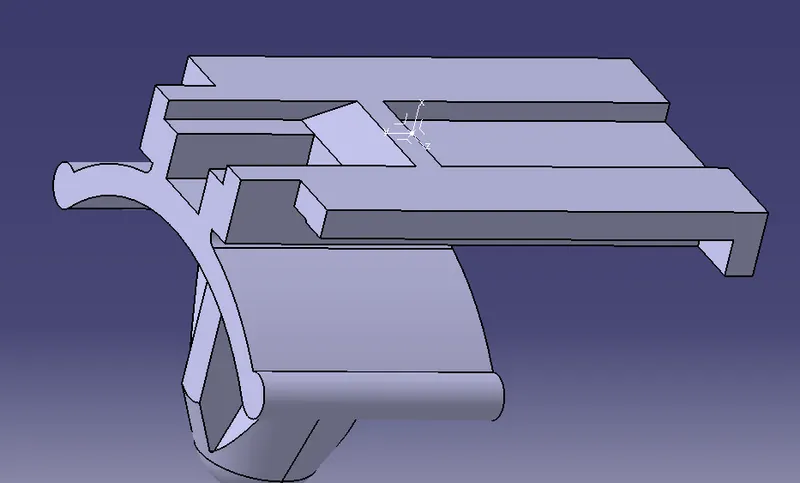
Define mounting clip by using Cavity Definition tool.
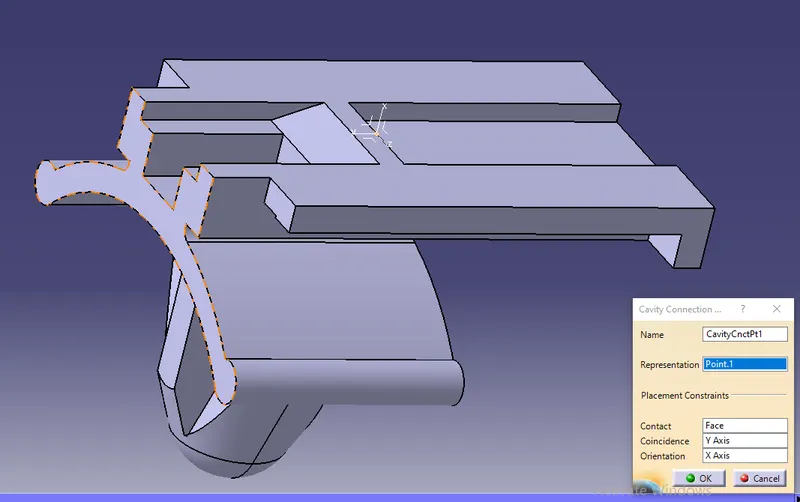
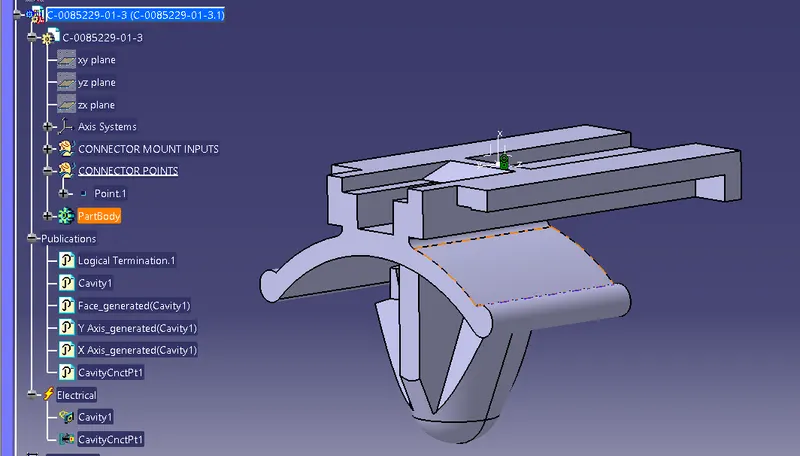
Now cavity and cavity connections point should be defined in the electrical design workbench which is shown in the below tree.
Assemble Connector and Cavity:
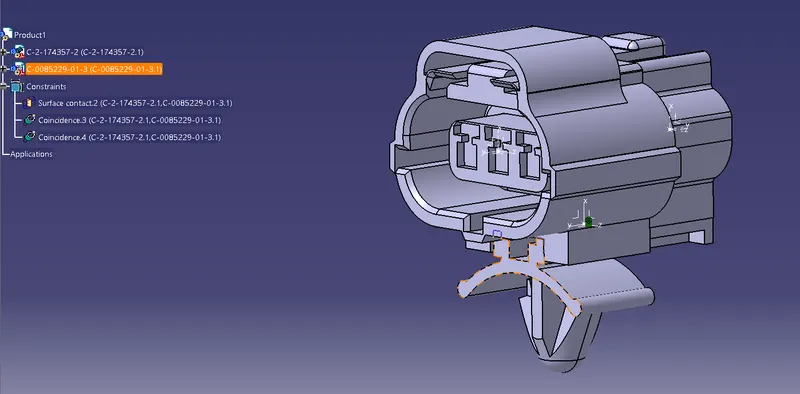
After all definitions, assemble connector and moutning clips bu using connect electrical device in Electrical Assembly Desing workbench. and shown all the contraints in below pic.
MODEL 2
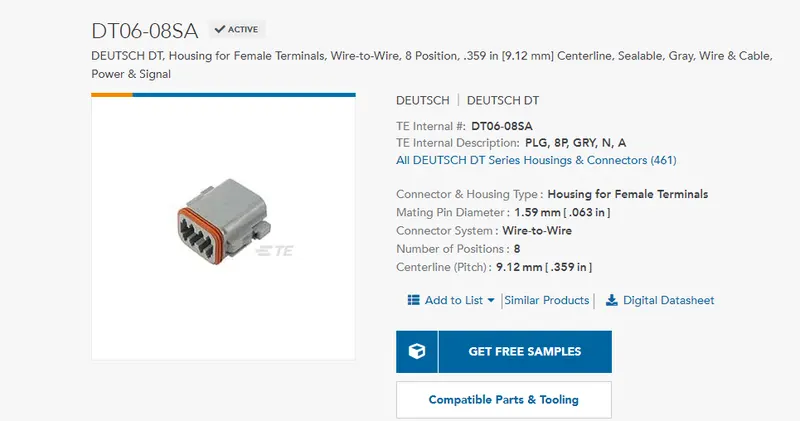
As same above, create geometrical parameters in the given model on both bundle connection and connector connection face.
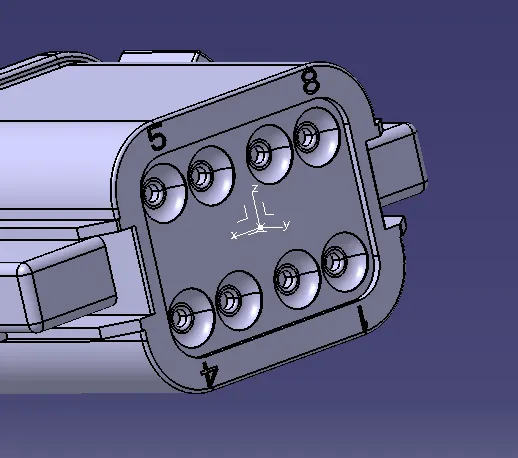
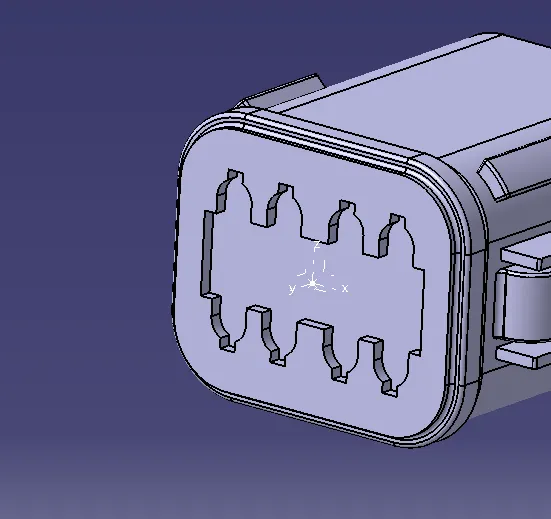
Perform definition for conector connection and Bundle connection.
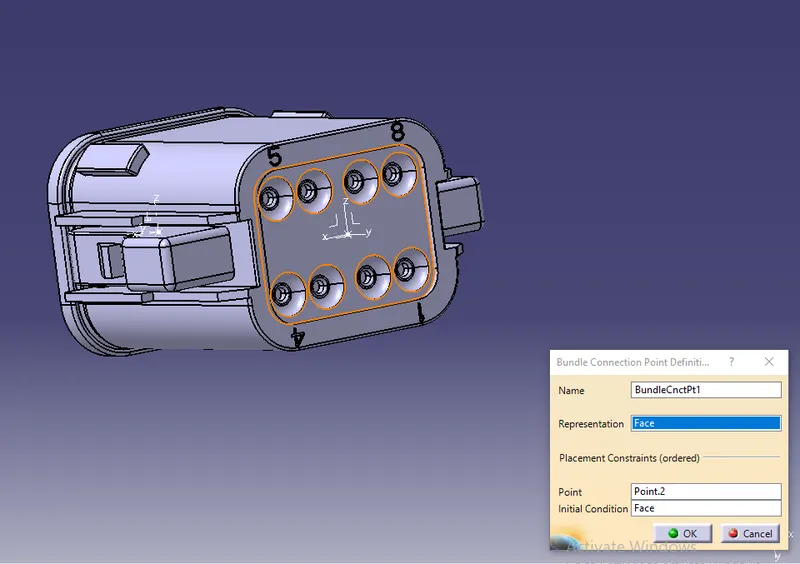
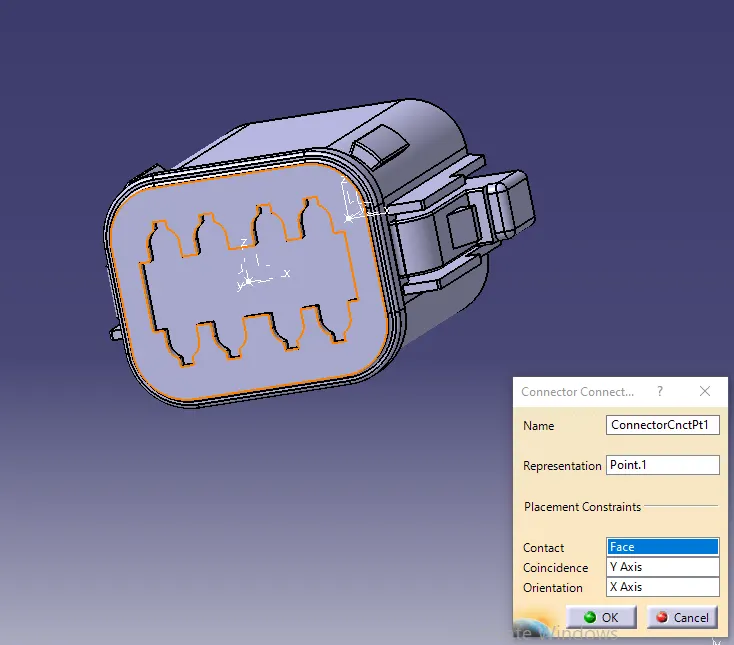
Creating Catalogue:
Now catalogue is created for easy changing or modification of product insted doing all the steps once again which saves the time.
Below is the catalogue window shown,
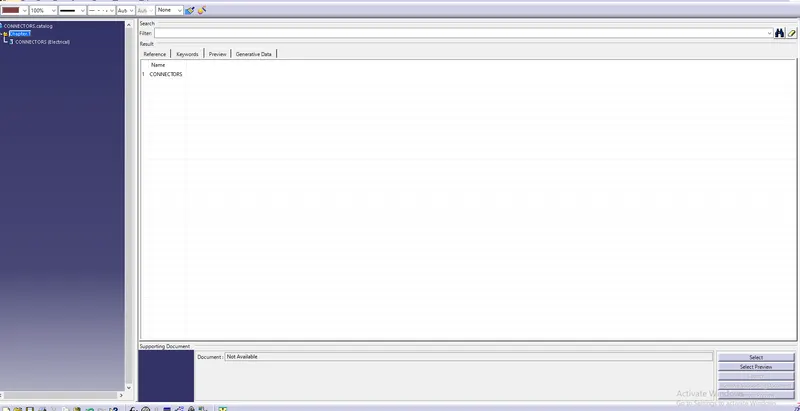
The new catalogue is created by using add family command and then it is saved in the desired location.
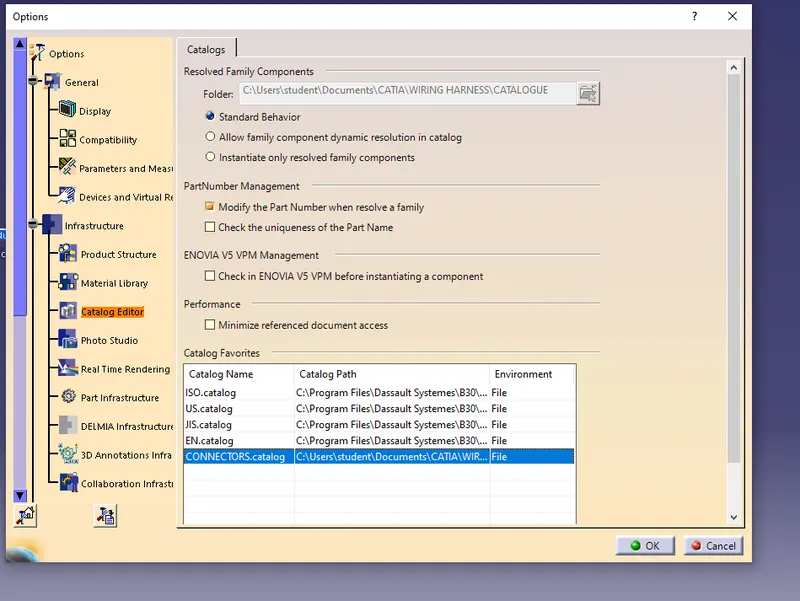
After saving the catalogue this catalogue is added in the catalogue editor as shown below:
Given connector added into the catalogue.
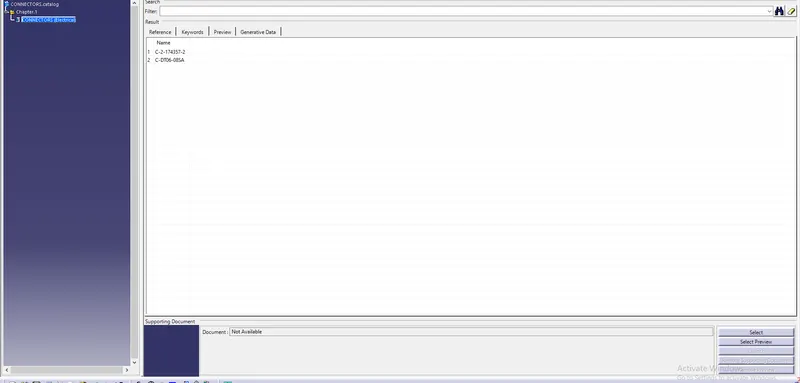
Added the catalogue in favorites, option tool bar
Conclusion:
Performed defintions for all the electrical components such as connectors and moutning clips. Created catalogue and added connectors in the catalogue