Week 8 - Universal Joint
OBJECTIVE:
In this challenge, the main objective is to perform a simulation of a double universal joint by allowing different material to a spring attached jointly. And also we have to check the deformation and stress values for these three cases and compare them with one another.
SET-UP AND PRE-PROCESSING DONE FOR THE UNIVERSAL JOINT SIMULATION ARE AS FOLLOWS:
Here the analysis is performed on transient structural. The geometry was imported in the geometry section and edited in the space claim module to get the space claim extension. Then the mechanical module is opened up, for setting up the conditions. All the initial contact regions were deleted which is automatically detected by the software, here we don't defined any contacts, only revolute joints and fixed joint plays very important role in this simulation.
GEOMETRY:
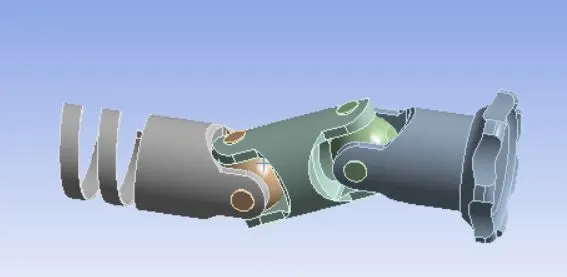
JOINTS:
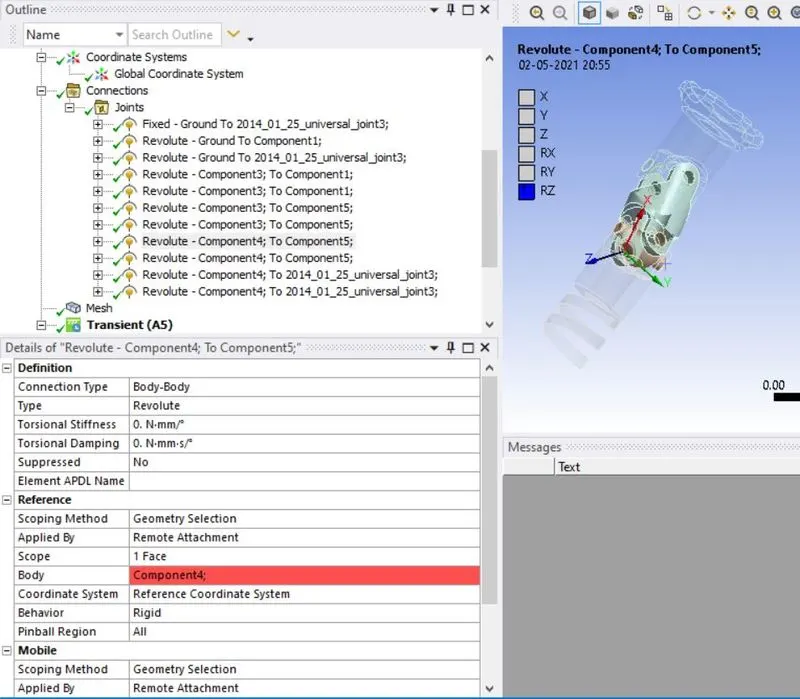
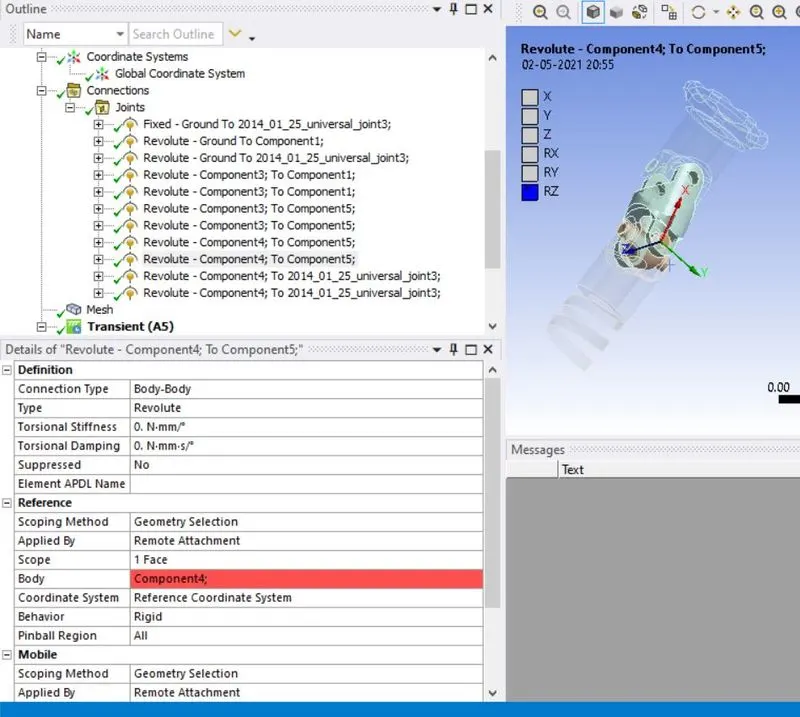
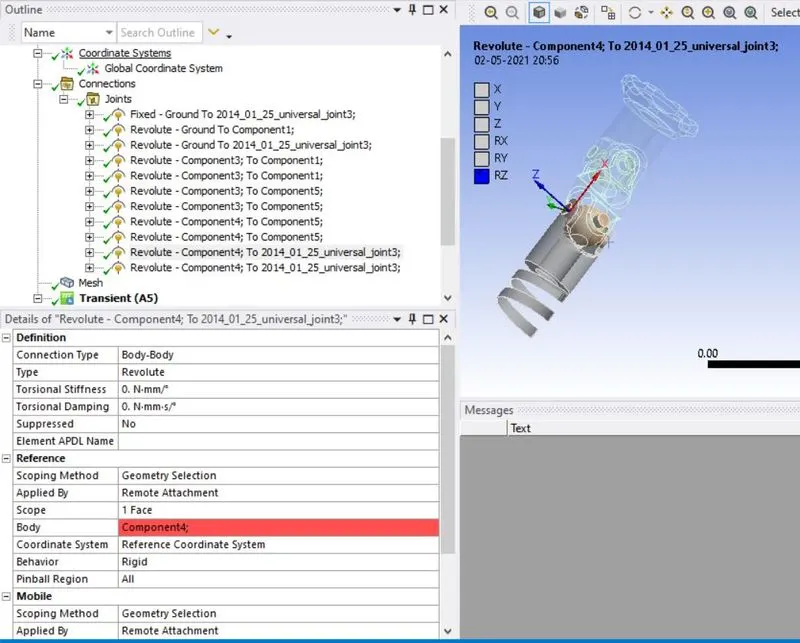
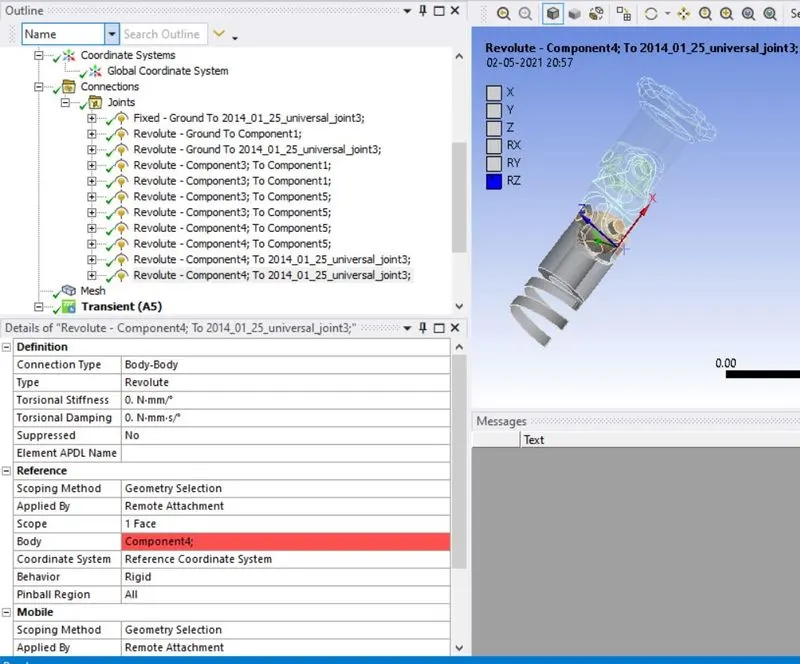
The different parts of the universal joint are not renamed but kept at default. The default connections are deleted and new joints are specified. The details of these joints are shown below.
Joint 1:
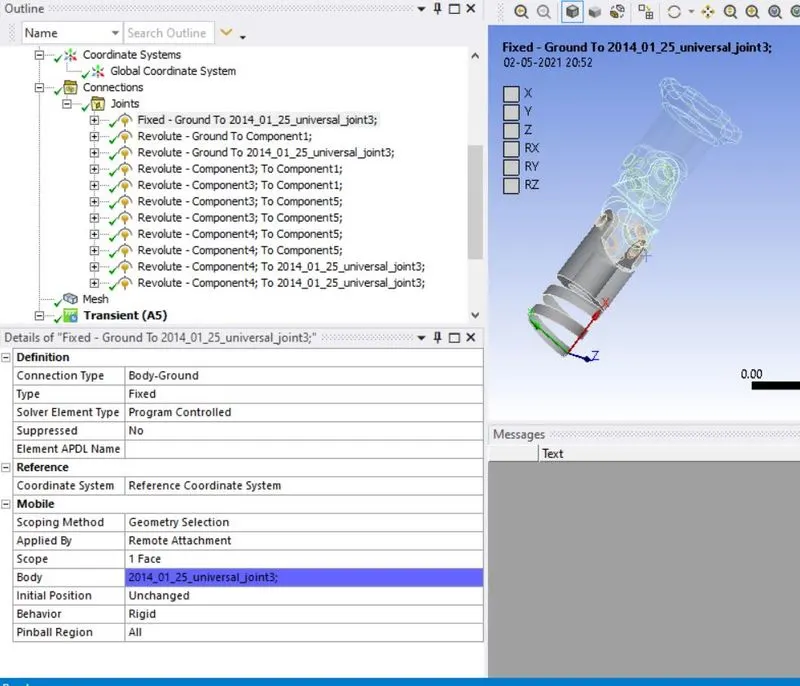
Joint 2:
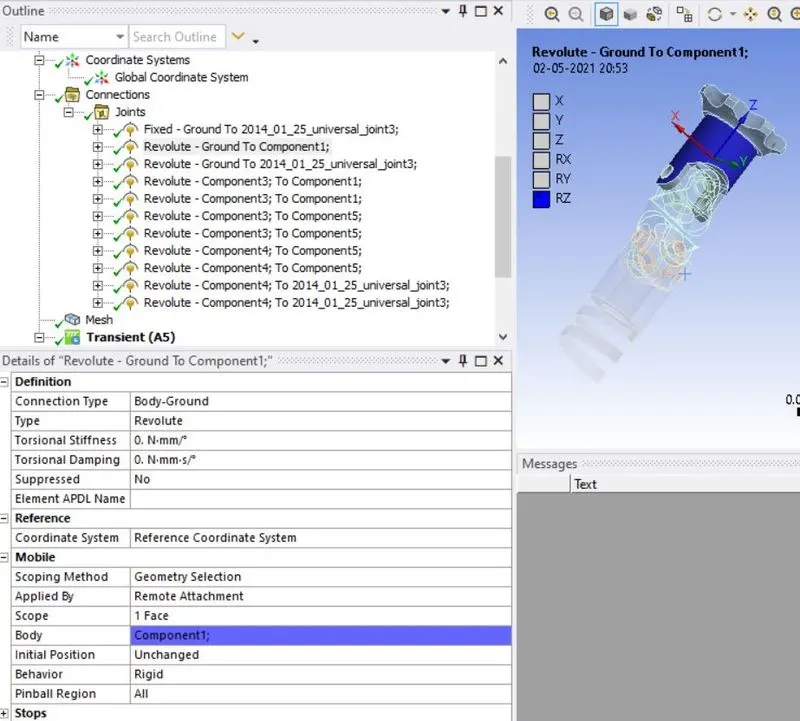
Joint 3:
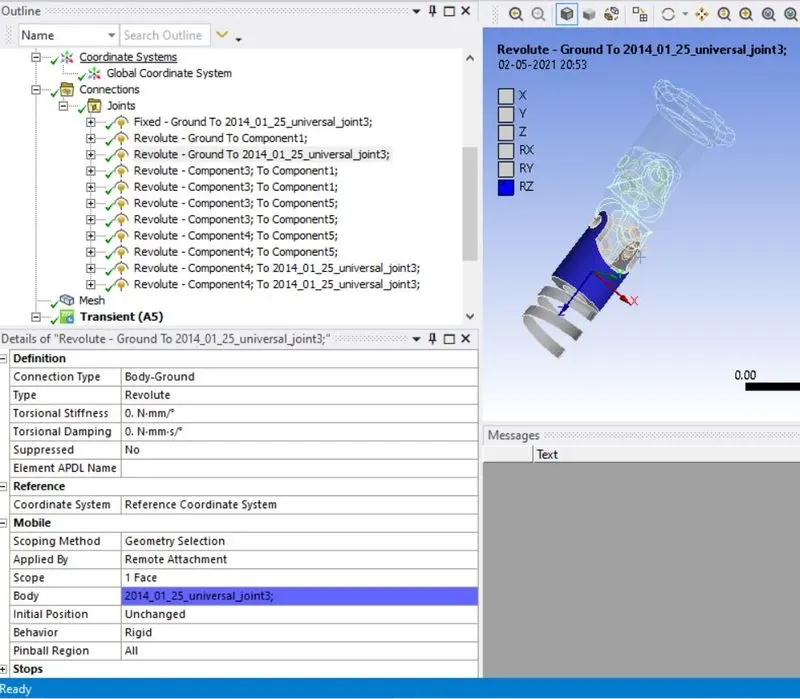
Joint 4:
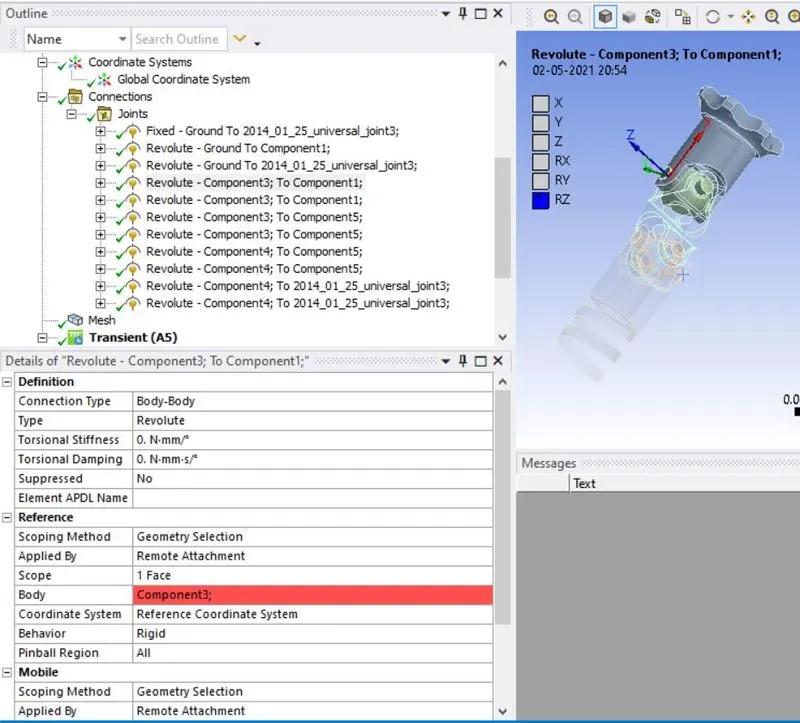
Joint 5:
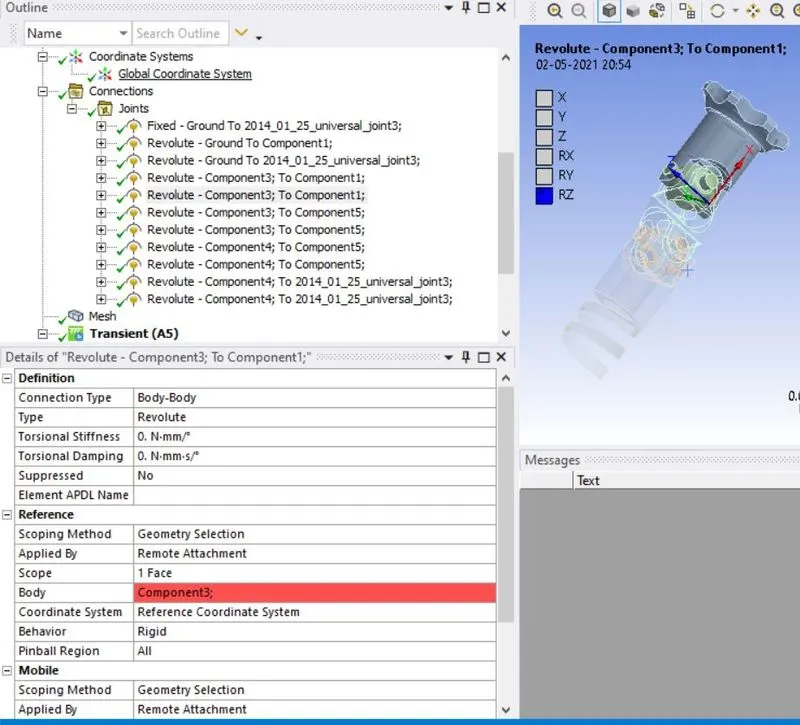
Joint 6:
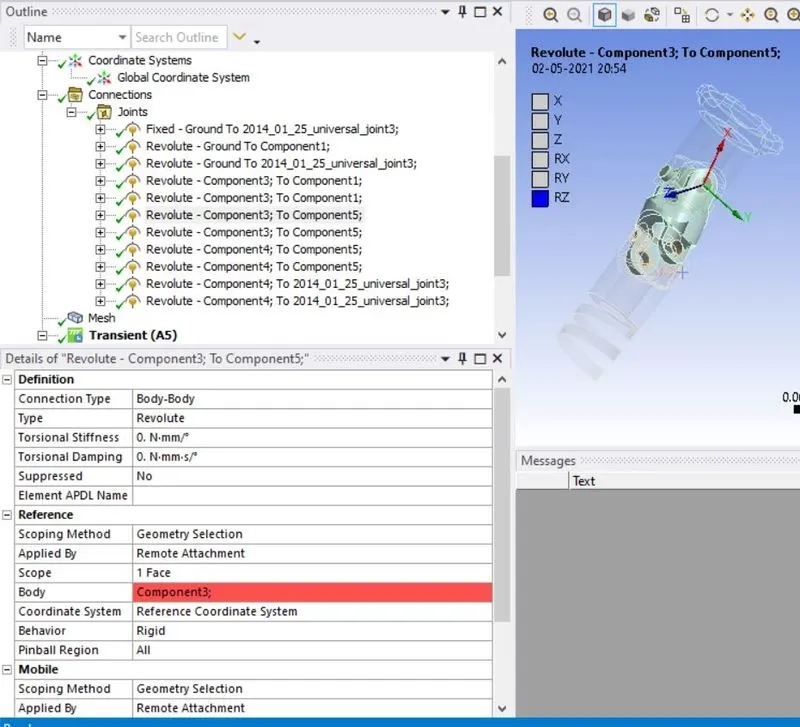
Joint 7:
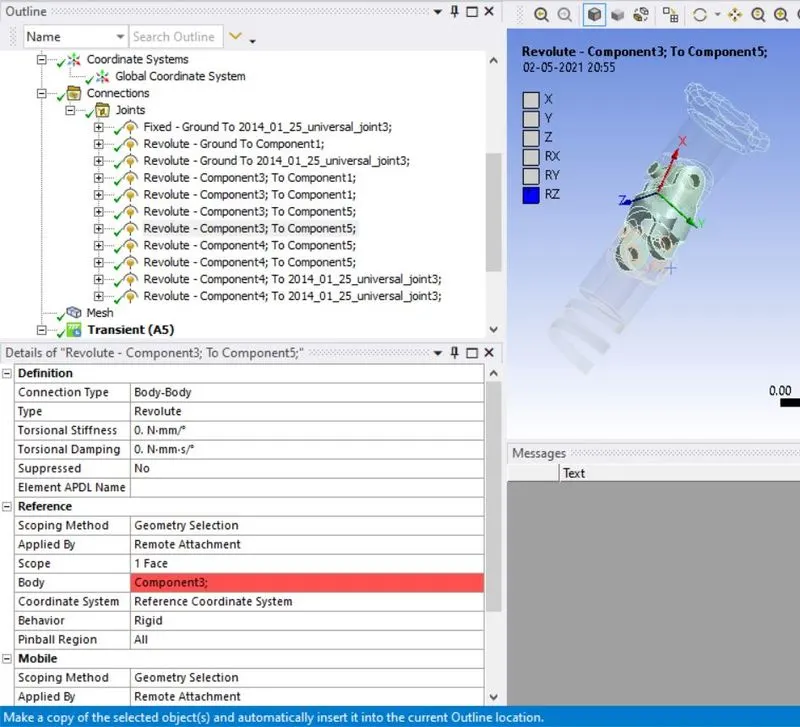
Joint 8:
Joint 9:
Joint 10:
Joint 11:
MESH:
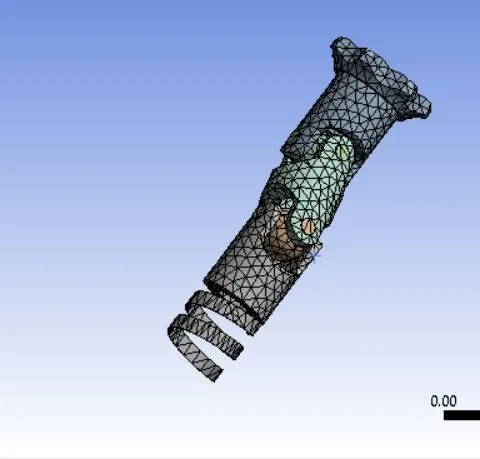
Following the specification of joints, the mesh is inserted. The element size is kept at 4mm.
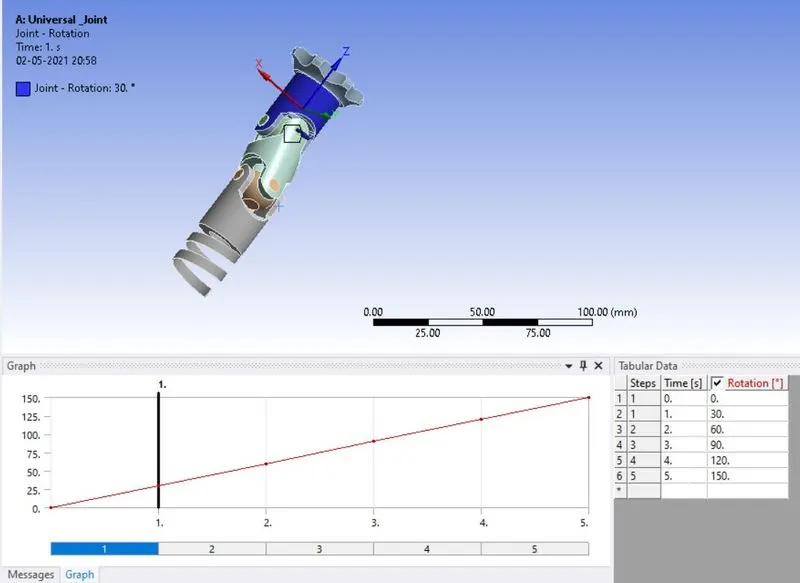
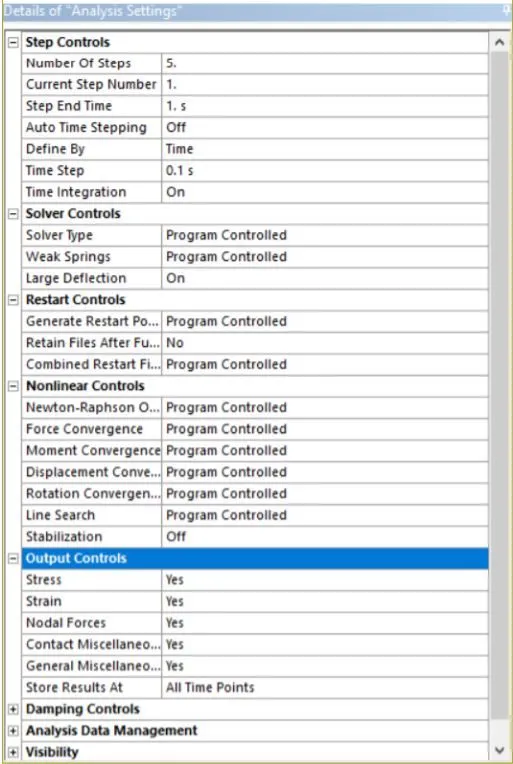
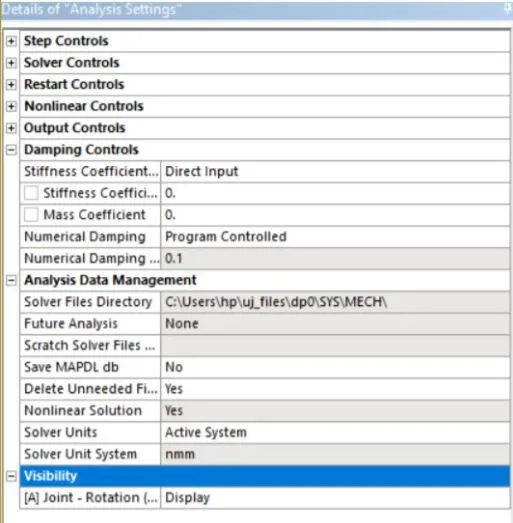
The analysis settings are changed and joint load is applied as given below:
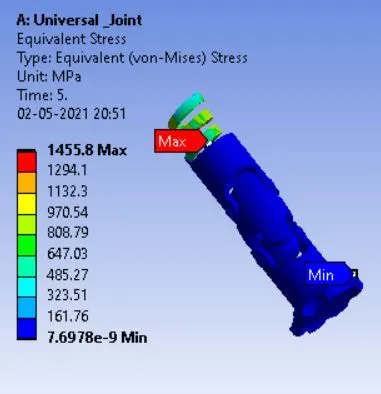
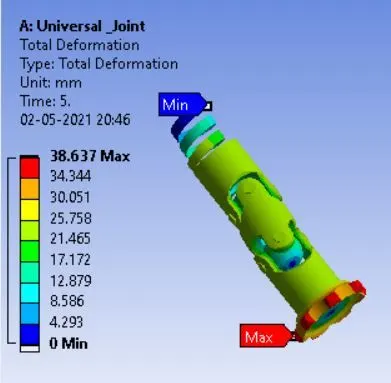
Case 1:
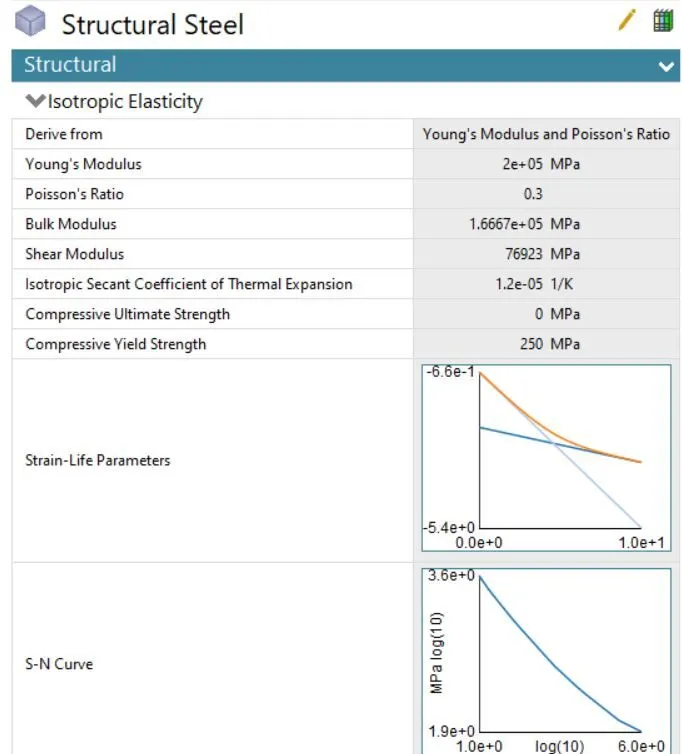
For this case, the material of the joint with the spring is changed to Structural Steel before carrying out the entire simulation.
Case 2:
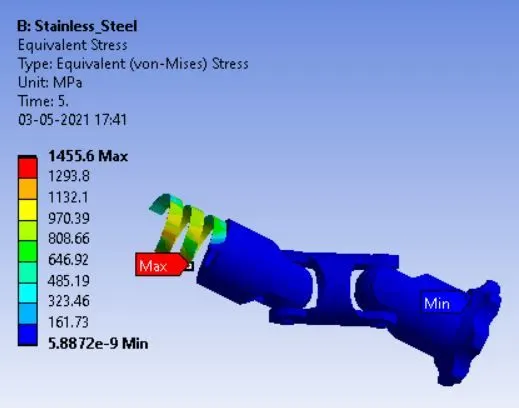
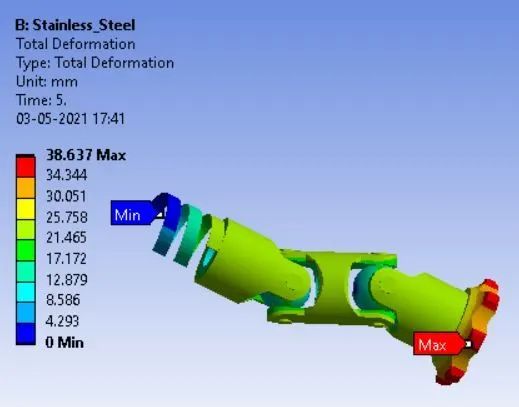
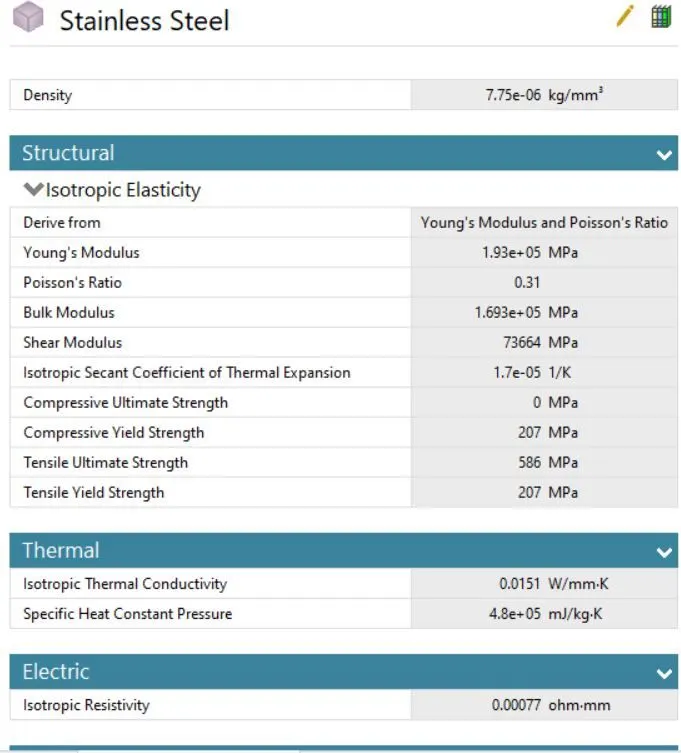
For this case, the material of the joint with the spring is changed to Stainless Steel before carrying out the entire simulation.
Case 3:
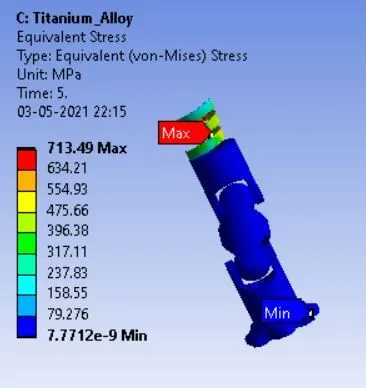
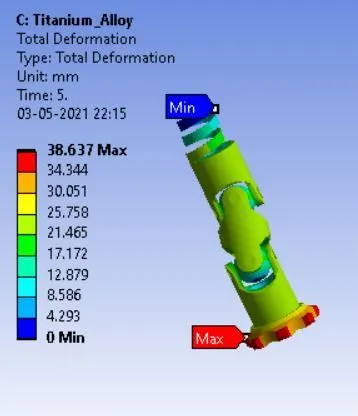
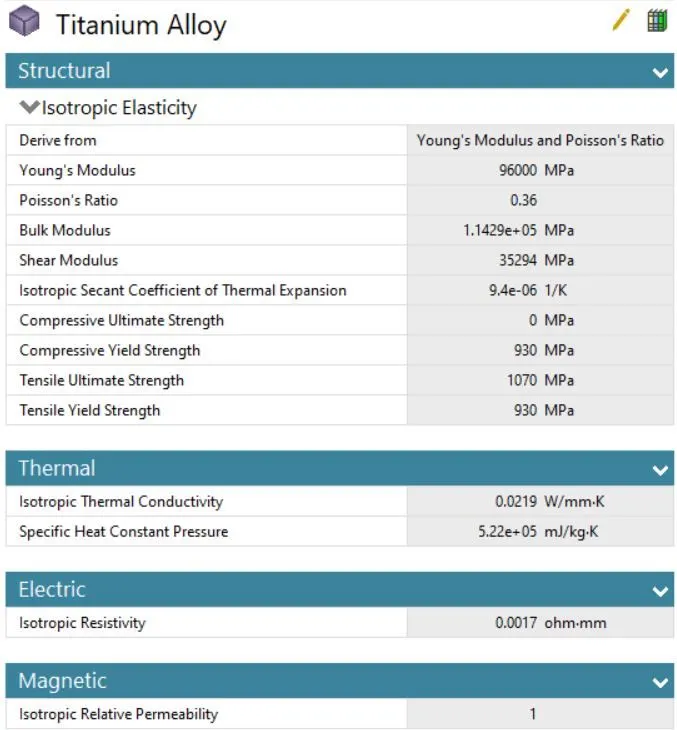
For this case, the material of the joint with the spring is changed to Titanium Alloy before carrying out the entire simulation.
CONCLUSION:
