Solid Meshing of Rearview Mirror using ANSA Workbench
Objective:
For the given component (Rearview Mirror), check for the geometrical errors and mesh with the given element quality criteria. Use tetra elements to model the component and there should not and kinks and dips on the surface of the component.
Process:
- Perform geometry cleanup.
- Assign quality and mesh criterias.
- Use tria elements for solid unstructured mesh generation (Shell Meshing): Flat areas: Normal Tria Elements; Curved areas: Ortho Tria Elements.
- Generate tetra mesh volume (Solid Meshing).
- Resolve quality issues (Tet Collapse).
Solidmeshing Overview:
Solid mesh is also known as volumetric mesh used for components having thickness greater than 5 mm. There are 2 types of solid meshes:
1. Structured Mesh:
Structured meshes are meshes with implicit connectivity whose structure allows for easy identification of elements and nodes. Often structured meshes have orthogonal quadrilateral (2D) or hexahedral (3D) elements.
2. Unstructured Mesh:
Unstructured meshes are meshes with general connectivity (GCON) whose structure is arbitrary and therefore the connectivity of elements must be defined and stored. GCON element types are non-orthogonal, such as triangles (2D) and tetrahedra (3D).
Procedure:
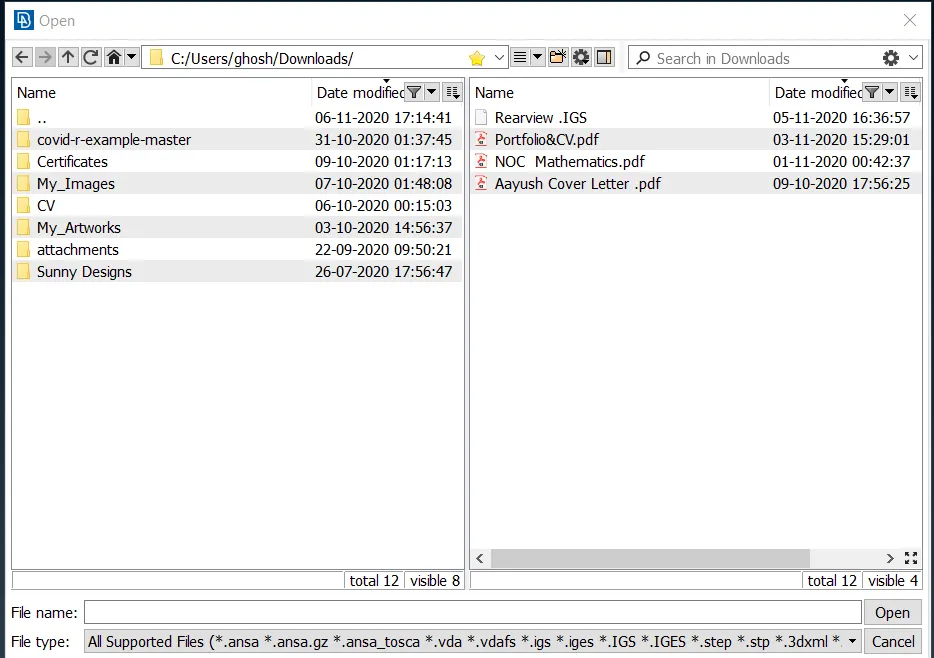
Import Rearview mirror model into ANSA
Geometry cleanup:
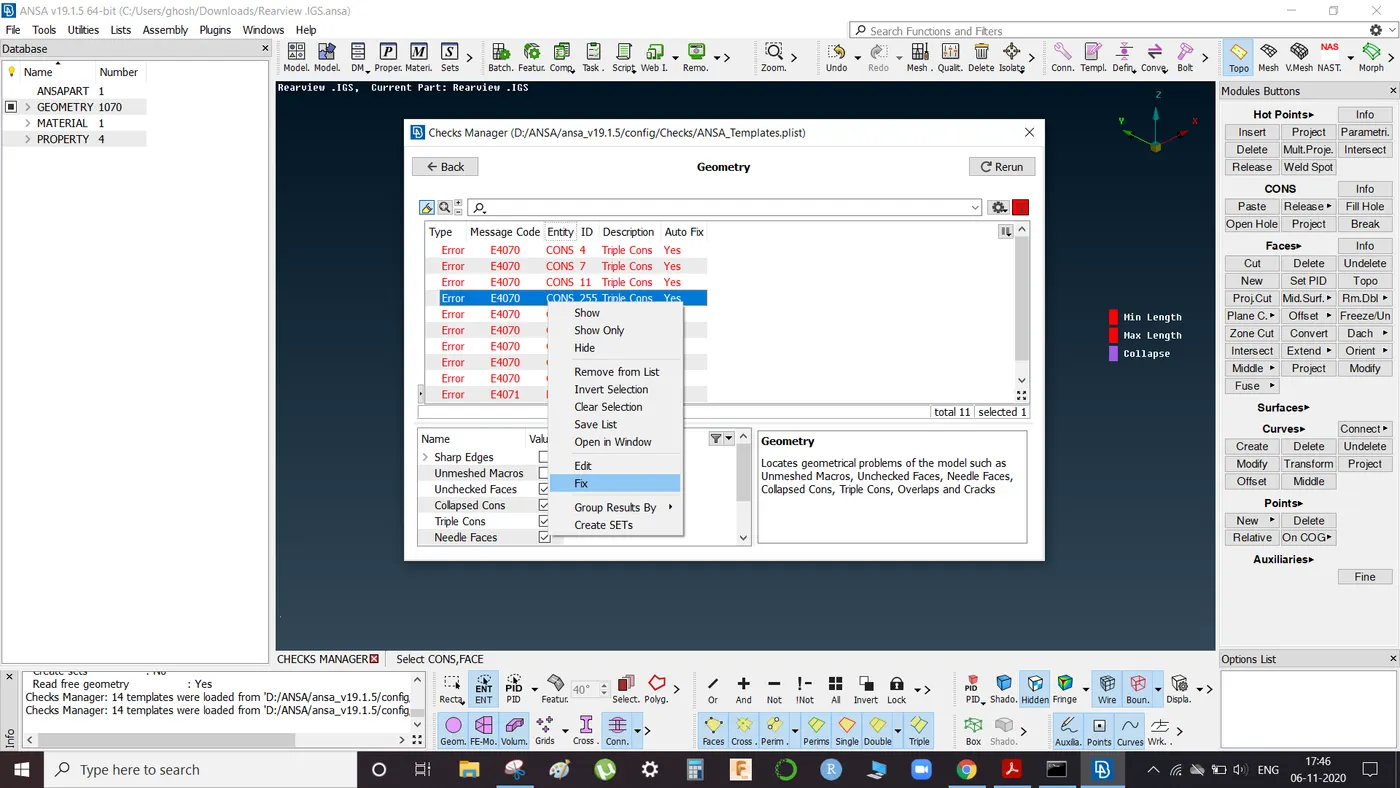
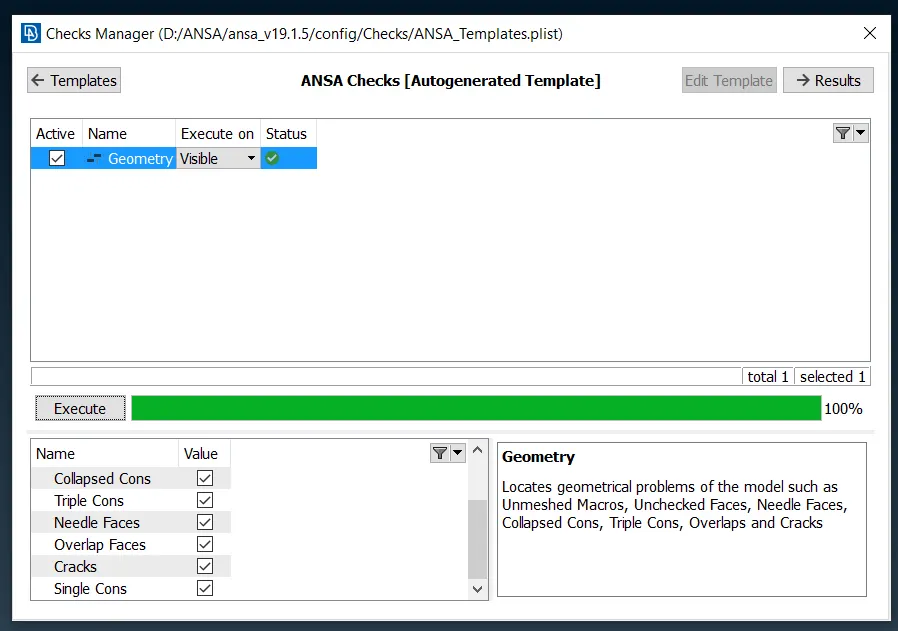
Below shown geometry errors can be detected by running geometry check available in TOOLS tab.
a) Use Auto-Fix to resolve errors.
b) If any error resolution is unsuccessful in auto mode then use manual method for cleanup by using release and TOPO tab in Faces section available in TOPO mode.
Meshing of the component:
Since, the thickness is greater than 5 mm so we execute solid meshing of the component. Therefore, extraction of mid surface is not required and we proceed with 2D meshing on parent geometry surface.
a) Select MESH tab from upper right-hand corner
b) Press F11 to open quality tab and enter the given parameters
c) Open Mesh Parameter tab and enter target, minimum and maximum lengths.
d) Make user defined cuts using CUT tab as needed.
e) Here we use SPOT MESH with normal tria and ortho tria elements (options list in below righthand corner) for solid unstructured mesh generation (Shell Meshing):
Flat areas: Normal Tria Elements
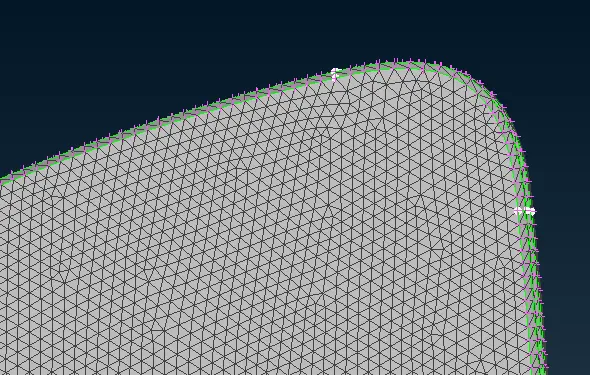
Curved areas: Ortho Tria Elements
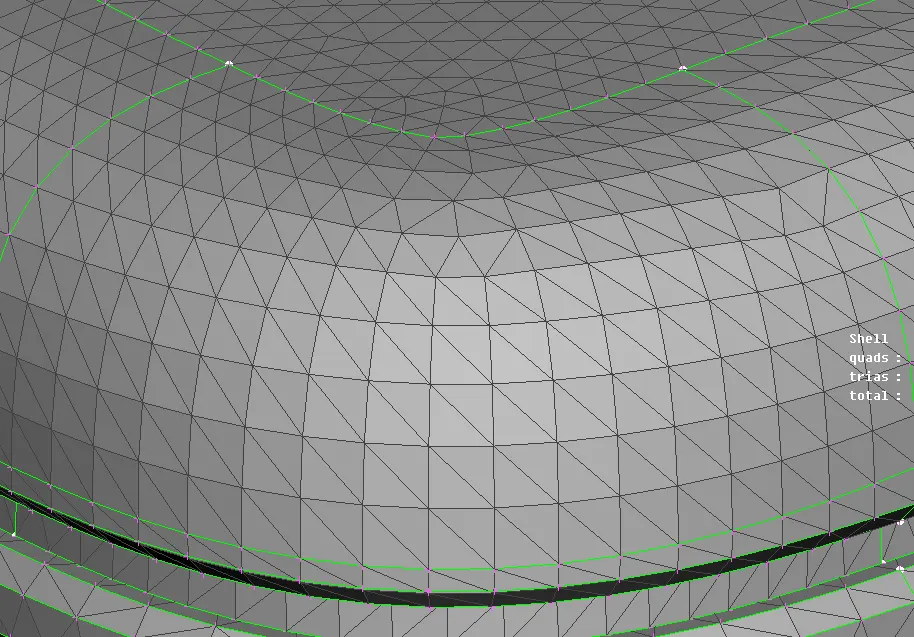
We wil get following meshed components:
- Shoulder joint base
- Mirror handle
- Mirror holder
- Mirror
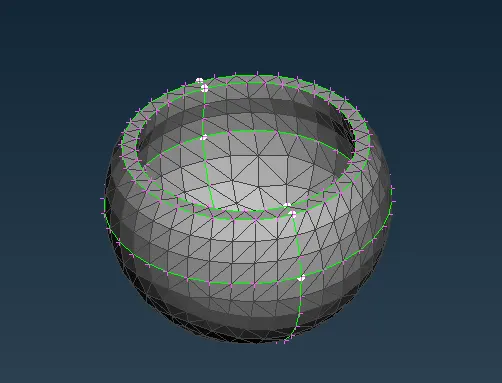
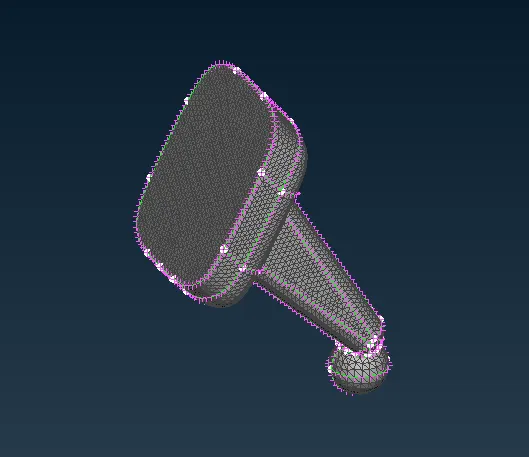
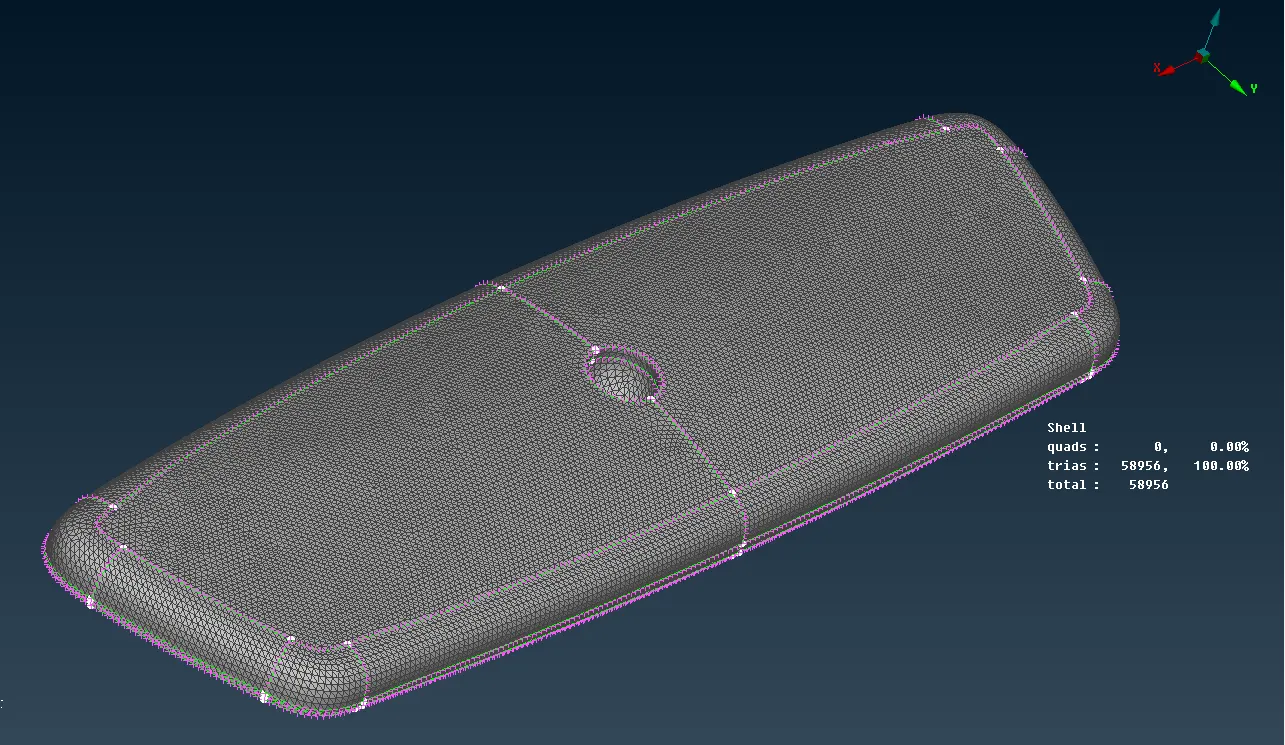
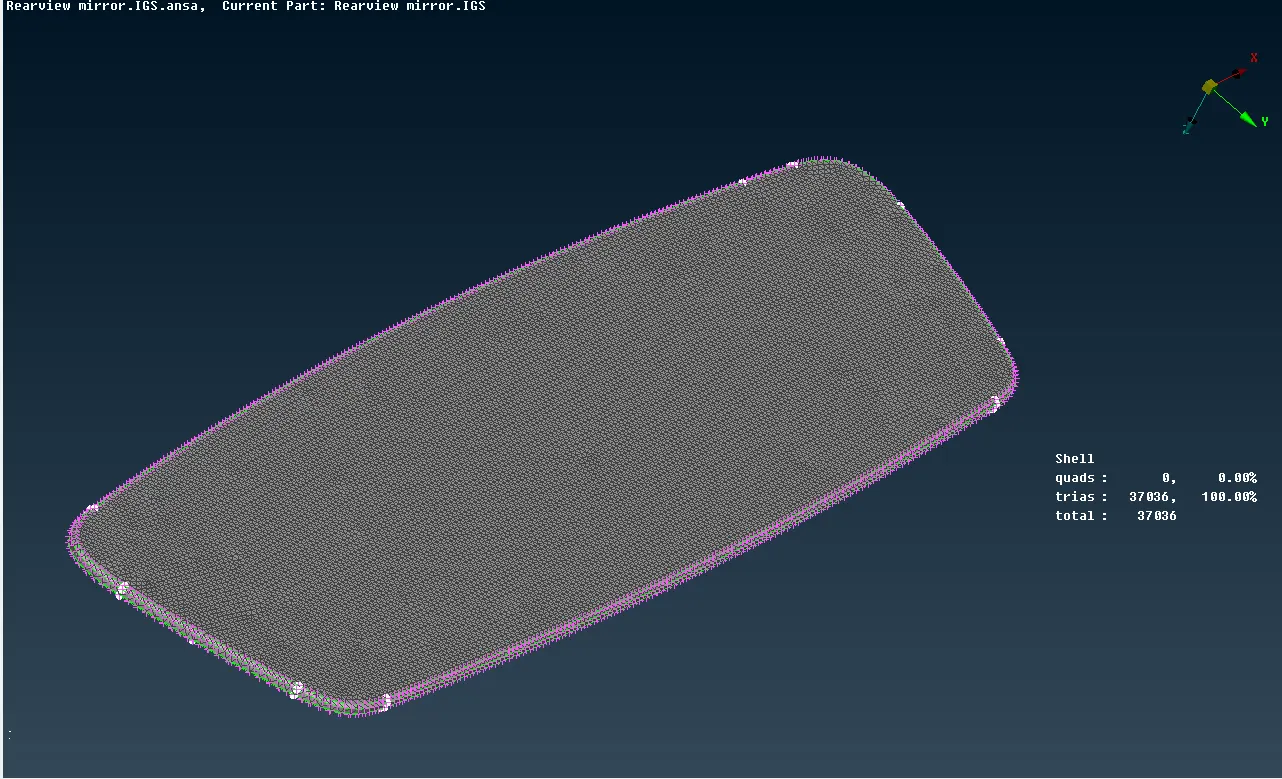
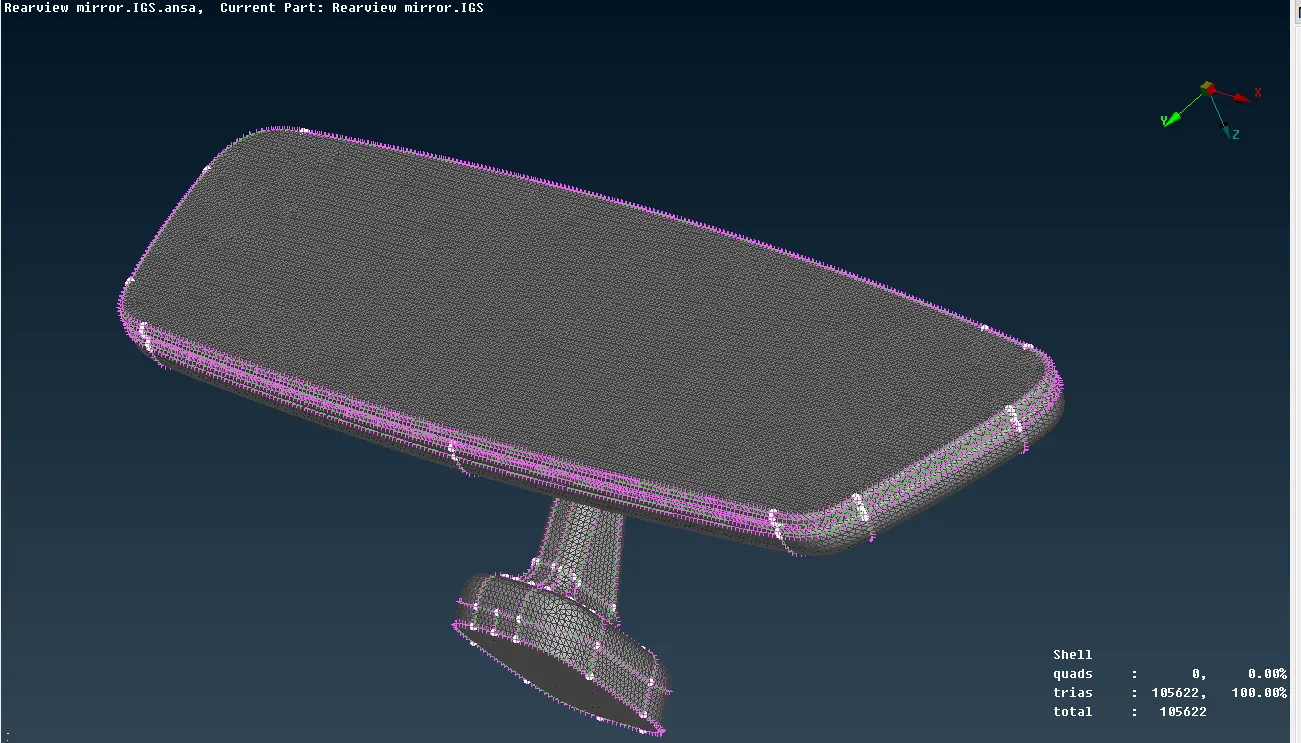
Now we proceed with volumetric meshing and for this we go V.MESH tab:
- Define volume property ID from DEFINE tab.
- Solid mesh the components using REMESH option in LIST tab which can be accessed by right clicking on mentioned volume PID.
- Use TETRA RAPID or TETRA FEM to mesh the components.
- Remove any TET COLLAPSE quality issues using FIX QUALITY option in IMPROVE tab.
- For any kinks use ALIGN option in MESH tab to align the nodes to required heigth or MV FREE option to move the grids, as fixing quality can result in uneven surfaces. The surfaces must have smooth transitions, so eliminate any visible kinks.
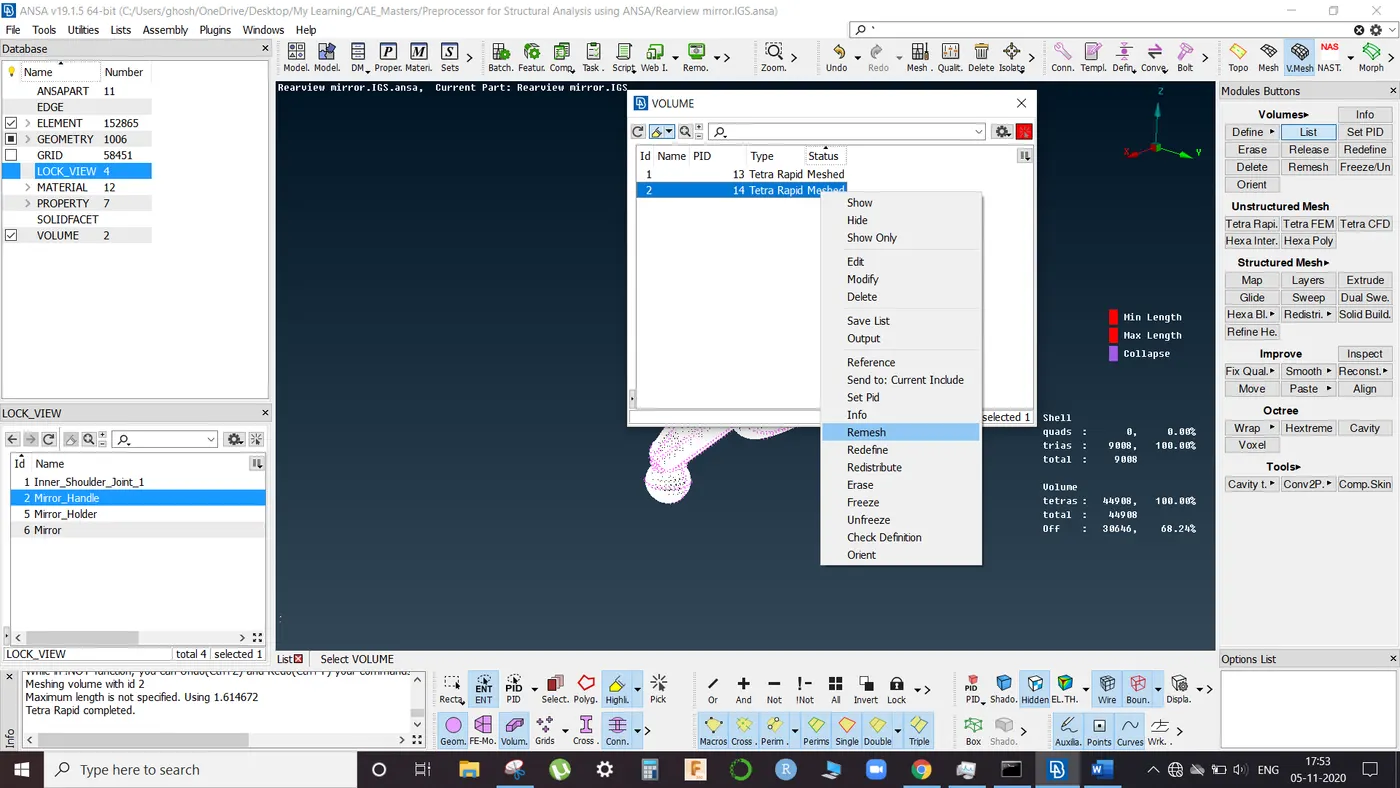
Switch on the BOUNDRY and VOLUME option to view volumetric meshed components:
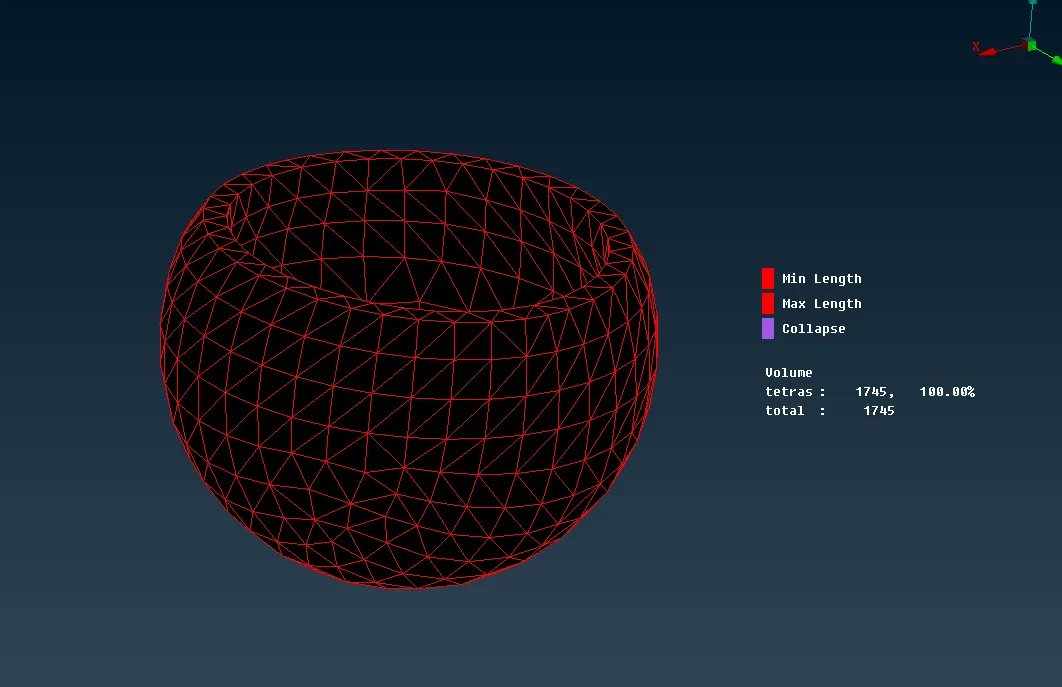
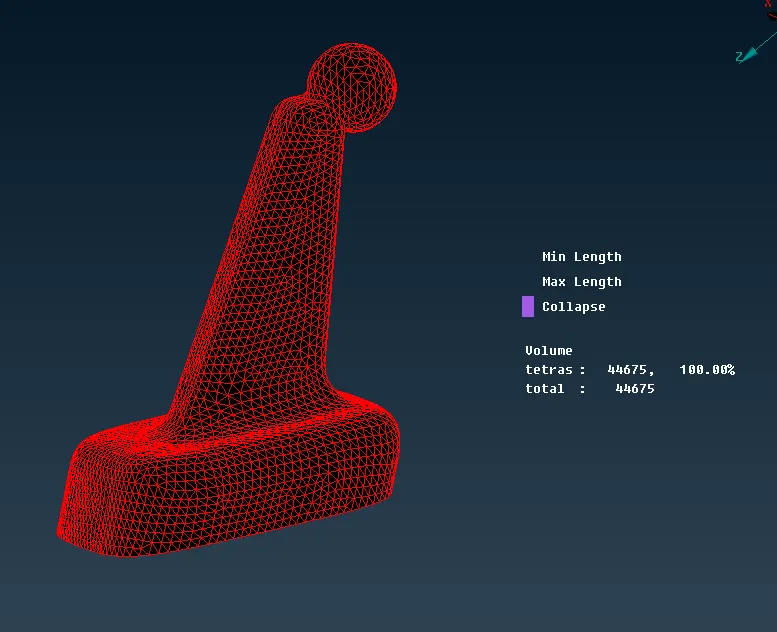
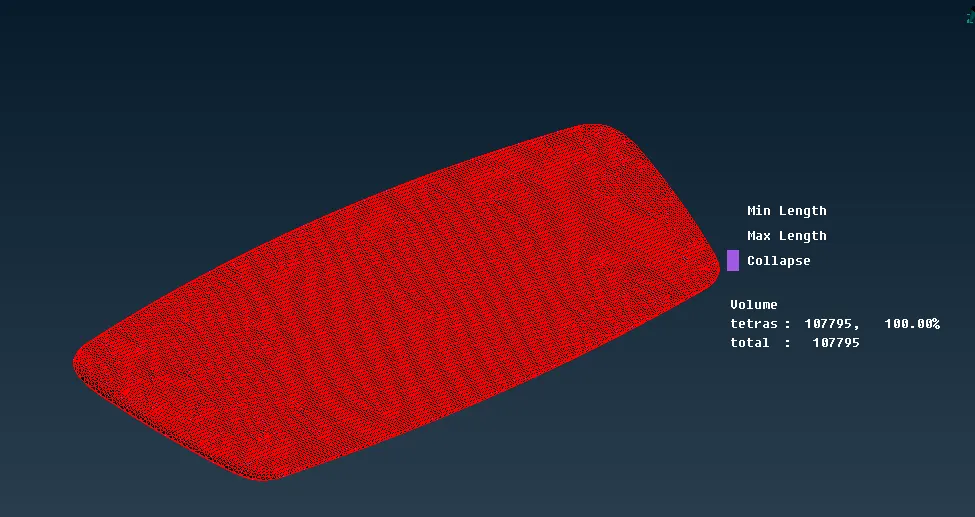
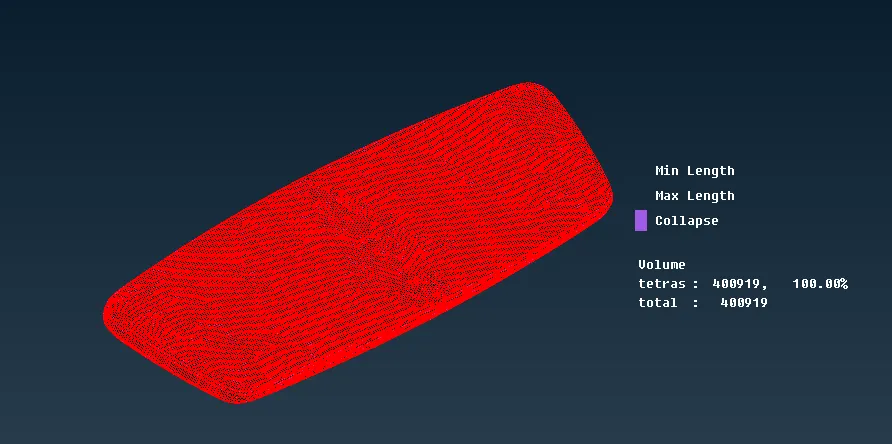
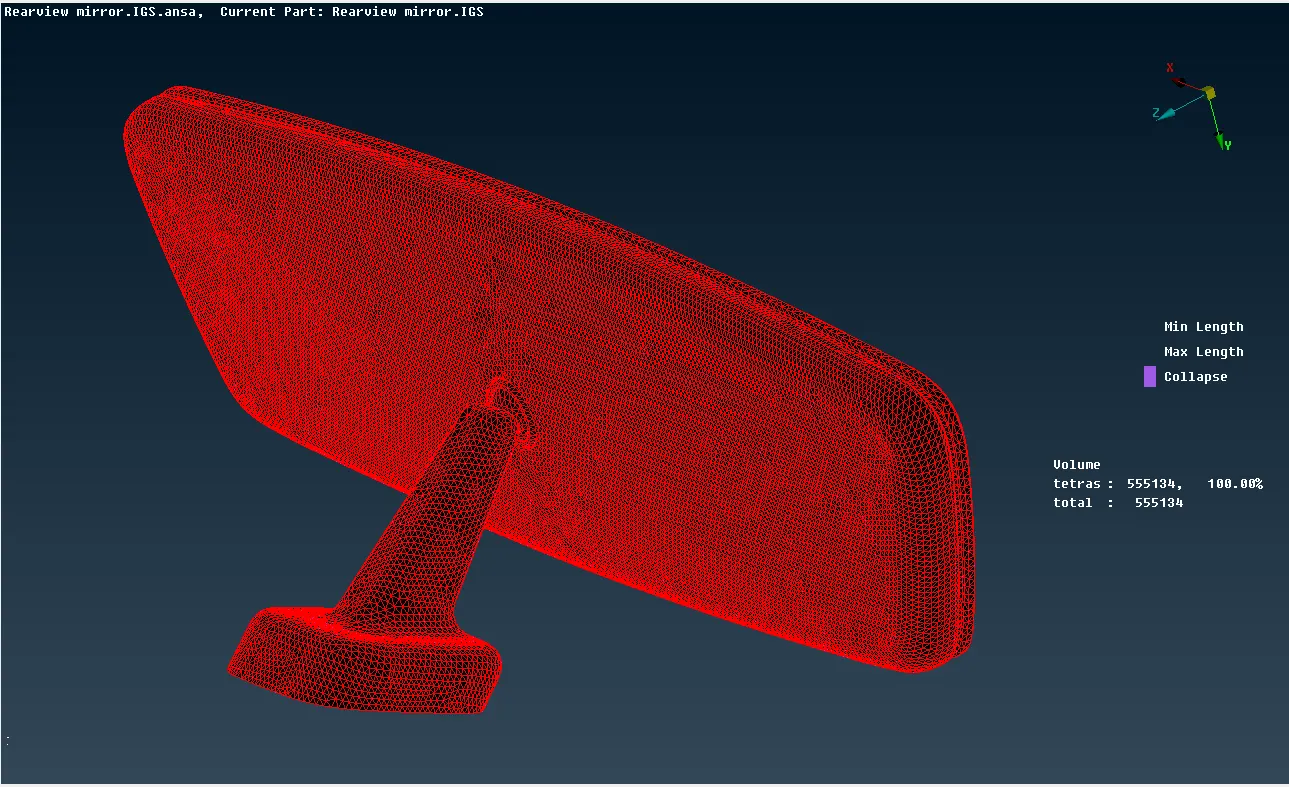
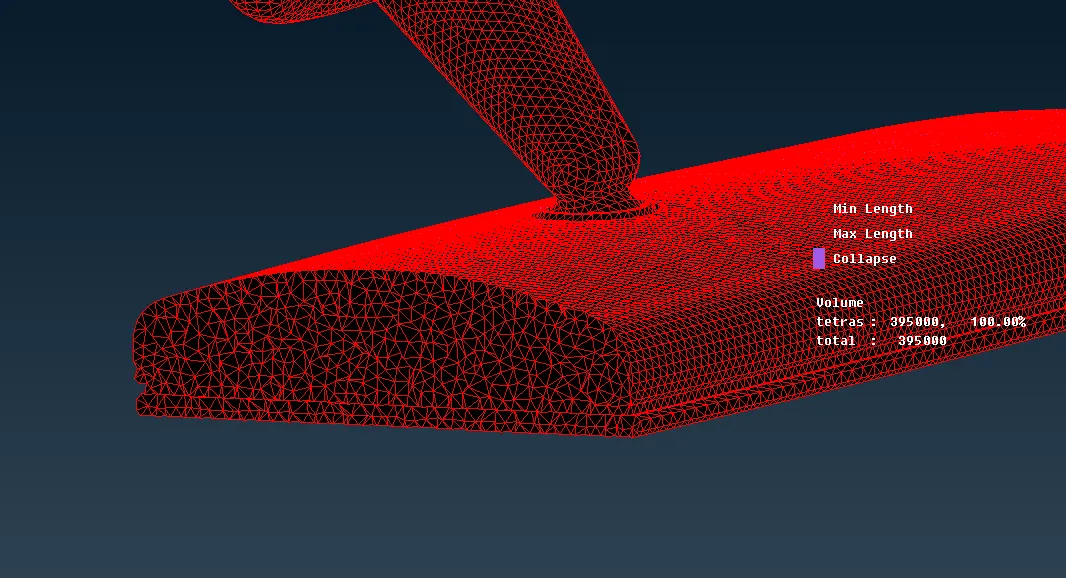
Here we can see that ANSA has filled the inner volume of CAD model with volumetric TETRA elements to generate the required solid mesh
TET COLLAPSE:
What is Tet Collapse?
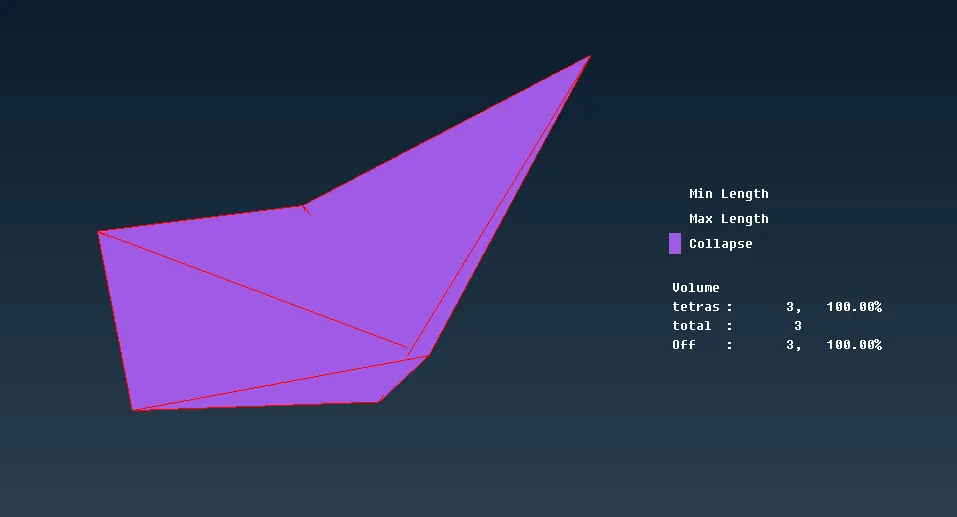
Tet collapse is one of the quality parameters, which will be checked while generating Tetrahedral elements. It can be calculated by measuring the distance of a node from the opposite face, then each of the four values will be divided by the Square root of the opposite face’s area. The minimum of four resulting values is then normalized by dividing it by 1.24.
Generally tet collapse can be calculated by the formula = Min of (h/√A) ÷ 1.24
In that formula, “h” represents the Height, between the Node (N1) and the opposite face of the Triangle.
“A” represents the Area of Opposite Face (area of the Triangle).
Opposite Face of Node N1
LEARNING OUTCOMES:
- What is solid meshing.
- Need for solid meshing.
- How to solid mesh a model.
- Types of solid meshes
- Difference between Tria and Ortho tria elements
- Resolving quality issues: (Tet Collapse)
CONCLUSION:
Provided CAD model has been solid meshed using ANSA workbench against given quality criteria.