Week - 4 - Crash Box Simulation
AIM:
To simulate the crash box (1.2 & 1.5mm thickness)onto a rigid wall at 50kmph & obatain the following output.
OBJECTIVES:
Input .k file and output files (d3plot, glstat, sleout, rcforc)
- Animation of the final simulation
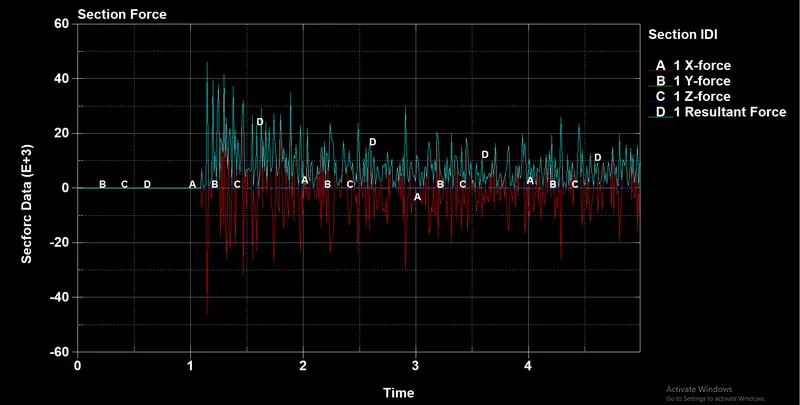
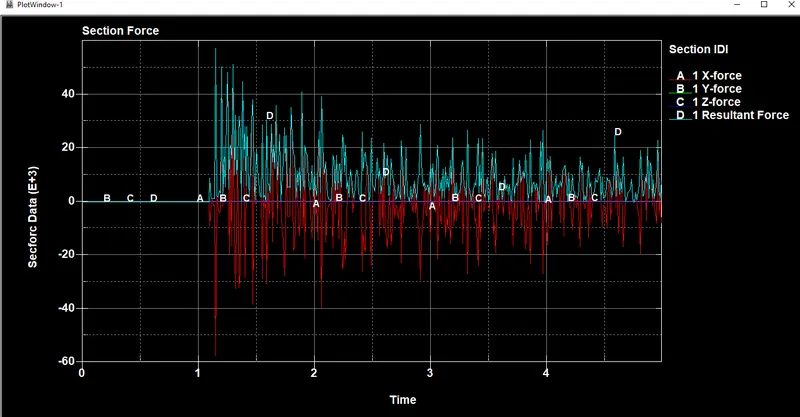
- Cross-sectional force generated in the middle of the crashbox (along its length)
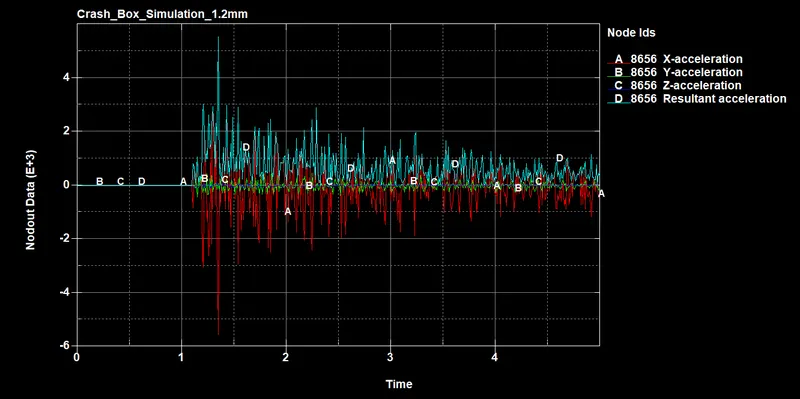
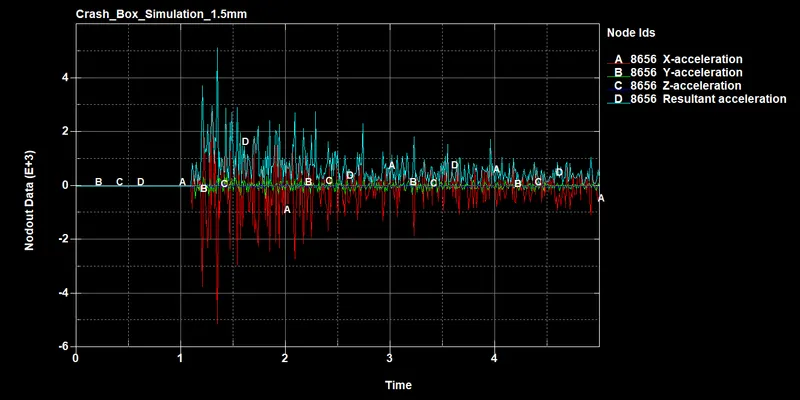
- Acceleration plot of a node in the middle of the crashbox (along its length)
- Maximum directional stress and strain along the length of the crashbox (X strain, Y strain etc)
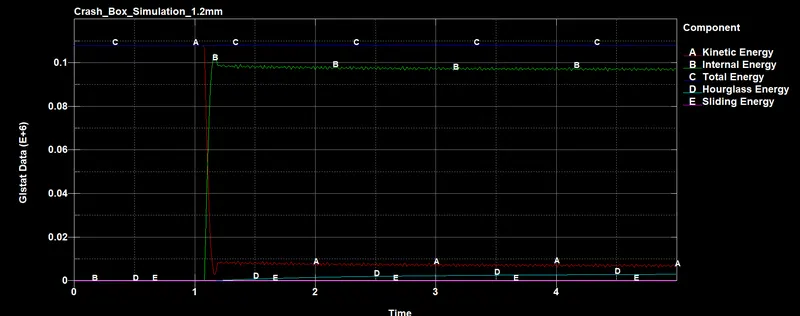
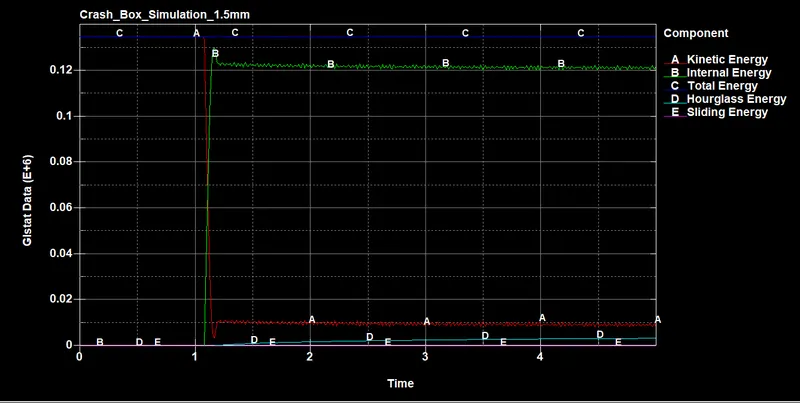
- Plot of all energies (total, internal, kinetic, hourglass, sliding)
- Compare the accelerations and stress/strain plots of 1.2/1.5mm crashboxes.
PROCEDURE:
Import crash_box.k file in LS Dyna prepost.
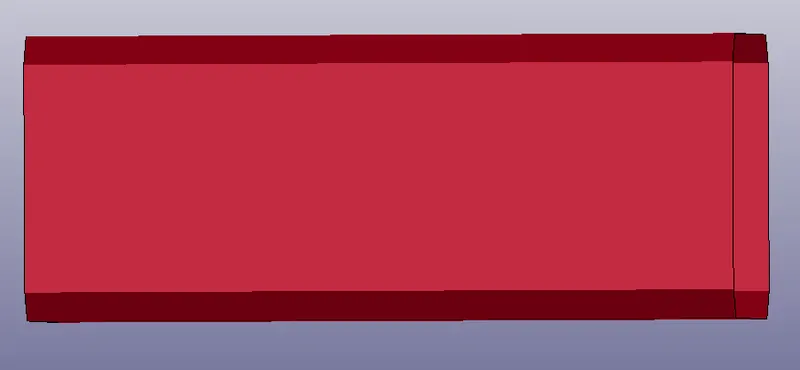
- Once the model is imported, we should create rigid wall planer by using create entity & translate it to suitable action.
- Create a section ID for shell with ElFORM 2 & thickness of 1.2mm for case-1 & change the thickness of 1.5mm for case-2 after the simulation in.k file & save it as in another folder.
- Create a material 024 Picewise Linear Plasticity & assign the properties for steel in g mm ms. Assign Material & Section ID to part card.
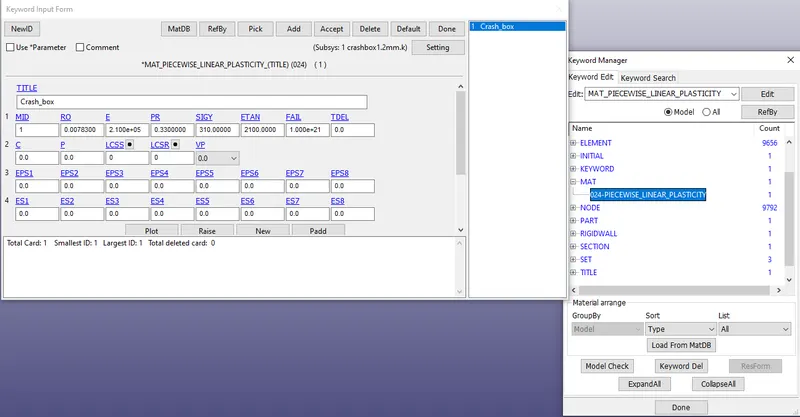
- Create a keyword for initial velocity of 13.88mm/ms (50kmph) along Vx.
- Create contact keyword with automatic_single_surface & select slaves as the crash box nodes & no master since rigid body is automatically considered as master.
- Create a hourglass keyword with IHQ=2 & a Control_Hourglass keyword with IHQ=2, QH=0.1.
- Create database keyword for ASCll & select ELOUT, GLSTAT, GCFORCE, SECFORCE, SLEOUT with DT 0.5 & Binary D3 plot with DT 0.05 is assigned.
- Create crosssection_plane under Create entity - database in middle of the component. Create History_node & History_Shell database.
-
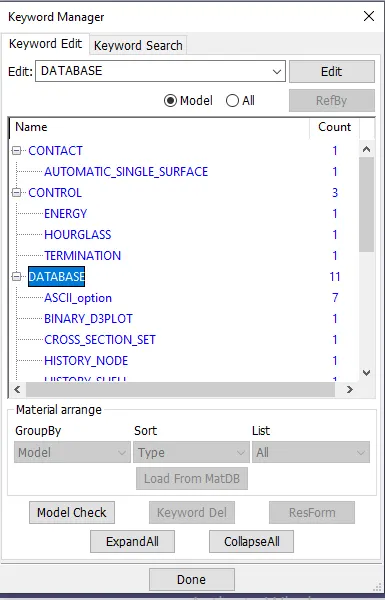
- Assign control termination with 1ms simulation time. Then save the keyword file & run in LS Dyna manager.
- After norminal termination is done CPU clocks. Then open the binary plot file in LS dyna & run the simulation.
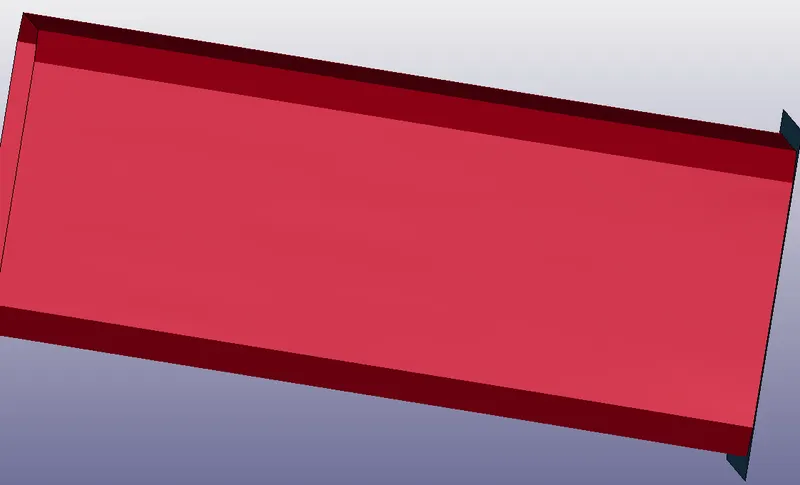
Once the model is simulated, we run the animation in form of Von misses stress.
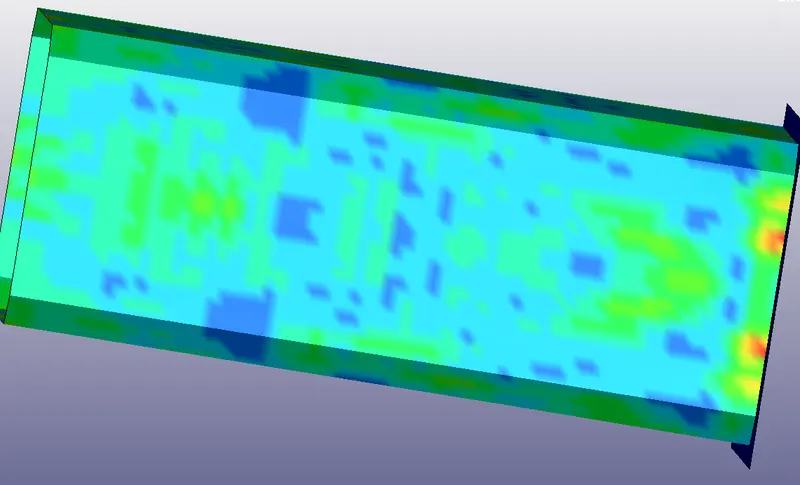
Maximum directional X-stress for 1.2 mm thick crash is 99.279 Mpa
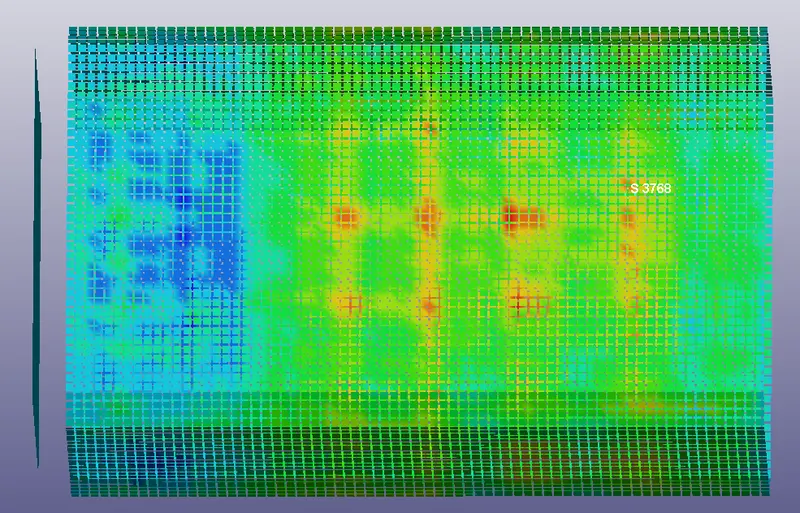
Maximum directional X-stress for 1.5 mm thick crash is 117.395 Mpa
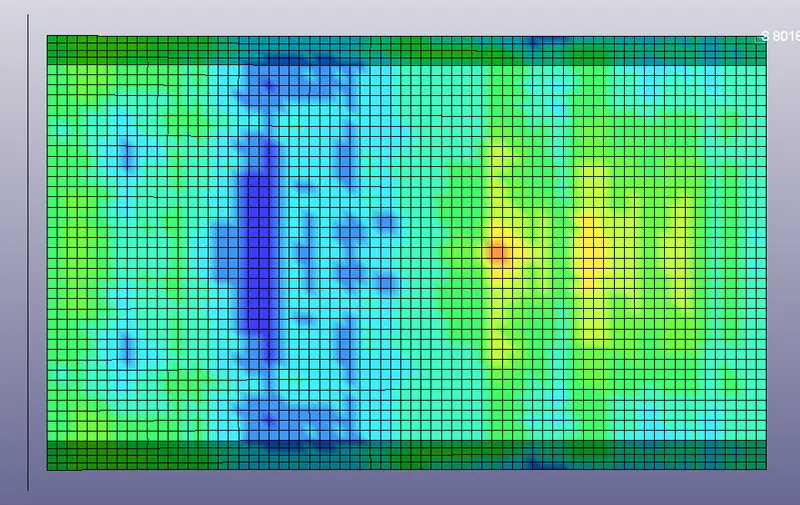
Maximum directional Y-stress for 1.2 mm thick crash is 79.653 Mpa
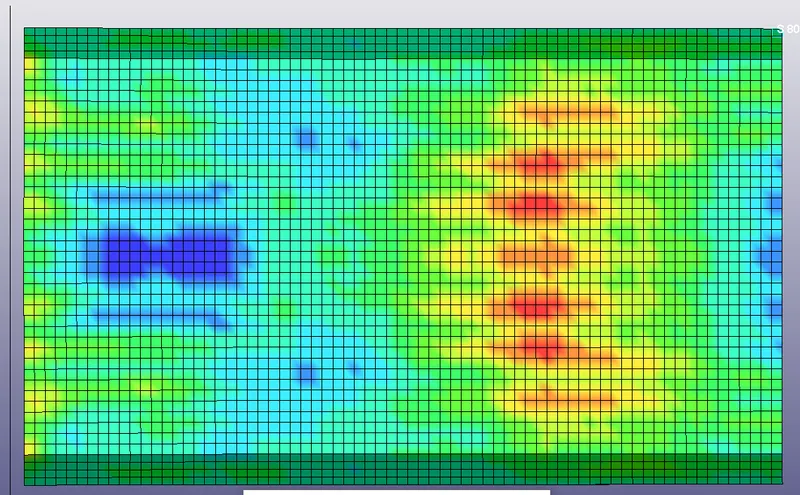
Maximum directional Y-stress for 1.5 mm thick crash is 54.6487 Mpa
Plot for energies, cross section & acceleration of 1.2 mm thickness
Plot for energies, cross section & acceleration of 1.5 mm thickness
CONCLUSION:
- Thus crash box with the velocity of Kmph is impacted on the rigid wall with a thickness of 1.2 & 1.5mm model has been set & animation is created.
- Vonmisses stress animation is created & graphs has been plotted for energies, crosssections & acceleration.